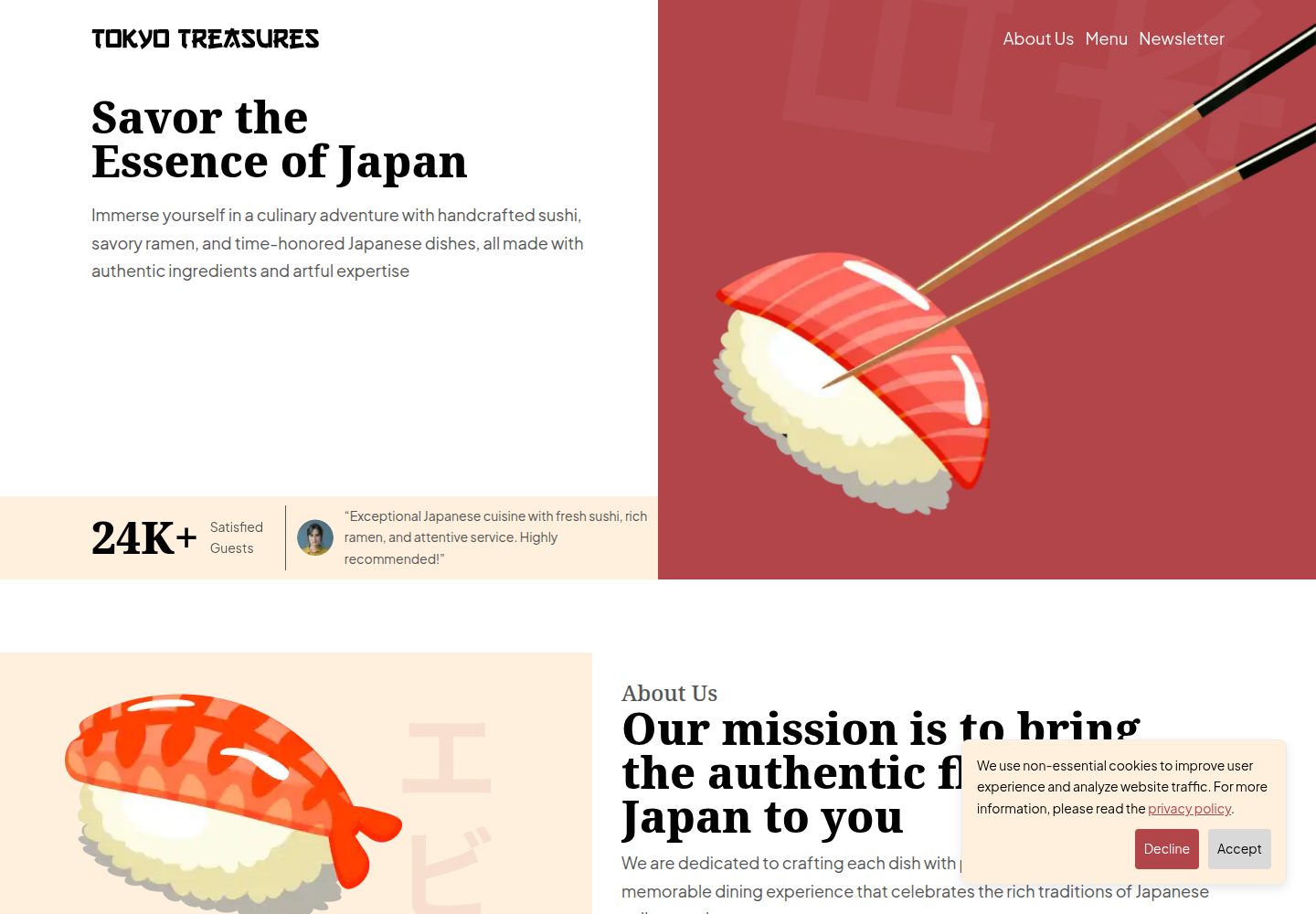
提供落地页、隐私政策、服务条款和 404 四个页面
GatsbyReact企业官网
tokyo-treasures — Gatsby 企业官网模板
作者 Chandra-Panta-Chhetri
Tokyo Treasures 是一个基于 Gatsby 的餐厅官网模板,包含首页、隐私政策、服务条款和 404 页面,使用 Tailwind CSS 与 Shadcn 构建界面,并集成 Google Analytics 4、Cookie 同意横幅和 Cloudflare Pages 自动部署配置。
看看你的网站会是什么样
浏览真实页面截图,比较内容排版与手机效果。点击下方缩略图切换,放大查看整页细节。
全部页面与视图 2
截图用于了解视觉与布局,交互效果请以实际项目为准。
采集于 2026-10-13查看来源
值得关注的模板亮点
从已有项目资料中,快速了解它的特点。
使用 Gatsby、React、Tailwind CSS 与 Shadcn 构建界面
内置 Google Analytics 4 与 Cookie 同意横幅
动画遵循 prefers-reduced-motion 设置
附带 GitHub Actions 工作流,可自动部署到 Cloudflare Pages
代码采用 MIT 许可,可免费使用、修改和分发
模板详细介绍
Tokyo Treasures 是面向餐厅场景的响应式网站模板,仓库采用 MIT 许可,代码可免费使用、修改和分发。模板提供落地页、隐私政策页、服务条款页和 404 页,界面在 Figma 中设计并公开了可复制的设计文件。
技术侧使用 Gatsby 与 React 构建,样式基于 Tailwind CSS,组件参考 Shadcn,代码使用 TypeScript 并配置 ESLint。模板内置 Google Analytics 4 集成与 Cookie 同意横幅,用于流量统计和隐私合规;动画效果会遵循 prefers-reduced-motion 设置。仓库附带 GitHub Actions 工作流,可将 master 分支自动部署到 Cloudflare Pages。
使用前需要注意:Google Analytics 仅在部署环境加载,本地测试需修改组件中的生产环境判断;Cloudflare Pages 部署需要自行创建 API Token 并配置 GitHub Actions 密钥,同时修改工作流中的项目名和 .env.prod 中的站点地址。演示图片、字体、图标等第三方素材的许可需单独核对,域名、托管等外部服务可能产生费用。
GatsbyReact企业官网
适合你的项目吗?
适用场景
- 为餐厅搭建包含基础法律页面的品牌官网
- 作为 Gatsby 与 Tailwind CSS 组合的页面结构参考
- 需要接入 Google Analytics 4 和 Cookie 同意功能的站点
- 希望通过 GitHub Actions 自动部署到 Cloudflare Pages 的项目
适合人群
- 经营餐厅并需要快速上线官网的团队
- 熟悉 Gatsby 或 React 的前端开发者
- 需要隐私政策与服务条款页面的站点
- 使用 Cloudflare Pages 作为托管平台的用户
上手与定制指南
结合仓库当前版本的说明,按下面的资料检查内容、配置与运行要求。
- 1
克隆仓库后执行 npm install,再用 npm start 启动本地开发
- 2
部署到 Cloudflare Pages 需创建 API Token,并在 GitHub Actions 中配置 CLOUDFLARE_API_TOKEN 密钥
- 3
修改 .github/workflows/prod-deploy.yml 中的 project_name,并同步更新 .env.prod 中的 SITE_URL
- 4
在 .env.prod 中填入 Google Analytics 的 GATSBY_GOOGLE_ANALYTICS_ID;本地测试需移除 google-tag-manager 组件中的生产环境判断
- 5
演示图片、字体、图标等第三方素材需按各自许可单独核对
授权与来源资料
使用条件与限制
免费使用 · 保留许可声明本次收录的是公开仓库中采用 MIT 许可的免费版本;免费范围为该版本代码,不代表外部服务或第三方素材免费。
使用时需要遵守
- 允许免费使用、修改、商用和分发该版本代码。
- 分发代码副本或实质性部分时,保留原作者版权声明和完整 MIT 许可声明。
- 代码按现状提供;担保与责任限制以原许可证及适用法律为准。
额外费用与待核对事项
- 演示图片、字体、图标及其他第三方素材需按各自许可核对,不能仅凭代码的 MIT 许可判断。
- 域名、托管、数据库、支付或 AI 等外部服务可能另外收费。
- Google Analytics 仅在部署环境加载;本地测试需手动移除组件中的生产环境判断,否则无法在本地验证统计功能。
- 自动部署功能依赖 Cloudflare Pages 账户,需注册外部服务账号才能使用。
- 使用 Google Analytics 集成需注册 Google Analytics 账户并获取 Measurement ID。
- 部署需在 GitHub 仓库中配置 Actions 密钥(CLOUDFLARE_API_TOKEN),涉及外部凭据管理。
- 使用自动部署前必须修改工作流中的 project_name,且名称不能含空格,否则 Cloudflare Pages 子域名创建失败。
- 需同步修改 .env.prod 中的 SITE_URL,否则站点地址与实际部署域名不一致。
查看原文依据
Permission is hereby granted, free of charge
许可证原文
Note: Google Analytics only loads when the website is deployed. To test locally, remove the `isProd` check in `src/components/google-tag-manager.tsx`.
README 原文
1. Create an account at [Cloudflare Pages](https://pages.cloudflare.com/).
README 原文
1. Create an account at [Google Analytics](https://analytics.google.com/analytics/web/?authuser=0#/provision/create).
README 原文
10. Create a new [Actions secret in GitHub](https://docs.github.com/en/actions/security-for-github-actions/security-guides/using-secrets-in-github-actions#creating-secrets-for-a-repository).
README 原文
12. Update `project_name` env (line 7) in `.github/workflows/prod-deploy.yml` to anything. This name is used by Cloudflare Pages to create a subdomain, so it must not contain spaces.
README 原文
https://github.com/Chandra-Panta-Chhetri/tokyo-treasures/blob/master/LICENSEhttps://github.com/Chandra-Panta-Chhetri/tokyo-treasures/blob/master/README.md13. Update `SITE_URL` in `.env.prod` by replacing 'tokyo-treasures' with the project name.
README 原文
DeepSeek 根据仓库许可证和 README 整理 ·2026-10-13。结果仅覆盖已读取资料,依赖、图片、字体及后续条款变更以各自原文为准。
项目核对记录与介绍依据
模板资料
- 来源平台
- GitHub
- 资料与维护参考分
- 资料一般 · 73 / 100
- 技术栈
- Gatsby · React
- 网站类型
- 企业官网
这个分数如何计算
本站按许可资料(最高30分)、演示链接(12分)、预览图(10分)、Star数(15分)、记录的维护时间(15分)、描述完整度(8分)、功能记录(5分)和分类资料(5分)计算。它不是代码、安全或性能测试,也不是 Google 评分;有链接不代表已实测可用。
这个项目需要核对什么
- 记录的仓库更新时间
- 2024-10-10
- 截图检查日期
- 2026-10-13
已收录演示链接。请用你的内容与屏幕尺寸检查;有演示不代表表单、认证或支付已经可用。
目录记录的主要技术栈是 Gatsby。请通过依赖清单和锁文件核对实际版本与托管要求。这些说明基于收录资料,不代表代码审计或部署实测。
查看具体选型方法 →介绍的制作与核对状态
介绍由 AI 辅助整理目录与仓库资料。仓库作者不等于这篇介绍的审核者。
审核声明: [email protected] · 2026-10-13
查看当时使用的来源资料
SHA-256: 85a6ea5f01702343445646cfafd89e45b871df1abfb06c7e443c844f12047171
2026-10-13T05:11:39.477Z
来源文件 / 仓库# Restaurant Website Template This template provides a fresh & modern UI for a restaurant website. With a focus on responsiveness, performance, and ease of use, it ensures an unforgettable online experience for your customers. If you find this template helpful, please give it a ⭐. Thank you! ## Demo Link to website: https://tokyo-treasures.pages.dev ## Design The UI was designed in Figma. Check it out and grab your own copy: https://www.figma.com/design/HoPdh5o6sjGMkdP9dRhJbU/Tokyo-Treasures/duplicate ## Features 🌐 **Responsive Design** The website adapts seamlessly to all screen sizes, from mobile devices to large desktops, ensuring a great user experience across all devices. 📈 **SEO Friendly** The template is optimized for search engines, helping your restaurant rank higher in search results and attract more visitors. ⚡ **Fast Performance** Built with performance in mind, this template uses optimized code and assets to ensure quick load times, providing a smooth browsing experience for users. 🚀 **Automatic Deployment** Easily & quickly deploy the website with minimal configuration. 📊 **Analytics Integration** Monitor website traffic and user behavior via Google Analytics 4 to gather valuable insights and optimize the customer experience. 🎨 **Animations** Engage visitors with smooth & meaningful animations that enhance the visual appeal of your website without sacrificing performance. These animations respect prefers-reduced-motion settings. ♿ **Accessibility** The template is designed with accessibility in mind, ensuring that all users, including those with disabilities, can navigate the site with ease. 🍪 **Cookie Consent** Comes with a cookie consent banner to comply with GDPR and other privacy regulations, allowing users to opt in or out of tracking cookies. ## Pages **Landing**  **Privacy Policy**  **Terms of Service**  **404**  ## Technologies <img src="https://cdn.simpleicons.org/tailwindcss/06B6D4" width="20" height="20" /> **Tailwind CSS** <img src="https://cdn.simpleicons.org/shadcnui/000000" width="20" height="20" /> **Shadcn** <img src="https://cdn.simpleicons.org/gatsby/663399" width="20" height="20" /> **Gatsby 5** <img src="https://cdn.simpleicons.org/githubactions/2088FF" width="20" height="20" /> **GitHub Actions** <img src="https://cdn.simpleicons.org/googleanalytics/E37400" width="20" height="20" /> **Google Analytics 4** <img src="https://cdn.simpleicons.org/eslint/4B32C3" width="20" height="20" /> **ESLint** <img src="https://cdn.simpleicons.org/typescript/3178C6" width="20" height="20" /> **TypeScript** ## License Distributed under the MIT License. See `LICENSE.txt` for more information. ## Getting Started To run locally: 1. **Clone the Repository**: ```bash git clone https://github.com/Chandra-Panta-Chhetri/tokyo-treasures.git ``` 2. **Install dependencies**: ```bash cd tokyo-treasures npm install ``` 3. **Start**: ```bash npm start ``` ## Deployment To setup automatic for `master` branch: 1. Create an account at [Cloudflare Pages](https://pages.cloudflare.com/). 2. Go to the [API Tokens page](https://dash.cloudflare.com/profile/api-tokens). 3. Click the 'Create Token' button. 4. Select 'Create Custom Token'. 5. Fill in the Permissions section as follows to ensure you have the necessary permissions to deploy via a [GitHub Workflow](https://docs.github.com/en/actions/writing-workflows). | Category | Item | Type | | -------- | ---------------- | ---- | | Account | Cloudflare Pages | Edit | | User | Memberships | Read | | User | User Details | Read | 6. Fill in the remaining details (token name, account resources). The token name can be anything. For the account resources, ensure to **include** the email used to sign up. 7. Click the 'Continue to summary' button. 8. Click the 'Create Token' button. 9. Copy the token and save it somewhere - it will be needed soon. 10. Create a new [Actions secret in GitHub](https://docs.github.com/en/actions/security-for-github-actions/security-guides/using-secrets-in-github-actions#creating-secrets-for-a-repository). 11. Set the name of the secret to **CLOUDFLARE_API_TOKEN** & and paste the token from earlier. 12. Update `project_name` env (line 7) in `.github/workflows/prod-deploy.yml` to anything. This name is used by Cloudflare Pages to create a subdomain, so it must not contain spaces. 13. Update `SITE_URL` in `.env.prod` by replacing 'tokyo-treasures' with the project name. For example, if your project name is 'restaurant', 'SITE_URL' would be "https://restaurant.pages.dev". ## Google Analytics To setup: 1. Create an account at [Google Analytics](https://analytics.google.com/analytics/web/?authuser=0#/provision/create). 2. Complete steps 1-4. 3. For step 5 (Data collection), select `Web` as the platform. 4. For the Website URL, copy the `SITE_URL` from `.env.prod`, excluding the 'https://'. 5. Close the 'Set up a Google tag' popup. 6. Click on the Web Data Stream we just set up and copy the Measurement ID. 7. Paste the measurement id into `GATSBY_GOOGLE_ANALYTICS_ID` in `.env.prod`. Note: Google Analytics only loads when the website is deployed. To test locally, remove the `isProd` check in `src/components/google-tag-manager.tsx`.
看看同类模板
对比同技术栈与用途的模板,找到更适合的视觉与内容结构。

automatic-gatsbyjs-app-landing-page
Automatic GatsbyJS App Landing Page - Automatically generate iOS app landing page using GatsbyJS
Gatsby · 工具站

vhealth-gatsby
Open source Gatsby template for a healthcare startup. [Building something amazing? do reach out!]
Gatsby · 企业官网
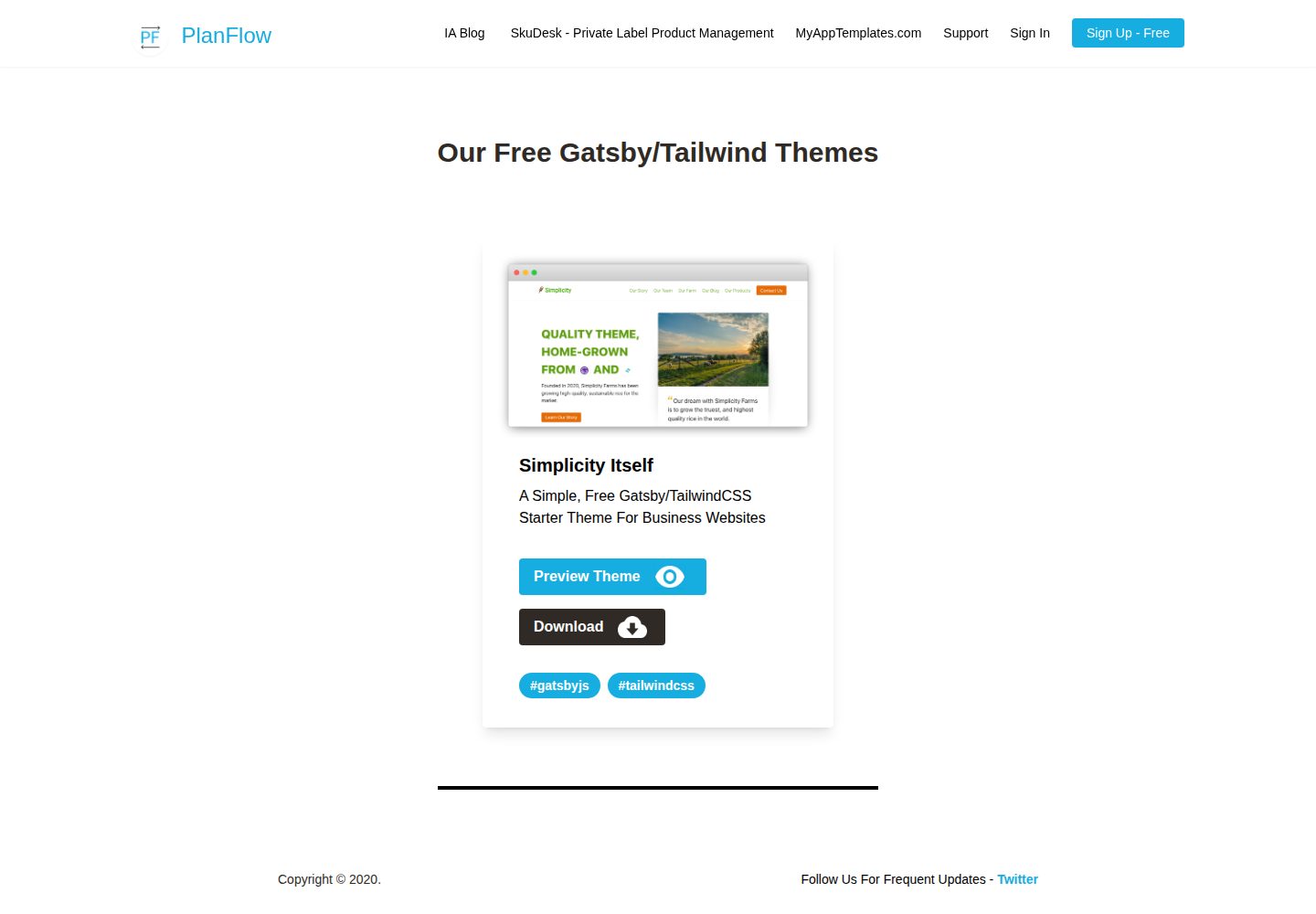
Simplicity-Itself-Gatsby-Tailwind-Starter-Theme
A Simple, Free Gatsby/TailwindCSS Starter Theme For Business Websites
Gatsby · 企业官网
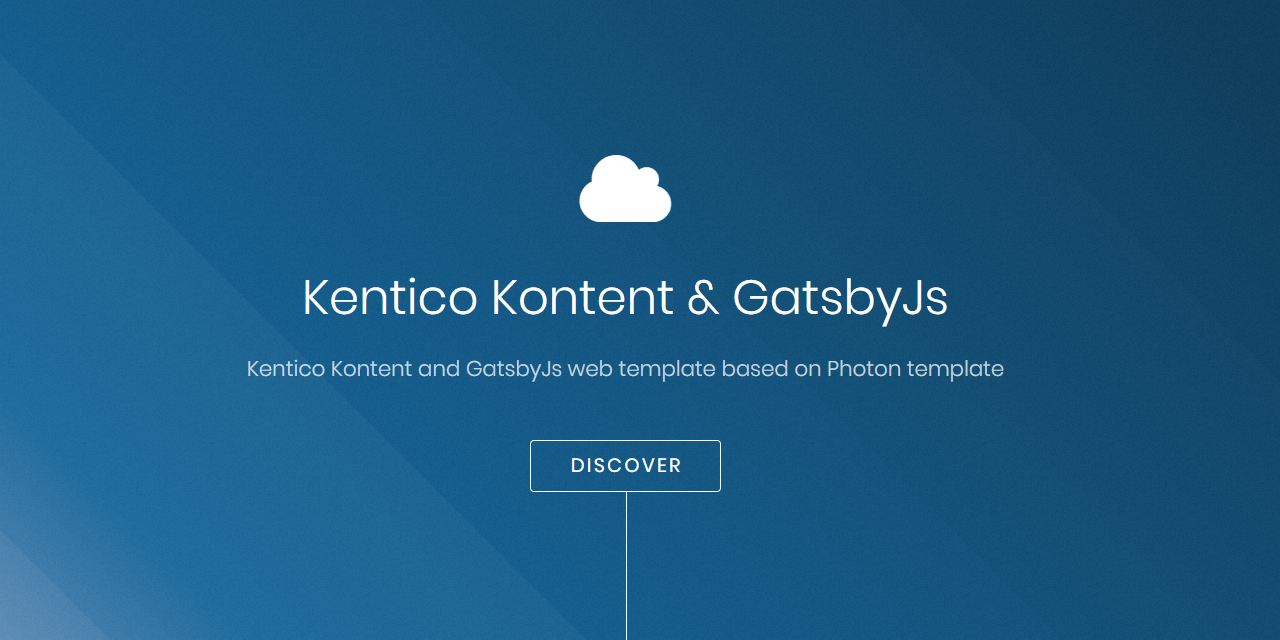
kontent-template-gatsby-landing-page-photon
Kentico Kontent web template using Gatsby and Kentico Kontent.
Gatsby · 企业官网

zauberhaft-gatsby
Free, customizable, modern & Lightning fast Gatsby 5 - agency website template
Gatsby · 企业官网
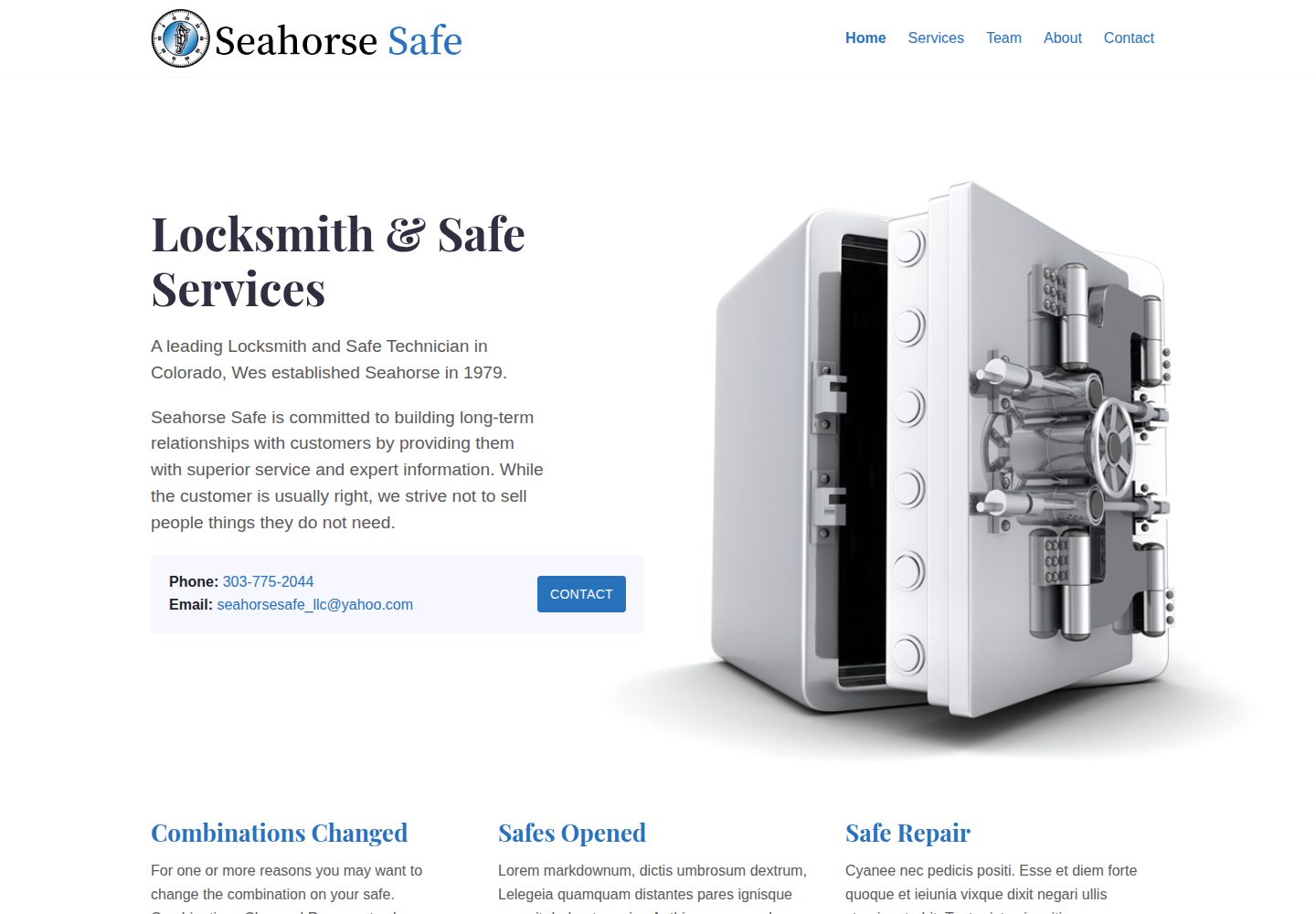
seahorse-safe
Small business website built with Gatsby. gatsby-serif-theme
Gatsby · 企业官网