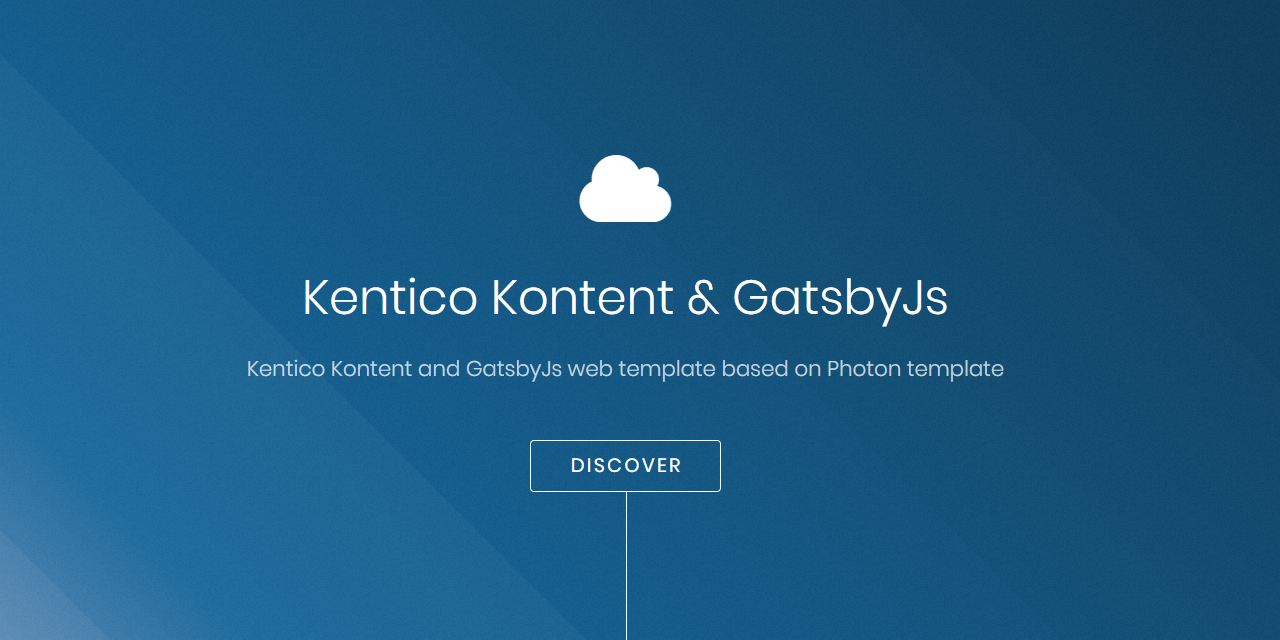
Uses Kentico Kontent as the content data source, fetching content at build time via the Gatsby source plugin
GatsbyReactCorporate Website
kontent-template-gatsby-landing-page-photon — Gatsby Business Template
By Simply007
A landing page template based on Gatsby and Kentico Kontent, with content driven by a Kontent project, styles using SCSS, and providing a 12-column CSS Grid and two icon sets.
Explore the design
Compare the page layouts and mobile experience. Open any screenshot for a closer look.
Author preview
Author-provided preview
Preview provided in the project README.
One original preview is available. Open the full image to inspect the design.
Screenshots show visual appearance; interactive behavior may differ.
Recorded 2026-09-30View source
What stands out
A quick read of the recorded project description.
Provides a content.zip content package that can be imported in the Kontent template manager
Styles use SCSS, with colors centrally defined in _vars.scss variables
Includes a custom 12-column CSS Grid, disabled on mobile
Supports both Material Icons and Font Awesome font icon sets
Includes a Netlify deploy button to quickly create and deploy a copy
Template Details
This template is a landing page site built with Gatsby and using Kentico Kontent as its data source. Page content comes from a Kontent project and is fetched at build time via the @kentico/gatsby-source-kontent plugin, so you must first create a project in Kontent and import the content.zip content package provided in the repository.
Styles use SCSS, with colors centrally defined via variables in _vars.scss. The layout provides a custom 12-column CSS Grid, disabled on mobile; when using it, wrap with grid-wrapper and use col- plus a number for inner elements, with each row totaling 12. Icons support two font icon sets: Material Icons and Font Awesome.
The repository includes a Netlify deploy button to create and deploy a copy on Netlify with one click. The template is built on the Gatsby starter Photon and uses the MIT license.
GatsbyCorporate website
Is it right for your project?
Use Cases
- Building a marketing landing page with content managed by Kentico Kontent
- A Gatsby static site starter project requiring SCSS and CSS Grid layout
- Quickly deploying and hosting a Gatsby site on Netlify
Suitable For
- Teams already using or planning to use Kentico Kontent as their content management backend
- Front-end developers familiar with Gatsby and the Node.js toolchain
- Landing page projects requiring customizable colors and grid layout
Getting started & customization
Use these recorded setup notes alongside the repository instructions for your chosen version.
- 1
Requires Node.js and Yarn to be installed beforehand
- 2
Need to register with Kentico Kontent and create an empty project, enabling the Content Management API
- 3
Import the content.zip from the repository via the template manager, and choose to publish language variants after import
- 4
Copy .env.template to .env and set KONTENT_PROJECT_ID to the Project ID from the Kontent project settings
- 5
Use yarn to install dependencies, and yarn develop to start the local development environment (default http://localhost:8000)
License & source material
Usage conditions & limitations
Free to use · keep license noticeThis entry covers the free version under the MIT license in the public repository; the free scope applies to that version's code and does not imply that external services or third-party assets are free.
Must comply with when using
- Permits free use, modification, commercial use, and distribution of that version's code.
- When distributing copies or substantial portions of the code, retain the original author's copyright notice and the full MIT license notice.
- The code is provided as is; warranties and limitations of liability are governed by the original license and applicable law.
Additional costs & items to verify
- Using this template requires registering an account with Kentico Kontent; the template cannot run independently of that external service.
- An empty project must be created in Kentico Kontent as the content data source, which is an external service dependency.
- Before importing content, the Content Management API must be enabled for the Kontent project, involving external service configuration.
- Importing content requires providing the Kontent project's Project Id and Content Management API key, which are external service credential requirements.
- Running the site requires configuring the KONTENT_PROJECT_ID environment variable, taken from Kentico Kontent project settings; without it, the build cannot proceed.
- Demo images, fonts, icons, and other third-party assets must be checked against their respective licenses; the code's MIT license alone cannot be used to judge them.
- External services such as domains, hosting, databases, payments, or AI may incur additional charges.
View Original Text Basis
Permission is hereby granted, free of charge
Original License Text
[Register on Kentico Kontent](http://app.kontent.ai)
Original README
[Create an empty project](https://docs.kontent.ai/tutorials/set-up-projects/manage-projects/creating-and-archiving-projects)
Original README
[Enable Content Management API](https://docs.kontent.ai/tutorials/set-up-projects/migrate-content/importing-to-kentico-kontent#a-enabling-the-api-for-your-project)
Original README
Use `Project Id` and `Content Management API key` from previously generated project.
Original README
https://github.com/Simply007/kontent-template-gatsby-landing-page-photon/blob/master/LICENSEhttps://github.com/Simply007/kontent-template-gatsby-landing-page-photon/blob/master/README.mdset the `KONTENT_PROJECT_ID` environment variable to value from Kontent -> "Project Settings" -> API keys -> Project ID.
Original README
Compiled by DeepSeek based on repository license and README ·2026-10-01. Results only cover the materials read; dependencies, images, fonts, and subsequent term changes are subject to their respective original texts.
Project checks & description sources
Template Information
- Source platforms
- GitHub
- Documentation and maintenance reference score
- Partly documented · 72 / 100
- Technologies
- Gatsby · React
- Website type
- Corporate Website
How this score is calculated
Our heuristic uses license records (up to 30), a demo link (12), a preview (10), stars (15), recorded maintenance (15), description completeness (8), feature records (5) and classification data (5). It is not a code, security or performance test, or a Google score. A link does not establish tested functionality.
What to verify for this project
- Repository update recorded
- 2020-06-29
- Screenshot last checked
- 2026-10-01
A demo link is listed. Check it with your own content and viewport sizes; its presence does not confirm that forms, authentication or payments work.
The catalog identifies Gatsby as the primary stack. Check the actual dependency manifest and lockfile for versions and hosting requirements. These notes use recorded metadata, not a code audit or a deployment test.
Use a selection guide →How this description was prepared
AI-assisted description based on catalog records and repository material. Repository authors are not automatically the reviewers of this description.
Automatically checked against source and license rules; no manual editorial review.
Inspect the recorded source material
SHA-256: 32d3c26c48cff4fc98ad358673d79fdd1c5ec14421de95bcd6f92935f6841550
2026-10-01T13:50:04.939Z
Source file / repository# Kentico Kontent & GatsbyJs web template
[](https://kontent-template-gatsby-landing-page-photon.netlify.com)
[](https://app.netlify.com/sites/kontent-template-gatsby-landing-page-photon/deploys)
Kentico Kontent web template using Gatsby and Kentico Kontent.

## Get started
### Prerequisites
* [Node.js](https://nodejs.org/en/download/)
* [Yarn](https://yarnpkg.com/en/docs/install)
### Run
1. [Clone](https://git-scm.com/docs/git-clone) or [fork](https://hub.github.com/hub-fork.1.html) this repository. Once it's done, install the packages:
```sh
yarn
```
1. [Register on Kentico Kontent](http://app.kontent.ai)
1. [Create an empty project](https://docs.kontent.ai/tutorials/set-up-projects/manage-projects/creating-and-archiving-projects)
1. [Enable Content Management API](https://docs.kontent.ai/tutorials/set-up-projects/migrate-content/importing-to-kentico-kontent#a-enabling-the-api-for-your-project)
1. Import [content.zip](/content.zip) data using [Template manager](https://kentico.github.io/kontent-template-manager/import-from-file)
* Use `Project Id` and `Content Management API key` from previously generated project.
* Select `Publish language variants after import`
1. Copy [.env.template](./.env.template) and name it `.env`, then set the `KONTENT_PROJECT_ID` environment variable to value from Kontent -> "Project Settings" -> API keys -> Project ID.
1. Run development environment
```sh
yarn develop
```
🚀 Your site is now running at http://localhost:8000!
## Deploy with Netlify
Netlify CMS can run in any frontend web environment, but the quickest way to try it out is by running it on a pre-configured starter site with Netlify. Use the button below to build and deploy your own copy of the repository:
[](https://app.netlify.com/start/deploy?repository=https://github.com/Simply007/kontent-template-gatsby-landing-page-photon)
> After clicking that button, you’ll authenticate with GitHub and choose a repository name. Netlify will then automatically create a repository in your GitHub account with a copy of the files from the template. Next, it will build and deploy the new site on Netlify, bringing you to the site dashboard when the build is complete.
## Features
* [GatsbyJS](https://www.gatsbyjs.org/) static site generator
* Data source - Kentico Kontent (using [Gatsby source plugin for Kentico Kontent](https://www.gatsbyjs.org/packages/@kentico/gatsby-source-kontent))
* Styling using SCSS
* [Font awesome + Material Icons](#Icons)
* [CSS Grid](#CSS-Grid)
### Color palette
To define color pallette - change values of variables stored in [_vars.scss](https://github.com/Simply007/kontent-template-gatsby-landing-page-photon/blob/master/src/assets/scss/libs/_vars.scss#L32).
### Icons
It is possible to use [two sets of font icons](https://github.com/Simply007/kontent-template-gatsby-landing-page-photon/tree/master/src/assets/css) - [Material Icons](https://material.io/tools/icons/) as well as [Font Awesome](https://fontawesome.com/).
Format Example:
* Material icons: `<i className="material-icons">face</i>` (`face` - icon code)
* Font Awesome : `<li><span className="fa-code"></span></li>` (`fa-code` - icon code)
### CSS Grid
The grid on this site was replaced with a custom version, built using CSS Grid. It's a very simple 12 column grid that is disabled on mobile. To start using the grid, wrap the desired items with `grid-wrapper`. Items inside the `grid-wrapper` use the class `col-` followed by a number, which should add up to 12.
Here is an example of using the grid, for a 3 column layout:
```html
<div className="grid-wrapper">
<div className="col-4">
<p>Adipiscing a commodo ante nunc accumsan et interdum mi ante adipiscing. A nunc lobortis non nisl amet vis sed volutpat aclacus nascetur ac non. Lorem curae et ante amet sapien sed tempus adipiscing id accumsan.</p>
</div>
<div className="col-4">
<p>Content Here</p>
</div>
<div className="col-4">
<p>Adipiscing a commodo ante nunc accumsan et interdum mi ante adipiscing. A nunc lobortis non nisl amet vis sed volutpat aclacus nascetur ac non. Lorem curae et ante amet sapien sed tempus adipiscing id accumsan.</p>
</div>
</div>
```
## Thanks
© 2019, Built with Gatsby using [Gatsby starter Photon](https://www.gatsbyjs.org/starters/codebushi/gatsby-starter-photon/)
Explore similar templates
Compare previews and descriptions within the same stack and category.

automatic-gatsbyjs-app-landing-page
A GatsbyJS template for iOS app landing pages, ported from Emil Baehr's Automatic App Landing Page. Configure content in site-config.js without writing HTML or CSS, upload video previews or screenshots, and deploy via Netlify or build for GitHub Pages.
Gatsby · Tool Site
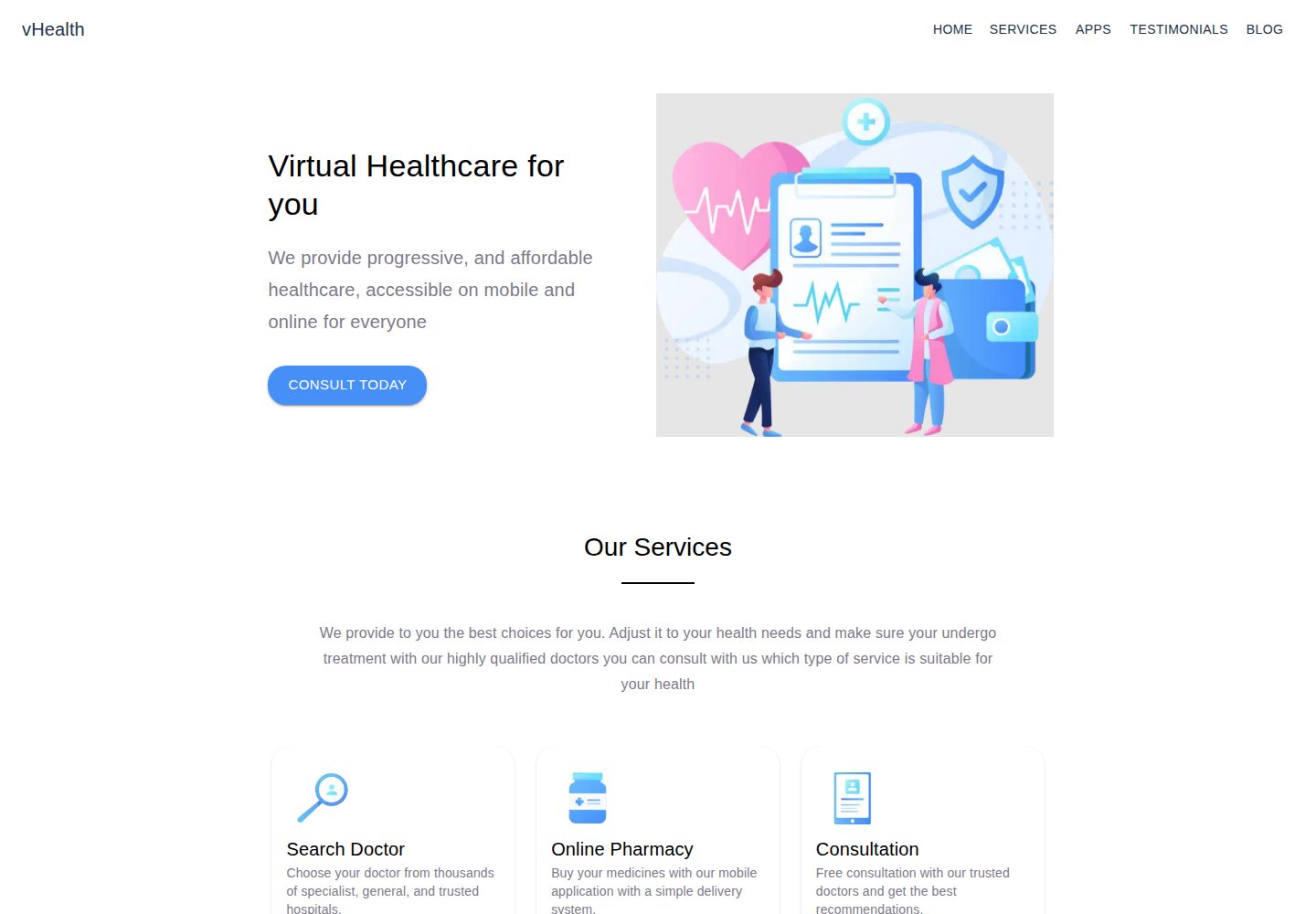
vhealth-gatsby
vHealth is an open-source Gatsby template for a healthcare startup website, maintained by shantanu-deshmukh, with a licensed visual design from SLAB Design Studio and an online demo.
Gatsby · Corporate Website
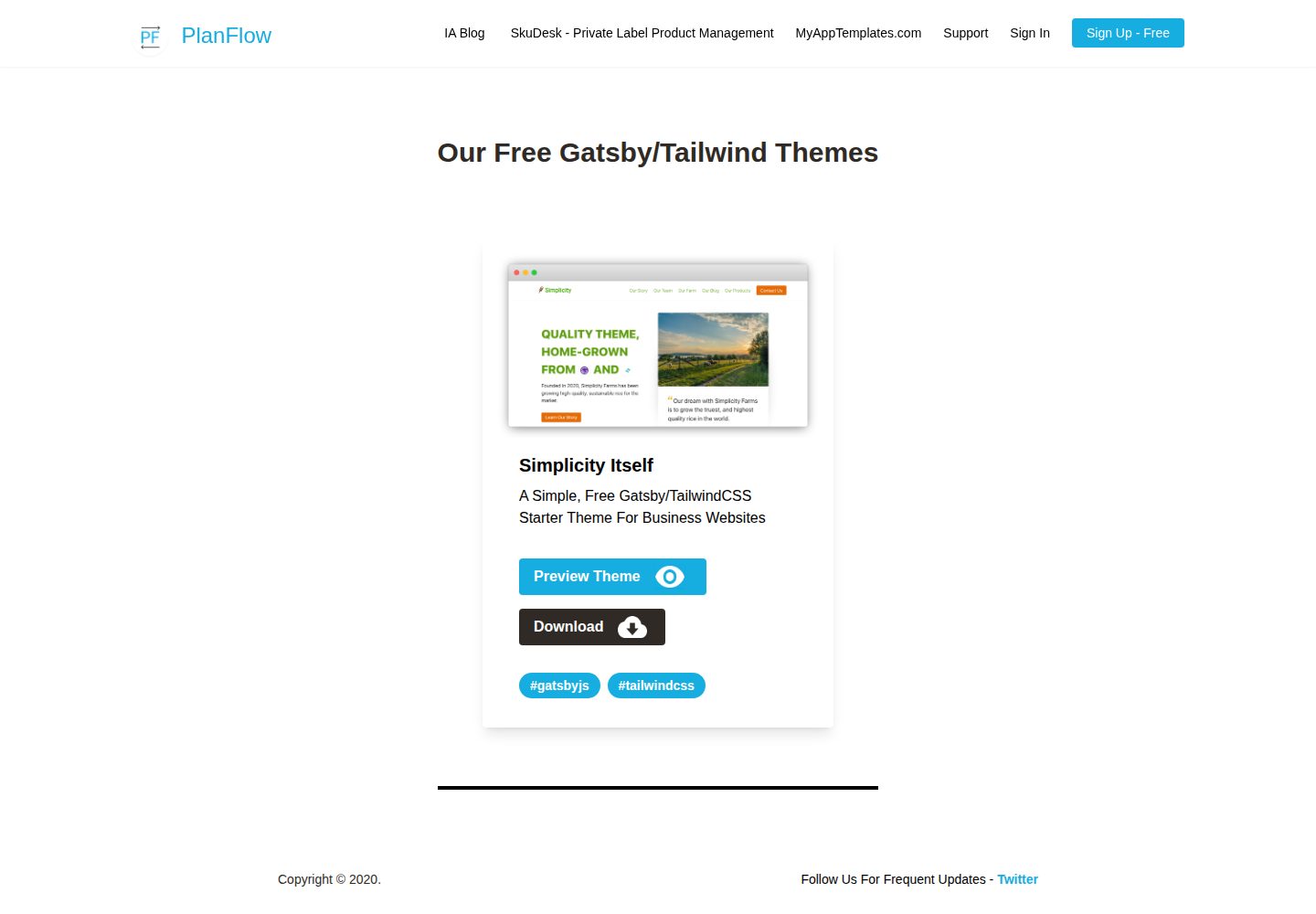
Simplicity-Itself-Gatsby-Tailwind-Starter-Theme
A free, MIT-licensed Gatsby starter for business websites, styled with Tailwind CSS. It ships with a preconfigured tailwind.config.js, build-time CSS purging and minification, absolute imports, ESLint/Prettier integration, and TypeScript-ready labeling.
Gatsby · Corporate Website

zauberhaft-gatsby
Zauberhaft is a free Gatsby 5 agency and portfolio website template built with Ravenbright CSS and licensed under Apache-2.0. It provides a responsive landing page, smooth animations, Open Graph tags, and accessibility support stated to conform to WCAG 2.1.
Gatsby · Corporate Website
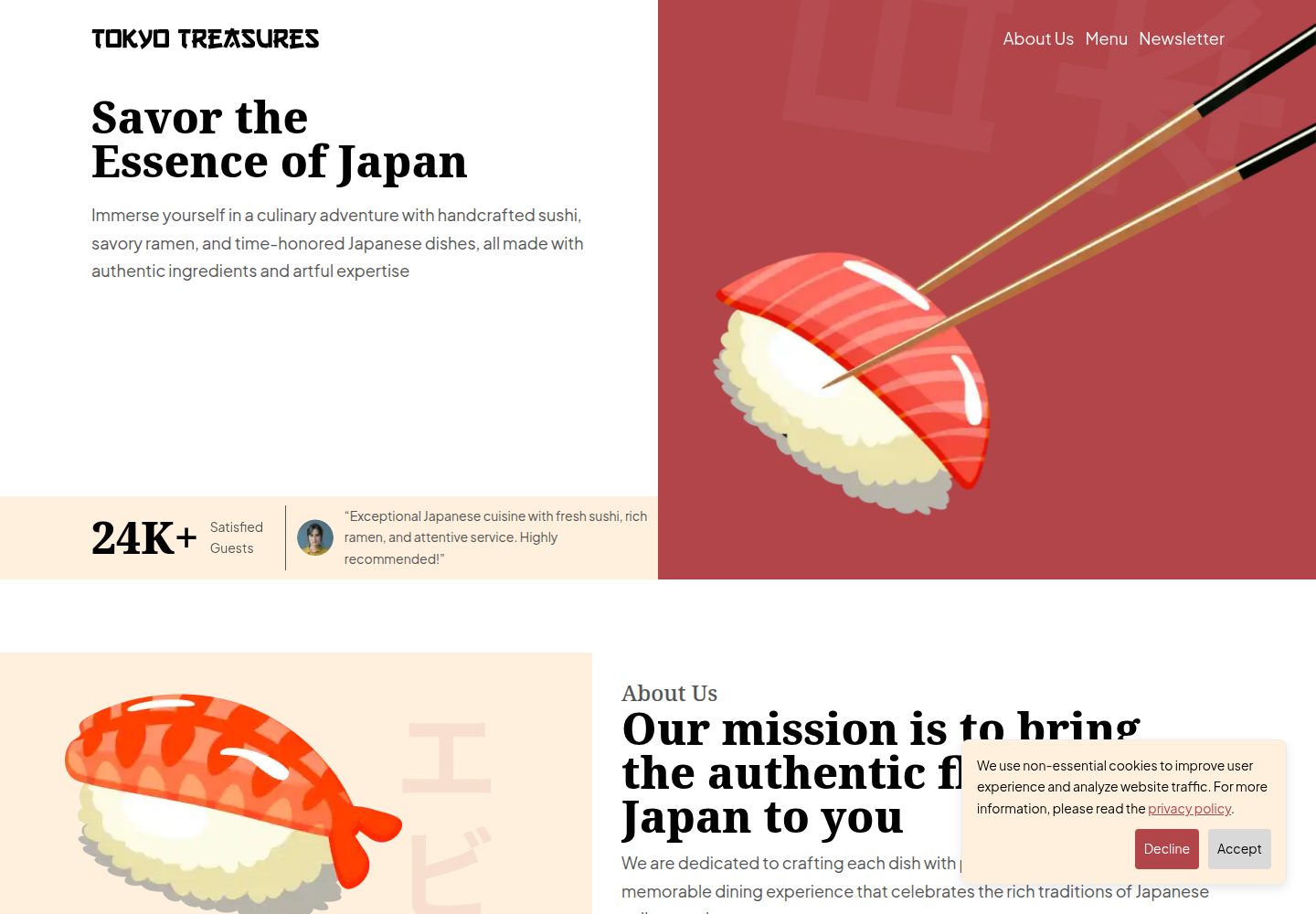
tokyo-treasures
Tokyo Treasures is a responsive restaurant website template built with Gatsby 5, React, Tailwind CSS, and Shadcn.
Gatsby · Corporate Website
seahorse-safe
A Gatsby-based multi-page website template for small businesses, built on the Serif theme and using Markdown to manage services, team, and certifications content.
Gatsby · Corporate Website