A Jekyll theme targeting minimal page size, offering low-byte alternatives such as an optional favicon
JekyllStarter
featherweight — Jekyll Starter Template
By Cutwell
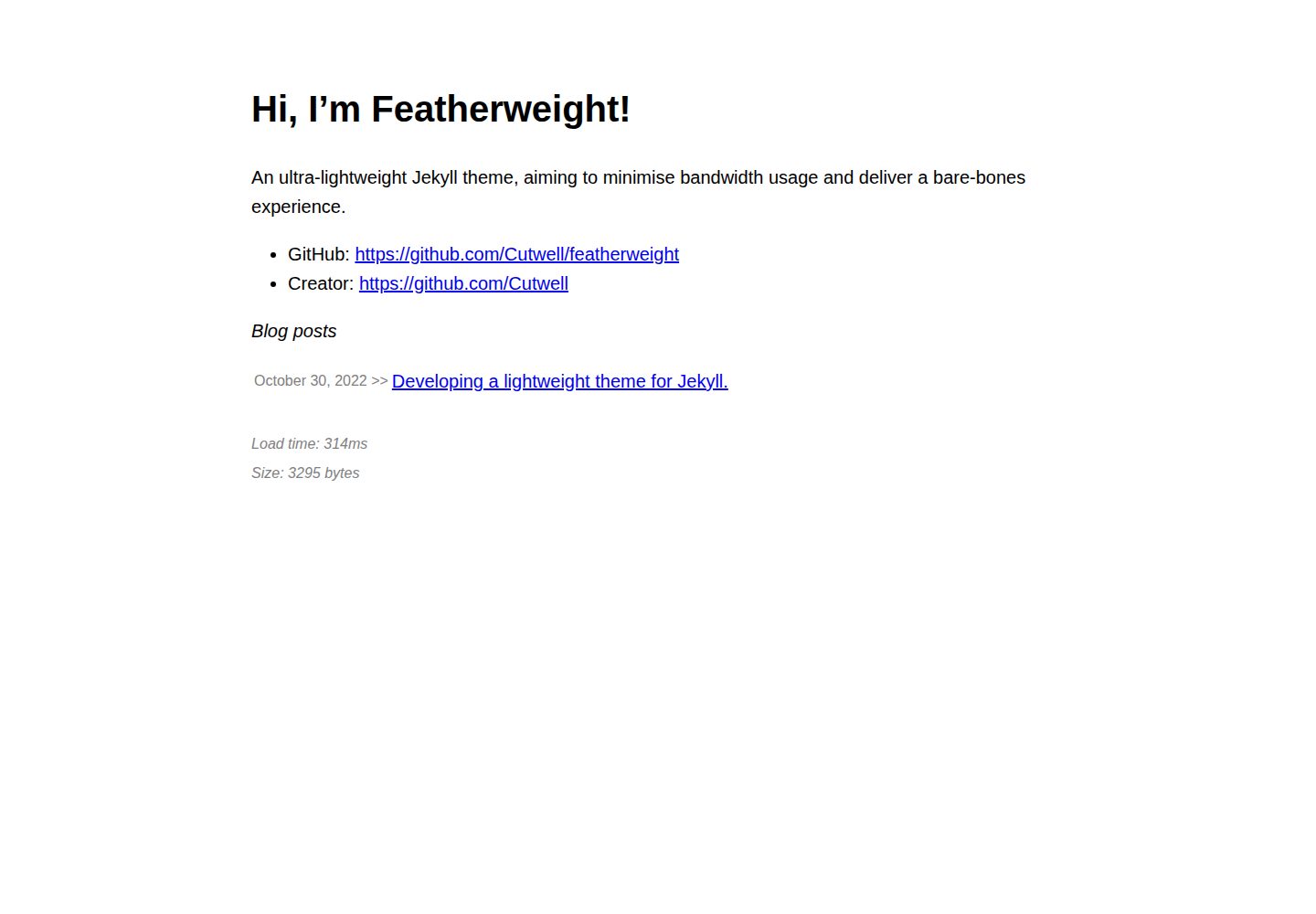
Featherweight is an ultra-lightweight Jekyll theme that targets minimal page size and provides a blog, RSS, sitemap, and optional compression and appearance enhancements.
Explore the design
Compare the page layouts and mobile experience. Open any screenshot for a closer look.
Desktop homepage1 / 2
Desktop captureTop of page
Actual screenshot captured by the server browser.
All pages & views 2
Screenshots show visual appearance; interactive behavior may differ.
Recorded 2026-10-03View source
What stands out
A quick read of the recorded project description.
Uses Zopfli and Brotli precompression, with .gz and .html as fallbacks
Sets width and height on lazy-loaded images via the jekyll-anti-image-reflow plugin to reduce page reflow
SEO, reading time, load duration, page size, social footer, blog list, CSS, and favicon can be toggled in _config.yml
Supports integration as a remote theme into an existing Jekyll project and includes a GitHub Actions build-and-deploy workflow
Template Details
Featherweight is a Jekyll theme released by Cutwell, positioned as an ultra-lightweight, minimal starting point for websites. It controls page size through Zopfli and Brotli precompression, an optional favicon, and styling based on a small amount of CSS, and it uses the jekyll-anti-image-reflow plugin to set width and height on lazy-loaded images to reduce page reflow. The theme provides basic structures by default, including a homepage, blog posts, a contact link, RSS, and a sitemap. Blog posts are written in GitHub-flavored Markdown, and filenames must follow the YYYY-MM-DD-title.md convention.
For feature configuration, _config.yml centrally manages the site URL, compression, and appearance options. SEO metadata, reading time, load duration, page byte size, social footer, blog list, base CSS, and favicon can each be enabled or disabled as needed; load duration and page size depend on JavaScript. The theme can be used as a standalone site or integrated as a remote theme into an existing Jekyll project.
Regarding usage constraints, when building on GitHub Pages, the built-in build does not run gems outside the supported plugin list, so you need to use the repository-provided build_and_deploy.yml workflow, push the build output to the gh-pages branch, and have Pages deploy from that branch. When integrating as a remote theme, the README recommends using Cutwell/jekyll-build-action to support the theme gem's dependency on Ruby 3.0.0, and you need to copy _config.yml, Gemfile, index.md, and _includes/contact.md for customization. Compression fallback behavior varies across browsers, and some browsers fall back to .html.
JekyllStarter
Is it right for your project?
Use Cases
- Building a Jekyll site focused on text blogging where page size needs to be controlled
- Hosting on GitHub Pages for projects that need to bypass the built-in build plugin restrictions
- Integrating a lightweight theme as a remote theme into an existing Jekyll repository
- Personal sites that need RSS subscription and sitemap output
Suitable For
- Developers familiar with Jekyll and Markdown writing workflows
- Site authors who prefer minimal pages and accept fewer default styles
- Blog projects that need optional features such as SEO and reading time enabled as needed
- Repositories that use GitHub Actions to build and deploy to the gh-pages branch
Getting started & customization
Use these recorded setup notes alongside the repository instructions for your chosen version.
- 1
Local build: after cloning the repository, run bundle install, then run bundle exec jekyll serve
- 2
Using the built-in build on GitHub Pages cannot run gems outside the supported list, so you need to use the .github/workflows/build_and_deploy.yml workflow
- 3
That workflow pushes the build output to the gh-pages branch; ensure the branch exists and set the Pages deployment source to that branch
- 4
When using as a remote theme, copy _config.yml, index.md, and _includes/contact.md, and declare the featherweight gem in the Gemfile
- 5
Blog posts go under _pages/, use layout: post, and follow the YYYY-MM-DD-title.md naming convention
License & source material
Usage conditions & limitations
Free to use · keep license noticeThis entry covers the free version in the public repository under the MIT license; the free scope is the code of that version and does not mean external services or third-party assets are free.
Must comply with when using
- You may use, modify, commercialize, and distribute the code of this version for free.
- When distributing copies or substantial portions of the code, retain the original author's copyright notice and the full MIT license notice.
- The code is provided as is; warranties and limitations of liability are governed by the original license and applicable law.
Additional costs & items to verify
- When using the built-in build on GitHub Pages, gems outside the supported plugin list cannot run, so you need to use the repository-provided build_and_deploy.yml workflow to build yourself.
- When using the included workflow, the build output is pushed to the gh-pages branch; you must ensure that branch exists and set the GitHub Pages deployment source to that branch.
- When integrating as a remote theme, the theme gem depends on Ruby 3.0.0, and the README recommends using Cutwell/jekyll-build-action to support that dependency.
- Compression fallback behavior varies by browser, and some browsers fall back to .html files.
- The load duration display feature requires JavaScript support.
- The page byte size display feature requires JavaScript support.
- Demo images, fonts, icons, and other third-party assets must be checked against their respective licenses and cannot be judged solely by the code's MIT license.
- External services such as domains, hosting, databases, payments, or AI may incur additional charges.
View Original Text Basis
Permission is hereby granted, free of charge
Original License Text
the built-in build action won't run gems outside of the [supported plugins list](https://pages.github.com/versions/)
Original README
The workflow pushes the build to `gh-pages` branch, so make sure this exists and your GitHub page is set to deploy from this branch.
Original README
to support the theme gem's dependence on Ruby 3.0.0
Original README
Support seems to vary between browsers, and some will fallback to `.html`.
Original README
Show off your page load times in the page footer. (Requires JS)
Original README
https://github.com/Cutwell/featherweight/blob/main/LICENSEhttps://github.com/Cutwell/featherweight/blob/main/README.mdReport the webpage size in bytes, also displayed in the page footer. (Requires JS)
Original README
Compiled by DeepSeek based on repository license and README ·2026-10-03. Results only cover the materials read; dependencies, images, fonts, and subsequent term changes are subject to their respective original texts.
Project checks & description sources
Template Information
- Source platforms
- GitHub
- Documentation and maintenance reference score
- Partly documented · 68 / 100
- Technologies
- Jekyll
- Website type
- Starter
How this score is calculated
Our heuristic uses license records (up to 30), a demo link (12), a preview (10), stars (15), recorded maintenance (15), description completeness (8), feature records (5) and classification data (5). It is not a code, security or performance test, or a Google score. A link does not establish tested functionality.
What to verify for this project
- Repository update recorded
- 2023-10-23
- Screenshot last checked
- 2026-10-03
A demo link is listed. Check it with your own content and viewport sizes; its presence does not confirm that forms, authentication or payments work.
The catalog identifies Jekyll as the primary stack. Check the actual dependency manifest and lockfile for versions and hosting requirements. These notes use recorded metadata, not a code audit or a deployment test.
Use a selection guide →How this description was prepared
AI-assisted description based on catalog records and repository material. Repository authors are not automatically the reviewers of this description.
Automatically checked against source and license rules; no manual editorial review.
Inspect the recorded source material
SHA-256: b84c569e287a617ef747037004b22c18c30016112c308358c8962826e71e243a
2026-10-03T00:17:35.783Z
Source file / repository`Featherweight` is an ultra-lightweight Jekyll theme, aiming to minimise bandwidth usage and deliver a bare-bones experience (page sizes of ~1kb). [][ruby-gems] [ruby-gems]: https://rubygems.org/gems/featherweight #### Building on GitHub If you're using this site on GitHub pages, the built-in build action won't run gems outside of the [supported plugins list](https://pages.github.com/versions/). To enable these gems, use the `build_and_deploy.yml` action under `.github/workflows` to automatically build your site on pushes, which circumvents this restriction while still hosting using GitHub pages (as advised by [Jekyll](https://jekyllrb.com/docs/continuous-integration/github-actions/)). The workflow pushes the build to `gh-pages` branch, so make sure this exists and your GitHub page is set to deploy from this branch. #### Featherweight as a remote theme `Featherweight` can be used as a remote theme, enabling integration into existing projects. We recommend using the same action setup as described above, but using the [Cutwell/jekyll-build-action](https://github.com/Cutwell/jekyll-build-action) action, to support the theme gem's dependence on Ruby 3.0.0. Copy the `_config.yml` file into your repository root, adding the following markup to specify the theme: ```yml theme: featherweight ``` Also create a `Gemfile` file in the repository root, with the following content: ```Gemfile source "https://rubygems.org" gem 'featherweight', '~> 0.7.6' ``` Additionally, copy the `index.md` and `_includes/contact.md` files, and customise them to personalise your site. With this setup, the theme will now build and install. See [Cutwell/cutwell.github.io](https://github.com/Cutwell/cutwell.github.io) for an example of this theme being used remotely. #### Writing blog posts Create a blank `.md` file in `_pages/`, and add: ``` --- layout: post title: My blog post. description: A description of the post, used for metadata. image: (optional) an image to display when linking to the post on e.g.: Twitter or Facebook --- ``` Write your blog post in GitHub-flavoured-markdown below the metadata. When naming blog post files, use the `YYYY-MM-DD-title.md` convention, or else your post won't appear in the blog post list. Read the [Jekyll docs](https://jekyllrb.com/docs/posts/). #### Cheatsheet ||| |:--:|:--:| | _Config_ | Update site URL and othe default options using `_config.yml`. | | _Homepage_ | Customise your homepage by editing the `index.md` file. | | _Social media_ | Update your contact links for your homepage and post footer (optional) by editing `_includes_/contact.md` | | _RSS_ | The RSS feed can be found at <https://yourgithubusername.github.io/feed>. | | _Sitemap_ | The sitemap can be found at <https://yourgithubusername.github.io/sitemap>. | | _Quickstart_ | Test your website locally by following the [Jekyll quickstart guide](https://jekyllrb.com/docs/). | | _gzip compression_ | Files are compressed using [Zopfli](https://github.com/philnash/jekyll-zopfli) compression. GitHub GZip's files automatically before serving, but we can use more aggressive pre-compression to achieve better compression, and avoid server overhead to compress on-the-fly. Support seems to vary between browsers, and some will fallback to `.html`. | | _Brotli compression_ | We also compress files using Google's [Brotli](https://en.wikipedia.org/wiki/Brotli) algorithm. We serve `.gz` and `.html` as fallback, although `.br` [has good support](https://caniuse.com/brotli). | | _Page reflow protection_ | To prevent page-reflow whilst lazy-loading images, we set image height and width using `Cutwell/jekyll-anti-image-reflow` gem plugin. Note it will not override existing styling to loading, width or height attributes. | #### Cosmetics `Featherweight` allows you to enable numerous cosmetic upgrades for your site. Toggle these options in the `compression` settings in `_config.yml`. These cosmetics all add to the total page weight, but can significantly improve the UX. Many of these are entirely optional settings. If you're looking to create a truly minimal webpage, read the comments inside `_config.yml`. ||| |:--:|:--:| | _SEO_ | Enabling search engine optimisations will add metadata for search engines and sharing on social media. | | _Reading time_ | To display an estimated reading time for blog posts. | | _Load time_ | Show off your page load times in the page footer. (Requires JS) | | _Page size_ | Report the webpage size in bytes, also displayed in the page footer. (Requires JS) | | _Social media footer_ | Display social media links below blog posts. | | _Blog list_ | Toggle the display of your blog list on the homepage. | | _CSS_ | Add some basic styling, based on [58 bytes of CSS to look great nearly everywhere](https://gist.github.com/JoeyBurzynski/617fb6201335779f8424ad9528b72c41). Also add some basic image styling to blog posts, working in combination with `anti-image-reflow` to fit images to the blog width without causing jank. Customise CSS by editing `_includes/main.css`. | | _Favicons_ | Generate icons for your site using [https://realfavicongenerator.net/](https://realfavicongenerator.net/), or disable favicons using `_config.yml` to use a low-byte-count alternative. Change file names or theme colours using `_config.yml`. | #### Dev _Build locally_ 1. Clone this repository: `git clone https://github.com/Cutwell/featherweight.git` 2. Download the project dependencies: `bundle install` 3. Run a local Jekyll server: `bundle exec jekyll serve` _Build .gem_ 1. Update version in `.gemspec` 2. Build with `gem build featherweight.gemspec` 3. Push to RubyGem with `gem push featherweight-x.x.x.gem` #### Credit feather by GREY Perspective from <a href="https://thenounproject.com/browse/icons/term/feather/" target="_blank" title="feather Icons">Noun Project</a>
Explore similar templates
Compare previews and descriptions within the same stack and category.
jekyll-klise
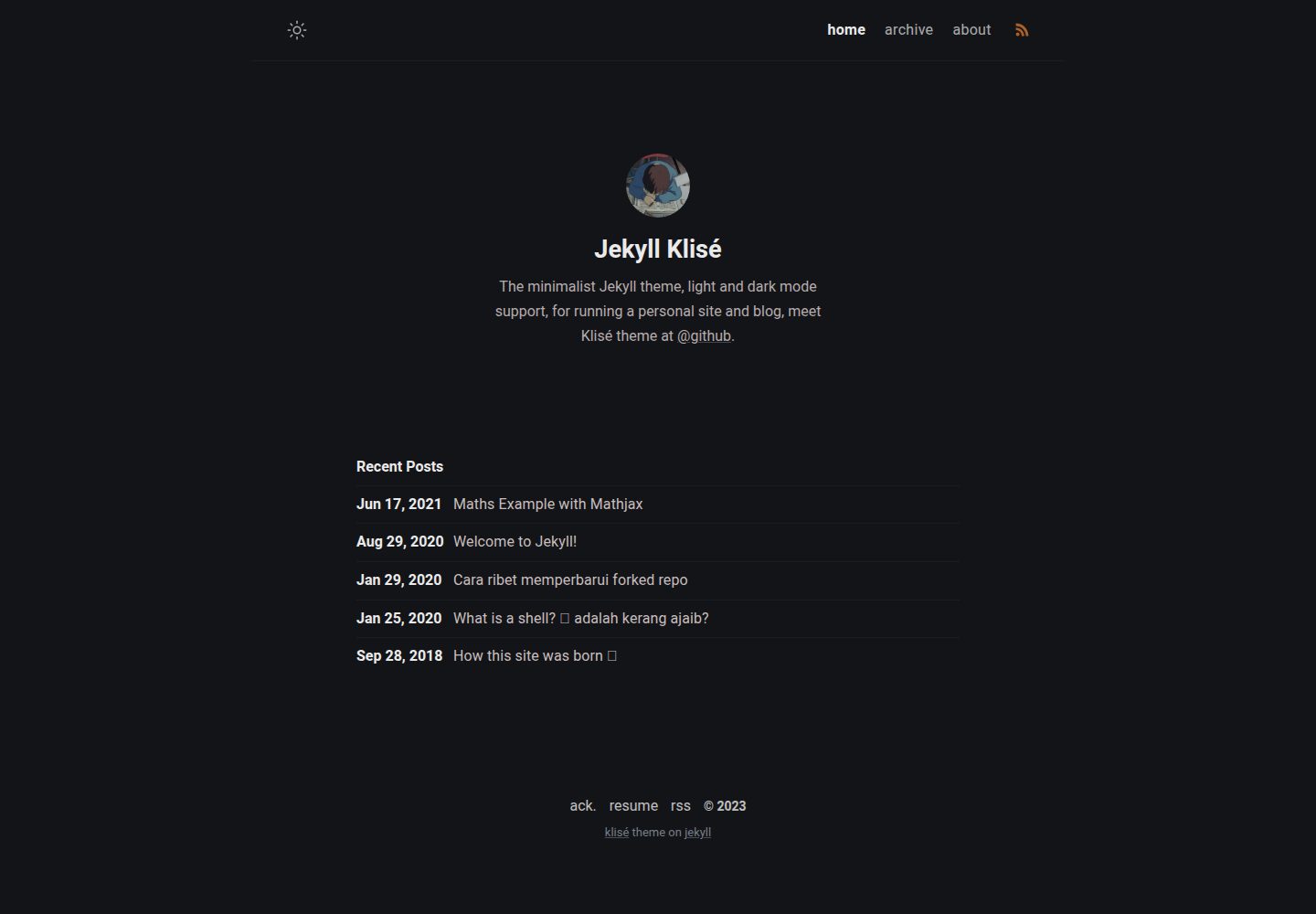
Klisé is a minimalist Jekyll theme for personal sites and blogs, with light and dark modes, a mobile-first responsive layout, and .scss-based styling.
Jekyll · Blog
alembic
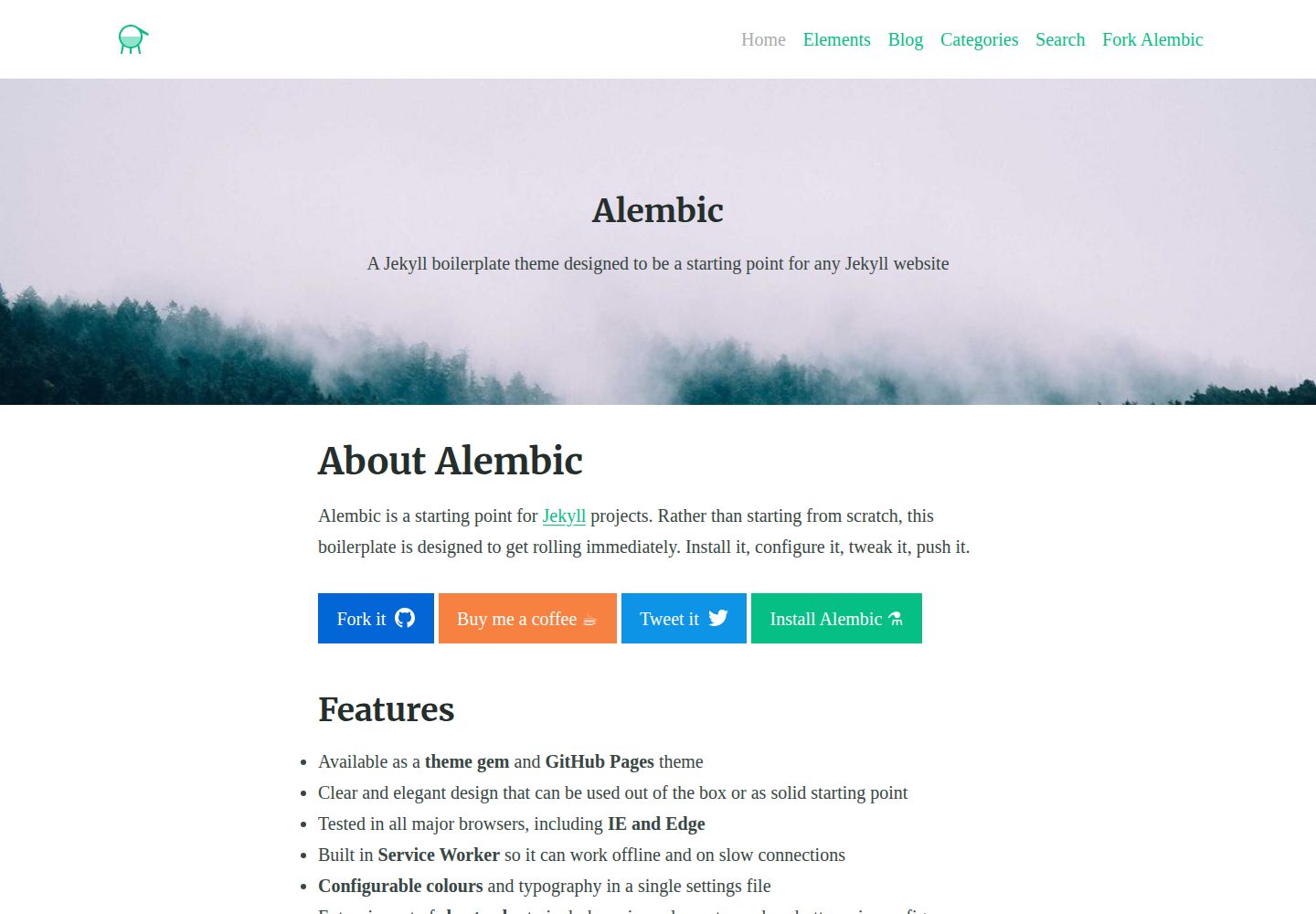
Alembic is an MIT-licensed Jekyll starter theme for quickly setting up a Jekyll site. It can be installed as a theme gem or a GitHub Pages remote theme, with centralized configuration via _config.yml for navigation, colors, fonts, language, and site information.
Jekyll · Starter
academic-website-template
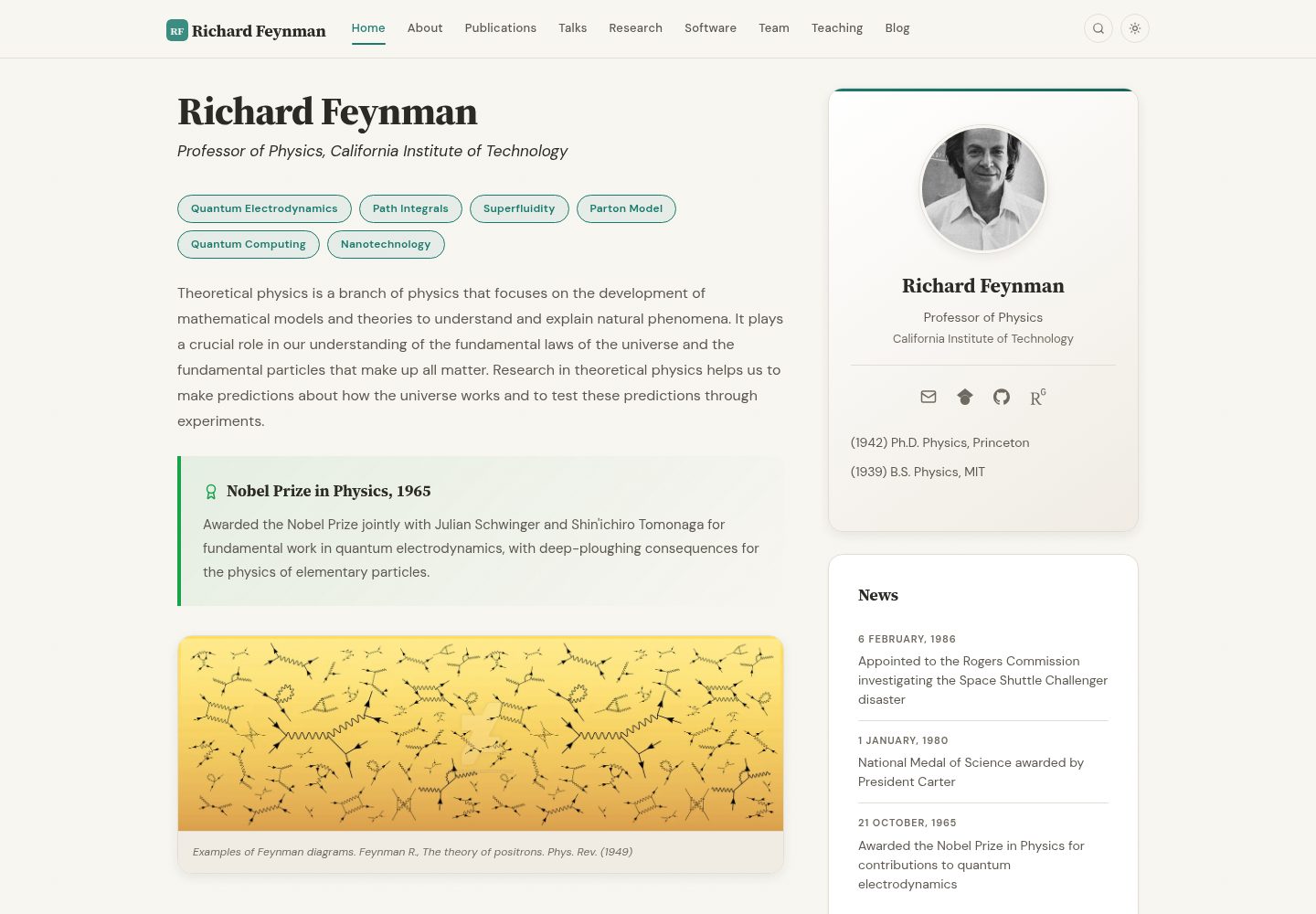
A Jekyll static site template for academics and research groups, providing homepage, bio, and publication list pages. Content is maintained via configuration and data files, with a GitHub Actions workflow for deployment to GitHub Pages.
Jekyll · Starter
jekyll-course-website-template
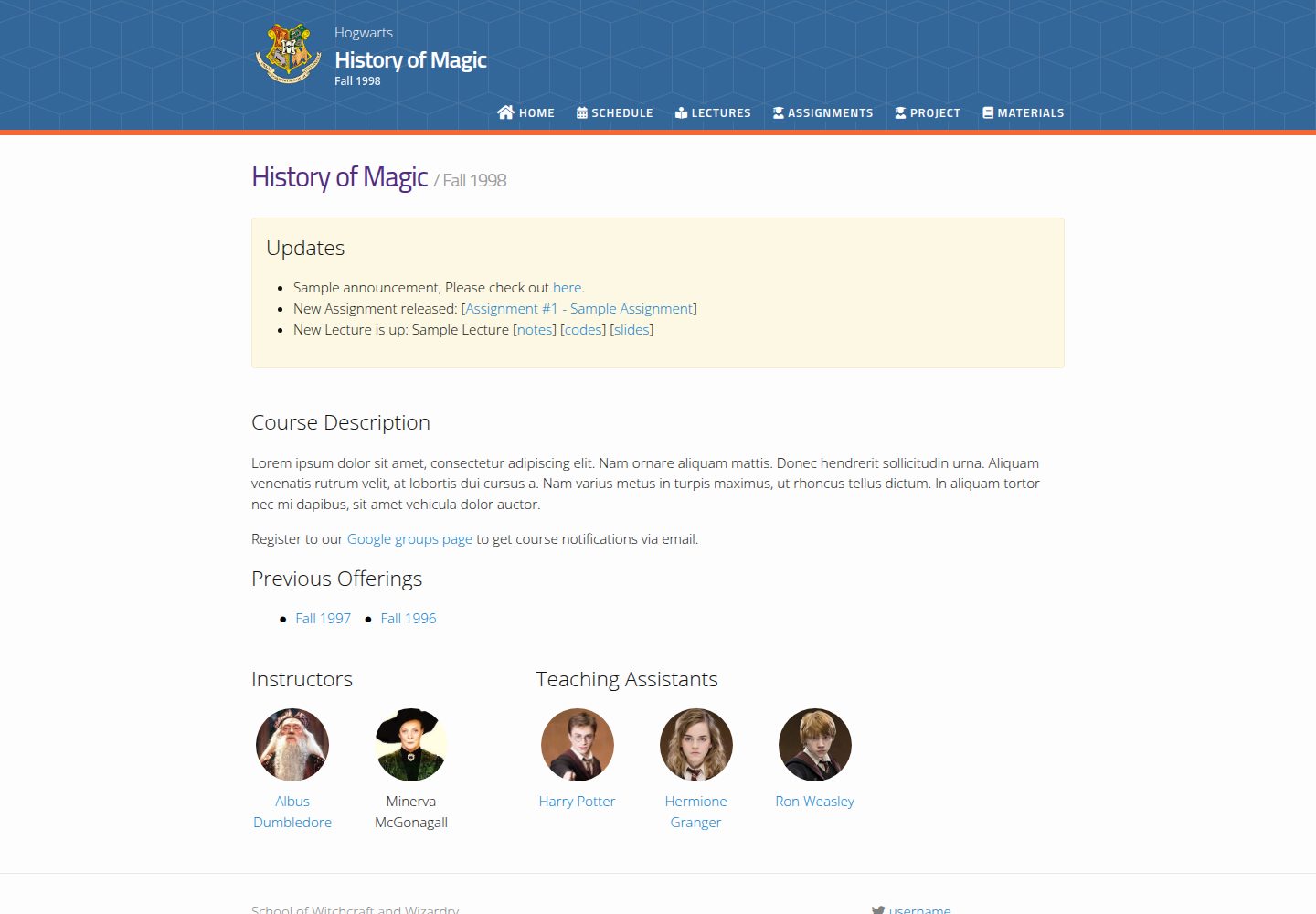
A Jekyll-based academic course website template with separate pages for lectures, assignments, schedule, course materials, and announcements, plus auto-generated schedule and updates sections. It is configured through _config.yml, _data/people.yml, and _sass/_user_vars.scss, and content is organized as Markdown with YAML front matter.
Jekyll · Starter

agency-jekyll-theme-starter
A Jekyll-based Agency theme starter template for GitHub Pages. Generate a repository via the template button, replace the sample content, and configure baseurl or a custom domain.
Jekyll · Corporate Website
research-lab-website
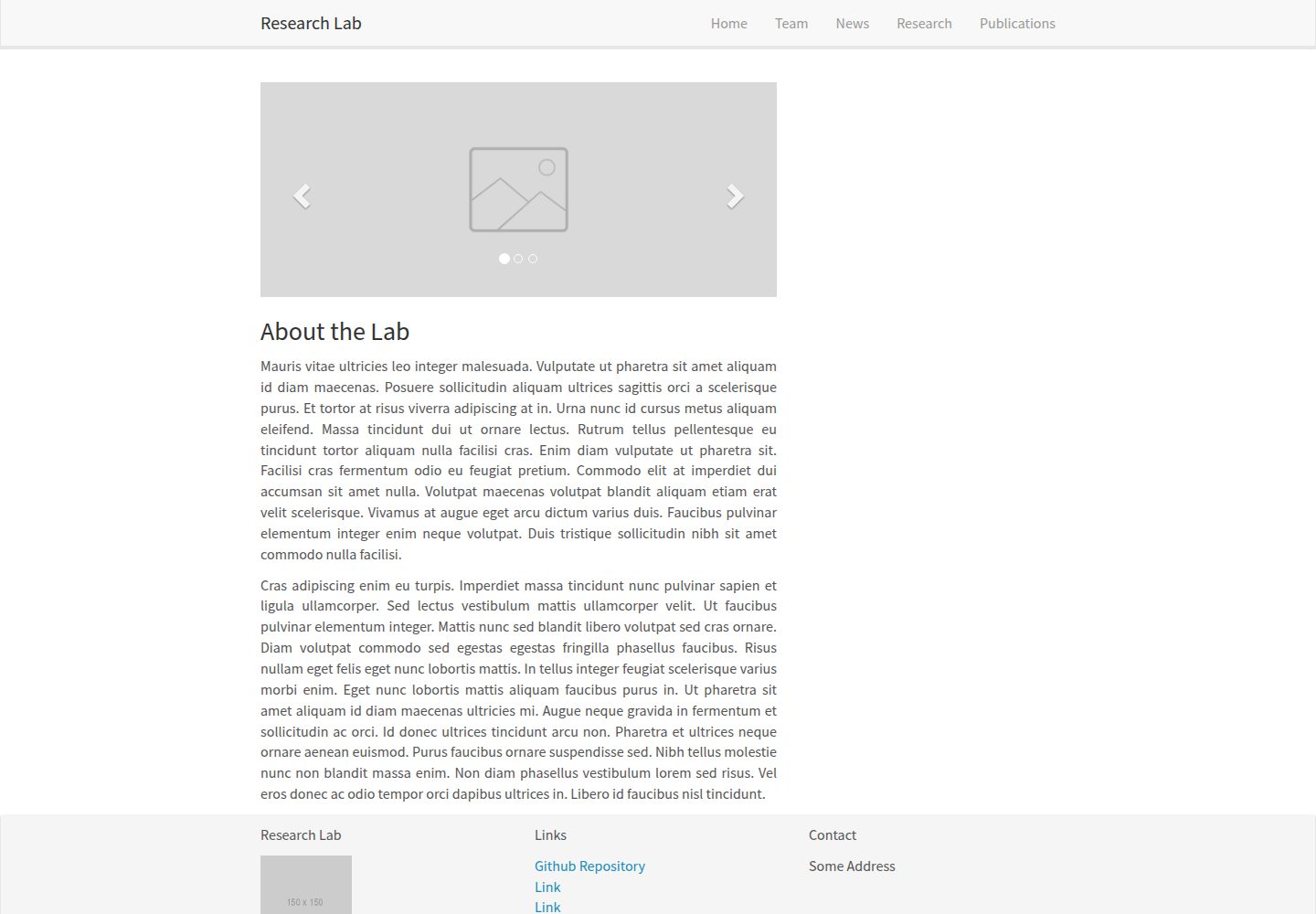
A Jekyll-based research lab website template derived from the Allan Lab template at Leiden University.
Jekyll · Starter