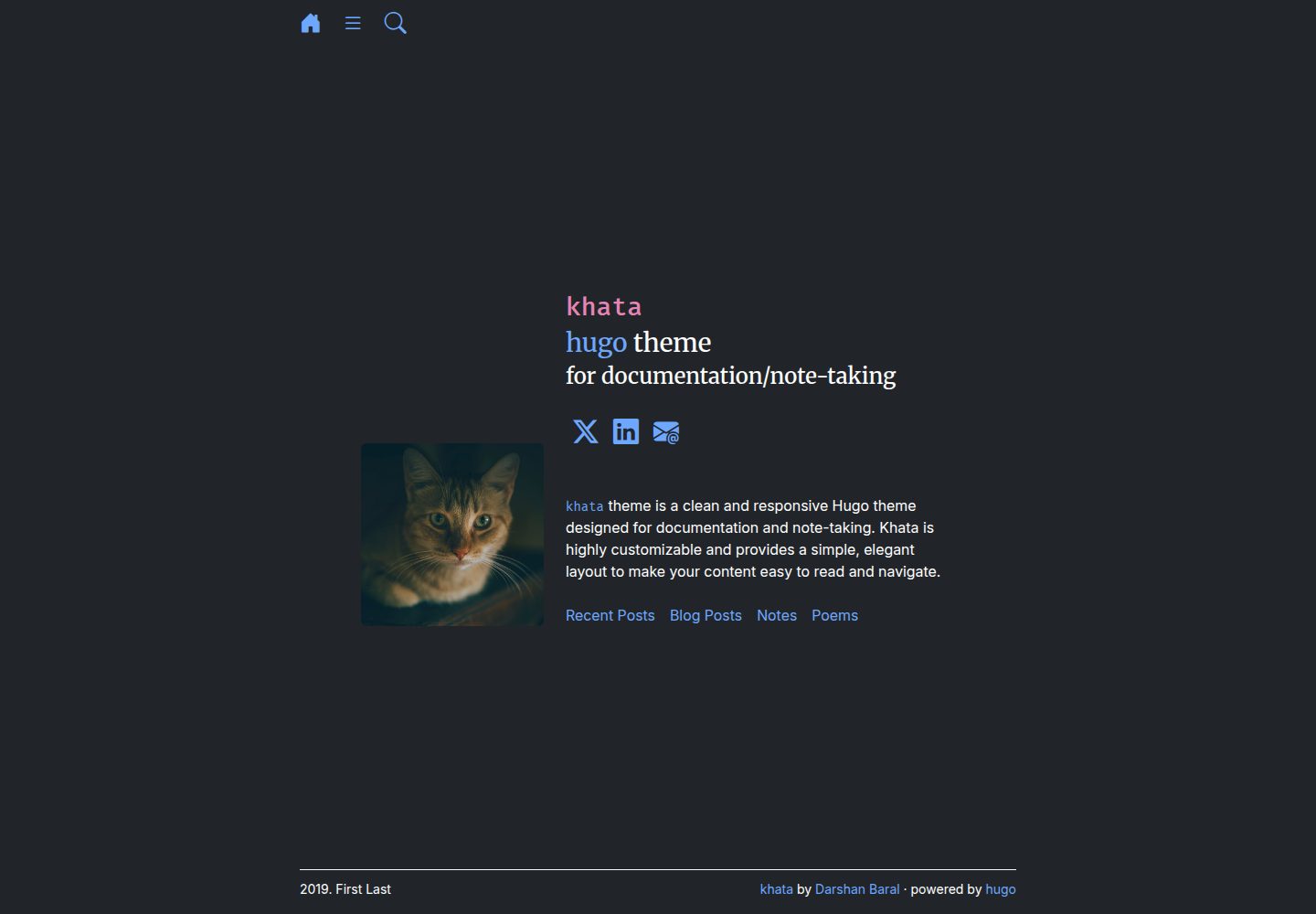
Hugo-based theme for documentation and notes
HugoDocumentation
khata — Hugo Documentation Template
By darshanbaral
khata is a Hugo-based theme for documentation and notes, using folder-based content organization and built-in search powered by Pagefind, with code released under the MIT license.
Explore the design
Compare the page layouts and mobile experience. Open any screenshot for a closer look.
Desktop homepage1 / 3
Desktop captureTop of page
Actual screenshot captured by the server browser.
All pages & views 3
Screenshots show visual appearance; interactive behavior may differ.
Recorded 2026-10-04View source
What stands out
A quick read of the recorded project description.
Content is divided into chapters by folder, with documentation pages placed in corresponding directories
Built-in search powered by Pagefind
Provides an exampleSite containing config.toml and content examples
archive, recent, search, and taxa are special directories that require understanding the structure before modification
Code is released under the MIT license
Template Details
khata is a Hugo theme developed by darshanbaral, positioned for documentation and note sites. It organizes content using a folder-based structure: create folders for different chapters under the content directory, then place documentation pages into the corresponding folders. The theme repository's exampleSite provides a config.toml and content directory example, which new sites can copy directly; existing sites only need to set theme to khata in config.toml.
The theme includes built-in search implemented by Pagefind. Search requires building the site with Hugo first, then running Pagefind to index the public directory. The README gives the command hugo -b https://your_base_url/; npx -y pagefind --site public, and the repository's GitHub Actions workflow file can serve as a deployment reference.
The theme contains special folders such as archive, recent, search, and taxa. The README advises that these directories should only be modified after becoming familiar with the theme structure. The repository uses the MIT license, permitting use, modification, commercial use, and distribution of this version of the code, but third-party assets such as demo images, fonts, and icons must be checked separately under their respective licenses.
HugoDocumentation
Is it right for your project?
Use Cases
- Building a documentation site for a project or product
- Organizing personal notes with content organized into chapter folders
- Hugo projects that need in-site search on a static site
- Existing Hugo sites looking to switch to a documentation-oriented theme
Suitable For
- Developers building sites with Hugo
- Teams needing to organize documentation or notes by chapter
- Documentation projects that want static deployment with built-in search
Getting started & customization
Use these recorded setup notes alongside the repository instructions for your chosen version.
- 1
Run git submodule add https://github.com/darshanbaral/khata themes/khata in the site root to add the theme
- 2
New sites can copy the config.toml and content directory from the theme's exampleSite; existing sites set theme = "khata" in config.toml
- 3
Create folders by chapter under content and place documentation pages into the corresponding folders
- 4
To enable search, first run hugo -b https://your_base_url/ to build, then run npx -y pagefind --site public to build the index
- 5
archive, recent, search, and taxa are special directories; do not modify them without familiarity with the theme structure
License & source material
Usage conditions & limitations
Free to use · keep license noticeThis entry covers the free version under the MIT license in the public repository; the free scope is the code of this version and does not imply that external services or third-party assets are free.
Must comply with when using
- Permits free use, modification, commercial use, and distribution of this version of the code.
- When distributing copies or substantial portions of the code, retain the original author's copyright notice and the full MIT license notice.
- The code is provided as is; warranties and limitations of liability are governed by the original license and applicable law.
Additional costs & items to verify
- Built-in search depends on the third-party tool Pagefind: before deployment, you must run npx -y pagefind --site public to index the public directory, otherwise site search will not work; this step requires a Node.js/npx environment.
- The search index must be run after the Hugo build completes; building and indexing are two sequential steps, and the wrong order will result in no search results.
- archive, recent, search, and taxa are special directories; they should not be modified without familiarity with the theme structure, otherwise theme functionality may break.
- Demo images, fonts, icons, and other third-party assets must be checked under their respective licenses and cannot be judged solely by the code's MIT license.
- External services such as domains, hosting, databases, payments, or AI may incur additional charges.
View Original Text Basis
Permission is hereby granted, free of charge
Original License Text
The Khata theme includes a built-in search feature powered by **[Pagefind](https://pagefind.app/)**. To enable search on your deployed site, you must index your content before deployment.
Original README
Run the following command after you've built your site with Hugo:
Original README
https://github.com/darshanbaral/khata/blob/main/LICENSEhttps://github.com/darshanbaral/khata/blob/main/README.mdThe `archive`, `recent`, `search`, and `taxa` folders are special and should only be modified if you are familiar with the theme's structure.
Original README
Compiled by DeepSeek based on repository license and README ·2026-10-04. Results only cover the materials read; dependencies, images, fonts, and subsequent term changes are subject to their respective original texts.
Project checks & description sources
Template Information
- Source platforms
- Hugo Themes
- Documentation and maintenance reference score
- Partly documented · 69 / 100
- Technologies
- Hugo
- Website type
- Documentation
How this score is calculated
Our heuristic uses license records (up to 30), a demo link (12), a preview (10), stars (15), recorded maintenance (15), description completeness (8), feature records (5) and classification data (5). It is not a code, security or performance test, or a Google score. A link does not establish tested functionality.
What to verify for this project
- Repository update recorded
- 2025-08-06
- Screenshot last checked
- 2026-10-04
A demo link is listed. Check it with your own content and viewport sizes; its presence does not confirm that forms, authentication or payments work.
The catalog identifies Hugo as the primary stack. Check the actual dependency manifest and lockfile for versions and hosting requirements. These notes use recorded metadata, not a code audit or a deployment test.
Use a selection guide →How this description was prepared
AI-assisted description based on catalog records and repository material. Repository authors are not automatically the reviewers of this description.
Review declaration: [email protected] · 2026-10-04
Inspect the recorded source material
SHA-256: 0ca2a64ef7d87031d8e0c03ff1e5a8c4c12957dc0da41fb65e328afa92a901cc
2026-10-04T02:48:08.741Z
Source file / repository### khata Theme
A clean and responsive Hugo theme designed for documentation and note-taking. Khata is highly customizable and provides a simple, elegant layout to make your content easy to read and navigate.
#### Live Demo
Explore the theme in action by visiting the **[live demo](https://darshanbaral.github.io/khata/)**.
#### Installation
Follow these steps to install and set up the Khata theme for your Hugo site.
1. **Add the theme as a submodule:** Navigate to your website's root directory and run the following command to add Khata as a Git submodule:
```bash
cd MY_WEBSITE
git submodule add [https://github.com/darshanbaral/khata](https://github.com/darshanbaral/khata) themes/khata
```
2. **Configure the theme:**
- **New Site:** If you're starting a new Hugo project, copy the `config.toml` file and the `content` folder from the theme's **[exampleSite folder](https://github.com/darshanbaral/khata/tree/main/exampleSite)** into your website's root directory.
- **Existing Site:** If you have an existing site, simply set the theme in your `config.toml` file:
```toml
# config.toml
theme = "khata"
```
3. **Create your content:** Khata uses a folder-based structure for sections. Create new folders within your `content` directory for different sections of your site, then add your documentation pages inside these folders.
> **Note:** The `archive`, `recent`, `search`, and `taxa` folders are special and should only be modified if you are familiar with the theme's structure.
#### Deployment with Search
The Khata theme includes a built-in search feature powered by **[Pagefind](https://pagefind.app/)**. To enable search on your deployed site, you must index your content before deployment.
Run the following command after you've built your site with Hugo:
```bash
hugo -b https://your_base_url/; npx -y pagefind --site public
```
See [github workflow](https://github.com/darshanbaral/khata/blob/main/.github/workflows/deploy.yml) for an example of how to deply the theme.
Explore similar templates
Compare previews and descriptions within the same stack and category.

hugo-book
Hugo Book is a Hugo documentation theme that aims to make documentation sites as simple as a plain book. It emphasizes clean, lightweight, mobile-friendly, and zero initial configuration, and comes with an example site that doubles as documentation.
Hugo · Documentation

docsy
Docsy is a Hugo theme for technical documentation sites, governed by the Linux Foundation and licensed under Apache-2.0. It provides simple navigation and site structure for open source project and product documentation.
Hugo · Documentation

hextra
Hextra is a Hugo theme for documentation and blog sites, built on Hugo and Tailwind CSS with design referencing Nextra.
Hugo · Documentation

doks
Doks is a Hugo documentation theme in the Thulite ecosystem, built for long-form reading with a minimal responsive layout and documentation-optimized typography. It includes FlexSearch-powered configurable search, dark/light mode, code syntax highlighting, i18n, multi-version documentation management, and blog pages.
Hugo · Tool Site

lotusdocs
Lotus Docs is a free, MIT-licensed Hugo documentation theme by Colin Wilson, built on Bootstrap 5. It provides responsive documentation layouts, dark mode, i18n, FlexSearch-based static search, Prism.js highlighting, KaTeX, Mermaid, and landing page templates.
Hugo · Documentation
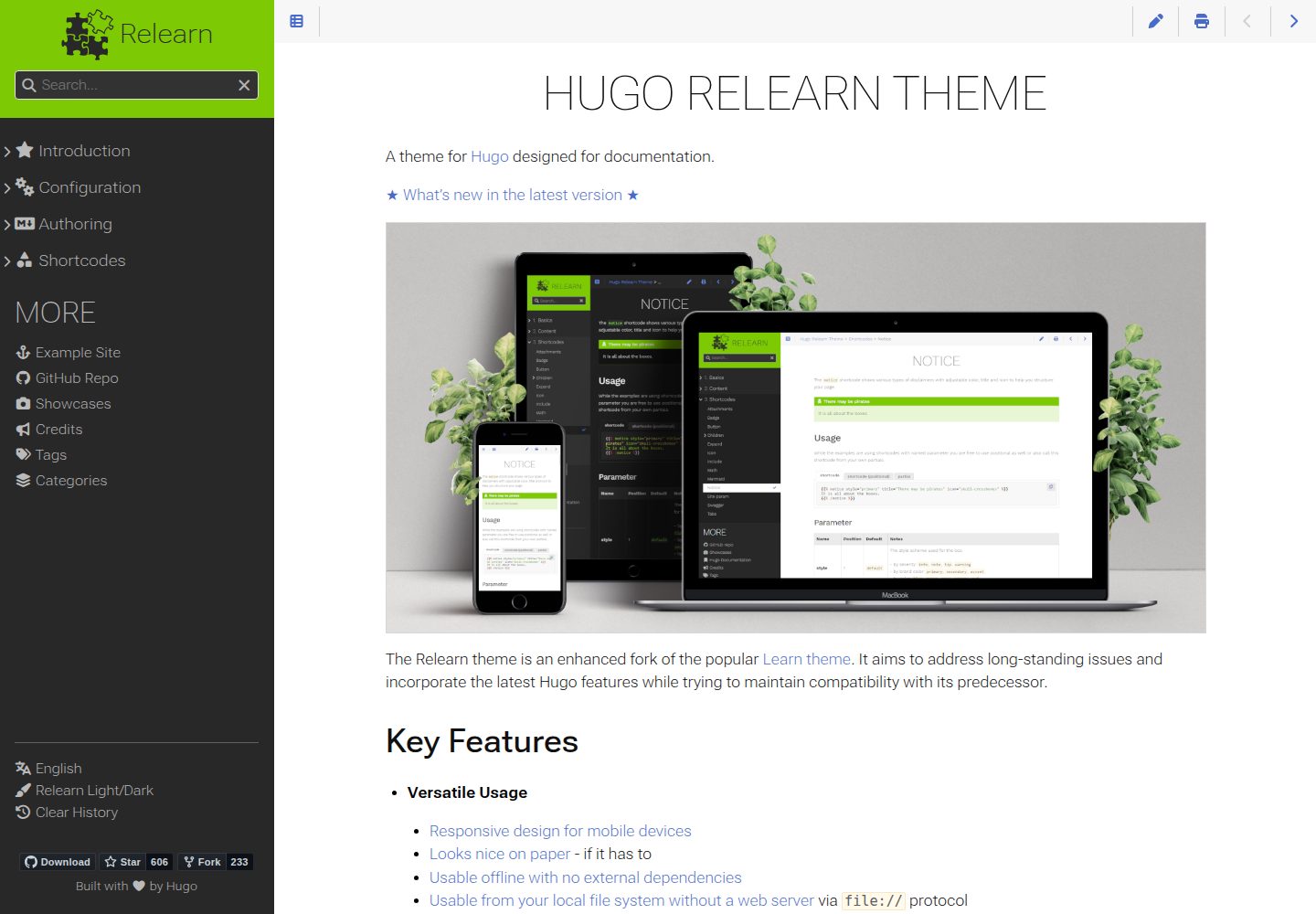
hugo-theme-relearn
Hugo Relearn is an MIT-licensed Hugo theme for documentation sites, forked from the Learn theme and enhanced with newer Hugo features.
Hugo · Documentation