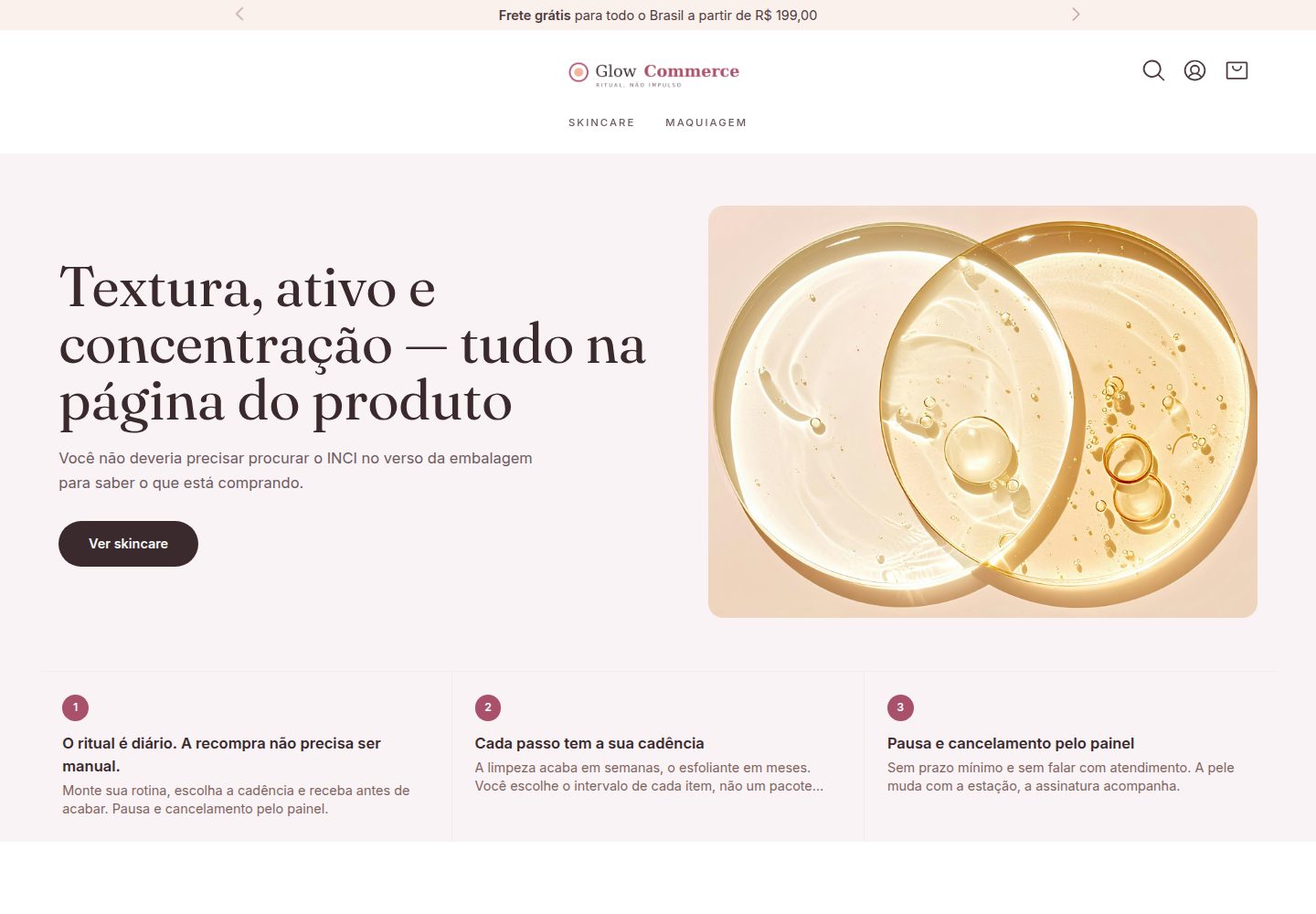
An e-commerce theme for cosmetics, skincare, and makeup categories, derived from the ecomplus/store starter template
AstroVueE-commerce
tema-glow — Astro Ecommerce Template
By ecomplus
A cosmetics and skincare e-commerce theme template built on E-Com Plus Cloud Commerce, including beauty subcategory display components and built with Astro and Vue.
Explore the design
Compare the page layouts and mobile experience. Open any screenshot for a closer look.
Desktop homepage1 / 3
Desktop captureTop of page
Actual screenshot captured by the server browser.
All pages & views 3
Screenshots show visual appearance; interactive behavior may differ.
Recorded 2026-10-13View source
What stands out
A quick read of the recorded project description.
Built with Astro and Vue; the theme layer includes a custom beauty category navigation block (c:nicho-beleza)
Includes a pink-peach color scheme and payment-related copy configuration such as Pix discounts and interest-free installments
Comes with Portuguese-language content pages for contact, exchanges, and terms, plus Unsplash demo banners (with attribution files)
Create a standalone repository via GitHub "Use this template" and maintain upgrades according to @cloudcommerce/* dependency versions
MIT licensed, permitting use, modification, commercial use, and distribution of this version of the code
Template Details
tema-glow is an e-commerce theme template under the ecomplus organization, built on the Cloud Commerce platform and aimed at cosmetics, skincare, and makeup subcategories. It derives from the ecomplus/store starter template and has been themed for beauty scenarios: brand and copy configuration, a pink-peach color scheme, payment copy such as Pix discounts and interest-free installments, a category navigation component entry point based on "skincare needs," and Portuguese-language content pages for contact, exchanges, and terms.
The theme uses a thin-shell structure: the storefront, components, and store logic come from @cloudcommerce/* dependency packages, while this repository keeps only theme-related parts (functions/ssr/src, content, and public). The product catalog is remote data; without an E-Com Plus store configured, the product showcase is empty, but the homepage hero, banners, and beauty category blocks still render normally.
The template is currently positioned as an internal prototype: the name, logo, and domain are placeholders, the tone selector is a static demo that does not actually filter the catalog, and category routes respond only after the corresponding categories and specifications are configured in the catalog. The demo site uses a shared demo catalog and is set to noindex, and robots.txt blocks all crawling by default.
AstroVueE-commerce
Is it right for your project?
Use Cases
- Use as a front-end theme starting point for beauty and skincare e-commerce sites, after replacing branding and the product catalog
- Refer to its beauty category navigation block implementation to learn how to register a custom section in Astro
- Use as a learning sample for Cloud Commerce theme development, observing the division of labor between the theme layer and platform dependency packages
- Use for demos or internal prototypes to quickly build a browsable beauty category store interface
Suitable For
- Developers planning to build a beauty and skincare e-commerce site on E-Com Plus Cloud Commerce
- Front-end engineers who need a reference implementation of an Astro and Vue e-commerce theme
- Technical teams wanting to understand the thin-shell theme structure and dependency upgrade process
Getting started & customization
Use these recorded setup notes alongside the repository instructions for your chosen version.
- 1
Run npm i to install dependencies, npm run dev to start local development (default http://localhost:3000), and npm run build to build
- 2
The product catalog is remote data; configure an E-Com Plus store and Firebase project via npm run setup, otherwise the product showcase will be empty
- 3
Before launch, replace placeholder content: the name, domain, logo, and color scheme in settings.json, images in public/img/uploads, the contact and terms pages in extra-pages, and robots.txt
- 4
The README mentions Firebase integration; before enabling related dynamic features, configure it yourself and check Firebase quotas and billing
- 5
Third-party assets such as demo images, fonts, and icons must be checked against their respective licenses; do not judge based solely on the code's MIT license
License & source material
Usage conditions & limitations
Free to use · keep license noticeThis entry covers the free version under the MIT license in the public repository; the free scope is this version of the code and does not mean external services or third-party assets are free.
Must comply with when using
- Free use, modification, commercial use, and distribution of this version of the code are permitted.
- When distributing copies or substantial portions of the code, retain the original author's copyright notice and the full MIT license notice.
- The code is provided as is; warranties and limitations of liability are governed by the original license and applicable law.
Additional costs & items to verify
- The README mentions Firebase integration; before enabling related dynamic features, configure it yourself and check Firebase quotas and billing.
- Demo images, fonts, icons, and other third-party assets must be checked against their respective licenses; do not judge based solely on the code's MIT license.
- External services such as domain, hosting, database, payment, or AI may incur additional charges.
- The product catalog is remote data; you must configure an E-Com Plus store (npm run setup), otherwise the product showcase will be empty and only the hero, banners, and beauty blocks will render.
- The tone selector is only a static demo and does not actually filter the product catalog; it will only take effect after products are specified and search filtering is integrated.
- Category routes respond only after the corresponding categories and specifications are configured in the catalog; otherwise they are unavailable.
- The logo and icons are placeholder SVG text marks and must be replaced and vectorized before launch.
- robots.txt blocks all crawling by default, and the demo site is noindex; modify before launch.
- You must configure storeId and a Firebase project (npm run setup) to enable related features.
- Demo banner photos come from Unsplash and must be checked against their respective licenses, with attribution retained.
View Original Text Basis
Permission is hereby granted, free of charge
Original License Text
O catálogo é remoto: sem uma loja E-Com Plus configurada (`npm run setup`), as vitrines de produto vêm vazias
Original README
**O seletor de tom é maquete estática.** Não filtra o catálogo.
Original README
As rotas (`/s/acne`, `/s/skincare`, `/rituais`…) só respondem depois que o catálogo tiver as categorias e especificações correspondentes.
Original README
Logo e ícone são wordmarks SVG placeholder, com o texto em `<text>`.
Original README
`functions/ssr/public/robots.txt` — hoje bloqueia tudo, porque a demo é `noindex`
Original README
`functions/*/config.json` — `storeId` e projeto Firebase (`npm run setup`)
Original README
https://github.com/ecomplus/tema-glow/blob/main/LICENSEhttps://github.com/ecomplus/tema-glow/blob/main/README.mdas fotos atuais vêm do Unsplash; créditos em `CREDITOS.md`
Original README
Compiled by DeepSeek based on repository license and README ·2026-10-13. Results only cover the materials read; dependencies, images, fonts, and subsequent term changes are subject to their respective original texts.
Project checks & description sources
Template Information
- Source platforms
- GitHub
- Documentation and maintenance reference score
- More documented · 85 / 100
- Technologies
- Astro · Vue
- Website type
- E-commerce
How this score is calculated
Our heuristic uses license records (up to 30), a demo link (12), a preview (10), stars (15), recorded maintenance (15), description completeness (8), feature records (5) and classification data (5). It is not a code, security or performance test, or a Google score. A link does not establish tested functionality.
What to verify for this project
- Repository update recorded
- 2026-08-03
- Screenshot last checked
- 2026-10-13
A demo link is listed. Check it with your own content and viewport sizes; its presence does not confirm that forms, authentication or payments work.
The catalog identifies Astro as the primary stack. Check the actual dependency manifest and lockfile for versions and hosting requirements. These notes use recorded metadata, not a code audit or a deployment test.
Use a selection guide →How this description was prepared
AI-assisted description based on catalog records and repository material. Repository authors are not automatically the reviewers of this description.
Review declaration: [email protected] · 2026-10-13
Inspect the recorded source material
SHA-256: 0841b7f001fadd8ca310660151ab250dd69cb8d473213ef54ba052fe16689c72
2026-10-13T01:26:45.685Z
Source file / repository# Glow Commerce — loja demo do nicho de beleza Cópia do starter [`ecomplus/store`](https://github.com/ecomplus/store) tematizada para **cosméticos, skincare e maquiagem**. Serve de vitrine navegável para a hipótese de nicho que hoje só existe como página de venda no site institucional. - Marca e copy: `www.e-com.plus/src/config/brands.ts`, objeto `glowCommerce` (rota `/demo/glow-commerce`). - Argumentos do nicho: `www.e-com.plus/src/pages/segmentos/beleza.astro`. - Vitrine do nicho: `www.e-com.plus/src/components/beleza/vitrine/`. - Referência de mercado: [rituaria.com.br](https://www.rituaria.com.br) — catálogo organizado por benefício, kits vendidos como "rituais", frete grátis a partir de R$ 199, 3x sem juros e 5% no Pix. > **Protótipo interno.** Nome, logo e domínio são placeholders. A e-com.plus > não tem case publicado de beleza: o material do nicho usa Lado Rosa/Lado Fit > e a migração multimarca como prova de operação, com essa ressalva explícita. ## O que foi customizado em relação ao starter | Arquivo | O que mudou | |---|---| | `functions/ssr/content/settings.json` | Nome, descrição, domínio, logo/ícone, `primaryColor` rosa profundo + `secondaryColor` pêssego, 5% no Pix, 3x sem juros, frete grátis a partir de R$ 199 | | `functions/ssr/tailwind.config.js` | Escala neutra nude/blush no lugar do cinza padrão, raio de borda mais suave | | `functions/ssr/content/layout.json` | Pitch bar (frete, Pix/parcelamento, assinatura), títulos das listas do rodapé, `ogImage` | | `functions/ssr/content/pages/home.json` | Hero de 2 slides, 3 vitrines de produto, grade de 3 banners e a seção de nicho | | `functions/ssr/src/sections/NichoBelezaSection.astro` | **Novo.** Navegação por necessidade da pele, seletor de tom, ativos declarados e chamada de assinatura | | `functions/ssr/src/sections/_Sections.astro` | Registro da seção customizada `c:nicho-beleza` | | `functions/ssr/content/extra-pages/` | Contato, trocas (troca de tom, produto lacrado, reação alérgica) e termos em PT-BR | | `functions/ssr/public/img/uploads/` | Banners do Unsplash; imagens de demo do starter removidas. Créditos em `CREDITOS.md` | ## Por que a seção de nicho é um componente, e não HTML no CMS O UnoCSS/Tailwind desta stack varre apenas `./src/**` — classe utilitária escrita dentro de `content/pages/*.json` (seção `custom-html`) não gera CSS. Por isso a vitrine do nicho é um `.astro` em `src/sections/`, registrado pela convenção `c:` que o `_Sections.astro` já previa. ## Rodando ```bash npm i npm run dev # http://localhost:3000 npm run build ``` O catálogo é remoto: sem uma loja E-Com Plus configurada (`npm run setup`), as vitrines de produto vêm vazias — o hero, os banners e a seção de nicho renderizam normalmente. ## Pendências conhecidas - **O seletor de tom é maquete estática.** Não filtra o catálogo. Ligar de verdade depende de as variações estarem cadastradas como especificação de produto e isso virar filtro de busca. Está marcado no comentário do componente. - Logo e ícone são wordmarks SVG placeholder, com o texto em `<text>`. Ao definir a identidade, vetorizar o texto. - As rotas (`/s/acne`, `/s/skincare`, `/rituais`…) só respondem depois que o catálogo tiver as categorias e especificações correspondentes. - **Decisão de cor em aberto:** a referência de mercado opera num neutro frio, quase preto; aqui o neutro é quente (nude/blush), seguindo a paleta de `brands.ts`. Validar qual lê melhor antes de fechar a identidade. - Conjunto de ícones segue o padrão do starter (heroicons). Trocar exige adicionar `@iconify-json/<set>` às dependências. ## Como atualizar a base da plataforma Este repositório é uma **casca fina**. O storefront, os componentes e a lógica de loja moram nos pacotes `@cloudcommerce/*`, não aqui. Atualizar o tema para uma versão nova da plataforma **não** é fazer merge com o starter [`ecomplus/store`](https://github.com/ecomplus/store) — é subir a versão das dependências, exatamente como as lojas em produção fazem: a [tiasonia](https://www.tiasonia.com.br) tem mais de 260 commits `Update to v` no próprio repositório e nenhum merge com o starter. Todos os pacotes `@cloudcommerce/*` andam na mesma versão, na raiz e em cada grupo de functions (`ssr`, `many`, `with-apps`): ```bash # 1. ver a versão mais recente e o changelog npm view @cloudcommerce/cli version # https://github.com/ecomplus/cloud-commerce/releases V=2.61.4 # troque pela versão alvo # 2. raiz npm i -D @cloudcommerce/cli@$V @cloudcommerce/eslint@$V # 3. cada grupo de functions (cd functions/ssr && npm i \ @cloudcommerce/api@$V @cloudcommerce/firebase@$V @cloudcommerce/ssr@$V \ @cloudcommerce/i18n@$V @cloudcommerce/storefront@$V @cloudcommerce/types@$V) (cd functions/many && npm i \ @cloudcommerce/feeds@$V @cloudcommerce/firebase@$V @cloudcommerce/passport@$V) (cd functions/with-apps && npm i \ @cloudcommerce/events@$V @cloudcommerce/firebase@$V @cloudcommerce/modules@$V) # 4. validar antes de commitar npm run build # 5. commitar no padrão das lojas em produção git commit -am "Update to v$V" ``` Se o build quebrar depois de atualizar, a correção pertence ao [`cloud-commerce`](https://github.com/ecomplus/cloud-commerce), não a este repositório. Aqui só entra o que é **do tema**: `functions/ssr/src/`, `functions/ssr/content/` e `functions/ssr/public/`. ## Este repositório é um template Use **"Use this template"** no GitHub para começar uma loja a partir deste tema. O repositório gerado é independente: não existe upstream para puxar, e a manutenção segue o fluxo de versão acima. Antes de ir ao ar, troque o que é placeholder: - `functions/ssr/content/settings.json` — nome, domínio, logo, cores, contato - `functions/ssr/public/img/uploads/` — logo, ícone e banners (as fotos atuais vêm do Unsplash; créditos em `CREDITOS.md`) - `functions/ssr/content/extra-pages/` — contato, trocas e termos - `functions/ssr/public/robots.txt` — hoje bloqueia tudo, porque a demo é `noindex` - `functions/*/config.json` — `storeId` e projeto Firebase (`npm run setup`) > **Demo publicada:** [tema-glow.web.app](https://tema-glow.web.app) — `noindex`, com > catálogo compartilhado de demonstração. --- Documentação do starter: [SETUP.pt-BR.md](./SETUP.pt-BR.md) · [Cloud Commerce](https://github.com/ecomplus/cloud-commerce)
Explore similar templates
Compare previews and descriptions within the same stack and category.

astro-shopify
A lightweight Shopify headless ecommerce starter template built with Astro and Svelte, integrating the Shopify Storefront API for product and inventory data, with built-in cart state management and basic add-to-cart and checkout flow.
Astro · E-commerce
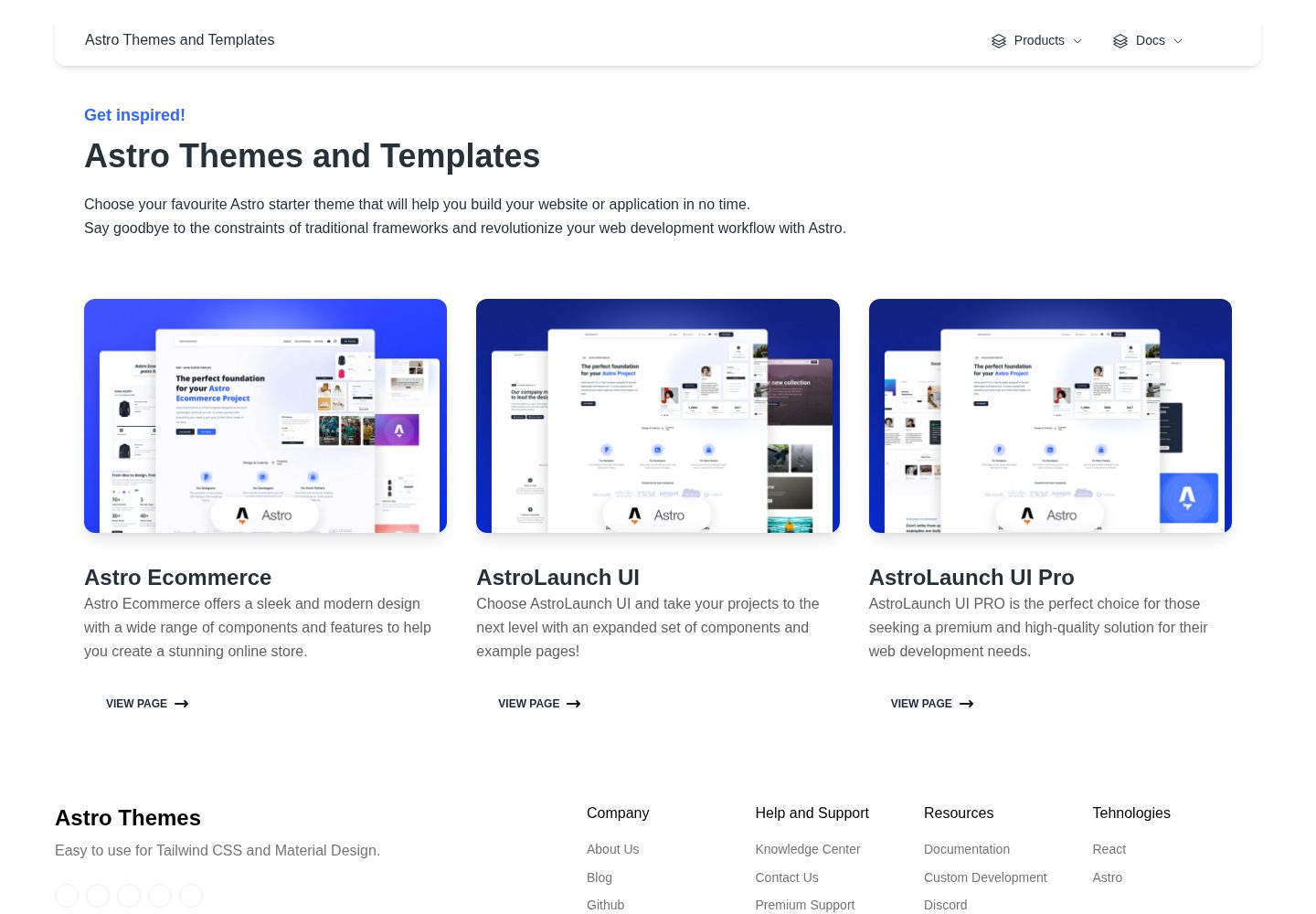
astro-ecommerce
Astro Ecommerce is a Creative Tim e-commerce Astro starter template under the MIT license, with 70+ coded elements, 30+ blocks, and landing, product, and shopping cart example pages.
Astro · E-commerce
astro-medusa-starter
An open-source e-commerce storefront starter built on Astro and Medusa v2, using a static-first architecture with React islands, multi-region routing, Stripe checkout, and Cloudflare Workers deployment.
Astro · E-commerce
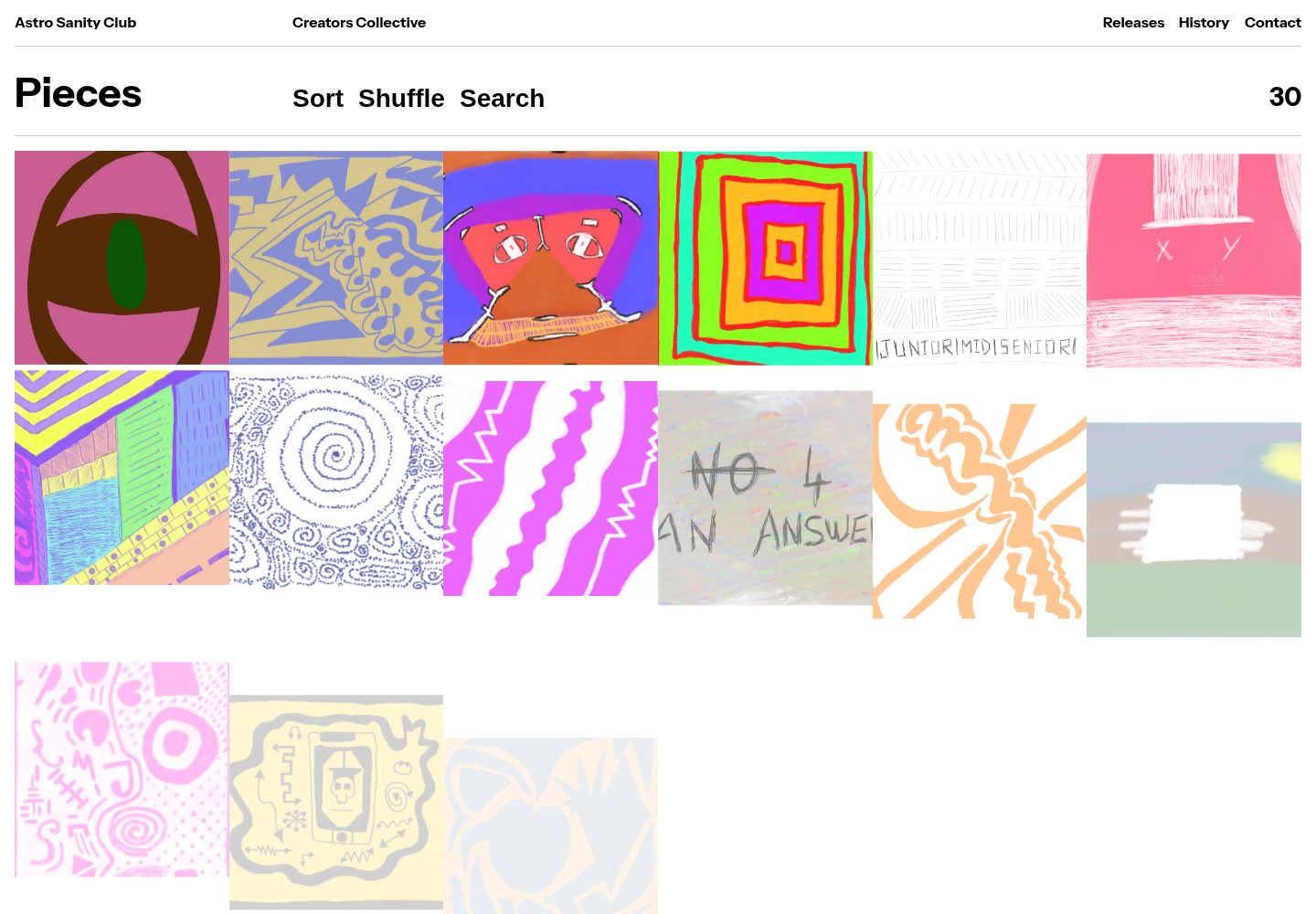
sanity-astro-club
An Astro template for showcasing and selling digital works, with content managed through an extensible Sanity Studio and checkout sessions generated via the Polar API.
Astro · E-commerce
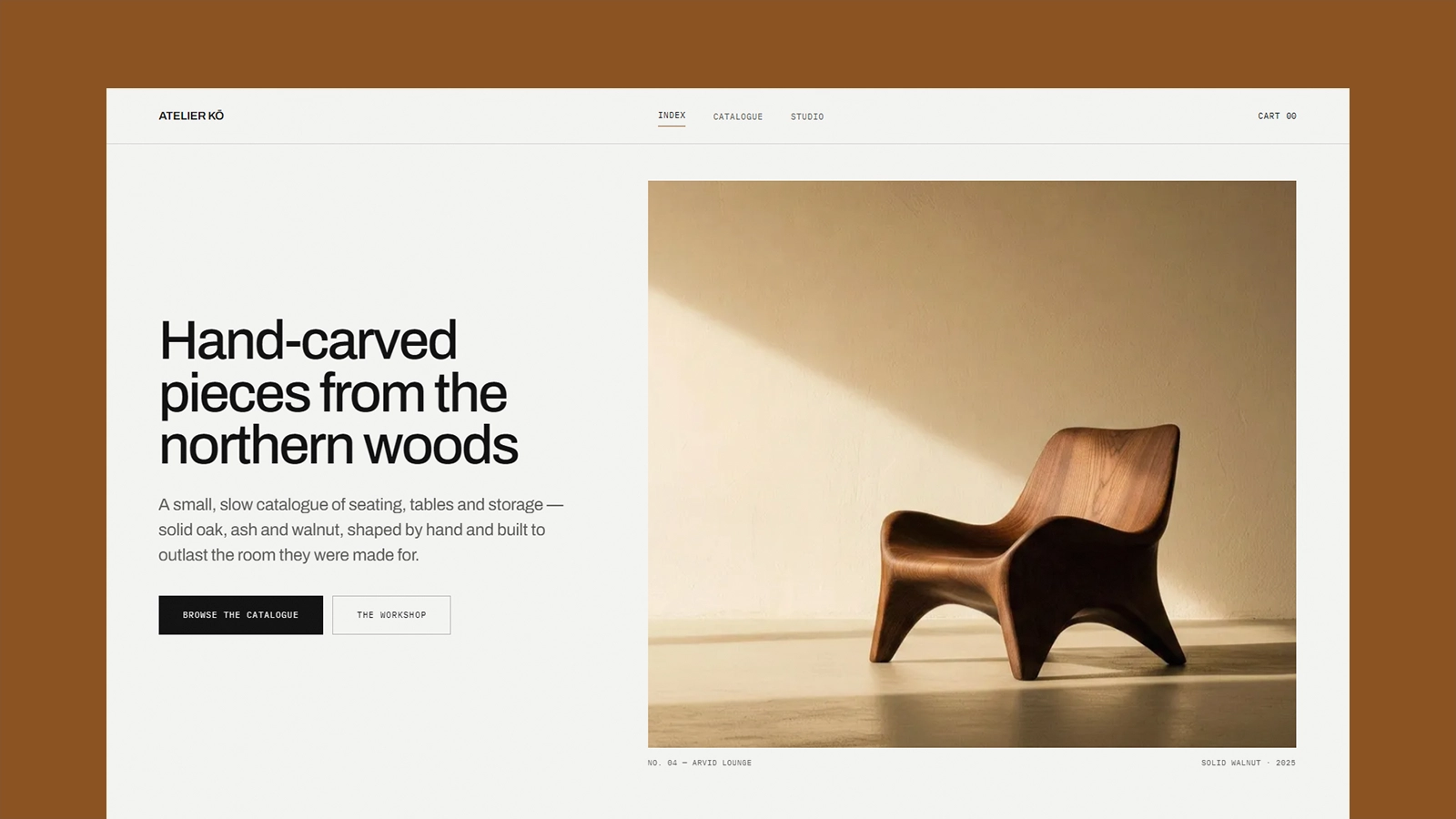
atelier-ko
Atelier Kō is a minimalist Astro ecommerce theme for small furniture workshops and craft catalogs with a limited body of work.
Astro · E-commerce
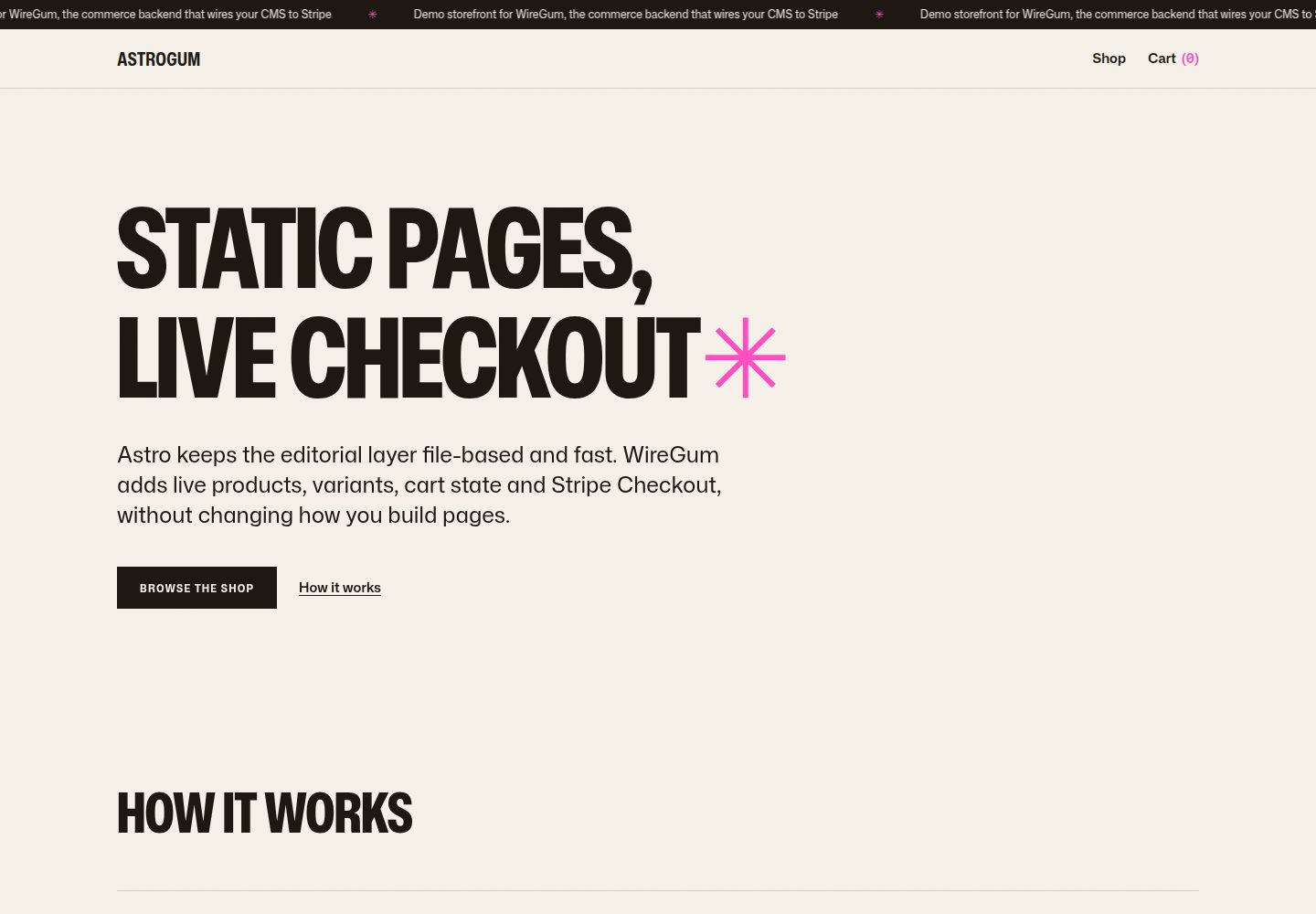
starter-astro
An Astro e-commerce storefront starter template that separates content from transactions: Markdown content collections manage pages, copy, and product images, generating static HTML at build time, while WireGum components handle live pricing, variants, cart, and Stripe Checkout.
Astro · E-commerce