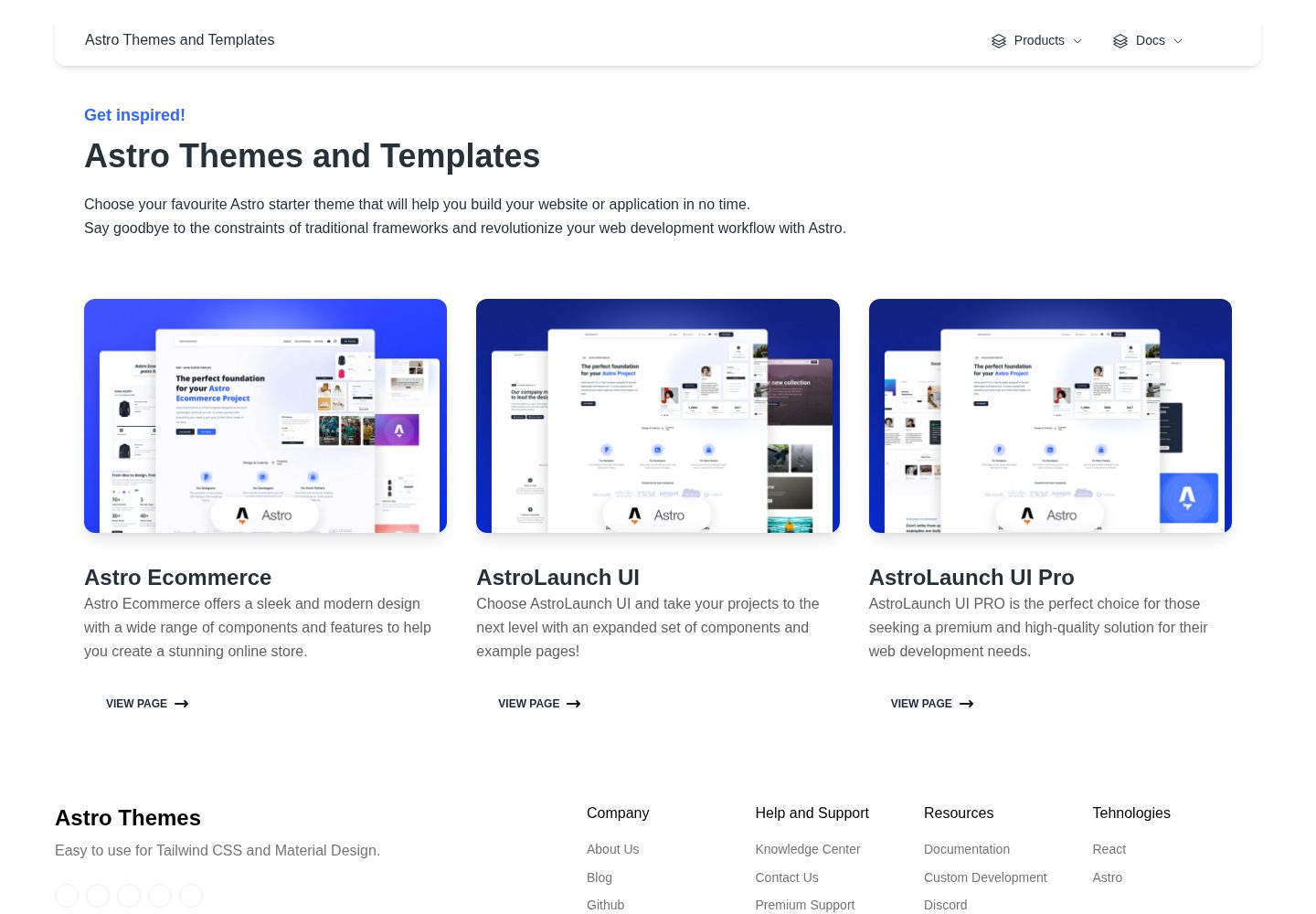
Includes 70+ coded elements and 30+ blocks, covering common e-commerce interface modules
AstroReactE-commerce
astro-ecommerce — Astro Ecommerce Template
By creativetimofficial
An Astro e-commerce template by Creative Tim offering 70+ components, 30+ blocks, and example pages for landing, product, and shopping cart, under the MIT license.
Explore the design
Compare the page layouts and mobile experience. Open any screenshot for a closer look.
Desktop homepage1 / 2
Desktop captureTop of page
Actual screenshot captured by the server browser.
All pages & views 2
Screenshots show visual appearance; interactive behavior may differ.
Recorded 2026-10-04View source
What stands out
A quick read of the recorded project description.
Provides three complete example pages: Landing, Product, and Shopping Cart
Components are organized by business directories such as cart, checkout, order, products, reviews, and store
Based on Astro's islands architecture, with mixed use of React components
Responsive design, adapting to desktop and mobile
MIT license; the free version's code may be modified, used commercially, and distributed
Template Details
Astro Ecommerce is an e-commerce Astro starter template released by Creative Tim. The repository uses the MIT license, and the free version's code may be modified, used commercially, and distributed. The template is based on Astro's islands architecture and includes React components (such as dashboardContext.tsx, footer.tsx, navbar.tsx), making it suitable as a starting point for building an online store's front-end interface.
The template ships with 70+ coded elements, 30+ blocks, and 3 complete example pages: Landing Page (introduces the site and guides actions), Product Page (presents the information needed for a purchase decision), and Shopping Page (cart summary with billing and shipping information forms). The project structure is clear: components under src/components are organized into directories such as cart, checkout, incentives, order, products, promo, reviews, and store; in src/pages, index.astro, landing.astro, product.astro, and shopping-cart.astro generate routes based on their filenames; static assets are placed in the public directory.
Before use, note the following: the template provides front-end pages and components, and the README does not state that a backend, database, or payment integration is included; third-party assets such as demo images, fonts, and icons must be checked separately against their respective licenses; external services such as domain, hosting, database, and payment may incur separate charges.
AstroReactE-commerce
Is it right for your project?
Use Cases
- Quickly building front-end pages and a component library for an e-commerce site
- Prototyping product display, shopping cart, and checkout flows for client demos
- Reusing ready-made e-commerce UI blocks in an Astro project
- Serving as a reference project for learning Astro and React mixed component structures
Suitable For
- Astro developers who need ready-made e-commerce front-end components
- Design or front-end teams that want to quickly produce e-commerce demo pages
- Projects that accept integrating their own backend, payment, and data services
- Users who can comply with the MIT license and retain the copyright notice
Getting started & customization
Use these recorded setup notes alongside the repository instructions for your chosen version.
- 1
Use npm install to install dependencies, and npm run dev to start the local development server (default localhost:3000)
- 2
npm run build builds the production site to ./dist/, and npm run preview previews the build result locally
- 3
Page routes are determined by the .astro or .md filenames under src/pages; add new pages to that directory
- 4
Static assets such as images are placed in the public directory
- 5
Third-party assets such as demo images, fonts, and icons must be checked separately against their respective licenses; external services may incur separate charges
License & source material
Usage conditions & limitations
Free to use · keep license noticeThis entry covers the free version in the public repository under the MIT license; the free scope is the code of this version and does not mean that external services or third-party assets are free.
Must comply with when using
- The code of this version may be used, modified, used commercially, and distributed free of charge.
- When distributing copies or substantial portions of the code, retain the original author's copyright notice and the full MIT license notice.
- The code is provided as is; warranties and limitations of liability are governed by the original license and applicable law.
Additional costs & items to verify
- Demo images, fonts, icons, and other third-party assets must be checked against their respective licenses and cannot be judged solely by the code's MIT license.
- External services such as domain, hosting, database, payment, or AI may incur separate charges.
View Original Text Basis
https://github.com/creativetimofficial/astro-ecommerce/blob/main/LICENSE.MDhttps://github.com/creativetimofficial/astro-ecommerce/blob/main/README.mdPermission is hereby granted, free of charge
Original License Text
Compiled by DeepSeek based on repository license and README ·2026-10-04. Results only cover the materials read; dependencies, images, fonts, and subsequent term changes are subject to their respective original texts.
Project checks & description sources
Template Information
- Source platforms
- Astro Themes
- Documentation and maintenance reference score
- More documented · 90 / 100
- Technologies
- Astro · React
- Website type
- E-commerce
How this score is calculated
Our heuristic uses license records (up to 30), a demo link (12), a preview (10), stars (15), recorded maintenance (15), description completeness (8), feature records (5) and classification data (5). It is not a code, security or performance test, or a Google score. A link does not establish tested functionality.
What to verify for this project
- Repository update recorded
- 2025-09-19
- Screenshot last checked
- 2026-10-04
A demo link is listed. Check it with your own content and viewport sizes; its presence does not confirm that forms, authentication or payments work.
The catalog identifies Astro as the primary stack. Check the actual dependency manifest and lockfile for versions and hosting requirements. These notes use recorded metadata, not a code audit or a deployment test.
Use a selection guide →How this description was prepared
AI-assisted description based on catalog records and repository material. Repository authors are not automatically the reviewers of this description.
Review declaration: [email protected] · 2026-10-04
Inspect the recorded source material
SHA-256: 865299767e3e8441983fca5f4b52297d8c8119a0ac286394edd733b3eca11385
2026-10-04T08:04:02.473Z
Source file / repository# Welcome to [Astro Ecommerce](https://www.creative-tim.com/astro)  [](https://github.com/creativetimofficial/astro-ecommerce/issues?q=is%3Aopen+is%3Aissue) [](https://github.com/creativetimofficial/astro-ecommerce/issues?q=is%3Aissue+is%3Aclosed) 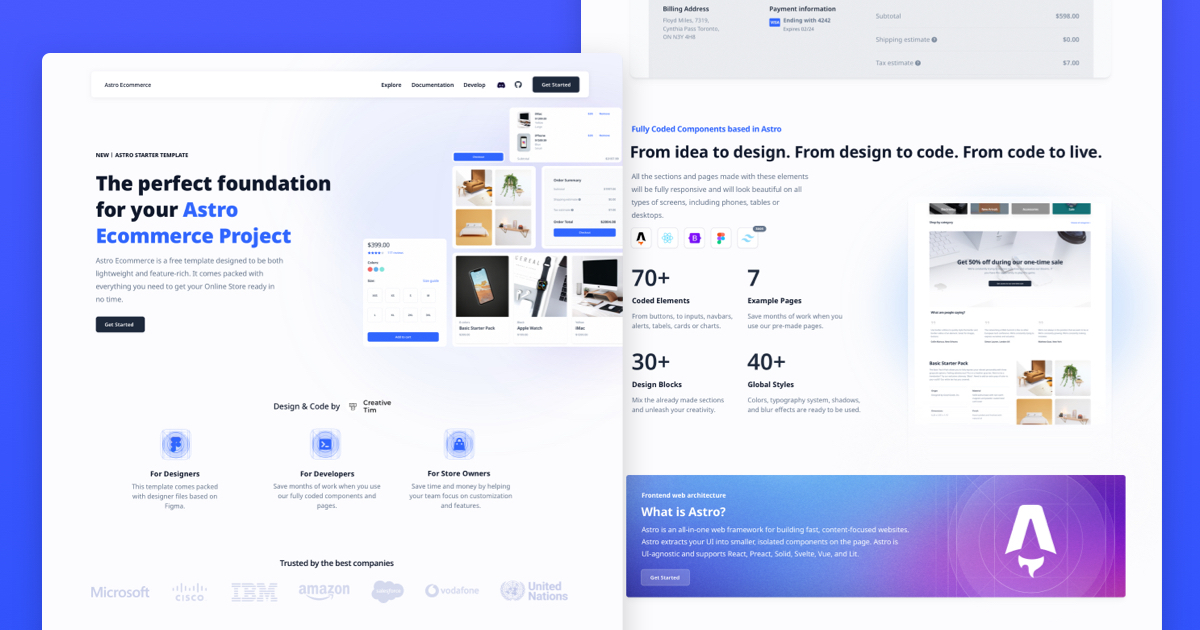 ## Description Introducing **Astro Ecommerce**, the ultimate starter template for your e-commerce web project. Built on Astro's next-gen island architecture, Astro Ecommerce offers a sleek and modern design with a wide range of components and features to help you create a stunning online store. **Main Features** Build your e-commerce website quickly and efficiently with: - 70+ fully coded elements - 3 fully coded example pages - 30+ blocks - Responsive design **Example Pages** We created a set of pre-built pages to help you get inspired or show something to your clients. See them below: - [Landing Page](https://demos.creative-tim.com/astro-ecommerce/landing/): Designed to introduce the website's purpose and encourage the user to take an action. - [Product Page](https://demos.creative-tim.com/astro-ecommerce/product/): It's designed to give the user all the information they need to make a purchase decision - [Shopping Page](https://demos.creative-tim.com/astro-ecommerce/shopping-cart/): Includes a summary of the items in the cart and a form for billing and shipping information. - more+ Astro Ecommerce has everything you need to create the e-commerce website of your dreams. ## 🚀 Project Structure Inside of your Astro project, you'll see the following folders and files: ``` / ├── public/ │ └── favicon.svg ├── src/ │ ├── components/ │ │ ├── cart/ │ │ ├── checkout/ │ │ ├── incentives/ │ │ ├── order/ │ │ ├── products/ │ │ ├── promo/ │ │ ├── reviews/ │ │ ├── store/ │ │ ├── dashboardContext.tsx │ │ ├── footer.tsx │ │ └── navbar.tsx │ ├── layouts/ │ │ └── Layout.astro │ └── pages/ │ ├── index.astro │ ├── landing.astro │ ├── product.astro │ └── shopping-cart.astro ├── package.json ├── README.md └── tsconfig.json ``` Astro looks for `.astro` or `.md` files in the `src/pages/` directory. Each page is exposed as a route based on its file name. There's nothing special about `src/components/`, but that's where we like to put any Astro/React/Vue/Svelte/Preact components. Any static assets, like images, can be placed in the `public/` directory. ## 🧞 Commands All commands are run from the root of the project, from a terminal: | Command | Action | | :--------------------- | :------------------------------------------------- | | `npm install` | Installs dependencies | | `npm run dev` | Starts local dev server at `localhost:3000` | | `npm run build` | Build your production site to `./dist/` | | `npm run preview` | Preview your build locally, before deploying | | `npm run astro ...` | Run CLI commands like `astro add`, `astro preview` | | `npm run astro --help` | Get help using the Astro CLI | #### Social Media Twitter: <https://twitter.com/CreativeTim> Facebook: <https://www.facebook.com/CreativeTim> Dribbble: <https://dribbble.com/creativetim> TikTok: <https://tiktok.com/@creative.tim> Instagram: <https://instagram.com/creativetimofficial> ## 👀 Want to learn more? Feel free to check [our documentation](https://www.creative-tim.com/learning-lab/astro/overview/astro-ecommerce) or jump into our [Discord server](https://discord.com/invite/TGZqBvZB).
Explore similar templates
Compare previews and descriptions within the same stack and category.

astro-shopify
A lightweight Shopify headless ecommerce starter template built with Astro and Svelte, integrating the Shopify Storefront API for product and inventory data, with built-in cart state management and basic add-to-cart and checkout flow.
Astro · E-commerce
astro-medusa-starter
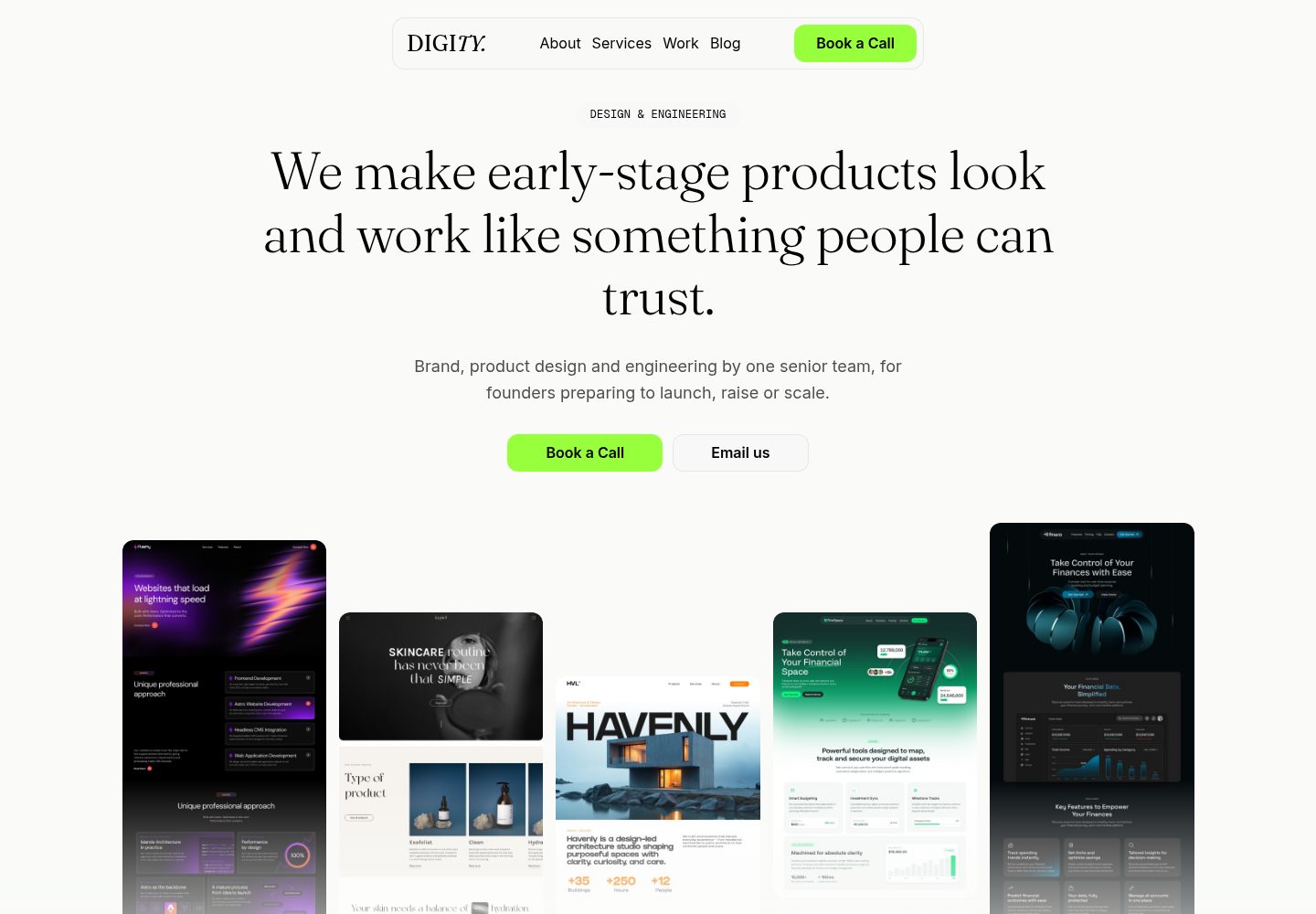
An open-source e-commerce storefront starter built on Astro and Medusa v2, using a static-first architecture with React islands, multi-region routing, Stripe checkout, and Cloudflare Workers deployment.
Astro · E-commerce
sanity-astro-club
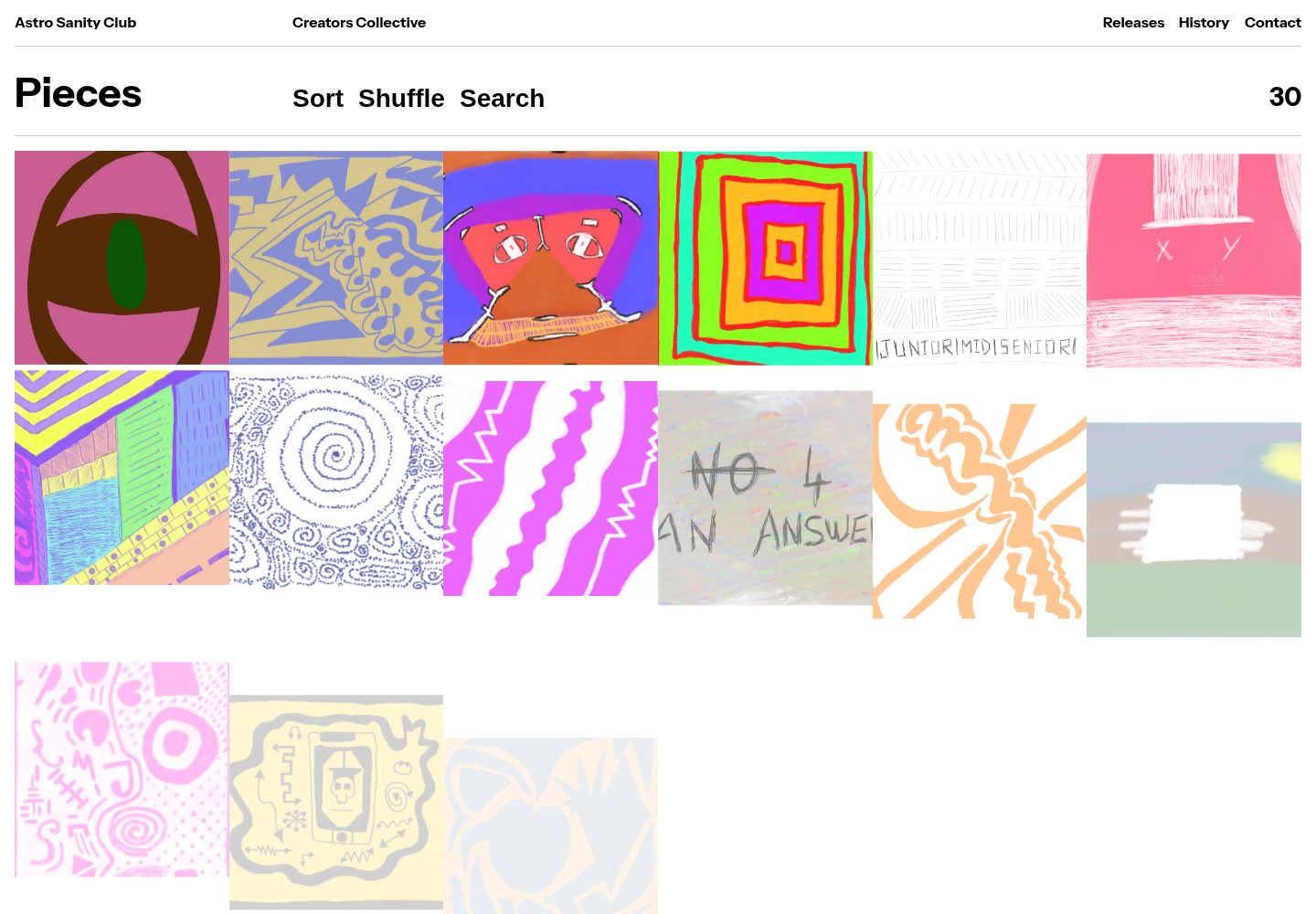
An Astro template for showcasing and selling digital works, with content managed through an extensible Sanity Studio and checkout sessions generated via the Polar API.
Astro · E-commerce
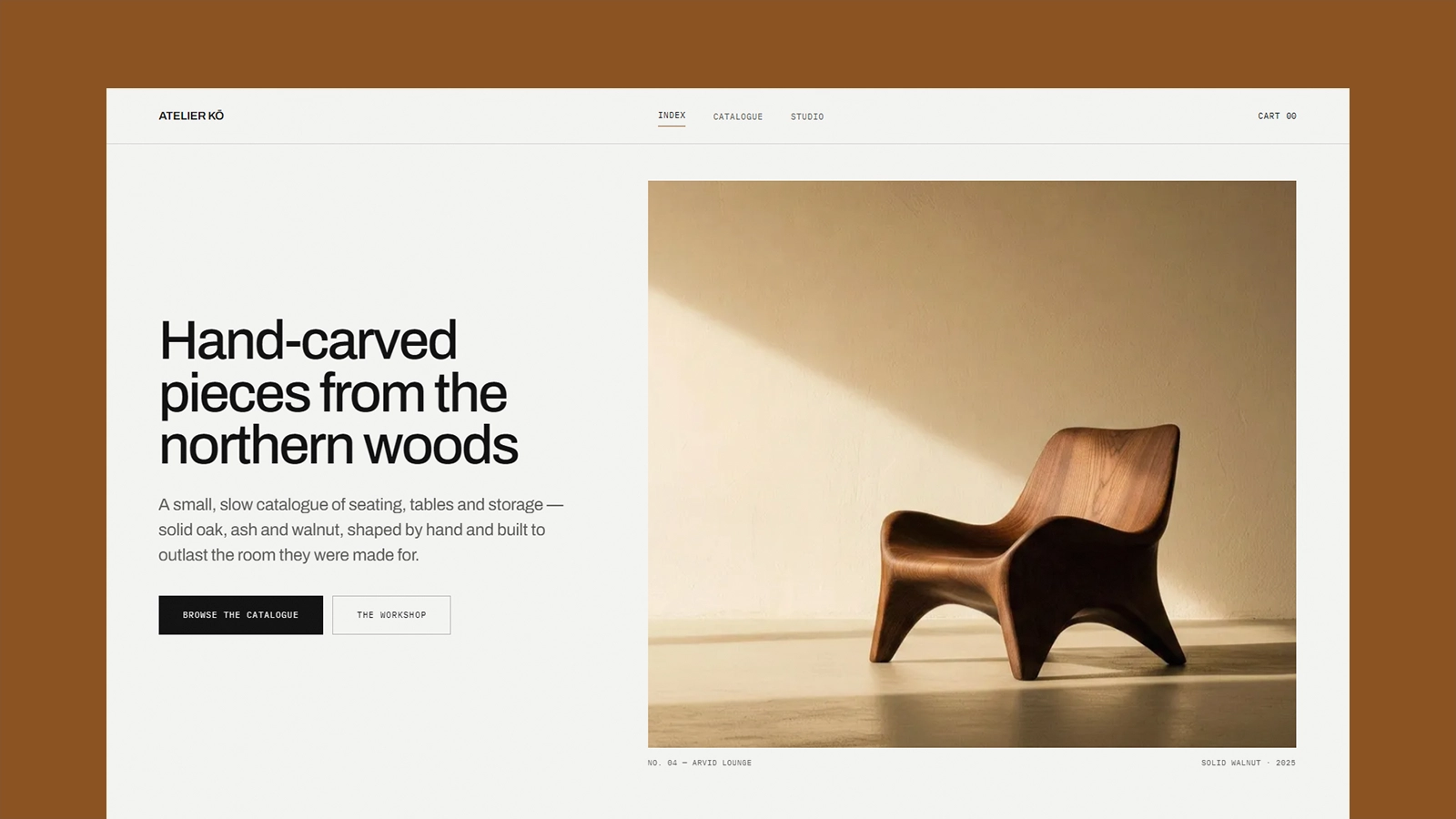
atelier-ko
Atelier Kō is a minimalist Astro ecommerce theme for small furniture workshops and craft catalogs with a limited body of work.
Astro · E-commerce
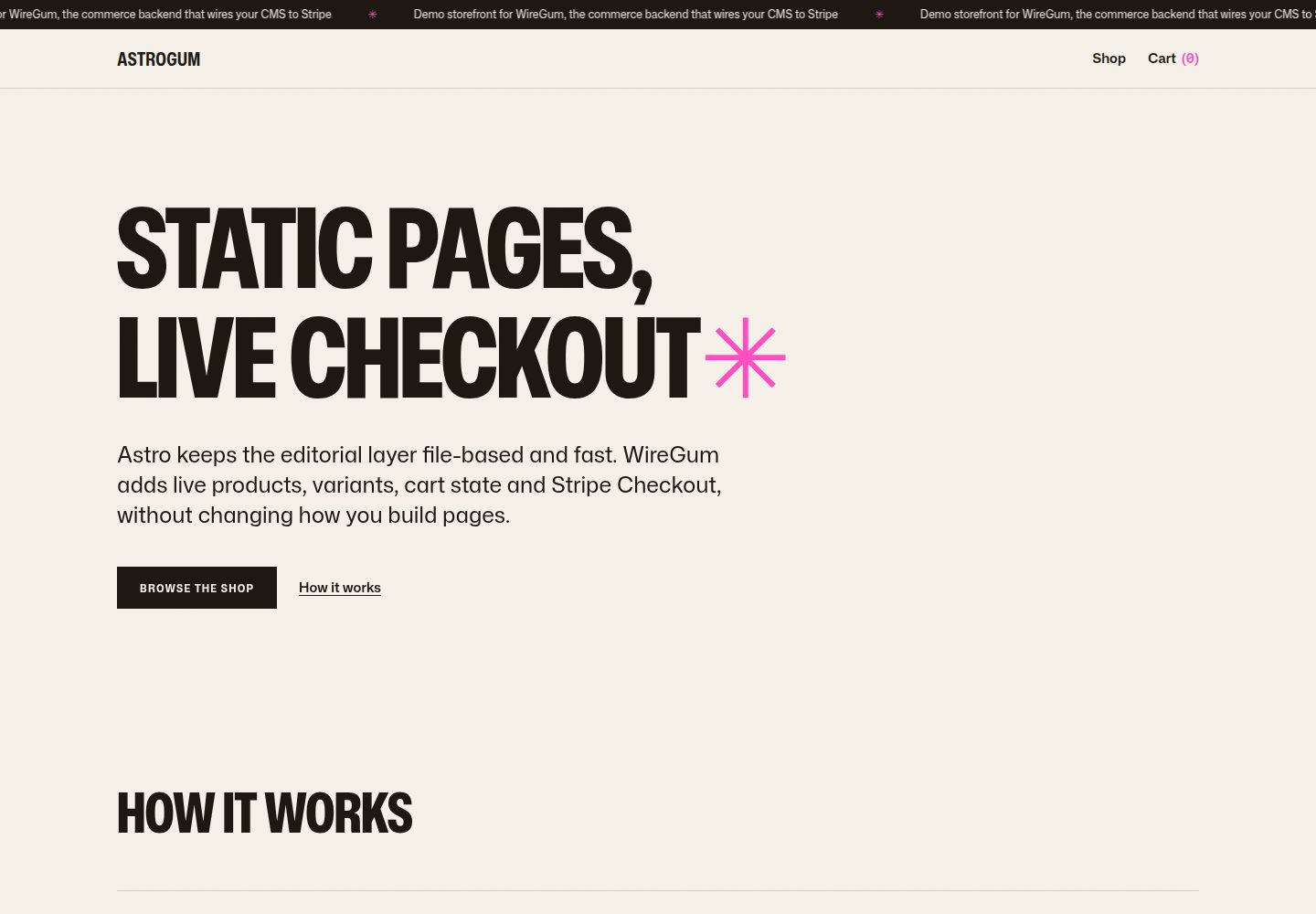
starter-astro
An Astro e-commerce storefront starter template that separates content from transactions: Markdown content collections manage pages, copy, and product images, generating static HTML at build time, while WireGum components handle live pricing, variants, cart, and Stripe Checkout.
Astro · E-commerce
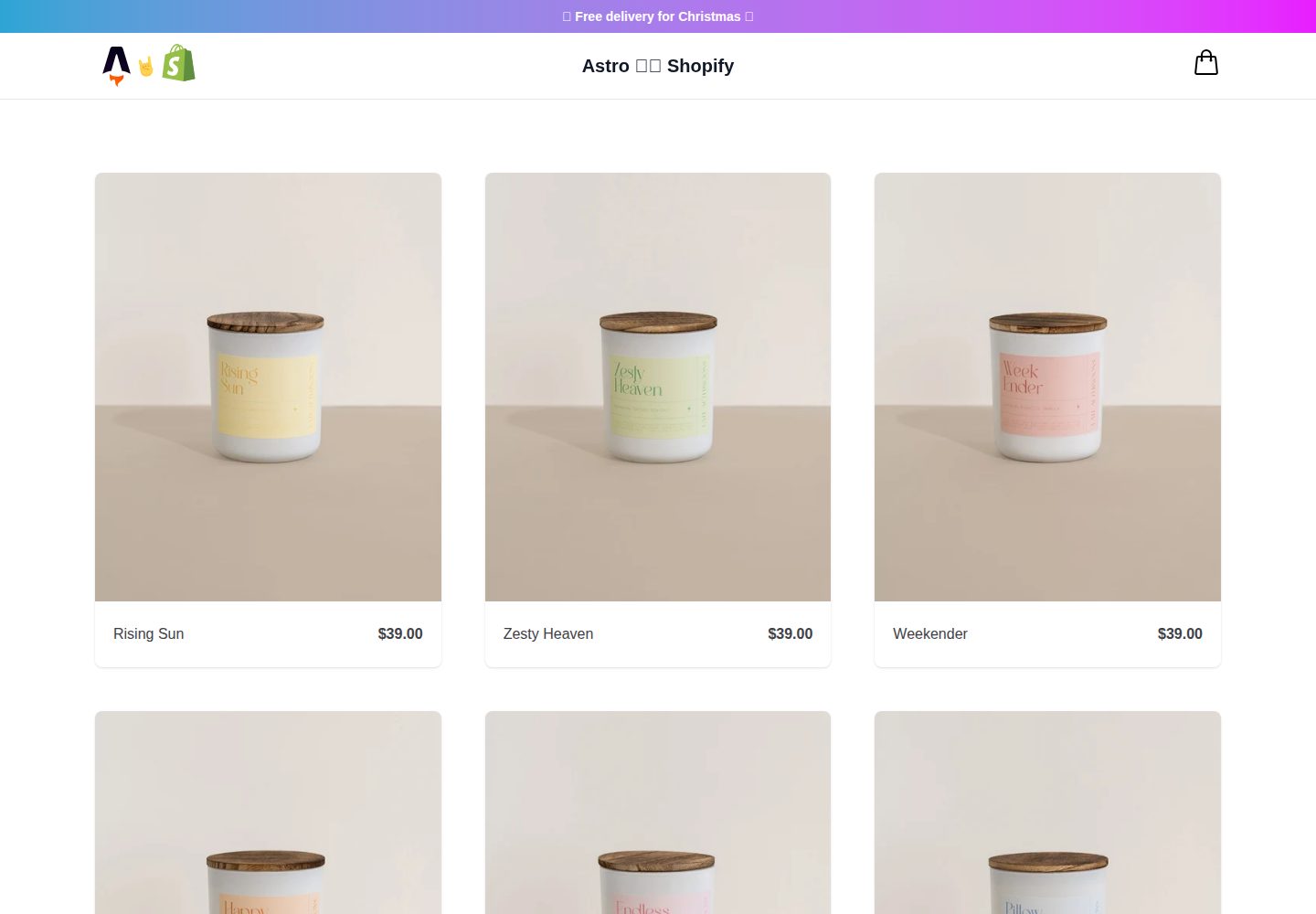
midwestagtech
A lightweight Astro-based ecommerce starter theme for building headless Shopify storefronts. It uses Svelte for interactive components by default, with support for React, Vue, or Solid via Astro integrations, and Tailwind UI free components for the interface.
Astro · E-commerce