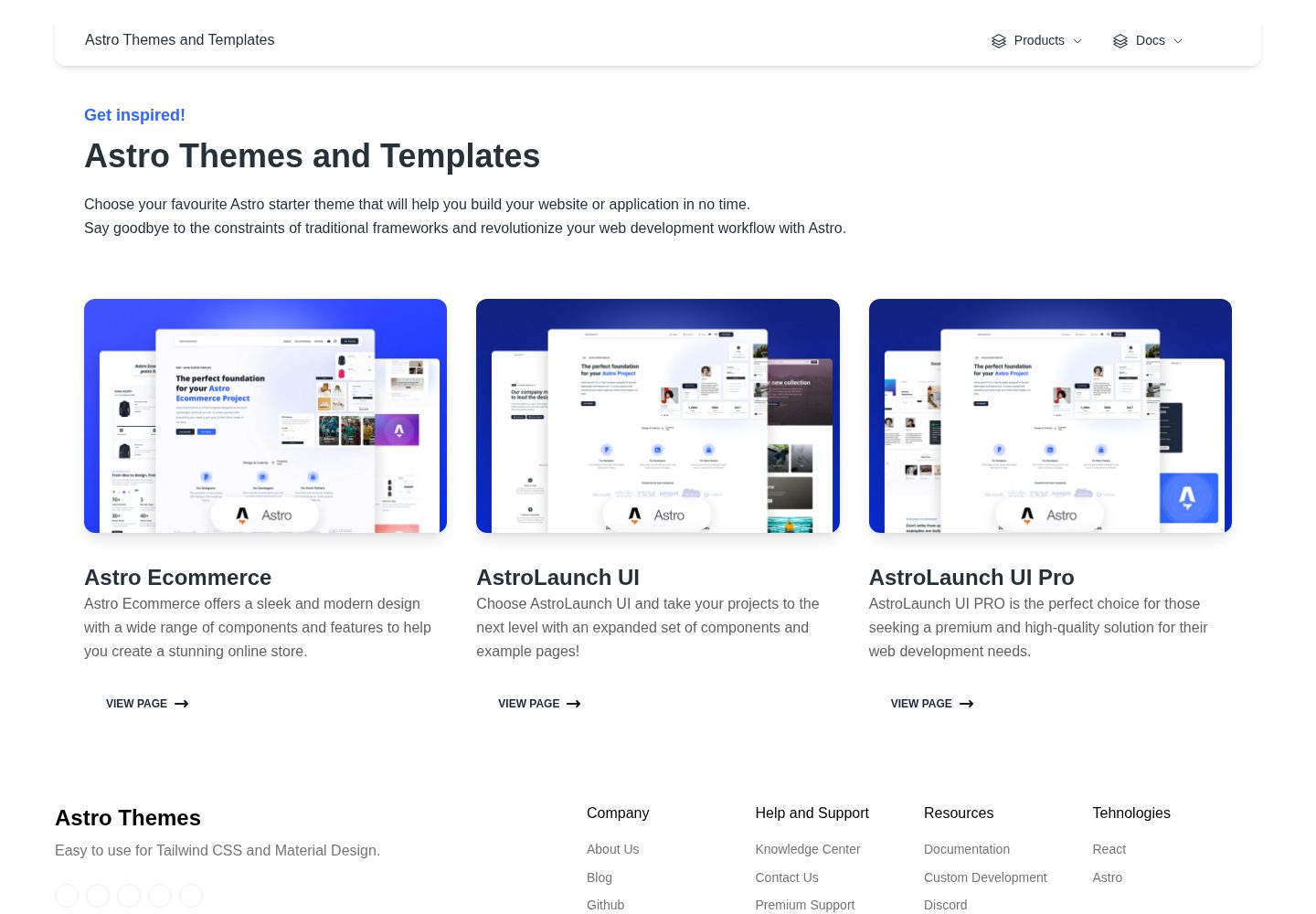
包含 70+ 个已编码元素与 30+ 个区块,覆盖电商常见界面模块
AstroReact电商
astro-ecommerce — Astro 电商模板
作者 creativetimofficial
Creative Tim 出品的 Astro 电商模板,提供 70+ 组件、30+ 区块和落地页、商品页、购物车等示例页面,采用 MIT 许可。
看看你的网站会是什么样
浏览真实页面截图,比较内容排版与手机效果。点击下方缩略图切换,放大查看整页细节。
全部页面与视图 2
截图用于了解视觉与布局,交互效果请以实际项目为准。
采集于 2026-10-04查看来源
值得关注的模板亮点
从已有项目资料中,快速了解它的特点。
提供 Landing、Product、Shopping Cart 三个完整示例页面
组件按 cart、checkout、order、products、reviews、store 等业务目录组织
基于 Astro 岛屿架构,并混用 React 组件
响应式设计,适配桌面端与移动端
MIT 许可,免费版本代码允许修改、商用与分发
模板详细介绍
Astro Ecommerce 是 Creative Tim 发布的电商类 Astro 起始模板,仓库采用 MIT 许可,免费版本代码可修改、商用与分发。模板基于 Astro 的岛屿架构,并包含 React 组件(如 dashboardContext.tsx、footer.tsx、navbar.tsx),适合作为搭建在线商店前端界面的起点。
模板自带 70+ 个已编码元素、30+ 个区块,以及 3 个完整示例页面:Landing Page(介绍网站并引导操作)、Product Page(展示购买决策所需信息)、Shopping Page(购物车摘要与账单、配送信息表单)。项目结构清晰,src/components 下按 cart、checkout、incentives、order、products、promo、reviews、store 等目录组织组件,src/pages 中 index.astro、landing.astro、product.astro、shopping-cart.astro 按文件名生成路由,静态资源放在 public 目录。
使用前需注意:模板提供的是前端页面与组件,README 未说明内置后端、数据库或支付集成;演示图片、字体、图标等第三方素材需按各自许可单独核对,域名、托管、数据库、支付等外部服务可能另行收费。
AstroReact电商
适合你的项目吗?
适用场景
- 快速搭建电商网站的前端页面与组件库
- 为客户演示商品展示、购物车与结算流程的原型
- 在 Astro 项目中复用现成的电商 UI 区块
- 作为学习 Astro 与 React 混合组件结构的参考项目
适合人群
- 需要现成电商前端组件的 Astro 开发者
- 希望快速产出电商演示页面的设计或前端团队
- 接受自行接入后端、支付与数据服务的项目
- 可遵守 MIT 许可并保留版权声明的使用者
上手与定制指南
结合仓库当前版本的说明,按下面的资料检查内容、配置与运行要求。
- 1
使用 npm install 安装依赖,npm run dev 启动本地开发服务器(默认 localhost:3000)
- 2
npm run build 构建生产站点到 ./dist/,npm run preview 在本地预览构建结果
- 3
页面路由由 src/pages 下的 .astro 或 .md 文件名决定,新增页面放入该目录
- 4
图片等静态资源放在 public 目录
- 5
演示图片、字体、图标等第三方素材需按各自许可单独核对,外部服务可能另行收费
授权与来源资料
使用条件与限制
免费使用 · 保留许可声明本次收录的是公开仓库中采用 MIT 许可的免费版本;免费范围为该版本代码,不代表外部服务或第三方素材免费。
使用时需要遵守
- 允许免费使用、修改、商用和分发该版本代码。
- 分发代码副本或实质性部分时,保留原作者版权声明和完整 MIT 许可声明。
- 代码按现状提供;担保与责任限制以原许可证及适用法律为准。
额外费用与待核对事项
- 演示图片、字体、图标及其他第三方素材需按各自许可核对,不能仅凭代码的 MIT 许可判断。
- 域名、托管、数据库、支付或 AI 等外部服务可能另外收费。
查看原文依据
https://github.com/creativetimofficial/astro-ecommerce/blob/main/LICENSE.MDhttps://github.com/creativetimofficial/astro-ecommerce/blob/main/README.mdPermission is hereby granted, free of charge
许可证原文
DeepSeek 根据仓库许可证和 README 整理 ·2026-10-04。结果仅覆盖已读取资料,依赖、图片、字体及后续条款变更以各自原文为准。
项目核对记录与介绍依据
模板资料
- 来源平台
- Astro Themes
- 资料与维护参考分
- 资料较完整 · 90 / 100
- 技术栈
- Astro · React
- 网站类型
- 电商
这个分数如何计算
本站按许可资料(最高30分)、演示链接(12分)、预览图(10分)、Star数(15分)、记录的维护时间(15分)、描述完整度(8分)、功能记录(5分)和分类资料(5分)计算。它不是代码、安全或性能测试,也不是 Google 评分;有链接不代表已实测可用。
这个项目需要核对什么
- 记录的仓库更新时间
- 2025-09-19
- 截图检查日期
- 2026-10-04
已收录演示链接。请用你的内容与屏幕尺寸检查;有演示不代表表单、认证或支付已经可用。
目录记录的主要技术栈是 Astro。请通过依赖清单和锁文件核对实际版本与托管要求。这些说明基于收录资料,不代表代码审计或部署实测。
查看具体选型方法 →介绍的制作与核对状态
介绍由 AI 辅助整理目录与仓库资料。仓库作者不等于这篇介绍的审核者。
审核声明: [email protected] · 2026-10-04
查看当时使用的来源资料
SHA-256: 865299767e3e8441983fca5f4b52297d8c8119a0ac286394edd733b3eca11385
2026-10-04T08:04:02.473Z
来源文件 / 仓库# Welcome to [Astro Ecommerce](https://www.creative-tim.com/astro)  [](https://github.com/creativetimofficial/astro-ecommerce/issues?q=is%3Aopen+is%3Aissue) [](https://github.com/creativetimofficial/astro-ecommerce/issues?q=is%3Aissue+is%3Aclosed) 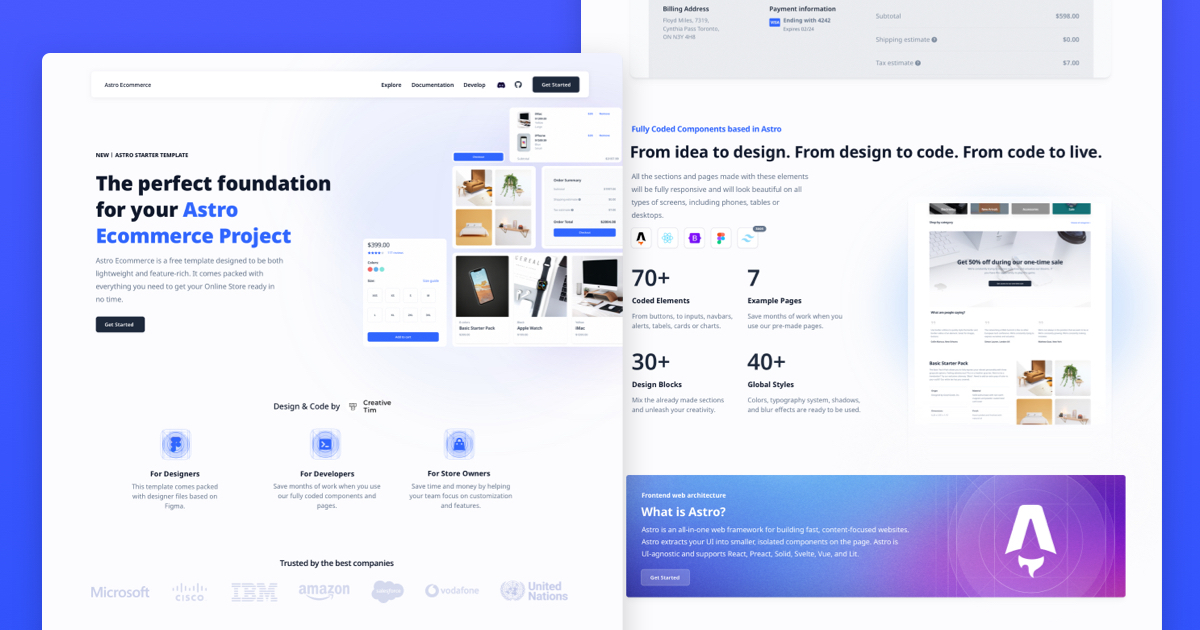 ## Description Introducing **Astro Ecommerce**, the ultimate starter template for your e-commerce web project. Built on Astro's next-gen island architecture, Astro Ecommerce offers a sleek and modern design with a wide range of components and features to help you create a stunning online store. **Main Features** Build your e-commerce website quickly and efficiently with: - 70+ fully coded elements - 3 fully coded example pages - 30+ blocks - Responsive design **Example Pages** We created a set of pre-built pages to help you get inspired or show something to your clients. See them below: - [Landing Page](https://demos.creative-tim.com/astro-ecommerce/landing/): Designed to introduce the website's purpose and encourage the user to take an action. - [Product Page](https://demos.creative-tim.com/astro-ecommerce/product/): It's designed to give the user all the information they need to make a purchase decision - [Shopping Page](https://demos.creative-tim.com/astro-ecommerce/shopping-cart/): Includes a summary of the items in the cart and a form for billing and shipping information. - more+ Astro Ecommerce has everything you need to create the e-commerce website of your dreams. ## 🚀 Project Structure Inside of your Astro project, you'll see the following folders and files: ``` / ├── public/ │ └── favicon.svg ├── src/ │ ├── components/ │ │ ├── cart/ │ │ ├── checkout/ │ │ ├── incentives/ │ │ ├── order/ │ │ ├── products/ │ │ ├── promo/ │ │ ├── reviews/ │ │ ├── store/ │ │ ├── dashboardContext.tsx │ │ ├── footer.tsx │ │ └── navbar.tsx │ ├── layouts/ │ │ └── Layout.astro │ └── pages/ │ ├── index.astro │ ├── landing.astro │ ├── product.astro │ └── shopping-cart.astro ├── package.json ├── README.md └── tsconfig.json ``` Astro looks for `.astro` or `.md` files in the `src/pages/` directory. Each page is exposed as a route based on its file name. There's nothing special about `src/components/`, but that's where we like to put any Astro/React/Vue/Svelte/Preact components. Any static assets, like images, can be placed in the `public/` directory. ## 🧞 Commands All commands are run from the root of the project, from a terminal: | Command | Action | | :--------------------- | :------------------------------------------------- | | `npm install` | Installs dependencies | | `npm run dev` | Starts local dev server at `localhost:3000` | | `npm run build` | Build your production site to `./dist/` | | `npm run preview` | Preview your build locally, before deploying | | `npm run astro ...` | Run CLI commands like `astro add`, `astro preview` | | `npm run astro --help` | Get help using the Astro CLI | #### Social Media Twitter: <https://twitter.com/CreativeTim> Facebook: <https://www.facebook.com/CreativeTim> Dribbble: <https://dribbble.com/creativetim> TikTok: <https://tiktok.com/@creative.tim> Instagram: <https://instagram.com/creativetimofficial> ## 👀 Want to learn more? Feel free to check [our documentation](https://www.creative-tim.com/learning-lab/astro/overview/astro-ecommerce) or jump into our [Discord server](https://discord.com/invite/TGZqBvZB).
看看同类模板
对比同技术栈与用途的模板,找到更适合的视觉与内容结构。

astro-shopify
astro-shopify 是一个面向开发者的轻量级电商启动模板,用于构建基于 Shopify 的无头店面。
Astro · 电商
astro-medusa-starter
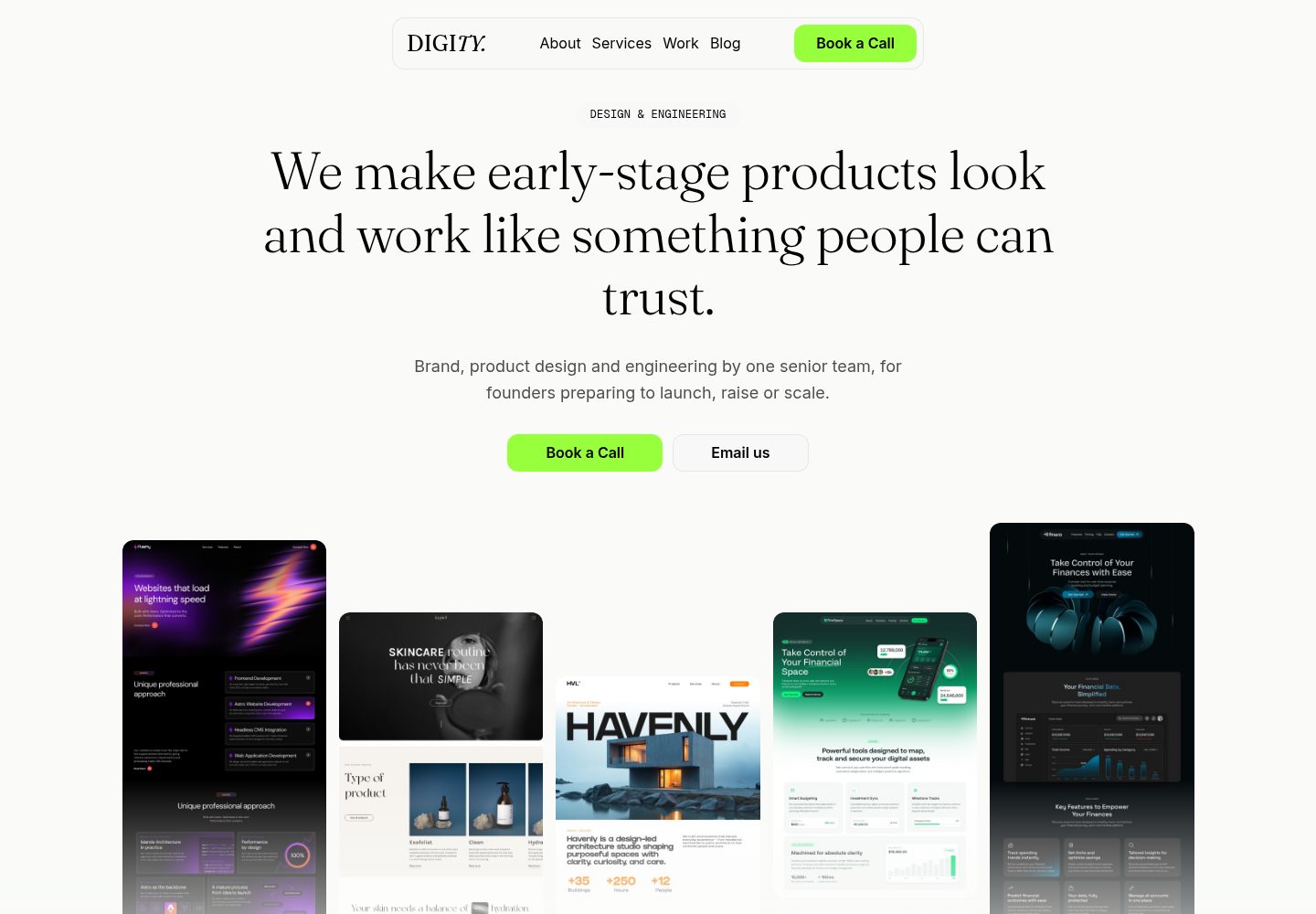
Astro + Medusa starter for e-commerce. Optimized to the core.
Astro · 电商
sanity-astro-club
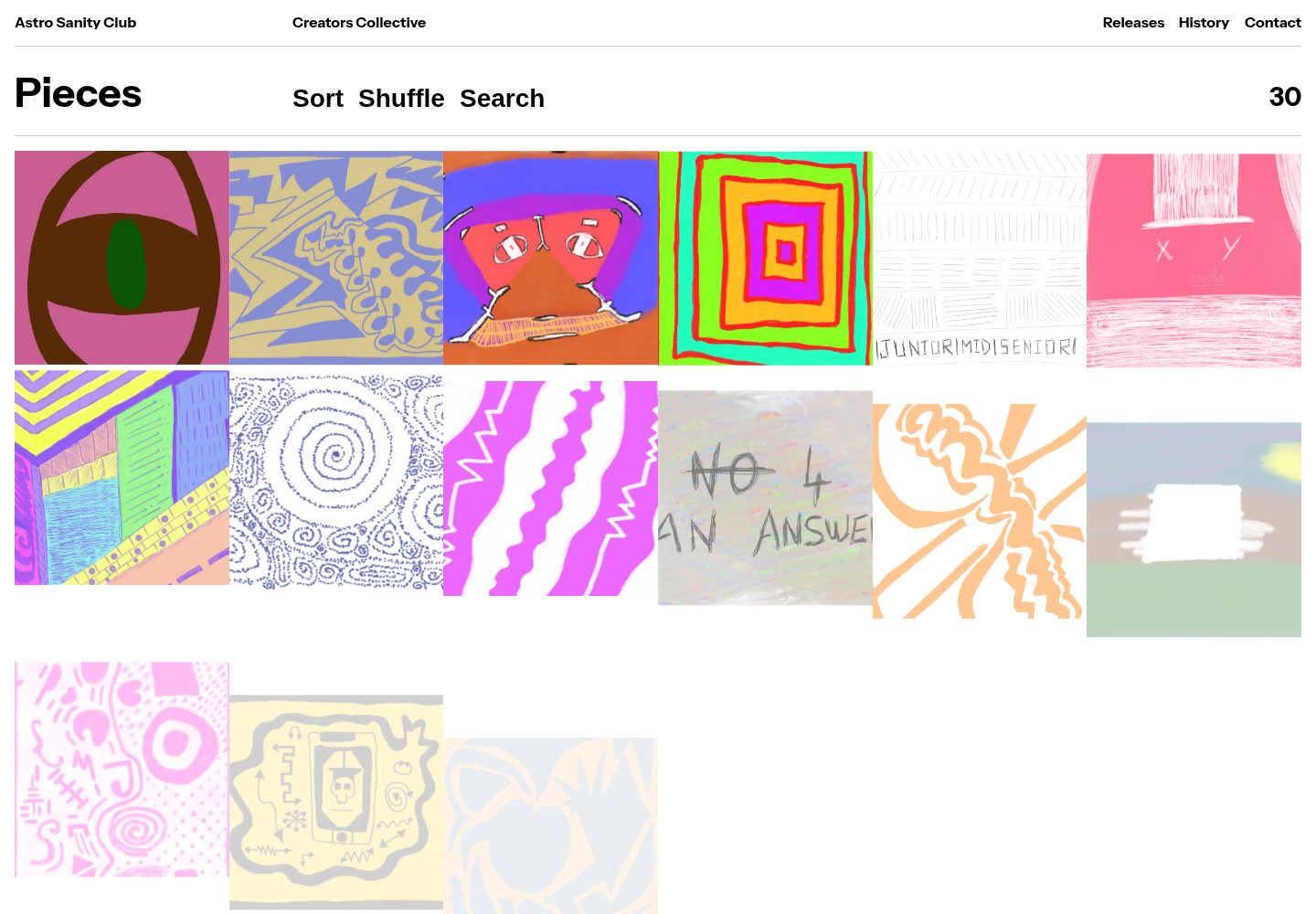
sanity-astro-club 开源网站模板。
Astro · 电商
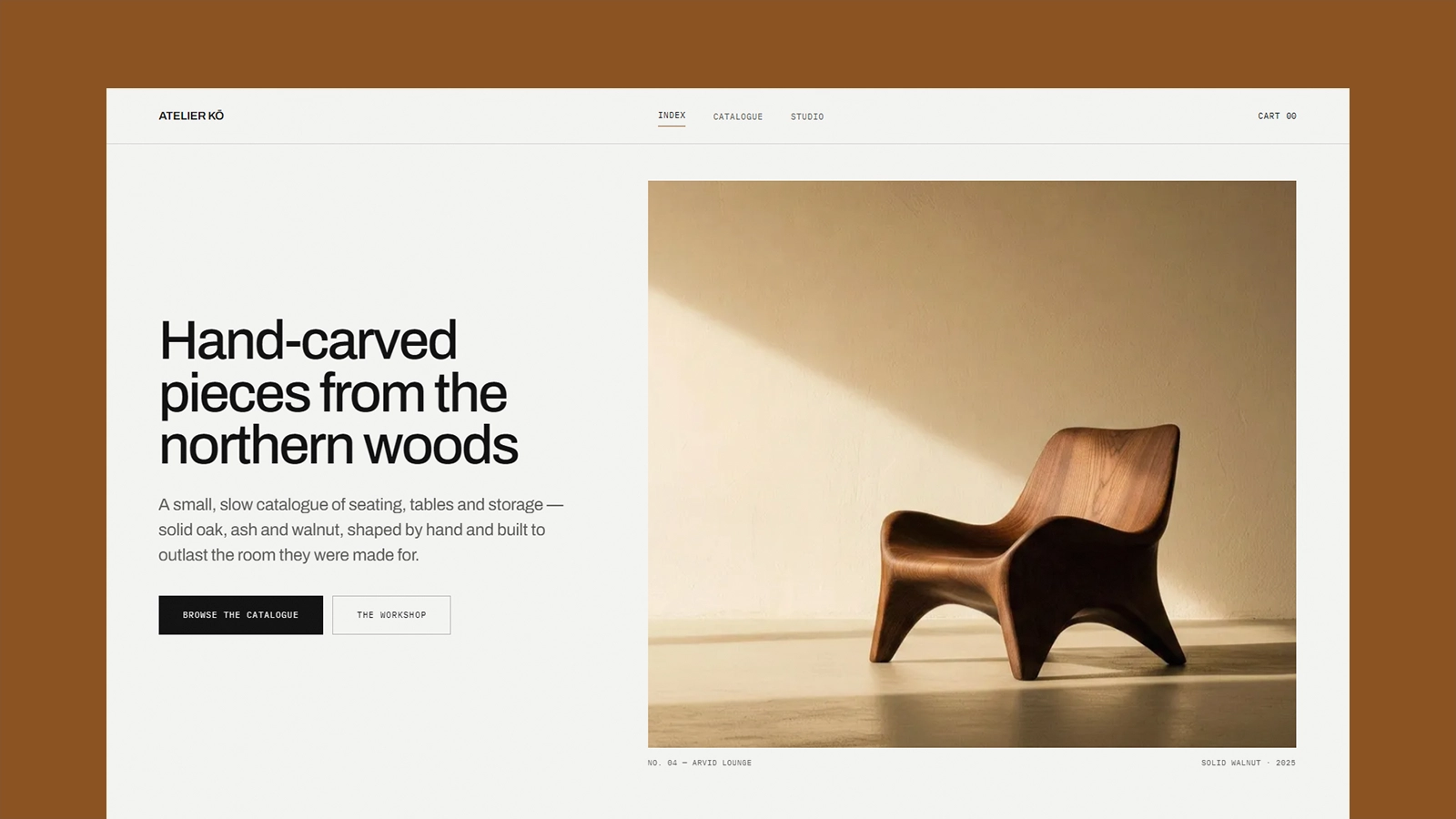
atelier-ko
Atelier Kō 是一个为小型家具工坊或类似手工艺目录设计的 Astro 电商主题,它的核心假设是:作品不多,摄影足够有力,因此界面刻意保持冷静和建筑感。
Astro · 电商
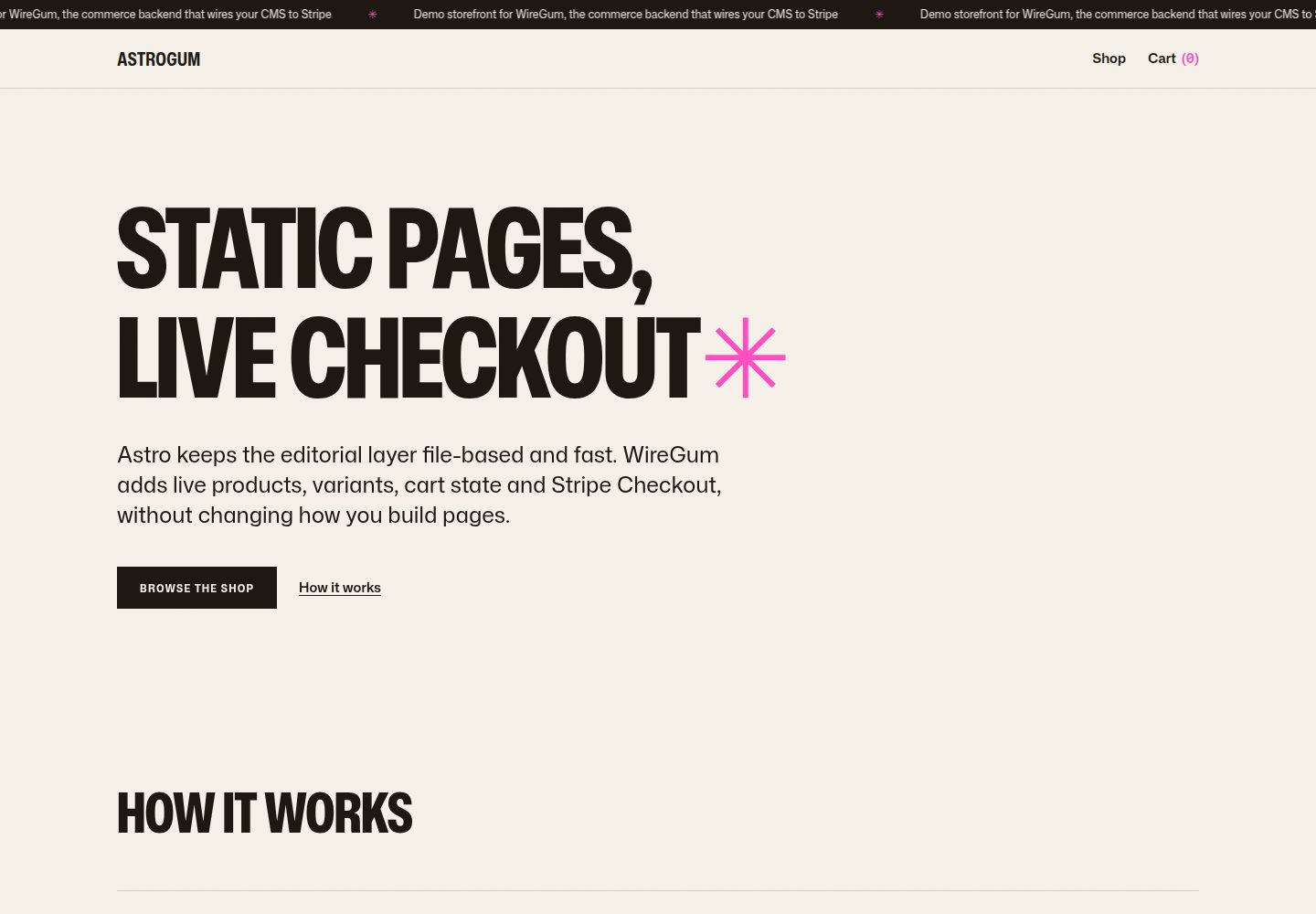
starter-astro
A small, production-minded storefront starter for Astro.
Astro · 电商
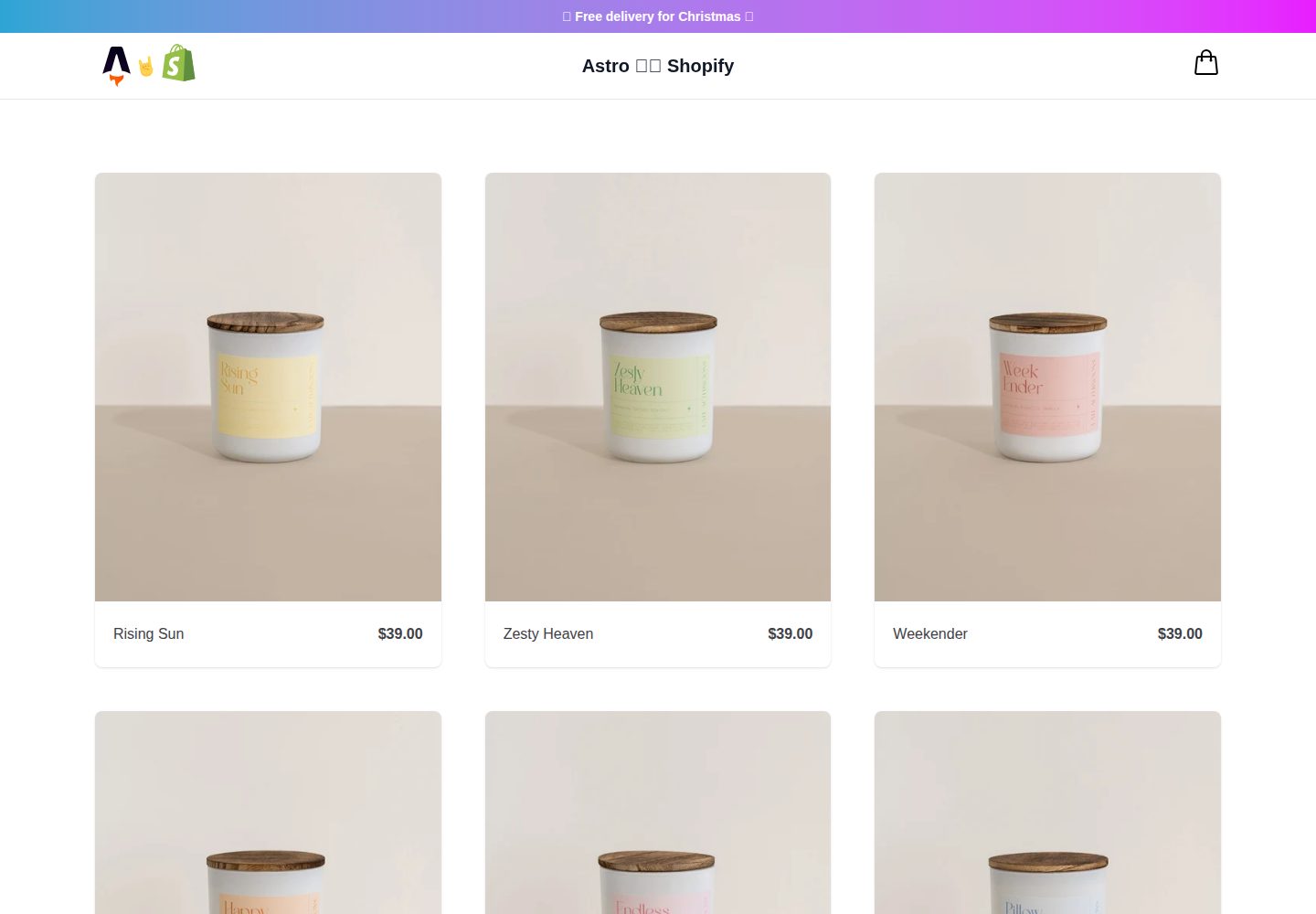
midwestagtech
A lightweight and powerful ecommerce starter theme to build headless Shopify storefronts with Astro.
Astro · 电商