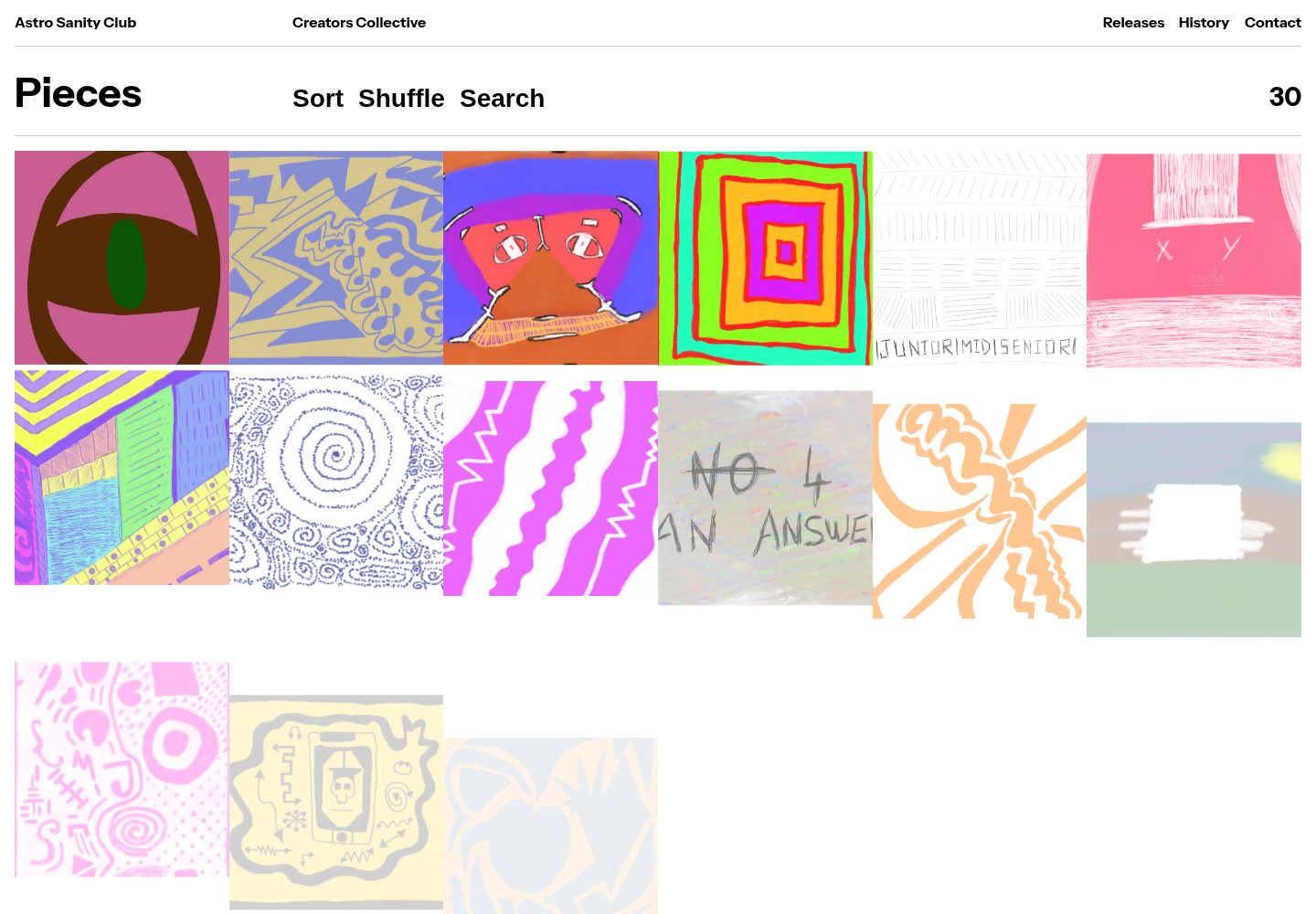
Astro 前端与 Sanity Studio 分处 frontend、studio 两个工作区,由根目录统一管理
Astro电商
sanity-astro-club — Astro 电商模板
作者 jazsouf
基于 Astro 的数字作品展示与销售模板,内容由 Sanity Studio 管理,并通过 Polar API 生成结账会话。
看看你的网站会是什么样
浏览真实页面截图,比较内容排版与手机效果。点击下方缩略图切换,放大查看整页细节。
全部页面与视图 3
截图用于了解视觉与布局,交互效果请以实际项目为准。
采集于 2026-10-05查看来源
值得关注的模板亮点
从已有项目资料中,快速了解它的特点。
内容通过可扩展的 Sanity Studio 维护,而非硬编码在页面中
集成 Polar API,用于生成结账会话,支持数字作品销售流程
提供 env.example 示例文件,说明需要填写的密钥与配置项
README 列出待办:购物车功能与脚本 TypeScript 化尚未实现
模板详细介绍
Sanity Astro Club 是一个用于展示并销售数字作品(如插画、艺术作品等)的网站模板。它最初是 Codrops 与 Alex Tkachev 合作的实验性概念验证,之后由 Soufiane 扩展:加入可扩展的 Sanity Studio 来管理内容,并接入 Polar API 以生成结账会话。
项目采用工作区结构,分为 frontend(Astro 应用)与 studio(Sanity Studio)两部分,根目录的 package.json 负责工作区配置。开发时 Astro 本地服务运行在 4321 端口,Sanity 运行在 3333 端口;构建、预览、代码检查与格式化等命令通过 pnpm 的 --filter 参数分别作用于两个子包。
使用前需要在 studio 和 frontend 目录的 env.example 基础上填写密钥。你需要注册 Polar 账号、添加商品,并创建对 checkout_links、checkouts 和 products 具有读写权限的 API Key;随后把 Polar API Key 与组织 ID 填入 Sanity Studio 的 secret 配置中。README 还提到可以设置 webhook,在内容变更时触发重新构建。前端可部署到任意托管服务,Studio 则通过 Sanity CLI 登录后部署到 Sanity Cloud。
模板的待办事项中列出了购物车功能(基于 Astro sessions)和将脚本改写为 TypeScript,说明这些能力当前尚未包含。演示站点的图片、字体等第三方素材需按各自许可单独核对。
Astro电商
适合你的项目吗?
适用场景
- 搭建展示并出售插画、摄影等数字作品的个人作品集站点
- 用 Sanity 作为内容后台,管理作品条目与详情页内容
- 接入 Polar 结账流程,为数字商品生成购买链接
- 作为 Astro 与 Sanity 组合的示例项目,用于学习或二次开发
适合人群
- 需要内容管理与数字商品销售结合的独立创作者
- 熟悉或愿意使用 Astro、Sanity 与 pnpm 工作区的开发者
- 希望以 MIT 许可代码为基础进行修改和自托管的用户
上手与定制指南
结合仓库当前版本的说明,按下面的资料检查内容、配置与运行要求。
- 1
使用 pnpm install 安装 frontend 与 studio 两个工作区的依赖
- 2
参考 studio 和 frontend 目录下的 env.example 填写所需密钥
- 3
注册 Polar 账号并添加商品,创建对 checkout_links、checkouts、products 有读写权限的 API Key
- 4
将 Polar API Key 与组织 ID 填入 Sanity Studio 的 secret 配置,可按需设置内容变更触发的 webhook
- 5
Studio 需先执行 npx sanity login,再通过 pnpm --filter=studio run deploy 部署到 Sanity Cloud
授权与来源资料
使用条件与限制
免费使用 · 保留许可声明本次收录的是公开仓库中采用 MIT 许可的免费版本;免费范围为该版本代码,不代表外部服务或第三方素材免费。
使用时需要遵守
- 允许免费使用、修改、商用和分发该版本代码。
- 分发代码副本或实质性部分时,保留原作者版权声明和完整 MIT 许可声明。
- 代码按现状提供;担保与责任限制以原许可证及适用法律为准。
额外费用与待核对事项
- 演示图片、字体、图标及其他第三方素材需按各自许可核对,不能仅凭代码的 MIT 许可判断。
- 域名、托管、数据库、支付或 AI 等外部服务可能另外收费。
- 使用结账/销售功能必须注册 Polar 账号、添加商品并创建对 checkout_links、checkouts、products 有读写权限的 API Key,属于外部服务依赖。
- 必须将 Polar API Key 与组织 ID 填入 Sanity Studio 的 secret 配置,否则销售流程无法工作。
- 部署 Studio 需要登录 Sanity 账号,内容管理依赖 Sanity 云服务。
- 内容变更后如需自动重建,需要额外配置 webhook。
- 购物车功能尚未实现,当前模板不包含购物车能力。
- 脚本尚未改写为 TypeScript,当前代码并非全 TypeScript。
查看原文依据
Permission is hereby granted, free of charge
许可证原文
You need to create a [Polar](https://polar.sh) account, add your products and create an API key with read and write access to checkout_links, checkouts and products.
README 原文
You need to add your Polar API key and your Polar Organisation ID in the secret tab inside your [Sanity Studio](https://www.sanity.io/manage).
README 原文
1. Make sure you're logged in to your Sanity account:
README 原文
You can also need to set up a webhook to trigger rebuilds when content changes.
README 原文
- [ ] Add cart functionality w/ Astro sessions
README 原文
https://github.com/jazsouf/sanity-astro-club/blob/main/LICENSEhttps://github.com/jazsouf/sanity-astro-club/blob/main/README.md- [ ] Rewrite scripts in Typescript
README 原文
DeepSeek 根据仓库许可证和 README 整理 ·2026-10-05。结果仅覆盖已读取资料,依赖、图片、字体及后续条款变更以各自原文为准。
项目核对记录与介绍依据
模板资料
- 来源平台
- Astro Themes
- 资料与维护参考分
- 资料一般 · 73 / 100
- 技术栈
- Astro
- 网站类型
- 电商
这个分数如何计算
本站按许可资料(最高30分)、演示链接(12分)、预览图(10分)、Star数(15分)、记录的维护时间(15分)、描述完整度(8分)、功能记录(5分)和分类资料(5分)计算。它不是代码、安全或性能测试,也不是 Google 评分;有链接不代表已实测可用。
这个项目需要核对什么
- 记录的仓库更新时间
- 2025-04-29
- 截图检查日期
- 2026-10-05
已收录演示链接。请用你的内容与屏幕尺寸检查;有演示不代表表单、认证或支付已经可用。
目录记录的主要技术栈是 Astro。请通过依赖清单和锁文件核对实际版本与托管要求。这些说明基于收录资料,不代表代码审计或部署实测。
查看具体选型方法 →介绍的制作与核对状态
介绍由 AI 辅助整理目录与仓库资料。仓库作者不等于这篇介绍的审核者。
审核声明: [email protected] · 2026-10-05
查看当时使用的来源资料
SHA-256: ac9a51250ab6b307315290310b27483cae54c452baccda569a685a97a48650e9
2026-10-05T06:43:21.056Z
来源文件 / 仓库# Sanity Astro Club: A Free Astro Template for Showcasing And Selling Digital Products Sanity Astro Club is a free Astro template for showcasing artworks or any other digital product. At first, an experimental proof of concept built by [Codrops](https://www.codrops.com) in collaboration with [Alex Tkachev](https://alextkachev.com/). [Soufiane](https://soufianee.com) then enhanced the template with the addition of an extendable [Sanity](https://sanity.io/) Studio to handle content and a simple [Polar](https://polar.sh/) API integration for generating checkout sessions. 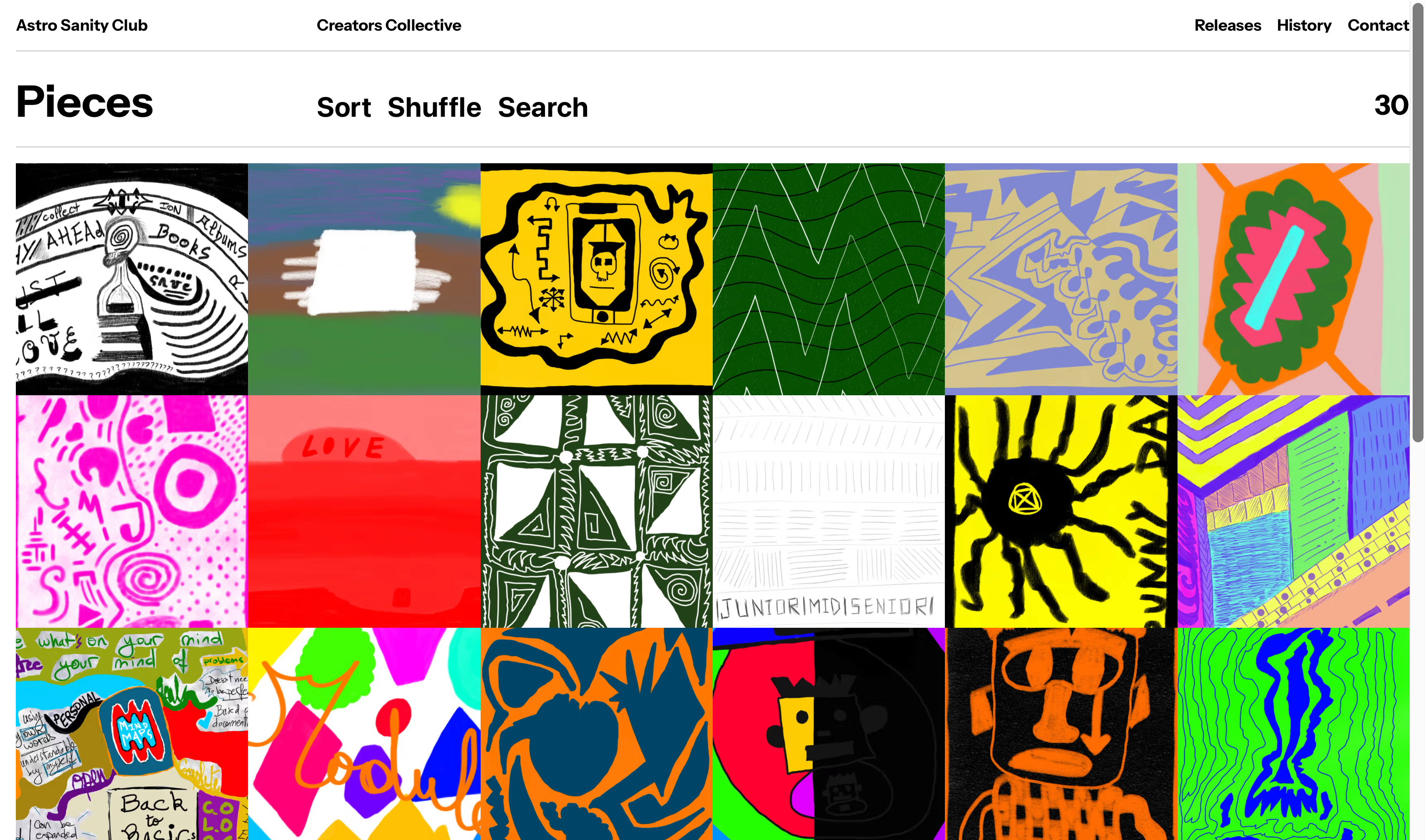 [Demo](https://sanity-astro-club.netlify.app/) ## Folder Structure ```plaintext ├── frontend/ # Astro application ├── studio/ # Sanity Studio └── package.json # Root workspace configuration ``` ## Commands All commands are run from the root of the project, from a terminal: | Command | Action | | :------------------------------------------- | :------------------------------------------------------------------------------------ | | `pnpm install` | Installs dependencies for the frontend asn studio workspaces | | `pnpm run dev` | Starts local dev server at `localhost:4321` for Astro and `localhost:3333` for Sanity | | `pnpm --filter=frontend run build` | Build your Astro production site to `./dist/` | | `pnpm --filter=frontend run preview` | Preview your Astro build locally, before deploying | | `pnpm --filter=frontend run astro ...` | Run Astro CLI commands like `astro add`, `astro check` | | `pnpm --filter=frontend run astro -- --help` | Get help using the Astro CLI | | `pnpm --filter=frontend run lint` | Lint your Astro code using Biome | | `pnpm --filter=frontend run format` | Format your Astro code using Biome | | `pnpm --filter=studio run build` | Build your studio site to `./dist/` | | `pnpm --filter=studio run start` | Preview your Sanity Studio build locally, before deploying | | `pnpm --filter=studio run deploy` | Deploy your Sanity Studio on the Sanity Cloud | ## Credits - Design based on [Alex Tkachev's](https://alextkachev.com/) [Players Club Dribbble shot](https://dribbble.com/shots/25156320-Players-Club-UI-Animation). - Original Template by [Codrops](https://codrops.com). Checkout the [original article on Codrops](https://tympanus.net/codrops/?p=86632) - Template extension and Artwork content by [Soufiane](https://soufianee.com) ## Misc Follow Codrops: [Bluesky](https://bsky.app/profile/codrops.bsky.social), [Facebook](http://www.facebook.com/codrops), [GitHub](https://github.com/codrops), [Instagram](https://www.instagram.com/codropsss/) Follow Soufiane [Bluesky](https://bsky.app/profile/soufianee.com), [GitHub](https://github.com/jazsouf), [Instagram](https://www.instagram.com/snfejzl/) ## License [MIT](LICENSE) Made with :blue_heart: by [Codrops](https://www.codrops.com) Extended with :yellow_heart: by [Soufiane](https://soufianee.com) ## Deployment and Configuration ### Deploy Frontend You have the freedom to deploy your app to your hosting provider of choice. ### Deploy Studio To deploy your Sanity Studio to production: 1. Make sure you're logged in to your Sanity account: ```bash npx sanity login ``` 2. Deploy the studio: ```bash pnpm --filter=studio run deploy ``` ### Configuration There are <code>env.example</code> files for the studio and frontend folders, with the relevant secrets that need to be filled. You need to create a [Polar](https://polar.sh) account, add your products and create an API key with read and write access to checkout_links, checkouts and products. You need to add your Polar API key and your Polar Organisation ID in the secret tab inside your [Sanity Studio](https://www.sanity.io/manage). You can also need to set up a webhook to trigger rebuilds when content changes. Contact me via email [[email protected]](mailto:[email protected]) or dm on bluesky if you need anything. ## Next steps - [ ] Add cart functionality w/ Astro sessions - [ ] Rewrite scripts in Typescript
看看同类模板
对比同技术栈与用途的模板,找到更适合的视觉与内容结构。

astro-shopify
astro-shopify 是一个面向开发者的轻量级电商启动模板,用于构建基于 Shopify 的无头店面。
Astro · 电商
astro-ecommerce
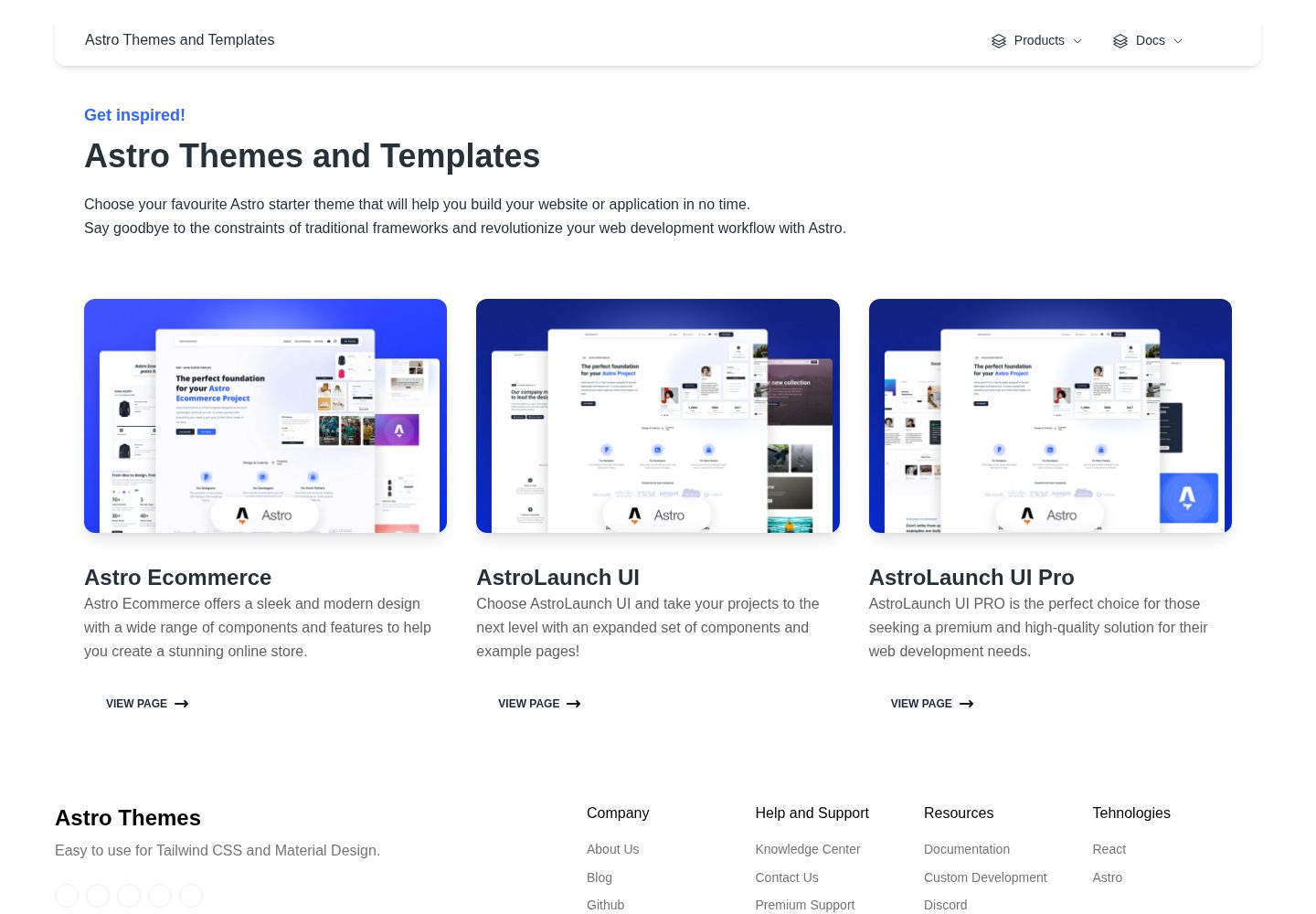
Astro Ecommerce - Ready to use components
Astro · 电商
astro-medusa-starter
Astro + Medusa starter for e-commerce. Optimized to the core.
Astro · 电商
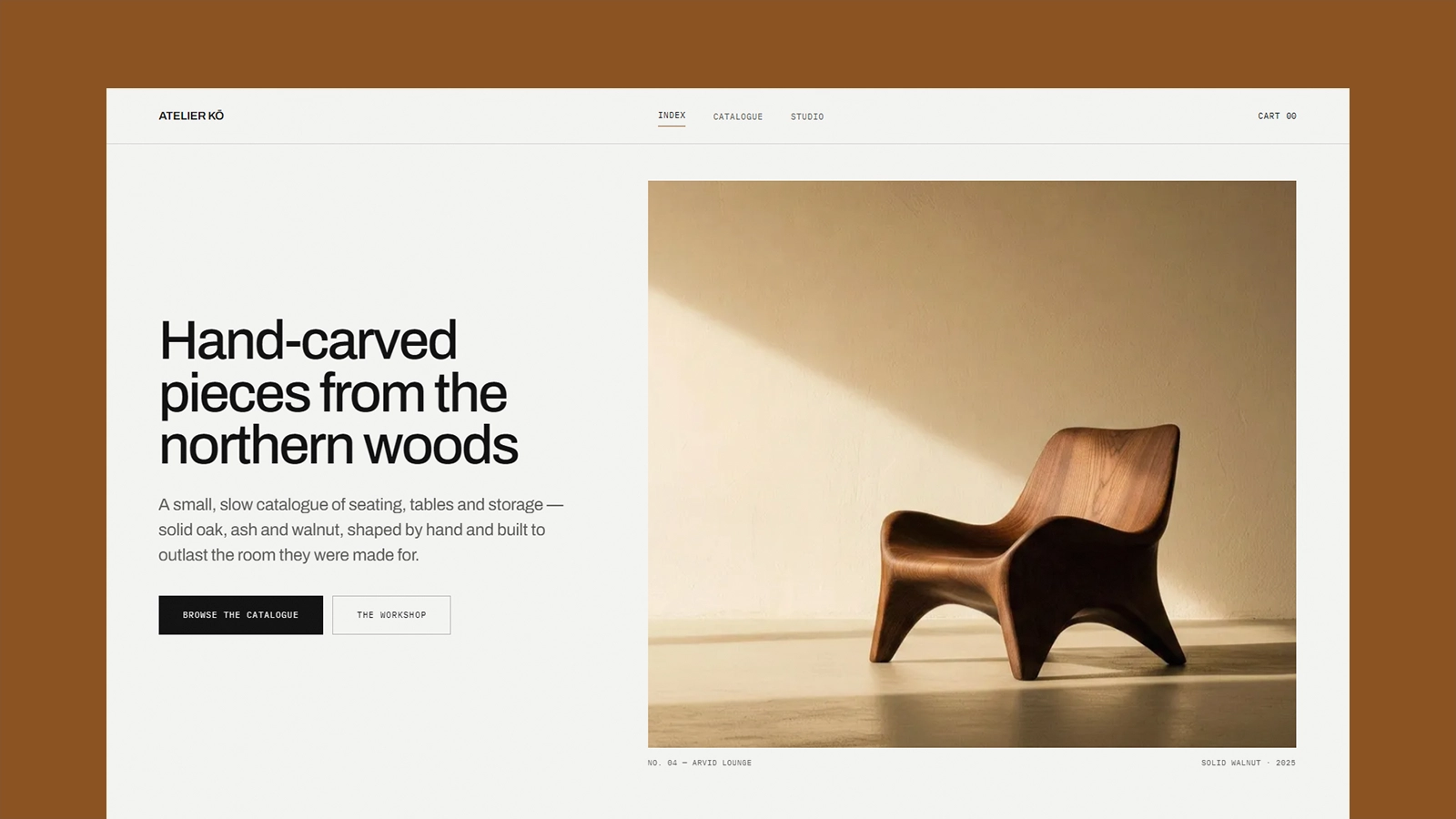
atelier-ko
Atelier Kō 是一个为小型家具工坊或类似手工艺目录设计的 Astro 电商主题,它的核心假设是:作品不多,摄影足够有力,因此界面刻意保持冷静和建筑感。
Astro · 电商
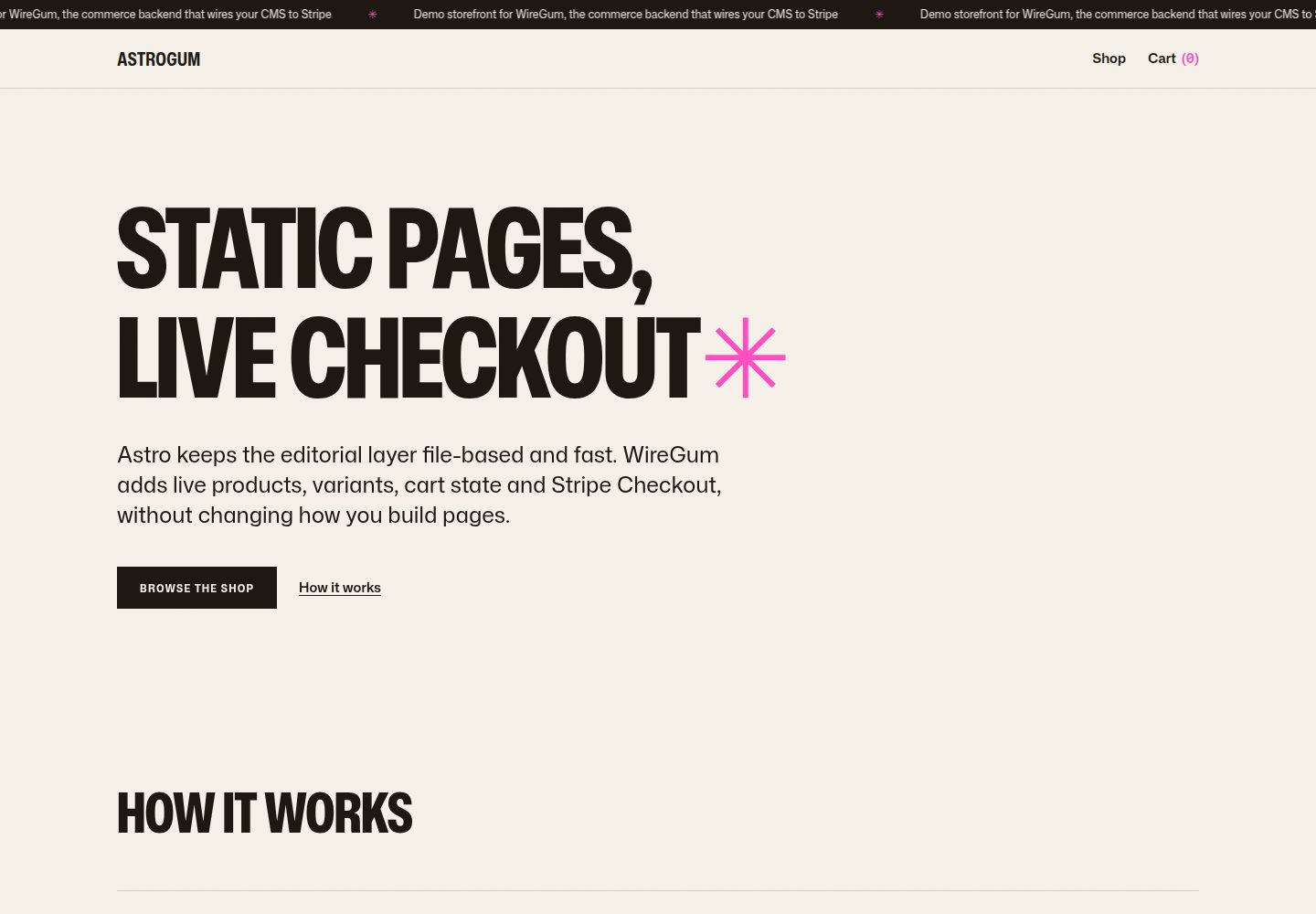
starter-astro
A small, production-minded storefront starter for Astro.
Astro · 电商
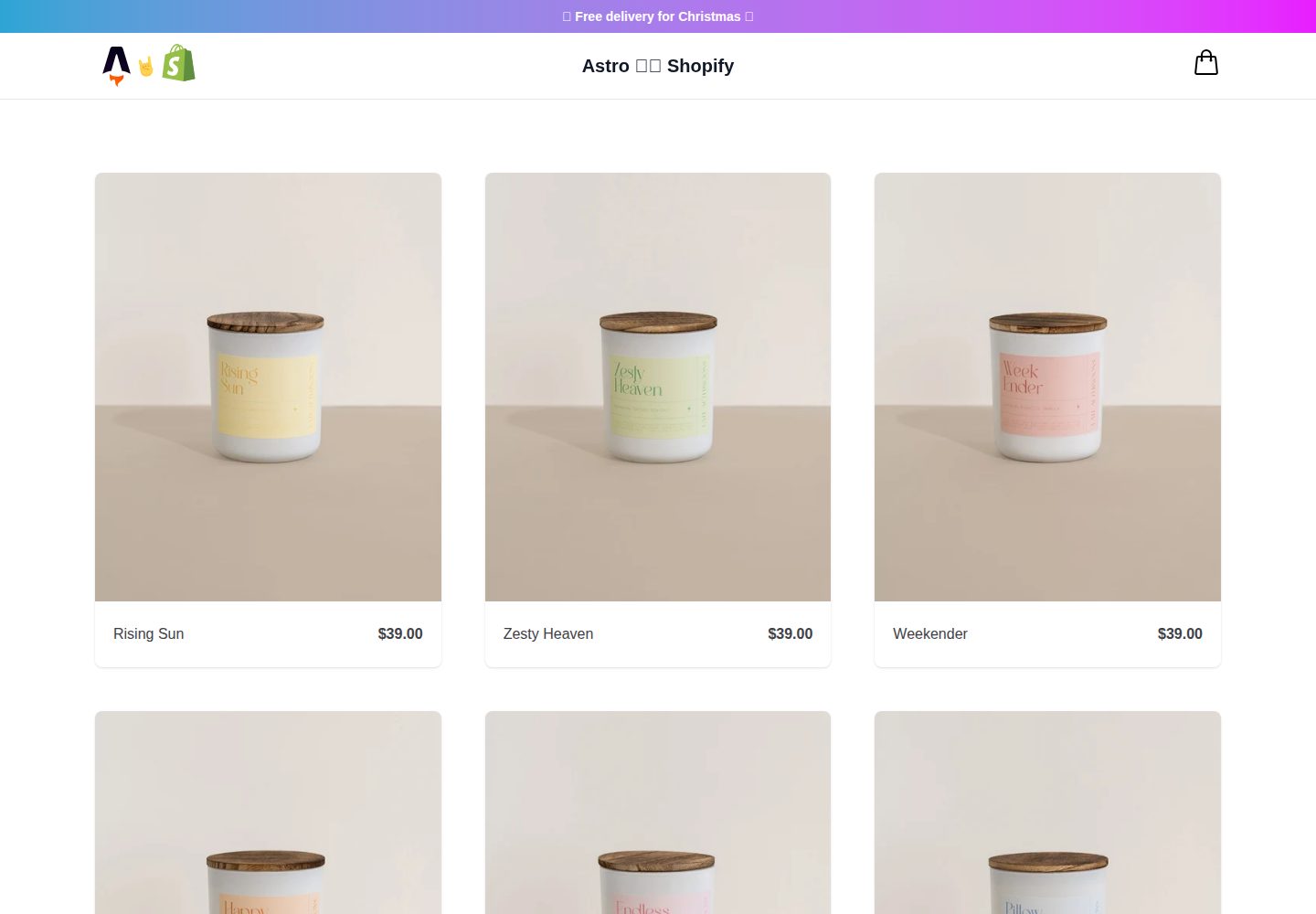
midwestagtech
A lightweight and powerful ecommerce starter theme to build headless Shopify storefronts with Astro.
Astro · 电商