Based on Nuxt and Vue, with the interface using Vuetify components
NuxtVueCorporate WebsiteStarter
landing-template — Nuxt Business Template
By firelayer
A Nuxt landing page template by Firelayer, built with Vue and Vuetify components, featuring login and registration, email verification, password reset, a user dashboard, and localization, organized as a monorepo with Lerna and yarn workspaces.
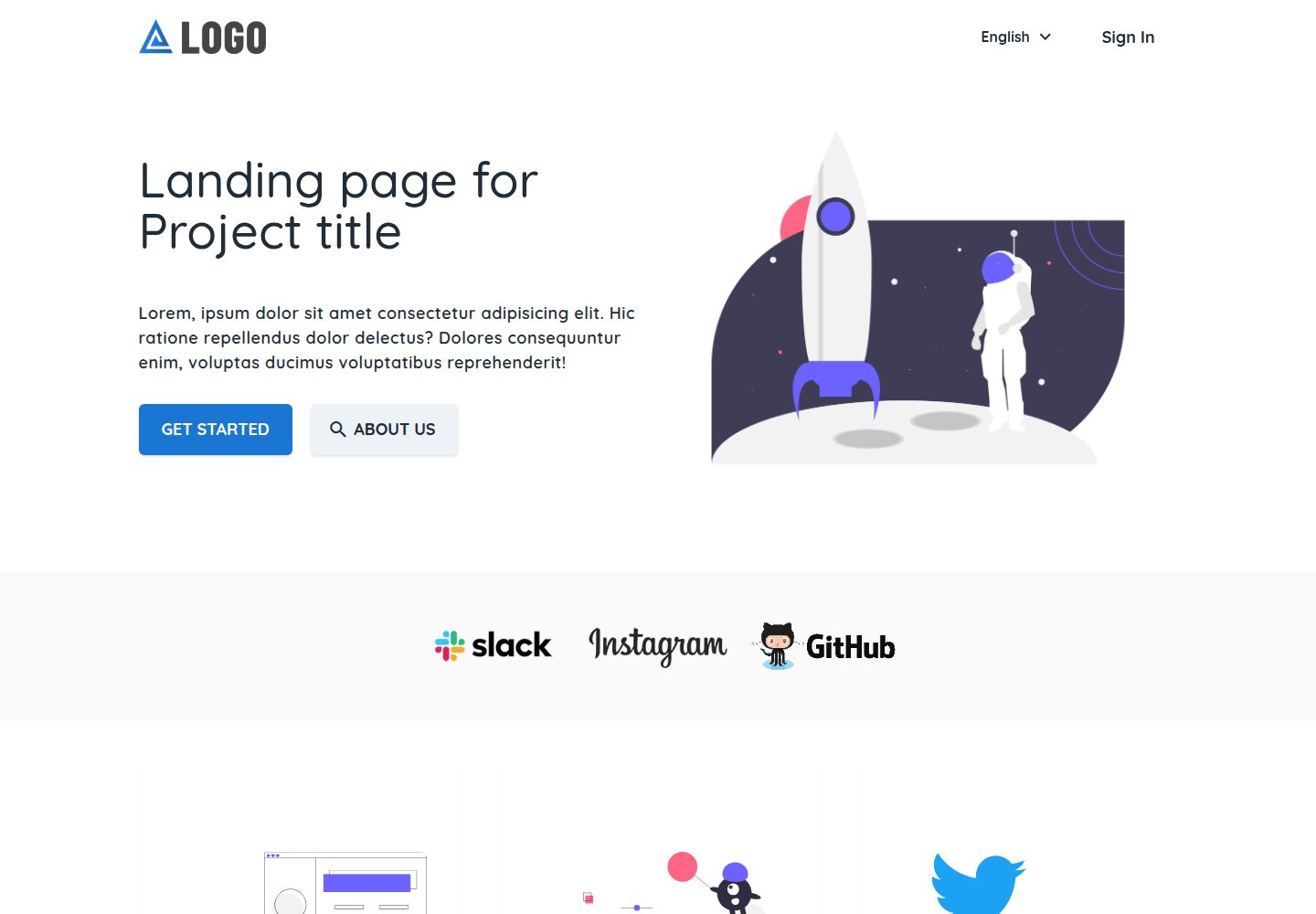
Explore the design
Compare the page layouts and mobile experience. Open any screenshot for a closer look.
Desktop homepage1 / 3
Desktop captureTop of page
Actual screenshot captured by the server browser.
All pages & views 3
Screenshots show visual appearance; interactive behavior may differ.
Recorded 2026-10-07View source
What stands out
A quick read of the recorded project description.
Built-in login, registration, email verification, and password reset flows
Provides a user dashboard page
Supports localization
Organized as a monorepo using Lerna and yarn workspaces
Provides scripts such as bootstrap, build, and dev
Template Details
This is a Nuxt starter template for corporate websites and product landing pages. The repository belongs to firelayer, and the demo site is firelayer-starter-template.web.app. The README states that its content is concentrated in the apps/landing application, including login, registration, email verification, password reset, a user dashboard, and localization, with the interface using Vue together with Nuxt and Vuetify components.
The template is organized as a monorepo, managed with Lerna and yarn workspaces, and provides scripts such as bootstrap, build, and dev. There are two installation methods: create a new project in a Firebase project with firelayer init new-project -t landing, or run firelayer add:template landing in an existing firelayer project. After starting, run yarn dev or npm run dev; the landing page defaults to http://localhost:8080, and the port changes if it is already in use.
Before use, a Firebase project is required. The README points to the official documentation's Firebase setup guide; for dynamic features, you must configure them yourself and check Firebase quotas and billing. The repository uses the MIT license, allowing free use, modification, commercial use, and distribution of this version of the code, but third-party assets such as demo images, fonts, and icons must be checked separately under their respective licenses.
NuxtVueCorporate websiteStarter
Is it right for your project?
Use Cases
- Building a corporate website or product landing page
- Starting a site that needs login, registration, and a user dashboard
- A Nuxt-based multi-application monorepo project
- A corporate website project that needs localization support
Suitable For
- Developers using the Nuxt and Vue technology stack
- Landing page projects that need Firebase integration and account features
- Teams that want to quickly start a corporate website from a template
- Engineering teams that accept a monorepo organization
Getting started & customization
Use these recorded setup notes alongside the repository instructions for your chosen version.
- 1
A Firebase project is required, and Firebase setup must be completed according to the official documentation
- 2
For a new project, run firelayer init new-project -t landing
- 3
For an existing firelayer project, run firelayer add:template landing
- 4
To start the development environment, run yarn dev or npm run dev; the landing page defaults to http://localhost:8080, and the port changes if it is already in use
- 5
For monorepo dependency installation and linking, run yarn bootstrap
License & source material
Usage conditions & limitations
Free to use · keep license noticeThis entry covers the free version in the public repository under the MIT license; the free scope is this version of the code and does not mean that external services or third-party assets are free.
Must comply with when using
- Free use, modification, commercial use, and distribution of this version of the code are permitted.
- When distributing copies or substantial portions of the code, retain the original author's copyright notice and the full MIT license notice.
- The code is provided as is; warranties and limitations of liability are governed by the original license and applicable law.
Additional costs & items to verify
- The README mentions Firebase integration; before enabling related dynamic features, you must configure them yourself and check Firebase quotas and billing.
- Demo images, fonts, icons, and other third-party assets must be checked under their respective licenses and cannot be judged solely by the code's MIT license.
- External services such as domains, hosting, databases, payments, or AI may incur separate charges.
- Using this template requires a Firebase project: you can reuse an existing Firebase project or create a new one in the Firebase console, so a Firebase account and corresponding service configuration are required.
- Before use, Firebase project setup must be completed according to the official guide; this is an external service configuration requirement, and the template will not run properly if it is not completed.
- The new-project method requires initialization through the firelayer CLI command and depends on the firelayer toolchain.
- Adding the template to an existing firelayer project requires running the firelayer add:template command, which also depends on the firelayer toolchain.
View Original Text Basis
Permission is hereby granted, free of charge
Original License Text
You can use an existing Firebase project or create a new project on the [Firebase Console](https://console.firebase.google.com).
Original README
Follow the guide on preparing a Firebase project for Firelayer **[Setting up Firebase - Guide](https://firelayer.io/docs/setting-up-firebase)**
Original README
firelayer init new-project -t landing
Original README
https://github.com/firelayer/landing-template/blob/master/LICENSEhttps://github.com/firelayer/landing-template/blob/master/README.mdfirelayer add:template landing
Original README
Compiled by DeepSeek based on repository license and README ·2026-10-07. Results only cover the materials read; dependencies, images, fonts, and subsequent term changes are subject to their respective original texts.
Project checks & description sources
Template Information
- Source platforms
- GitHub
- Documentation and maintenance reference score
- More documented · 77 / 100
- Technologies
- Nuxt · Vue
- Website type
- Corporate Website · Starter
How this score is calculated
Our heuristic uses license records (up to 30), a demo link (12), a preview (10), stars (15), recorded maintenance (15), description completeness (8), feature records (5) and classification data (5). It is not a code, security or performance test, or a Google score. A link does not establish tested functionality.
What to verify for this project
- Repository update recorded
- 2021-06-08
- Screenshot last checked
- 2026-10-07
A demo link is listed. Check it with your own content and viewport sizes; its presence does not confirm that forms, authentication or payments work.
The catalog identifies Nuxt as the primary stack. Check the actual dependency manifest and lockfile for versions and hosting requirements. These notes use recorded metadata, not a code audit or a deployment test.
Use a selection guide →How this description was prepared
AI-assisted description based on catalog records and repository material. Repository authors are not automatically the reviewers of this description.
Review declaration: [email protected] · 2026-10-07
Inspect the recorded source material
SHA-256: a086acf45c59ebcc9e04153d1edc1658331a1e3e538021ed586c60c3c0659756
2026-10-07T11:09:04.320Z
Source file / repository<a href="https://firelayer.io/"> <img src="https://user-images.githubusercontent.com/3942799/78354854-884c2780-75a4-11ea-9882-a716e2095e98.png" alt="Firelayer" width="400" /> </a> <br/> Landing [https://firelayer-starter-template.web.app](https://firelayer-starter-template.web.app) ### Firelayer Documentation [Documentation Website](https://firelayer.io/docs) ## Installation Guide You can use an existing Firebase project or create a new project on the [Firebase Console](https://console.firebase.google.com). Follow the guide on preparing a Firebase project for Firelayer **[Setting up Firebase - Guide](https://firelayer.io/docs/setting-up-firebase)** #### Starting in a new project ```sh firelayer init new-project -t landing ``` #### Adding to a current firelayer project ```sh firelayer add:template landing ``` ### Quick Start > After Install To start run **`yarn dev`** or **`npm run dev`** and the three applications should be ready on: - Landing - http://localhost:8080 > ports may change if already in use by other services ## Content #### [`apps/landing` Landing Page](/apps/landing/README.md) - Sign In, register, verify email and reset password - User Dashboard - Localization - Vue with Nuxt & Vuetify Components ## Development Landing template is organized as a monorepo using [Lerna](https://lerna.js.org/) and yarn workspaces. Useful scripts include: #### `yarn bootstrap` > Installs package dependencies and links packages together - using lerna and yarn workspaces #### `yarn build` > Cleans the previous builds and starts building on all sub packages - using lerna run build #### `yarn dev` > Starts the dev mode on all sub packages - using lerna run dev ## License Firelayer is open-sourced software licensed under the [MIT license](https://github.com/firelayer/firelayer/blob/master/LICENSE).
Explore similar templates
Compare previews and descriptions within the same stack and category.

laravel-nuxt
A Laravel + Nuxt decoupled starter kit with built-in login, registration, email verification, password reset, and Socialite third-party login (GitHub example), switchable between SPA and SSR.
Nuxt · Starter
landing
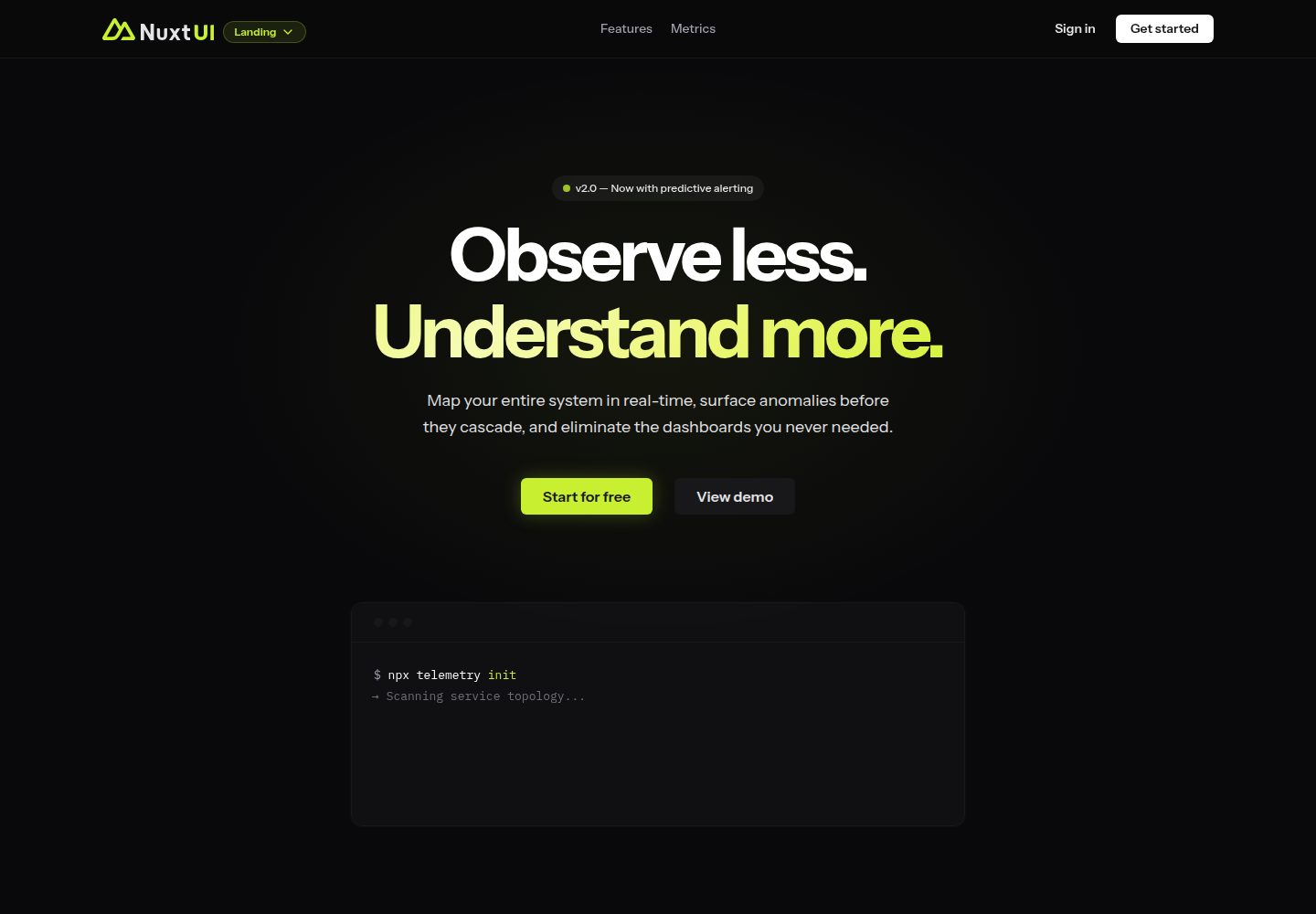
A landing page template from the official Nuxt UI repository, built with Nuxt, Nuxt UI, and Nuxt Content. It can be initialized via `npm create nuxt@latest -- -t ui/landing` or cloned and run with pnpm commands for development, build, and preview.
Nuxt · Corporate Website

canvas
Canvas is a Nuxt-based portfolio template that uses Nuxt Content for content management and Nuxt UI with Tailwind CSS for pages.
Nuxt · Portfolio

nuxt3-starter
A Nuxt 3 starter template generated by nuxi, preconfigured with UnoCSS, unplugin-icons, Pinia, and VueUse. It suits developers who need a quick Nuxt 3 project skeleton with atomic CSS and auto-import workflows, and is available under the MIT license.
Nuxt · Starter

starter
The official Nuxt starter template for Nuxt UI, based on Nuxt and Vue. It provides a runnable project skeleton, an online demo, and Nuxt UI installation documentation, with README commands for creating, installing, developing, building, and previewing.
Nuxt · Starter

bloggrify
Bloggrify is a Nuxt layer that turns Markdown files into a blog site, built on Nuxt Content with preconfigured analytics, newsletter, comments, SEO, RSS, and content components.
Nuxt · Blog