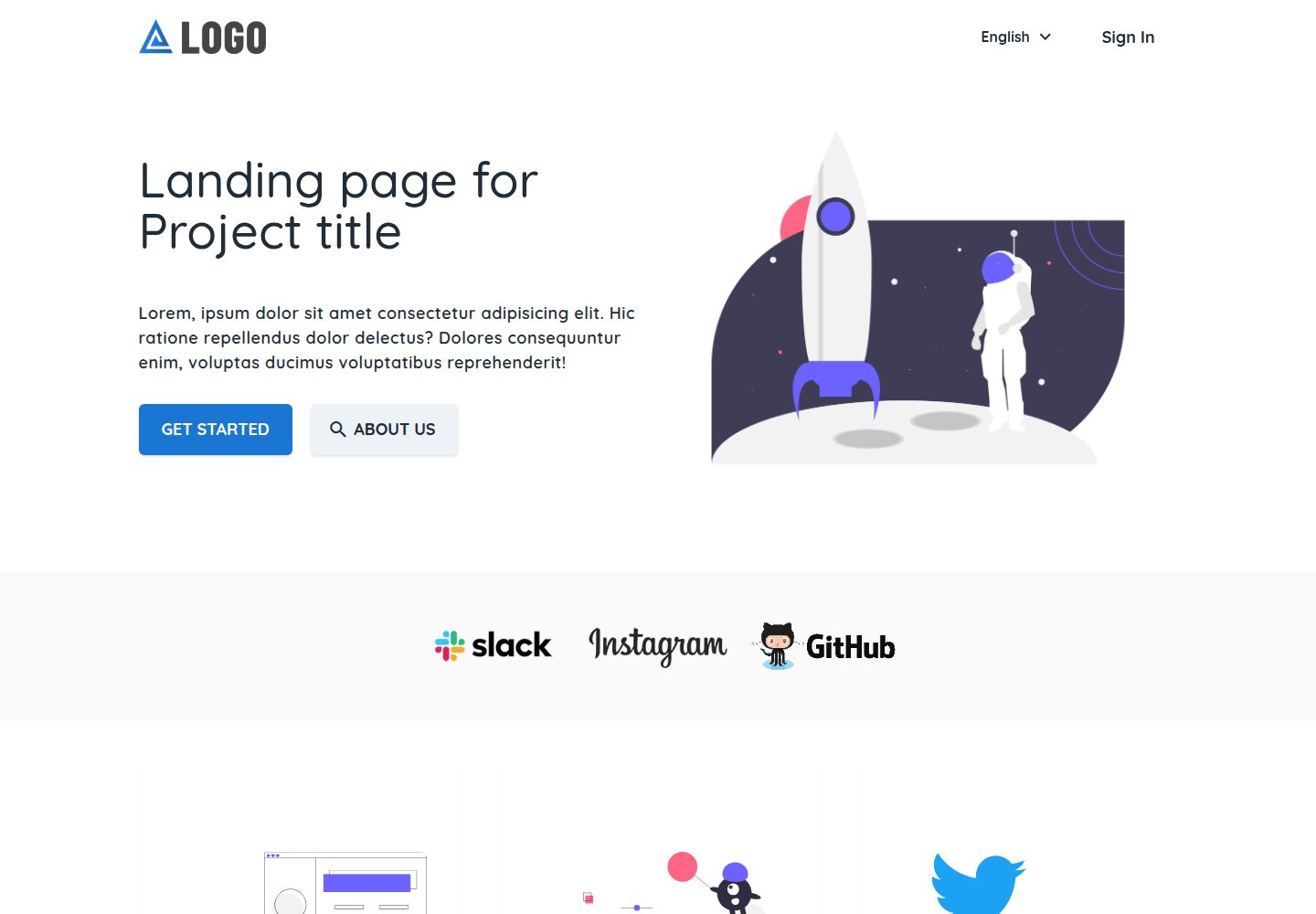
基于 Nuxt 与 Vue,界面使用 Vuetify 组件
NuxtVue企业官网启动器
landing-template — Nuxt 企业官网模板
作者 firelayer
Firelayer 出品的 Nuxt 落地页模板,基于 Vue 与 Vuetify 组件,内置登录注册、邮箱验证、重置密码、用户面板与本地化,采用 Lerna 与 yarn workspaces 组织为 monorepo。
看看你的网站会是什么样
浏览真实页面截图,比较内容排版与手机效果。点击下方缩略图切换,放大查看整页细节。
全部页面与视图 3
截图用于了解视觉与布局,交互效果请以实际项目为准。
采集于 2026-10-07查看来源
值得关注的模板亮点
从已有项目资料中,快速了解它的特点。
内置登录、注册、邮箱验证与重置密码流程
提供用户面板页面
支持本地化
使用 Lerna 与 yarn workspaces 组织为 monorepo
提供 bootstrap、build、dev 等脚本
模板详细介绍
这是一个面向企业官网与产品落地页的 Nuxt 启动模板,仓库归属 firelayer,演示站点为 firelayer-starter-template.web.app。README 说明其内容集中在 apps/landing 应用,包含登录、注册、邮箱验证、重置密码、用户面板以及本地化,界面使用 Vue 配合 Nuxt 与 Vuetify 组件。
模板以 monorepo 形式组织,使用 Lerna 和 yarn workspaces 管理,提供 bootstrap、build、dev 等脚本。安装方式有两种:在 Firebase 项目中通过 firelayer init new-project -t landing 新建,或在已有 firelayer 项目中执行 firelayer add:template landing。启动后运行 yarn dev 或 npm run dev,落地页默认在 http://localhost:8080,端口被占用时会变化。
使用前需要准备 Firebase 项目,README 指向官方文档的 Firebase 设置指南;涉及动态功能时需自行配置并核对 Firebase 的额度与收费。仓库采用 MIT 许可,可免费使用、修改、商用和分发该版本代码,但演示图片、字体、图标等第三方素材需按各自许可单独核对。
NuxtVue企业官网启动器
适合你的项目吗?
适用场景
- 搭建企业官网或产品落地页
- 需要登录注册与用户面板的站点起步
- 以 Nuxt 为基础的多应用 monorepo 项目
- 需要本地化支持的官网项目
适合人群
- 使用 Nuxt 与 Vue 技术栈的开发者
- 需要 Firebase 集成与账户功能的落地页项目
- 希望以模板快速起步官网的团队
- 接受 monorepo 组织方式的工程团队
上手与定制指南
结合仓库当前版本的说明,按下面的资料检查内容、配置与运行要求。
- 1
需准备 Firebase 项目,并按官方文档完成 Firebase 设置
- 2
新建项目可执行 firelayer init new-project -t landing
- 3
已有 firelayer 项目可执行 firelayer add:template landing
- 4
启动开发环境运行 yarn dev 或 npm run dev,落地页默认在 http://localhost:8080,端口被占用时会变化
- 5
monorepo 依赖安装与链接可运行 yarn bootstrap
授权与来源资料
使用条件与限制
免费使用 · 保留许可声明本次收录的是公开仓库中采用 MIT 许可的免费版本;免费范围为该版本代码,不代表外部服务或第三方素材免费。
使用时需要遵守
- 允许免费使用、修改、商用和分发该版本代码。
- 分发代码副本或实质性部分时,保留原作者版权声明和完整 MIT 许可声明。
- 代码按现状提供;担保与责任限制以原许可证及适用法律为准。
额外费用与待核对事项
- README 提及 Firebase 集成;启用相关动态功能前需自行配置,并核对 Firebase 的额度与收费。
- 演示图片、字体、图标及其他第三方素材需按各自许可核对,不能仅凭代码的 MIT 许可判断。
- 域名、托管、数据库、支付或 AI 等外部服务可能另外收费。
- 使用该模板需依赖 Firebase 项目:可复用已有 Firebase 项目,或在 Firebase 控制台新建项目,因此需要 Firebase 账号与相应服务配置。
- 使用前必须按官方指南完成 Firebase 项目设置,属于外部服务配置要求,未完成则模板无法正常运行。
- 新建项目方式需通过 firelayer CLI 命令初始化,依赖 firelayer 工具链。
- 在已有 firelayer 项目中添加模板需执行 firelayer add:template 命令,同样依赖 firelayer 工具链。
查看原文依据
Permission is hereby granted, free of charge
许可证原文
You can use an existing Firebase project or create a new project on the [Firebase Console](https://console.firebase.google.com).
README 原文
Follow the guide on preparing a Firebase project for Firelayer **[Setting up Firebase - Guide](https://firelayer.io/docs/setting-up-firebase)**
README 原文
firelayer init new-project -t landing
README 原文
https://github.com/firelayer/landing-template/blob/master/LICENSEhttps://github.com/firelayer/landing-template/blob/master/README.mdfirelayer add:template landing
README 原文
DeepSeek 根据仓库许可证和 README 整理 ·2026-10-07。结果仅覆盖已读取资料,依赖、图片、字体及后续条款变更以各自原文为准。
项目核对记录与介绍依据
模板资料
- 来源平台
- GitHub
- 资料与维护参考分
- 资料较完整 · 77 / 100
- 技术栈
- Nuxt · Vue
- 网站类型
- 企业官网 · 启动器
这个分数如何计算
本站按许可资料(最高30分)、演示链接(12分)、预览图(10分)、Star数(15分)、记录的维护时间(15分)、描述完整度(8分)、功能记录(5分)和分类资料(5分)计算。它不是代码、安全或性能测试,也不是 Google 评分;有链接不代表已实测可用。
这个项目需要核对什么
- 记录的仓库更新时间
- 2021-06-08
- 截图检查日期
- 2026-10-07
已收录演示链接。请用你的内容与屏幕尺寸检查;有演示不代表表单、认证或支付已经可用。
目录记录的主要技术栈是 Nuxt。请通过依赖清单和锁文件核对实际版本与托管要求。这些说明基于收录资料,不代表代码审计或部署实测。
查看具体选型方法 →介绍的制作与核对状态
介绍由 AI 辅助整理目录与仓库资料。仓库作者不等于这篇介绍的审核者。
审核声明: [email protected] · 2026-10-07
查看当时使用的来源资料
SHA-256: a086acf45c59ebcc9e04153d1edc1658331a1e3e538021ed586c60c3c0659756
2026-10-07T11:09:04.320Z
来源文件 / 仓库<a href="https://firelayer.io/"> <img src="https://user-images.githubusercontent.com/3942799/78354854-884c2780-75a4-11ea-9882-a716e2095e98.png" alt="Firelayer" width="400" /> </a> <br/> Landing [https://firelayer-starter-template.web.app](https://firelayer-starter-template.web.app) ### Firelayer Documentation [Documentation Website](https://firelayer.io/docs) ## Installation Guide You can use an existing Firebase project or create a new project on the [Firebase Console](https://console.firebase.google.com). Follow the guide on preparing a Firebase project for Firelayer **[Setting up Firebase - Guide](https://firelayer.io/docs/setting-up-firebase)** #### Starting in a new project ```sh firelayer init new-project -t landing ``` #### Adding to a current firelayer project ```sh firelayer add:template landing ``` ### Quick Start > After Install To start run **`yarn dev`** or **`npm run dev`** and the three applications should be ready on: - Landing - http://localhost:8080 > ports may change if already in use by other services ## Content #### [`apps/landing` Landing Page](/apps/landing/README.md) - Sign In, register, verify email and reset password - User Dashboard - Localization - Vue with Nuxt & Vuetify Components ## Development Landing template is organized as a monorepo using [Lerna](https://lerna.js.org/) and yarn workspaces. Useful scripts include: #### `yarn bootstrap` > Installs package dependencies and links packages together - using lerna and yarn workspaces #### `yarn build` > Cleans the previous builds and starts building on all sub packages - using lerna run build #### `yarn dev` > Starts the dev mode on all sub packages - using lerna run dev ## License Firelayer is open-sourced software licensed under the [MIT license](https://github.com/firelayer/firelayer/blob/master/LICENSE).
看看同类模板
对比同技术栈与用途的模板,找到更适合的视觉与内容结构。

laravel-nuxt
A Laravel-Nuxt starter kit.
Nuxt · 启动器
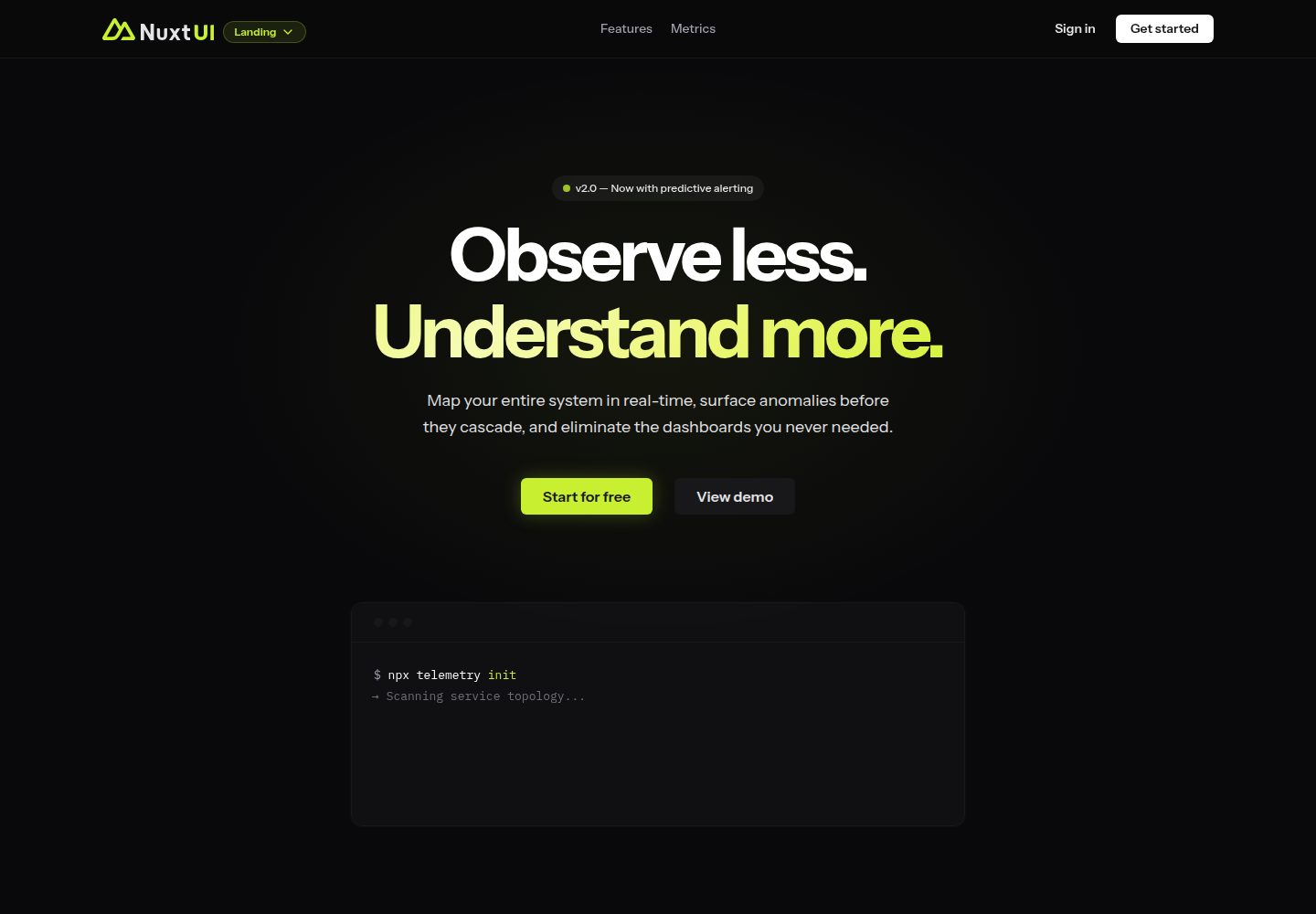
landing
Nuxt Landing Template made with Nuxt UI and Nuxt Content.
Nuxt · 企业官网

canvas
Portfolio template made with Nuxt 3, Nuxt Content v3, NuxtUI v3 and TailwindCSS v4
Nuxt · 作品集

nuxt3-starter
💚 A Better Nuxt 3 Starter Template,generate by nuxi.
Nuxt · 启动器

starter
Nuxt Starter Template for Nuxt UI.
Nuxt · 启动器

bloggrify
Run a blog from Markdown files. Themes, SEO, analytics, newsletter and comments preconfigured. Like Docus, but…
Nuxt · 博客