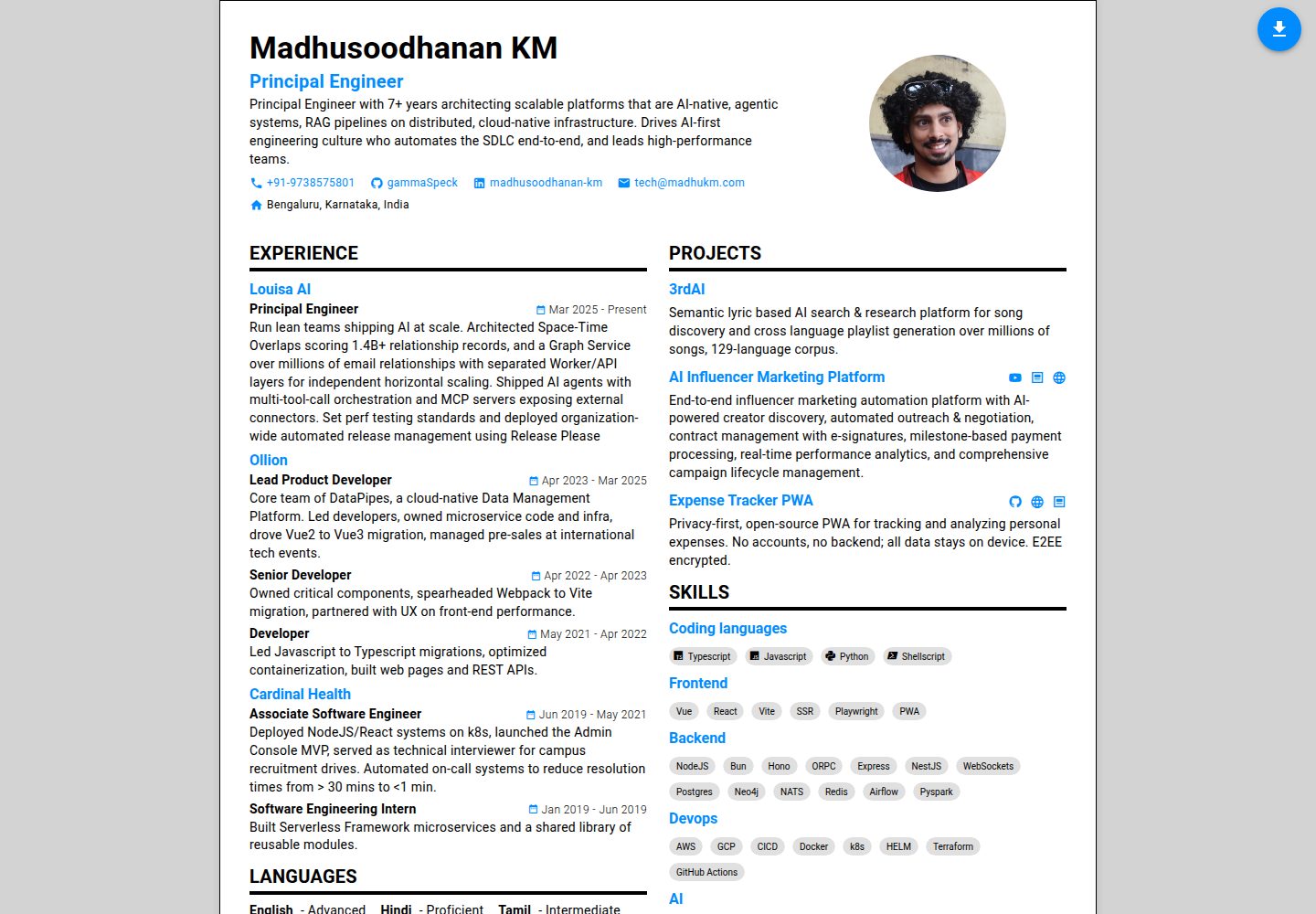
Content is centralized in a single configuration file, src/config/resumeConfig.ts, including personal information, contact details, experience, languages, skills, education, and theme settings
VueVitePortfolio
resume2.0 — Vue Portfolio Template
By gammaSpeck
A responsive resume application based on Vue 3, Vite, TypeScript, and Vuetify, with content centralized in a single configuration file and PDF generation via puppeteer.
Explore the design
Compare the page layouts and mobile experience. Open any screenshot for a closer look.
Desktop homepage1 / 2
Desktop captureTop of page
Actual screenshot captured by the server browser.
All pages & views 2
Screenshots show visual appearance; interactive behavior may differ.
Recorded 2026-10-15View source
What stands out
A quick read of the recorded project description.
Built with Vue 3, Vite, TypeScript, and Vuetify, with pnpm used for dependency management
The README states it is a responsive design and provides desktop and mobile preview screenshots
Running pnpm pdf-gen via puppeteer can generate a PDF from the page
Theme colors can be adjusted in themeSettings in the configuration file; further style modifications require editing component files
Provides the pnpm dev development server and pnpm build production build commands
Template Details
resume2.0 is a responsive resume application built with Vue 3, Vite, TypeScript, and Vuetify, positioned by its README as a customizable resume page. All resume content is placed in a single configuration file, src/config/resumeConfig.ts, covering personal information (name, job title, summary), contact links, work experience, languages, skills divided by category, education, and theme settings; the avatar image is placed in src/assets/ and its filename must be updated in the configuration.
The usage flow is: clone the repository, install dependencies with pnpm install, modify the configuration file and avatar, start the development server with pnpm dev (the README states the local address is http://localhost:3000), run pnpm pdf-gen in another terminal to generate a PDF, and finally build the production version with pnpm build. PDF generation depends on puppeteer, which renders the web page as a PDF.
The README does not explain deployment methods, hosting platforms, browser compatibility ranges, accessibility support, multilingual interfaces, or data validation methods, nor does it provide more detailed style customization instructions beyond theme colors and component files; these aspects need to be confirmed by checking the code yourself.
VueVitePortfolio
Is it right for your project?
Use Cases
- Creating and maintaining a customizable online resume page for personal use
- Scenarios requiring both a web page and a PDF resume output from the same configuration
- Using a Vue 3 + Vuetify project as a base and modifying components and theme styles as needed
Suitable For
- Developers familiar with Vue and TypeScript who are willing to directly edit configuration files and component code
- People who want to manage resume content in a single file
- Individual users who need a web-based resume and can export a PDF
Getting started & customization
Use these recorded setup notes alongside the repository instructions for your chosen version.
- 1
After cloning the repository, run pnpm install to install dependencies
- 2
Edit src/config/resumeConfig.ts to fill in personal information, experience, skills, education, and theme settings
- 3
Replace the avatar image in src/assets/ and update the filename in the configuration
- 4
Run pnpm dev to start the development server; the README states the address is http://localhost:3000
- 5
With the development server running, open another terminal and run pnpm pdf-gen to generate a PDF; use pnpm build for the production build
License & source material
Usage conditions & limitations
Free to use · keep license noticeThis entry covers the free version under the MIT license in the public repository; the free scope is the code of this version and does not mean that external services or third-party assets are free.
Must comply with when using
- Free use, modification, commercial use, and distribution of this version's code are permitted.
- When distributing copies or substantial portions of the code, retain the original author's copyright notice and the complete MIT license notice.
- The code is provided as is; warranties and limitations of liability are governed by the original license and applicable law.
Additional costs & items to verify
- Demo images, fonts, icons, and other third-party assets must be checked against their respective licenses and cannot be judged solely by the code's MIT license.
- External services such as domains, hosting, databases, payments, or AI may incur additional charges.
View Original Text Basis
https://github.com/gammaSpeck/resume2.0/blob/main/LICENSEhttps://github.com/gammaSpeck/resume2.0/blob/main/README.mdPermission is hereby granted, free of charge
Original License Text
Compiled by DeepSeek based on repository license and README ·2026-10-15. Results only cover the materials read; dependencies, images, fonts, and subsequent term changes are subject to their respective original texts.
Project checks & description sources
Template Information
- Source platforms
- GitHub
- Documentation and maintenance reference score
- More documented · 88 / 100
- Technologies
- Vue · Vite
- Website type
- Portfolio
How this score is calculated
Our heuristic uses license records (up to 30), a demo link (12), a preview (10), stars (15), recorded maintenance (15), description completeness (8), feature records (5) and classification data (5). It is not a code, security or performance test, or a Google score. A link does not establish tested functionality.
What to verify for this project
- Repository update recorded
- 2026-08-04
- Screenshot last checked
- 2026-10-15
A demo link is listed. Check it with your own content and viewport sizes; its presence does not confirm that forms, authentication or payments work.
The catalog identifies Vue as the primary stack. Check the actual dependency manifest and lockfile for versions and hosting requirements. These notes use recorded metadata, not a code audit or a deployment test.
Use a selection guide →How this description was prepared
AI-assisted description based on catalog records and repository material. Repository authors are not automatically the reviewers of this description.
Review declaration: codex-user-requested-batch-review-20261015 · 2026-10-15
Inspect the recorded source material
SHA-256: 0bfb76396d7b7501da3dd81c3ccd51700037c9ca92eea950a4c3935170770688
2026-10-15T04:42:40.323Z
Source file / repository# Resume 2.0 This is a modern, responsive resume app built using Vue 3, Vite, TypeScript, and Vuetify. It allows you to create a customizable resume with a clean design. ## Features - 📱 Fully responsive design - 🎨 Customizable theme - 🖨️ PDF generation - 📄 Easily configurable content through a single config file - 🚀 Fast development with Vite ## Quick Start for Your Resume 1. Clone this repository ```sh git clone https://github.com/gammaSpeck/resume2.0.git cd resume2.0 ``` 2. Install dependencies ```sh pnpm install ``` 3. **Customize your resume** - Edit the file at `src/config/resumeConfig.ts` with your personal information - Replace the avatar image in `src/assets/` with your photo (and update the filename in config) 4. Start the development server ```sh pnpm dev ``` 5. Generate PDF (in a separate terminal) - Start the development server if not already running - Run: ```sh pnpm pdf-gen ``` 6. Build for production ```sh pnpm build ``` ## Customization ### Resume Content All resume content is stored in a single configuration file at `src/config/resumeConfig.ts`. This file contains: - Personal information (name, title, summary) - Contact links - Experience history - Languages - Skills (organized by category) - Education history - Theme settings ### Styling - The theme colors can be customized in the `themeSettings` section of the config file - Additional styling customizations can be made in the component files ## Development The app will be available locally at: [http://localhost:3000](http://localhost:3000) ## Technologies Used - **Vue 3**: JavaScript framework for building user interfaces - **Vite**: Frontend build tool for fast development - **TypeScript**: Typed superset of JavaScript that compiles to plain JavaScript - **Vuetify**: Material Design component framework for Vue - **pnpm**: Fast, disk space efficient package manager - **puppeteer**: Used to create a PDF out of a web page ## Contributing Contributions are welcome! Please submit a pull request or open an issue for any feature requests or bug reports. ## License This project is licensed under the MIT License. See the [LICENSE](./LICENSE) file for more details.
Explore similar templates
Compare previews and descriptions within the same stack and category.
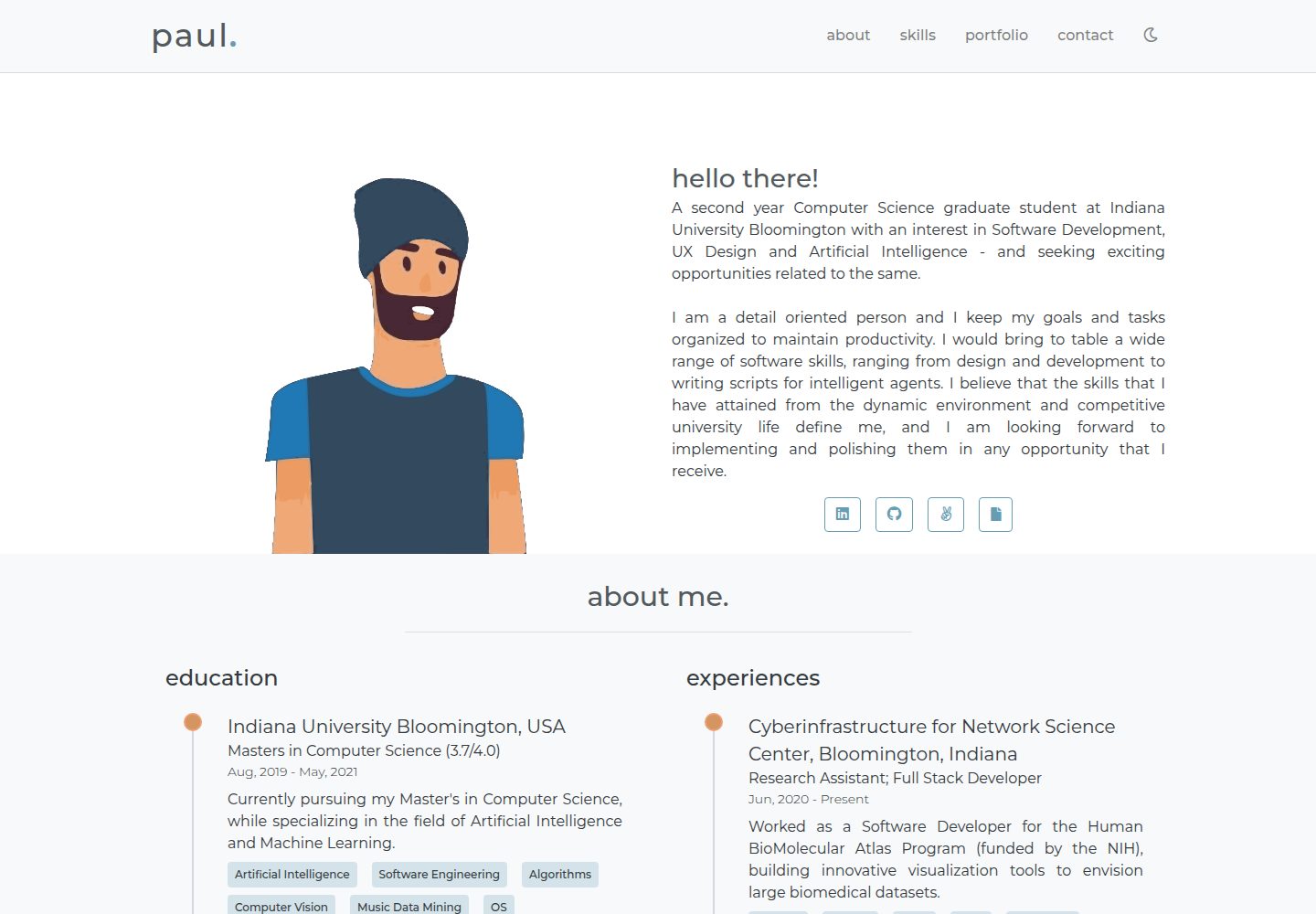
portfolio-template
A minimal personal portfolio website template built with Vue and HTML, with content configured in info.js.
Vue · Portfolio

vuejs-os-template
A Vue 2-based Web OS template for building desktop-style interactive interfaces, with draggable windows, a navigation bar, and three themes (Blueprint, Windows, MacOS). It uses Vuex for window data management and offers two ways to register windows.
Vue · Portfolio
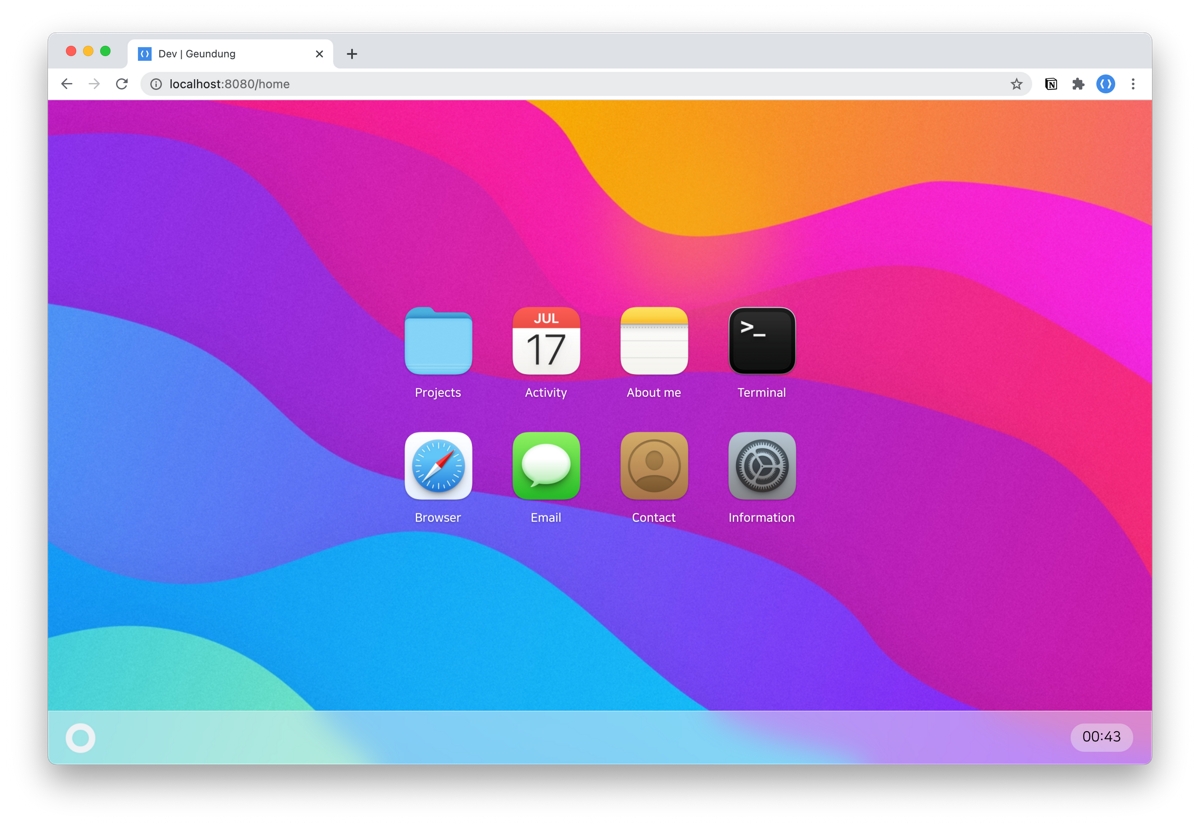
resume
A macOS Big Sur-style personal resume template built with Vue 3 + TypeScript, with content configured via JSON files under src/data. It includes dark mode, responsive layout, PWA support, and automatic GitHub star count fetching.
Vue · Portfolio
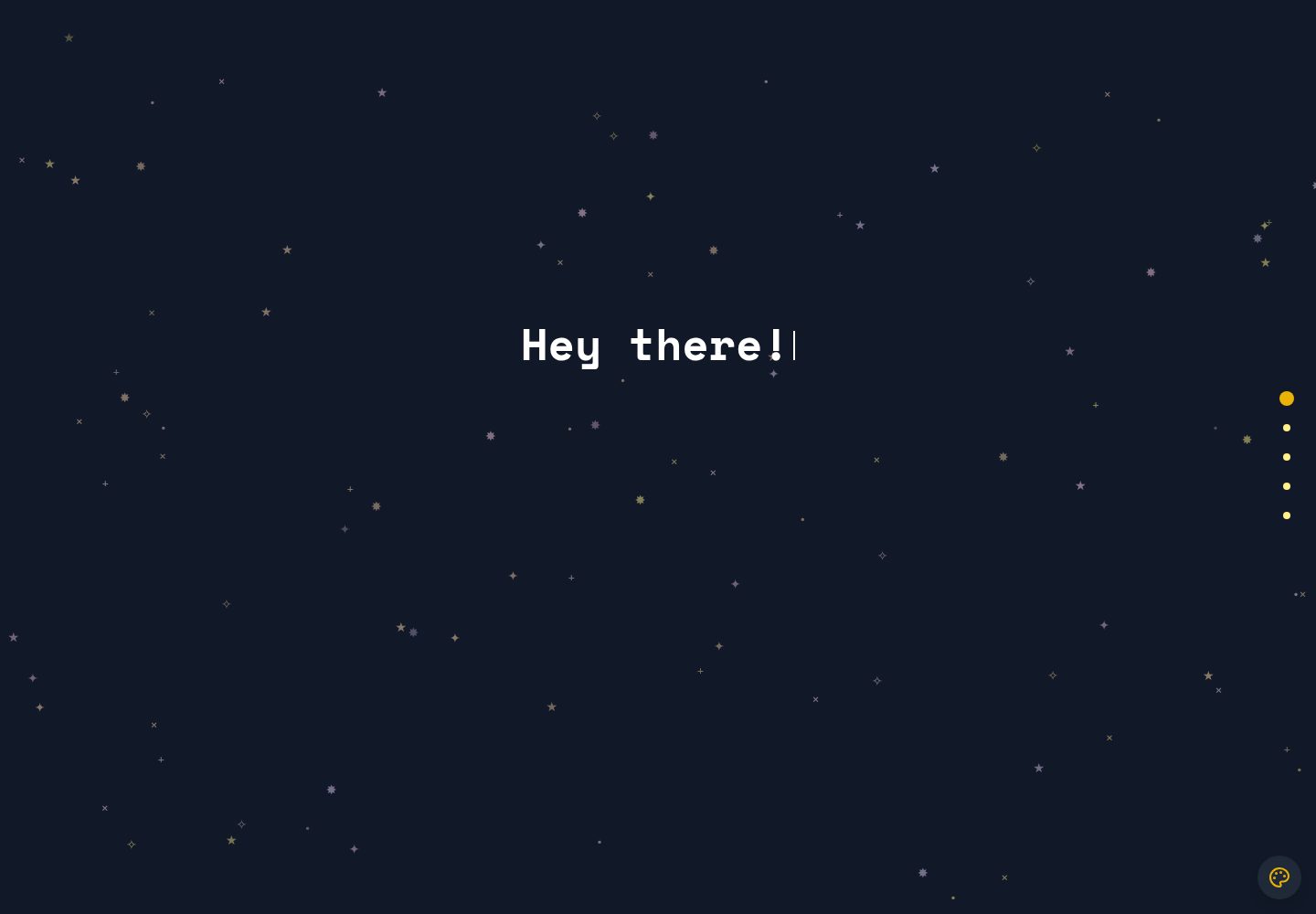
portfolio-template
A Vue and Tailwind CSS portfolio template with JSON-configured sections, Lucide icons, and a GitHub Pages deploy script. Suitable for developers who want a lightweight static portfolio and are comfortable editing code and JSON.
Vue · Portfolio
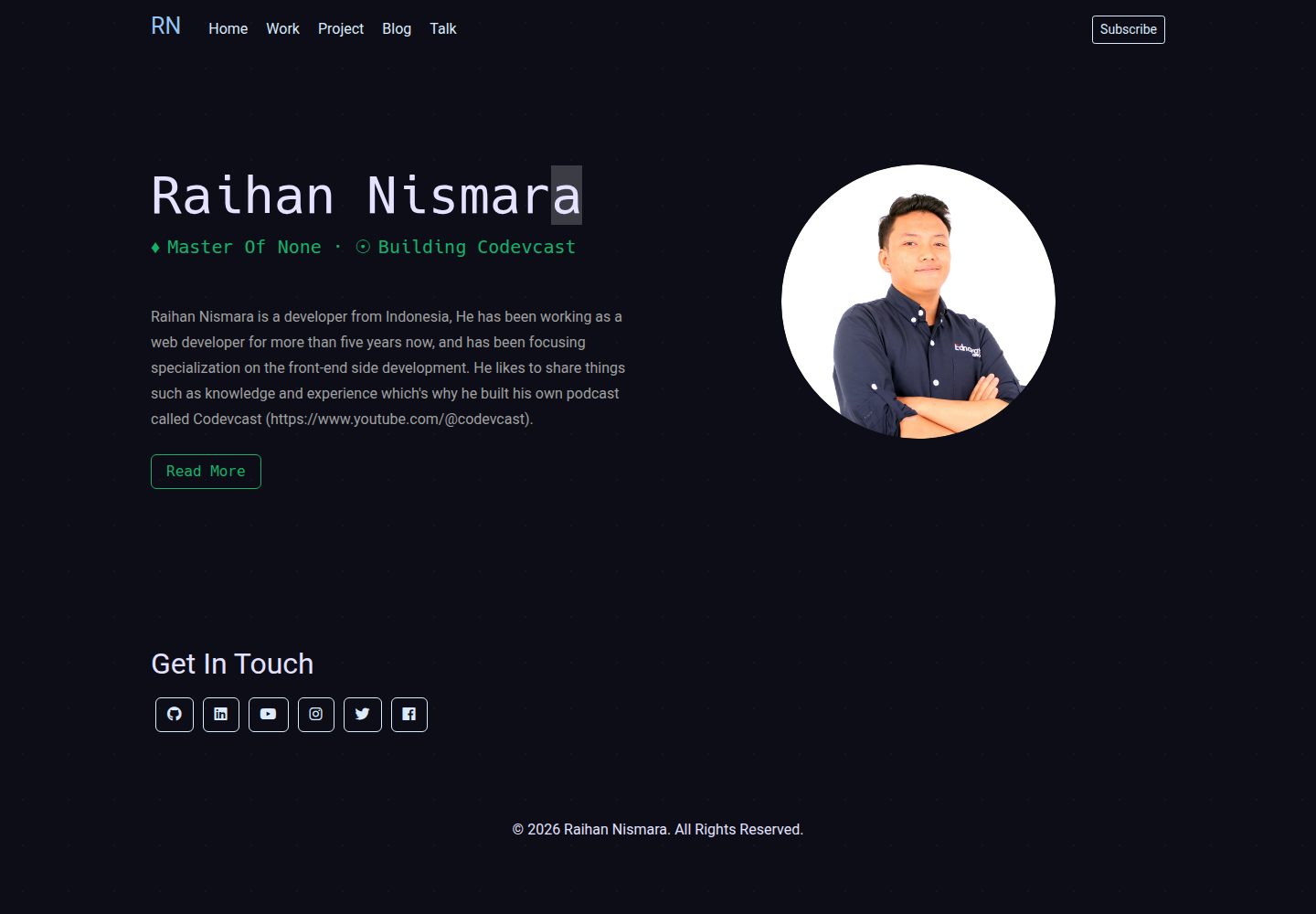
vue-porto
VuePorto is a Vue-based single-page resume and portfolio template adapted from StartBootstrap's Resume theme, adding animations and transitions. It suits personal resume or portfolio sites and is under the MIT license for free use and secondary development.
Vue · Portfolio
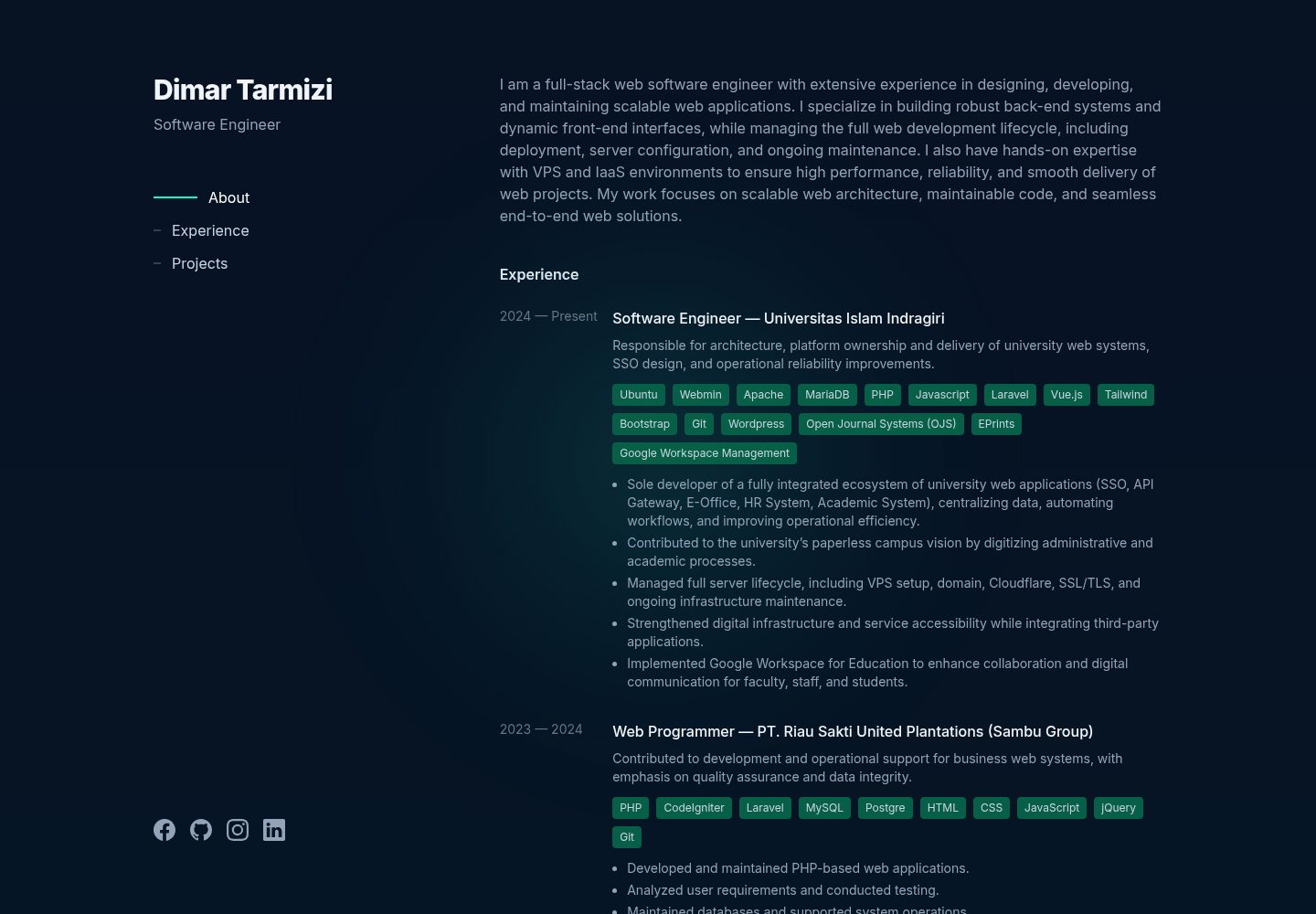
portfolio
A full-stack personal portfolio template built with Laravel, Inertia.js, and Vue 3, with Vite and Tailwind CSS on the front end.
Vue · Admin dashboard