Form-based resume editor covering sections such as personal information, summary, experience, education, and skills, with drag-and-drop sorting support
Next.jsReactPortfolio
auto-resume — Next.js Portfolio Template
By Holymaiden
AutoResume is an open-source resume builder based on Next.js and React, offering form editing, real-time preview, multiple template switching, and optional OpenAI/Gemini AI content suggestions, with data stored locally in the browser.
Explore the design
Compare the page layouts and mobile experience. Open any screenshot for a closer look.
Desktop homepage1 / 2
Desktop captureTop of page
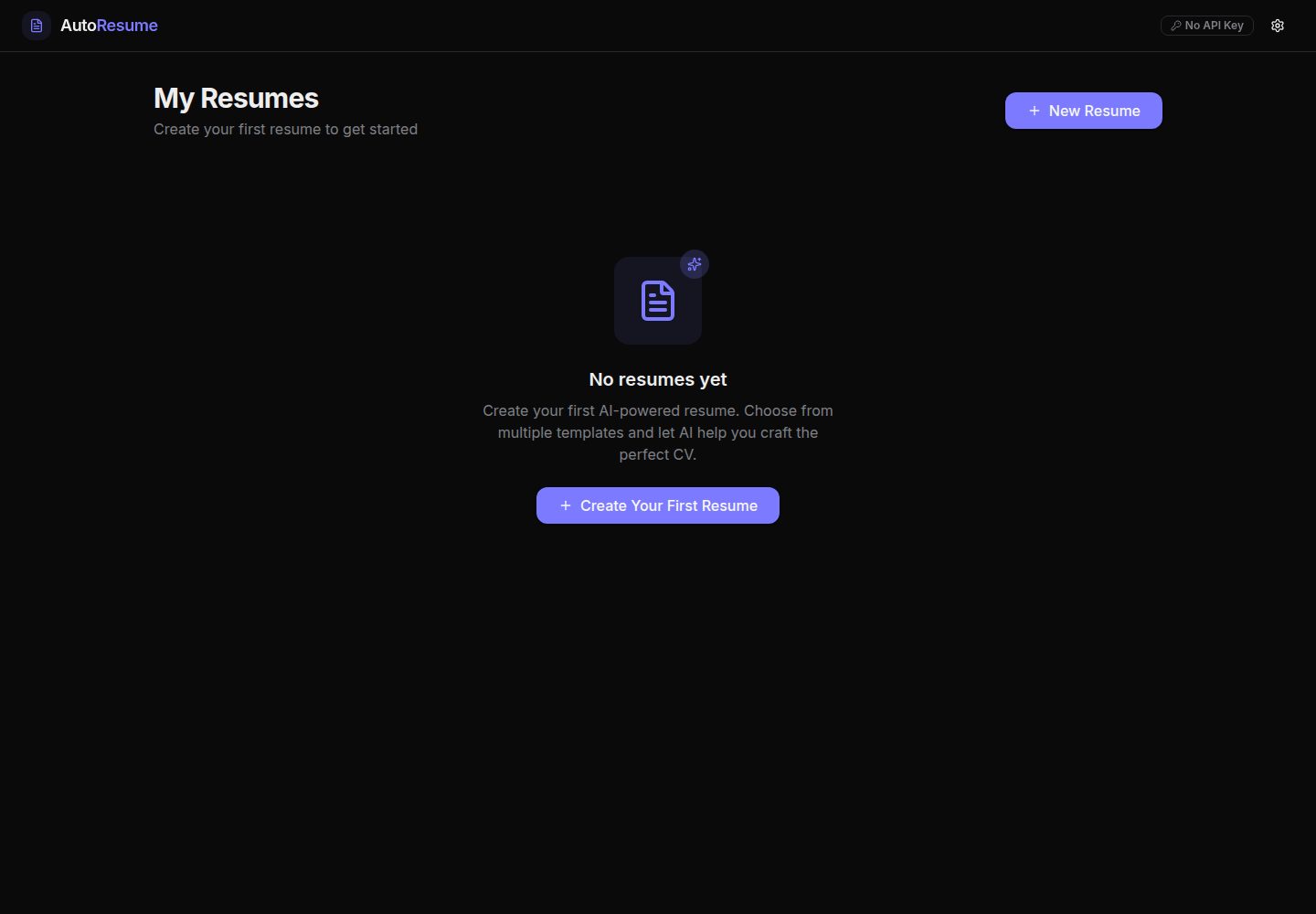
Actual screenshot captured by the server browser.
All pages & views 2
Screenshots show visual appearance; interactive behavior may differ.
Recorded 2026-10-14View source
What stands out
A quick read of the recorded project description.
Real-time preview while editing, with switching among three templates: Modern, Professional, and Minimalist
Support for custom fonts and font sizes, as well as creating, copying, and deleting multiple resumes
Data is automatically saved to browser local storage; the README states it is not sent to a server
Optional integration with OpenAI or Google Gemini API keys for generating summaries, recommending skills, and ATS keyword optimization
Built on technologies including Next.js, React, TypeScript, Tailwind CSS, Zustand, React Hook Form, and Zod
Template Details
AutoResume is an open-source resume builder, and the README positions it as "AI-Powered Resume Builder — Build ATS-Friendly Resumes in Minutes." It provides a form-based resume editor covering sections such as personal information, summary, work experience, education, and skills, supports drag-and-drop reordering of sections, and automatically saves to browser local storage. While editing, you can preview in real time and switch between three templates: Modern, Professional, and Minimalist, with support for custom fonts and font sizes, management of multiple resumes, and copying and deleting resumes. AI features are optional: users can select OpenAI or Google Gemini in settings and enter their own API key to generate summaries, recommend skills, and perform ATS keyword optimization; without a key, the app still works normally, just without AI suggestions. The README states that all data is stored locally in the browser and is not sent to a server. Regarding the tech stack, the README lists Next.js, React, TypeScript, Tailwind CSS, Radix UI, Lucide Icons, Zustand, React Hook Form, Zod, Motion, LocalForage, and more. The project uses the MIT license. The README does not provide implementation details for features such as PDF export, internationalization, unit testing, or PWA; these appear only in contribution suggestions.
Next.jsReactPortfolio
Is it right for your project?
Use Cases
- Create and edit a personal resume in a local browser and view the layout effects of different templates in real time
- Maintain multiple resumes for different positions and manage versions through copy and delete functions
- After configuring your own OpenAI or Gemini API key, get content suggestions for summaries, skills, and ATS keywords
- Use cases where you want resume data to remain local and not be sent to third-party servers
Suitable For
- Job seekers who need to quickly create ATS-friendly resumes
- Developers who prefer open-source tools they can deploy themselves
- Privacy-sensitive users who want data stored locally in the browser
- Users who need to manage multiple resumes at the same time or try different templates
Getting started & customization
Use these recorded setup notes alongside the repository instructions for your chosen version.
- 1
Requires Node.js 18+ and pnpm; the README requires using pnpm to install dependencies
- 2
Run git clone, cd auto-resume, pnpm install, pnpm dev in sequence, then visit http://localhost:3000
- 3
AI features are optional: in the settings in the page header, select OpenAI or Google Gemini and enter your own API key; if no key is entered, the app can still be used, but there will be no AI suggestions
- 4
The README lists scripts such as pnpm build, pnpm start, pnpm lint, pnpm format, and pnpm format:check
- 5
The README does not provide specific steps for deploying to Vercel or other platforms
License & source material
Usage conditions & limitations
Free to use · keep license noticeThis entry covers the free version under the MIT license in the public repository; the free scope is the code of this version and does not mean that external services or third-party assets are free.
Must comply with when using
- Free use, modification, commercial use, and distribution of this version's code are permitted.
- When distributing copies or substantial portions of the code, retain the original author's copyright notice and the complete MIT license notice.
- The code is provided as is; warranties and limitations of liability are governed by the original license and applicable law.
Additional costs & items to verify
- Demo images, fonts, icons, and other third-party assets need to be checked against their respective licenses and cannot be judged solely by the code's MIT license.
- External services such as domains, hosting, databases, payments, or AI may incur additional charges.
- AI features require users to provide their own OpenAI or Google Gemini API key, which is an external service and may incur costs.
- AI features are optional; if no API key is provided, the app can still be used, but AI suggestions cannot be obtained.
View Original Text Basis
Permission is hereby granted, free of charge
Original License Text
- 🤖 **AI-Powered** — Bring your own API key (OpenAI or Gemini) to get intelligent content suggestions.
Original README
https://github.com/Holymaiden/auto-resume/blob/main/LICENSEhttps://github.com/Holymaiden/auto-resume/blob/main/README.md> **Note:** AI features are optional. The app works perfectly without an API key — you just won't get AI-powered suggestions.
Original README
Compiled by DeepSeek based on repository license and README ·2026-10-14. Results only cover the materials read; dependencies, images, fonts, and subsequent term changes are subject to their respective original texts.
Project checks & description sources
Template Information
- Source platforms
- GitHub
- Documentation and maintenance reference score
- More documented · 85 / 100
- Technologies
- Next.js · React
- Website type
- Portfolio
How this score is calculated
Our heuristic uses license records (up to 30), a demo link (12), a preview (10), stars (15), recorded maintenance (15), description completeness (8), feature records (5) and classification data (5). It is not a code, security or performance test, or a Google score. A link does not establish tested functionality.
What to verify for this project
- Repository update recorded
- 2026-04-08
- Screenshot last checked
- 2026-10-14
A demo link is listed. Check it with your own content and viewport sizes; its presence does not confirm that forms, authentication or payments work.
The catalog identifies Next.js as the primary stack. Check the actual dependency manifest and lockfile for versions and hosting requirements. These notes use recorded metadata, not a code audit or a deployment test.
Use a selection guide →How this description was prepared
AI-assisted description based on catalog records and repository material. Repository authors are not automatically the reviewers of this description.
Review declaration: codex-user-requested-batch-review-20261017 · 2026-10-16
Inspect the recorded source material
SHA-256: 06a9c5d31bb2f08666b0f1e98deb962892eba6082becef53966744abcee3b4bb
2026-10-14T19:02:42.834Z
Source file / repository<div align="center"> # ✨ AutoResume ### AI-Powered Resume Builder — Build ATS-Friendly Resumes in Minutes [](https://nextjs.org/) [](https://react.dev/) [](https://www.typescriptlang.org/) [](https://tailwindcss.com/) [](LICENSE) **AutoResume** is a modern, open-source resume builder that leverages AI to help you craft professional, ATS-optimized resumes. With real-time preview, multiple beautiful templates, drag-and-drop reordering, and full privacy — everything runs 100% in your browser. [🚀 Live Demo](https://auto-resume-eight.vercel.app) · [📖 Documentation](#usage) · [🐛 Report Bug](../../issues) · [💡 Request Feature](../../issues) </div> --- ## 🎯 Why AutoResume? Most resume builders are either too simple, locked behind paywalls, or send your data to third-party servers. **AutoResume** is different: - 🔒 **Privacy First** — All data is stored locally in your browser. Nothing is sent to any server. - 🤖 **AI-Powered** — Bring your own API key (OpenAI or Gemini) to get intelligent content suggestions. - 🎨 **Beautiful Templates** — Multiple professionally designed templates with real-time preview. - 📱 **Fully Responsive** — Works seamlessly on desktop, tablet, and mobile. - ⚡ **Blazing Fast** — Built with Next.js 16 and React 19 for optimal performance. - 🆓 **100% Free & Open Source** — No paywalls, no subscriptions, no hidden fees. --- ## ✨ Features <table> <tr> <td width="50%"> ### 📝 Smart Resume Editor - Intuitive form-based editor with validation - Sections: Personal Info, Summary, Experience, Education, Skills - Drag & drop reordering of sections - Auto-save to browser local storage </td> <td width="50%"> ### 🤖 AI Assistance - AI-powered content suggestions (OpenAI & Gemini) - Smart summary generation - Skills recommendations - ATS keyword optimization </td> </tr> <tr> <td width="50%"> ### 🎨 Professional Templates - **Modern** — Clean design with accent colors and left sidebar - **Professional** — Classic corporate layout with structured sections - **Minimalist** — Typography-focused elegant design - Real-time preview while editing </td> <td width="50%"> ### ⚙️ Customization - Custom font selection (typeface & size) - Template switching in real-time - Multiple resume management - Duplicate & delete resumes </td> </tr> </table> --- ## 🛠️ Tech Stack | Category | Technologies | |---|---| | **Framework** | Next.js 16, React 19, TypeScript 5 | | **Styling** | Tailwind CSS 4, Radix UI, Lucide Icons | | **State Management** | Zustand, React Hook Form, Zod | | **Animation** | Motion (Framer Motion) | | **AI Integration** | OpenAI API, Google Gemini API | | **Data** | LocalForage, Browser LocalStorage | | **DX Tools** | ESLint, Prettier, Husky, pnpm | --- ## 🚀 Getting Started ### Prerequisites - **Node.js** 18+ ([Download](https://nodejs.org/)) - **pnpm** ([Install](https://pnpm.io/installation)) ### Installation ```bash # Clone the repository git clone https://github.com/holymaiden/auto-resume.git # Navigate to the project cd auto-resume # Install dependencies pnpm install # Start the development server pnpm dev ``` Open [http://localhost:3000](http://localhost:3000) to see the app! 🎉 ### AI Setup (Optional) 1. Click the ⚙️ **Settings** button in the header 2. Choose your AI provider: **OpenAI** or **Google Gemini** 3. Paste your API key 4. AI features will be activated instantly > **Note:** AI features are optional. The app works perfectly without an API key — you just won't get AI-powered suggestions. --- ## 📁 Project Structure ``` auto-resume/ ├── src/ │ ├── app/ # Next.js App Router pages │ │ ├── page.tsx # Dashboard — resume list │ │ └── editor/ # Resume editor page │ ├── components/ │ │ ├── editor/ # Editor components │ │ │ ├── form-builder/ # Form sections (personal, experience, etc.) │ │ │ └── preview/ # Live preview & templates │ │ ├── layout/ # App header, providers │ │ ├── settings/ # Settings modal │ │ └── ui/ # Reusable UI components (Radix-based) │ ├── lib/ # Utilities, constants, storage │ ├── schemas/ # Zod validation schemas │ ├── stores/ # Zustand state management │ └── types/ # TypeScript type definitions ├── public/ # Static assets ├── package.json └── tsconfig.json ``` --- ## 📜 Available Scripts | Script | Description | |---|---| | `pnpm dev` | Start development server with hot reload | | `pnpm build` | Build for production | | `pnpm start` | Start production server | | `pnpm lint` | Run ESLint checks | | `pnpm format` | Format code with Prettier | | `pnpm format:check` | Check formatting without modifying files | --- ## 🤝 Contributing Contributions are welcome! Here's how you can help: 1. **Fork** the repository 2. **Create** a feature branch (`git checkout -b feature/amazing-feature`) 3. **Commit** your changes (`git commit -m 'feat: add amazing feature'`) 4. **Push** to the branch (`git push origin feature/amazing-feature`) 5. **Open** a Pull Request ### Contribution Ideas - 🌍 Add internationalization (i18n) support - 📄 PDF export functionality - 🎨 New resume templates - 🧪 Unit & integration tests - 📱 PWA support for offline usage --- ## 📄 License This project is licensed under the **MIT License** — see the [LICENSE](LICENSE) file for details. --- ## ⭐ Show Your Support If you find AutoResume helpful, please consider giving it a ⭐ on GitHub! It helps others discover this project. <div align="center"> **Built with ❤️ by [holymaiden](https://github.com/holymaiden)** [⬆ Back to Top](#-autoresume) </div>
Explore similar templates
Compare previews and descriptions within the same stack and category.

react-resume-template
A personal resume website template for software developers, built with Next.js, React, and TypeScript and styled with Tailwind CSS. Site content is driven by a single data file at /src/data/data.tsx, with types in dataDef.ts and images in src/images/.
Next.js · Portfolio

nxt-lnk
nxt-lnk is a Next.js-based bio link page template that manages personal information and links via BioData.js and LinksData.js, positioned as a self-hosted alternative to Linktree. It groups links by type, supports enabling/disabling individual links, and offers hexagonal or oval avatars.
Next.js · Portfolio

sylph
Sylph is a minimal portfolio and blog template built on Next.js, supporting MDX/Markdown writing, light/dark themes, and automatic OG image generation. It includes sitemap, robots.txt, metadata, and syntax highlighting, with automatic blog timestamps.
Next.js · Portfolio

sleek-portfolio
A modern, responsive portfolio template built with Next.js 15, TypeScript, Tailwind CSS, and Shadcn UI. It includes an MDX blog, project showcase, work experience timeline, and a contact form that receives messages via Telegram Bot.
Next.js · Portfolio

research-website-template
A React + Next.js template for research personal websites, aimed at PhD students and researchers. It centralizes publications, projects, and other content in src/data as arrays of objects, with optional fields automatically generating UI components.
Next.js · Portfolio

shadcn-portfolio
A developer portfolio template built with Next.js 15, shadcn/ui, Tailwind CSS, and Framer Motion, featuring an MDX blog, light and dark modes, responsive design, and SEO meta tags.
Next.js · Portfolio