
Content is centralized in the src/data directory, with publications, projects, and other data defined as arrays of objects
Next.jsReactPortfolio
research-website-template — Next.js Portfolio Template
By tovacinni
A React + Next.js academic homepage template for researchers and PhD students, generating content blocks such as publications and projects by editing data files under src/data.
Explore the design
Compare the page layouts and mobile experience. Open any screenshot for a closer look.
Desktop homepage1 / 2
Desktop captureTop of page
Actual screenshot captured by the server browser.
All pages & views 2
Screenshots show visual appearance; interactive behavior may differ.
Recorded 2026-10-02View source
What stands out
A quick read of the recorded project description.
Fields marked with ? in the data interface are optional, and filling them in automatically generates the corresponding UI components
Page section order can be adjusted in src/data/section-order.ts
For full customization, you can directly edit the React components under src/components
Built on React and Next.js, with deployment instructions for both GitHub Pages and Vercel
MIT license, allowing free use, modification, commercial use, and distribution of the code
Template Details
This is a research-oriented personal website template built with React and Next.js. The author positions it for academic users such as PhD students and researchers, while also noting that anyone can actually use it. The template's core idea is to separate page content from presentation logic: all customizable content is centralized in the src/data directory, defined as arrays of objects, and page components read these arrays to automatically generate the corresponding blocks.
Take publications as an example: src/data/publication.ts exports a publicationData array, where each object contains fields such as year, conference, title, and authors. Optional fields include paperUrl, codeUrl, bibtex, tldr, imageUrl, and award; fields marked with ? in the interface are optional, and filling them in automatically generates the corresponding UI components. The order of sections can be adjusted in src/data/section-order.ts, and for full customization you can directly modify the React components under src/components.
The template's motivation is to replace traditional academic homepage templates that are primarily HTML + CSS (such as the Jon Barron template). The author considers the latter simple and complete but with much duplicated code and difficult long-term maintenance. This template aims for less code and easier maintenance. The repository uses the MIT license, allowing free use, modification, commercial use, and distribution, but third-party assets such as demo images, fonts, and icons require separate license verification, and external services such as domains and hosting may incur additional charges.
Next.jsReactPortfolio
Is it right for your project?
Use Cases
- PhD students or researchers building a personal homepage to showcase publications and academic achievements
- Academic sites that need to maintain a publication list by fields such as year, conference, and authors
- Updating website content by modifying data files rather than rewriting HTML
- Deploying the repository to GitHub Pages or Vercel as a personal academic homepage
Suitable For
- Researchers with basic front-end experience who can edit TypeScript data files
- Academic homepage maintainers who want to replace repetitive HTML with a React component structure
- Personal site authors who need a data-driven way to manage publications, projects, and other content
Getting started & customization
Use these recorded setup notes alongside the repository instructions for your chosen version.
- 1
First install Node.js and npm, and verify with node --version and npm --version
- 2
After forking or cloning the repository, run npm install in the repository directory to install dependencies
- 3
Run npm run dev to start the development server, and visit http://localhost:3000 in your browser to view it
- 4
When deploying to GitHub Pages, the repository name must be [your-github-username].github.io, and in Settings → Pages set Source to GitHub Actions
- 5
To deploy to your own domain, you can use Vercel: push the code to a Git repository and import it; Vercel will automatically detect Next.js and configure the build
License & source material
Usage conditions & limitations
Free to use · keep license noticeThis entry covers the free version under the MIT license in the public repository; the free scope applies to that version's code and does not mean external services or third-party assets are free.
Must comply with when using
- You are allowed to use, modify, commercially use, and distribute the code of this version for free.
- When distributing copies or substantial portions of the code, retain the original author's copyright notice and the full MIT license notice.
- The code is provided as is; warranties and limitations of liability are governed by the original license and applicable law.
Additional costs & items to verify
- When deploying to your own domain, the README recommends using the Vercel platform, which requires registering a Vercel account and relies on that external hosting service; hosting may incur costs, which are external service costs and not a code license restriction.
- Using this template requires installing the Node.js and npm runtime environment yourself, which is an external tool dependency and not a code license restriction.
- Demo images, fonts, icons, and other third-party assets must be checked against their respective licenses and cannot be judged solely by the code's MIT license.
- External services such as domains, hosting, databases, payments, or AI may incur additional charges.
View Original Text Basis
Permission is hereby granted, free of charge
Original License Text
The easiest way to deploy your Next.js app is to use the [Vercel Platform](https://vercel.com/) from the creators of Next.js.
Original README
https://github.com/tovacinni/research-website-template/blob/main/LICENSEhttps://github.com/tovacinni/research-website-template/blob/main/README.mdFirst, install Node.js and npm through the [Node.js official website](https://nodejs.org/).
Original README
Compiled by DeepSeek based on repository license and README ·2026-10-02. Results only cover the materials read; dependencies, images, fonts, and subsequent term changes are subject to their respective original texts.
Project checks & description sources
Template Information
- Source platforms
- GitHub
- Documentation and maintenance reference score
- More documented · 90 / 100
- Technologies
- Next.js · React
- Website type
- Portfolio
How this score is calculated
Our heuristic uses license records (up to 30), a demo link (12), a preview (10), stars (15), recorded maintenance (15), description completeness (8), feature records (5) and classification data (5). It is not a code, security or performance test, or a Google score. A link does not establish tested functionality.
What to verify for this project
- Repository update recorded
- 2025-01-12
- Screenshot last checked
- 2026-10-02
A demo link is listed. Check it with your own content and viewport sizes; its presence does not confirm that forms, authentication or payments work.
The catalog identifies Next.js as the primary stack. Check the actual dependency manifest and lockfile for versions and hosting requirements. These notes use recorded metadata, not a code audit or a deployment test.
Use a selection guide →How this description was prepared
AI-assisted description based on catalog records and repository material. Repository authors are not automatically the reviewers of this description.
Automatically checked against source and license rules; no manual editorial review.
Inspect the recorded source material
SHA-256: ee1f7bd893a2608898fddd5ab0617803d1b5f5c39dc7d2050ae46b8c62611cb7
2026-10-02T07:45:31.165Z
Source file / repository# research-website-template
This is a React + Next.js template meant for research websites. See a [demo of the template here](https://tovacinni.github.io/research-website-template/). My own [personal website](https://tovacinni.github.io) is also built with the same template.
In practice it could probably be used by anyone.
It is meant to be customizeable, all through modifying the `src/data` - which have arrays of objects that are used to generate the website.
For example, `src/data/publication.ts` contains an array like:
```typescript
export const publicationData: Publication[] = [
{
year: "2023",
conference: "International Conference on Machine Learning (ICML)",
title: "Robust Causal Discovery Under Distribution Shift",
authors: "Jane Smith, Xue Chen, Sarah Johnson",
paperUrl: "https://arxiv.org/abs/2302.13095",
codeUrl: "https://github.com/jsmith/robust-causal-discovery",
},
];
```
To update your website, you can simply add objects to the array.
The schemas are defined in the same files, and many fields are optional for flexibility:
```typescript
export interface Publication {
year: string;
conference: string;
title: string;
authors: string;
paperUrl?: string;
codeUrl?: string;
bibtex?: string;
tldr?: string;
imageUrl?: string;
award?: string;
}
```
Any field with a `?` at the end is optional. Filling them in will create the UI components corresponding to them automatically.
You can also change the order of the sections in `src/data/section-order.ts`, and if you want full customization you can just edit the React components in `src/components`.
This project was birthed from annoyance over HTML + CSS templates- such as the very popular [Jon Barron template](https://github.com/jonbarron/website). The Jon Barron template is amazing because it is simple & complete which is why it's so popular- but over time, maintenance becomes difficult from the amount of duplicate code it creates (the Jon Barron index is now over 4000 lines of code). This is meant to be a much more minimal (to maintain) alternative (and was a good way to spend a few hours to build over holiday weekend).
## Prerequisites
First, install Node.js and npm through the [Node.js official website](https://nodejs.org/).
Verify installation by running:
```bash
node --version
npm --version
```
## Installation
1. Fork the repository
2. Clone the repository
```bash
git clone [your-repository-url]
cd [repository-name]
```
3. Install dependencies
Inside the repository, run:
```bash
npm install
```
## Running the Application
1. To start the development server, run (in the repository directory):
```bash
npm run dev
```
2. Open [http://localhost:3000](http://localhost:3000) with your browser to see the result.
## Deploying onto GitHub Pages
1. Fork or clone this repo and push to your own repository at `[your-github-username].github.io`.
2. In your repository settings, ensure the repository name matches `[your-github-username].github.io` if you want it to be your main GitHub Pages site.
3. Push your changes to the main branch.
4. Go to the GitHub page for your repository and go to `Settings` then `Pages`. If you set Source to be `GitHub Actions`, it should suggest you a build script for Next.js.
5. Commit the build script and see things building.
Your site should now be live at `https://[your-github-username].github.io/`.
## Deploying to your own domain
The easiest way to deploy your Next.js app is to use the [Vercel Platform](https://vercel.com/) from the creators of Next.js.
1. Create a [Vercel account](https://vercel.com/signup) if you haven't already
2. Push your code to a Git repository (GitHub, GitLab, or Bitbucket)
3. Import your repository on Vercel
4. Vercel will automatically detect Next.js and configure the build settings
5. Click "Deploy"
## Contributing
Feel free to drop a pull request whenever!
Explore similar templates
Compare previews and descriptions within the same stack and category.

react-resume-template
A personal resume website template for software developers, built with Next.js, React, and TypeScript and styled with Tailwind CSS. Site content is driven by a single data file at /src/data/data.tsx, with types in dataDef.ts and images in src/images/.
Next.js · Portfolio

nxt-lnk
nxt-lnk is a Next.js-based bio link page template that manages personal information and links via BioData.js and LinksData.js, positioned as a self-hosted alternative to Linktree. It groups links by type, supports enabling/disabling individual links, and offers hexagonal or oval avatars.
Next.js · Portfolio

sylph
Sylph is a minimal portfolio and blog template built on Next.js, supporting MDX/Markdown writing, light/dark themes, and automatic OG image generation. It includes sitemap, robots.txt, metadata, and syntax highlighting, with automatic blog timestamps.
Next.js · Portfolio

sleek-portfolio
A modern, responsive portfolio template built with Next.js 15, TypeScript, Tailwind CSS, and Shadcn UI. It includes an MDX blog, project showcase, work experience timeline, and a contact form that receives messages via Telegram Bot.
Next.js · Portfolio

shadcn-portfolio
A developer portfolio template built with Next.js 15, shadcn/ui, Tailwind CSS, and Framer Motion, featuring an MDX blog, light and dark modes, responsive design, and SEO meta tags.
Next.js · Portfolio
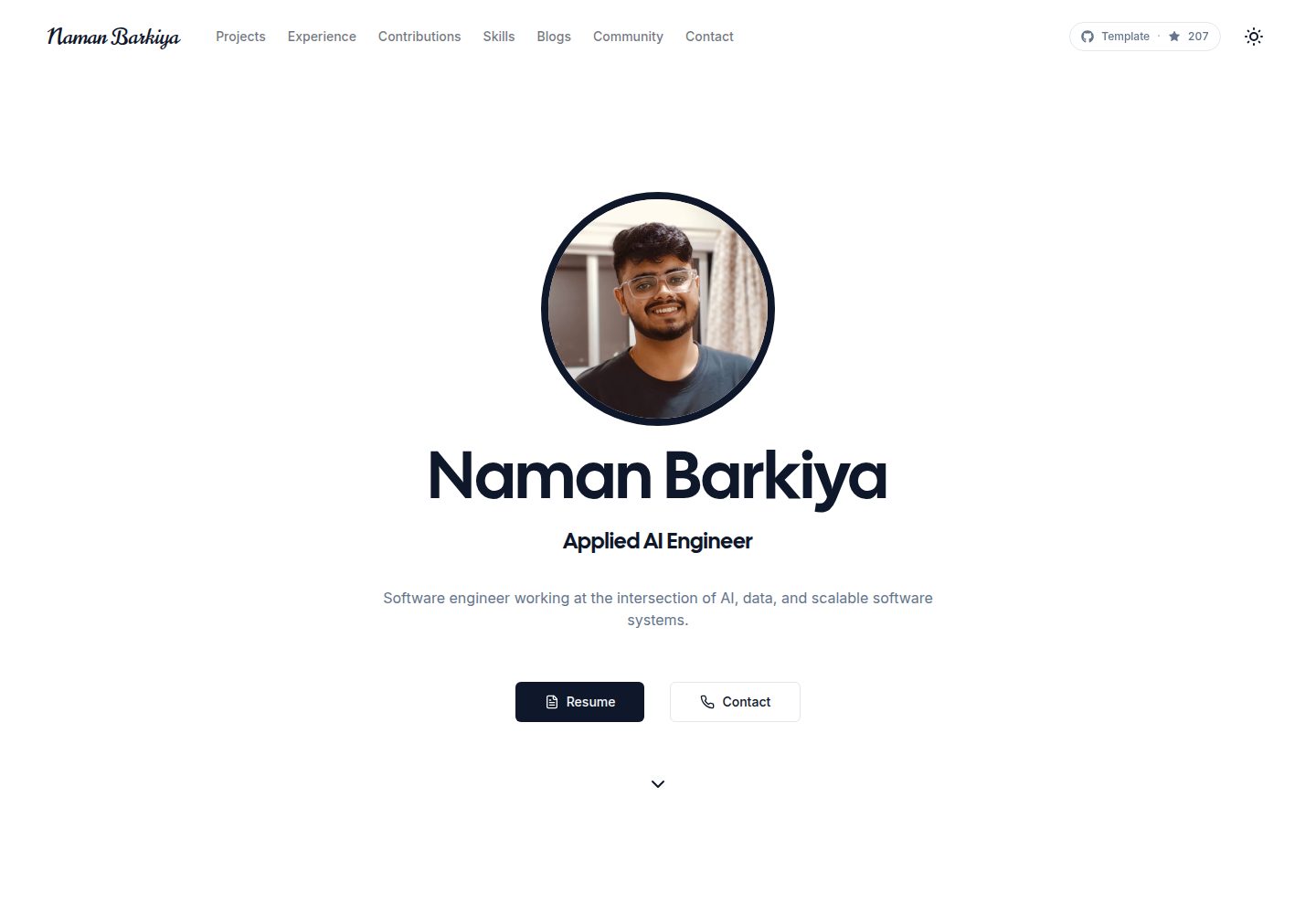
minimal-next-portfolio
An open-source Next.js portfolio template for developers and designers, using an object-driven config directory to manage personal information, skills, projects, experience, and contributions without changing page components.
Next.js · Portfolio