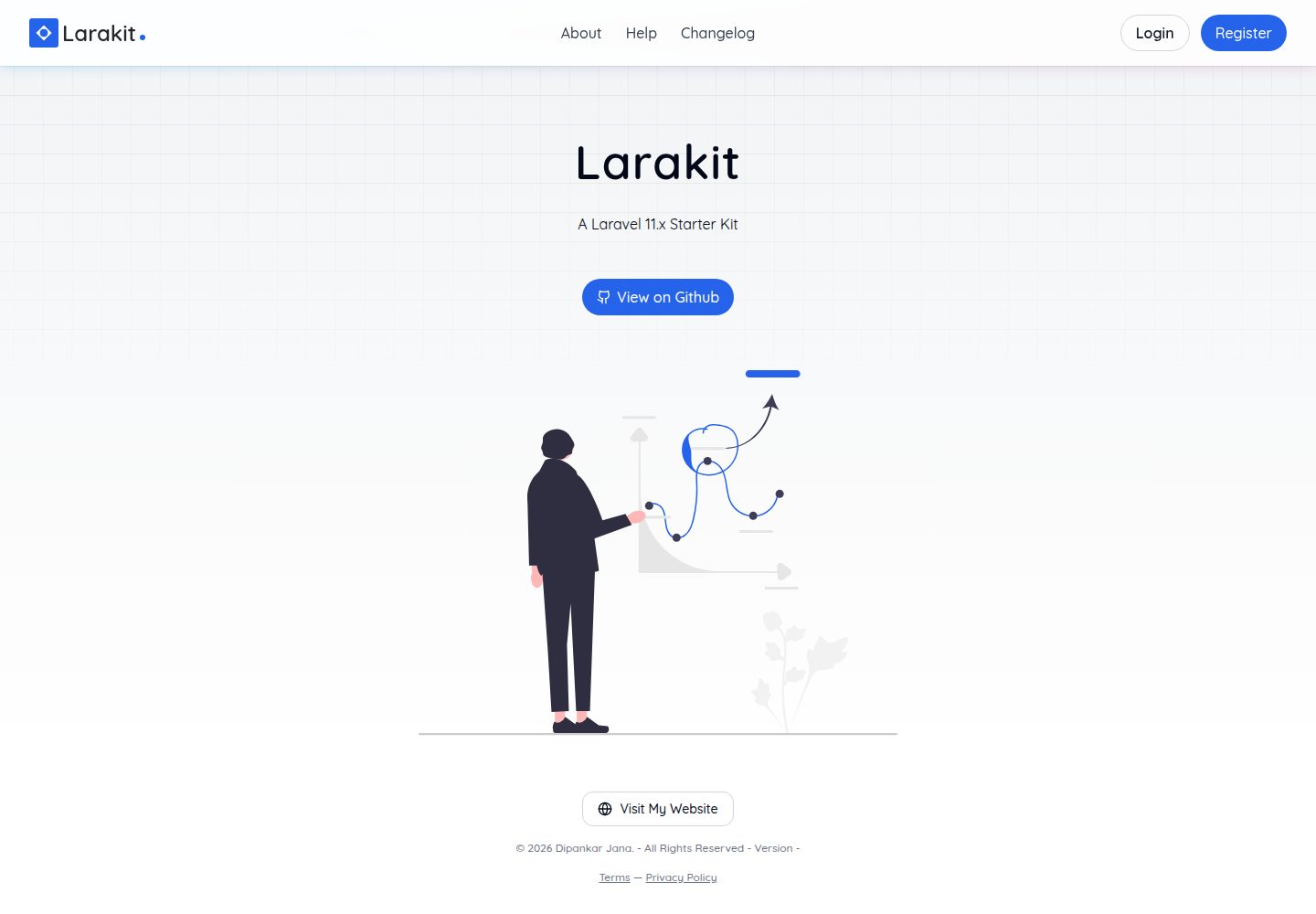
A sales dashboard starter kit built on Laravel Breeze, Inertia.js, and React
LaravelViteReactAdmin dashboardStarter
larakit — Laravel Admin dashboard Template
By iamdipankarj
Larakit is a sales dashboard starter kit built on Laravel Breeze, Inertia.js, and React, providing foundational modules such as authentication, user and role management, organization management, sales tracking, and chart-based reporting.
Explore the design
Compare the page layouts and mobile experience. Open any screenshot for a closer look.
Desktop homepage1 / 3
Desktop captureTop of page
Actual screenshot captured by the server browser.
All pages & views 3
Screenshots show visual appearance; interactive behavior may differ.
Recorded 2026-10-13View source
What stands out
A quick read of the recorded project description.
Includes authentication and authorization, user and role management, and organization management modules
Provides sales tracking and analysis, plus a dashboard with charts and reports
Supports dark mode and a responsive interface
Integrates OAuth login via Laravel Socialite
Uses PostgreSQL for the database and provides migration and seed data commands
Template Details
Larakit is a sales dashboard starter kit. The README states that it is built on Laravel Breeze, Inertia.js, and React, positioned as a lightweight and customizable starting point for a sales management system. The features it lists include: authentication and authorization based on Laravel Breeze, user and role management, organization management, sales tracking and analysis, a dashboard with charts and reports, dark mode and a responsive interface, and OAuth login implemented via Laravel Socialite.
The installation process is: after cloning the repository, install dependencies with yarn install, start Vite with yarn dev, then start the PHP service with php artisan serve; the README also provides a way to start on a local area network and notes that configurations such as APP_URL and SALES_API_BASE need to be adjusted accordingly. It also states that Google OAuth may be unavailable on a LAN due to Google OAuth policy restrictions and recommends switching to a local domain. For the database, PostgreSQL is required; the README provides steps to create a role and database, configure .env, then run php artisan migrate and php artisan db:seed.
The README does not provide information on performance, production deployment, test coverage, or security hardening, nor does it give specific dependency version numbers; the preview screenshots only prove that pages exist and cannot be used as evidence of functionality.
LaravelViteReactAdmin panelStarter kit
Is it right for your project?
Use Cases
- Development projects that need to quickly build a sales management admin prototype
- Management systems that want to start with a Laravel + Inertia + React combination
- Internal tools that need foundational modules for user, role, and organization management
- Sales data dashboard scenarios that need chart-based reporting
Suitable For
- Developers familiar with Laravel and React
- Teams that need sales dashboard starter code
- Projects using PostgreSQL as the database
- Developers who want to build an admin panel on top of an existing kit
Getting started & customization
Use these recorded setup notes alongside the repository instructions for your chosen version.
- 1
After cloning the repository, run yarn install to install dependencies
- 2
Run yarn dev to start Vite, and run php artisan serve to start the PHP service
- 3
PostgreSQL must be installed; create a role and database and configure the connection in .env
- 4
Run php artisan migrate and php artisan db:seed to complete migrations and seed data
- 5
For LAN access, configurations such as APP_URL and SALES_API_BASE need to be adjusted; Google OAuth may be restricted on a LAN
License & source material
Usage conditions & limitations
Free to use · keep license noticeThis entry covers the free version in a public repository under the Unlicense; the free scope is the code of that version and does not mean that external services or third-party assets are free.
Must comply with when using
- Allows free copying, modification, publication, use, compilation, sale, and distribution of that version's code, including commercial use.
- The author waives related copyright through a public domain dedication; the legal effect of that dedication depends on the applicable jurisdiction.
- The code is provided as is; warranties and limitations of liability are governed by the original license and applicable law.
Additional costs & items to verify
- Demo images, fonts, icons, and other third-party assets must be checked against their respective licenses and cannot be judged solely by the code's Unlicense.
- External services such as domains, hosting, databases, payments, or AI may incur separate charges.
- In a local area network (LAN) environment, Google OAuth login may be unavailable due to Google OAuth policy restrictions; a dedicated local domain (such as larakit.test) must be used instead to add it to Google OAuth client credentials.
- Database configuration requires PostgreSQL to be installed on the system; otherwise, the database initialization steps in the README cannot be completed.
- For LAN access, configurations such as APP_URL and SALES_API_BASE need to be changed to the LAN IP address; otherwise, related features may not work properly.
View Original Text Basis
for any purpose, commercial or non-commercial, and by any means
Original License Text
* Google OAuth login may not work on local area network due to restrictions on the OAuth policies of google. As a work around, you'd need to create a local only domain like `larakit.test` to be able to add it on google oauth client credentials.
Original README
* Make sure `postgresql` is installed in your system.
Original README
https://github.com/iamdipankarj/larakit/blob/master/LICENSE.mdhttps://github.com/iamdipankarj/larakit/blob/master/README.md* Make sure to change `APP_URL`, `SALES_API_BASE` and `APP_URL` to your LAN ip, e.g `http://192.168.0.57:8000`.
Original README
Compiled by DeepSeek based on repository license and README ·2026-10-13. Results only cover the materials read; dependencies, images, fonts, and subsequent term changes are subject to their respective original texts.
Project checks & description sources
Template Information
- Source platforms
- GitHub
- Documentation and maintenance reference score
- More documented · 85 / 100
- Technologies
- Laravel · Vite · React
- Website type
- Admin dashboard · Starter
How this score is calculated
Our heuristic uses license records (up to 30), a demo link (12), a preview (10), stars (15), recorded maintenance (15), description completeness (8), feature records (5) and classification data (5). It is not a code, security or performance test, or a Google score. A link does not establish tested functionality.
What to verify for this project
- Repository update recorded
- 2025-12-07
- Screenshot last checked
- 2026-10-13
A demo link is listed. Check it with your own content and viewport sizes; its presence does not confirm that forms, authentication or payments work.
The catalog identifies Laravel as the primary stack. Check the actual dependency manifest and lockfile for versions and hosting requirements. These notes use recorded metadata, not a code audit or a deployment test.
Use a selection guide →How this description was prepared
AI-assisted description based on catalog records and repository material. Repository authors are not automatically the reviewers of this description.
Review declaration: codex-user-requested-batch-review-20261015 · 2026-10-15
Inspect the recorded source material
SHA-256: 458a39c38b229ab587f613dabb501aa295b78dba12970d27cfc7cb4845e6f3e0
2026-10-13T18:23:04.998Z
Source file / repository<a id="readme-top"></a>
[![Unlicense License][license-shield]][license-url]
[![LinkedIn][linkedin-shield]][linkedin-url]
<!-- PROJECT LOGO -->
<br />
<div align="center">
<a href="https://larakit.dipankarjana.com">
<img src="https://larakit.dipankarjana.com/android-chrome-192x192.png" alt="Logo" width="80" height="80">
</a>
<h3 align="center">Larakit</h3>
<p style="text-align: center">
A Laravel 11.x Sales Dashboard Starter Kit
<br />
<a href="https://larakit.dipankarjana.com/">View Demo</a>
</p>
</div>
<!-- TABLE OF CONTENTS -->
<details>
<summary>Table of Contents</summary>
<ol>
<li>
<a href="#about-the-project">About The Project</a>
<ul>
<li><a href="#built-with">Built With</a></li>
</ul>
</li>
<li>
<a href="#getting-started">Getting Started</a>
<ul>
<li><a href="#prerequisites">Prerequisites</a></li>
<li><a href="#installation">Installation</a></li>
</ul>
</li>
<li><a href="#usage">Usage</a></li>
<li><a href="#roadmap">Roadmap</a></li>
<li><a href="#contributing">Contributing</a></li>
<li><a href="#license">License</a></li>
<li><a href="#contact">Contact</a></li>
<li><a href="#acknowledgments">Acknowledgments</a></li>
</ol>
</details>
<!-- ABOUT THE PROJECT -->
## About The Project
[](https://larakit.dipankarjana.com)
A lightweight and customizable Sales Dashboard starter kit built with Laravel Breeze, Inertia.js, and React. This kit provides the essential tools and UI components needed to quickly set up a modern sales management system.
Features:
* Authentication & Authorization (Laravel Breeze)
* User & Role Management
* Organization Management
* Sales Tracking & Analytics
* Dashboard with Charts & Reports
* Dark Mode & Responsive UI
* OAuth with Laravel Socialite
### Built With
This section should list any major frameworks/libraries used to bootstrap your project. Leave any add-ons/plugins for the acknowledgements section. Here are a few examples.
[![React][React.js]][React-url]
[![Laravel][Laravel.com]][Laravel-url]
<!-- GETTING STARTED -->
## Getting Started
This is an example of how you may give instructions on setting up your project locally. To get a local copy up and running follow these simple example steps.
## Installation
_Below is an example of how you can instruct your audience on installing and setting up your app. This template doesn't rely on any external dependencies or services._
1. Clone the repo
```sh
git clone [email protected]:iamdipankarj/larakit.git
```
2. Install NPM packages
```sh
yarn install
```
3. Start Vite Server
```sh
yarn dev
```
4. Start PHP Server
```sh
php artisan serve
```
5. Start PHP Server on Local Network
* Get your LAN ip by running ifconfig (Mac/Linux) or ipconfig (Windows)
* Make sure to change `APP_URL`, `SALES_API_BASE` and `APP_URL` to your LAN ip, e.g `http://192.168.0.57:8000`.
* Google OAuth login may not work on local area network due to restrictions on the OAuth policies of google. As a work around, you'd need to create a local only domain like `larakit.test` to be able to add it on google oauth client credentials.
```sh
php artisan serve --host=0.0.0.0 --port=8000
```
```sh
yarn dev --host 192.168.0.57 --port 5174
```
## Configuring Database
* Make sure `postgresql` is installed in your system.
* You can use [Homebrew](https://formulae.brew.sh/formula/postgresql@14) if you are on a mac.
* After installing, run `brew services start postgresql` to start the service.
* Once you're in the psql shell. Run the following.
Drop any existing ones with the same name.
```bash
DROP DATABASE IF EXISTS larakit;
```
Drop role if exists, if you know your psql role, you can use that one.
```bash
DROP ROLE IF EXISTS <YOUR_USERNAME>;
```
Create a role with password.
```bash
CREATE ROLE <YOUR_USERNAME> WITH LOGIN PASSWORD 'admin';
```
Create the database and link it to the role you just created.
```bash
CREATE DATABASE larakit OWNER <YOUR_USERNAME>;
```
Once created, make sure to configure it on the laravel .env file. Once done, run the following to migrate the database and populate it with some seed data required for the application to work.
```bash
php artisan migrate
php artisan db:seed
```
## Contributing
Contributions are what make the open source community such an amazing place to learn, inspire, and create. Any contributions you make are **greatly appreciated**.
If you have a suggestion that would make this better, please fork the repo and create a pull request. You can also simply open an issue with the tag "enhancement".
Don't forget to give the project a star! Thanks again!
1. Fork the Project
2. Create your Feature Branch (`git checkout -b feature/AmazingFeature`)
3. Commit your Changes (`git commit -m 'Add some AmazingFeature'`)
4. Push to the Branch (`git push origin feature/AmazingFeature`)
5. Open a Pull Request
<!-- LICENSE -->
## License
Distributed under the Unlicense License. See `LICENSE.txt` for more information.
<!-- CONTACT -->
## Contact
Dipankar Jana - [@iamdipankarj](https://twitter.com/iamdipankarj) - [email protected]
Project Link: [https://github.com/iamdipankarj/larakit](https://github.com/iamdipankarj/larakit)
<p style="text-align: right">(<a href="#readme-top">back to top</a>)</p>
<!-- MARKDOWN LINKS & IMAGES -->
<!-- https://www.markdownguide.org/basic-syntax/#reference-style-links -->
[license-shield]: https://img.shields.io/github/license/othneildrew/Best-README-Template.svg?style=for-the-badge
[license-url]: https://github.com/othneildrew/Best-README-Template/blob/master/LICENSE.txt
[linkedin-shield]: https://img.shields.io/badge/-LinkedIn-black.svg?style=for-the-badge&logo=linkedin&colorB=555
[linkedin-url]: https://www.linkedin.com/in/iamdipankarj/
[React.js]: https://img.shields.io/badge/React-20232A?style=for-the-badge&logo=react&logoColor=61DAFB
[React-url]: https://reactjs.org/
[Laravel.com]: https://img.shields.io/badge/Laravel-FF2D20?style=for-the-badge&logo=laravel&logoColor=white
[Laravel-url]: https://laravel.com
Explore similar templates
Compare previews and descriptions within the same stack and category.

sage
Sage is a WordPress starter theme maintained by Roots, using Laravel Blade components and templates, Vite builds, Tailwind CSS, and built-in block editor support.
Laravel · Starter

wave
Wave is an open-source SaaS starter kit built on Laravel and released under the MIT license.
Laravel · SaaS

coreui-free-laravel-admin-template
A free MIT-licensed Laravel admin template using CoreUI Bootstrap styles, with a sample login account and management examples for users, menus, roles, media, BREAD, and email templates.
Laravel · Admin dashboard

sneat-bootstrap-html-laravel-admin-template-free
Sneat Free is a Laravel admin template with a Bootstrap 5 frontend, MIT-licensed, offering a dashboard, multiple layouts, authentication pages, forms, and tables.
Laravel · Admin dashboard

filament-starter
A Laravel TALL stack starter template maintained by Log1x, with a preconfigured Filament admin panel and plugins including Curator, Gravatar, Exceptions, Jobs Monitor, Breezy, Peek, and Logger.
Laravel · Starter

electrik
Electrik is a Laravel SaaS starter kit installed as a Composer package, with authentication, teams, Stripe subscription billing, and the Slate 3 interface under the Electrik\ namespace rather than copied into App\.
Laravel · SaaS