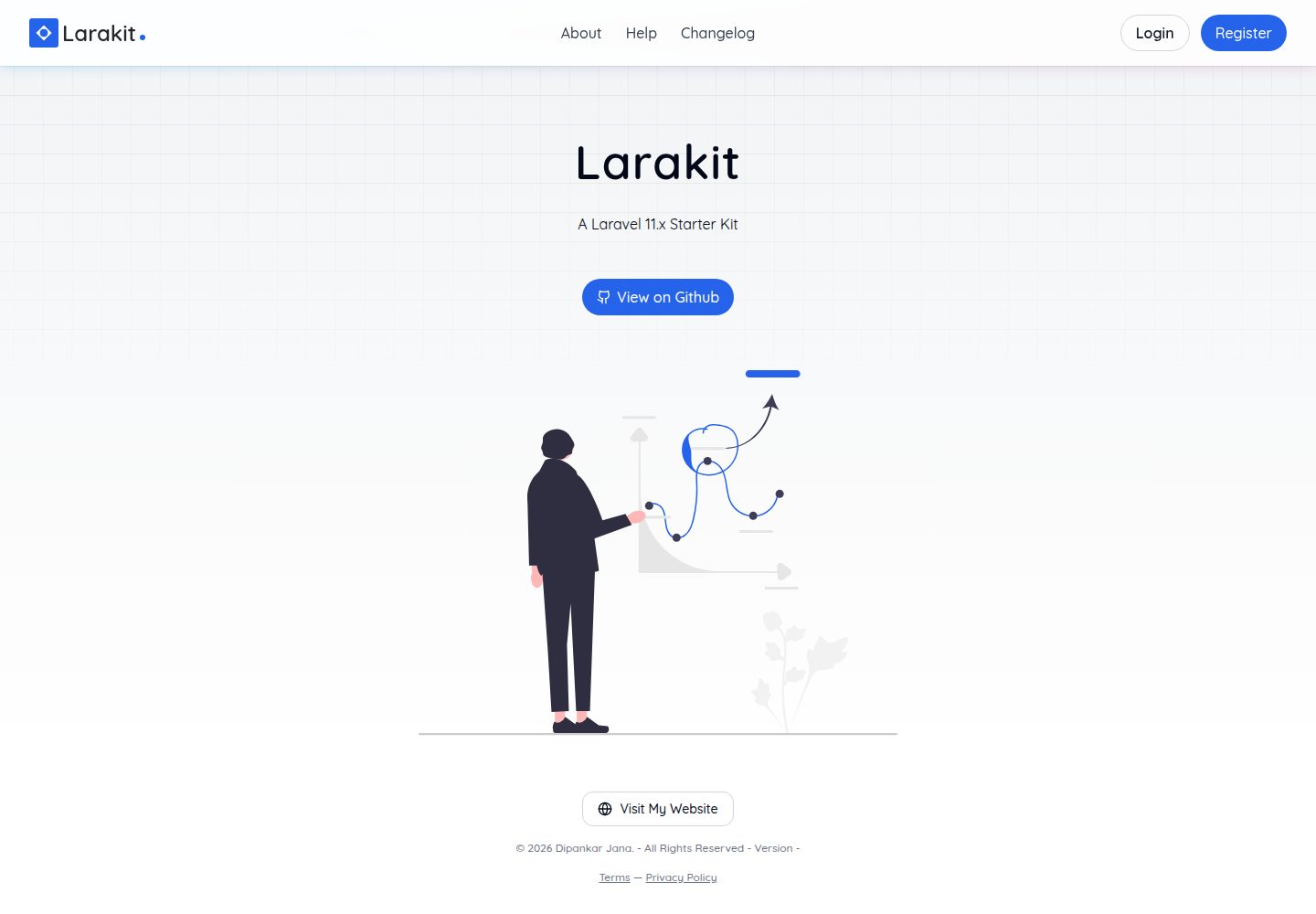
基于 Laravel Breeze、Inertia.js 与 React 构建的销售仪表盘起始套件
LaravelViteReact后台启动器
larakit — Laravel 后台模板
作者 iamdipankarj
Larakit 是一个基于 Laravel Breeze、Inertia.js 和 React 构建的销售仪表盘起始套件,提供认证、用户与角色管理、组织管理、销售跟踪与图表报表等基础模块。
看看你的网站会是什么样
浏览真实页面截图,比较内容排版与手机效果。点击下方缩略图切换,放大查看整页细节。
全部页面与视图 3
截图用于了解视觉与布局,交互效果请以实际项目为准。
采集于 2026-10-13查看来源
值得关注的模板亮点
从已有项目资料中,快速了解它的特点。
包含认证与授权、用户与角色管理、组织管理模块
提供销售跟踪与分析,以及带图表和报表的仪表盘
支持深色模式与响应式界面
通过 Laravel Socialite 集成 OAuth 登录
数据库使用 PostgreSQL,并提供迁移与种子数据命令
模板详细介绍
Larakit 是一个销售仪表盘起始套件,README 中说明其基于 Laravel Breeze、Inertia.js 和 React 构建,定位为轻量且可定制的销售管理系统起点。它列出的功能包括:基于 Laravel Breeze 的认证与授权、用户与角色管理、组织管理、销售跟踪与分析、带图表与报表的仪表盘、深色模式与响应式界面,以及通过 Laravel Socialite 实现的 OAuth 登录。
安装流程为:克隆仓库后使用 yarn install 安装依赖,运行 yarn dev 启动 Vite,再用 php artisan serve 启动 PHP 服务;README 还给出了在局域网中启动的方式,并提示需要相应调整 APP_URL、SALES_API_BASE 等配置,同时说明 Google OAuth 在局域网下可能因 Google OAuth 策略限制而无法使用,建议改用本地域名。数据库部分要求安装 PostgreSQL,README 提供了创建角色与数据库、配置 .env,然后执行 php artisan migrate 与 php artisan db:seed 的步骤。
README 未提供关于性能、生产环境部署、测试覆盖或安全加固的说明,也未给出具体依赖版本号;预览截图仅能证明页面存在,不能作为功能依据。
LaravelViteReact后台启动器
适合你的项目吗?
适用场景
- 需要快速搭建销售管理后台原型的开发项目
- 希望以 Laravel + Inertia + React 组合起步的管理系统
- 需要用户、角色与组织管理基础模块的内部工具
- 需要带图表报表的销售数据仪表盘场景
适合人群
- 熟悉 Laravel 与 React 的开发者
- 需要销售仪表盘起始代码的团队
- 使用 PostgreSQL 作为数据库的项目
- 希望基于现有套件二次开发管理后台的开发者
上手与定制指南
结合仓库当前版本的说明,按下面的资料检查内容、配置与运行要求。
- 1
克隆仓库后执行 yarn install 安装依赖
- 2
运行 yarn dev 启动 Vite,运行 php artisan serve 启动 PHP 服务
- 3
需安装 PostgreSQL,创建角色与数据库并在 .env 中配置连接
- 4
执行 php artisan migrate 与 php artisan db:seed 完成迁移和种子数据
- 5
局域网访问需调整 APP_URL、SALES_API_BASE 等配置,Google OAuth 在局域网下可能受限
授权与来源资料
使用条件与限制
免费使用 · 保留许可声明本次收录的是公开仓库中采用 Unlicense 许可的免费版本;免费范围为该版本代码,不代表外部服务或第三方素材免费。
使用时需要遵守
- 允许免费复制、修改、发布、使用、编译、销售和分发该版本代码,包括商业用途。
- 作者通过公有领域贡献声明放弃相关版权;该声明的法律效果取决于适用司法辖区。
- 代码按现状提供;担保与责任限制以原许可证及适用法律为准。
额外费用与待核对事项
- 演示图片、字体、图标及其他第三方素材需按各自许可核对,不能仅凭代码的 Unlicense 许可判断。
- 域名、托管、数据库、支付或 AI 等外部服务可能另外收费。
- 在局域网(LAN)环境下,Google OAuth 登录可能因 Google OAuth 策略限制而无法使用;需改用本地专用域名(如 larakit.test)才能将其加入 Google OAuth 客户端凭据。
- 数据库配置要求系统中已安装 PostgreSQL,否则无法按 README 步骤完成数据库初始化。
- 局域网访问时需将 APP_URL、SALES_API_BASE 等配置改为局域网 IP 地址,否则相关功能可能无法正常工作。
查看原文依据
for any purpose, commercial or non-commercial, and by any means
许可证原文
* Google OAuth login may not work on local area network due to restrictions on the OAuth policies of google. As a work around, you'd need to create a local only domain like `larakit.test` to be able to add it on google oauth client credentials.
README 原文
* Make sure `postgresql` is installed in your system.
README 原文
https://github.com/iamdipankarj/larakit/blob/master/LICENSE.mdhttps://github.com/iamdipankarj/larakit/blob/master/README.md* Make sure to change `APP_URL`, `SALES_API_BASE` and `APP_URL` to your LAN ip, e.g `http://192.168.0.57:8000`.
README 原文
DeepSeek 根据仓库许可证和 README 整理 ·2026-10-13。结果仅覆盖已读取资料,依赖、图片、字体及后续条款变更以各自原文为准。
项目核对记录与介绍依据
模板资料
- 来源平台
- GitHub
- 资料与维护参考分
- 资料较完整 · 85 / 100
- 技术栈
- Laravel · Vite · React
- 网站类型
- 后台 · 启动器
这个分数如何计算
本站按许可资料(最高30分)、演示链接(12分)、预览图(10分)、Star数(15分)、记录的维护时间(15分)、描述完整度(8分)、功能记录(5分)和分类资料(5分)计算。它不是代码、安全或性能测试,也不是 Google 评分;有链接不代表已实测可用。
这个项目需要核对什么
- 记录的仓库更新时间
- 2025-12-07
- 截图检查日期
- 2026-10-13
已收录演示链接。请用你的内容与屏幕尺寸检查;有演示不代表表单、认证或支付已经可用。
目录记录的主要技术栈是 Laravel。请通过依赖清单和锁文件核对实际版本与托管要求。这些说明基于收录资料,不代表代码审计或部署实测。
查看具体选型方法 →介绍的制作与核对状态
介绍由 AI 辅助整理目录与仓库资料。仓库作者不等于这篇介绍的审核者。
审核声明: codex-user-requested-batch-review-20261015 · 2026-10-15
查看当时使用的来源资料
SHA-256: 458a39c38b229ab587f613dabb501aa295b78dba12970d27cfc7cb4845e6f3e0
2026-10-13T18:23:04.998Z
来源文件 / 仓库<a id="readme-top"></a>
[![Unlicense License][license-shield]][license-url]
[![LinkedIn][linkedin-shield]][linkedin-url]
<!-- PROJECT LOGO -->
<br />
<div align="center">
<a href="https://larakit.dipankarjana.com">
<img src="https://larakit.dipankarjana.com/android-chrome-192x192.png" alt="Logo" width="80" height="80">
</a>
<h3 align="center">Larakit</h3>
<p style="text-align: center">
A Laravel 11.x Sales Dashboard Starter Kit
<br />
<a href="https://larakit.dipankarjana.com/">View Demo</a>
</p>
</div>
<!-- TABLE OF CONTENTS -->
<details>
<summary>Table of Contents</summary>
<ol>
<li>
<a href="#about-the-project">About The Project</a>
<ul>
<li><a href="#built-with">Built With</a></li>
</ul>
</li>
<li>
<a href="#getting-started">Getting Started</a>
<ul>
<li><a href="#prerequisites">Prerequisites</a></li>
<li><a href="#installation">Installation</a></li>
</ul>
</li>
<li><a href="#usage">Usage</a></li>
<li><a href="#roadmap">Roadmap</a></li>
<li><a href="#contributing">Contributing</a></li>
<li><a href="#license">License</a></li>
<li><a href="#contact">Contact</a></li>
<li><a href="#acknowledgments">Acknowledgments</a></li>
</ol>
</details>
<!-- ABOUT THE PROJECT -->
## About The Project
[](https://larakit.dipankarjana.com)
A lightweight and customizable Sales Dashboard starter kit built with Laravel Breeze, Inertia.js, and React. This kit provides the essential tools and UI components needed to quickly set up a modern sales management system.
Features:
* Authentication & Authorization (Laravel Breeze)
* User & Role Management
* Organization Management
* Sales Tracking & Analytics
* Dashboard with Charts & Reports
* Dark Mode & Responsive UI
* OAuth with Laravel Socialite
### Built With
This section should list any major frameworks/libraries used to bootstrap your project. Leave any add-ons/plugins for the acknowledgements section. Here are a few examples.
[![React][React.js]][React-url]
[![Laravel][Laravel.com]][Laravel-url]
<!-- GETTING STARTED -->
## Getting Started
This is an example of how you may give instructions on setting up your project locally. To get a local copy up and running follow these simple example steps.
## Installation
_Below is an example of how you can instruct your audience on installing and setting up your app. This template doesn't rely on any external dependencies or services._
1. Clone the repo
```sh
git clone [email protected]:iamdipankarj/larakit.git
```
2. Install NPM packages
```sh
yarn install
```
3. Start Vite Server
```sh
yarn dev
```
4. Start PHP Server
```sh
php artisan serve
```
5. Start PHP Server on Local Network
* Get your LAN ip by running ifconfig (Mac/Linux) or ipconfig (Windows)
* Make sure to change `APP_URL`, `SALES_API_BASE` and `APP_URL` to your LAN ip, e.g `http://192.168.0.57:8000`.
* Google OAuth login may not work on local area network due to restrictions on the OAuth policies of google. As a work around, you'd need to create a local only domain like `larakit.test` to be able to add it on google oauth client credentials.
```sh
php artisan serve --host=0.0.0.0 --port=8000
```
```sh
yarn dev --host 192.168.0.57 --port 5174
```
## Configuring Database
* Make sure `postgresql` is installed in your system.
* You can use [Homebrew](https://formulae.brew.sh/formula/postgresql@14) if you are on a mac.
* After installing, run `brew services start postgresql` to start the service.
* Once you're in the psql shell. Run the following.
Drop any existing ones with the same name.
```bash
DROP DATABASE IF EXISTS larakit;
```
Drop role if exists, if you know your psql role, you can use that one.
```bash
DROP ROLE IF EXISTS <YOUR_USERNAME>;
```
Create a role with password.
```bash
CREATE ROLE <YOUR_USERNAME> WITH LOGIN PASSWORD 'admin';
```
Create the database and link it to the role you just created.
```bash
CREATE DATABASE larakit OWNER <YOUR_USERNAME>;
```
Once created, make sure to configure it on the laravel .env file. Once done, run the following to migrate the database and populate it with some seed data required for the application to work.
```bash
php artisan migrate
php artisan db:seed
```
## Contributing
Contributions are what make the open source community such an amazing place to learn, inspire, and create. Any contributions you make are **greatly appreciated**.
If you have a suggestion that would make this better, please fork the repo and create a pull request. You can also simply open an issue with the tag "enhancement".
Don't forget to give the project a star! Thanks again!
1. Fork the Project
2. Create your Feature Branch (`git checkout -b feature/AmazingFeature`)
3. Commit your Changes (`git commit -m 'Add some AmazingFeature'`)
4. Push to the Branch (`git push origin feature/AmazingFeature`)
5. Open a Pull Request
<!-- LICENSE -->
## License
Distributed under the Unlicense License. See `LICENSE.txt` for more information.
<!-- CONTACT -->
## Contact
Dipankar Jana - [@iamdipankarj](https://twitter.com/iamdipankarj) - [email protected]
Project Link: [https://github.com/iamdipankarj/larakit](https://github.com/iamdipankarj/larakit)
<p style="text-align: right">(<a href="#readme-top">back to top</a>)</p>
<!-- MARKDOWN LINKS & IMAGES -->
<!-- https://www.markdownguide.org/basic-syntax/#reference-style-links -->
[license-shield]: https://img.shields.io/github/license/othneildrew/Best-README-Template.svg?style=for-the-badge
[license-url]: https://github.com/othneildrew/Best-README-Template/blob/master/LICENSE.txt
[linkedin-shield]: https://img.shields.io/badge/-LinkedIn-black.svg?style=for-the-badge&logo=linkedin&colorB=555
[linkedin-url]: https://www.linkedin.com/in/iamdipankarj/
[React.js]: https://img.shields.io/badge/React-20232A?style=for-the-badge&logo=react&logoColor=61DAFB
[React-url]: https://reactjs.org/
[Laravel.com]: https://img.shields.io/badge/Laravel-FF2D20?style=for-the-badge&logo=laravel&logoColor=white
[Laravel-url]: https://laravel.com
看看同类模板
对比同技术栈与用途的模板,找到更适合的视觉与内容结构。

sage
WordPress starter theme with Laravel Blade components and templates, Tailwind CSS, and block editor support
Laravel · 启动器

wave
Wave - The Software as a Service Starter Kit, designed to help you build the SAAS of your dreams 🚀 💰
Laravel · SaaS

coreui-free-laravel-admin-template
CoreUI Free Laravel Bootstrap Admin Template
Laravel · 后台

sneat-bootstrap-html-laravel-admin-template-free
Most Powerful & Comprehensive Free Bootstrap 5 HTML Laravel Admin Dashboard Template built for developers!
Laravel · 后台

filament-starter
A beautiful starting point for your next TALL stack project using Filament. ⚡
Laravel · 启动器

electrik
Laravel SaaS starter kit: auth, teams, Stripe billing, and Slate 3 — Composer package for Laravel 12
Laravel · SaaS