
A Laravel and CoreUI Bootstrap admin template under the MIT license
LaravelHTMLAdmin dashboard
coreui-free-laravel-admin-template — Laravel Admin dashboard Template
By coreui
A free CoreUI admin template built on Laravel and Bootstrap, offering management examples for users, menus, roles, media, BREAD, and email templates.
Explore the design
Compare the page layouts and mobile experience. Open any screenshot for a closer look.
Desktop homepage1 / 3
Desktop captureTop of page
Actual screenshot captured by the server browser.
All pages & views 3
Screenshots show visual appearance; interactive behavior may differ.
Recorded 2026-10-01View source
What stands out
A quick read of the recorded project description.
Includes a sample login account whose user has both user and admin roles
Provides management feature examples for users, menus, menu items, roles, media, and email templates
The BREAD system can generate browse, read, edit, add, and delete interfaces for database tables, with foreign key relationship support
Sidebar menus are configured in seed files via methods such as insertLink, insertTitle, beginDropdown, and endDropdown
Supports MySQL, SQLite, and PostgreSQL database connection configurations
Template Details
This is a Laravel-based admin template with a CoreUI Bootstrap front end. The repository is the free version officially provided by CoreUI and is MIT licensed. The template includes a login entry and a sample account ([email protected] / password). The logged-in user has both user and admin roles, which can be used to view the admin layout and how permission-based menus are rendered.
The template includes several management feature examples: user management, menu management (the sidebar can be configured in seed files via methods such as insertLink, insertTitle, beginDropdown, and endDropdown), menu item management, role management (supporting create, edit, delete, and sort; for users with multiple roles, menus are generated based on the highest-level role), media management (virtual folders, upload, move, and image cropping), the BREAD system (generating browse, read, edit, add, and delete interfaces for database tables, with support for displaying foreign key relationships), and email template management.
The installation process is: clone the repository, run composer install and npm install, copy .env.example to .env, configure the MySQL, SQLite, or PostgreSQL connection as needed, set APP_URL, run php artisan key:generate and php artisan migrate:refresh --seed, then run npm run dev. Start with php artisan serve, and test with php vendor/bin/phpunit.
Note: this entry covers the free version in the public repository and does not include paid CoreUI Pro features. Third-party assets such as demo images, fonts, and icons must be checked against their respective licenses. External services such as domains, hosting, and databases may incur separate charges. Statements in the README about UX, performance, and being lightweight are the project's own claims and were not independently verified in this material.
LaravelHTMLAdmin panel
Is it right for your project?
Use Cases
- Projects that need a Laravel admin interface skeleton for building an internal management system
- Laravel projects that want to reference how role and menu permissions are linked
- Admin development scenarios that need to quickly generate CRUD interfaces for database tables
- Admin projects that need examples of media folder management and image cropping
- Laravel applications that need email template management and sending examples
Suitable For
- Developers using Laravel who want to build admin interfaces in a Bootstrap style
- Projects that need a free MIT-licensed admin template for secondary development
- Teams that want to reference implementation approaches for admin modules such as menus, roles, and BREAD
- Admin projects that need to support MySQL, SQLite, or PostgreSQL
Getting started & customization
Use these recorded setup notes alongside the repository instructions for your chosen version.
- 1
After cloning the repository, run composer install and npm install to install dependencies
- 2
Copy .env.example to .env, modify the connection configuration for the chosen database (MySQL, SQLite, or PostgreSQL), and set APP_URL
- 3
Run php artisan key:generate to generate the application key
- 4
Run php artisan migrate:refresh --seed to migrate and seed data, then run npm run dev to generate front-end assets
- 5
Use php artisan serve to start the local service; the default account is [email protected] with password password
License & source material
Usage conditions & limitations
Free to use · keep license noticeThis entry covers the free version in the public repository under the MIT license; the free scope applies to that version's code and does not mean external services or third-party assets are free.
Must comply with when using
- The code of this version may be used, modified, used commercially, and distributed free of charge.
- When distributing copies or substantial portions of the code, retain the original author's copyright notice and the full MIT license notice.
- The code is provided as is; warranties and limitations of liability are governed by the original license and applicable law.
Additional costs & items to verify
- The README states its only restriction: CoreUI may not be redistributed as stock; if CoreUI is modified, it also may not be redistributed in that manner. This restriction conflicts with the terms of the MIT license, so this additional constraint stated by the project should be noted in actual use.
- CoreUI Pro and premium admin templates are paid products and are not provided by this free repository; the free version does not include Pro features, and Pro features require a separate purchase.
- The project material mentions optional paid versions or features; this entry covers only the public free code and does not include paid upgrades.
- Demo images, fonts, icons, and other third-party assets must be checked against their respective licenses and cannot be judged solely by the code's MIT license.
- External services such as domains, hosting, databases, payments, or AI may incur separate charges.
View Original Text Basis
Permission is hereby granted, free of charge
Original License Text
There is only one limitation you can't can’t re-distribute the CoreUI as stock. You can’t do this if you modify the CoreUI.
Original README
https://github.com/coreui/coreui-free-laravel-admin-template/blob/master/LICENSEhttps://github.com/coreui/coreui-free-laravel-admin-template/blob/master/README.mdbuying [CoreUI Pro Version](https://coreui.io/pro) or buying one of our [premium admin templates](https://genesisui.com/?support=1)
Original README
Compiled by DeepSeek based on repository license and README ·2026-10-01. Results only cover the materials read; dependencies, images, fonts, and subsequent term changes are subject to their respective original texts.
Project checks & description sources
Template Information
- Source platforms
- GitHub
- Documentation and maintenance reference score
- More documented · 81 / 100
- Technologies
- Laravel · HTML
- Website type
- Admin dashboard
How this score is calculated
Our heuristic uses license records (up to 30), a demo link (12), a preview (10), stars (15), recorded maintenance (15), description completeness (8), feature records (5) and classification data (5). It is not a code, security or performance test, or a Google score. A link does not establish tested functionality.
What to verify for this project
- Repository update recorded
- 2024-08-09
- Screenshot last checked
- 2026-10-01
A demo link is listed. Check it with your own content and viewport sizes; its presence does not confirm that forms, authentication or payments work.
The catalog identifies Laravel as the primary stack. Check the actual dependency manifest and lockfile for versions and hosting requirements. These notes use recorded metadata, not a code audit or a deployment test.
Use a selection guide →How this description was prepared
AI-assisted description based on catalog records and repository material. Repository authors are not automatically the reviewers of this description.
Automatically checked against source and license rules; no manual editorial review.
Inspect the recorded source material
SHA-256: e32a3ce1a279ce7b1825fc74e141f61c18df3b08860a494af9c492e44c465587
2026-10-01T01:40:31.496Z
Source file / repository# CoreUI Free Laravel Bootstrap Admin Template [](https://twitter.com/intent/tweet?text=CoreUI%20-%20Free%20Bootstrap%204%20Admin%20Template%20&url=https://coreui.io&hashtags=bootstrap,admin,template,dashboard,panel,free,angular,react,vue) [](https://opensource.org/licenses/MIT) [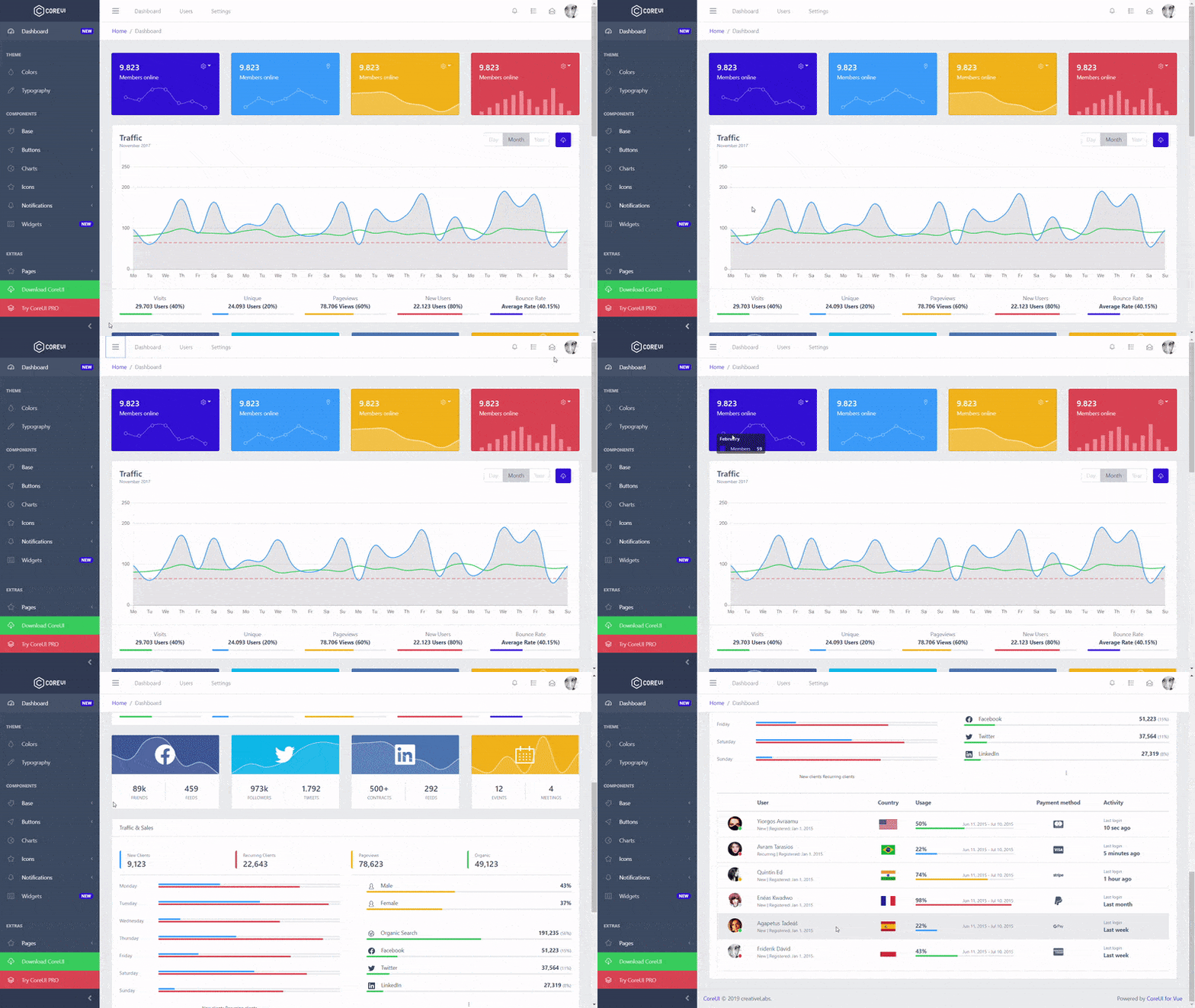](https://coreui.io/laravel/) Curious why I decided to create CoreUI? Please read this article: [Jack of all trades, master of none. Why Bootstrap Admin Templates suck.](https://medium.com/@lukaszholeczek/jack-of-all-trades-master-of-none-5ea53ef8a1f#.7eqx1bcd8) CoreUI offers 6 versions: [Bootstrap](https://github.com/coreui/coreui-free-bootstrap-admin-template), [Angular](https://github.com/coreui/coreui-free-angular-admin-template), [Laravel](https://github.com/coreui/coreui-free-laravel-admin-template), [React.js](https://github.com/coreui/coreui-free-react-admin-template), [Vue.js](https://github.com/coreui/coreui-free-vue-admin-template), and [Vue.js + Laravel](https://github.com/coreui/coreui-free-vue-laravel-admin-template). CoreUI is meant to be the UX game changer. Pure & transparent code is devoid of redundant components, so the app is light enough to offer ultimate user experience. This means mobile devices also, where the navigation is just as easy and intuitive as on a desktop or laptop. The CoreUI Layout API lets you customize your project for almost any device – be it Mobile, Web or WebApp – CoreUI covers them all! ## Table of Contents * [Versions](#versions) * [CoreUI Pro](#coreui-pro) * [Admin Templates built on top of CoreUI Pro](#admin-templates-built-on-top-of-coreui-pro) * [Installation](#installation) * [Usage](#Usage) * [Features](#Features) * [Creators](#creators) * [Community](#community) * [Community Projects](#community-projects) * [License](#license) * [Support CoreUI Development](#support-coreui-development) ## Versions CoreUI is built on top of Bootstrap 4 and supports popular frameworks. * [CoreUI Free Bootstrap Admin Template](https://github.com/coreui/coreui-free-bootstrap-admin-template) * [CoreUI Free Angular Admin Template](https://github.com/coreui/coreui-free-angular-admin-template) * [CoreUI Free Laravel Admin Template](https://github.com/coreui/coreui-free-laravel-admin-template) * [CoreUI Free React.js Admin Template](https://github.com/coreui/coreui-free-react-admin-template) * [CoreUI Free Vue.js Admin Template](https://github.com/coreui/coreui-free-vue-admin-template) * [CoreUI Free Vue.js + Laravel Admin Template](https://github.com/coreui/coreui-free-vue-laravel-admin-template) ## CoreUI Pro * 💪 [CoreUI Pro Bootstrap Admin Template](https://coreui.io/pro/) * 💪 [CoreUI Pro Angular Admin Template](https://coreui.io/pro/angular) * 💪 [CoreUI Pro Laravel Admin Template](https://coreui.io/pro/laravel) * 💪 [CoreUI Pro React Admin Template](https://coreui.io/pro/react) * 💪 [CoreUI Pro Vue Admin Template](https://coreui.io/pro/vue) * 💪 [CoreUI Pro Vue + Laravel Admin Template](https://coreui.io/pro/vue-laravel) ## Admin Templates built on top of CoreUI Pro | Default Theme | Legacy Theme | Dark Layout | | --- | --- | --- | | [](https://coreui.io/pro/laravel/) | [](https://coreui.io/pro/laravel/)| [](https://coreui.io/pro/laravel/) ## Installation ``` bash # clone the repo $ git clone https://github.com/coreui/coreui-free-laravel-admin-template.git my-project # go into app's directory $ cd my-project # install app's dependencies $ composer install # install app's dependencies $ npm install ``` ### If you choice to use SQLite ``` bash # create database $ touch database/database.sqlite ``` Copy file ".env.example", and change its name to ".env". Then in file ".env" replace this database configuration: * DB_CONNECTION=mysql * DB_HOST=127.0.0.1 * DB_PORT=3306 * DB_DATABASE=laravel * DB_USERNAME=root * DB_PASSWORD= To this: * DB_CONNECTION=sqlite * DB_DATABASE=/path_to_your_project/database/database.sqlite ### If you choice to use PostgreSQL 1. Install PostgreSQL 2. Create user ``` bash $ sudo -u postgres createuser --interactive enter name of role to add: laravel shall the new role be a superuser (y/n) n shall the new role be allowed to create database (y/n) n shall the new role be allowed to create more new roles (y/n) n ``` 3. Set user password ``` bash $ sudo -u postgres psql postgres= ALTER USER laravel WITH ENCRYPTED PASSWORD 'password'; postgres= \q ``` 4. Create database ``` bash $ sudo -u postgres createdb laravel ``` 5. Copy file ".env.example", and change its name to ".env". Then in file ".env" replace this database configuration: * DB_CONNECTION=mysql * DB_HOST=127.0.0.1 * DB_PORT=3306 * DB_DATABASE=laravel * DB_USERNAME=root * DB_PASSWORD= To this: * DB_CONNECTION=pgsql * DB_HOST=127.0.0.1 * DB_PORT=5432 * DB_DATABASE=laravel * DB_USERNAME=laravel * DB_PASSWORD=password ### If you choice to use MySQL Copy file ".env.example", and change its name to ".env". Then in file ".env" complete this database configuration: * DB_CONNECTION=mysql * DB_HOST=127.0.0.1 * DB_PORT=3306 * DB_DATABASE=laravel * DB_USERNAME=root * DB_PASSWORD= ### Set APP_URL > If your project url looks like: example.com/sub-folder Then go to `my-project/.env` And modify this line: * APP_URL = To make it look like this: * APP_URL = http://example.com/sub-folder ### Next step ``` bash # in your app directory # generate laravel APP_KEY $ php artisan key:generate # run database migration and seed $ php artisan migrate:refresh --seed # generate mixing $ npm run dev # and repeat generate mixing $ npm run dev ``` ## Usage ``` bash # start local server $ php artisan serve # test $ php vendor/bin/phpunit ``` Open your browser with address: [localhost:8000](localhost:8000) Click "Login" on sidebar menu and log in with credentials: * E-mail: [email protected]_ * Password: _password_ This user has roles: _user_ and _admin_ --- ### How to add a link to the sidebar: > Instructions for CoreUI Free Laravel admin template only. _Pro and Vue.js versions have separate instructions._ #### To add a __link__ to the sidebar - modify seeds file: `my-project/database/seeds/MenusTableSeeder.php` In `run()` function - add `insertLink()`: ```php $id = $this->insertLink( $rolesString, $visibleName, $href, $iconString); ``` * `$rolesString` - a string with list of user roles this menu element will be available, ex. `"guest,user,admin"` * `$visibleName` - a string caption visible in sidebar * `$href` - a href, ex. `/homepage` or `http://example.com` * `$iconString` - a string containing valid CoreUI Icon name (kebab-case), ex. `cil-speedometer` or `cil-pencil` To add a __title__ to the sidebar - use function `insertTitle()`: ```php $id = $this->insertTitle( $rolesString, $title ); ``` * `$rolesString` - a string with list of user roles this menu element will be available, ex. `"guest,user,admin"` * `$title` - a string caption visible in sidebar To add a __dropdown__ menu to the sidebar - use function `beginDropdown()`: ```php $id = $this->beginDropdown( $rolesString, $visibleName, $iconString); ``` * `$rolesString` - a string with list of user roles this menu element will be available, ex. `"guest,user,admin"` * `$visibleName` - a string caption visible in sidebar * `$iconString` - a string containing valid CoreUI icon name (kebab-case). For example: `cil-speedometer` or `cil-pencil` To end dropdown section - use function `endDropdown()`. To add __link__ to __dropdown__ call function `insertLink()` between function calls `beginDropdown()` and `endDropdown()`. Example: ```php $id = $this->beginDropdown('guest,user,admin', 'Some dropdown', 'cil-puzzle'); $id = $this->insertLink('guest,user,admin', 'Dropdown name', 'http://example.com'); $this->endDropdown(); ``` __IMPORTANT__ - At the end of `run()` function, call `joinAllByTransaction()` function: ```php $this->joinAllByTransaction(); ``` Once done with seeds file edit, __run__: ``` bash $ php artisan migrate:refresh --seed # This command also rollbacks database and migrates it again. ``` ## Features ### Table of contents: * [Notes](#notes) * [Users](#users) * [Management of menus](#menu-management) * [Manage menu items](#Manage-menu-items) * [Role management](#Role-management) * [Management of the media](#Manage-media) * [BREAD](#BREAD-system) * [Email Templates](#E-mail-Templates) #### Notes It is an example of data presentation in a pagination table, and CRUD functionality. #### Users It is a simple example of how to manage registered users. #### Menu management It is a system that allows you to create a new menu and edit existing menus. To place a new menu named "new" in any view use this code: ```php <?php use the App\MenuBuilder\FreelyPositionedMenus; if(isset($appMenus['new'])){ FreelyPositionedMenus::render( $appMenus['new'] , '', 'your-css-class-of-ul-element'); } ?> ``` #### Manage menu items Allows you to add, edit and delete menu items. To add a new menu item to the menu you must: * specify to which menu you are adding the item, * specify the roles of users for whom the item will be visible * name the item * type ( to choice: link, title and dropdown) * Href, the address to which the item is to refer, * Parent (To nest the item inside dropdown) * CORUI icons #### Role management Allows you to create, edit, delete and reorder user roles. When a user has more than one role, the highest hierarchical role is used to create a menu for him. #### Manage media It allows to: * Create virtual media folders. * Send media to applications. * Move media between folders, * Cut images, #### BREAD system BREAD stands for: browse, read, edit, add, delete. Our BREAD system allows you to easily and quickly generate for any table, from the database, a simple BREAD. To create a new BREAD just enter a table name from the database. Then enter a name for the form. Enter the number of rows in the browse table. Choose if you want the browse table to contain buttons: "show", "edit", "add", "delete". Assign roles for users who will be able to use the ready BREAD. Then complete each column of the table separately: * the column name visible to the user, * the input type for the column, The last step is to select the appropriate checkboxes: * browse (allows to display the column in the data table), * read (allows you to display the column in the show view,) * edit (enables column editing) * add (allows you to complete the column data when adding a record. Required if the column is not nullable). It is also possible to handle relationships with another table. If the column is a foreign key, it should be specified: in the field "Optional relation table name" - table name to which the foreign key refers, in the "Optional column name in relation table - to print" field - the name of the column that is in the relation table to be displayed. Finally, select one of the two "field types" that relate to the relation: 'relation select' or 'relation radio'. #### E-mail Templates It is an example of managing e-mail templates. Allows you to create, edit and delete templates. It also allows you to send an E-mail to a selected address. ## Creators **Łukasz Holeczek** * <https://twitter.com/lukaszholeczek> * <https://github.com/mrholek> **Andrzej Kopański** * <https://github.com/xidedix> **Marcin Michałek** * <https://github.com/rakieta2015> ## Community Get updates on CoreUI's development and chat with the project maintainers and community members. - Follow [@core_ui on Twitter](https://twitter.com/core_ui). - Read and subscribe to [CoreUI Blog](https://coreui.io/blog/). ## CoreUI Icons (500+ Free icons) - Premium designed free icon set with marks in SVG, Webfont and raster formats. CoreUI Icons are beautifully crafted symbols for common actions and items. You can use them in your digital products for web or mobile app. Ready-to-use fonts and stylesheets that work with your favorite frameworks.  ### CoreUI Icons Preview & Docs [https://coreui.io/icons/](https://coreui.io/icons/) ## Copyright and license copyright 2020 creativeLabs Łukasz Holeczek. Code released under [the MIT license](https://github.com/coreui/coreui-free-laravel-admin-template/blob/master/LICENSE). There is only one limitation you can't can’t re-distribute the CoreUI as stock. You can’t do this if you modify the CoreUI. In past we faced some problems with persons who tried to sell CoreUI based templates. ## Support CoreUI Development CoreUI is an MIT licensed open source project and completely free to use. However, the amount of effort needed to maintain and develop new features for the project is not sustainable without proper financial backing. You can support development by donating on [PayPal](https://www.paypal.me/holeczek), buying [CoreUI Pro Version](https://coreui.io/pro) or buying one of our [premium admin templates](https://genesisui.com/?support=1). As of now I am exploring the possibility of working on CoreUI fulltime - if you are a business that is building core products using CoreUI, I am also open to conversations regarding custom sponsorship / consulting arrangements. Get in touch on [Twitter](https://twitter.com/lukaszholeczek).
Explore similar templates
Compare previews and descriptions within the same stack and category.

sneat-bootstrap-html-laravel-admin-template-free
Sneat Free is a Laravel admin template with a Bootstrap 5 frontend, MIT-licensed, offering a dashboard, multiple layouts, authentication pages, forms, and tables.
Laravel · Admin dashboard
laqul
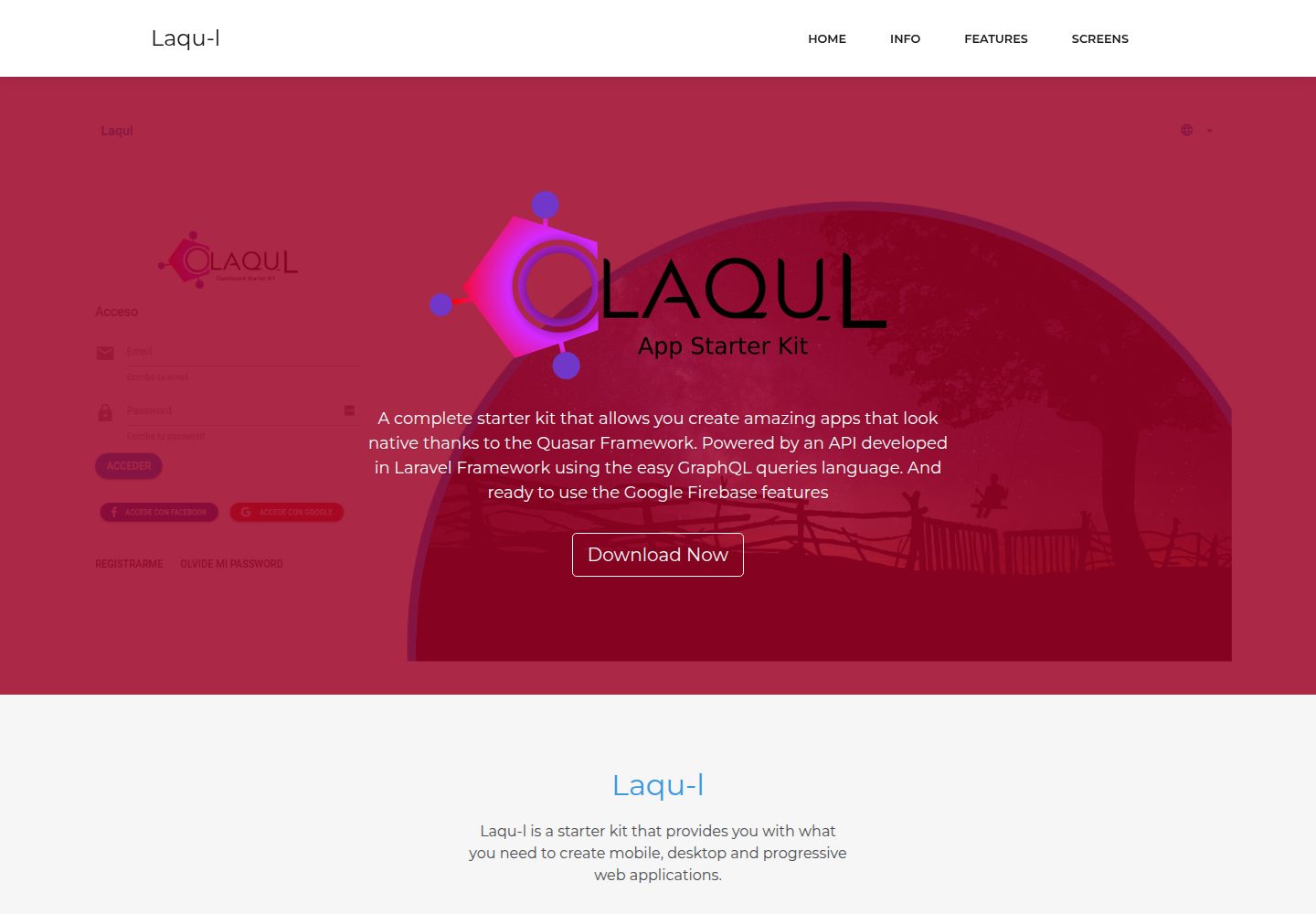
Laqul is an MIT-licensed Laravel + GraphQL + Quasar full-stack starter kit for backend/admin projects. It separates a Laravel GraphQL API, a Quasar dashboard client buildable as SPA, PWA, desktop, or mobile app, and a client-backend PHP relay for OAUTH2 credentials.
Laravel · Admin dashboard
laravel9-inertiajs-reactjs-starter
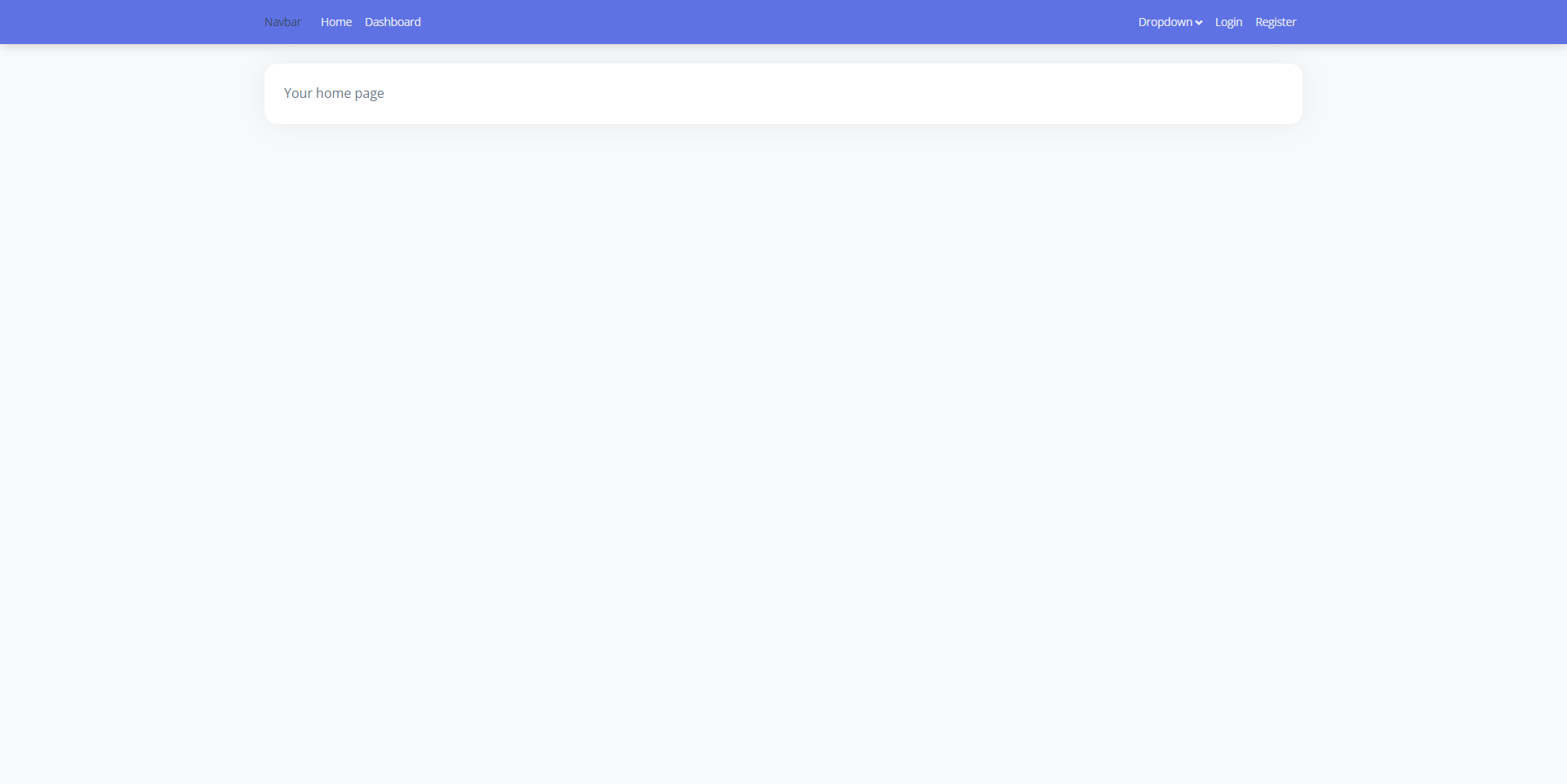
A Laravel 9 + Inertia.js + React admin starter with Guest, Base, and Auth layouts, login, registration, Google login, user management, and profile pages, styled with Bootstrap 5 and Argon Dashboard 2. Activity Log and Roles and Permissions are not yet implemented.
Laravel · Admin dashboard
TailAdmin-Laravel-Starter-Kit
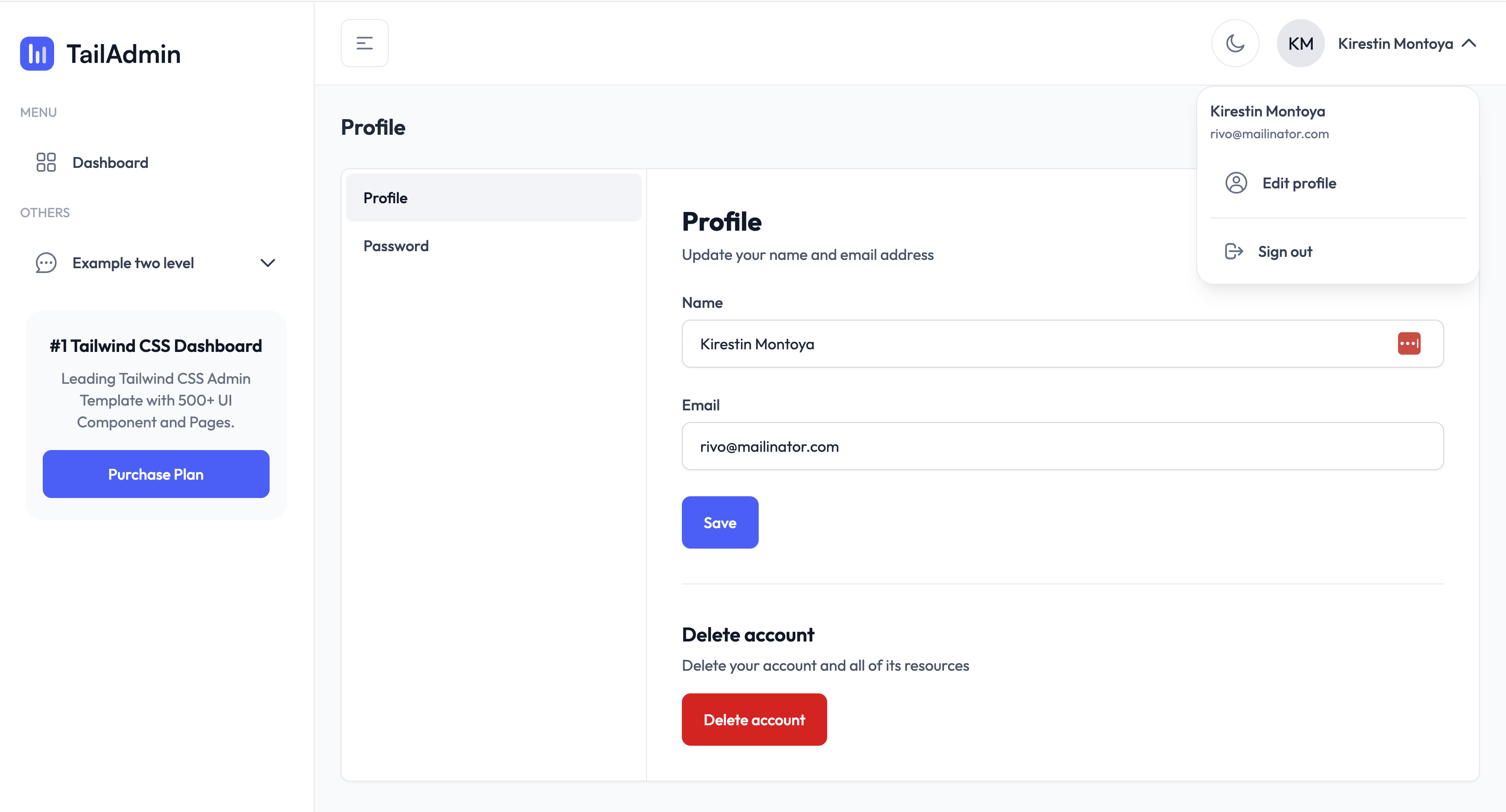
A Laravel admin starter maintained by LaravelDaily that merges LaravelDaily/starter-kit with TailAdmin Laravel free dashboard components.
Laravel · Admin dashboard
laravel-sentinel-crud-starter
A Laravel admin starter project that combines Cartalyst Sentinel authentication with user, role, and permission management, plus an Artisan command-driven CRUD generator. It includes user, role, permission assignment, and dashboard pages, a Datatables Bundle, and optional Gentelella Dashboard styling.
Laravel · Admin dashboard
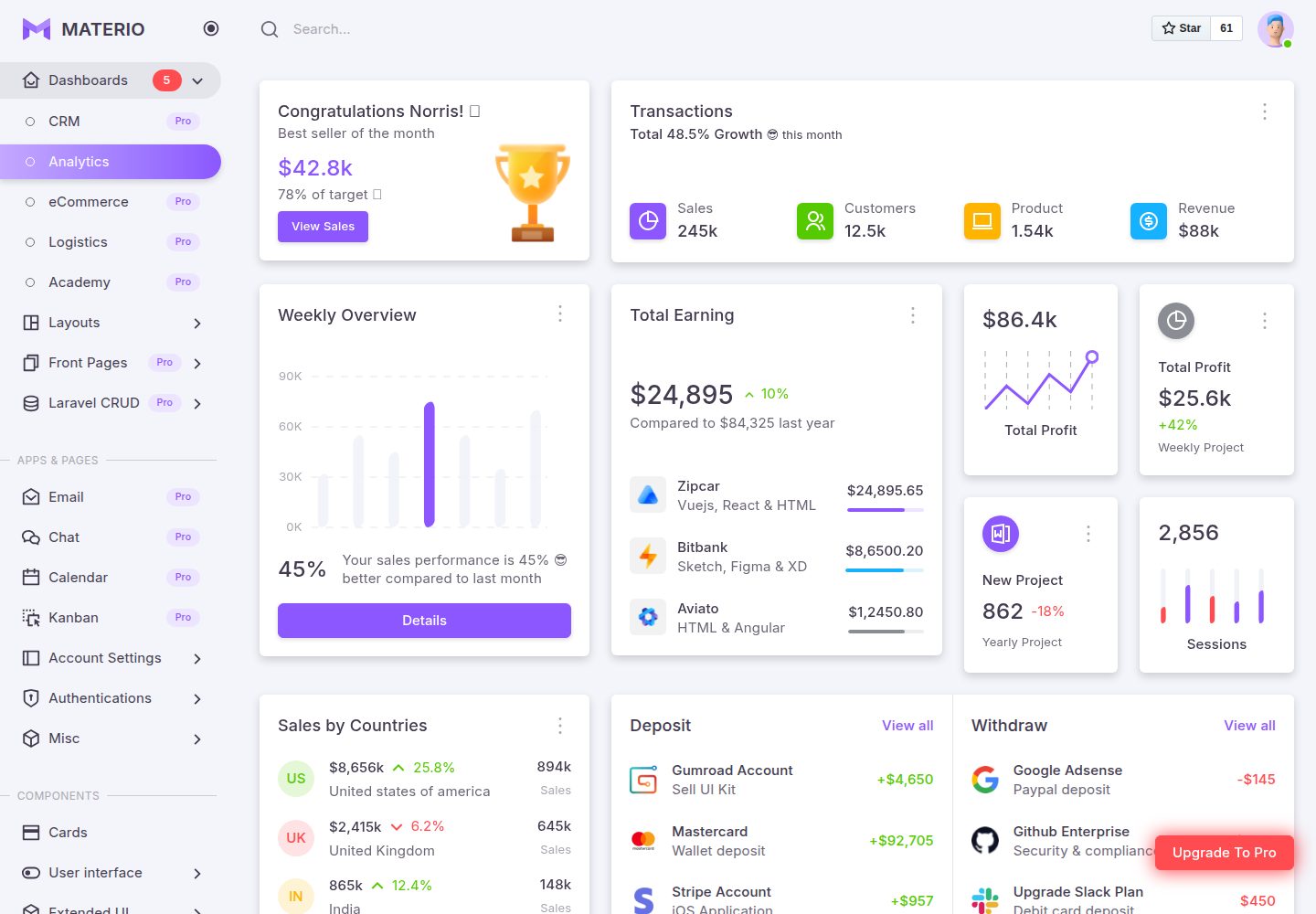
materio-bootstrap-html-laravel-admin-template-free
Materio Free is a Laravel and Bootstrap 5 admin dashboard template under the MIT license, offering dashboards, multiple layouts, authentication pages, forms, tables, and component examples.
Laravel · Admin dashboard