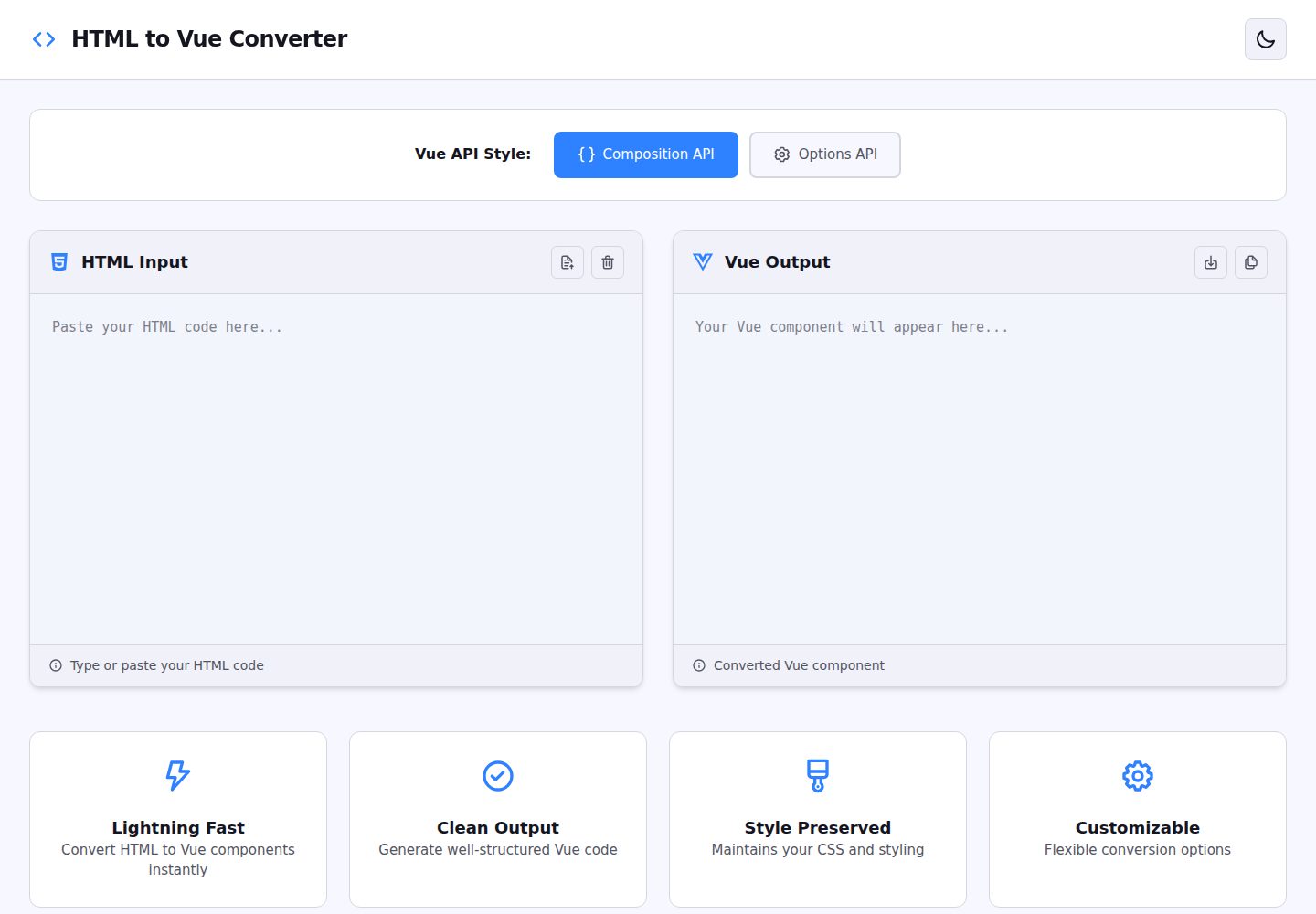
Input vanilla HTML, output Vue 3 Single File Components
NuxtVueHTMLTool Site
html_vue_converter — Nuxt Tool Template
By IwuchukwuDivine
A Nuxt-based web tool that converts vanilla HTML into Vue 3 Single File Components, with optional Composition API or Options API output.
Explore the design
Compare the page layouts and mobile experience. Open any screenshot for a closer look.
Desktop homepage1 / 2
Desktop captureTop of page
Actual screenshot captured by the server browser.
All pages & views 2
Screenshots show visual appearance; interactive behavior may differ.
Recorded 2026-10-03View source
What stands out
A quick read of the recorded project description.
Choose between Composition API or Options API output
Automatically extracts scripts, styles, and templates: variables become ref()/data(), functions become composables/methods, styles become scoped CSS
Split editor with real-time conversion results and one-click copy
Conversion logic is pure TypeScript and can be called directly via the convert function
Tests written with Vitest covering templates, scripts, styles, and both API outputs
Template Details
This project is a browser-based conversion tool that takes vanilla HTML as input and outputs Vue 3 Single File Components (SFCs). During conversion, you can choose between Composition API and Options API styles: variables become ref() or data(), functions become composables or methods, inline styles are organized into scoped CSS, and page structure is organized into a Vue template. The interface provides a split code editor that shows conversion results in real time as you type, and supports one-click copying of the converted code.
The conversion logic is written in TypeScript and lives in app/utils/convert.ts; it can be called independently of the UI by passing an HTML string and either "composition" or "options" to return the corresponding Vue component code. The project uses Vitest for tests covering template conversion, script extraction, style preservation, both API outputs, and nested structures. Sample HTML files for testing are included in the repository.
Important limitations: conversion results include TODO prompts requiring manual review; in the examples, event bindings still use native forms such as onclick, and the documented roadmap lists "better handling of event listeners," "detect and preserve import statements," and "component composition detection" as pending items, indicating these areas are not yet complete. Roadmap items such as Vue 2 conversion, JSX/TSX output, exporting .vue files, batch conversion, and a VS Code extension are also not implemented.
NuxtVueHTMLTool Site
Is it right for your project?
Use Cases
- Preliminary rewrite of static HTML pages from legacy projects into Vue 3 components
- Quickly compare how the same HTML is written under Composition API and Options API
- Call the convert function in scripts or build pipelines to process HTML fragments in batch
- Use as a reference for learning Vue 3 component structure by comparing code before and after conversion
Suitable For
- Front-end developers who need to migrate vanilla HTML to Vue 3
- Vue learners who want to compare Composition API and Options API styles
- TypeScript developers who want to reuse the conversion logic for further development
Getting started & customization
Use these recorded setup notes alongside the repository instructions for your chosen version.
- 1
Requires Node.js 18 or later, plus npm, yarn, or pnpm
- 2
After cloning the repository, run npm install to install dependencies, then npm run dev to start the development server, accessible by default at http://localhost:3000
- 3
Run npm test to execute tests, npm run build to build the production version, and npm run preview to preview the build output
- 4
Conversion results include TODO prompts; details such as event bindings and import statements must be manually reviewed before use
License & source material
Usage conditions & limitations
Free to use · keep license noticeThis entry covers the free version under the MIT license in the public repository; the free scope applies to that version's code and does not mean external services or third-party assets are free.
Must comply with when using
- You may use, modify, commercialize, and distribute that version's code for free.
- When distributing copies or substantial portions of the code, retain the original author's copyright notice and the full MIT license notice.
- The code is provided as is; warranties and limitations of liability are governed by the original license and applicable law.
Additional costs & items to verify
- Demo images, fonts, icons, and other third-party assets must be checked against their respective licenses and cannot be judged solely by the code's MIT license.
- External services such as domains, hosting, databases, payments, or AI may incur separate charges.
View Original Text Basis
https://github.com/IwuchukwuDivine/html_vue_converter/blob/main/LICENSEhttps://github.com/IwuchukwuDivine/html_vue_converter/blob/main/README.mdPermission is hereby granted, free of charge
Original License Text
Compiled by DeepSeek based on repository license and README ·2026-10-03. Results only cover the materials read; dependencies, images, fonts, and subsequent term changes are subject to their respective original texts.
Project checks & description sources
Template Information
- Source platforms
- GitHub
- Documentation and maintenance reference score
- More documented · 88 / 100
- Technologies
- Nuxt · Vue · HTML
- Website type
- Tool Site
How this score is calculated
Our heuristic uses license records (up to 30), a demo link (12), a preview (10), stars (15), recorded maintenance (15), description completeness (8), feature records (5) and classification data (5). It is not a code, security or performance test, or a Google score. A link does not establish tested functionality.
What to verify for this project
- Repository update recorded
- 2025-11-24
- Screenshot last checked
- 2026-10-03
A demo link is listed. Check it with your own content and viewport sizes; its presence does not confirm that forms, authentication or payments work.
The catalog identifies Nuxt as the primary stack. Check the actual dependency manifest and lockfile for versions and hosting requirements. These notes use recorded metadata, not a code audit or a deployment test.
Use a selection guide →How this description was prepared
AI-assisted description based on catalog records and repository material. Repository authors are not automatically the reviewers of this description.
Review declaration: [email protected] · 2026-10-04
Inspect the recorded source material
SHA-256: 9fb2b1dd960ed33484609346d19656248a8a333e57cb7a07b6ccafa04c339c03
2026-10-03T14:16:00.437Z
Source file / repository# 🔄 HTML to Vue Converter
A powerful web-based tool that instantly converts vanilla HTML into Vue 3 Single File Components (SFC). Supports both **Composition API** and **Options API** with intelligent parsing of scripts, styles, and templates.




## ✨ Features
- **🎯 Dual API Support**: Convert to either Composition API or Options API
- **🧠 Smart Parsing**: Automatically extracts and converts:
- Variables → `ref()` (Composition) or `data()` (Options)
- Functions → Composable functions or methods
- Styles → Scoped CSS
- Templates → Clean Vue templates
- **⚡ Real-time Conversion**: Instant preview as you type
- **📋 Copy to Clipboard**: One-click copy of converted code
- **🎨 Syntax Highlighting**: Beautiful code editor with syntax highlighting
- **🧪 Fully Tested**: Comprehensive test suite with Vitest
- **🌐 Zero Dependencies**: Pure TypeScript conversion logic
## 🚀 Quick Start
### Prerequisites
- Node.js 18+
- npm or yarn or pnpm
### Installation
```bash
# Clone the repository
git clone https://github.com/IwuchukwuDivine/html_vue_converter.git
cd html_vue_converter
# Install dependencies
npm install
# Start development server
npm run dev
```
Visit `http://localhost:3000` to see the app in action!
## 📖 Usage
### Web Interface
1. Open the application in your browser
2. Paste your HTML code into the left editor
3. Select your preferred API style (Composition or Options)
4. View the converted Vue component in the right panel
5. Click "Copy Code" to copy to clipboard
### Programmatic Usage
You can also use the converter function directly in your code:
```typescript
import convert from "./app/utils/convert";
const html = `
<!DOCTYPE html>
<html>
<body>
<h1>Hello World</h1>
<button onclick="greet()">Click me</button>
<script>
function greet() {
alert('Hello!');
}
</script>
</body>
</html>
`;
// Convert to Composition API
const vueComponentComposition = convert(html, "composition");
// Convert to Options API
const vueComponentOptions = convert(html, "options");
console.log(vueComponentComposition);
```
### Example Conversions
#### Input (HTML)
```html
<!DOCTYPE html>
<html>
<head>
<style>
.container {
padding: 20px;
}
</style>
</head>
<body>
<div class="container">
<h1>Counter: <span id="count">0</span></h1>
<button onclick="increment()">+</button>
</div>
<script>
let count = 0;
function increment() {
count++;
document.getElementById("count").textContent = count;
}
</script>
</body>
</html>
```
#### Output (Vue Composition API)
```vue
<template>
<div class="app-wrapper">
<div class="container">
<h1>Counter: <span id="count">0</span></h1>
<button onclick="increment()">+</button>
</div>
</div>
</template>
<script setup lang="ts">
import { ref } from "vue";
// Reactive state (converted from variables)
const count = ref(0);
// Functions
function increment() {
count.value++;
document.getElementById("count").textContent = count.value;
}
// TODO: Review and adjust the converted code
</script>
<style scoped>
/* Converted styles - review and adjust */
.container {
padding: 20px;
}
</style>
```
## 🧪 Testing
This project includes comprehensive tests using Vitest:
```bash
# Run tests
npm test
# Run tests in watch mode
npm test -- --watch
# Run tests with coverage
npm test -- --coverage
```
### Test Coverage
The test suite includes:
- ✅ Basic HTML to Vue template conversion
- ✅ Script extraction and conversion (variables & functions)
- ✅ Style extraction and preservation
- ✅ Both Composition and Options API outputs
- ✅ Edge cases and error handling
- ✅ Complex nested structures
- ✅ Multiple script/style blocks
## 🏗️ Project Structure
```
html_vue_converter/
├── app/
│ ├── assets/
│ │ └── css/
│ │ └── main.css # Global styles
│ ├── components/
│ │ ├── CodeEditor.vue # Monaco-based code editor
│ │ └── Header.vue # App header
│ ├── pages/
│ │ └── index.vue # Main converter page
│ ├── utils/
│ │ ├── convert.ts # Core conversion logic
│ │ ├── convert.test.ts # Comprehensive tests
│ │ └── test-files/ # HTML test fixtures
│ └── app.vue # Root component
├── public/
│ └── logo-trans.png # App logo
├── nuxt.config.ts # Nuxt configuration
├── package.json # Dependencies
├── tsconfig.json # TypeScript config
└── README.md # This file
```
## 🤝 Contributing
We welcome contributions! Here's how you can help:
### Ways to Contribute
1. **🐛 Report Bugs**: Open an issue describing the bug and how to reproduce it
2. **💡 Suggest Features**: Share your ideas for new features
3. **📝 Improve Documentation**: Help improve our docs
4. **🔧 Submit Pull Requests**: Fix bugs or add new features
### Development Workflow
1. **Fork the repository** on GitHub
2. **Clone your fork**:
```bash
git clone https://github.com/IwuchukwuDivine/html_vue_converter.git
cd html_vue_converter
```
3. **Create a feature branch**:
```bash
git checkout -b feature/amazing-feature
```
4. **Make your changes** and commit:
```bash
git add .
git commit -m "Add amazing feature"
```
5. **Write/update tests** if applicable:
```bash
npm test
```
6. **Push to your fork**:
```bash
git push origin feature/amazing-feature
```
7. **Open a Pull Request** on GitHub
### Code Style
- Use TypeScript for type safety
- Follow the existing code style
- Write descriptive commit messages
- Add tests for new features
- Update documentation as needed
### Running Locally
```bash
# Install dependencies
npm install
# Run development server (with hot reload)
npm run dev
# Run tests
npm test
# Build for production
npm run build
# Preview production build
npm run preview
```
## 🛠️ Built With
- **[Nuxt 3](https://nuxt.com/)** - The Vue Framework
- **[Vue 3](https://vuejs.org/)** - Progressive JavaScript Framework
- **[TypeScript](https://www.typescriptlang.org/)** - Type-safe JavaScript
- **[Tailwind CSS](https://tailwindcss.com/)** - Utility-first CSS framework
- **[Pinia](https://pinia.vuejs.org/)** - State Management
- **[Vitest](https://vitest.dev/)** - Unit Testing Framework
- **[VueUse](https://vueuse.org/)** - Vue Composition Utilities
## 📝 License
This project is licensed under the MIT License - see the [LICENSE](LICENSE) file for details.
## 🙏 Acknowledgments
- Inspired by the need to quickly migrate legacy HTML to Vue 3
- Thanks to all contributors who help improve this tool
- Built with ❤️ for the Vue community
## 📬 Contact & Support
- **Issues**: [GitHub Issues](https://github.com/IwuchukwuDivine/html_vue_converter/issues)
- **Discussions**: [GitHub Discussions](https://github.com/IwuchukwuDivine/html_vue_converter/discussions)
## 🗺️ Roadmap
- [ ] Support for Vue 2 conversion
- [ ] JSX/TSX output option
- [ ] Better handling of event listeners
- [ ] Import statement detection and preservation
- [ ] Component composition detection
- [ ] Dark mode toggle
- [ ] Export as .vue file
- [ ] Multiple file conversion (batch processing)
- [ ] VS Code extension
---
**⭐ Star this repo if you find it helpful!**
Made with ❤️ by the community
Explore similar templates
Compare previews and descriptions within the same stack and category.
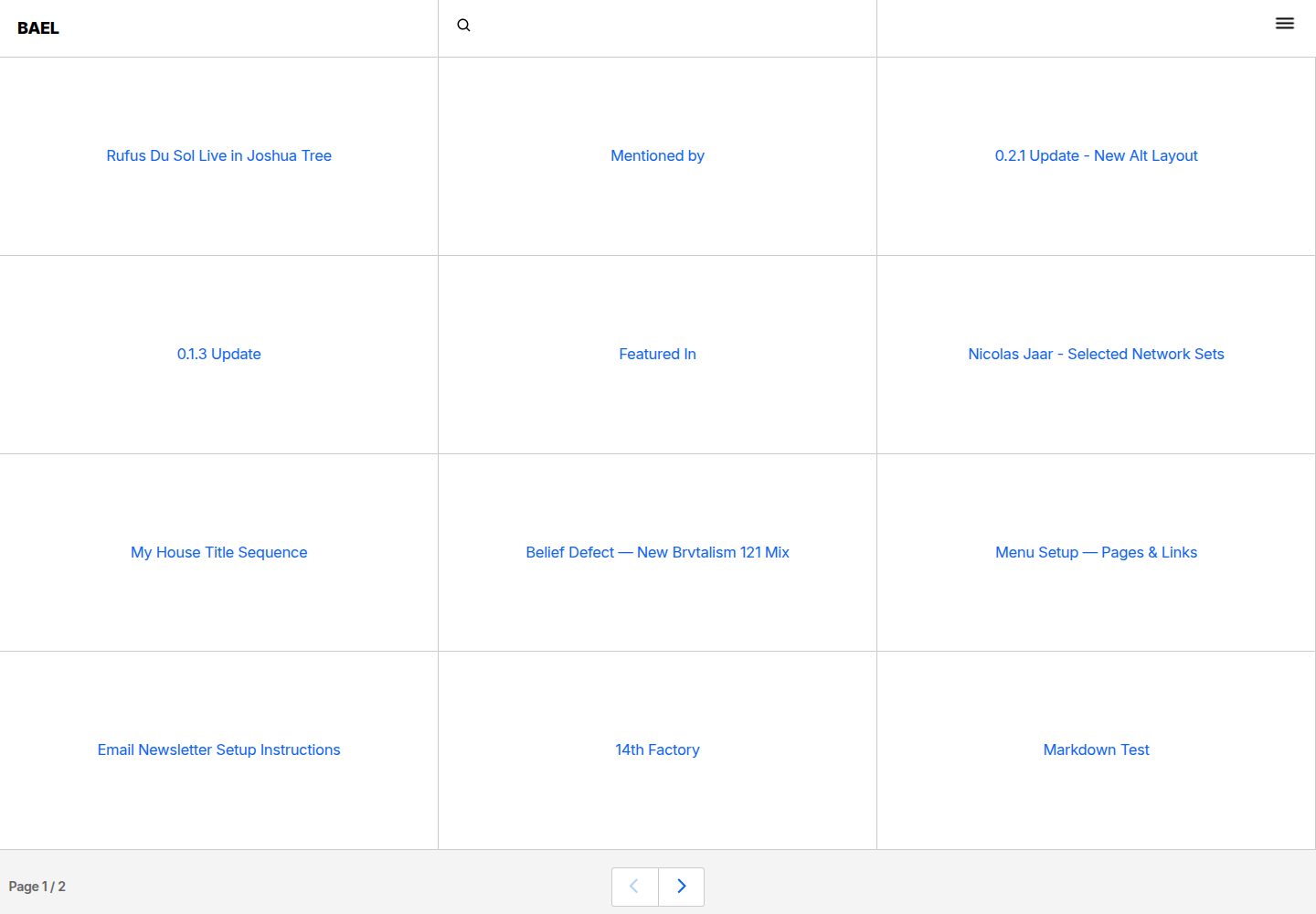
bael-template
Bael is a brutalist-style blog template built with Nuxt.js and Vue.js, using Netlify CMS for content management and deploying to Netlify. Content is stored as files in a Git repository and edited through the /admin path.
Nuxt · Blog

bloggrify
Bloggrify is a Nuxt layer that turns Markdown files into a blog site, built on Nuxt Content with preconfigured analytics, newsletter, comments, SEO, RSS, and content components.
Nuxt · Blog
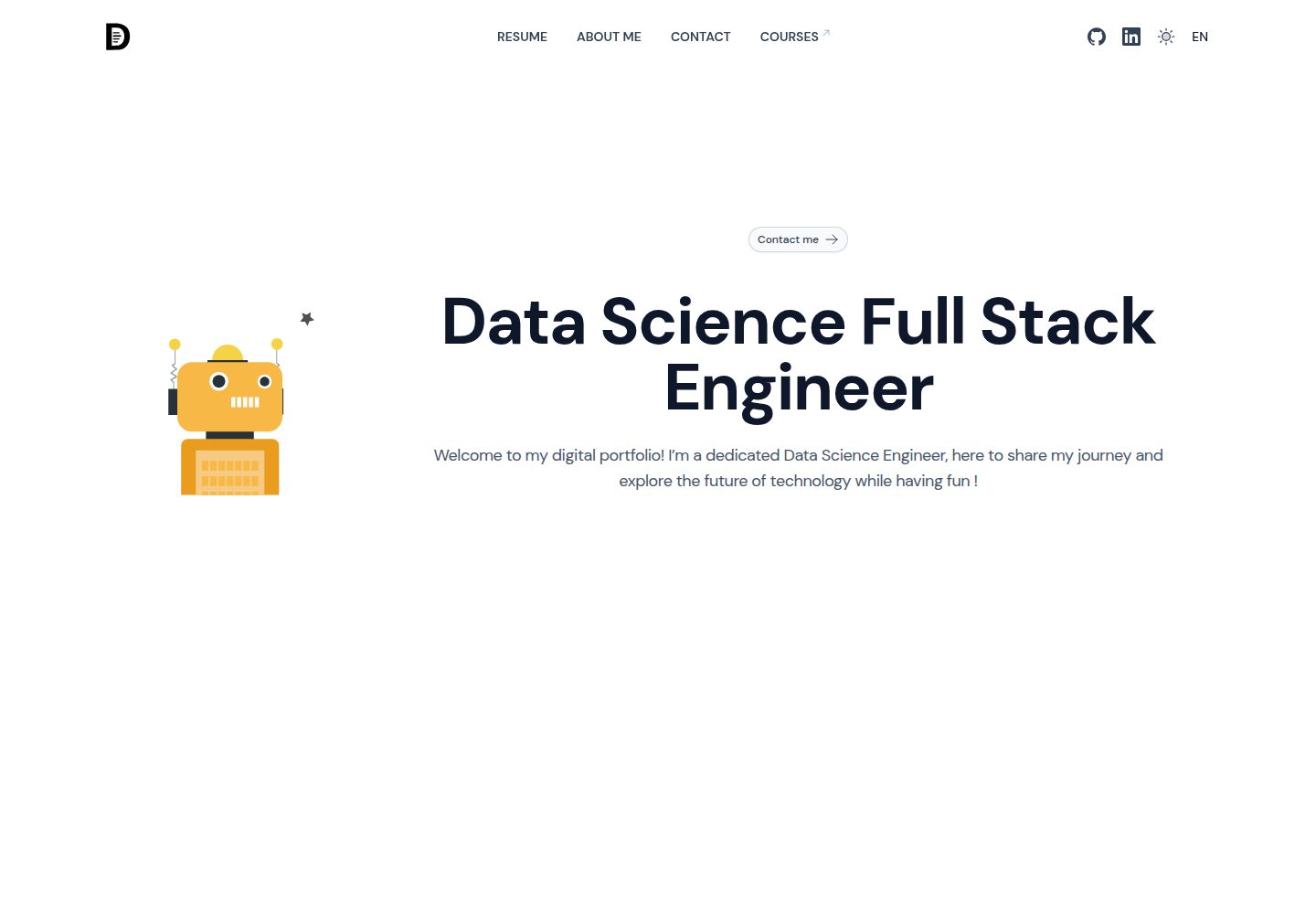
ai-resume-portfolio
A Nuxt resume portfolio template with a built-in Groq LLM cover letter generator, Minio image management, a Typebot chatbot, and Lottiefiles animations. The code is MIT-licensed, but external services and third-party assets require separate licensing and cost checks.
Nuxt · Portfolio
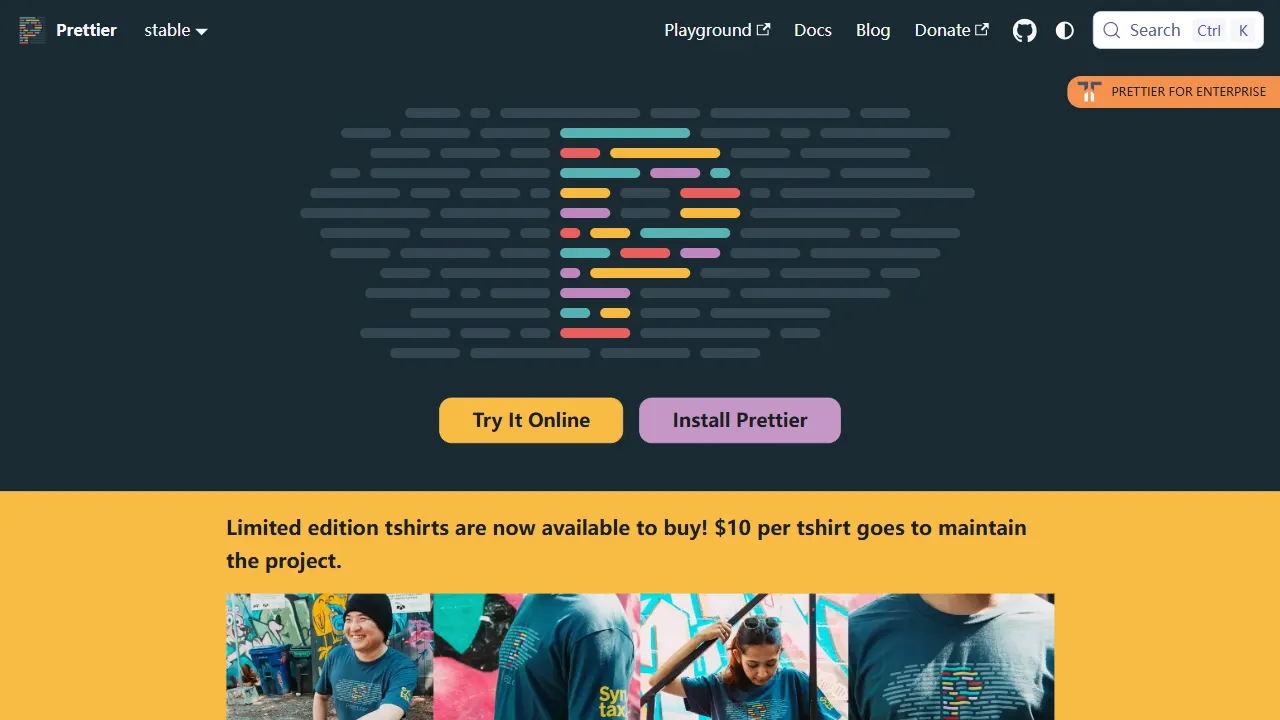
prettier
Prettier is an open-source code formatting tool whose official repository includes a runnable online Playground. It supports JavaScript, TypeScript, CSS, HTML, Vue, Angular, and more, and can be extended via plugins.
Vue · Tool Site
qrcode generator
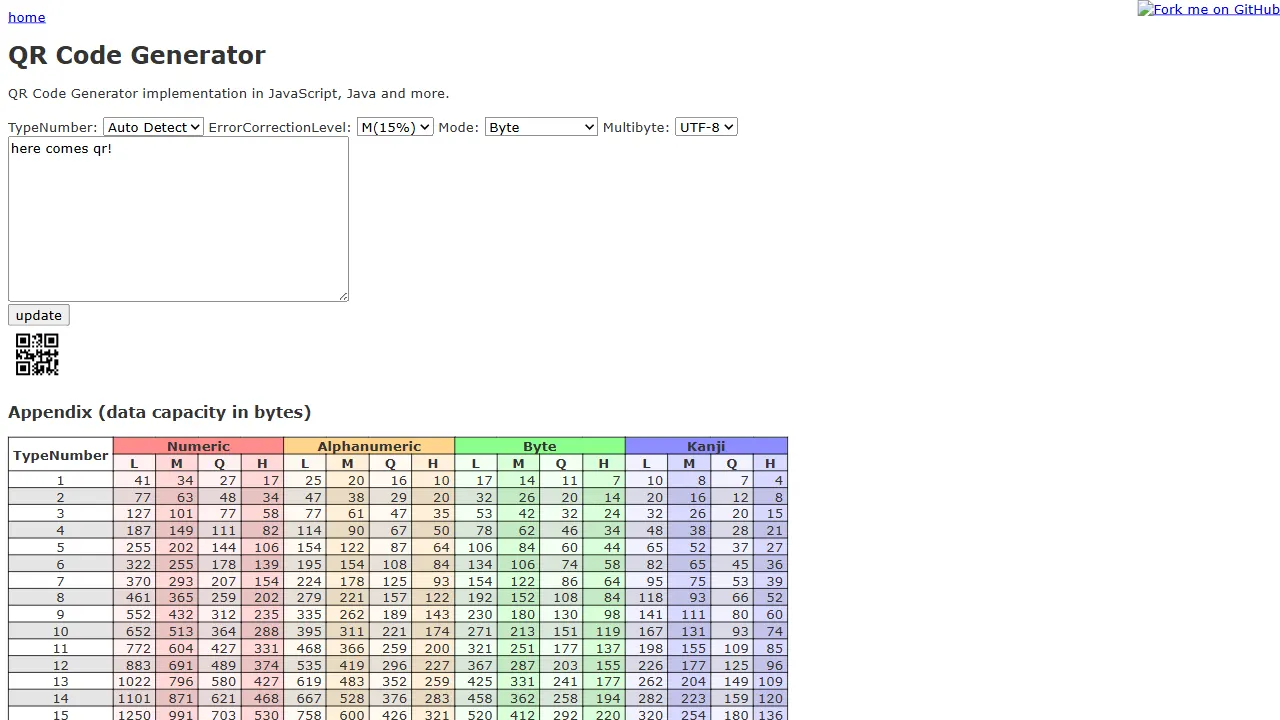
qrcode-generator is an open-source JavaScript library for QR code generation based on the JIS X 0510:1999 standard, with a real online demo. It is implemented in pure JavaScript and HTML, requiring no build tools, and features a simple form interaction interface.
JavaScript · Tool Site
layoutit grid
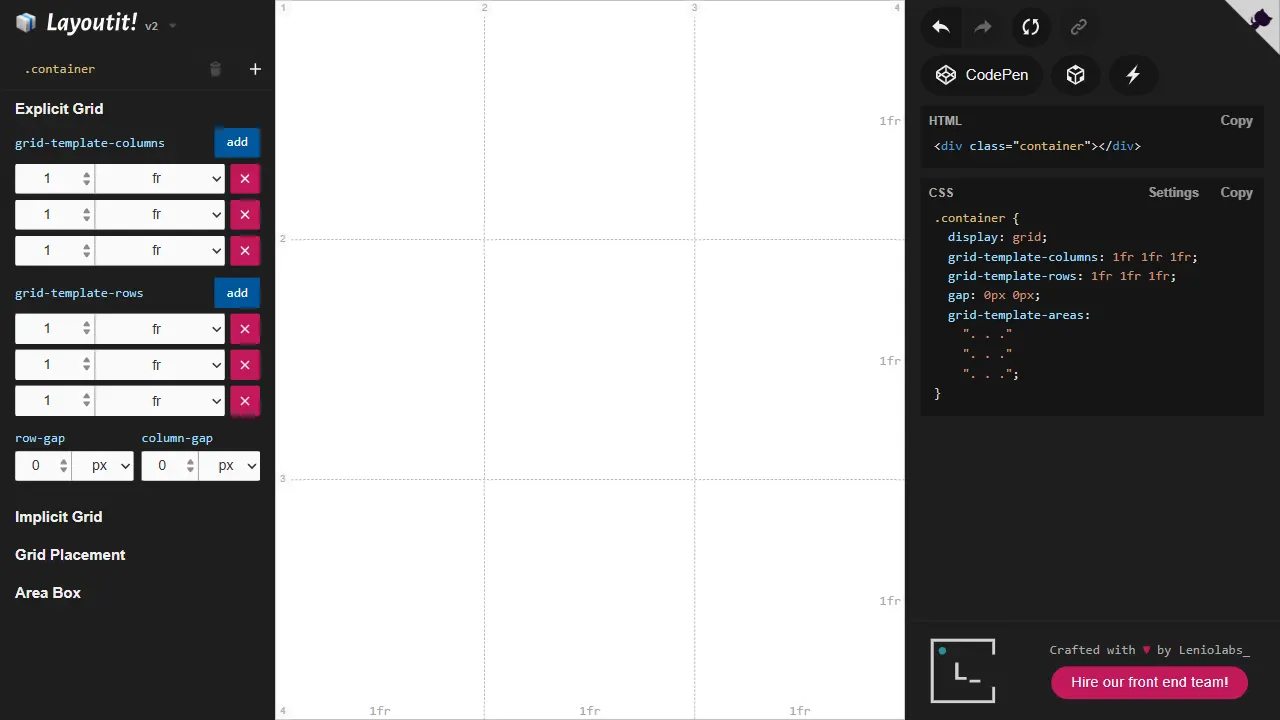
Layoutit Grid is an open-source CSS Grid layout generator built on Vue 3 and Vite. It lets users drag and adjust grid structures in a visual editor and instantly generate HTML and CSS code.
Vue · Tool Site