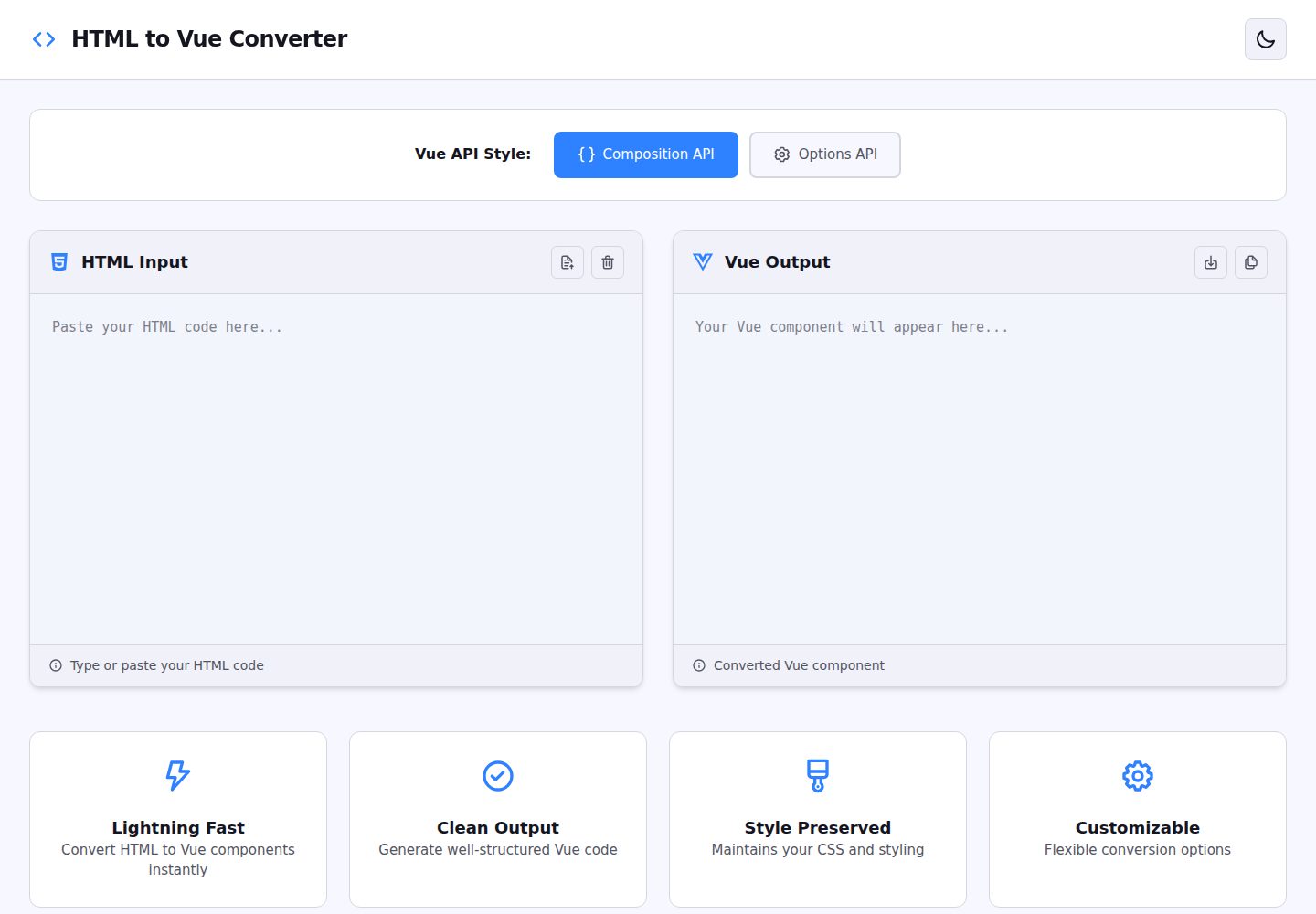
输入原生 HTML,输出 Vue 3 单文件组件
NuxtVueHTML工具站
html_vue_converter — Nuxt 工具站模板
作者 IwuchukwuDivine
一个基于 Nuxt 的网页工具,把原生 HTML 转换成 Vue 3 单文件组件,可选 Composition API 或 Options API 输出。
看看你的网站会是什么样
浏览真实页面截图,比较内容排版与手机效果。点击下方缩略图切换,放大查看整页细节。
全部页面与视图 2
截图用于了解视觉与布局,交互效果请以实际项目为准。
采集于 2026-10-03查看来源
值得关注的模板亮点
从已有项目资料中,快速了解它的特点。
可选 Composition API 或 Options API 两种输出
自动提取脚本、样式与模板:变量转 ref()/data(),函数转组合式函数/methods,样式转 scoped CSS
左右分栏编辑器,输入时即时显示转换结果,支持一键复制
转换逻辑为纯 TypeScript,可在代码中直接调用 convert 函数
使用 Vitest 编写测试,覆盖模板、脚本、样式与两种 API 输出
模板详细介绍
这个项目是一个运行在浏览器里的转换工具,输入原生 HTML,输出 Vue 3 单文件组件(SFC)。转换时可以选择 Composition API 或 Options API 两种写法:变量会被转成 ref() 或 data(),函数会被转成组合式函数或 methods,内联样式会整理成 scoped CSS,页面结构则整理成 Vue 模板。界面提供左右分栏的代码编辑器,输入时即时显示转换结果,并支持一键复制转换后的代码。
转换逻辑用 TypeScript 编写,放在 app/utils/convert.ts 中,可以脱离界面单独调用:传入 HTML 字符串和 "composition" 或 "options",返回对应的 Vue 组件代码。项目使用 Vitest 编写测试,覆盖模板转换、脚本提取、样式保留、两种 API 输出以及嵌套结构等场景。仓库中附有测试用的 HTML 样例文件。
需要注意的限制:转换结果会附带 TODO 提示,要求人工复核;示例中事件绑定仍保留 onclick 这类原生写法,文档路线图里也把“更好地处理事件监听器”“检测并保留 import 语句”“组件组合检测”列为待办,说明这些方面尚未完善。路线图中的 Vue 2 转换、JSX/TSX 输出、导出 .vue 文件、批量转换、VS Code 扩展等也均未实现。
NuxtVueHTML工具站
适合你的项目吗?
适用场景
- 把旧项目的静态 HTML 页面初步改写成 Vue 3 组件
- 快速查看同一段 HTML 在 Composition API 与 Options API 下的不同写法
- 在脚本或构建流程中调用 convert 函数批量处理 HTML 片段
- 作为学习 Vue 3 组件结构的参考,对照转换前后的代码
适合人群
- 需要把原生 HTML 迁移到 Vue 3 的前端开发者
- 想对比 Composition API 与 Options API 写法的 Vue 学习者
- 希望复用转换逻辑做二次开发的 TypeScript 开发者
上手与定制指南
结合仓库当前版本的说明,按下面的资料检查内容、配置与运行要求。
- 1
需要 Node.js 18 及以上版本,以及 npm、yarn 或 pnpm
- 2
克隆仓库后执行 npm install 安装依赖,再运行 npm run dev 启动开发服务器,默认访问 http://localhost:3000
- 3
运行 npm test 执行测试,npm run build 构建生产版本,npm run preview 预览构建结果
- 4
转换结果带有 TODO 提示,使用前需要人工复核事件绑定、导入语句等细节
授权与来源资料
使用条件与限制
免费使用 · 保留许可声明本次收录的是公开仓库中采用 MIT 许可的免费版本;免费范围为该版本代码,不代表外部服务或第三方素材免费。
使用时需要遵守
- 允许免费使用、修改、商用和分发该版本代码。
- 分发代码副本或实质性部分时,保留原作者版权声明和完整 MIT 许可声明。
- 代码按现状提供;担保与责任限制以原许可证及适用法律为准。
额外费用与待核对事项
- 演示图片、字体、图标及其他第三方素材需按各自许可核对,不能仅凭代码的 MIT 许可判断。
- 域名、托管、数据库、支付或 AI 等外部服务可能另外收费。
查看原文依据
https://github.com/IwuchukwuDivine/html_vue_converter/blob/main/LICENSEhttps://github.com/IwuchukwuDivine/html_vue_converter/blob/main/README.mdPermission is hereby granted, free of charge
许可证原文
DeepSeek 根据仓库许可证和 README 整理 ·2026-10-03。结果仅覆盖已读取资料,依赖、图片、字体及后续条款变更以各自原文为准。
项目核对记录与介绍依据
模板资料
- 来源平台
- GitHub
- 资料与维护参考分
- 资料较完整 · 88 / 100
- 技术栈
- Nuxt · Vue · HTML
- 网站类型
- 工具站
这个分数如何计算
本站按许可资料(最高30分)、演示链接(12分)、预览图(10分)、Star数(15分)、记录的维护时间(15分)、描述完整度(8分)、功能记录(5分)和分类资料(5分)计算。它不是代码、安全或性能测试,也不是 Google 评分;有链接不代表已实测可用。
这个项目需要核对什么
- 记录的仓库更新时间
- 2025-11-24
- 截图检查日期
- 2026-10-03
已收录演示链接。请用你的内容与屏幕尺寸检查;有演示不代表表单、认证或支付已经可用。
目录记录的主要技术栈是 Nuxt。请通过依赖清单和锁文件核对实际版本与托管要求。这些说明基于收录资料,不代表代码审计或部署实测。
查看具体选型方法 →介绍的制作与核对状态
介绍由 AI 辅助整理目录与仓库资料。仓库作者不等于这篇介绍的审核者。
审核声明: [email protected] · 2026-10-04
查看当时使用的来源资料
SHA-256: 9fb2b1dd960ed33484609346d19656248a8a333e57cb7a07b6ccafa04c339c03
2026-10-03T14:16:00.437Z
来源文件 / 仓库# 🔄 HTML to Vue Converter
A powerful web-based tool that instantly converts vanilla HTML into Vue 3 Single File Components (SFC). Supports both **Composition API** and **Options API** with intelligent parsing of scripts, styles, and templates.




## ✨ Features
- **🎯 Dual API Support**: Convert to either Composition API or Options API
- **🧠 Smart Parsing**: Automatically extracts and converts:
- Variables → `ref()` (Composition) or `data()` (Options)
- Functions → Composable functions or methods
- Styles → Scoped CSS
- Templates → Clean Vue templates
- **⚡ Real-time Conversion**: Instant preview as you type
- **📋 Copy to Clipboard**: One-click copy of converted code
- **🎨 Syntax Highlighting**: Beautiful code editor with syntax highlighting
- **🧪 Fully Tested**: Comprehensive test suite with Vitest
- **🌐 Zero Dependencies**: Pure TypeScript conversion logic
## 🚀 Quick Start
### Prerequisites
- Node.js 18+
- npm or yarn or pnpm
### Installation
```bash
# Clone the repository
git clone https://github.com/IwuchukwuDivine/html_vue_converter.git
cd html_vue_converter
# Install dependencies
npm install
# Start development server
npm run dev
```
Visit `http://localhost:3000` to see the app in action!
## 📖 Usage
### Web Interface
1. Open the application in your browser
2. Paste your HTML code into the left editor
3. Select your preferred API style (Composition or Options)
4. View the converted Vue component in the right panel
5. Click "Copy Code" to copy to clipboard
### Programmatic Usage
You can also use the converter function directly in your code:
```typescript
import convert from "./app/utils/convert";
const html = `
<!DOCTYPE html>
<html>
<body>
<h1>Hello World</h1>
<button onclick="greet()">Click me</button>
<script>
function greet() {
alert('Hello!');
}
</script>
</body>
</html>
`;
// Convert to Composition API
const vueComponentComposition = convert(html, "composition");
// Convert to Options API
const vueComponentOptions = convert(html, "options");
console.log(vueComponentComposition);
```
### Example Conversions
#### Input (HTML)
```html
<!DOCTYPE html>
<html>
<head>
<style>
.container {
padding: 20px;
}
</style>
</head>
<body>
<div class="container">
<h1>Counter: <span id="count">0</span></h1>
<button onclick="increment()">+</button>
</div>
<script>
let count = 0;
function increment() {
count++;
document.getElementById("count").textContent = count;
}
</script>
</body>
</html>
```
#### Output (Vue Composition API)
```vue
<template>
<div class="app-wrapper">
<div class="container">
<h1>Counter: <span id="count">0</span></h1>
<button onclick="increment()">+</button>
</div>
</div>
</template>
<script setup lang="ts">
import { ref } from "vue";
// Reactive state (converted from variables)
const count = ref(0);
// Functions
function increment() {
count.value++;
document.getElementById("count").textContent = count.value;
}
// TODO: Review and adjust the converted code
</script>
<style scoped>
/* Converted styles - review and adjust */
.container {
padding: 20px;
}
</style>
```
## 🧪 Testing
This project includes comprehensive tests using Vitest:
```bash
# Run tests
npm test
# Run tests in watch mode
npm test -- --watch
# Run tests with coverage
npm test -- --coverage
```
### Test Coverage
The test suite includes:
- ✅ Basic HTML to Vue template conversion
- ✅ Script extraction and conversion (variables & functions)
- ✅ Style extraction and preservation
- ✅ Both Composition and Options API outputs
- ✅ Edge cases and error handling
- ✅ Complex nested structures
- ✅ Multiple script/style blocks
## 🏗️ Project Structure
```
html_vue_converter/
├── app/
│ ├── assets/
│ │ └── css/
│ │ └── main.css # Global styles
│ ├── components/
│ │ ├── CodeEditor.vue # Monaco-based code editor
│ │ └── Header.vue # App header
│ ├── pages/
│ │ └── index.vue # Main converter page
│ ├── utils/
│ │ ├── convert.ts # Core conversion logic
│ │ ├── convert.test.ts # Comprehensive tests
│ │ └── test-files/ # HTML test fixtures
│ └── app.vue # Root component
├── public/
│ └── logo-trans.png # App logo
├── nuxt.config.ts # Nuxt configuration
├── package.json # Dependencies
├── tsconfig.json # TypeScript config
└── README.md # This file
```
## 🤝 Contributing
We welcome contributions! Here's how you can help:
### Ways to Contribute
1. **🐛 Report Bugs**: Open an issue describing the bug and how to reproduce it
2. **💡 Suggest Features**: Share your ideas for new features
3. **📝 Improve Documentation**: Help improve our docs
4. **🔧 Submit Pull Requests**: Fix bugs or add new features
### Development Workflow
1. **Fork the repository** on GitHub
2. **Clone your fork**:
```bash
git clone https://github.com/IwuchukwuDivine/html_vue_converter.git
cd html_vue_converter
```
3. **Create a feature branch**:
```bash
git checkout -b feature/amazing-feature
```
4. **Make your changes** and commit:
```bash
git add .
git commit -m "Add amazing feature"
```
5. **Write/update tests** if applicable:
```bash
npm test
```
6. **Push to your fork**:
```bash
git push origin feature/amazing-feature
```
7. **Open a Pull Request** on GitHub
### Code Style
- Use TypeScript for type safety
- Follow the existing code style
- Write descriptive commit messages
- Add tests for new features
- Update documentation as needed
### Running Locally
```bash
# Install dependencies
npm install
# Run development server (with hot reload)
npm run dev
# Run tests
npm test
# Build for production
npm run build
# Preview production build
npm run preview
```
## 🛠️ Built With
- **[Nuxt 3](https://nuxt.com/)** - The Vue Framework
- **[Vue 3](https://vuejs.org/)** - Progressive JavaScript Framework
- **[TypeScript](https://www.typescriptlang.org/)** - Type-safe JavaScript
- **[Tailwind CSS](https://tailwindcss.com/)** - Utility-first CSS framework
- **[Pinia](https://pinia.vuejs.org/)** - State Management
- **[Vitest](https://vitest.dev/)** - Unit Testing Framework
- **[VueUse](https://vueuse.org/)** - Vue Composition Utilities
## 📝 License
This project is licensed under the MIT License - see the [LICENSE](LICENSE) file for details.
## 🙏 Acknowledgments
- Inspired by the need to quickly migrate legacy HTML to Vue 3
- Thanks to all contributors who help improve this tool
- Built with ❤️ for the Vue community
## 📬 Contact & Support
- **Issues**: [GitHub Issues](https://github.com/IwuchukwuDivine/html_vue_converter/issues)
- **Discussions**: [GitHub Discussions](https://github.com/IwuchukwuDivine/html_vue_converter/discussions)
## 🗺️ Roadmap
- [ ] Support for Vue 2 conversion
- [ ] JSX/TSX output option
- [ ] Better handling of event listeners
- [ ] Import statement detection and preservation
- [ ] Component composition detection
- [ ] Dark mode toggle
- [ ] Export as .vue file
- [ ] Multiple file conversion (batch processing)
- [ ] VS Code extension
---
**⭐ Star this repo if you find it helpful!**
Made with ❤️ by the community
看看同类模板
对比同技术栈与用途的模板,找到更适合的视觉与内容结构。
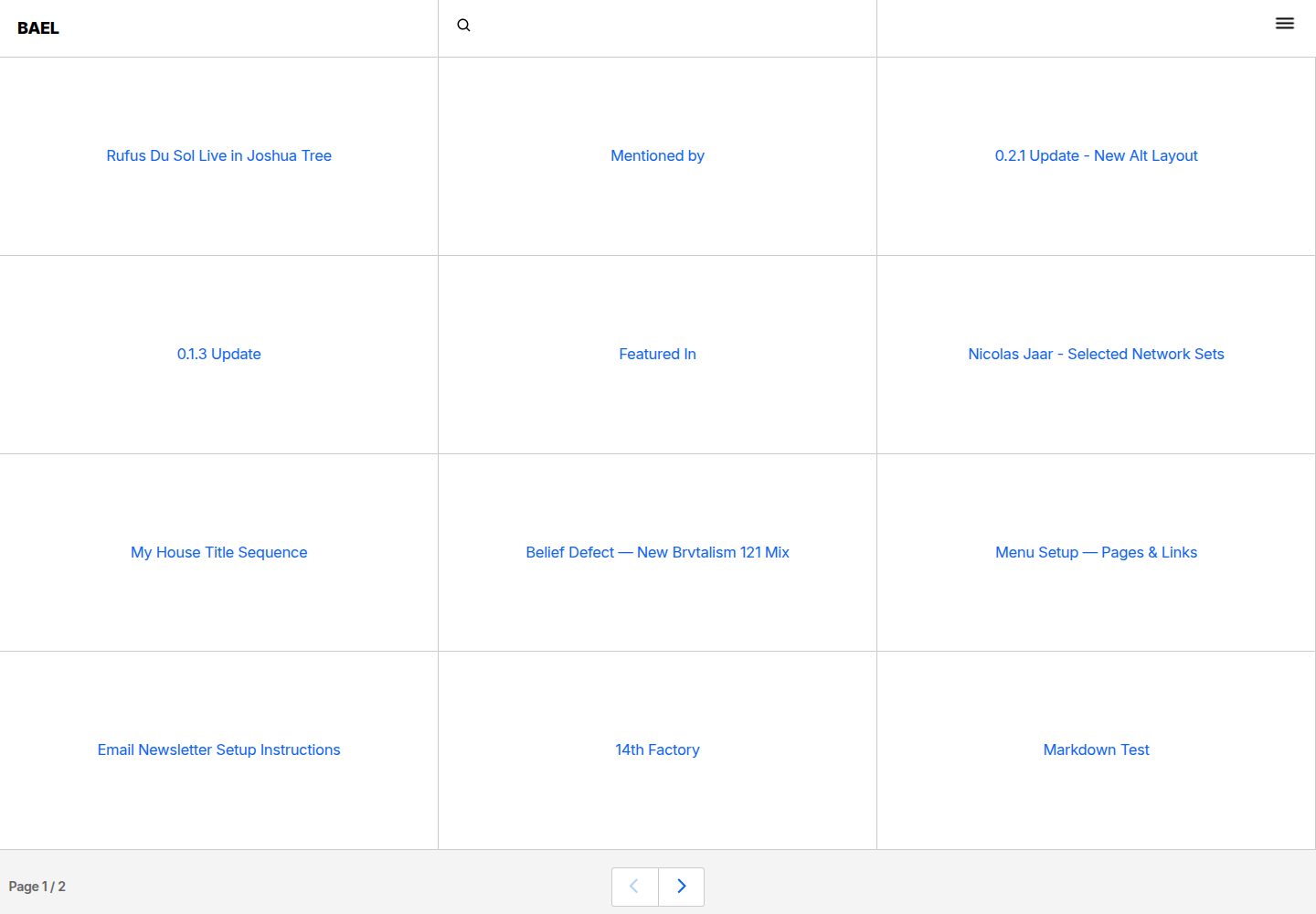
bael-template
Brutalist Blog theme for Netlify CMS
Nuxt · 博客

bloggrify
Run a blog from Markdown files. Themes, SEO, analytics, newsletter and comments preconfigured. Like Docus, but…
Nuxt · 博客
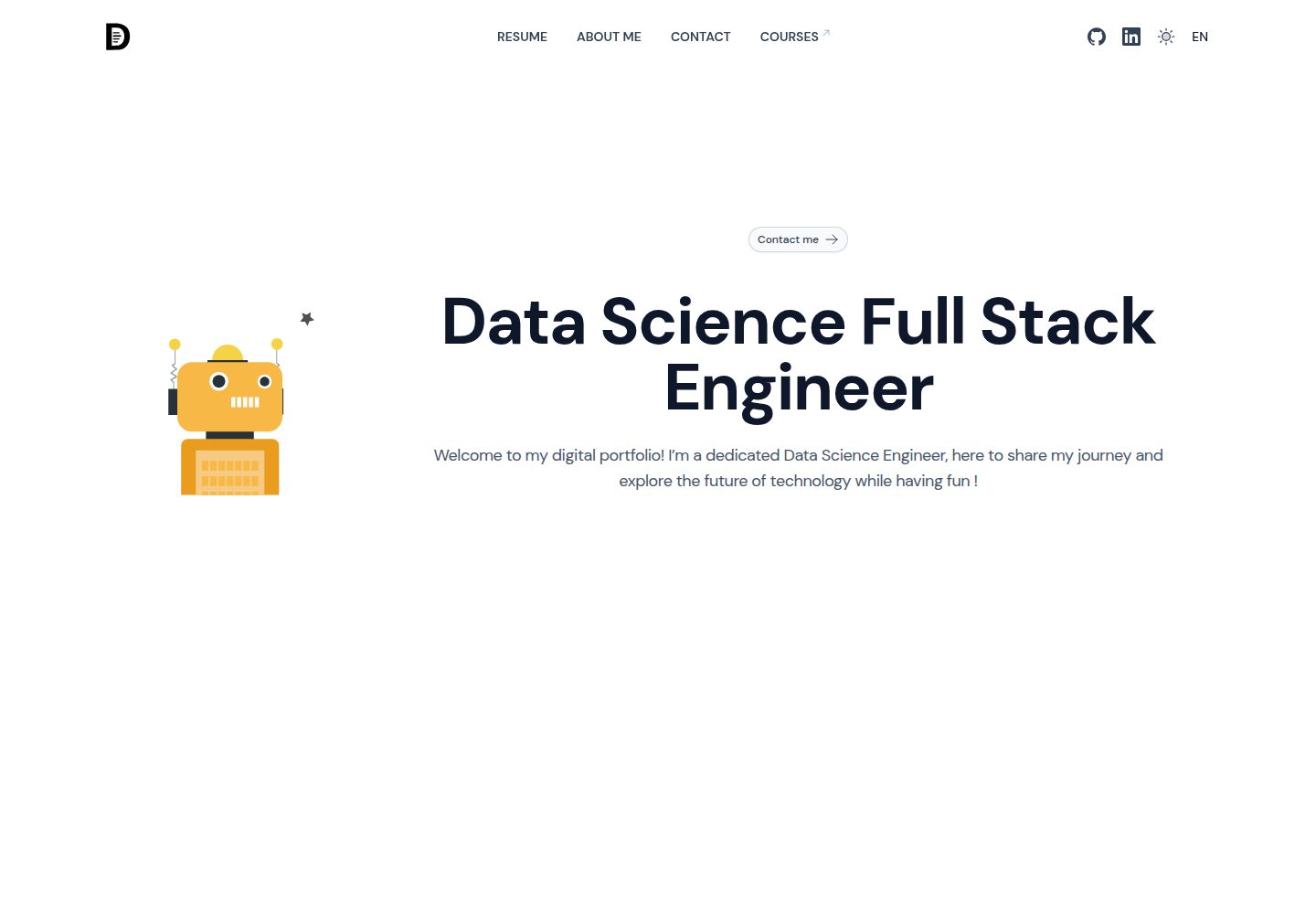
ai-resume-portfolio
Nuxt resume template with AI cover letter generator 🤖
Nuxt · 作品集
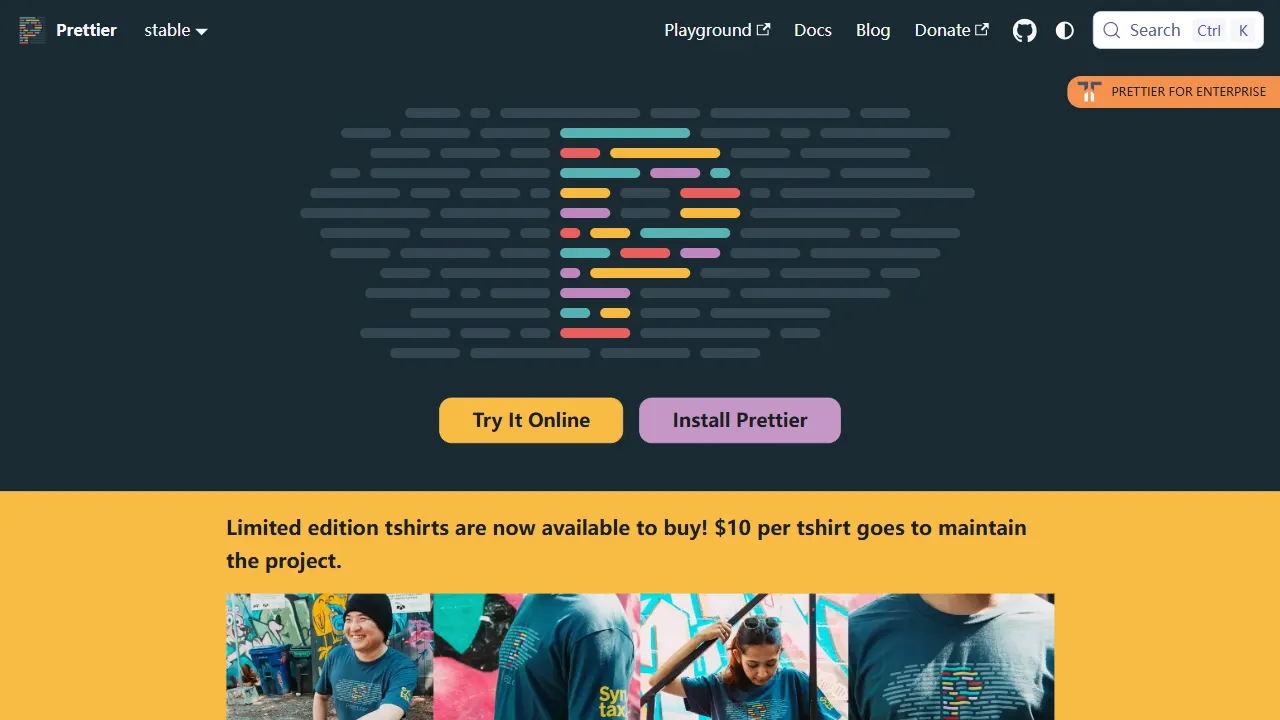
prettier
Prettier 是一个广受欢迎的开源代码格式化工具,其 GitHub 仓库本身也是一个带有真实在线演示的工具站项目。
Vue · 工具站
qrcode generator
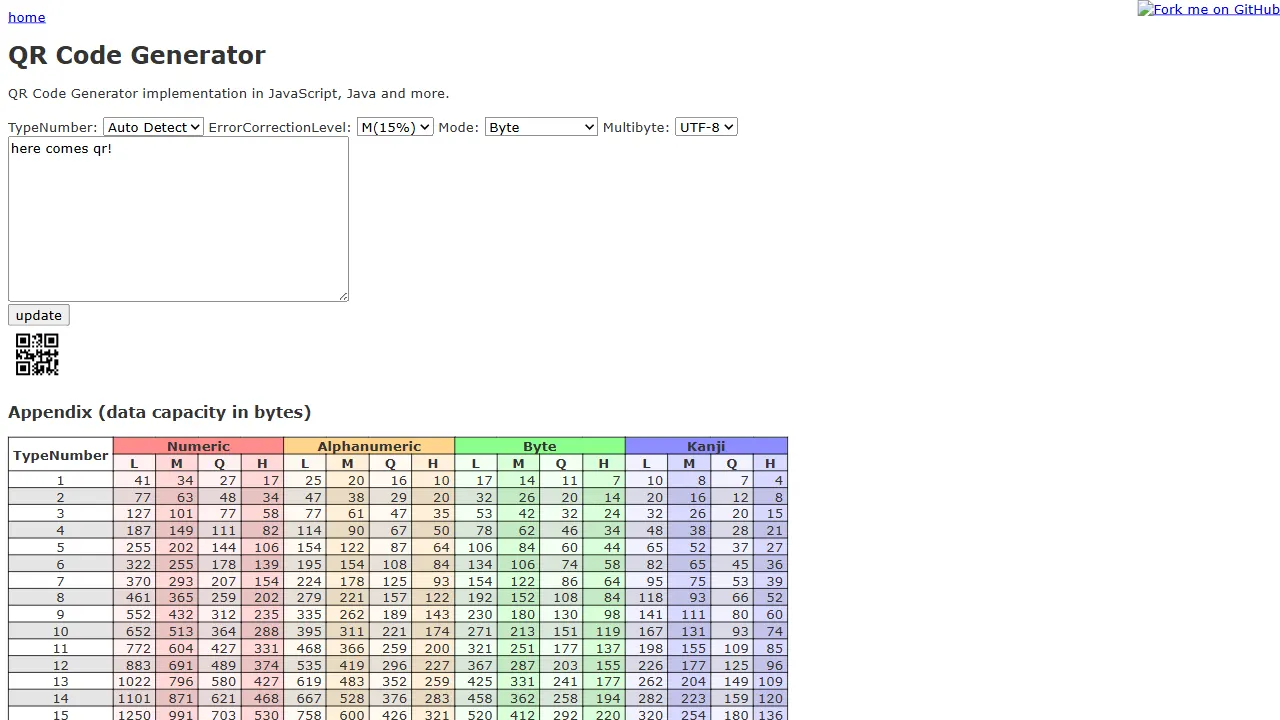
qrcode-generator 是一个专注于二维码生成的开源项目,核心提供基于 JIS X 0510:1999 标准的 JavaScript 实现,并附带一个真实可用的在线演示页面。
JavaScript · 工具站
layoutit grid
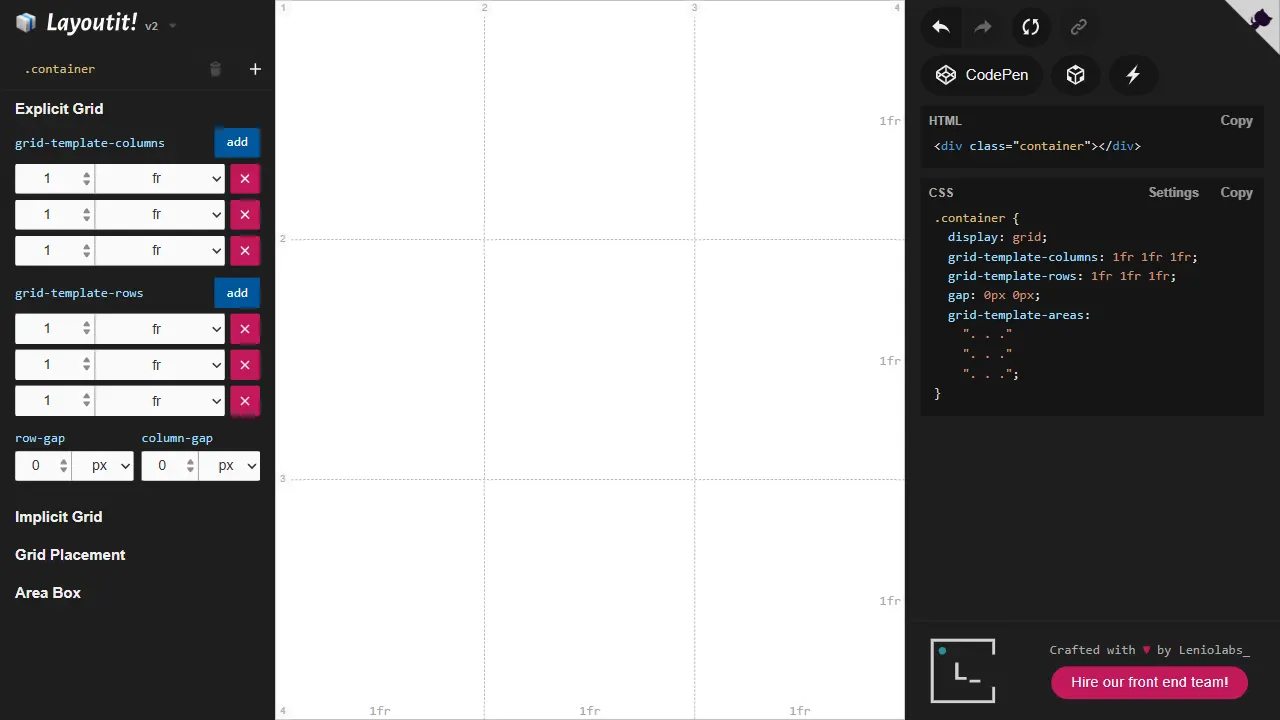
Layoutit Grid 是一个开源的 CSS Grid 布局生成器,核心功能是让用户通过可视化编辑器拖拽调整网格结构,并即时生成对应的 HTML 与 CSS 代码。
Vue · 工具站