Content is driven by JSON under public/data, with each section corresponding to its own data file
ViteReactPortfolio
myWebsite — Vite Portfolio Template
By Lomuss33
A personal portfolio and resume site template built with React and Vite, with JSON-driven content, reusable article components, theme and language switching, resume generation scripts, and a GitHub Pages deployment workflow.
Explore the design
Compare the page layouts and mobile experience. Open any screenshot for a closer look.
Desktop homepage
Desktop captureTop of page
Actual screenshot captured by the server browser.
One original preview is available. Open the full image to inspect the design.
Screenshots show visual appearance; interactive behavior may differ.
Recorded 2026-10-02View source
What stands out
A quick read of the recorded project description.
Provides multiple reusable article rendering components covering work cards, timelines, feature blocks, forms, skills, and text
Supports dark/light theme switching and multilingual switching, with separate desktop and mobile layouts
Includes automation scripts for CV generation, responsive image generation, and i18n text validation
Comes with a GitHub Actions workflow that can deploy to GitHub Pages
Code is under the MIT license, allowing modification, commercial use, and distribution
Template Details
This repository serves both as the author's personal website and as a reusable portfolio/resume template. Content and interface are separated: JSON files under public/data determine what is displayed, React components determine how it is rendered, and SCSS determines the appearance.
The site is organized by sections, including home, experience, education, software, hardware, writing, art, and contact. Each section points to its own JSON file, and SectionBody.jsx selects the corresponding article component to render, which can present work cards, timelines, feature blocks, forms, skill lists, and text.
The project provides language switching, light/dark theme switching, and desktop/mobile layout control, along with automation scripts for CV generation, responsive image generation, and i18n text validation, deployed to GitHub Pages via a GitHub Actions workflow.
Before use, note: the repository does not declare runtime dependency services beyond Node.js, but the licenses for third-party assets such as demo images, fonts, and icons must be checked separately; the code is under the MIT license, allowing free use, modification, commercial use, and distribution, provided the copyright and license notice are retained when distributing.
ViteReactPortfolio
Is it right for your project?
Use Cases
- Building a display site that combines a personal portfolio and resume
- Maintaining projects, experience, skills, and contact information via JSON to reduce direct changes to component code
- Resume-style pages that require multilingual and light/dark theme switching
- Presenting software projects, hardware experiments, writing, and art sections on the same site
- Hosting a personal site for free via GitHub Pages
Suitable For
- Developers who want to build a personal portfolio or resume site with React and Vite
- Front-end users who prefer managing content with JSON and controlling rendering with components
- Personal site authors who need multilingual support, theme switching, and resume file output
- Users planning to deploy a static site using GitHub Pages
Getting started & customization
Use these recorded setup notes alongside the repository instructions for your chosen version.
- 1
Use Node.js 24 LTS and install dependencies with npm ci based on the repository's lockfile to ensure reproducibility
- 2
Run npm run dev for development; use npm run build and npm run preview for building and previewing respectively
- 3
Content changes are mainly made in JSON files under public/data, with each section corresponding to its own file
- 4
Resume and responsive images can be generated with npm run cv:generate and npm run images:generate respectively
- 5
Third-party assets such as demo images, fonts, and icons must be checked under their respective licenses and cannot be judged solely based on the code's MIT license
License & source material
Usage conditions & limitations
Free to use · keep license noticeThis entry covers the free version under the MIT license in the public repository; the free scope is the code of this version and does not mean external services or third-party assets are free.
Must comply with when using
- Free use, modification, commercial use, and distribution of this version's code are allowed.
- When distributing copies or substantial portions of the code, retain the original author's copyright notice and the full MIT license notice.
- The code is provided as is; warranties and limitations of liability are governed by the original license and applicable law.
Additional costs & items to verify
- Use requires a Node.js 24 LTS runtime, and dependencies must be installed via the repository's committed npm lockfile (npm ci) to ensure reproducible builds.
- The contact form relies on the EmailJS external service, which typically requires registering an account and configuring an API key to actually send emails.
- Deployment relies on GitHub Pages and GitHub Actions services, requiring a GitHub account and enabling the corresponding features.
- Demo images, fonts, icons, and other third-party assets must be checked under their respective licenses and cannot be judged solely by the code's MIT license.
- External services such as domains, hosting, databases, payments, or AI may incur additional charges.
View Original Text Basis
Permission is hereby granted, free of charge
Original License Text
Use Node.js 24 LTS and the committed npm lockfile for reproducible installs.
Original README
**Utilities:** Sharp, EmailJS
Original README
https://github.com/Lomuss33/myWebsite/blob/main/LICENSEhttps://github.com/Lomuss33/myWebsite/blob/main/README.md**Deployment:** GitHub Pages via GitHub Actions
Original README
Compiled by DeepSeek based on repository license and README ·2026-10-02. Results only cover the materials read; dependencies, images, fonts, and subsequent term changes are subject to their respective original texts.
Project checks & description sources
Template Information
- Source platforms
- GitHub
- Documentation and maintenance reference score
- More documented · 85 / 100
- Technologies
- Vite · React
- Website type
- Portfolio
How this score is calculated
Our heuristic uses license records (up to 30), a demo link (12), a preview (10), stars (15), recorded maintenance (15), description completeness (8), feature records (5) and classification data (5). It is not a code, security or performance test, or a Google score. A link does not establish tested functionality.
What to verify for this project
- Repository update recorded
- 2026-09-30
- Screenshot last checked
- 2026-10-02
A demo link is listed. Check it with your own content and viewport sizes; its presence does not confirm that forms, authentication or payments work.
The catalog identifies Vite as the primary stack. Check the actual dependency manifest and lockfile for versions and hosting requirements. These notes use recorded metadata, not a code audit or a deployment test.
Use a selection guide →How this description was prepared
AI-assisted description based on catalog records and repository material. Repository authors are not automatically the reviewers of this description.
Automatically checked against source and license rules; no manual editorial review.
Inspect the recorded source material
SHA-256: a4604d4b54c98cd2435787939f5e69c3aadf05637ec806ee63879f39c7c3a03a
2026-10-02T07:53:12.114Z
Source file / repository# myWebsite **A custom React/Vite personal portfolio and resume platform with JSON-driven content, reusable components, theme/language support, automation scripts, and GitHub Pages deployment.** This repo is both: - my personal website - a reusable portfolio/resume template others can adapt ## ✨ Quick Look - JSON-driven content in `public/data/*` - reusable React article components - dark/light theme support - multi-language support - downloadable resume + machine-readable CV output - responsive image generation script - GitHub Pages deployment workflow - custom interactive sections, including web art ## 👀 What It Is This is not a static one-page profile. It is a small frontend platform for presenting: - profile and resume data - projects and timelines - skills and contact info - media, writing, and custom interactive sections Most content changes happen in JSON. Most UI behavior lives in reusable React components and providers. ## 🚀 Feature Highlights - **Content model:** sections, articles, and items are driven by JSON - **Reusable UI:** multiple article renderers for portfolio cards, timelines, feature blocks, forms, skills, text, and more - **Presentation controls:** language switching, theme switching, desktop/mobile layouts - **Automation:** CV generation, responsive image generation, i18n text validation - **Deployment:** GitHub Actions workflow for GitHub Pages ## 🧱 Tech Stack - **Frontend:** React 18, Vite - **Styling:** SCSS, Bootstrap, React Bootstrap - **UI / motion / media:** Font Awesome, PrimeIcons, Motion, Swiper, Three.js - **Utilities:** Sharp, EmailJS - **Deployment:** GitHub Pages via GitHub Actions ## 🗂️ How It Works Short version: 1. `src/main.jsx` boots the app and loads settings 2. `DataProvider` loads content from `public/data/*` 3. each section points to its own JSON file 4. `SectionBody.jsx` selects the matching React article component 5. providers handle language, theme, viewport, navigation, and feedback In practice: - **JSON** decides what appears - **React components** decide how it renders - **SCSS** decides how it looks ## 🧭 Sections - **Home:** the landing section introduces the profile, role overview, personal branding, and the core structure of the site. It works as the first impression area and quickly orients visitors before they move into the more detailed sections. - **Experience:** this section presents professional history through timeline-based content, role summaries, and supporting details about previous responsibilities and practical work background. - **Education:** the education area covers academic studies, training, certifications, and learning milestones that support the overall technical profile. - **Software:** this section highlights software-oriented work such as coding projects, web projects, and technical builds related to programming and digital product creation. - **Hardware:** the hardware section focuses on physical systems and infrastructure-related work, including homelab experiments, embedded and automation-oriented projects, and other hands-on technical builds. - **Writing:** this area is used for text-focused content such as written pieces, structured language-related material, and other content that is better presented through reading than through galleries or project cards. - **Art:** the art section is reserved for visual and creative work, including galleries, digital experiments, and custom interactive web-art pieces that add a more personal and expressive side to the site. - **Contact:** the contact section brings together practical communication options such as direct links, resume actions, and contact forms so visitors can reach out through the channel that suits them best. ## ⚡ Quick Start Use Node.js 24 LTS and the committed npm lockfile for reproducible installs. ```bash npm ci npm run dev ``` Useful commands: ```bash npm run build npm run preview npm run lint npm run cv:generate npm run images:generate ``` ## 📁 Repo Map ```text src/ components/ reusable UI and article renderers providers/ app-wide state and behavior hooks/ parsing, wrappers, utilities styles/ SCSS tokens, themes, layout public/ data/ portfolio content and config images/ source and responsive assets generated/ generated CV fragments cv/ generated CV page docs/ current guidance, handoffs, historical evidence ``` ## Documentation - [User guide](USER_GUIDE.md): visitor behavior. - [Maintainer guide](MAINTANER.md): ownership and workflow. - [Documentation index](docs/README.md): architecture, guides, decisions, active work, and history. - [AI orientation](AGENTS.md): concise starting instructions.
Explore similar templates
Compare previews and descriptions within the same stack and category.

Resumify
Resumify is a browser-based resume builder built with React, TypeScript, and Vite.
Vite · Portfolio

showlit
Showlit is a personal website template built with React, Vite, TypeScript, Tailwind CSS, and shadcn/ui.
Vite · Portfolio

folium
A developer portfolio template built with Vite, React, TypeScript, and Tailwind CSS.
Vite · Portfolio

kurizu-discord
A personal portfolio website built with React and Vite that mimics the Discord desktop app, organizing projects, skills, and experience into customizable channels, threads, a member list, and emoji reactions.
Vite · Portfolio

about-me-personal-portfolio-website-template
AboutMe is a free personal website template built with Bootstrap and Vite, released under the MIT license. It provides a single-page index.html with organized src directories for images, JavaScript, and SCSS, along with npm scripts for development and build.
Vite · Portfolio
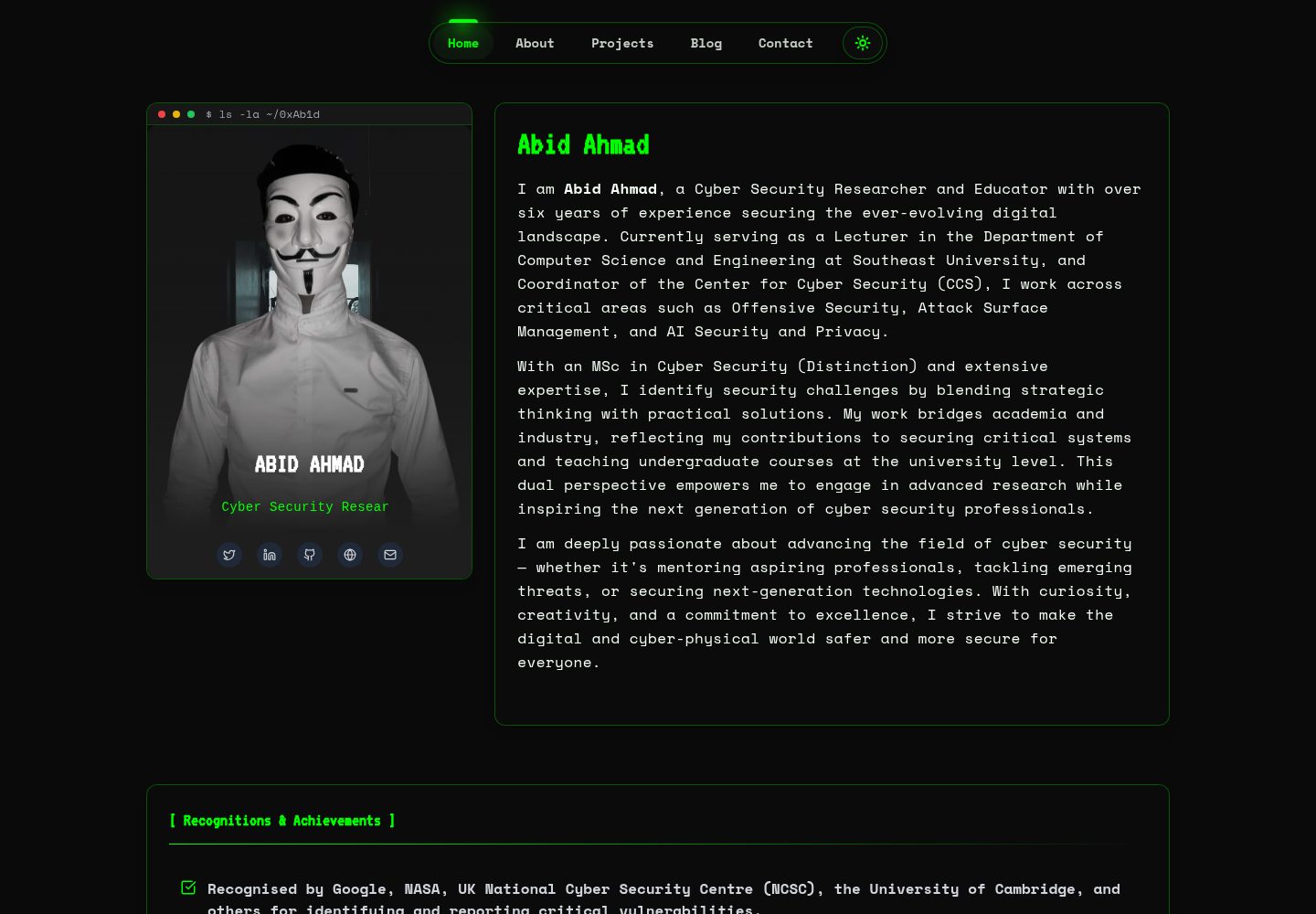
HackFolio
HackFolio is a hacker-style personal portfolio template for ethical hackers, penetration testers, bug bounty hunters, red teamers, and cybersecurity professionals.
Vite · Portfolio