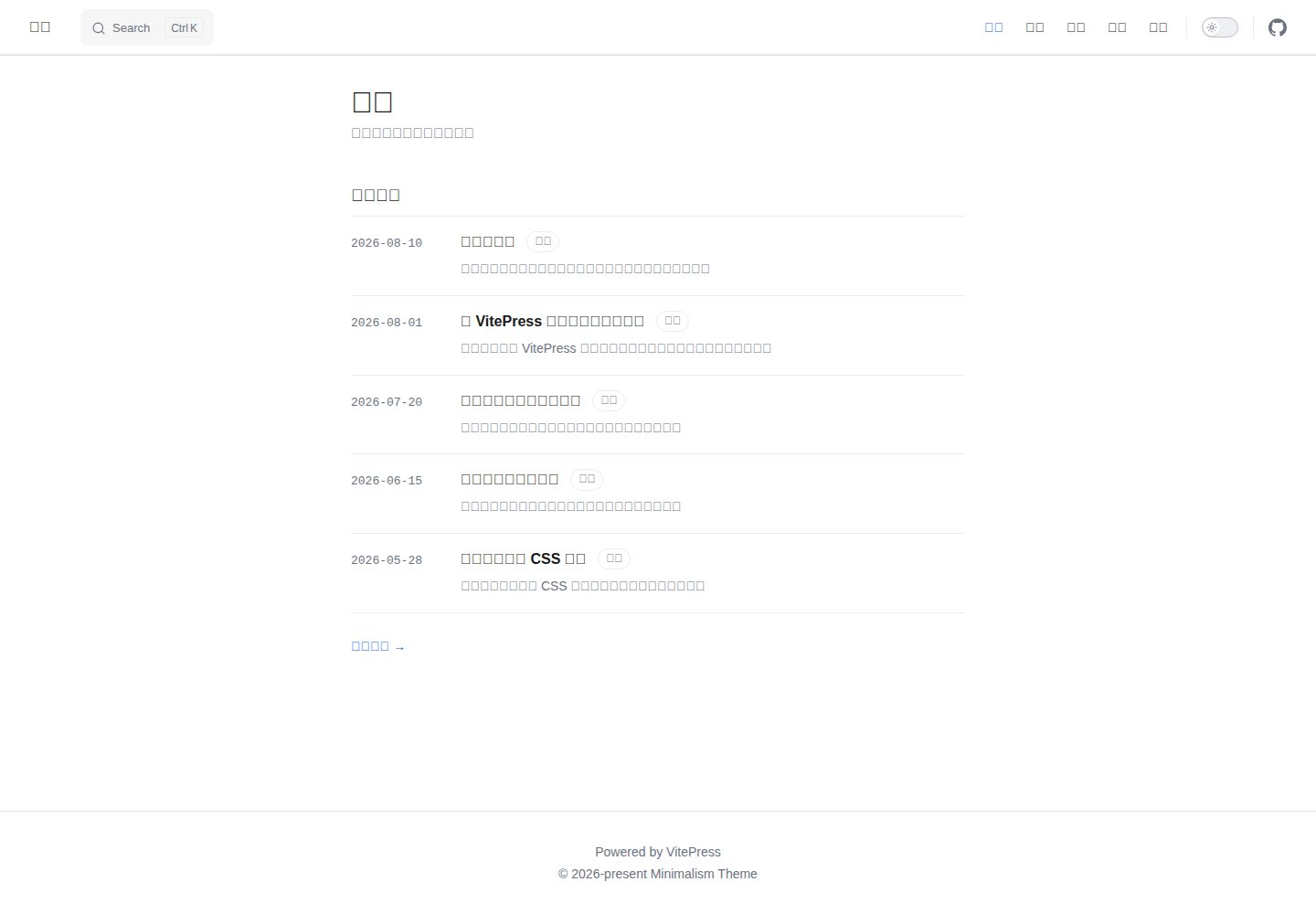
Clone or fork the repository to use it as a blog; no separate theme package installation required
VitePressBlog
vitepress-theme-minimalism — VitePress Blog Template
By lorlike
A minimalist blog theme template for VitePress. Clone it, put articles in posts/, and it's ready to use. Licensed under MIT.
Explore the design
Compare the page layouts and mobile experience. Open any screenshot for a closer look.
Desktop homepage1 / 3
Desktop captureTop of page
Actual screenshot captured by the server browser.
All pages & views 3
Screenshots show visual appearance; interactive behavior may differ.
Recorded 2026-10-01View source
What stands out
A quick read of the recorded project description.
Frontmatter supports title, date, category, tags, and description; use <!-- more --> in the body to define card summaries
Includes five built-in pages: home, categories, archive, tags, and about; previous/next navigation by date at the bottom of articles
Uses VitePress's built-in local search, with no additional search service required
pnpm new:post supports both interactive and command-line modes for creating articles, and can generate Chinese-friendly slugs
pnpm theme:sync can sync upstream theme files while preserving your own articles and site configuration via .syncignore
Template Details
This is a VitePress blog theme template repository, not a theme package that needs to be installed separately. To use it, clone or fork the repository, place Markdown articles in the posts/ directory, and then modify the site title, description, navigation, footer, and other settings in .vitepress/config.mts.
Writing is primarily in Markdown: article frontmatter supports title, date, category, tags, and description fields. Inserting <!-- more --> in the body makes the content above it serve as the summary on cards on the home, category, and tag pages. The theme includes five built-in pages: home (recent articles), categories, archive, tags, and about. At the bottom of each article, previous/next navigation is provided by date, along with a top reading progress bar and a line above the title showing date, category, and tags. Search uses VitePress's built-in local search.
The repository provides a pnpm new:post command to generate new articles, supporting both interactive and command-line argument modes, and can generate Chinese-friendly slugs; posts.data.ts provides article data to components as a typed Post[]. There is also a pnpm theme:sync script that uses @yakad/sync to pull files from the upstream template repository and copy them locally. Paths listed in .syncignore, such as posts/, .vitepress/config.mts, and .github/workflows/, are skipped, so you can sync theme, layout, and component updates while keeping your own content and configuration. Build output goes to .vitepress/dist and can be deployed to GitHub Pages, Netlify, Vercel, or Cloudflare Pages.
Limitations: the materials do not specify the theme's browser compatibility range, level of accessibility support, or long-term maintenance status; the repository has 0 stars and is a template published by an individual author. The free scope refers only to this version of the code being under the MIT license; third-party assets such as images, fonts, and icons in the demo need to be checked against their respective licenses, and external services such as domains and hosting may incur separate charges.
VitePressBlog
Is it right for your project?
Use Cases
- Maintaining a personal blog in Markdown and publishing it as a static site
- Organizing existing articles by category, tags, and archive
- Syncing upstream theme updates while keeping your own content and configuration
- Deploying build output to GitHub Pages, Netlify, Vercel, or Cloudflare Pages
Suitable For
- Individual bloggers who are used to writing in Markdown and want content-first layout
- Developers using the VitePress or Vue ecosystem who are willing to edit repository files directly
- Sites that need basic blog features such as categories, tags, archive, and local search
Getting started & customization
Use these recorded setup notes alongside the repository instructions for your chosen version.
- 1
After cloning or forking the repository, install dependencies with pnpm install, then run pnpm dev to start the development server
- 2
Modify siteTitle and siteDescription at the top of .vitepress/config.mts, and adjust navigation, footer copyright, and outline labels in themeConfig
- 3
Place articles in the posts/ directory; you can generate them with pnpm new:post. Frontmatter must include title, date, category, tags, and description
- 4
The build command is pnpm build, output is in .vitepress/dist, and you can preview locally with pnpm preview
- 5
Before using pnpm theme:sync to sync upstream themes, check whether .syncignore already covers personal files you need to keep
License & source material
Usage conditions & limitations
Free to use · keep license noticeThis entry covers the free version under the MIT license in a public repository; the free scope applies to this version of the code and does not mean external services or third-party assets are free.
Must comply with when using
- You are allowed to use, modify, commercialize, and distribute this version of the code for free.
- When distributing copies or substantial portions of the code, retain the original author's copyright notice and the full MIT license notice.
- The code is provided as is; warranties and limitations of liability are governed by the original license and applicable law.
Additional costs & items to verify
- pnpm theme:sync clones or updates files from the upstream template repository and copies them locally; it requires access to GitHub and the @yakad/sync package on npm, which is an external service dependency.
- When deploying to hosting platforms such as Netlify, Vercel, or Cloudflare Pages, you need to configure the build command and output directory according to each platform's requirements. External services such as domains and hosting may incur separate charges.
- Demo images, fonts, icons, and other third-party assets need to be checked against their respective licenses; you cannot judge based solely on the code's MIT license.
- External services such as domains, hosting, databases, payments, or AI may incur additional charges.
View Original Text Basis
Permission is hereby granted, free of charge
Original License Text
Clones (or updates) the upstream template repository
Original README
https://github.com/lorlike/vitepress-theme-minimalism/blob/main/LICENSEhttps://github.com/lorlike/vitepress-theme-minimalism/blob/main/README.mdset build command `pnpm build`, output dir `.vitepress/dist`
Original README
Compiled by DeepSeek based on repository license and README ·2026-10-01. Results only cover the materials read; dependencies, images, fonts, and subsequent term changes are subject to their respective original texts.
Project checks & description sources
Template Information
- Source platforms
- GitHub
- Documentation and maintenance reference score
- Partly documented · 72 / 100
- Technologies
- VitePress
- Website type
- Blog
How this score is calculated
Our heuristic uses license records (up to 30), a demo link (12), a preview (10), stars (15), recorded maintenance (15), description completeness (8), feature records (5) and classification data (5). It is not a code, security or performance test, or a Google score. A link does not establish tested functionality.
What to verify for this project
- Repository update recorded
- 2026-09-12
- Screenshot last checked
- 2026-10-01
A demo link is listed. Check it with your own content and viewport sizes; its presence does not confirm that forms, authentication or payments work.
The catalog identifies VitePress as the primary stack. Check the actual dependency manifest and lockfile for versions and hosting requirements. These notes use recorded metadata, not a code audit or a deployment test.
Use a selection guide →How this description was prepared
AI-assisted description based on catalog records and repository material. Repository authors are not automatically the reviewers of this description.
Automatically checked against source and license rules; no manual editorial review.
Inspect the recorded source material
SHA-256: db7795eccea8f2484228c765c62e497bf20293d6eb5d9fe9971c7bddaa3b05a4
2026-10-01T03:54:49.357Z
Source file / repository# VitePress Minimal Blog Theme  [简体中文](./README.zh-CN.md) | English A minimal, content-first blog theme/template for [VitePress](https://vitepress.dev). Pure white canvas, generous whitespace, restrained accent color — built for writers who want the text to breathe. > This repository is a **template repository**: clone or fork it, drop your posts into `posts/`, tweak a few config values, and you have a blog. No npm install of a separate theme package required. ## Features - 📝 **Markdown-first writing** — frontmatter for `title`, `date`, `category`, `tags`, `description`; `<!-- more -->` splits the excerpt shown on cards. - 🏠 **Five built-in pages** — Home (recent posts), Category, Archives, Tags, About. - 🎨 **Minimal visual language** — no sidebar noise, single reading column, top reading-progress bar, lightweight meta line (`date · category · tags`) above each post title. - 🔍 **Local search** out of the box (VitePress built-in). - 🧭 **Prev/next pager** by date at the bottom of every post. - 🛠 **`pnpm new:post` CLI** — interactive or non-interactive scaffolding for new posts, with Chinese-friendly slug generation. - 📄 **Typed data loader** — `posts.data.ts` exposes typed `Post[]` for all components. - ⚡ **VitePress + Vue 3 + TypeScript** — modern, fast, extensible. ## Tech Stack | Layer | Choice | | ----------- | ------------------- | | SSG | VitePress ^1.6 | | UI | Vue 3.5 (SFC) | | Language | TypeScript | | Package Mgr | pnpm 11 (corepack) | ## Quick Start ```bash # 1. Clone (or use GitHub's "Use this template") git clone https://github.com/<you>/theme-dev.git my-blog cd my-blog # 2. Install deps pnpm install # 3. Start dev server pnpm dev ``` Open http://localhost:5173 and start editing. ## Project Structure ``` theme-dev/ ├── .vitepress/ │ ├── config.mts # Site config (title, nav, search…) │ └── theme/ │ ├── components/ # Blog pages & widgets │ ├── Layout.vue # Layout glue (slots into DefaultTheme.Layout) │ ├── posts.data.ts # Typed content loader │ ├── style.css # Global styles & design tokens │ ├── utils.ts # slugify / formatDate helpers │ └── index.ts # Theme entry ├── pages/ # Non-post routes (about, archives, category, tags, home) ├── posts/ # Your blog posts (Markdown) ├── public/ # Static assets (favicon…) ├── scripts/ │ ├── templates/post.md # Default body for `new:post` │ └── new-post.mjs # Post scaffolding CLI └── package.json ``` ## Writing a Post ### Interactive ```bash pnpm new:post # Prompts: title, category, tags, description ``` ### Non-interactive ```bash pnpm new:post "My Post Title" \ --category Tech \ --tags "Vue,CSS" \ --description "A short summary" \ --slug my-post \ --date 2026-08-19 ``` The generated file lands in `posts/<slug>.md`. Frontmatter shape: ```yaml --- title: My Post Title date: 2026-08-19 category: Tech tags: - Vue - CSS description: A short summary --- ``` Insert `<!-- more -->` in the body — everything above becomes the card excerpt on Home / Category / Tags pages. ## Configuration All site-level config lives in [.vitepress/config.mts](./.vitepress/config.mts). Edit the two constants at the top: ```ts const siteTitle = 'Your Site Title' const siteDescription = 'Your site description' ``` The nav, footer copyright, and outline label are in `themeConfig` below. Replace them as needed. See the [VitePress config reference](https://vitepress.dev/reference/site-config) for the full API. ## Scripts | Script | Action | | ------------------ | --------------------------------------- | | `pnpm dev` | Start dev server with HMR | | `pnpm build` | Build static site to `.vitepress/dist` | | `pnpm preview` | Preview the built site locally | | `pnpm new:post` | Scaffold a new post (interactive or CLI) | | `pnpm theme:sync` | Pull latest theme files from the upstream template repo | ### `pnpm theme:sync` — Sync theme updates Clones (or updates) the upstream template repository [`lorlike/vitepress-theme-minimalism`](https://github.com/lorlike/vitepress-theme-minimalism) via [`@yakad/sync`](https://www.npmjs.com/package/@yakad/sync) and copies its files into your project, so your fork picks up theme/layout/component fixes without losing your own content. Files and directories listed in [.syncignore](./.syncignore) are skipped during the copy, so your personal posts and config are preserved: ``` posts/ # your writing .vitepress/config.mts # your site config .github/workflows/ # your CI .syncignore # this file itself ``` Verbose output is enabled by default (`-v`), so every copied file is printed. To protect more paths, just append them to `.syncignore` (same syntax as `.gitignore`). ## Deployment VitePress outputs static files to `.vitepress/dist`. Push the repo and connect any of: - **GitHub Pages** — see [VitePress deployment guide](https://vitepress.dev/guide/deploy#github-pages) - **Netlify** / **Vercel** / **Cloudflare Pages** — set build command `pnpm build`, output dir `.vitepress/dist` ## Contributing Issues and PRs are welcome. Please read [CONTRIBUTING.md](./CONTRIBUTING.md) before opening a pull request. ## License [MIT](./LICENSE) © Lorlike
Explore similar templates
Compare previews and descriptions within the same stack and category.
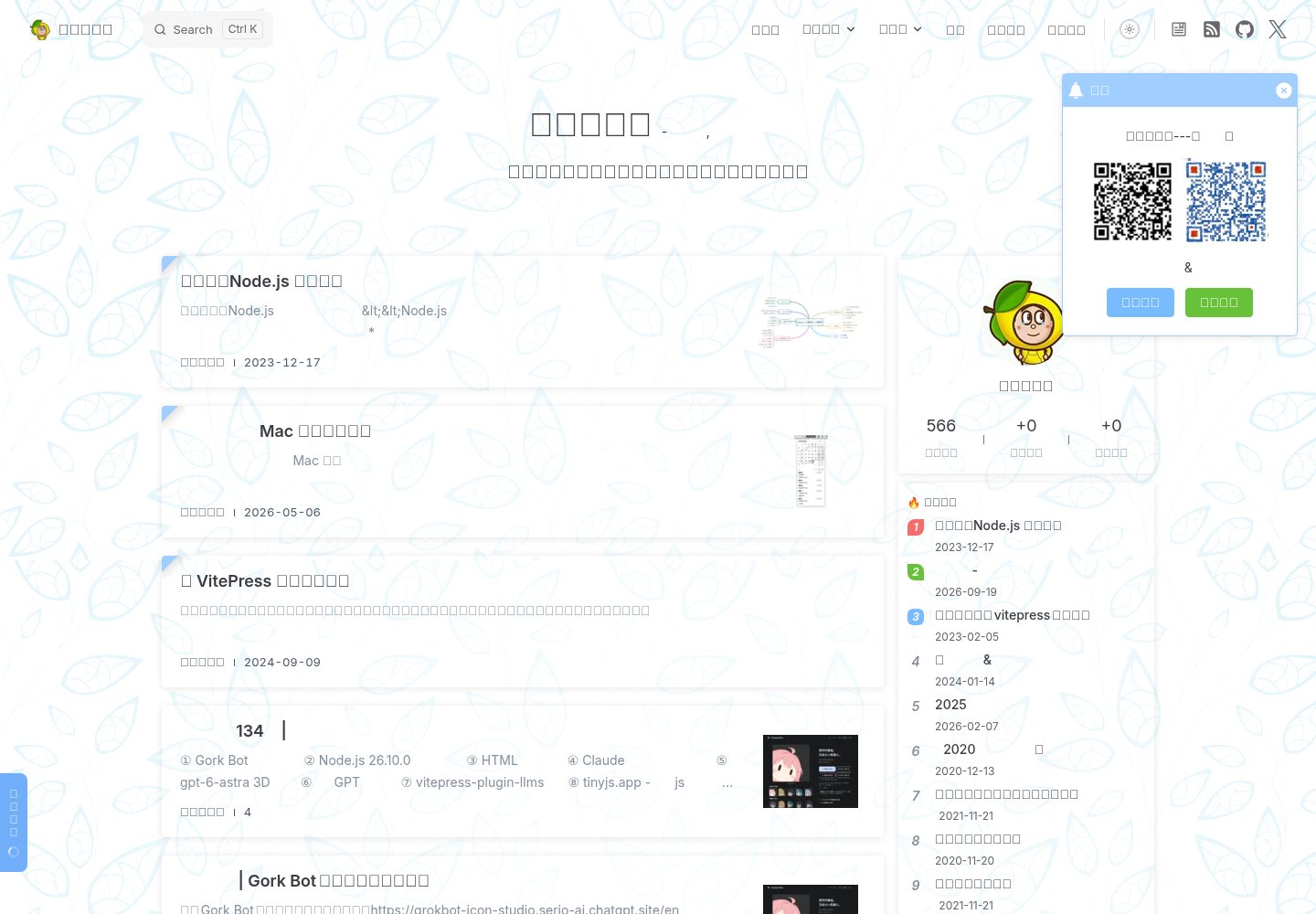
sugar-blog
A VitePress-based personal blog monorepo that separates blog content, the reusable @sugarat/theme theme, shared utilities, and a creation template, and also maintains plugins for image preview, pagefind offline full-text search, RSS, 51.la analytics, announcements, back-to-top, product cards, and comments.
VitePress · Blog
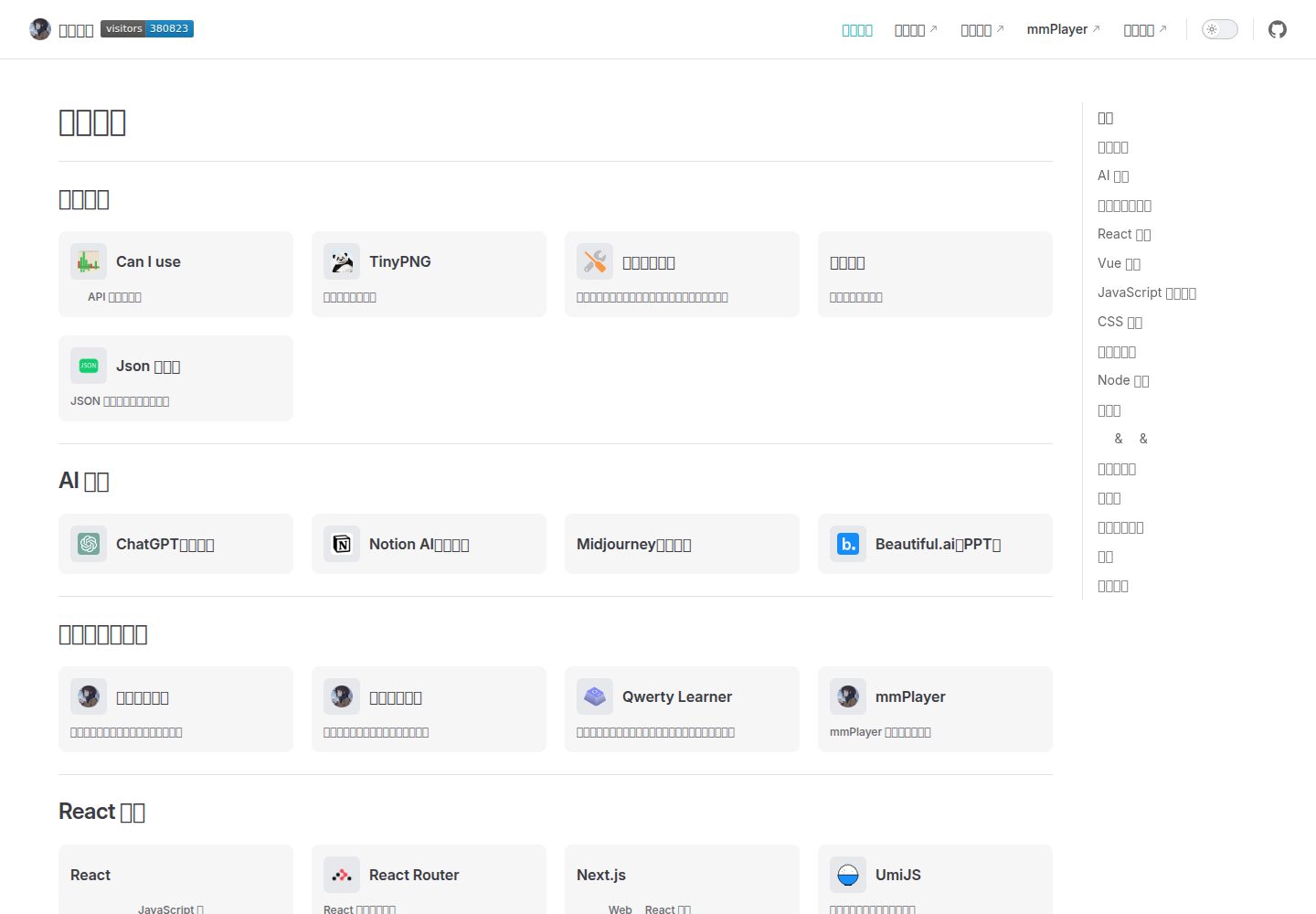
vitepress-nav-template
A personal front-end navigation page template built on VitePress, created by maomao1996 under the MIT license.
VitePress · Blog
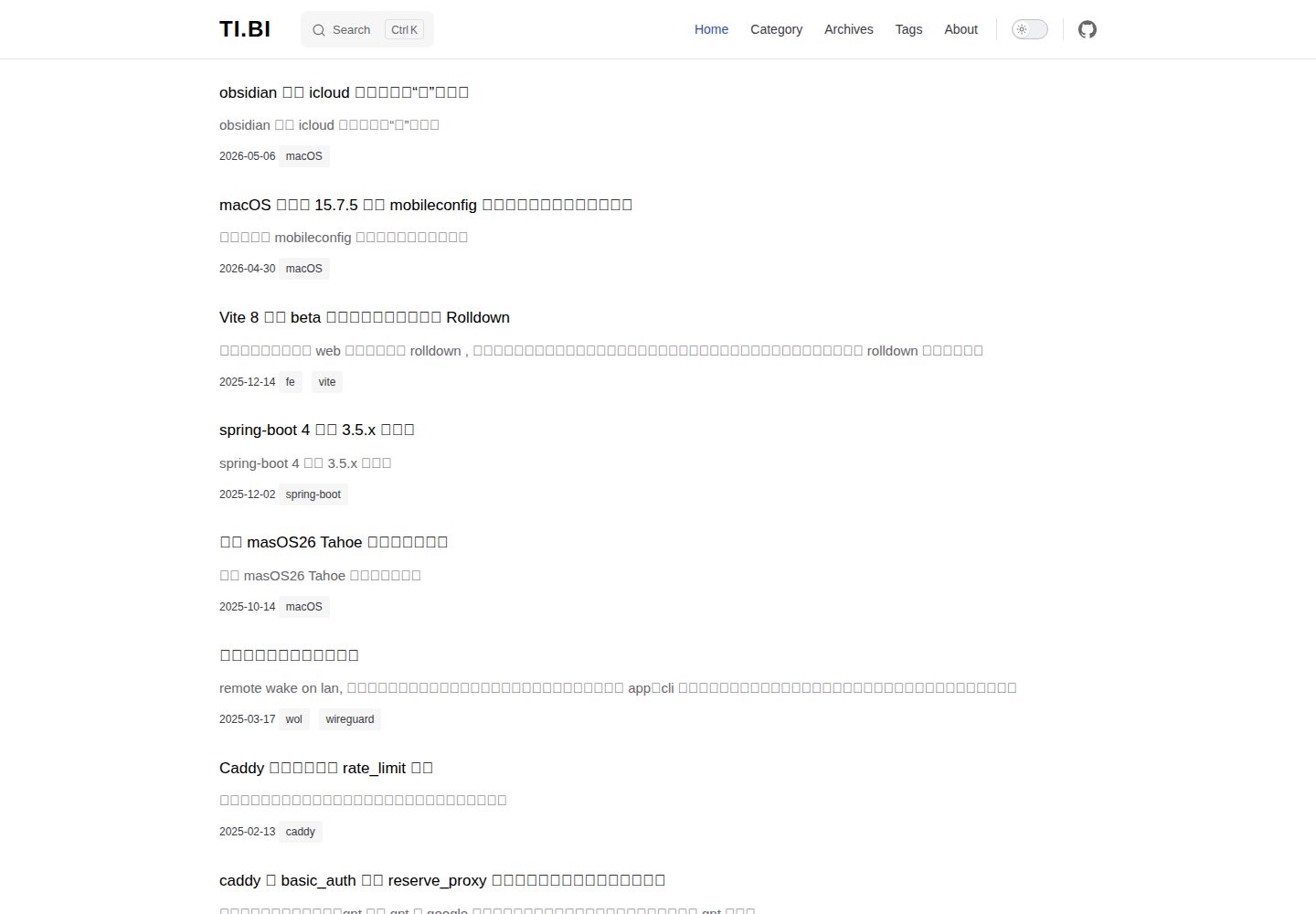
vitepress-blog-pure
A minimalist VitePress blog theme used by copying files into the project root. It provides post lists, tags, archives, local search, and Giscus comments, with posts placed in the posts directory and title required in frontmatter.
VitePress · Blog
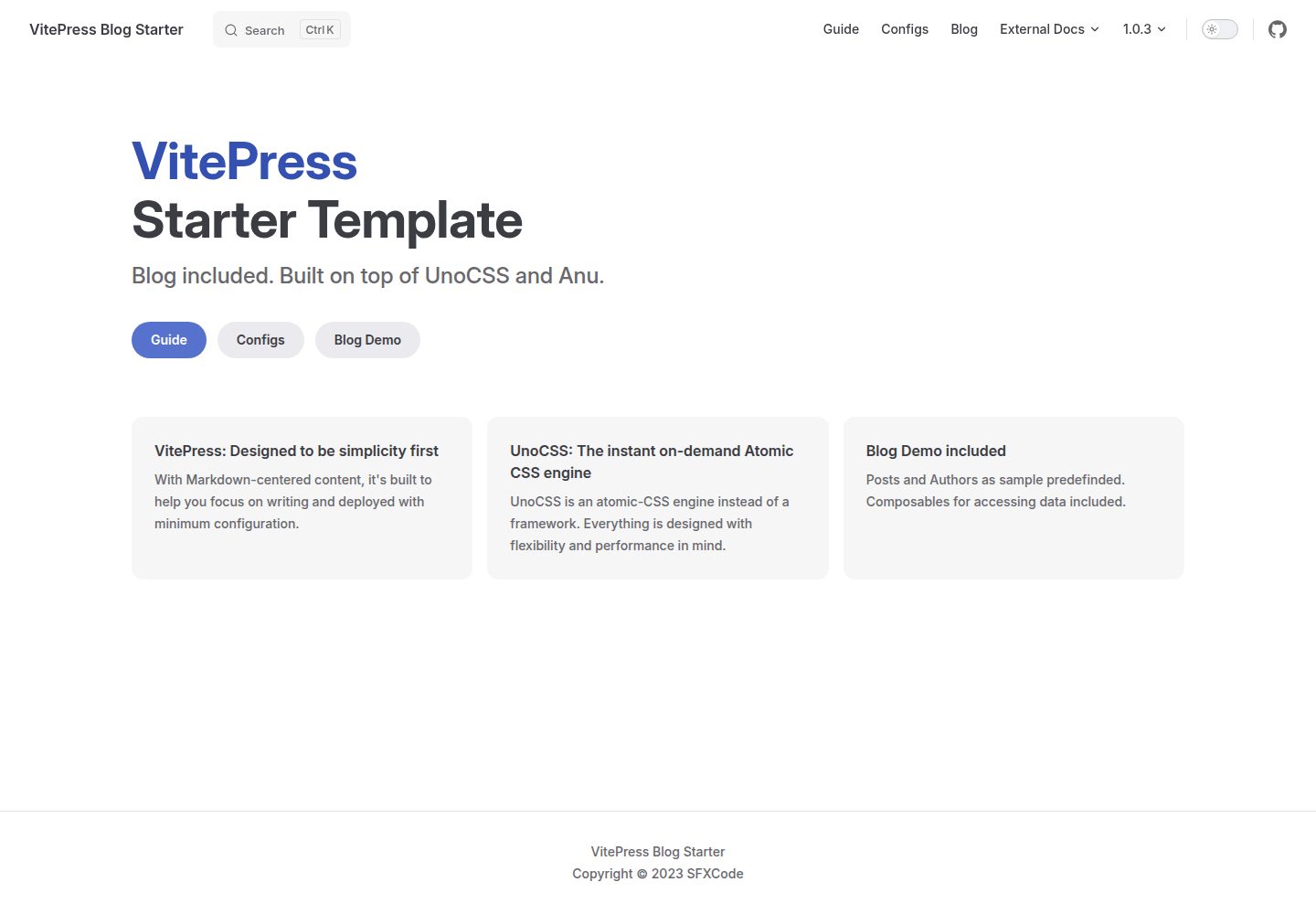
vitepress-blog-starter
A VitePress-based blog starter template with runnable example content for posts and authors, blog logic organized through Composables, UnoCSS styling, and VitePress's built-in local search. It uses pnpm for installation, development, and build, and the repository is MIT licensed.
VitePress · Blog
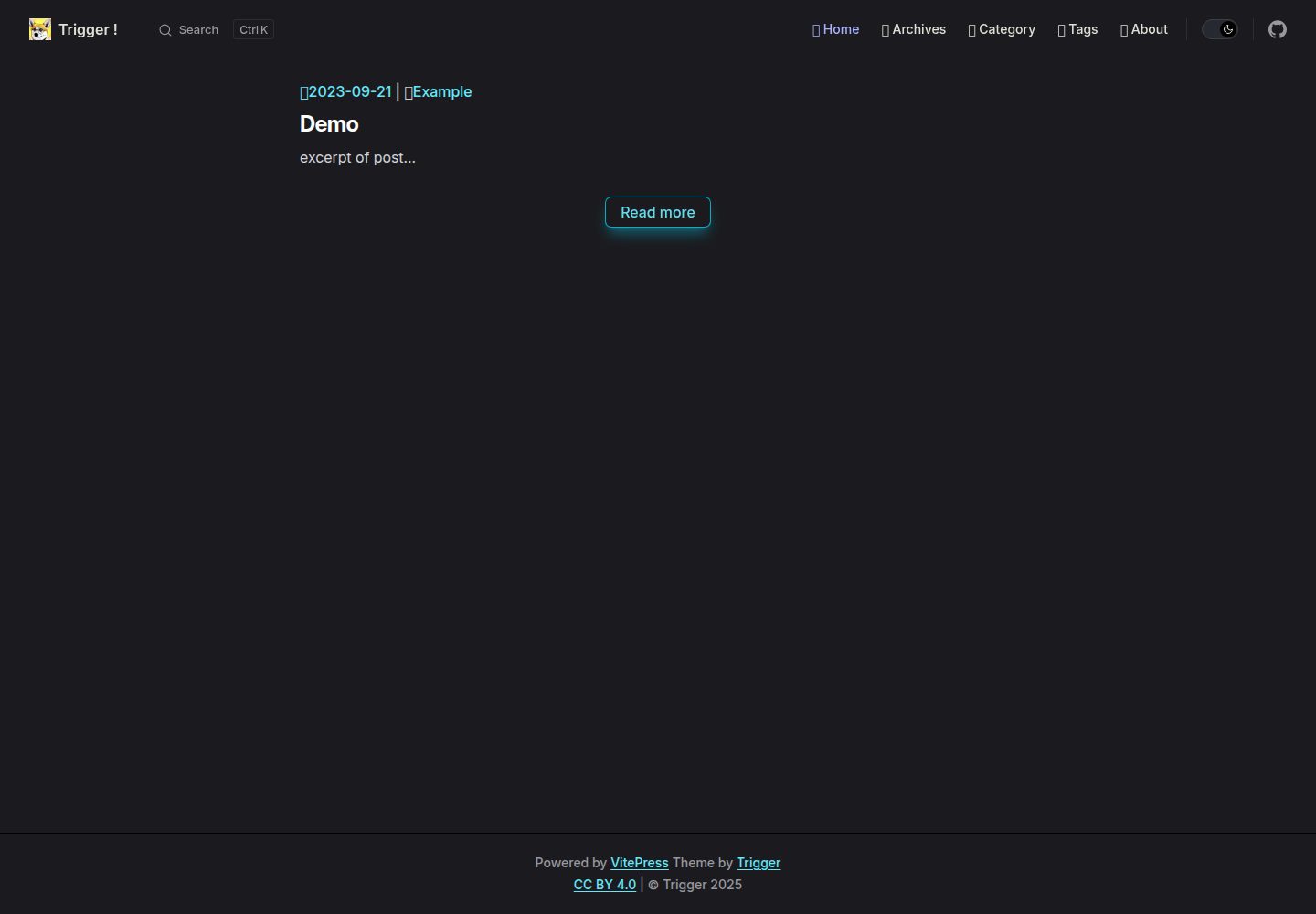
vitepress-theme-trigger
vitepress-theme-trigger is a blog theme for VitePress built with Tailwind CSS, released under the MIT license.
VitePress · Blog
KiwiBlog
KiwiBlog is a Chinese personal blog template built on VitePress for publishing daily shares and articles.
VitePress · Blog