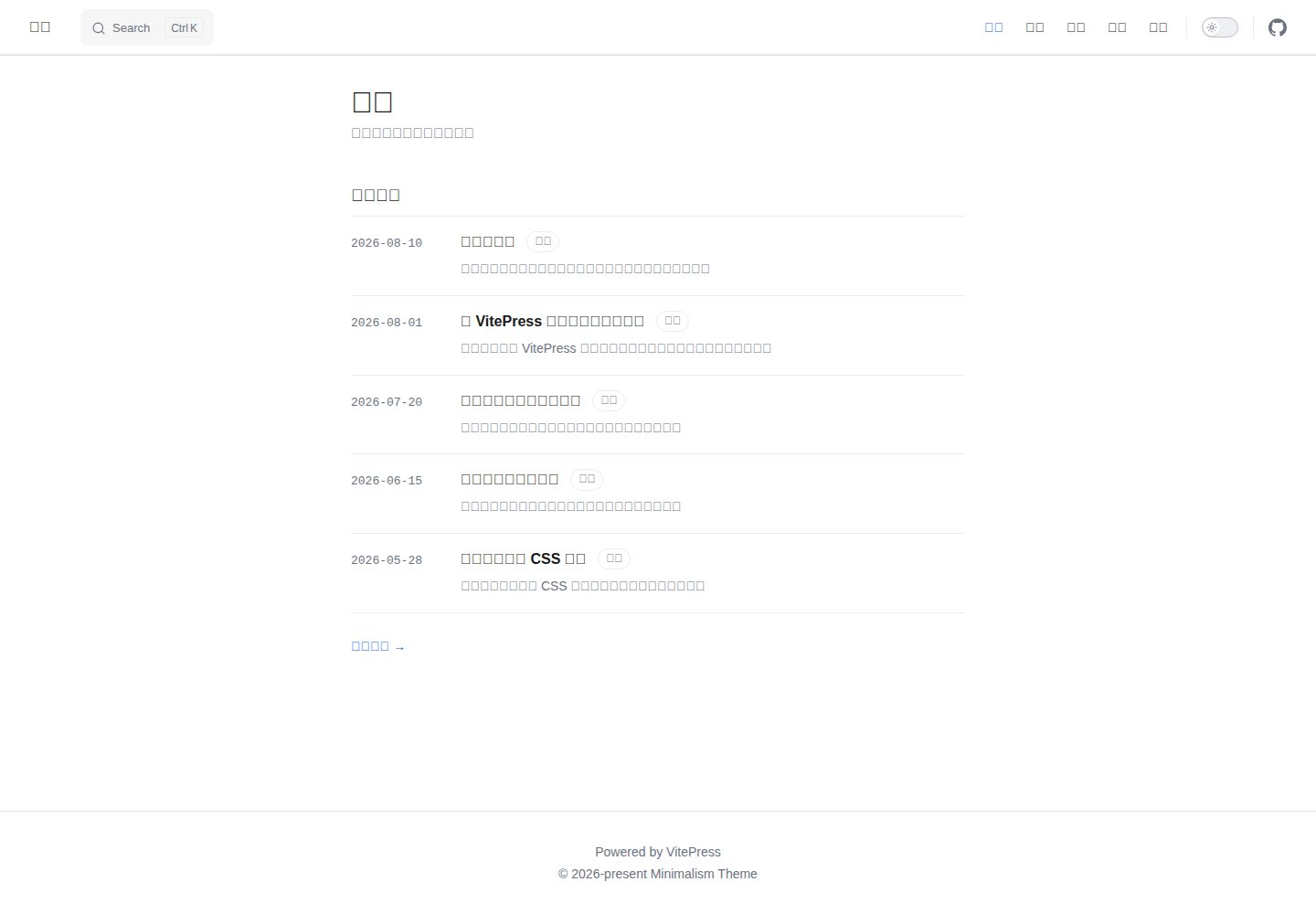
克隆或 fork 仓库即可作为博客使用,无需单独安装主题包
VitePress博客
vitepress-theme-minimalism — VitePress 博客模板
作者 lorlike
面向 VitePress 的极简博客主题模板,克隆后把文章放进 posts/ 即可使用,采用 MIT 许可。
看看你的网站会是什么样
浏览真实页面截图,比较内容排版与手机效果。点击下方缩略图切换,放大查看整页细节。
全部页面与视图 3
截图用于了解视觉与布局,交互效果请以实际项目为准。
采集于 2026-10-01查看来源
值得关注的模板亮点
从已有项目资料中,快速了解它的特点。
frontmatter 支持 title、date、category、tags、description,正文用 <!-- more --> 划分卡片摘要
内置首页、分类、归档、标签、关于五个页面,文章底部按日期提供上一篇/下一篇翻页
使用 VitePress 自带的本地搜索,无需额外搜索服务
pnpm new:post 支持交互式与命令行两种方式创建文章,可生成中文友好 slug
pnpm theme:sync 可同步上游主题文件,并通过 .syncignore 保留自己的文章与站点配置
模板详细介绍
这是一个 VitePress 博客主题模板仓库,而不是需要单独安装的主题包。使用方式是克隆或 fork 仓库,把 Markdown 文章放进 posts/ 目录,再修改 .vitepress/config.mts 中的站点标题、描述、导航与页脚等配置。
写作以 Markdown 为主:文章 frontmatter 支持 title、date、category、tags、description 字段,正文中插入 <!-- more --> 可把上方内容作为首页、分类页和标签页卡片上的摘要。主题内置首页(最近文章)、分类、归档、标签、关于五个页面,文章底部按日期提供上一篇/下一篇翻页,并带顶部阅读进度条与标题上方的日期、分类、标签信息行。搜索使用 VitePress 自带的本地搜索。
仓库提供 pnpm new:post 命令生成新文章,支持交互式与命令行参数两种方式,并可生成对中文友好的 slug;posts.data.ts 以类型化的 Post[] 形式向各组件提供文章数据。另有 pnpm theme:sync 脚本,通过 @yakad/sync 拉取上游模板仓库的文件并复制到本地,.syncignore 中列出的 posts/、.vitepress/config.mts、.github/workflows/ 等路径会被跳过,以便在保留自己内容与配置的前提下同步主题、布局和组件更新。构建产物输出到 .vitepress/dist,可部署到 GitHub Pages、Netlify、Vercel 或 Cloudflare Pages。
限制方面:资料未说明该主题的浏览器兼容范围、可访问性支持程度或长期维护情况;仓库 stars 为 0,属于作者个人发布的模板。免费范围仅指该版本代码采用 MIT 许可,演示中的图片、字体、图标等第三方素材需按各自许可核对,域名、托管等外部服务可能另行收费。
VitePress博客
适合你的项目吗?
适用场景
- 用 Markdown 维护个人博客并发布为静态站点
- 以分类、标签和归档组织已有文章
- 在保留自己内容与配置的前提下同步上游主题更新
- 把构建产物部署到 GitHub Pages、Netlify、Vercel 或 Cloudflare Pages
适合人群
- 习惯用 Markdown 写作、希望内容优先排版的个人博主
- 使用 VitePress 或 Vue 生态、愿意直接改仓库文件的开发者
- 需要分类、标签、归档与本地搜索等基础博客功能的站点
上手与定制指南
结合仓库当前版本的说明,按下面的资料检查内容、配置与运行要求。
- 1
克隆或 fork 仓库后用 pnpm install 安装依赖,再运行 pnpm dev 启动开发服务器
- 2
在 .vitepress/config.mts 顶部修改 siteTitle 与 siteDescription,并在 themeConfig 中调整导航、页脚版权与大纲标签
- 3
文章放在 posts/ 目录,可用 pnpm new:post 生成,frontmatter 需包含 title、date、category、tags、description
- 4
构建命令为 pnpm build,产物位于 .vitepress/dist,可用 pnpm preview 本地预览
- 5
使用 pnpm theme:sync 同步上游主题前,检查 .syncignore 是否已覆盖需要保留的个人文件
授权与来源资料
使用条件与限制
免费使用 · 保留许可声明本次收录的是公开仓库中采用 MIT 许可的免费版本;免费范围为该版本代码,不代表外部服务或第三方素材免费。
使用时需要遵守
- 允许免费使用、修改、商用和分发该版本代码。
- 分发代码副本或实质性部分时,保留原作者版权声明和完整 MIT 许可声明。
- 代码按现状提供;担保与责任限制以原许可证及适用法律为准。
额外费用与待核对事项
- pnpm theme:sync 会从上游模板仓库克隆或更新文件并复制到本地,需要访问 GitHub 与 npm 上的 @yakad/sync 包,属于外部服务依赖。
- 部署到 Netlify、Vercel 或 Cloudflare Pages 等托管平台时需按各平台要求配置构建命令与输出目录,域名与托管等外部服务可能另行收费。
- 演示图片、字体、图标及其他第三方素材需按各自许可核对,不能仅凭代码的 MIT 许可判断。
- 域名、托管、数据库、支付或 AI 等外部服务可能另外收费。
查看原文依据
Permission is hereby granted, free of charge
许可证原文
Clones (or updates) the upstream template repository
README 原文
https://github.com/lorlike/vitepress-theme-minimalism/blob/main/LICENSEhttps://github.com/lorlike/vitepress-theme-minimalism/blob/main/README.mdset build command `pnpm build`, output dir `.vitepress/dist`
README 原文
DeepSeek 根据仓库许可证和 README 整理 ·2026-10-01。结果仅覆盖已读取资料,依赖、图片、字体及后续条款变更以各自原文为准。
项目核对记录与介绍依据
模板资料
- 来源平台
- GitHub
- 资料与维护参考分
- 资料一般 · 72 / 100
- 技术栈
- VitePress
- 网站类型
- 博客
这个分数如何计算
本站按许可资料(最高30分)、演示链接(12分)、预览图(10分)、Star数(15分)、记录的维护时间(15分)、描述完整度(8分)、功能记录(5分)和分类资料(5分)计算。它不是代码、安全或性能测试,也不是 Google 评分;有链接不代表已实测可用。
这个项目需要核对什么
- 记录的仓库更新时间
- 2026-09-12
- 截图检查日期
- 2026-10-01
已收录演示链接。请用你的内容与屏幕尺寸检查;有演示不代表表单、认证或支付已经可用。
目录记录的主要技术栈是 VitePress。请通过依赖清单和锁文件核对实际版本与托管要求。这些说明基于收录资料,不代表代码审计或部署实测。
查看具体选型方法 →介绍的制作与核对状态
介绍由 AI 辅助整理目录与仓库资料。仓库作者不等于这篇介绍的审核者。
已完成服务器许可规则与 AI 来源核对;未经过人工编辑审核。
查看当时使用的来源资料
SHA-256: db7795eccea8f2484228c765c62e497bf20293d6eb5d9fe9971c7bddaa3b05a4
2026-10-01T03:54:49.357Z
来源文件 / 仓库# VitePress Minimal Blog Theme  [简体中文](./README.zh-CN.md) | English A minimal, content-first blog theme/template for [VitePress](https://vitepress.dev). Pure white canvas, generous whitespace, restrained accent color — built for writers who want the text to breathe. > This repository is a **template repository**: clone or fork it, drop your posts into `posts/`, tweak a few config values, and you have a blog. No npm install of a separate theme package required. ## Features - 📝 **Markdown-first writing** — frontmatter for `title`, `date`, `category`, `tags`, `description`; `<!-- more -->` splits the excerpt shown on cards. - 🏠 **Five built-in pages** — Home (recent posts), Category, Archives, Tags, About. - 🎨 **Minimal visual language** — no sidebar noise, single reading column, top reading-progress bar, lightweight meta line (`date · category · tags`) above each post title. - 🔍 **Local search** out of the box (VitePress built-in). - 🧭 **Prev/next pager** by date at the bottom of every post. - 🛠 **`pnpm new:post` CLI** — interactive or non-interactive scaffolding for new posts, with Chinese-friendly slug generation. - 📄 **Typed data loader** — `posts.data.ts` exposes typed `Post[]` for all components. - ⚡ **VitePress + Vue 3 + TypeScript** — modern, fast, extensible. ## Tech Stack | Layer | Choice | | ----------- | ------------------- | | SSG | VitePress ^1.6 | | UI | Vue 3.5 (SFC) | | Language | TypeScript | | Package Mgr | pnpm 11 (corepack) | ## Quick Start ```bash # 1. Clone (or use GitHub's "Use this template") git clone https://github.com/<you>/theme-dev.git my-blog cd my-blog # 2. Install deps pnpm install # 3. Start dev server pnpm dev ``` Open http://localhost:5173 and start editing. ## Project Structure ``` theme-dev/ ├── .vitepress/ │ ├── config.mts # Site config (title, nav, search…) │ └── theme/ │ ├── components/ # Blog pages & widgets │ ├── Layout.vue # Layout glue (slots into DefaultTheme.Layout) │ ├── posts.data.ts # Typed content loader │ ├── style.css # Global styles & design tokens │ ├── utils.ts # slugify / formatDate helpers │ └── index.ts # Theme entry ├── pages/ # Non-post routes (about, archives, category, tags, home) ├── posts/ # Your blog posts (Markdown) ├── public/ # Static assets (favicon…) ├── scripts/ │ ├── templates/post.md # Default body for `new:post` │ └── new-post.mjs # Post scaffolding CLI └── package.json ``` ## Writing a Post ### Interactive ```bash pnpm new:post # Prompts: title, category, tags, description ``` ### Non-interactive ```bash pnpm new:post "My Post Title" \ --category Tech \ --tags "Vue,CSS" \ --description "A short summary" \ --slug my-post \ --date 2026-08-19 ``` The generated file lands in `posts/<slug>.md`. Frontmatter shape: ```yaml --- title: My Post Title date: 2026-08-19 category: Tech tags: - Vue - CSS description: A short summary --- ``` Insert `<!-- more -->` in the body — everything above becomes the card excerpt on Home / Category / Tags pages. ## Configuration All site-level config lives in [.vitepress/config.mts](./.vitepress/config.mts). Edit the two constants at the top: ```ts const siteTitle = 'Your Site Title' const siteDescription = 'Your site description' ``` The nav, footer copyright, and outline label are in `themeConfig` below. Replace them as needed. See the [VitePress config reference](https://vitepress.dev/reference/site-config) for the full API. ## Scripts | Script | Action | | ------------------ | --------------------------------------- | | `pnpm dev` | Start dev server with HMR | | `pnpm build` | Build static site to `.vitepress/dist` | | `pnpm preview` | Preview the built site locally | | `pnpm new:post` | Scaffold a new post (interactive or CLI) | | `pnpm theme:sync` | Pull latest theme files from the upstream template repo | ### `pnpm theme:sync` — Sync theme updates Clones (or updates) the upstream template repository [`lorlike/vitepress-theme-minimalism`](https://github.com/lorlike/vitepress-theme-minimalism) via [`@yakad/sync`](https://www.npmjs.com/package/@yakad/sync) and copies its files into your project, so your fork picks up theme/layout/component fixes without losing your own content. Files and directories listed in [.syncignore](./.syncignore) are skipped during the copy, so your personal posts and config are preserved: ``` posts/ # your writing .vitepress/config.mts # your site config .github/workflows/ # your CI .syncignore # this file itself ``` Verbose output is enabled by default (`-v`), so every copied file is printed. To protect more paths, just append them to `.syncignore` (same syntax as `.gitignore`). ## Deployment VitePress outputs static files to `.vitepress/dist`. Push the repo and connect any of: - **GitHub Pages** — see [VitePress deployment guide](https://vitepress.dev/guide/deploy#github-pages) - **Netlify** / **Vercel** / **Cloudflare Pages** — set build command `pnpm build`, output dir `.vitepress/dist` ## Contributing Issues and PRs are welcome. Please read [CONTRIBUTING.md](./CONTRIBUTING.md) before opening a pull request. ## License [MIT](./LICENSE) © Lorlike
看看同类模板
对比同技术栈与用途的模板,找到更适合的视觉与内容结构。
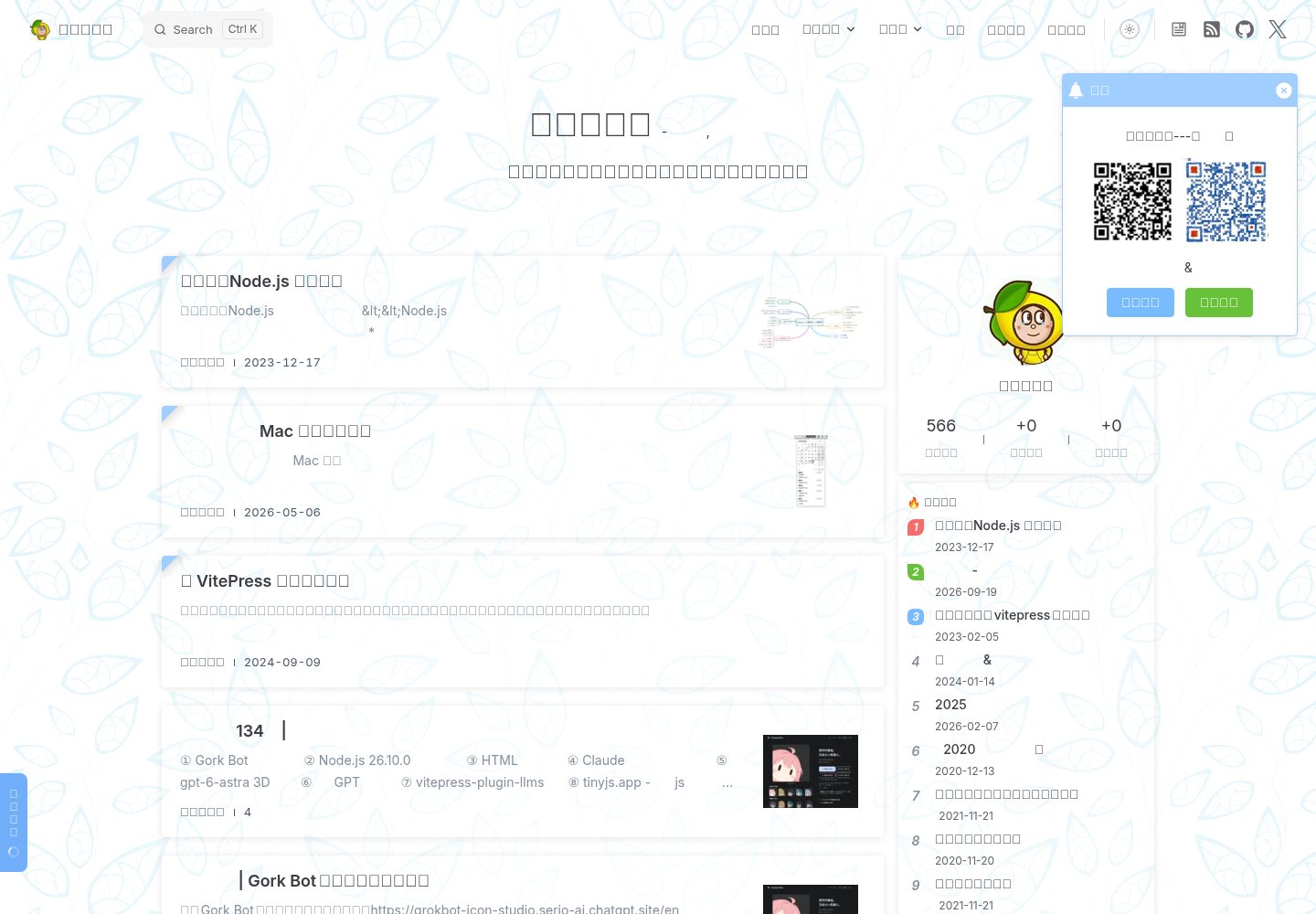
sugar-blog
✍️📚我写博客的地方🤪🤪🤪记录随笔与学习笔记,仓库包含:博客内容,博客主题、博客模板、vitepress离线全文搜索插件、VitePress RSS 支持插件,图片预览插件;a blog theme use vi…
VitePress · 博客
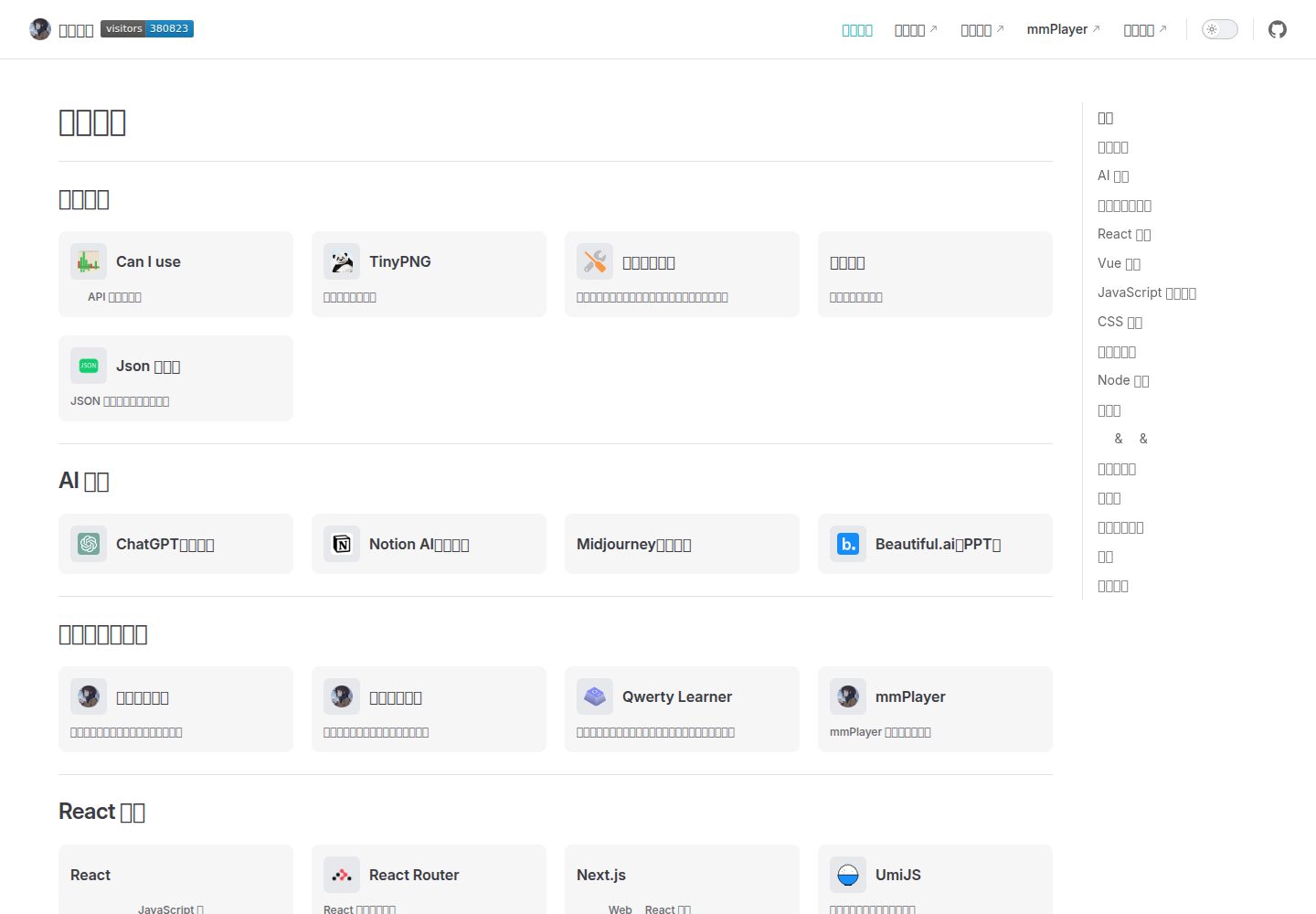
vitepress-nav-template
基于 VitePress 的个人前端导航页面模板
VitePress · 博客
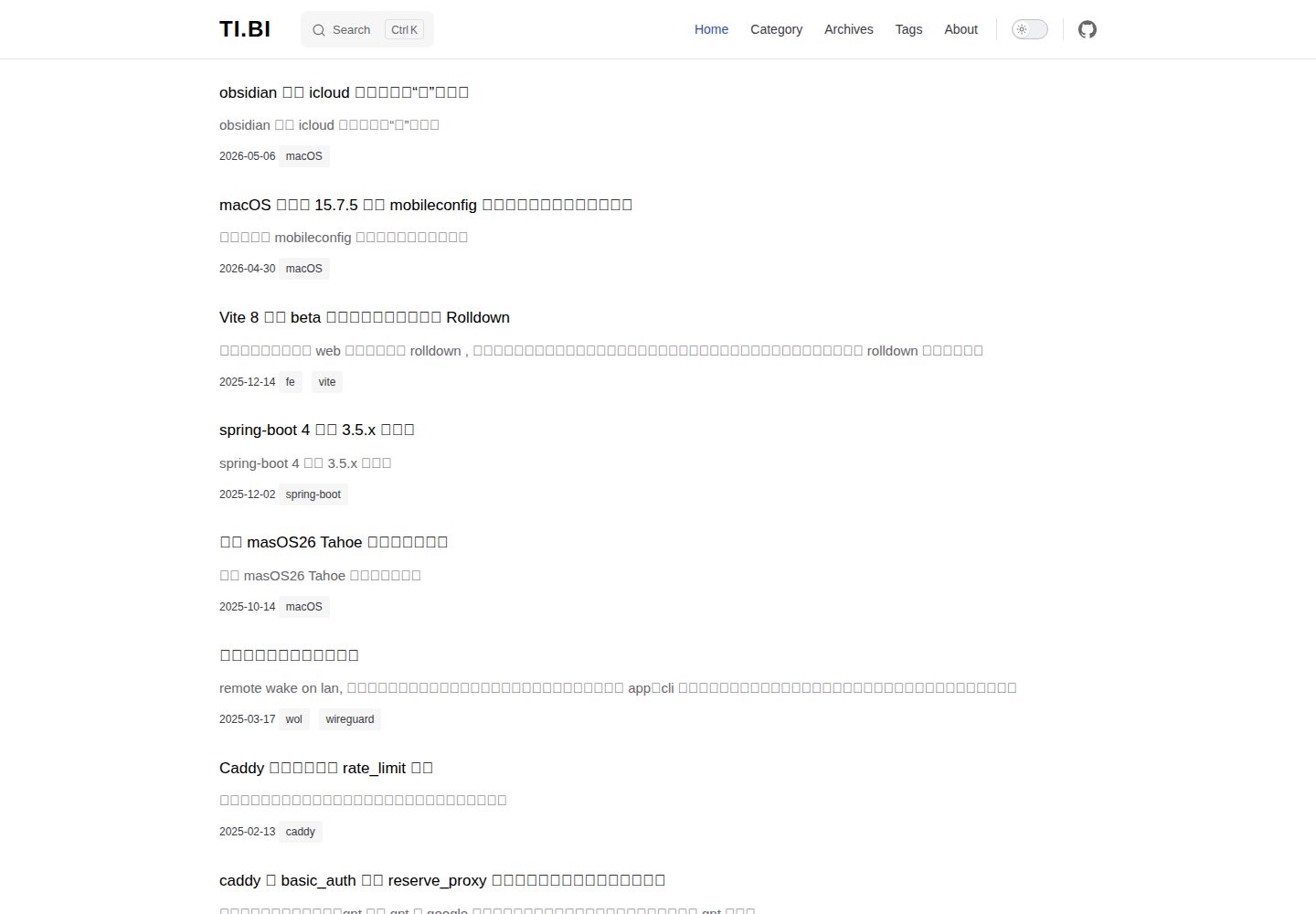
vitepress-blog-pure
a vitepress theme for blog, demo ↓
VitePress · 博客
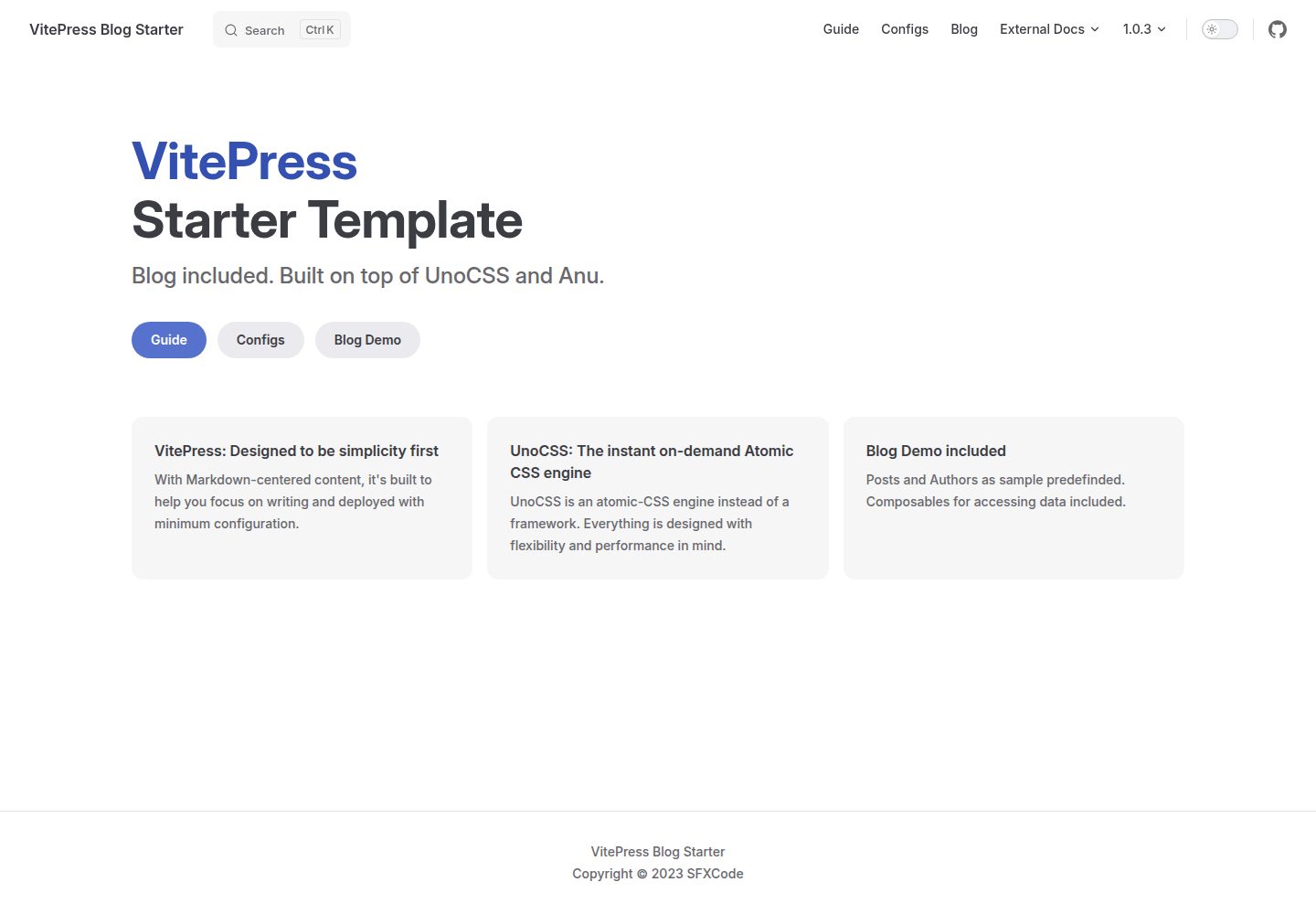
vitepress-blog-starter
Vitepress Blog Starter Template
VitePress · 博客
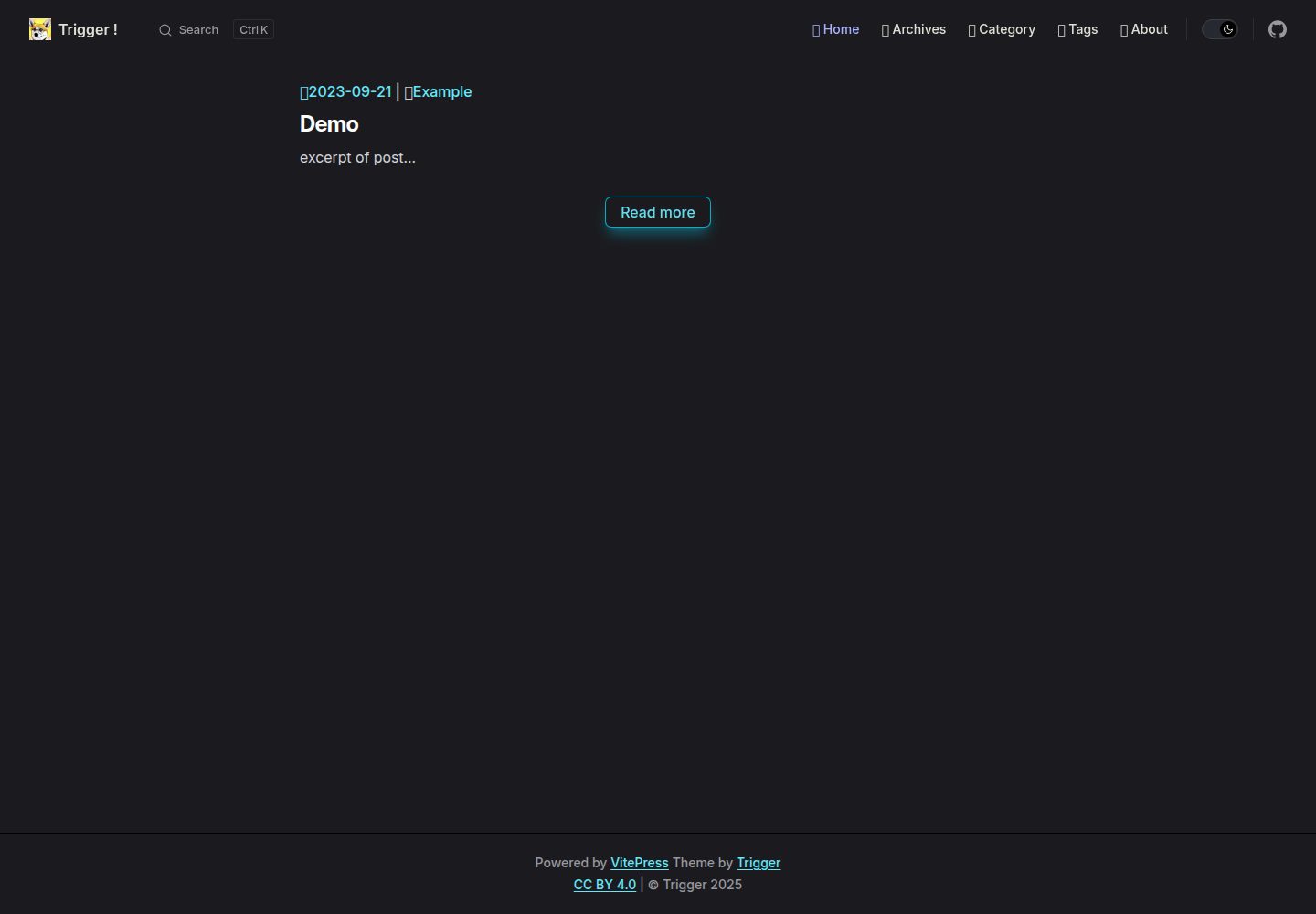
vitepress-theme-trigger
Blog theme for VitePress with Tailwind CSS. 為建立部落格而生的 VitePress 主題
VitePress · 博客
KiwiBlog
一个分享日常的博客,这个平台上可以找到很多有趣的博客内容 🥝
VitePress · 博客