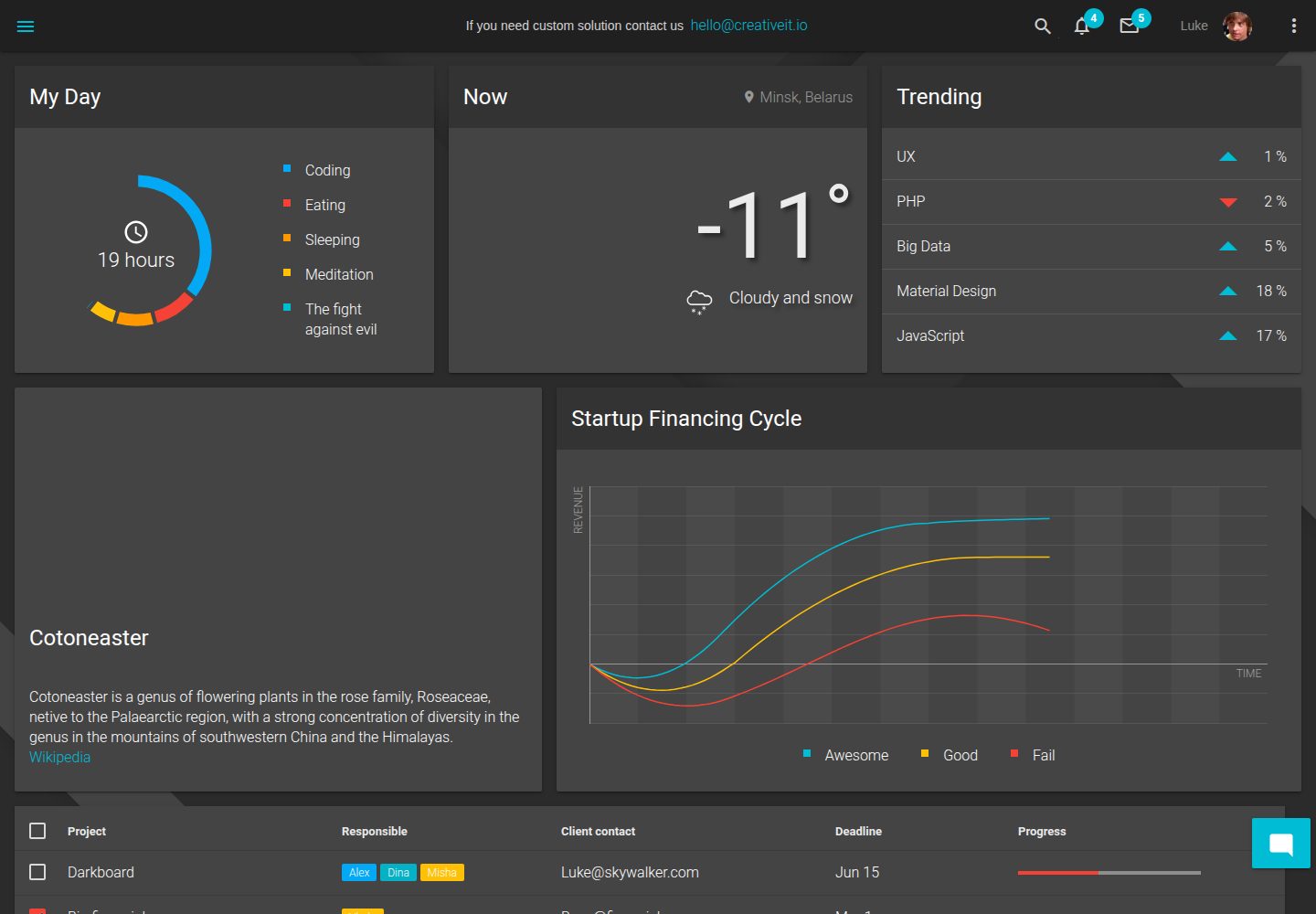
Admin dashboard template built with Angular and TypeScript
AngularAdmin dashboard
mui-dashboard — Angular Admin dashboard Template
By matiasnav710
A dark admin dashboard template based on Angular and Google Material Design, using TypeScript, Sass, D3/NVD3 charts, and ag-Grid tables, under the MIT license.
Explore the design
Compare the page layouts and mobile experience. Open any screenshot for a closer look.
Desktop homepage
Desktop captureTop of page
Actual screenshot captured by the server browser.
One original preview is available. Open the full image to inspect the design.
Screenshots show visual appearance; interactive behavior may differ.
Recorded 2026-10-02View source
What stands out
A quick read of the recorded project description.
Dark Material Design interface following Google Material Design guidelines
Uses Sass and BEM structure, theme adjustable via _variables.scss
Charts implemented with D3 and NVD3, tables using ag-Grid
MIT license allows free use, modification, commercial use, and distribution
Template Details
This is an Angular admin dashboard template positioned as a dark Material Design-style management panel. The project is written in TypeScript, with styles based on Sass and a BEM structure, charts built with D3 and NVD3, and tables using ag-Grid. The README states that the template follows Google Material Design guidelines and emphasizes the dark theme and user experience orientation.
The repository provides an MIT license, allowing free use, modification, commercial use, and distribution of this version of the code, but copyright and license notices must be retained when distributing; third-party assets such as demo images, fonts, and icons require separate license verification. The README mentions that the project is still under continuous development and lists planned future features.
In addition to the main branch, the README also mentions the starter-kit branch (streamlined pages and modules), the feature/backend branch (pre-configured Node.js backend with authentication and routing), and the feature/serverless branch (deployment based on AWS Lambda), along with corresponding demo addresses and login credentials. Theme customization can be done by editing src/theme/scss/_variables.scss.
AngularBackend
Is it right for your project?
Use Cases
- Building a dark-themed admin dashboard interface
- Integrating Material Design components and layouts in an Angular project
- Management interfaces requiring charts (D3/NVD3) and data tables (ag-Grid)
- Quickly starting streamlined page development based on the starter-kit branch
Suitable For
- Front-end developers familiar with Angular and TypeScript
- Projects needing a dark Material-style admin interface
- Teams wanting to use and modify the template under the MIT license
Getting started & customization
Use these recorded setup notes alongside the repository instructions for your chosen version.
- 1
After cloning the repository, run npm install to install dependencies
- 2
Install @angular/cli globally to use the ng command
- 3
Run npm start or ng serve to start the development server, default address http://localhost:4200/
- 4
Run npm run build or ng build to build, output to dist/ directory
- 5
Theme variables can be modified in src/theme/scss/_variables.scss
License & source material
Usage conditions & limitations
Free to use · keep license noticeThis entry covers the free version under the MIT license in the public repository; the free scope is the code of this version and does not imply that external services or third-party assets are free.
Must comply with when using
- Free use, modification, commercial use, and distribution of this version of the code are allowed.
- When distributing copies or substantial portions of the code, retain the original author's copyright notice and the full MIT license notice.
- The code is provided as is; warranties and limitations of liability are governed by the original license and applicable law.
Additional costs & items to verify
- The project is still under development; the README explicitly states that features are not yet complete and more content will be added, so the current version may be incomplete or unstable and not suitable for direct production use.
- The full backend solution (including authentication and routing) is in the feature/backend branch; you need to switch to that branch and configure the Node.js backend yourself. The main branch does not include this functionality.
- The serverless deployment solution relies on external cloud services such as AWS Lambda; using that branch requires you to bear your own AWS account, configuration, and potential costs.
- The demo site requires login with the provided demo credentials; it is for experience only and does not mean the template itself includes a usable authentication system.
- Demo images, fonts, icons, and other third-party assets need to be checked against their respective licenses and cannot be judged solely by the code's MIT license.
- External services such as domain, hosting, database, payment, or AI may incur additional charges.
View Original Text Basis
Permission is hereby granted, free of charge
Original License Text
We are still working on the project and there will be much more awesome
Original README
If you need full-stack solution with authentication ability and routing, checkout
Original README
You can also try dashboard powered with [AWS Lambda](https://aws.amazon.com/lambda/).
Original README
https://github.com/matiasnav710/mui-dashboard/blob/master/LICENSEhttps://github.com/matiasnav710/mui-dashboard/blob/master/README.md(user: [email protected] , password: admin)
Original README
Compiled by DeepSeek based on repository license and README ·2026-10-02. Results only cover the materials read; dependencies, images, fonts, and subsequent term changes are subject to their respective original texts.
Project checks & description sources
Template Information
- Source platforms
- GitHub
- Documentation and maintenance reference score
- Partly documented · 65 / 100
- Technologies
- Angular
- Website type
- Admin dashboard
How this score is calculated
Our heuristic uses license records (up to 30), a demo link (12), a preview (10), stars (15), recorded maintenance (15), description completeness (8), feature records (5) and classification data (5). It is not a code, security or performance test, or a Google score. A link does not establish tested functionality.
What to verify for this project
- Repository update recorded
- 2023-07-15
- Screenshot last checked
- 2026-10-02
A demo link is listed. Check it with your own content and viewport sizes; its presence does not confirm that forms, authentication or payments work.
The catalog identifies Angular as the primary stack. Check the actual dependency manifest and lockfile for versions and hosting requirements. These notes use recorded metadata, not a code audit or a deployment test.
Use a selection guide →How this description was prepared
AI-assisted description based on catalog records and repository material. Repository authors are not automatically the reviewers of this description.
Automatically checked against source and license rules; no manual editorial review.
Inspect the recorded source material
SHA-256: 679778b2a6007091413e146abacce55de1f90fae6924a958b49aefbcb9ffa160
2026-10-02T17:53:19.682Z
Source file / repository# Material Angular Dashboard Welcome to the first dark dashboard with Google Material Design and Angular! <a target="_blank" href="http://material-angular-dashboard.creativeit.io/"><img src="https://trello-attachments.s3.amazonaws.com/55f8466d8f95075bca20dd66/5bf421455ab0f05102cadac9/eee32e50e9fc278b715442a3fc6f65aa/Readme.png"/></a> Its much more fun with the [demo](http://material-angular-dashboard.creativeit.io). Material admin template is absolutely free for commercial usage theme, based on Google Material Design guidelines. > **Important**: We are still working on the project and there will be much more awesome, check out our [issues] to see what features are coming soon. # SETUP and USAGE The steps below will take you through cloning your own fork, installing dependencies and building: 1. Fork and/or clone our repository. To use Git from command line, see the [Setting up Git](https://help.github.com/articles/set-up-git/) and [Fork repo](https://help.github.com/articles/fork-a-repo/) articles. 2. Open your copied repo folder in terminal and install necessary modules with command, make sure that you have installed [npm](https://www.npmjs.com/get-npm): ```bash npm install ``` 3. Install [angular-cli](https://cli.angular.io/) globally to use its commands in the terminal: ```bash npm install --global @angular/cli ``` 4. Now you are able to run or build the project: Run `npm start` or `ng serve` for a dev server. Navigate to `http://localhost:4200/`. The app will automatically reload if you change any of the source files. Run `npm run build` or `ng build` to build the project. The build artifacts will be stored in the `dist/` directory. # FEATURES * Angular * [Material Design](http://www.google.com/design/spec/material-design/introduction.html) * TypeScript * Responsive dark material design. DARK, Carl! * User experience focused * [Sass](http://sass-lang.com/) * [D3](https://d3js.org/) and [NVD3](http://nvd3.org/) * [ag-Grid](https://www.ag-grid.com) * MIT License # Additional Since the project uses [BEM](http://getbem.com) structure with sass, it can be customized in an easy way by editing `src/theme/scss/_variables.scss` file. Project uses [d3](https://d3js.org/) and [nvd3](http://nvd3.org/) to build charts and chart components and [ag-Grid](https://www.ag-grid.com) to build advanced tables. # Quick start Do you want to start quickly and don't need all the pages and modules? You can checkout to empty [starter-kit branch]and get to work! If you need full-stack solution with authentication ability and routing, checkout [feature/backend branch] with preconfigured Node.js backend. You can also try the [demo](http://dashboard-auth-demo.creativeit.io) (user: [email protected] , password: admin). You can also try dashboard powered with [AWS Lambda](https://aws.amazon.com/lambda/). This allows you to easily deploy your application without the need for a dedicated server. Checkout [feature/serverless branch] to see the details or try the [demo](https://g5ope910kg.execute-api.eu-central-1.amazonaws.com/production/) (user: [email protected] , password: admin) to make sure that this is no different from the classic approach. # Hire us We are ready to become a strong development partner and bring competitive advantage to your business. Visit our site [creativeit.io](http://creativeit.io/) or drop us a line <[email protected]>. We will be happy to help you! # Credits Material Angular Dashboard was inspired by [html5 material dashboard] Designed with passion and coffee by CreativeIT. # Support the project * Star the repo :star: * Create an issue report or feature request
Explore similar templates
Compare previews and descriptions within the same stack and category.
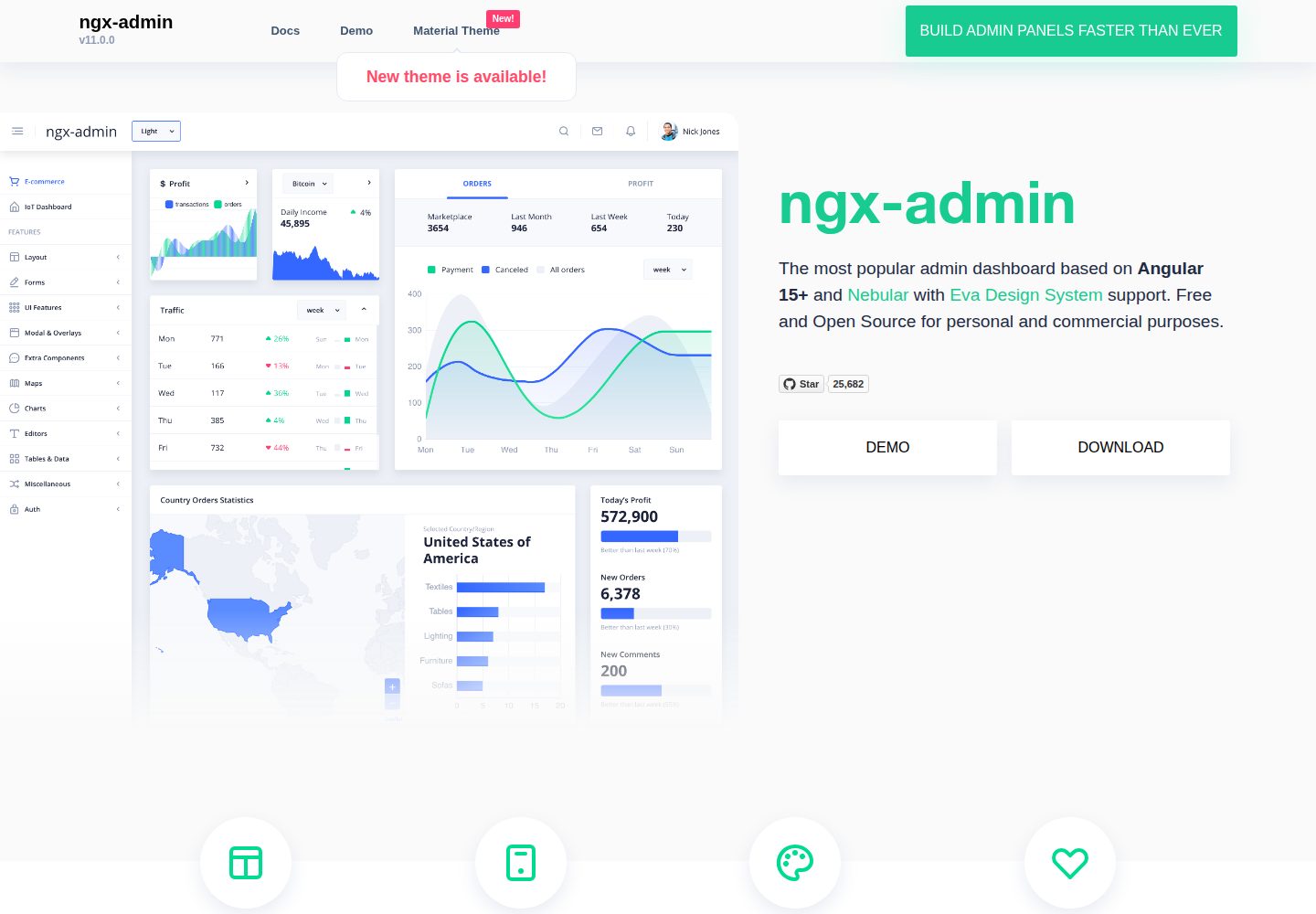
ngx-admin
ngx-admin is an Angular admin dashboard template maintained by Akveo, built on the Nebular component library and released under the MIT license.
Angular · Admin dashboard
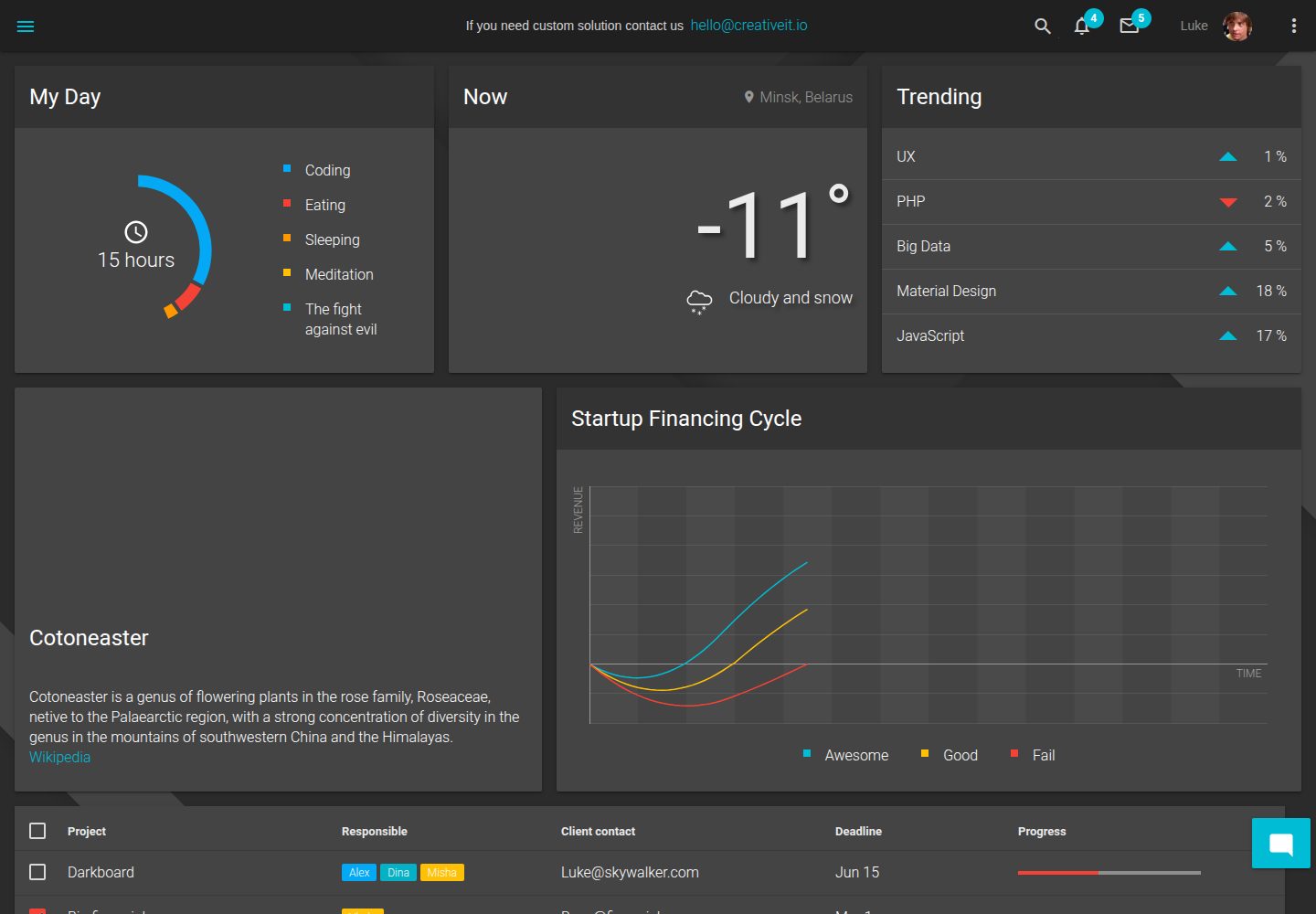
material-angular-dashboard
A dark-themed Angular admin template following Google Material Design, with dashboard pages, D3/NVD3 charts, ag-Grid tables, and a Sass/BEM theme. Released under the MIT license, it offers starter-kit, feature/backend, and feature/serverless branches.
Angular · Admin dashboard
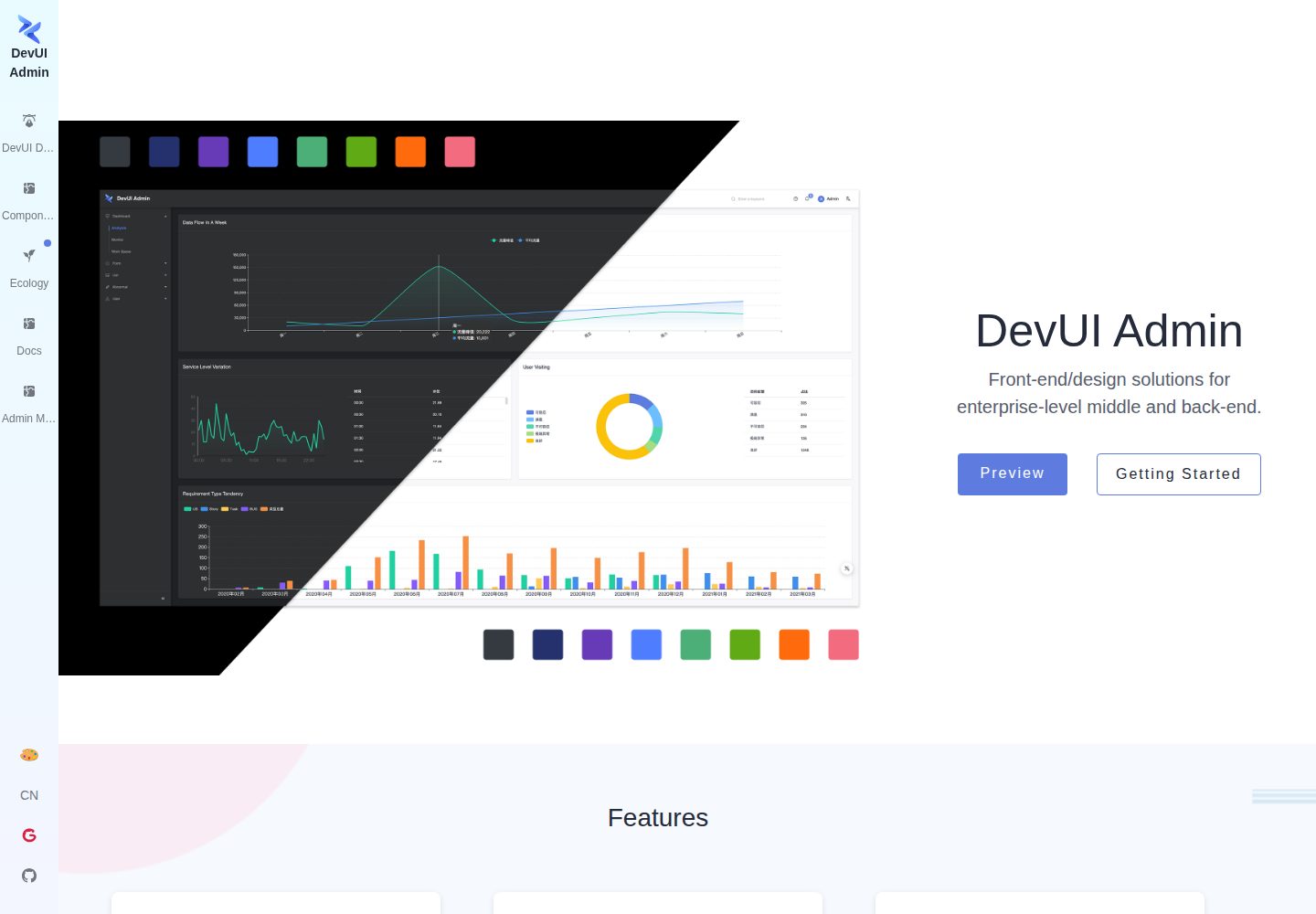
ng-devui-admin
A customizable mid-to-back-office admin template built with Angular and DevUI, featuring configurable layouts, multi-theme switching, internationalization, and local mock data debugging.
Angular · Admin dashboard
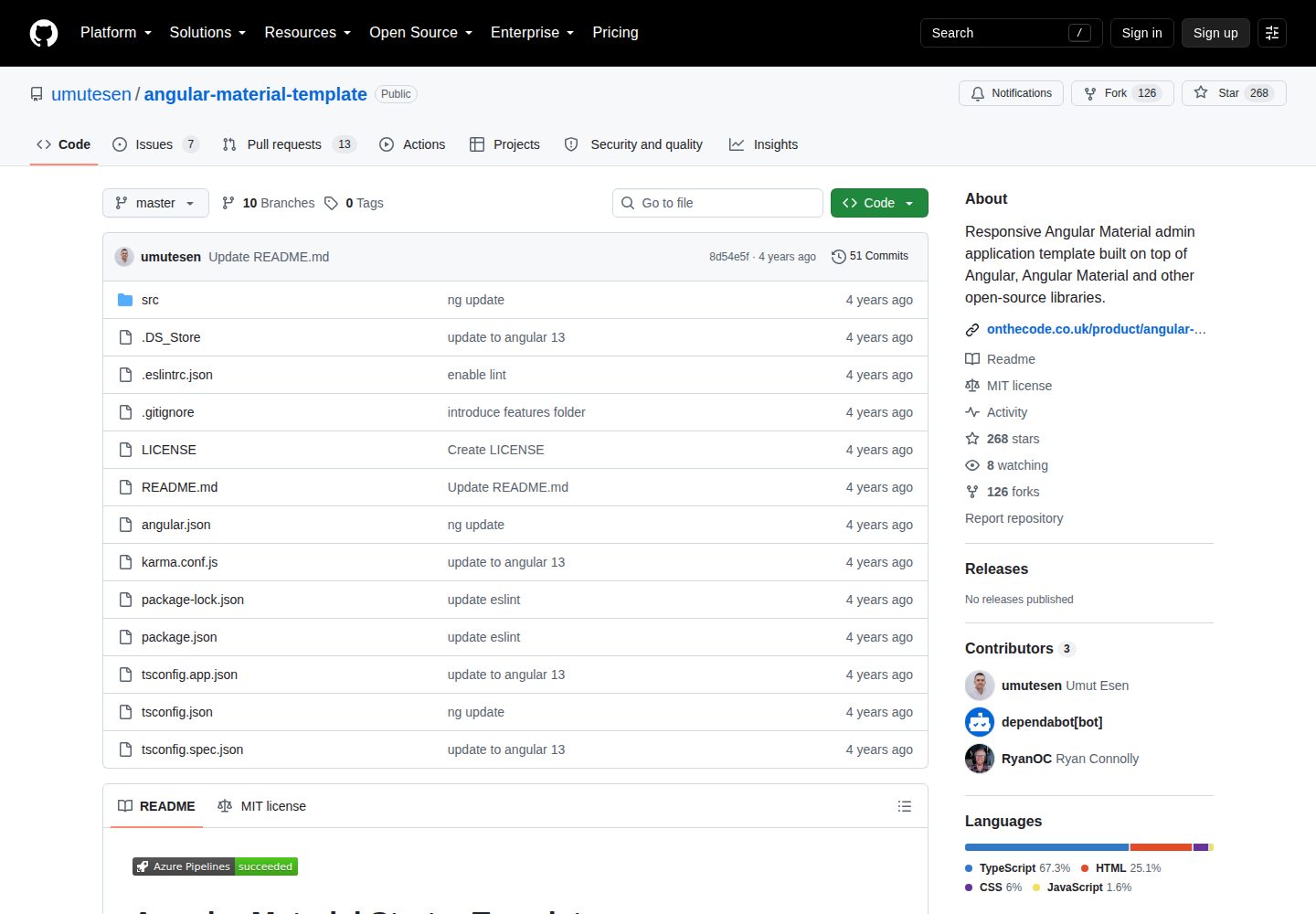
angular-material-template
A responsive Angular Material admin template with authentication, sidebar dashboard, account area, role guards, JWT interceptor, and lazy-loaded modules, under the MIT license.
Angular · Admin dashboard
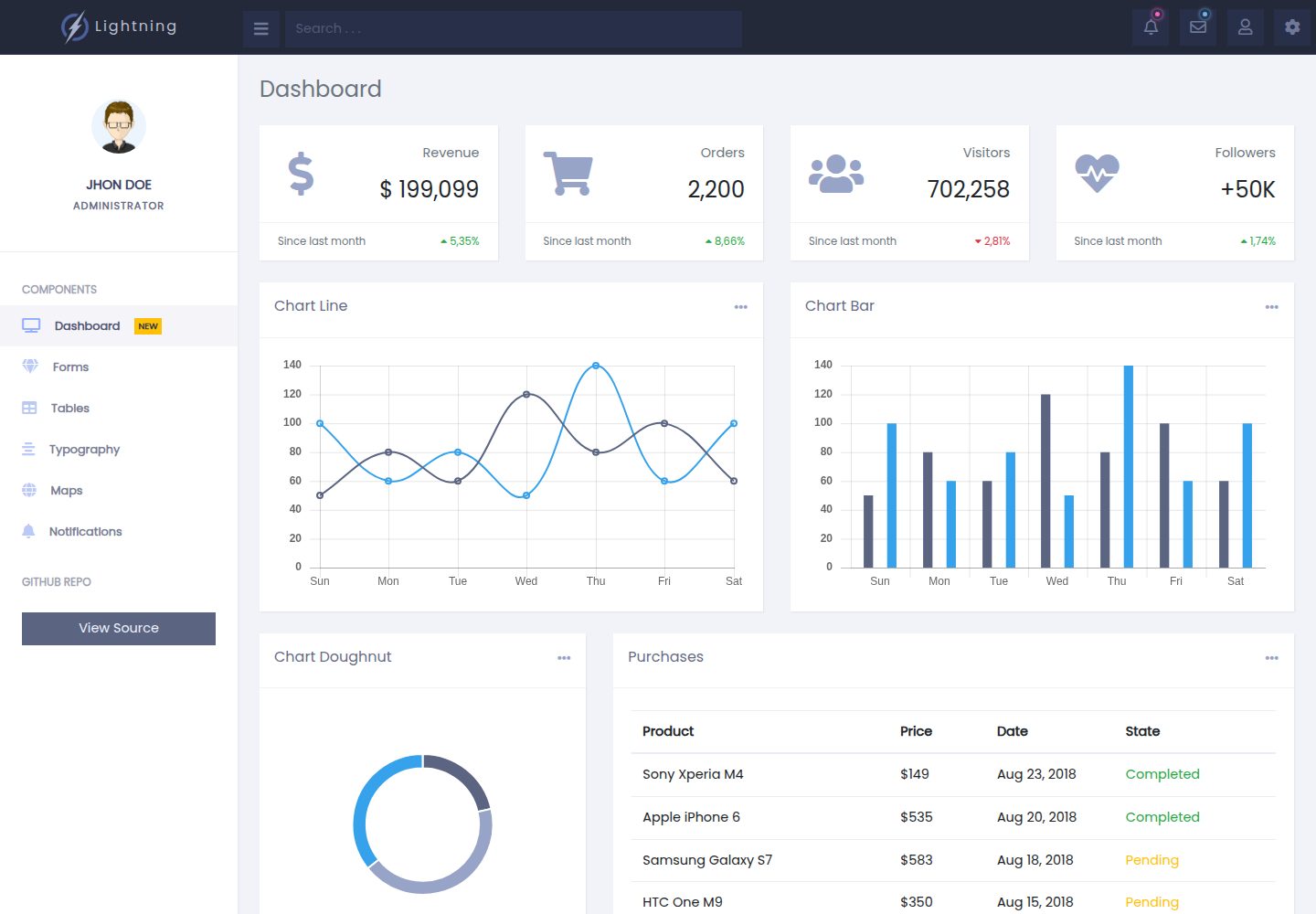
lightning-admin-angular
A mobile-first responsive admin template built with Angular and Bootstrap, offering data interface layouts such as dashboards.
Angular · Admin dashboard
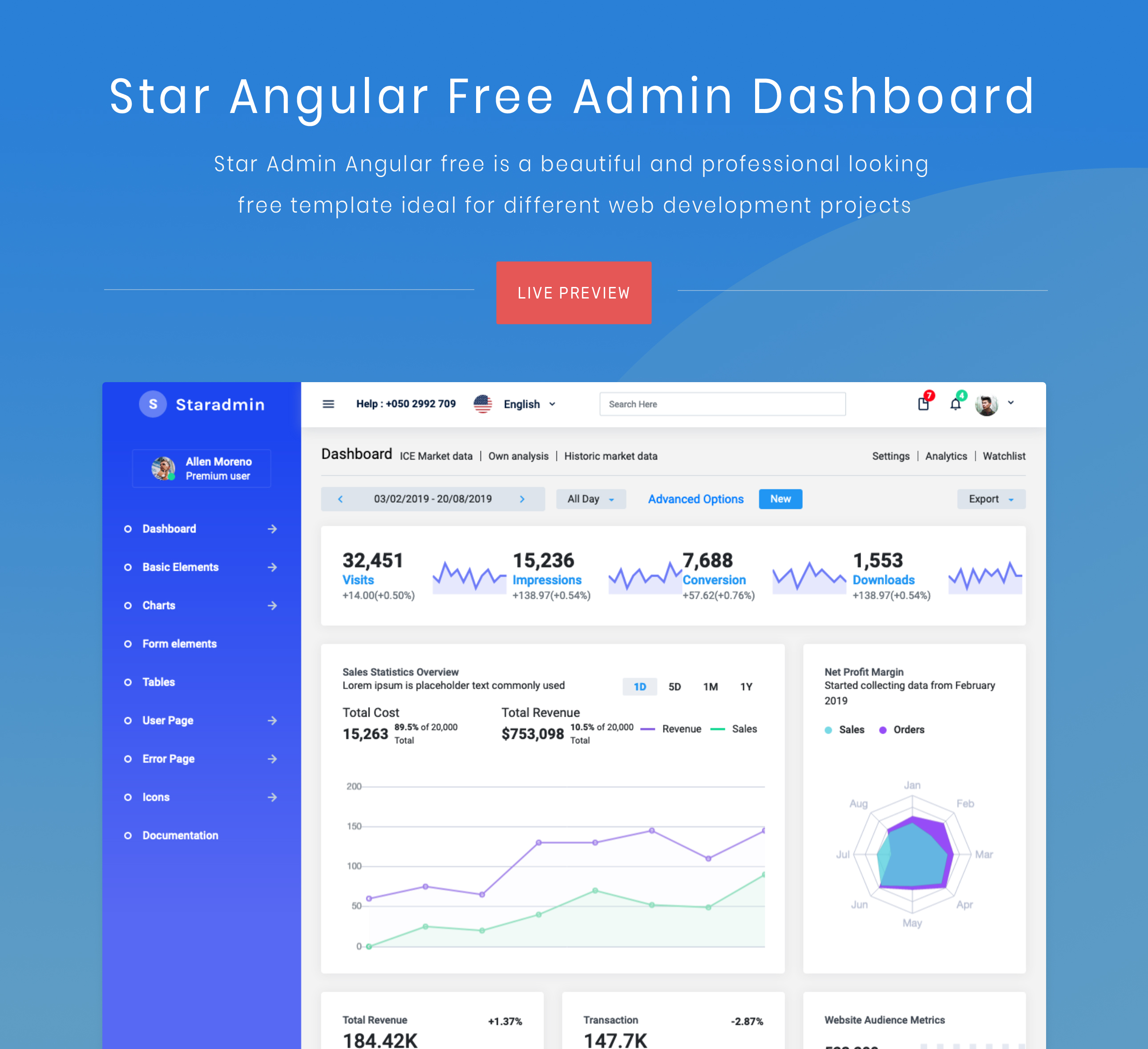
StarAdmin-Free-Angular-Admin-Template
A free admin template based on Angular 7 and Bootstrap 4, maintained by BootstrapDash.
Angular · Admin dashboard