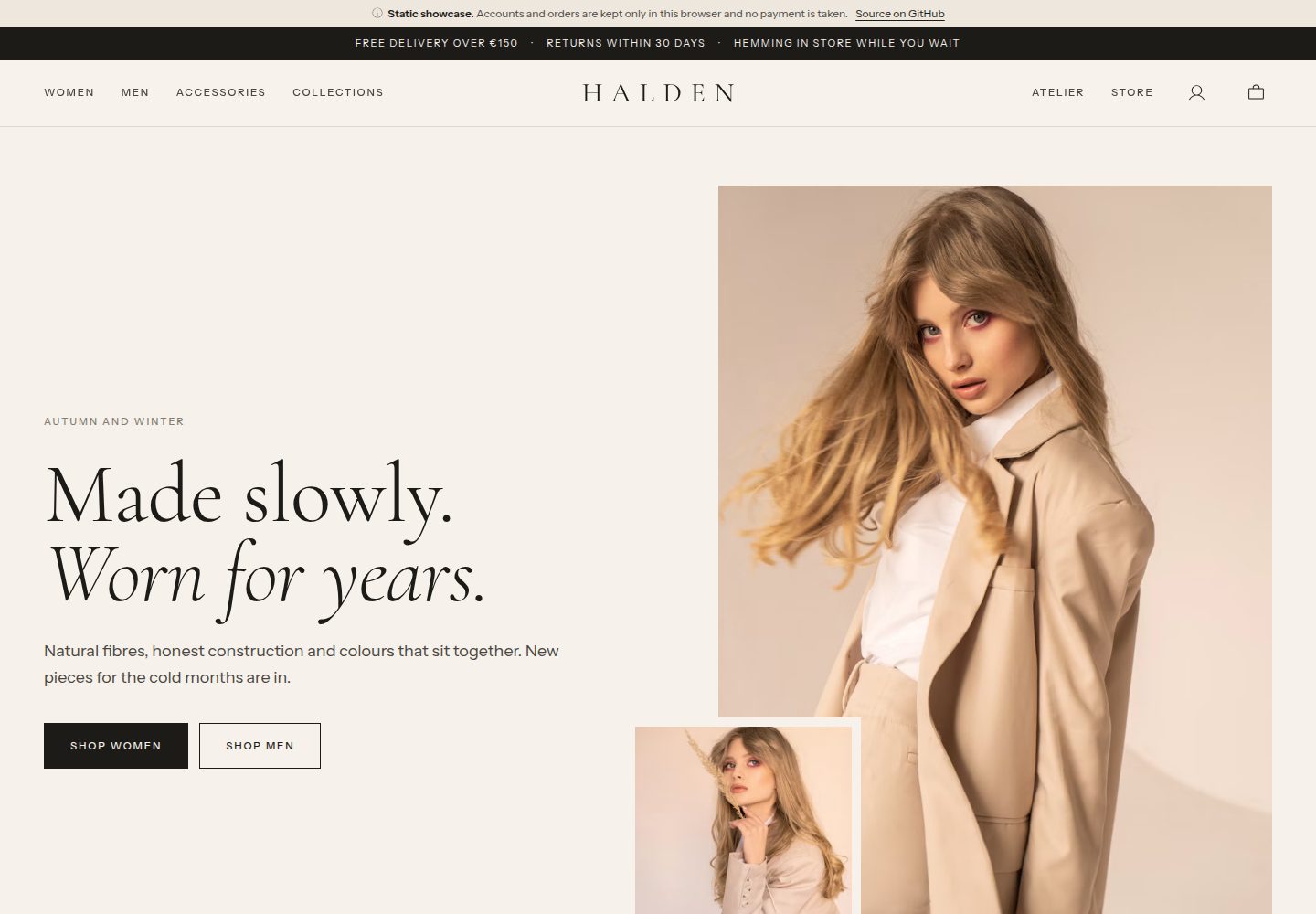
Public e-commerce website for a clothing store built with Astro, with no UI framework dependencies
AstroE-commerce
templates-wardrobe-website — Astro Ecommerce Template
By mattoznav
Public e-commerce website template for the Wardrobe clothing store, built with Astro, including an editorial-style homepage, filterable catalog, product details, shopping bag, checkout, and account order management, requiring a companion backend for data.
Explore the design
Compare the page layouts and mobile experience. Open any screenshot for a closer look.
Desktop homepage1 / 3
Desktop captureTop of page
Actual screenshot captured by the server browser.
All pages & views 3
Screenshots show visual appearance; interactive behavior may differ.
Recorded 2026-10-11View source
What stands out
A quick read of the recorded project description.
Complete page paths including homepage, catalog, product, collections, shopping bag, checkout, and account
Catalog supports browser-side filtering by section, category, colour, size, new, sale, and sort, with filter conditions written to the URL
Product pages provide color-based image display, color and size selectors, and real-time inventory
Shopping bag is stored in browser localStorage, no account required before checkout, and prices and inventory are re-validated by the backend before payment
Offers PUBLIC_SHOWCASE showcase mode to simulate backend interfaces on static hosting
Template Details
This is the public website portion of the templates-wardrobe template, built with Astro and without a UI framework. Pages cover the homepage, shop catalog, product details, collections, shopping bag, checkout, account, physical stores, and workshops. Product and editorial content are fetched from the backend API at build time, while inventory, bag pricing, shipping, account, orders, payment, and returns are requested from the backend in real time in the browser.
The website depends on a companion backend to run, with the default address at http://localhost:8001 and the development port at 4322. In development mode, build-time data refreshes every few seconds, so changes to products in the admin panel appear after a reload; after a production build, the catalog content requires a rebuild to update.
Payment methods follow the backend: by default, a fake payment provider is used, offering a demo panel with "Pay" and "Simulate decline" options; Stripe Payment Element can also be integrated, waiting for the backend webhook to mark the order as paid. Product and editorial images come from Unsplash, loaded via its CDN under the Unsplash license, with photographers credited on the pages.
The repository also offers a showcase mode: setting PUBLIC_SHOWCASE=true at build time generates a self-contained static showcase version of the website, using src/lib/showcase.ts to simulate backend interfaces in the browser. Account, order, payment, return, and inventory changes are stored only in the current browser's localStorage, and the backend portion simulates shipping, delivery, and refunds at fixed times. This mode is intended for static hosting such as GitHub Pages, and the related code is not bundled when the variable is not set.
AstroE-commerce
Is it right for your project?
Use Cases
- Building the public e-commerce website frontend for a clothing or lifestyle brand
- E-commerce projects that need build-time static generation of the catalog and runtime real-time queries for inventory and orders
- Demonstrating the checkout flow with a fake payment provider or Stripe test mode
- Showcasing an e-commerce demo site without a real backend on static hosting such as GitHub Pages
Suitable For
- Frontend developers familiar with Astro and Node.js
- Teams that already have or are willing to deploy the companion templates-wardrobe-backend backend
- Developers who need e-commerce website code that can be modified and used commercially under the MIT license
- Clothing e-commerce projects that want static pages combined with real-time inventory and account features
Getting started & customization
Use these recorded setup notes alongside the repository instructions for your chosen version.
- 1
Requires Node.js 22.12 or newer and npm
- 2
The companion backend must be running first, with the default address at http://localhost:8001
- 3
After installing dependencies, copy .env.example to .env, then run npm run dev and visit http://localhost:4322
- 4
npm run check is used to check types and templates, and npm run build generates the static site to dist/
- 5
Showcase mode requires setting PUBLIC_SHOWCASE=true at build time; for local preview, run npx astro preview
License & source material
Usage conditions & limitations
Free to use · keep license noticeThis entry covers the free version under the MIT license in the public repository; the free scope is the code of this version and does not imply that external services or third-party assets are free.
Must comply with when using
- Free use, modification, commercial use, and distribution of this version's code are permitted.
- When distributing copies or substantial portions of the code, retain the original author's copyright notice and the full MIT license notice.
- The code is provided as is; warranties and limitations of liability are governed by the original license and applicable law.
Additional costs & items to verify
- Demo images, fonts, icons, and other third-party assets must be checked against their respective licenses and cannot be judged solely by the code's MIT license.
- External services such as domains, hosting, databases, payment, or AI may incur additional charges.
- This website template must rely on the companion templates-wardrobe-backend backend service to run, with the default address at http://localhost:8001; deploying the frontend alone will not provide full functionality.
- The running requirements explicitly state that the companion backend must be run locally, which is an external service dependency, not a pure frontend standalone project.
- If using Stripe payments, a Stripe account and test mode keys must be configured, and it relies on the backend webhook to mark orders as paid, involving third-party services and accounts.
- Product and editorial images come from Unsplash and are subject to the Unsplash license rather than MIT; using these images requires compliance with the Unsplash license terms.
- Product photos are not in the repository; they are loaded via the Unsplash CDN and subject to the Unsplash license, separate from the code's MIT license, and commercial use or redistribution requires separate confirmation of image authorization.
- Fonts use the SIL Open Font License and icons use MIT; these are separately licensed third-party resources and their license conditions must be followed respectively.
- In showcase mode, backend functions are simulated, with shipping, delivery, and refunds simulated at a fixed 3-minute interval, not representing real business processes.
- In showcase mode, account, order, payment, return, and inventory data are stored only in the current browser's localStorage, without real backend persistence.
View Original Text Basis
Permission is hereby granted, free of charge
Original License Text
The website needs the [backend](https://github.com/mattoznav/templates-wardrobe-backend) running, by default on `http://localhost:8001`.
Original README
The backend running locally (see its README)
Original README
**Stripe**: the Stripe Payment Element is loaded on demand and the page waits for the backend webhook to mark the order paid. Use test mode keys and [test cards](https://docs.stripe.com/testing).
Original README
Product and editorial photos are from [Unsplash](https://unsplash.com), under the [Unsplash License](https://unsplash.com/license).
Original README
Product photos are not part of the repository: they are loaded from Unsplash under the [Unsplash License](https://unsplash.com/license).
Original README
Fonts: Cormorant Garamond and Instrument Sans (SIL Open Font License). Icons: [Phosphor](https://phosphoricons.com) (MIT).
Original README
The back office is not there, so its part is simulated: a paid order ships 3 minutes after payment and is delivered 3 minutes later, and a requested return is received and refunded 3 minutes after it is sent.
Original README
https://github.com/mattoznav/templates-wardrobe-website/blob/main/LICENSEhttps://github.com/mattoznav/templates-wardrobe-website/blob/main/README.mdAccounts, sign-in tokens, orders, payments, returns and the stock the visitor bought are stored in this browser only (`localStorage`, key `wardrobe.showcase`); passwords are kept as salted SHA-256 hashes.
Original README
Compiled by DeepSeek based on repository license and README ·2026-10-11. Results only cover the materials read; dependencies, images, fonts, and subsequent term changes are subject to their respective original texts.
Project checks & description sources
Template Information
- Source platforms
- GitHub
- Documentation and maintenance reference score
- More documented · 80 / 100
- Technologies
- Astro
- Website type
- E-commerce
How this score is calculated
Our heuristic uses license records (up to 30), a demo link (12), a preview (10), stars (15), recorded maintenance (15), description completeness (8), feature records (5) and classification data (5). It is not a code, security or performance test, or a Google score. A link does not establish tested functionality.
What to verify for this project
- Repository update recorded
- 2026-10-06
- Screenshot last checked
- 2026-10-11
A demo link is listed. Check it with your own content and viewport sizes; its presence does not confirm that forms, authentication or payments work.
The catalog identifies Astro as the primary stack. Check the actual dependency manifest and lockfile for versions and hosting requirements. These notes use recorded metadata, not a code audit or a deployment test.
Use a selection guide →How this description was prepared
AI-assisted description based on catalog records and repository material. Repository authors are not automatically the reviewers of this description.
Review declaration: [email protected] · 2026-10-13
Inspect the recorded source material
SHA-256: ddd5604a3d8155dc72c7245fed4e08dcac7c21b816c08e5a68a4c6912b6fc1cd
2026-10-11T19:05:54.264Z
Source file / repository# Wardrobe template: Website The public website of the clothing store: an editorial home page, the catalogue with filters, product pages with live stock, collections, bag, checkout with payment, and an account for orders, cancellations and returns. Astro, no UI framework. Part of the [`templates-wardrobe`](https://github.com/mattoznav/templates-wardrobe) template, inside the [`templates`](https://github.com/mattoznav/templates) collection. Live demo: [mattoznav.github.io/templates-wardrobe-website](https://mattoznav.github.io/templates-wardrobe-website/), a static showcase that runs without the backend (see [Showcase mode](#showcase-mode)). ## Requirements - Node.js 22.12 or newer and npm - The backend running locally (see its README) ## Quick start The website needs the [backend](https://github.com/mattoznav/templates-wardrobe-backend) running, by default on `http://localhost:8001`. ```bash npm install cp .env.example .env npm run dev ``` Open `http://localhost:4322`. Check types and templates with `npm run check`; `npm run build` produces the static site in `dist/`. ## What is static and what is live | Part | When it is loaded | | --- | --- | | Home, catalogue, product pages, collections, store and atelier pages | At build time, from the API. Rebuild after editing products in the admin | | Stock per size, bag prices, shipping, problems such as "only 1 left" | Live, in the browser | | Account, orders, payments, returns | Live, in the browser | So the pages are fast and cacheable, while stock is always current. In development the build-time data refreshes every few seconds, so admin edits show up on reload. ## Pages | Path | What it does | | --- | --- | | `/` | Hero, new in, departments, the featured edit, knitwear story, collections, atelier, store | | `/shop/` | Every product, filtered in the browser: `section`, `category`, `colour`, `size`, `new`, `sale`, `sort`. Filters live in the URL | | `/products/<slug>/` | Photos per colour, colour and size pickers with live stock, add to bag, details, care, credits, complete the look | | `/collections/`, `/collections/<slug>/` | Curated edits | | `/bag/` | Quantities, today's prices and stock, standard shipping, free shipping threshold | | `/checkout/` | Sign in, delivery address and method, then payment while the pieces are set aside. `?order=<id>` resumes a pending payment | | `/account/` | Orders with their progress, cancel before shipping, request a return; returns and their status | | `/store/`, `/about/` | The physical store, services and delivery; the atelier and a care guide | The bag lives in the browser (`localStorage`) until checkout, so no account is needed to fill it. Prices and stock are always checked again by the backend before paying. ## Payments The website follows whatever the backend uses: - **Fake provider** (default): a demo panel with "Pay" and "Simulate a declined card". No money moves. - **Stripe**: the Stripe Payment Element is loaded on demand and the page waits for the backend webhook to mark the order paid. Use test mode keys and [test cards](https://docs.stripe.com/testing). ## Photos Product and editorial photos are from [Unsplash](https://unsplash.com), under the [Unsplash License](https://unsplash.com/license). They are loaded from the Unsplash CDN with the size and crop each layout needs (`src/lib/image.ts`), and every page credits the photographers. ## Customising - Colours, fonts and shapes are design tokens at the top of `src/styles/global.css`. - The shop name, address, opening hours, free shipping amount and return window come from the backend (`data/store.csv`); home page copy and images from `data/editorial.csv`. - Set the real domain in `astro.config.mjs` (`site`). - Links to pages and files in `public/` go through `withBase()` from `src/lib/paths.ts`, so the site also works under a sub-path. ## Showcase mode A static host such as GitHub Pages cannot run the Django backend, so the website can be built as a self-contained showcase: set `PUBLIC_SHOWCASE=true` at build time. Without it nothing changes and none of the showcase code is shipped. | Part | Where it comes from in showcase mode | | --- | --- | | Pages, catalogue, collections | The backend API at build time, as usual | | Snapshot for the browser | `src/pages/showcase/` writes `showcase/catalog.json` (store settings, shipping methods, products with their variants and stock) and one `showcase/products/<slug>.json` per product | | Every API call made in the browser | `src/lib/showcase.ts`, loaded by `src/lib/client.ts` instead of calling the network | `src/lib/showcase.ts` answers the same endpoints with the same shapes, status codes and error messages as the backend, and applies the same rules: prices and free delivery, stock set aside for 15 minutes while paying and released if the payment does not arrive, the fake payment provider (paid or declined), cancellation before shipping with a refund, the return window and returnable quantities. Accounts, sign-in tokens, orders, payments, returns and the stock the visitor bought are stored in this browser only (`localStorage`, key `wardrobe.showcase`); passwords are kept as salted SHA-256 hashes. Pieces the visitor buys lower the stock shown on the product pages. The back office is not there, so its part is simulated: a paid order ships 3 minutes after payment and is delivered 3 minutes later, and a requested return is received and refunded 3 minutes after it is sent. The timings are at the top of `src/lib/showcase.ts`. The layout shows a slim notice explaining that the site is a showcase. ## Publish on GitHub Pages `.github/workflows/pages.yml` builds the showcase and publishes it on GitHub Pages at every push to `main`, once a day (so the catalogue follows the backend's data) and on demand. The job checks out the [backend](https://github.com/mattoznav/templates-wardrobe-backend), loads its catalogue with `manage.py bootstrap --no-demo-orders` and runs it on `localhost:8001` only for the build; the published site never calls it. To use it in a copy of the repository, open **Settings > Pages** and set **Source** to **GitHub Actions**. If the backend lives in another repository, change the second checkout step. The workflow passes the Pages address to the build through `SITE_URL` and `BASE_PATH`, so the site works under `https://<user>.github.io/<repository>/`; with a custom domain the path is simply `/`. To try the showcase locally, with the backend running: ```bash PUBLIC_SHOWCASE=true npm run build npx astro preview ``` ## Structure ``` src/pages/ Home, shop, product, collections, bag, checkout, account, store, atelier src/pages/showcase/ Snapshots for showcase mode (emitted only with PUBLIC_SHOWCASE=true) src/components/ Header, footer, bag drawer, product card, sign-in form, showcase notice src/layouts/Base.astro Page shell src/scripts/ Browser code for each page: filters, stock, bag, checkout, account src/lib/catalog.ts Build-time data from the API src/lib/client.ts Browser API client: stock, bag quote, accounts, orders, payments, returns src/lib/showcase.ts The backend simulated in the browser, for showcase mode src/lib/paths.ts withBase(), for links that must follow the site's base path src/styles/global.css Design tokens and shared styles .github/workflows/ GitHub Pages deployment ``` ## Credits Fonts: Cormorant Garamond and Instrument Sans (SIL Open Font License). Icons: [Phosphor](https://phosphoricons.com) (MIT). ## License The code is released under the [MIT License](LICENSE). Product photos are not part of the repository: they are loaded from Unsplash under the [Unsplash License](https://unsplash.com/license).
Explore similar templates
Compare previews and descriptions within the same stack and category.

astro-shopify
A lightweight Shopify headless ecommerce starter template built with Astro and Svelte, integrating the Shopify Storefront API for product and inventory data, with built-in cart state management and basic add-to-cart and checkout flow.
Astro · E-commerce
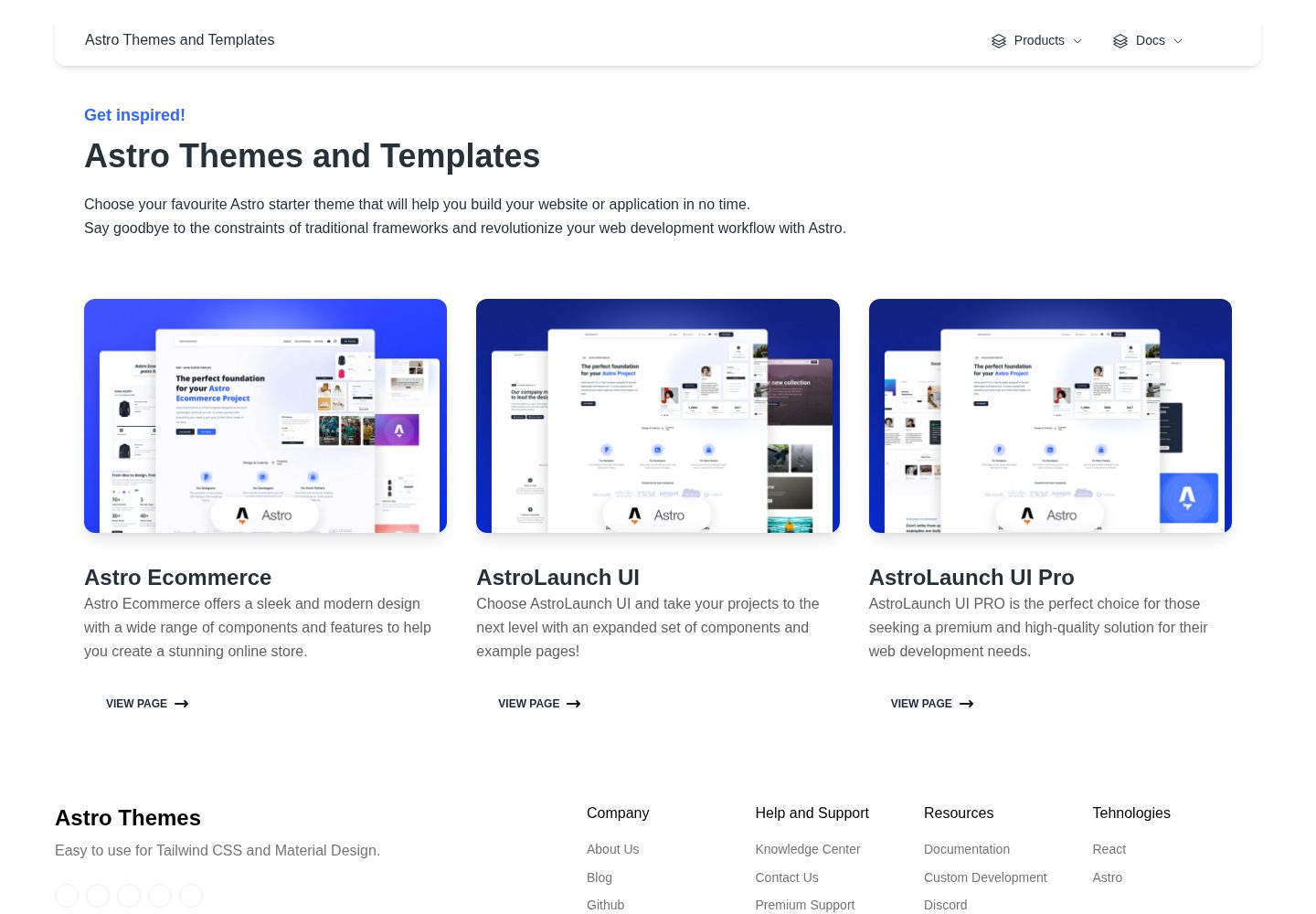
astro-ecommerce
Astro Ecommerce is a Creative Tim e-commerce Astro starter template under the MIT license, with 70+ coded elements, 30+ blocks, and landing, product, and shopping cart example pages.
Astro · E-commerce
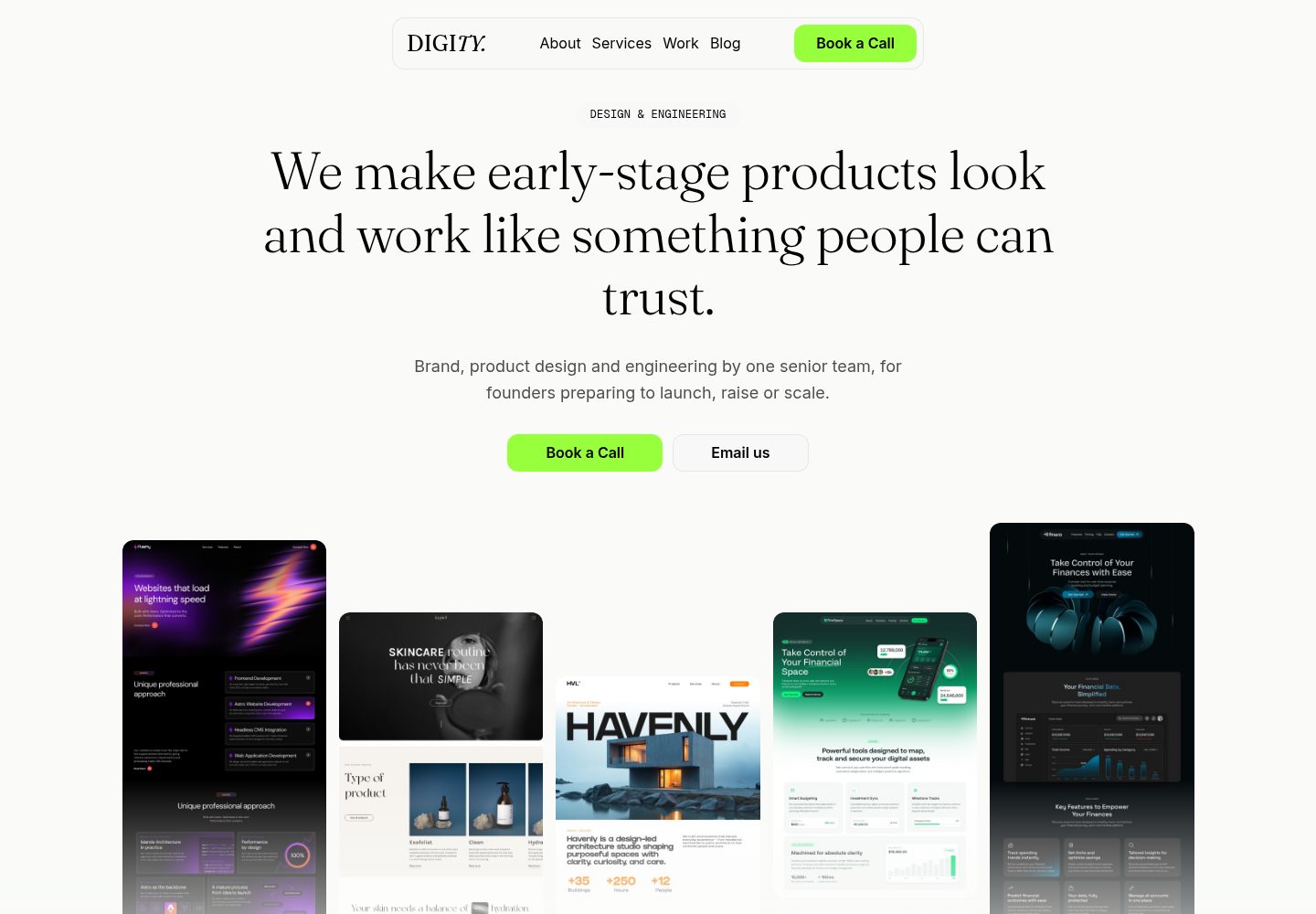
astro-medusa-starter
An open-source e-commerce storefront starter built on Astro and Medusa v2, using a static-first architecture with React islands, multi-region routing, Stripe checkout, and Cloudflare Workers deployment.
Astro · E-commerce
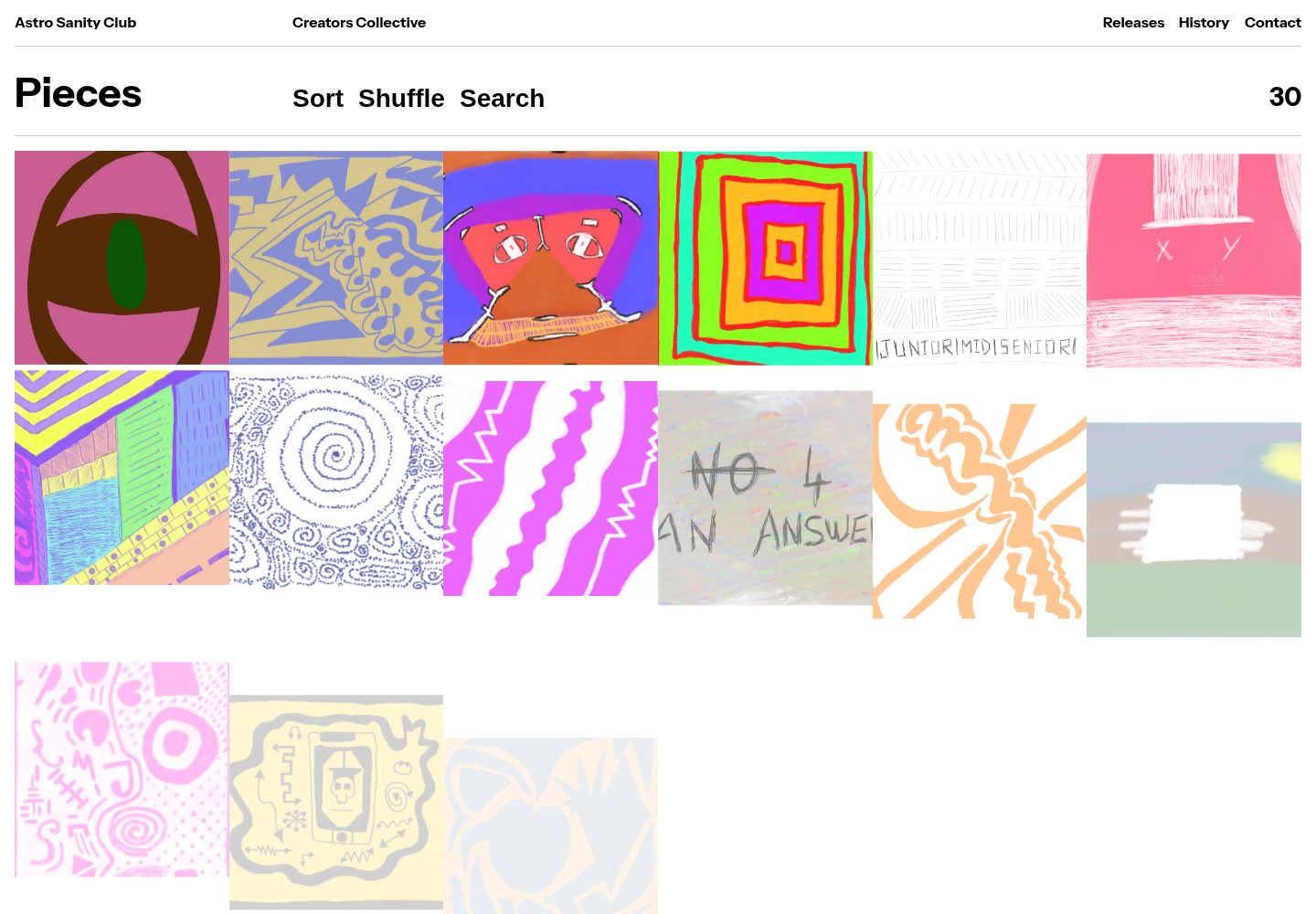
sanity-astro-club
An Astro template for showcasing and selling digital works, with content managed through an extensible Sanity Studio and checkout sessions generated via the Polar API.
Astro · E-commerce
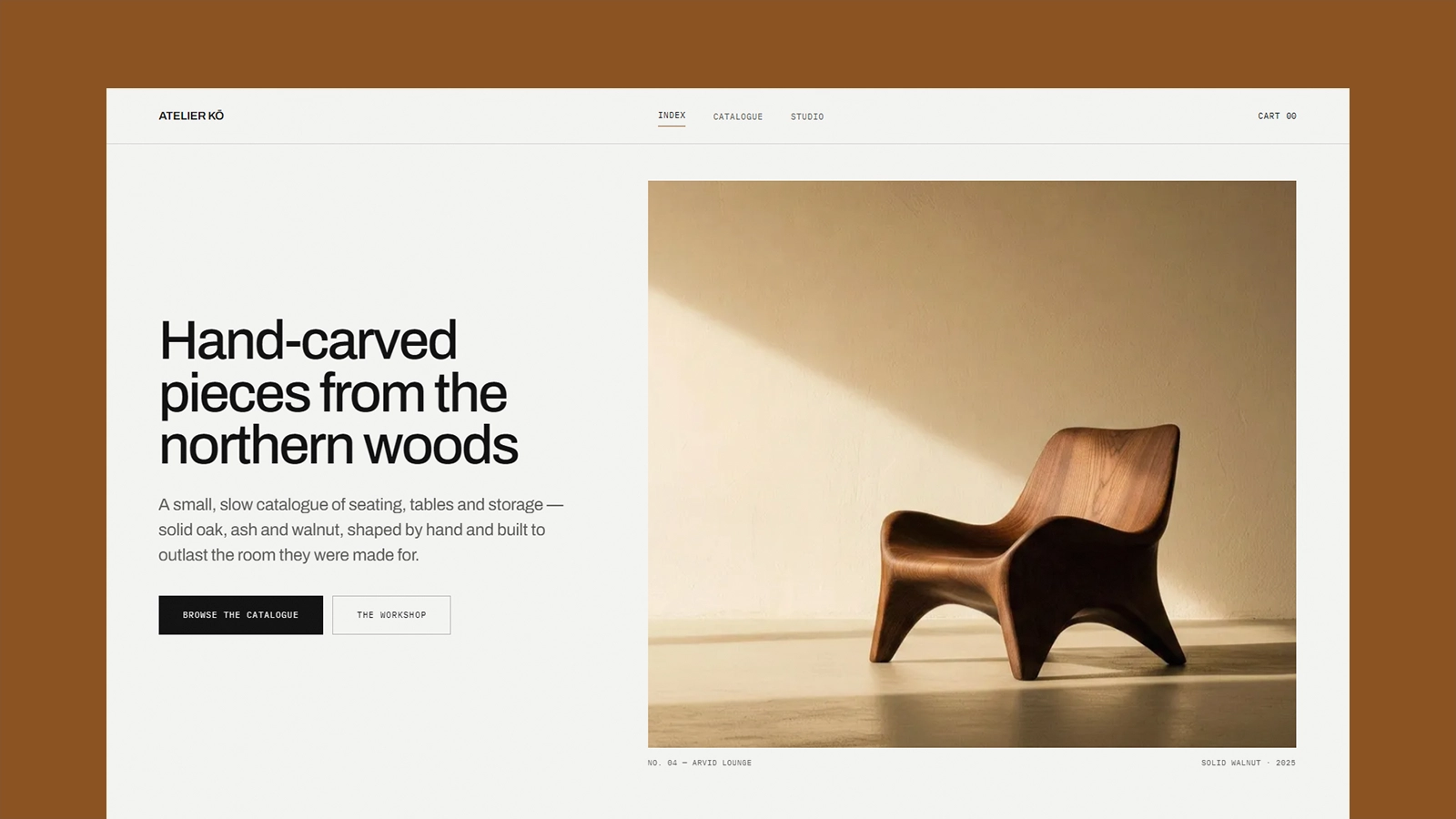
atelier-ko
Atelier Kō is a minimalist Astro ecommerce theme for small furniture workshops and craft catalogs with a limited body of work.
Astro · E-commerce
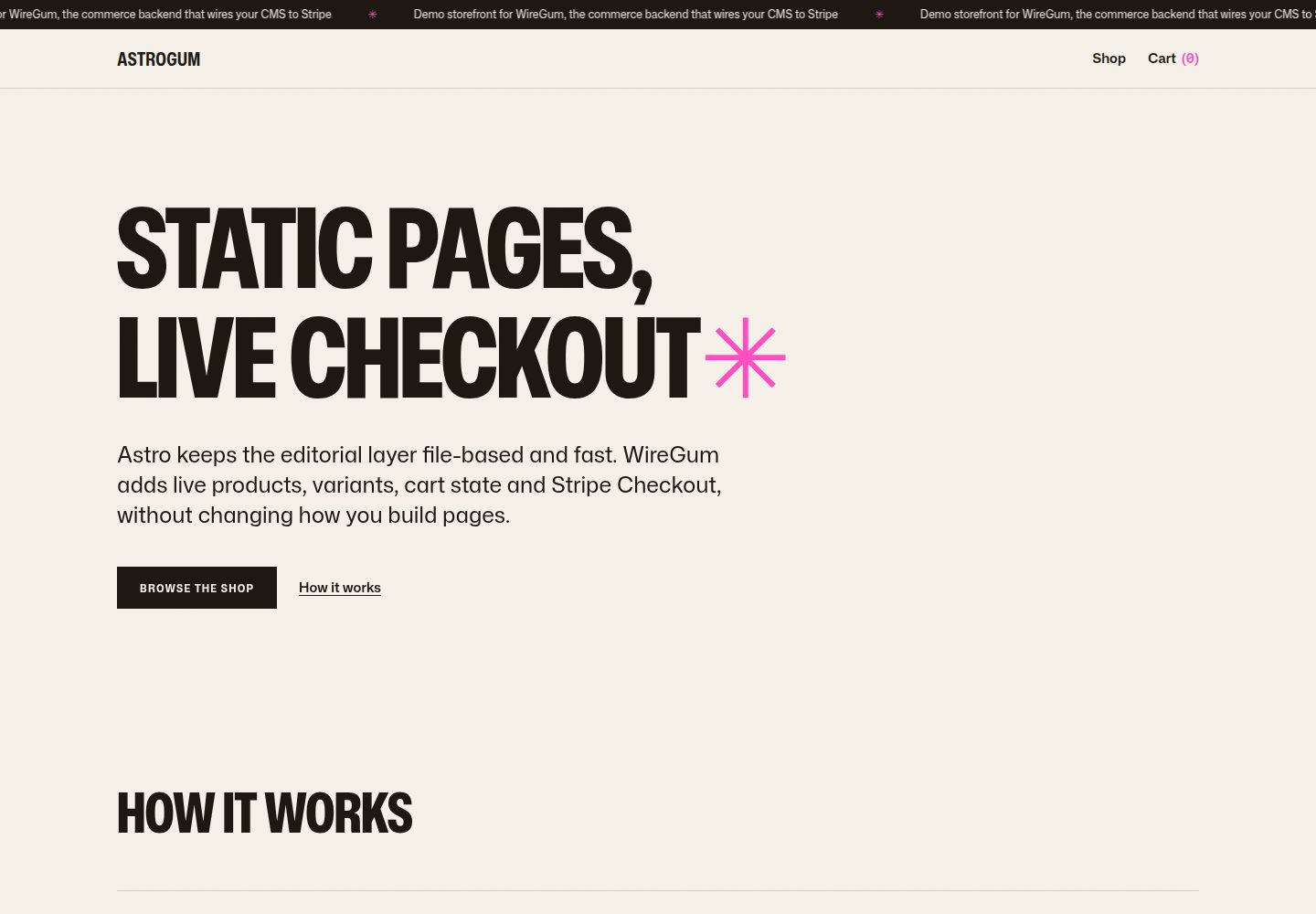
starter-astro
An Astro e-commerce storefront starter template that separates content from transactions: Markdown content collections manage pages, copy, and product images, generating static HTML at build time, while WireGum components handle live pricing, variants, cart, and Stripe Checkout.
Astro · E-commerce