Preinstalled Vite Plugin PWA for generating the PWA manifest JSON
ViteReactStarter
PWA-Vite-React-Boilerplate — Vite Starter Template
By MengLinMaker
An installable PWA starter template based on Vite, React, and TypeScript, preconfigured with Vite Plugin PWA, Sass, and a GitHub Actions workflow.
Explore the design
Compare the page layouts and mobile experience. Open any screenshot for a closer look.
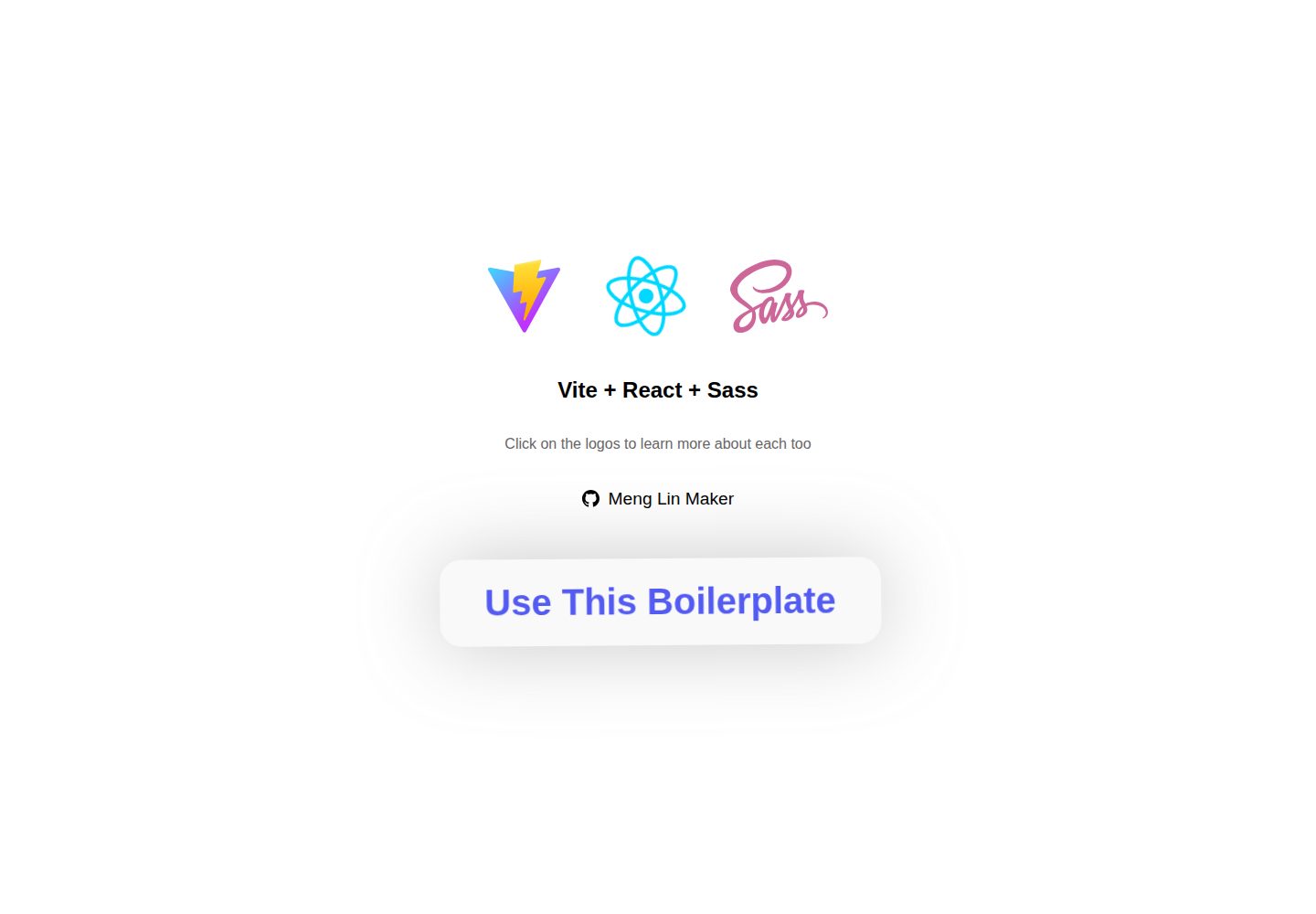
Desktop homepage1 / 2
Desktop captureTop of page
Actual screenshot captured by the server browser.
All pages & views 2
Screenshots show visual appearance; interactive behavior may differ.
Recorded 2026-10-03View source
What stands out
A quick read of the recorded project description.
React with TypeScript, with type checking during build
Built-in Sass as the CSS preprocessor, removable via npm uninstall sass
Provides a GitHub Actions workflow including continuous integration and CodeQL analysis
Provides three Vite command-line scripts: dev, build, and preview
Template Details
This is a starter template for progressive web apps (PWAs) using a Vite + React + TypeScript stack. The repository comes with Vite Plugin PWA preinstalled to generate the manifest JSON required for a PWA; Sass is used as the CSS preprocessor for styling; and a GitHub Actions workflow is included for continuous integration and CodeQL analysis.
For usage, the template provides an entry point to generate a repository from GitHub, then uses Vite command-line scripts for local development (npm run dev), building production files (npm run build, output to the dist directory), and previewing the production build locally (npm run preview). The README explicitly states that PWA features are not included in development mode, and that the build will abort if TypeScript errors are present.
Regarding licensing, the repository uses the MIT license, allowing free use, modification, commercial use, and distribution of this version of the code, provided the copyright notice and license notice are retained when distributing. Third-party assets such as demo images, fonts, and icons, as well as external services like domains and hosting, require separate verification of their respective licenses and fees.
ViteReactStarter
Is it right for your project?
Use Cases
- Generate a repository from the template to quickly set up an installable PWA project skeleton
- Add PWA manifest and installability to a React + TypeScript project
- Front-end projects that need Sass preprocessing and want it ready out of the box
- Repositories that want to use GitHub Actions for continuous integration and code scanning
Suitable For
- Front-end developers building PWAs with Vite and React
- Projects that need TypeScript type checking and Sass support
- Teams that want to initialize repositories via a GitHub template and integrate CI
Getting started & customization
Use these recorded setup notes alongside the repository instructions for your chosen version.
- 1
After generating a repository from the GitHub template, use git clone to pull it locally
- 2
Use npm run dev for development, but PWA features are not available in development mode
- 3
Use npm run build for building; TypeScript errors will abort compilation, and output defaults to the dist directory
- 4
Use npm run preview to locally preview the production build
- 5
npm can be replaced with yarn or pnpm; see the scripts section in package.json for specific scripts
License & source material
Usage conditions & limitations
Free to use · keep license noticeThis entry covers the free version of a public repository under the MIT license; the free scope applies to this version of the code and does not imply that external services or third-party assets are free.
Must comply with when using
- Free use, modification, commercial use, and distribution of this version of the code are permitted.
- When distributing copies or substantial portions of the code, retain the original author's copyright notice and the full MIT license notice.
- The code is provided as is; warranties and limitations of liability are governed by the original license and applicable law.
Additional costs & items to verify
- PWA features are not available in development mode (npm run dev), so PWA behaviors such as installation and offline caching cannot be tested during local development; you must first run a production build (npm run build) and preview to verify PWA capabilities.
- If TypeScript type errors are present during build, compilation is aborted and no dist directory files are produced; ensure the code passes type checking before use.
- Sass is a preinstalled dependency; if you do not use Sass for styling, you must manually run npm uninstall sass to remove it, otherwise the dependency remains.
- Demo images, fonts, icons, and other third-party assets must be checked against their respective licenses and cannot be judged solely by the code's MIT license.
- External services such as domains, hosting, databases, payments, or AI may incur additional fees.
View Original Text Basis
Permission is hereby granted, free of charge
Original License Text
There is no PWA functionality in development mode.
Original README
Ensure there are no TypeScript errors, otherwise complilation will be aborted.
Original README
https://github.com/MengLinMaker/PWA-Vite-React-Boilerplate/blob/main/LICENSE.mdhttps://github.com/MengLinMaker/PWA-Vite-React-Boilerplate/blob/main/README.mdTo uninstall, type: ```npm uninstall sass``` in terminal.
Original README
Compiled by DeepSeek based on repository license and README ·2026-10-03. Results only cover the materials read; dependencies, images, fonts, and subsequent term changes are subject to their respective original texts.
Project checks & description sources
Template Information
- Source platforms
- GitHub
- Documentation and maintenance reference score
- More documented · 86 / 100
- Technologies
- Vite · React
- Website type
- Starter
How this score is calculated
Our heuristic uses license records (up to 30), a demo link (12), a preview (10), stars (15), recorded maintenance (15), description completeness (8), feature records (5) and classification data (5). It is not a code, security or performance test, or a Google score. A link does not establish tested functionality.
What to verify for this project
- Repository update recorded
- 2025-03-26
- Screenshot last checked
- 2026-10-03
A demo link is listed. Check it with your own content and viewport sizes; its presence does not confirm that forms, authentication or payments work.
The catalog identifies Vite as the primary stack. Check the actual dependency manifest and lockfile for versions and hosting requirements. These notes use recorded metadata, not a code audit or a deployment test.
Use a selection guide →How this description was prepared
AI-assisted description based on catalog records and repository material. Repository authors are not automatically the reviewers of this description.
Automatically checked against source and license rules; no manual editorial review.
Inspect the recorded source material
SHA-256: 2df9cc70ab404afbea3fdecb80129da63c905a9c154c3243f7383babb4759f0e
2026-10-03T02:49:29.447Z
Source file / repository<h1 align="center">
PWA Vite React Boilerplate
</h1>
<div flex align="center">
<img alt="GitHub" src="https://img.shields.io/github/license/menglinmaker/PWA-Vite-React-Boilerplate?style=flat-square">
<img src="https://img.shields.io/github/languages/code-size/menglinmaker/PWA-Vite-React-Boilerplate?style=flat-square">
<img src="https://img.shields.io/github/workflow/status/menglinmaker/PWA-Vite-React-Boilerplate/Continuous Integration?style=flat-square">
<img src="https://img.shields.io/website?down_color=red&down_message=offline&up_color=success&up_message=online&url=https://menglinmaker-midi-virtual-piano.netlify.app/&style=flat-square">
<img src="https://img.shields.io/github/forks/menglinmaker/PWA-Vite-React-Boilerplate?label=forks&style=flat-square">
</div>
<div> </div>
<div align='center'>
<a href='https://pwa-vite-react-boilerplate.netlify.app/'>
<img width='480' src='https://user-images.githubusercontent.com/39476147/184496091-35faa26b-4591-45bc-90cb-6a215f600e2d.png'/>
</a>
</div>
<div> </div>
<div flex align='center'>
<img height=30 src="https://img.shields.io/badge/Vite-B73BFE?style=for-the-badge&logo=vite&logoColor=FFD62E" />
<img height=30 src="https://img.shields.io/badge/React-20232a?style=for-the-badge&logo=react&logoColor=61DAFB" />
<img height=30 src="https://img.shields.io/badge/Sass-CC6699?style=for-the-badge&logo=sass&logoColor=white" />
<img height=30 src="https://img.shields.io/badge/GitHub_Actions-2088FF?style=for-the-badge&logo=github-actions&logoColor=white" />
</div>
<h2 align='center'> ->> <a href='https://pwa-vite-react-boilerplate.netlify.app/'> Demo Page </a> <<- </h2>
<div> </div><div> </div><div> </div>
# Boilerplate Techstack
This boilerplate is already preinstalled with:
* *[Vite Plugin PWA](https://vite-plugin-pwa.netlify.app/)* to generate the manifest JSON for *[progressive web app (PWA)](https://developer.mozilla.org/en-US/docs/Web/Progressive_web_apps)*.
* *[Vite.js](https://vitejs.dev/)* frontend tooling to build for production.
* *[React.js](https://reactjs.org/)* with TypeScript support.
* *[Sass](https://sass-lang.com/)* CSS preprocessor. To uninstall, type: ```npm uninstall sass``` in terminal.
* *[Github Action](https://docs.github.com/en/actions/learn-github-actions/understanding-github-actions)* for continuous integration and codeql analysis.
<div> </div><div> </div><div> </div>
# How To Use
## Generate GitHub repository
1. Generate your repository from this template: *[Click Here](https://github.com/MengLinMaker/PWA-Vite-React-Boilerplate/generate)*
2. Clone code to your to remote repository: `git clone https://github.com/user-name/repository-name`
Note: supply your GitHub user-name and repository-name.
## Development
The following terminal commands are from *[Vite.js command line interface](https://vitejs.dev/guide/#command-line-interface)*. Also check the *[package.json](https://github.com/MengLinMaker/PWA-Vite-React-Boilerplate/blob/main/package.json)* file "scripts" section for all command line scripts.
Note: *[npm](https://www.npmjs.com/)* can also be replaced with *[yarn](https://yarnpkg.com/)* or *[pnpm](https://pnpm.io/)*...
### Run development website locally
```
npm run dev
```
* There is no PWA functionality in development mode.
### Build production files - to "dist" folder
```
npm run build
```
* Ensure there are no TypeScript errors, otherwise complilation will be aborted.
* Build files will be placed in the "dist" folder by default.
* To change build folder, add this line to *[vite.config.ts](https://github.com/MengLinMaker/PWA-Vite-React-Boilerplate/blob/main/vite.config.ts)* `defineConfig`:
```javascript
build: {
outDir: './build-directory'
},
```
### Run production build website locally
```
npm run preview
```
Explore similar templates
Compare previews and descriptions within the same stack and category.

react-starter-kit
A full-stack SaaS monorepo starter built on Vite and React, with Bun, TypeScript, tRPC, Drizzle ORM, Better Auth, Stripe, and Cloudflare Workers. It includes email OTP, passkey, Google OAuth, organizations, subscription billing, Drizzle migrations, seed scripts, and Terraform infrastructure.
Vite · SaaS

cove
Cove is a minimal TanStack Start starter template maintained by mugnavo, integrating React, TanStack Router/Query, Tailwind CSS, shadcn/ui, Drizzle ORM with PostgreSQL, Better Auth, Vite Plus, and Nitro.
Vite · SaaS

vite-react-boilerplate
A production-ready Vite + React starter template with TypeScript, Tailwind CSS, TanStack Router/Query/Table, Storybook, React Hook Form + Zod, Vitest and Playwright testing, plus Husky/Commitizen/Commitlint commit conventions.
Vite · Starter

react-vite-admin
A backend management starter built on Vite and React, integrating Recoil, React Query, TypeScript, and Axios, with Ant Design-style interface screenshots. Suitable as a starting point for management-side projects, licensed under MIT, with Chinese documentation and common scripts.
Vite · Admin dashboard

typescript-react_best_practices-vite_template
A Vite + React + TypeScript starter template by CodelyTV, preconfigured with Jest and React Testing Library unit tests, Cypress end-to-end tests, ESLint and Prettier using Codely's shared configuration, GitHub Actions workflows, a Makefile, and Sass.
Vite · Starter

cloudflare-starter-kit
A Cloudflare Workers project scaffolding template maintained by kriasoft, using Vite and TypeScript, with three built-in workspaces: api, app, and edge, and preconfigured local testing, multiple environments, and a GitHub Actions deployment workflow.
Vite · Starter