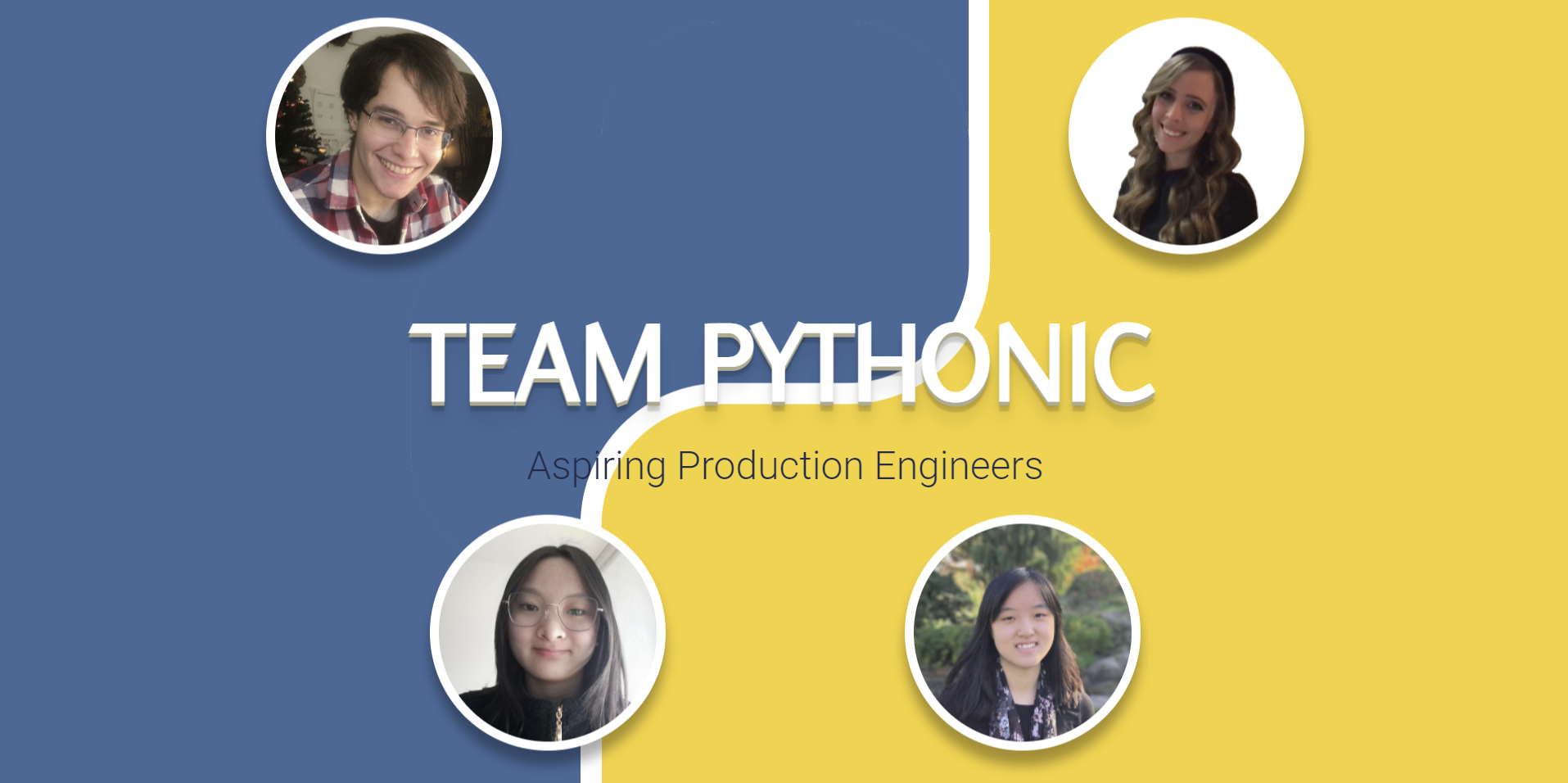
Flask + Jinja template structure, with member data centralized in data.json for easy addition or removal of members
FlaskHTMLPortfolio
project-team-pythonic — Flask Portfolio Template
By MLH-Fellowship
A Flask and Jinja team portfolio template with a homepage and profile pages, member data stored in JSON, responsive layout, and Google Maps markers for visited places.
Explore the design
Compare the page layouts and mobile experience. Open any screenshot for a closer look.
Author preview
Author-provided preview
Preview provided in the project README.
One original preview is available. Open the full image to inspect the design.
Screenshots show visual appearance; interactive behavior may differ.
Recorded 2026-10-03View source
What stands out
A quick read of the recorded project description.
The homepage includes an animated title and member avatar links; profile pages display information in card sections
Profile pages integrate the Google Maps API to show places members have visited with markers
Uses Bootstrap and custom CSS; the README states the pages adapt to mobile screens
The repository uses the MIT license, and the README provides local run steps for virtual environment, dependency installation, and flask run
Template Details
This is a team portfolio website template built with Flask, from the MLH Fellowship Production Engineering track, group 22.SUM.21, week 1 project. The site has two main parts: the homepage displays an animated title with the team name, a team introduction, and avatar links for each member; profile pages present About me, Experience, Projects, Hobbies, and an interactive Google Map of visited countries/regions in card sections.
The template organizes member data through Jinja templates and data.json, making it easy to scale by number of members; styling uses HTML/CSS and Bootstrap, menu dropdowns and the map are driven by JavaScript, and the map depends on the Google Maps API. The README states that the project currently runs only locally and has not been deployed to the cloud.
Before use, you need Python 3 and pip, create a virtual environment and install dependencies from requirements.txt, then create a .env file based on example.env and fill in your own Google Maps API key; otherwise the map feature will not work. The repository uses the MIT license, and the code can be used, modified, and distributed for free, but third-party assets such as demo images and fonts need separate license verification, and external services such as hosting and databases may incur costs.
FlaskHTMLPortfolio
Is it right for your project?
Use Cases
- Build member introduction and profile display pages for a small development team or study group
- Use as a teaching or practice project for Flask, Jinja templates, and JSON data-driven pages
- Portfolio scenarios that need to mark countries/regions members have visited on a map and show personal experience
Suitable For
- Developers who want to quickly build a team portfolio with Python/Flask
- Groups that need a reusable team introduction page scalable by number of members
- Learners who want to reference the separation of Jinja templates and JSON data
Getting started & customization
Use these recorded setup notes alongside the repository instructions for your chosen version.
- 1
Requires Python 3 and pip; it is recommended to create and activate a virtual environment with virtualenv, then run pip install -r requirements.txt
- 2
Copy example.env to .env and fill in your own Google Maps API key; otherwise the map feature will not work
- 3
Before running, set FLASK_ENV=development, then run flask run; by default it is accessible at localhost:5000
- 4
The README states the project currently works only when run locally in a terminal and does not provide cloud deployment configuration
License & source material
Usage conditions & limitations
Free to use · keep license noticeThis entry covers the free version under the MIT license in the public repository; the free scope is the code of this version and does not mean external services or third-party assets are free.
Must comply with when using
- You may use, modify, commercially use, and distribute the code of this version for free.
- When distributing copies or substantial portions of the code, retain the original author's copyright notice and the full MIT license notice.
- The code is provided as is; warranties and limitations of liability are governed by the original license and applicable law.
Additional costs & items to verify
- To use the map feature, you must apply for and configure your own Google Maps API key; otherwise the map on profile pages will not load; this key is provided by Google and may involve an account, quotas, or billing.
- The README explicitly states that the project currently works only when run locally in a terminal and does not provide a cloud deployment solution, so it cannot be directly published as an online site.
- Demo images, fonts, icons, and other third-party assets need to be checked under their respective licenses and cannot be judged solely by the code's MIT license.
- External services such as domains, hosting, databases, payments, or AI may incur additional charges.
View Original Text Basis
Permission is hereby granted, free of charge
Original License Text
Add your own Google Maps API key in the .env file in order to use the map functionality
Original README
https://github.com/MLH-Fellowship/project-team-pythonic/blob/main/LICENSE.mdhttps://github.com/MLH-Fellowship/project-team-pythonic/blob/main/README.mdFor now, the portfolio site will only work on your local machine while you have it running inside of your terminal.
Original README
Compiled by DeepSeek based on repository license and README ·2026-10-03. Results only cover the materials read; dependencies, images, fonts, and subsequent term changes are subject to their respective original texts.
Project checks & description sources
Template Information
- Source platforms
- GitHub
- Documentation and maintenance reference score
- Partly documented · 61 / 100
- Technologies
- Flask · HTML
- Website type
- Portfolio
How this score is calculated
Our heuristic uses license records (up to 30), a demo link (12), a preview (10), stars (15), recorded maintenance (15), description completeness (8), feature records (5) and classification data (5). It is not a code, security or performance test, or a Google score. A link does not establish tested functionality.
What to verify for this project
- Repository update recorded
- 2022-07-19
- Screenshot last checked
- 2026-10-03
No demo link is recorded. Use the repository instructions to evaluate the project locally; the screenshot alone cannot establish interactive behavior.
The catalog identifies Flask as the primary stack. Check the actual dependency manifest and lockfile for versions and hosting requirements. These notes use recorded metadata, not a code audit or a deployment test.
Use a selection guide →How this description was prepared
AI-assisted description based on catalog records and repository material. Repository authors are not automatically the reviewers of this description.
Review declaration: [email protected] · 2026-10-04
Inspect the recorded source material
SHA-256: 55cf93554ba7b70bc76aa4726decb228e27f49f21b139460f43d46ff76ce2969
2026-10-03T15:27:50.096Z
Source file / repository# PE Track: Week 1 - TEAM PYTHONIC - Portfolio Site
## Introduction
TEAM PYTHONIC is from Pod 22.SUM.21 of the Production Engineering Track at MLH Fellowship.
For week 1, we made a reusable, modular and interactive team portfolio with an enjoyable user interface and a variety of multimedia components. We explored new technologies in Web Development (Flask, Jinja, Google Maps API), learned GitHub best practices to collaborate as a team, and also learned to write more modular, scalable and well-documented code.
## Badges



## Description
This is a reusable portfolio template which can be easily adapted to any number of team members. It is also mobile-friendly, which is an important feature considering that 50%+ of traffic on the web comes from mobile devices.
Team Pythonic's portfolio website consists of two main components:
###### Landing page
- Animated heading text to display team name
- Medium subheading, animated text to display team info
- Profile pictures of each member which leads to their respective profile pages
###### Profile page
Cards with relevant profile sections, including:
- About me
- Experience
- Projects
- Countries I've visited: Interactive Google Map with markers of locations each member has visited
- Hobbies: Hover effect tooltip boxes which display more information
###### Additional features
- Landing page with pop-up CSS animations when user hovers over main text
- Fully responsive website that adjusts according to screen size and works on mobile screens
- Animated menu bar for switching profiles
## Visuals
##### Landing page

##### Landing page on mobile

##### Profile page on mobile

## Technologies used in the project
- The Python microframework Flask
- HTML/CSS and Bootstrap
- Jinja for templating (injecting Python code into HTML)
- JSON for storing our data
- JavaScript for the menu dropdown and map creation
- Google Maps API in JavaScript to mark locations visited in each profile page
## File Structure
```
main
│ README.md # You're reading this now!
| LICENSE.md # Details of this project's MIT license
│ .gitignore # Files to be ignored by git
| .python-version # Python version used to build the project
| example.env # An example of what your .env should look like
| requirements.txt # Requirements for Python dependencies to install using pip
| data.json # Database containing info to be loaded into the app
│
└───app
│ __init__.py # The Python init file that runs upon executing "flask run"
│
└───static
| └───fonts
| | | flux-regular.otf # The same font style used by Python (free to use)
| |
| └───img
| | | (all images for website) # Various images used in the project
| |
| └───scripts
| | | index.js # Script containing animation triggers for the landing page
| | | maps.js # Script that loads the Google Maps API into the DOM
| | | profile.js # Script containing animation trigger for the hamburger menu
| |
| └───styles
| | | index.css # Styles and animations for the landing page
| | | maps.css # Styles for the Google Map on profile page
| | | profile.css # Styles for static components on profile page
|
└───templates
| index.html # Template for the landing page
| profile.html # Template for the profile page
```
## Installation
Make sure you have python3 and pip installed
Create and activate virtual environment using virtualenv
```bash
$ python -m venv python3-virtualenv
$ source python3-virtualenv/bin/activate
```
Use the package manager [pip](https://pip.pypa.io/en/stable/) to install all dependencies!
```bash
pip install -r requirements.txt
```
## Usage
Create a .env file using the example.env template (make a copy of the file, then replace the values if required)
*Note: Add your own Google Maps API key in the .env file in order to use the map functionality*
Start flask development server
```bash
$ export FLASK_ENV=development
$ flask run
```
You should get a response like this in the terminal:
```
❯ flask run
* Environment: development
* Debug mode: on
* Running on http://127.0.0.1:5000/ (Press CTRL+C to quit)
```
You'll now be able to access the website at `localhost:5000` or `127.0.0.1:5000` in the browser!
*Note: For now, the portfolio site will only work on your local machine while you have it running inside of your terminal. We plan to host it in the cloud in the next few weeks!*
## Contributing
Pull requests are welcome. For major changes, please open an issue first to discuss what you would like to change.
Please make sure to update tests as appropriate.
## Tasks
Each of the following tasks have been completed.
Note: Our team has ensured that we created an issue for each task, we used a new branch for each issue and made corresponding pull requests.
### GitHub Tasks
- [x] Create Issues for each task below
- [x] Work on each task in a new branch
- [x] Open a Pull Request when a task is finished to get feedback
### Portfolio Tasks
- [x] Add a photo of yourself to the website
- [x] Add an "About youself" section to the website.
- [x] Add your previous work experiences
- [x] Add your hobbies (including images)
- [x] Add your current/previous education
- [x] Add a map of all the cool locations/countries you visited
### Flask Tasks
- [x] Get your Flask app running locally on your machine using the instructions.
- [x] Add a template for adding multiple work experiences/education/hobbies using [Jinja](https://jinja.palletsprojects.com/en/3.0.x/api/#basics)
- [x] Create a new page to display hobbies.
- [x] Add a menu bar that dynamically displays other pages in the app
## Acknowledgements
- [Google Maps API](https://developers.google.com/maps)
- [Bootstrap](https://getbootstrap.com)
- [FontsGeek](https://fontsgeek.com)
## Authors
* Emilie Zhang ([EmilieYZhang](https://github.com/EmilieYZhang))
* Hanna Gersten ([Hgersten-hash](https://github.com/Hgersten-hash))
* Emily Lim ([emilyllim](https://github.com/emilyllim))
* Juan Escalada ([jescalada](https://github.com/jescalada))
Explore similar templates
Compare previews and descriptions within the same stack and category.
frontpage
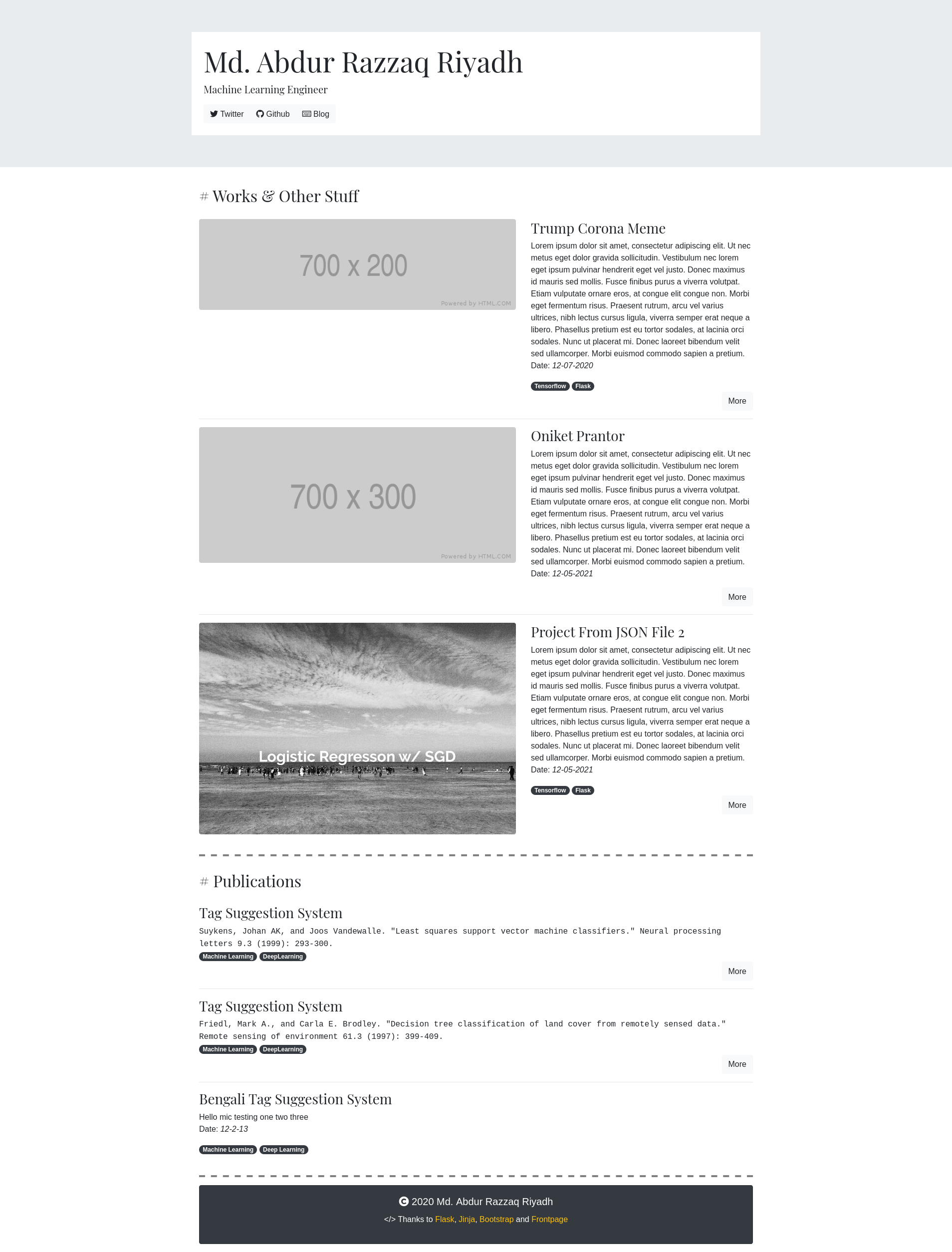
Frontpage is a small portfolio app built with Flask and Bootstrap, described by its author as "a kinda-hackable portfolio app." Content is driven by JSON files in the content/ directory, with one file per project and no database required.
Flask · Portfolio
resume-builder
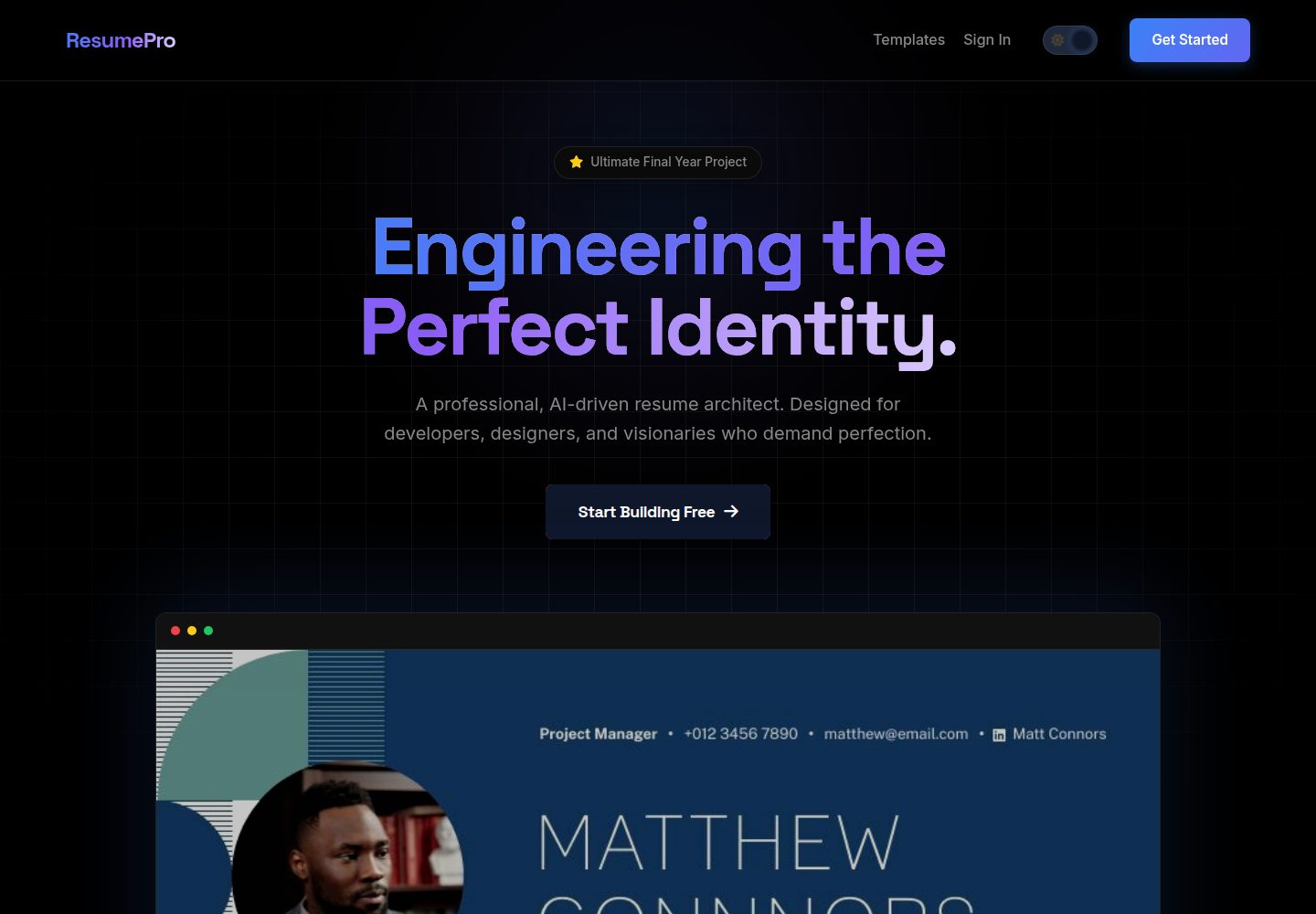
ResumePro is a Flask-based full-stack resume builder with a multi-step form, real-time preview, 10+ responsive templates, dark/light themes, OpenAI-powered ATS scoring, and high-fidelity PDF export via Base64 image prefetching.
Flask · Portfolio

al-folio
A Jekyll academic homepage theme for scholars and researchers, with a clean responsive design and out-of-the-box support for publication lists, project showcases, CVs, and blogs.
Jekyll · Portfolio

simplefolio
Simplefolio is a minimal single-page portfolio template for developers, built with HTML, Bootstrap, SCSS, and Parcel under the MIT license. It includes Hero, About, Projects, Contact, and Footer sections, with content edited in /src/index.html and theme colors controlled by two SCSS variables.
HTML · Portfolio

Beautiful Jekyll
Beautiful Jekyll is a mature, easy-to-use Jekyll blog theme maintained by Dean Attali since 2015, with over 50,000 users.
Jekyll · Blog

Freelancer
A bright, single-page Bootstrap portfolio template for freelancers, designers, and small studios. It includes a responsive portfolio grid with modal detail windows and an SB Forms contact form that requires an API token.
HTML · Portfolio