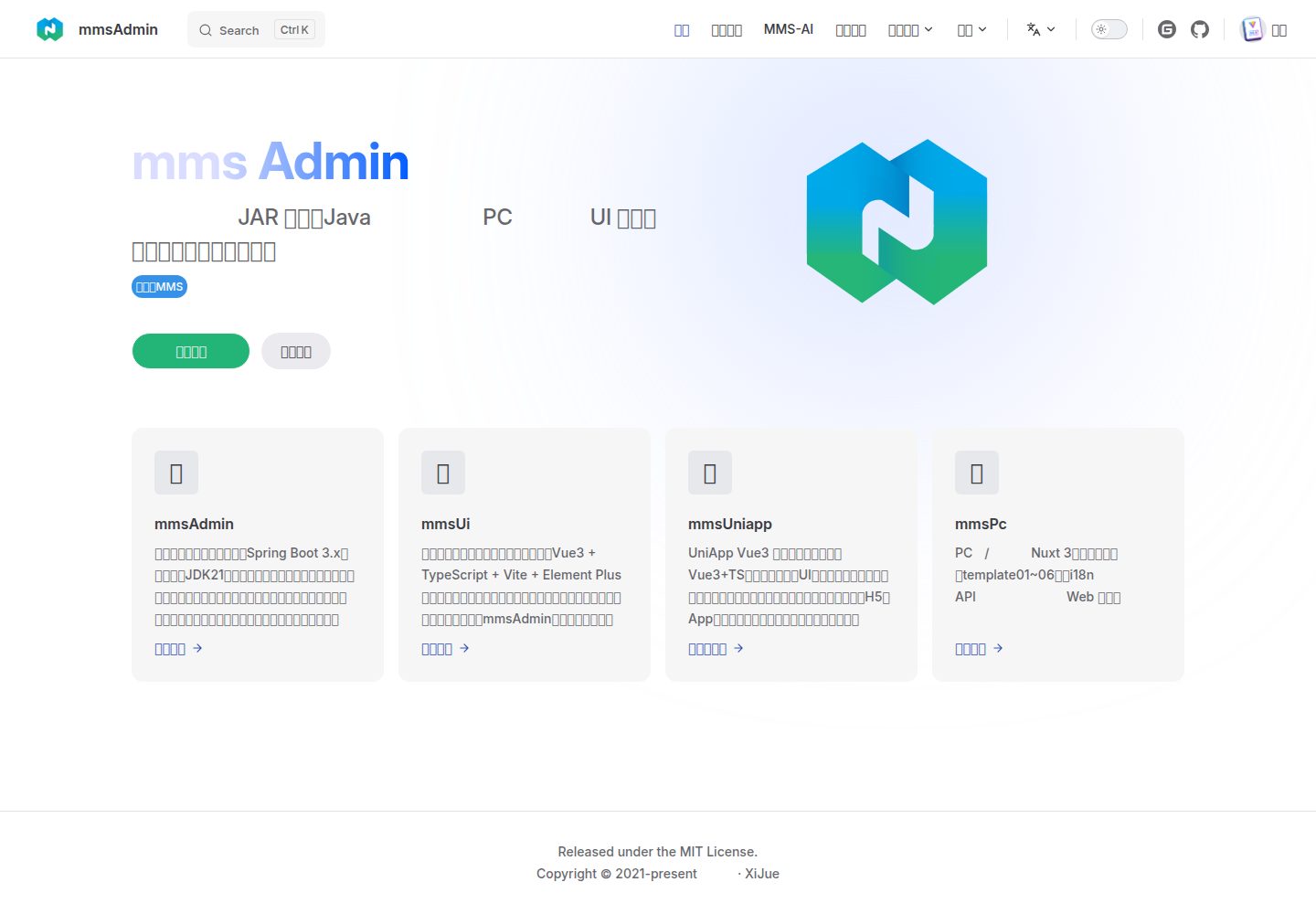
Built on Nuxt 3 and Vue 3, using server-side rendering for SEO scenarios
NuxtVueCorporate Website
mms-pc — Nuxt Business Template
By MrShanDev
mms-pc is a PC portal/official website template built on Nuxt 3, featuring 6 site templates, i18n multilingual support, and two themes (classic/modern), connecting to the MMS backend via api/config.ts.
Explore the design
Compare the page layouts and mobile experience. Open any screenshot for a closer look.
Desktop homepage1 / 2
Desktop captureTop of page
Actual screenshot captured by the server browser.
All pages & views 2
Screenshots show visual appearance; interactive behavior may differ.
Recorded 2026-10-05View source
What stands out
A quick read of the recorded project description.
Includes 6 site templates (pages/template01~06), selectable as needed
Supports i18n multilingual, with language resources centralized in the i18n/ directory
Provides two themes: classic and modern (themes/)
Includes an example API layer, with endpoint addresses centralized in api/config.ts, connecting to open interfaces such as mms/mms-admin
Uses TypeScript, with Pinia for state management and Vue Router for routing
Template Details
mms-pc is the PC web portal for MMS (Modular Management System), developed with Nuxt 3 and server-side rendering, targeting portal and official website scenarios. The repository includes 6 site templates located in pages/template01 through pages/template06; multilingual resources are in the i18n/ directory, and themes are divided into classic and modern, located in themes/. The project also includes an example API layer (api/), connecting to open interfaces such as mms/mms-admin, with endpoint addresses centralized in api/config.ts.
Technically, the project uses Nuxt 3, Vue 3, and TypeScript, with Pinia for state management, Vue Router for routing, and @nuxtjs/i18n for multilingual support. The runtime requires Node.js 18 or higher.
Usage limitations and configuration points: before deployment, modify the address constants at the top of api/config.ts, distinguishing local (LOCAL_APP_URL), development (DEV_APP_URL), and production (PROD_APP_URL, including the /prod-api path, PROD_WS_URL WebSocket); the build command is npm run build (nuxt generate), with output in .output/public, which must be uploaded to the server and API proxy rules configured. The code is MIT licensed, but third-party assets such as demo images, fonts, and icons must be checked against their respective licenses; external services like domains, hosting, and databases may incur additional charges.
NuxtVueCorporate website
Is it right for your project?
Use Cases
- Building PC pages for corporate portals or official websites
- Sites requiring multilingual support, configuring language resources via i18n/
- Switching between classic and modern themes or secondary development
- Connecting to MMS backend open interfaces, using api/config.ts to centrally manage endpoint addresses
- Generating and deploying as a static site to a server (.output/public)
Suitable For
- Corporate website or portal projects requiring a Nuxt 3 + Vue 3 tech stack
- Teams wanting to quickly start and secondary develop based on multiple ready-made templates
- Sites needing server-side rendering to improve SEO
- Portal scenarios requiring multilingual and multi-theme capabilities
Getting started & customization
Use these recorded setup notes alongside the repository instructions for your chosen version.
- 1
Requires Node.js 18+, first run npm install
- 2
For local development, use npm run local, npm run dev, or npm run prod, corresponding to different environment variables
- 3
Before deployment, modify the top of api/config.ts: LOCAL_APP_URL, DEV_APP_URL, PROD_APP_URL (including /prod-api path), and PROD_WS_URL
- 4
Build with npm run build (nuxt generate), output in .output/public; after uploading to the server, configure API proxy rules
- 5
Code is MIT licensed, but third-party assets such as demo images, fonts, and icons must be checked against their respective licenses
License & source material
Usage conditions & limitations
Free to use · keep license noticeThis entry covers the free version under the MIT license in the public repository; the free scope is the code of this version, not external services or third-party assets.
Must comply with when using
- Free use, modification, commercial use, and distribution of this version's code are permitted.
- When distributing copies or substantial portions of the code, retain the original author's copyright notice and the full MIT license notice.
- The code is provided as-is; warranties and liability limitations are governed by the original license and applicable law.
Additional costs & items to verify
- Demo images, fonts, icons, and other third-party assets must be checked against their respective licenses; they cannot be judged solely by the code's MIT license.
- External services such as domains, hosting, databases, payment, or AI may incur additional charges.
- This template requires connecting to backend open interfaces such as mms/mms-admin, with endpoint addresses centralized in api/config.ts; this is an external service dependency, and the corresponding backend must be prepared or deployed independently.
- Before deployment, the address constants at the top of api/config.ts must be modified, and the API addresses for local/development/production environments must be configured for normal use.
- In production, PROD_APP_URL (including /prod-api path) and PROD_WS_URL (WebSocket) addresses must be configured, depending on external backend and WebSocket services.
- During deployment, API proxy rules must be configured independently; otherwise, the frontend cannot access backend interfaces normally.
View Original Text Basis
Permission is hereby granted, free of charge
Original License Text
后端对接:`mms/mms-admin` 等开放接口,API 地址集中在 `api/config.ts`
Original README
在部署前,修改 `api/config.ts` 顶部的地址常量即可:
Original README
- **生产**:`PROD_APP_URL`(含 /prod-api 路径)、`PROD_WS_URL`(WebSocket)
Original README
https://github.com/MrShanDev/mms-pc/blob/master/LICENSEhttps://github.com/MrShanDev/mms-pc/blob/master/README.md4. 配置 API 接口的代理规则
Original README
Compiled by DeepSeek based on repository license and README ·2026-10-05. Results only cover the materials read; dependencies, images, fonts, and subsequent term changes are subject to their respective original texts.
Project checks & description sources
Template Information
- Source platforms
- GitHub
- Documentation and maintenance reference score
- More documented · 85 / 100
- Technologies
- Nuxt · Vue
- Website type
- Corporate Website
How this score is calculated
Our heuristic uses license records (up to 30), a demo link (12), a preview (10), stars (15), recorded maintenance (15), description completeness (8), feature records (5) and classification data (5). It is not a code, security or performance test, or a Google score. A link does not establish tested functionality.
What to verify for this project
- Repository update recorded
- 2026-10-05
- Screenshot last checked
- 2026-10-05
A demo link is listed. Check it with your own content and viewport sizes; its presence does not confirm that forms, authentication or payments work.
The catalog identifies Nuxt as the primary stack. Check the actual dependency manifest and lockfile for versions and hosting requirements. These notes use recorded metadata, not a code audit or a deployment test.
Use a selection guide →How this description was prepared
AI-assisted description based on catalog records and repository material. Repository authors are not automatically the reviewers of this description.
Review declaration: [email protected] · 2026-10-05
Inspect the recorded source material
SHA-256: a154f519467f23f0a92ddef4724de41132213226893042747471e9267cb75a2e
2026-10-05T07:12:29.813Z
Source file / repository<div align="center">
<br/>
<a href="https://mmsadmin.cn">
<img width="150" src="https://mmsadmin.cn/logo.png" alt="MMS logo">
</a>
<h1>模块化管理系统</h1>
<p>MMS · Modular Management System</p>
<p><strong>mms-pc · PC 门户 / 官网(Nuxt 3)</strong></p>
<p><a href="https://mmsadmin.cn/">📘 在线文档 · mmsadmin.cn</a> · <a href="https://gitee.com/LumeCode/mms-pc">Gitee</a> · <a href="https://github.com/MrShanDev/mms-pc">GitHub</a></p>
<br/>
</div>
[English](README.en.md) | 简体中文
`mms-pc` 是 **MMS 的 PC 端网页 / 门户**,基于 **Nuxt 3** 开发,服务端渲染带来良好的 **SEO** 表现。内置 **6 套站点模板**(`pages/template01~06`)、**i18n 多语言**(`i18n/`)、**多主题**(`themes/`:classic / modern)与示例 API 层(`api/`),面向门户与官网场景。
- 仓库:<https://gitee.com/LumeCode/mms-pc>(公开)
- 后端对接:`mms/mms-admin` 等开放接口,API 地址集中在 `api/config.ts`
---
## 技术栈
- Nuxt 3 + Vue 3 + TypeScript
- Pinia / Vue Router
- `@nuxtjs/i18n` 多语言
## 环境要求
- Node.js 18+
---
## 快速开始
```bash
npm install
# 本地开发(按环境选择其一)
npm run local # 本地环境
npm run dev # 开发环境
npm run prod # 生产配置联调
```
## 脚本说明
| 命令 | 说明 |
|------|------|
| `npm run local` / `dev` / `prod` | 以对应环境变量启动 `nuxt dev` |
| `npm run build` | 生产构建(`nuxt generate`),产物在 `.output/public` |
| `npm run generate` | 静态站点生成 |
| `npm run preview` | 本地预览构建结果 |
---
## 构建与部署
使用 `npm run build` 命令进行构建,生成的文件位于 `.output/public` 目录。
### 配置切换
在部署前,修改 `api/config.ts` 顶部的地址常量即可:
- **本地**:`LOCAL_APP_URL`
- **开发**:`DEV_APP_URL`
- **生产**:`PROD_APP_URL`(含 /prod-api 路径)、`PROD_WS_URL`(WebSocket)
### 部署步骤
1. 修改 `api/config.ts` 中的 API 配置
2. 运行 `npm run build`
3. 将 `.output/public` 目录内容上传到服务器
4. 配置 API 接口的代理规则
---
## License
MIT;详见 [LICENSE](LICENSE) 文件。
Explore similar templates
Compare previews and descriptions within the same stack and category.
landing
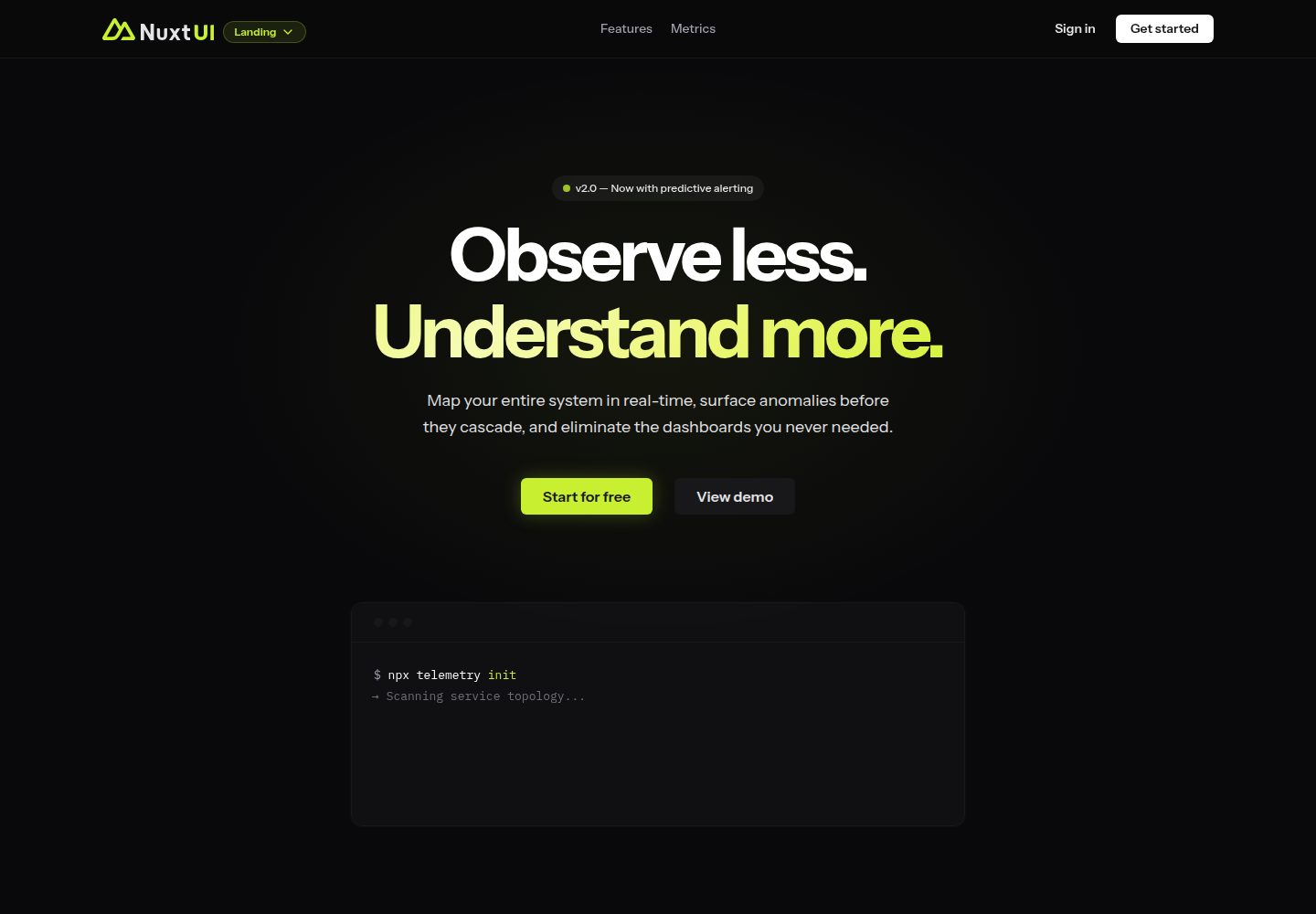
A landing page template from the official Nuxt UI repository, built with Nuxt, Nuxt UI, and Nuxt Content. It can be initialized via `npm create nuxt@latest -- -t ui/landing` or cloned and run with pnpm commands for development, build, and preview.
Nuxt · Corporate Website
tailwind-landing-page-nuxt
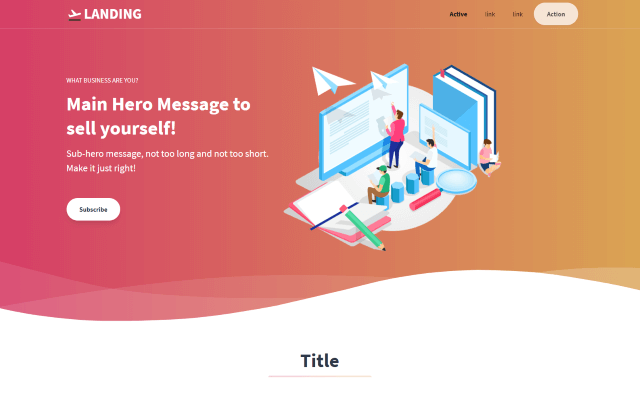
A Nuxt version of the Tailwind Toolbox Landing Page template by Vannsl, written with Tailwind CSS and organized into components such as TheHeader, Hero, Features, Prices, CallToAction, and TheFooter, with pages/index.vue as the entry.
Nuxt · Corporate Website
agence-x-unocss
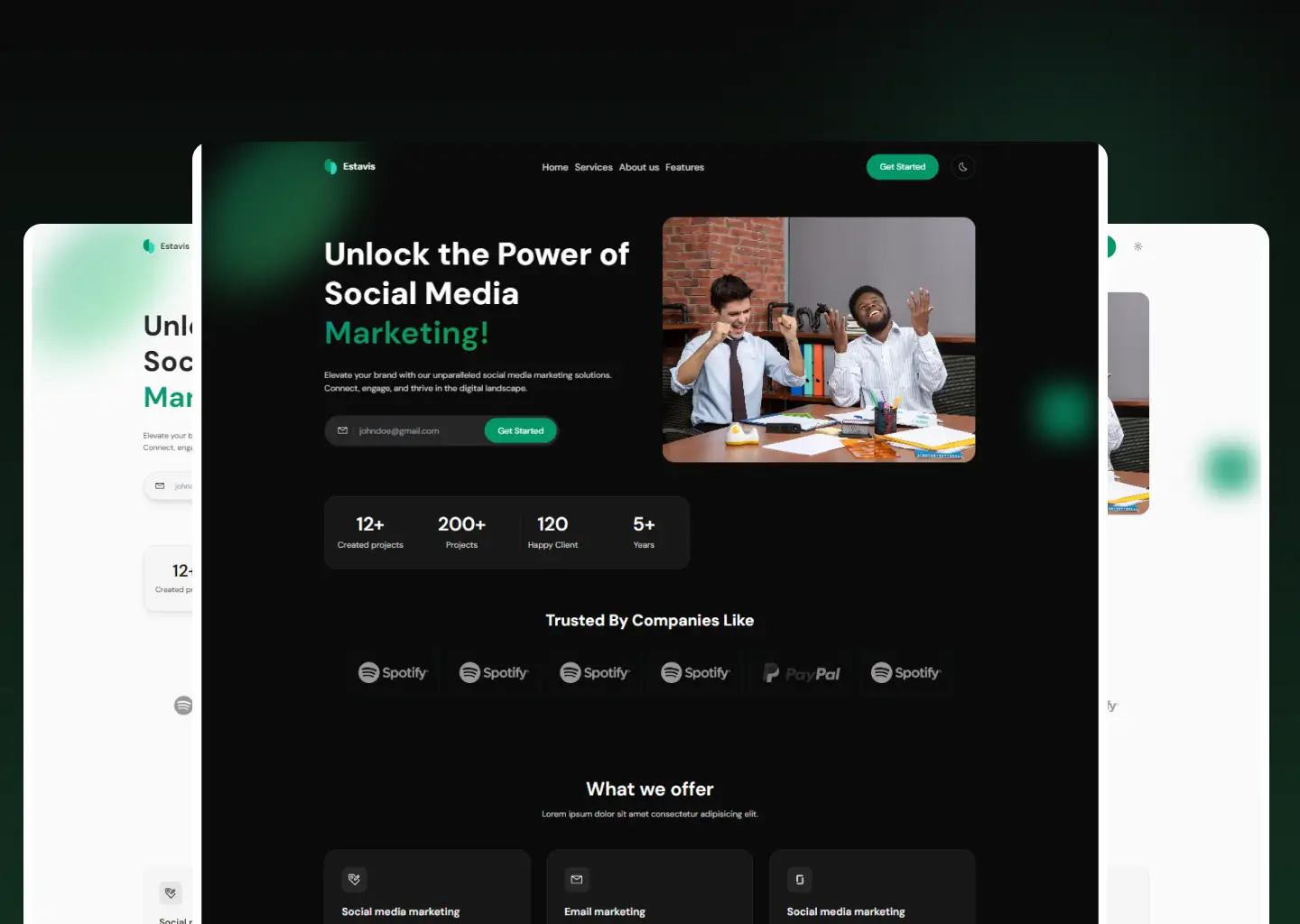
AgenceX is a corporate landing page template for digital marketing agencies, built with Nuxt and UnoCSS and organized with Unify UI Blocks.
Nuxt · Corporate Website
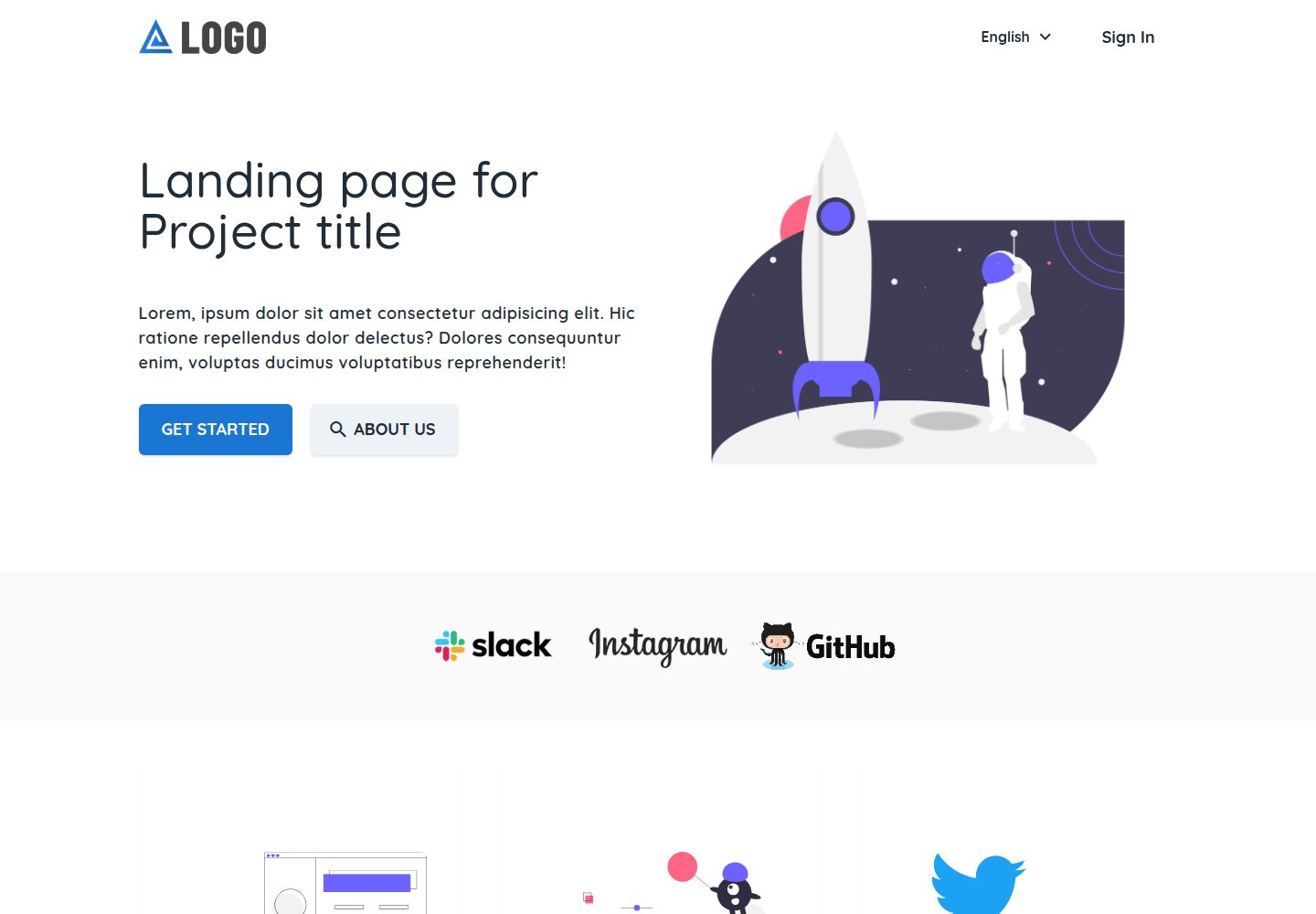
landing-template
A Nuxt landing page template by Firelayer for corporate websites and product landing pages, built with Vue and Vuetify.
Nuxt · Corporate Website
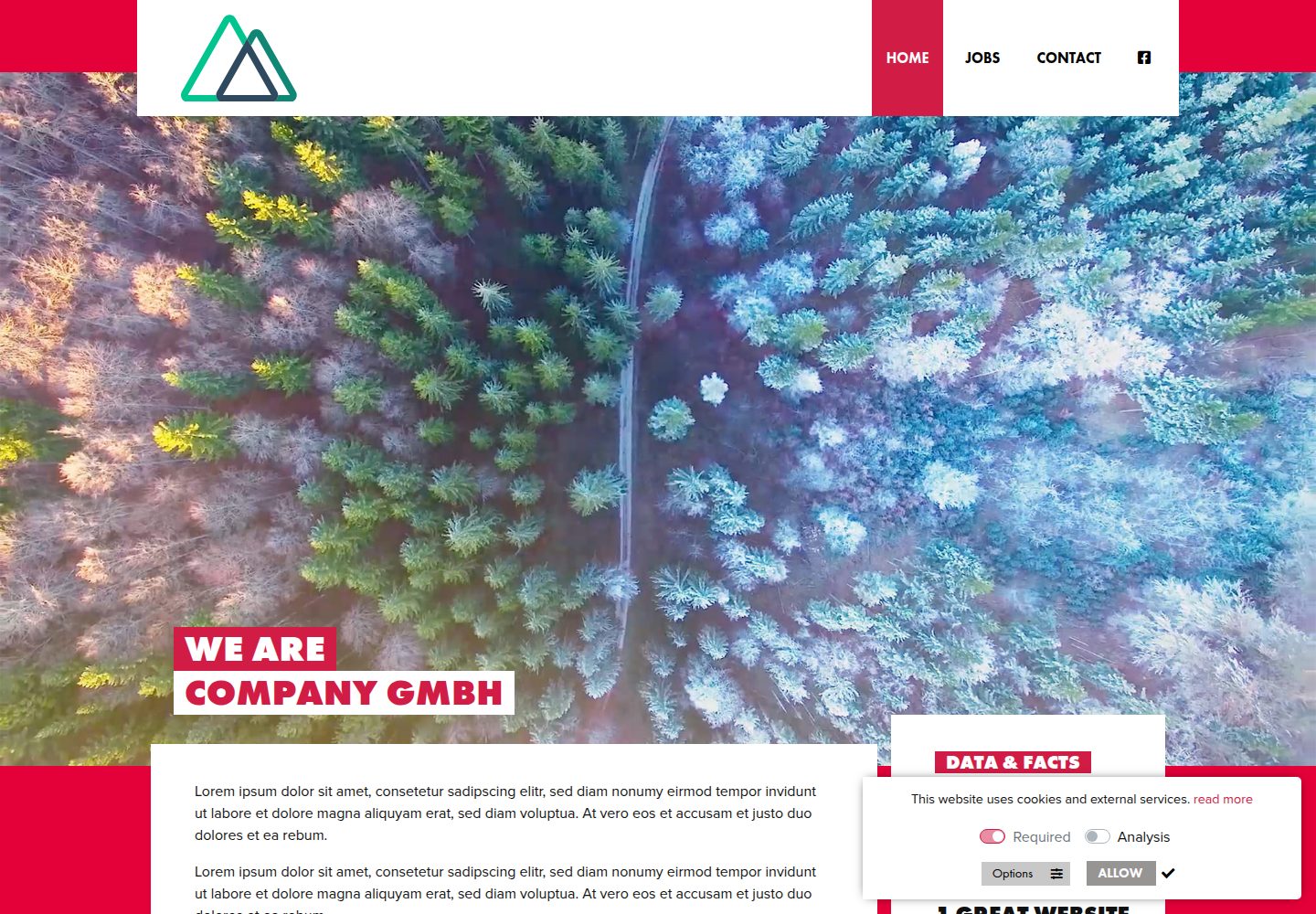
nuxt-starter-template
A Nuxt starter template for static marketing websites, with responsive images, icon fonts, sitemap, cookie notice, and a PHP contact form. Configuration is centralized in nuxt.config.js, config/infos.json, and menus.json.
Nuxt · Corporate Website
nuxt-saas-template
A Nuxt 3 SaaS template with a dual-branch structure: the main branch provides a Nuxt Pro marketing website with homepage, pricing, blog, documentation, and login/registration pages, while the master branch is a standalone React and Vite AI SEO platform interface integrating TogetherAI…
Nuxt · SaaS