
A blog template built with SvelteKit, repository nanggo/life-log, demo site blog.nanggo.net
SvelteBlog
life-log — Svelte Blog Template
By nanggo
A personal blog template built with SvelteKit, repository nanggo/life-log, MIT licensed, with GitHub Actions workflows for SEO validation and post-deployment checks.
Explore the design
Compare the page layouts and mobile experience. Open any screenshot for a closer look.
Desktop homepage1 / 3
Desktop captureTop of page
Actual screenshot captured by the server browser.
All pages & views 3
Screenshots show visual appearance; interactive behavior may differ.
Recorded 2026-10-01View source
What stands out
A quick read of the recorded project description.
Content is organized in the posts and about directories, with page structure handled by src/routes, src/lib, and src/app.html
Includes the seo-validation.yml workflow, which builds and runs the SEO validation script when content or SEO files change
Includes the seo-post-deployment.yml workflow, which verifies the live site after deployment and automatically manages GitHub issues
Validation covers duplicate meta tags, canonical, title and description length, robots.txt, and sitemap.xml
MIT licensed, permitting free use, modification, commercial use, and distribution of this version of the code
Template Details
life-log is a blog template built with SvelteKit, with the repository at nanggo/life-log on GitHub and a demo site at blog.nanggo.net. The template centers on article content: the posts and about directories in the repository hold blog posts and about page content respectively, while src/routes, src/lib, and src/app.html handle page structure and metadata rendering.
The repository's .github directory provides two automated workflows: seo-validation.yml triggers when content or SEO-related files change, builds the project, and runs scripts/seo-validation.js to check the HTML; seo-post-deployment.yml verifies the live site after a successful deployment, automatically creates or updates a GitHub issue when problems are detected, and automatically closes it once the issue is resolved. Validation covers duplicate meta tags, canonical links, title and description length, robots.txt and sitemap.xml, and required structural tags.
The local development flow is to install dependencies, build the project, and run pnpm seo:validate. The repository materials do not describe the template's visual style, component list, or specific dependency versions, nor do they provide deployment configuration instructions beyond the demo site; the licensing of third-party assets such as demo images, fonts, and icons must be checked separately.
SvelteBlog
Is it right for your project?
Use Cases
- Building a personal blog site centered on article lists and detail pages
- Automatically checking the SEO metadata of new articles through GitHub Actions during the writing workflow
- Automatically inspecting the live site's canonical, robots.txt, and sitemap.xml after deployment
- Using it as a SvelteKit project reference for how content directories and SEO validation scripts are organized
Suitable For
- Bloggers using SvelteKit who want a built-in SEO validation process
- Maintainers of personal sites who need article content and page structure managed separately
- Developers comfortable with GitHub Actions and pnpm workflows
Getting started & customization
Use these recorded setup notes alongside the repository instructions for your chosen version.
- 1
Before running locally, install dependencies and build the project, then run pnpm seo:validate for SEO validation
- 2
The workflows rely on the repository's Actions, Issues, and Pull Requests permissions, and pnpm must be available in the runtime environment
- 3
Third-party assets such as demo images, fonts, and icons must be checked under their respective licenses; the MIT license covers only this version of the code
- 4
The repository materials do not provide deployment configuration instructions beyond the demo site, so the deployment method must be confirmed independently
License & source material
Usage conditions & limitations
Free to use · keep license noticeThis entry covers the free version under the MIT license in the public repository; the free scope is this version of the code and does not mean external services or third-party assets are free.
Must comply with when using
- Free use, modification, commercial use, and distribution of this version of the code are permitted.
- When distributing copies or substantial portions of the code, retain the original author's copyright notice and the full MIT license notice.
- The code is provided as is; warranties and limitations of liability are governed by the original license and applicable law.
Additional costs & items to verify
- Demo images, fonts, icons, and other third-party assets must be checked under their respective licenses and cannot be judged solely by the code's MIT license.
- External services such as domains, hosting, databases, payments, or AI may incur separate charges.
View Original Text Basis
https://github.com/nanggo/life-log/blob/main/LICENSEhttps://github.com/nanggo/life-log/blob/main/.github/README.mdPermission is hereby granted, free of charge
Original License Text
Compiled by DeepSeek based on repository license and README ·2026-10-01. Results only cover the materials read; dependencies, images, fonts, and subsequent term changes are subject to their respective original texts.
Project checks & description sources
Template Information
- Source platforms
- GitHub
- Documentation and maintenance reference score
- Partly documented · 72 / 100
- Technologies
- Svelte
- Website type
- Blog
How this score is calculated
Our heuristic uses license records (up to 30), a demo link (12), a preview (10), stars (15), recorded maintenance (15), description completeness (8), feature records (5) and classification data (5). It is not a code, security or performance test, or a Google score. A link does not establish tested functionality.
What to verify for this project
- Repository update recorded
- 2026-09-29
- Screenshot last checked
- 2026-10-01
A demo link is listed. Check it with your own content and viewport sizes; its presence does not confirm that forms, authentication or payments work.
The catalog identifies Svelte as the primary stack. Check the actual dependency manifest and lockfile for versions and hosting requirements. These notes use recorded metadata, not a code audit or a deployment test.
Use a selection guide →How this description was prepared
AI-assisted description based on catalog records and repository material. Repository authors are not automatically the reviewers of this description.
Automatically checked against source and license rules; no manual editorial review.
Inspect the recorded source material
SHA-256: 95f21ea8d58fe12e2a65f6705299aee9754c8090e083aa628a5a29d3e52e4377
2026-10-01T00:38:24.457Z
Source file / repository# GitHub Actions Workflows
This directory contains automated workflows for maintaining the quality and SEO health of the blog.
## 📋 Available Workflows
### 1. SEO Validation (`seo-validation.yml`)
**Purpose**: Validates SEO implementation when content or SEO-related code changes
**Triggers**:
- Push to `main` or `develop` branches (only for content/SEO files)
- Pull requests to `main` or `develop` branches (only for content/SEO files)
- Manual workflow dispatch
**Monitored Paths**:
**For Push to Main (Posts):**
- `posts/**` - Blog post content (direct push workflow)
- `about/**` - About page content
- `src/routes/**`, `src/lib/**`, `src/app.html` - Structure changes
- `static/robots.txt`, `scripts/seo-validation.js` - SEO files
**For Pull Requests (Structure only):**
- `src/routes/**` - Route changes affecting SEO
- `src/lib/**` - Library changes affecting meta tags
- `src/app.html` - App template changes
- `static/robots.txt` - SEO configuration files
- `scripts/seo-validation.js` - SEO validation script updates
- `svelte.config.js`, `vite.config.js` - Build configuration
**Features**:
- ✅ Content-driven validation (only runs when needed)
- 📊 Automatic PR comments with validation results
- 📁 Report artifacts uploaded for 30 days
- ❌ Workflow fails if SEO issues are found
- 🎯 Smart path filtering (only SEO-relevant changes)
### 2. Post-Deployment SEO Check (`seo-post-deployment.yml`)
**Purpose**: Validates SEO health after successful deployments
**Triggers**:
- Deployment status events (when deployments succeed)
- Manual workflow dispatch (for production health checks)
**Features**:
- 🚀 Post-deployment validation (ensures live site SEO health)
- 🐛 Auto-creates GitHub issues when problems are detected
- ✅ Auto-closes issues when problems are resolved
- 📈 Extended artifact retention (60 days)
- 🔔 Smart issue management (updates existing issues)
**Issue Labels**: `seo`, `post-deployment`, `bug`
## 🛠 How It Works
### Content-Driven SEO Validation
**When you write a post (direct push to main):**
1. **Automatic Trigger**: Workflow runs when posts are added/modified
2. **Build & Validate**: Project builds and SEO script analyzes HTML
3. **Direct Feedback**: Get immediate feedback in workflow summary
4. **Quality Check**: Ensures new posts meet SEO standards
**When you change structure/features (via PR):**
1. **Smart Trigger**: Only runs for structure-related changes (not posts)
2. **Build & Validate**: Validates that SEO functionality still works
3. **PR Feedback**: Get immediate feedback on PR with validation results
4. **Fail Fast**: Prevents merging if SEO functionality is broken
### Post-Deployment Health Check
**After successful deployments:**
1. **Auto-Trigger**: Runs automatically after Vercel deployments
2. **Live Validation**: Validates the actual deployed site
3. **Issue Management**: Creates/updates GitHub issues for problems
4. **Auto-Resolution**: Closes issues when problems are fixed
### Monitored SEO Elements
- **Meta Tag Duplicates**: Detects conflicting meta tags
- **Canonical URLs**: Validates proper canonical link setup
- **Content Quality**: Checks title/description lengths
- **SEO Files**: Validates `robots.txt` and `sitemap.xml`
- **Structural Elements**: Ensures required tags are present
### Smart Issue Management
Post-deployment workflow intelligently manages GitHub issues:
- **Creates** new issues when SEO problems are detected in production
- **Updates** existing issues with new deployment results
- **Closes** issues automatically when problems are resolved
- **Prevents spam** by updating instead of creating duplicates
## 📊 Understanding Results
### Exit Codes
- `0`: All SEO validations passed
- `1`: SEO validation failed (has errors)
### Severity Levels
- **Error** ❌: Must be fixed (causes workflow failure)
- **Warning** ⚠️: Should be fixed (doesn't cause failure)
### Common Issues
1. **Duplicate Meta Tags**: Multiple SEO plugins/implementations
2. **Short Descriptions**: Meta descriptions under 120 characters
3. **Missing Images**: No og:image or twitter:image tags
4. **Invalid Canonical**: Malformed or incorrect canonical URLs
## 🔧 Local Development
Run SEO validation locally before pushing:
```bash
# Install dependencies
pnpm install
# Build the project
pnpm build
# Run SEO validation
pnpm seo:validate
```
## 🎯 Best Practices
### For Contributors
1. **Always run** `pnpm seo:validate` before pushing
2. **Check PR comments** for SEO validation results
3. **Fix issues** identified by the validation
4. **Use semantic commits** for SEO-related changes
### For Maintainers
1. **Monitor post-deployment issues** created when SEO problems are detected
2. **Review artifacts** for detailed analysis when needed
3. **Update validation rules** in `scripts/seo-validation.js` as needed
4. **Run manual health checks** using workflow dispatch when needed
## 📁 File Structure
```
.github/
├── README.md # This documentation
└── workflows/
├── seo-validation.yml # Content-driven validation
└── seo-post-deployment.yml # Post-deployment checks
```
## 🚀 Benefits
- **Content-Focused**: Only runs when content or SEO files change
- **Early Detection**: Catch SEO issues in PRs before merge
- **Production Monitoring**: Validates live site after deployments
- **Team Awareness**: PR comments keep everyone informed
- **Smart Automation**: No unnecessary scheduled runs or noise
## 🔍 Troubleshooting
### Workflow Fails to Run
- Check if workflows are enabled in repository settings
- Verify required permissions (Actions, Issues, Pull Requests)
- Ensure `pnpm` is available in the runner environment
### SEO Validation False Positives
- Review validation rules in `scripts/seo-validation.js`
- Check if new pages need to be added to test configuration
- Verify build output structure hasn't changed
### Missing PR Comments
- Check repository permissions for GitHub Actions
- Verify the action has permission to comment on PRs
- Look for script errors in the workflow logs
---
_Last updated: January 2025_
Explore similar templates
Compare previews and descriptions within the same stack and category.

CMSaasStarter
CMSaasStarter is an MIT-licensed SaaS starter template built with SvelteKit, TailwindCSS, DaisyUI, and Supabase, with Stripe Checkout and Stripe Portal for payments.
Svelte · Admin dashboard
sveltepress
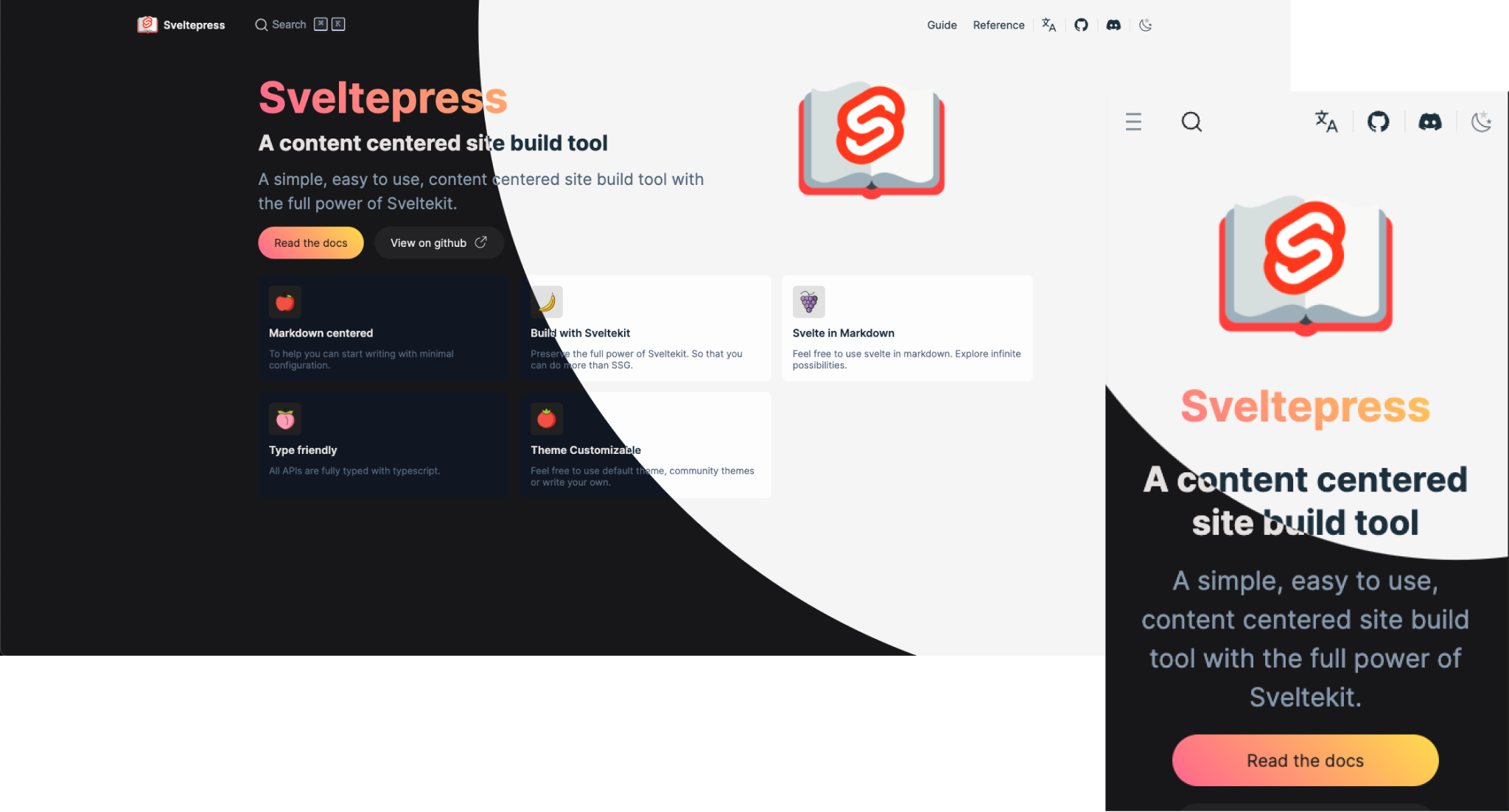
Sveltepress is a SvelteKit-based static site generator for documentation and blogs, with Markdown that can use Svelte 5 Runes, components, and interactive islands.
Svelte · Tool Site

sveltekit-blog-template
A SvelteKit blog template that uses mdsvex for Markdown content and Tailwind for styling, with a theme referencing Tailwind's Spotlight blog template.
Svelte · Blog
sveltekit-mdsvex-blog
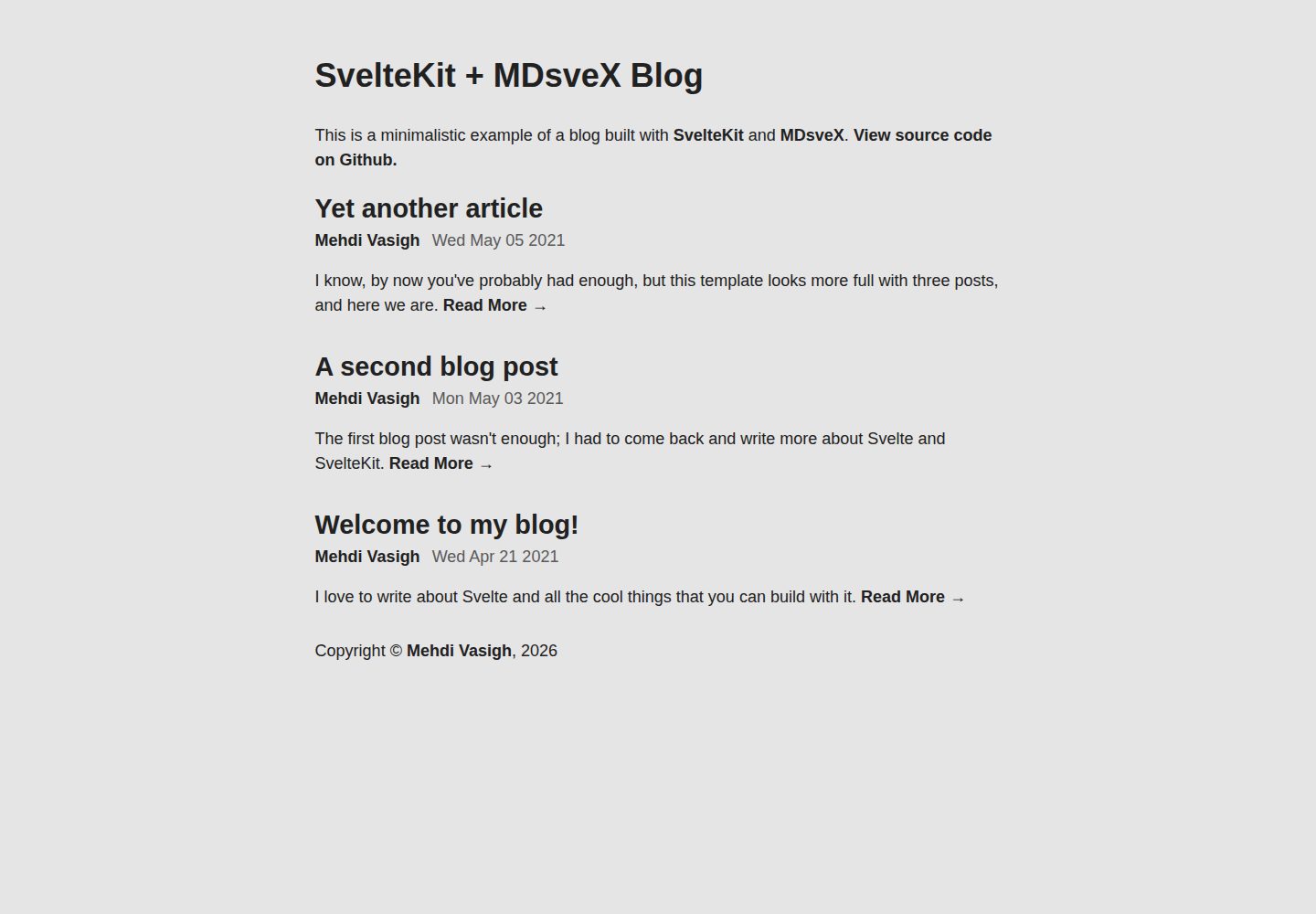
A minimal blog template built with SvelteKit and MDsveX, written in TypeScript. It supports writing articles in Markdown with embedded Svelte components, recognizes .svelte.md, .md, and .svx files, and is preconfigured with @sveltejs/adapter-static for static hosting deployment.
Svelte · Blog
tablog-svelte
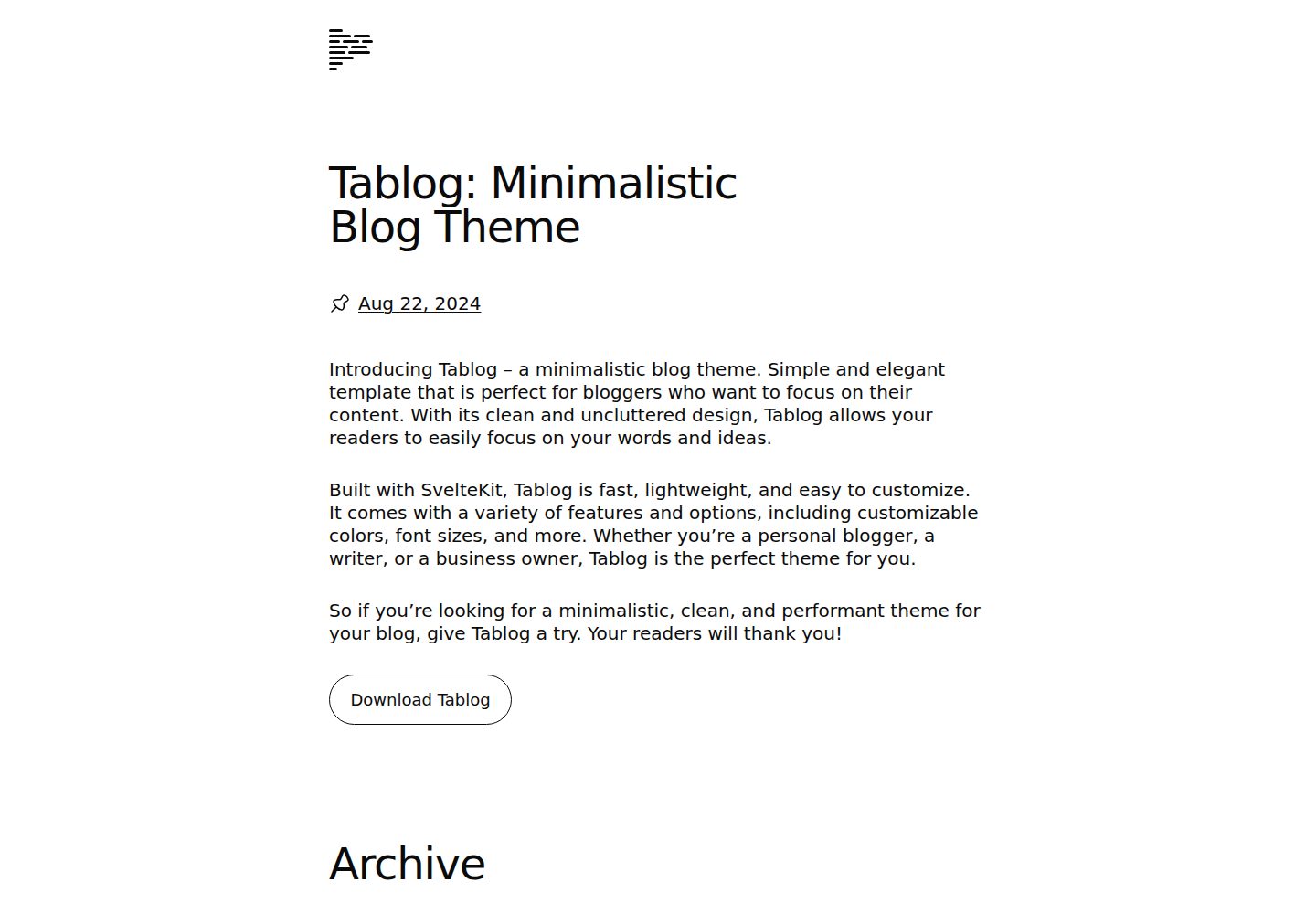
A minimalist SvelteKit blog theme that generates all content from Markdown files in /content via mdsvex, with site configuration centralized in /src/config.js. Entries with a date attribute become posts, those without become static pages, and draft: true entries are inaccessible.
Svelte · Blog

sveltekit-mdsvex-blog-template
A SvelteKit and MDsveX blog starter for Markdown writing with embedded Svelte components, Tailwind CSS typography, tags, dark mode, SEO metadata, and Cloudflare Workers deployment configuration. Requires Node.js 22.12+ and pnpm 11.17.0; third-party demo assets need separate license verification.
Svelte · Portfolio