
基于 SvelteKit 的博客模板,仓库为 nanggo/life-log,演示站点 blog.nanggo.net
Svelte博客
life-log — Svelte 博客模板
作者 nanggo
基于 SvelteKit 的个人博客模板,仓库为 nanggo/life-log,采用 MIT 许可,附带 SEO 校验与部署后检查的 GitHub Actions 工作流。
看看你的网站会是什么样
浏览真实页面截图,比较内容排版与手机效果。点击下方缩略图切换,放大查看整页细节。
全部页面与视图 3
截图用于了解视觉与布局,交互效果请以实际项目为准。
采集于 2026-10-01查看来源
值得关注的模板亮点
从已有项目资料中,快速了解它的特点。
内容以 posts 与 about 目录组织,页面结构由 src/routes、src/lib 和 src/app.html 承担
内置 seo-validation.yml 工作流,在内容或 SEO 文件变更时构建并运行 SEO 校验脚本
内置 seo-post-deployment.yml 工作流,部署成功后验证线上站点并自动管理 GitHub issue
校验项覆盖重复 meta 标签、canonical、标题与描述长度、robots.txt 和 sitemap.xml
采用 MIT 许可,允许免费使用、修改、商用和分发该版本代码
模板详细介绍
life-log 是一个用 SvelteKit 构建的博客模板,仓库位于 GitHub 的 nanggo/life-log,演示站点为 blog.nanggo.net。模板以文章内容为核心,仓库中 posts 与 about 目录分别存放博客文章和关于页内容,src/routes、src/lib 与 src/app.html 承担页面结构与元信息渲染。
仓库的 .github 目录提供了两套自动化工作流:seo-validation.yml 在内容或 SEO 相关文件变更时触发,构建项目并运行 scripts/seo-validation.js 检查 HTML;seo-post-deployment.yml 在部署成功后验证线上站点,检测到问题时自动创建或更新 GitHub issue,问题解决后自动关闭。校验范围包括重复 meta 标签、canonical 链接、标题与描述长度、robots.txt 与 sitemap.xml 以及必要的结构标签。
本地开发流程为安装依赖、构建项目、运行 pnpm seo:validate。仓库资料未说明模板的视觉风格、组件清单或具体依赖版本,也未给出除演示站点之外的部署配置说明;演示图片、字体、图标等第三方素材的许可需单独核对。
Svelte博客
适合你的项目吗?
适用场景
- 搭建以文章列表和详情页为主的个人博客站点
- 在写作流程中通过 GitHub Actions 自动检查新文章的 SEO 元信息
- 在部署后自动巡检线上页面的 canonical、robots.txt 与 sitemap.xml
- 作为 SvelteKit 项目参考其内容目录与 SEO 校验脚本的组织方式
适合人群
- 使用 SvelteKit 并希望自带 SEO 校验流程的博客作者
- 需要文章内容与页面结构分离管理的个人站点维护者
- 接受 GitHub Actions 与 pnpm 工作流的开发者
上手与定制指南
结合仓库当前版本的说明,按下面的资料检查内容、配置与运行要求。
- 1
本地运行前需安装依赖并构建项目,再执行 pnpm seo:validate 进行 SEO 校验
- 2
工作流依赖仓库的 Actions、Issues 与 Pull Requests 权限,并需运行环境中可用 pnpm
- 3
演示图片、字体、图标等第三方素材需按各自许可单独核对,MIT 许可仅覆盖该版本代码
- 4
仓库资料未提供除演示站点之外的部署配置说明,部署方式需自行确认
授权与来源资料
使用条件与限制
免费使用 · 保留许可声明本次收录的是公开仓库中采用 MIT 许可的免费版本;免费范围为该版本代码,不代表外部服务或第三方素材免费。
使用时需要遵守
- 允许免费使用、修改、商用和分发该版本代码。
- 分发代码副本或实质性部分时,保留原作者版权声明和完整 MIT 许可声明。
- 代码按现状提供;担保与责任限制以原许可证及适用法律为准。
额外费用与待核对事项
- 演示图片、字体、图标及其他第三方素材需按各自许可核对,不能仅凭代码的 MIT 许可判断。
- 域名、托管、数据库、支付或 AI 等外部服务可能另外收费。
查看原文依据
https://github.com/nanggo/life-log/blob/main/LICENSEhttps://github.com/nanggo/life-log/blob/main/.github/README.mdPermission is hereby granted, free of charge
许可证原文
DeepSeek 根据仓库许可证和 README 整理 ·2026-10-01。结果仅覆盖已读取资料,依赖、图片、字体及后续条款变更以各自原文为准。
项目核对记录与介绍依据
模板资料
- 来源平台
- GitHub
- 资料与维护参考分
- 资料一般 · 72 / 100
- 技术栈
- Svelte
- 网站类型
- 博客
这个分数如何计算
本站按许可资料(最高30分)、演示链接(12分)、预览图(10分)、Star数(15分)、记录的维护时间(15分)、描述完整度(8分)、功能记录(5分)和分类资料(5分)计算。它不是代码、安全或性能测试,也不是 Google 评分;有链接不代表已实测可用。
这个项目需要核对什么
- 记录的仓库更新时间
- 2026-09-29
- 截图检查日期
- 2026-10-01
已收录演示链接。请用你的内容与屏幕尺寸检查;有演示不代表表单、认证或支付已经可用。
目录记录的主要技术栈是 Svelte。请通过依赖清单和锁文件核对实际版本与托管要求。这些说明基于收录资料,不代表代码审计或部署实测。
查看具体选型方法 →介绍的制作与核对状态
介绍由 AI 辅助整理目录与仓库资料。仓库作者不等于这篇介绍的审核者。
已完成服务器许可规则与 AI 来源核对;未经过人工编辑审核。
查看当时使用的来源资料
SHA-256: 95f21ea8d58fe12e2a65f6705299aee9754c8090e083aa628a5a29d3e52e4377
2026-10-01T00:38:24.457Z
来源文件 / 仓库# GitHub Actions Workflows
This directory contains automated workflows for maintaining the quality and SEO health of the blog.
## 📋 Available Workflows
### 1. SEO Validation (`seo-validation.yml`)
**Purpose**: Validates SEO implementation when content or SEO-related code changes
**Triggers**:
- Push to `main` or `develop` branches (only for content/SEO files)
- Pull requests to `main` or `develop` branches (only for content/SEO files)
- Manual workflow dispatch
**Monitored Paths**:
**For Push to Main (Posts):**
- `posts/**` - Blog post content (direct push workflow)
- `about/**` - About page content
- `src/routes/**`, `src/lib/**`, `src/app.html` - Structure changes
- `static/robots.txt`, `scripts/seo-validation.js` - SEO files
**For Pull Requests (Structure only):**
- `src/routes/**` - Route changes affecting SEO
- `src/lib/**` - Library changes affecting meta tags
- `src/app.html` - App template changes
- `static/robots.txt` - SEO configuration files
- `scripts/seo-validation.js` - SEO validation script updates
- `svelte.config.js`, `vite.config.js` - Build configuration
**Features**:
- ✅ Content-driven validation (only runs when needed)
- 📊 Automatic PR comments with validation results
- 📁 Report artifacts uploaded for 30 days
- ❌ Workflow fails if SEO issues are found
- 🎯 Smart path filtering (only SEO-relevant changes)
### 2. Post-Deployment SEO Check (`seo-post-deployment.yml`)
**Purpose**: Validates SEO health after successful deployments
**Triggers**:
- Deployment status events (when deployments succeed)
- Manual workflow dispatch (for production health checks)
**Features**:
- 🚀 Post-deployment validation (ensures live site SEO health)
- 🐛 Auto-creates GitHub issues when problems are detected
- ✅ Auto-closes issues when problems are resolved
- 📈 Extended artifact retention (60 days)
- 🔔 Smart issue management (updates existing issues)
**Issue Labels**: `seo`, `post-deployment`, `bug`
## 🛠 How It Works
### Content-Driven SEO Validation
**When you write a post (direct push to main):**
1. **Automatic Trigger**: Workflow runs when posts are added/modified
2. **Build & Validate**: Project builds and SEO script analyzes HTML
3. **Direct Feedback**: Get immediate feedback in workflow summary
4. **Quality Check**: Ensures new posts meet SEO standards
**When you change structure/features (via PR):**
1. **Smart Trigger**: Only runs for structure-related changes (not posts)
2. **Build & Validate**: Validates that SEO functionality still works
3. **PR Feedback**: Get immediate feedback on PR with validation results
4. **Fail Fast**: Prevents merging if SEO functionality is broken
### Post-Deployment Health Check
**After successful deployments:**
1. **Auto-Trigger**: Runs automatically after Vercel deployments
2. **Live Validation**: Validates the actual deployed site
3. **Issue Management**: Creates/updates GitHub issues for problems
4. **Auto-Resolution**: Closes issues when problems are fixed
### Monitored SEO Elements
- **Meta Tag Duplicates**: Detects conflicting meta tags
- **Canonical URLs**: Validates proper canonical link setup
- **Content Quality**: Checks title/description lengths
- **SEO Files**: Validates `robots.txt` and `sitemap.xml`
- **Structural Elements**: Ensures required tags are present
### Smart Issue Management
Post-deployment workflow intelligently manages GitHub issues:
- **Creates** new issues when SEO problems are detected in production
- **Updates** existing issues with new deployment results
- **Closes** issues automatically when problems are resolved
- **Prevents spam** by updating instead of creating duplicates
## 📊 Understanding Results
### Exit Codes
- `0`: All SEO validations passed
- `1`: SEO validation failed (has errors)
### Severity Levels
- **Error** ❌: Must be fixed (causes workflow failure)
- **Warning** ⚠️: Should be fixed (doesn't cause failure)
### Common Issues
1. **Duplicate Meta Tags**: Multiple SEO plugins/implementations
2. **Short Descriptions**: Meta descriptions under 120 characters
3. **Missing Images**: No og:image or twitter:image tags
4. **Invalid Canonical**: Malformed or incorrect canonical URLs
## 🔧 Local Development
Run SEO validation locally before pushing:
```bash
# Install dependencies
pnpm install
# Build the project
pnpm build
# Run SEO validation
pnpm seo:validate
```
## 🎯 Best Practices
### For Contributors
1. **Always run** `pnpm seo:validate` before pushing
2. **Check PR comments** for SEO validation results
3. **Fix issues** identified by the validation
4. **Use semantic commits** for SEO-related changes
### For Maintainers
1. **Monitor post-deployment issues** created when SEO problems are detected
2. **Review artifacts** for detailed analysis when needed
3. **Update validation rules** in `scripts/seo-validation.js` as needed
4. **Run manual health checks** using workflow dispatch when needed
## 📁 File Structure
```
.github/
├── README.md # This documentation
└── workflows/
├── seo-validation.yml # Content-driven validation
└── seo-post-deployment.yml # Post-deployment checks
```
## 🚀 Benefits
- **Content-Focused**: Only runs when content or SEO files change
- **Early Detection**: Catch SEO issues in PRs before merge
- **Production Monitoring**: Validates live site after deployments
- **Team Awareness**: PR comments keep everyone informed
- **Smart Automation**: No unnecessary scheduled runs or noise
## 🔍 Troubleshooting
### Workflow Fails to Run
- Check if workflows are enabled in repository settings
- Verify required permissions (Actions, Issues, Pull Requests)
- Ensure `pnpm` is available in the runner environment
### SEO Validation False Positives
- Review validation rules in `scripts/seo-validation.js`
- Check if new pages need to be added to test configuration
- Verify build output structure hasn't changed
### Missing PR Comments
- Check repository permissions for GitHub Actions
- Verify the action has permission to comment on PRs
- Look for script errors in the workflow logs
---
_Last updated: January 2025_
看看同类模板
对比同技术栈与用途的模板,找到更适合的视觉与内容结构。

CMSaasStarter
A modern SaaS template/boilerplate built with SvelteKit, Tailwind, and Supabase. Includes marketing page, blog…
Svelte · 后台
sveltepress
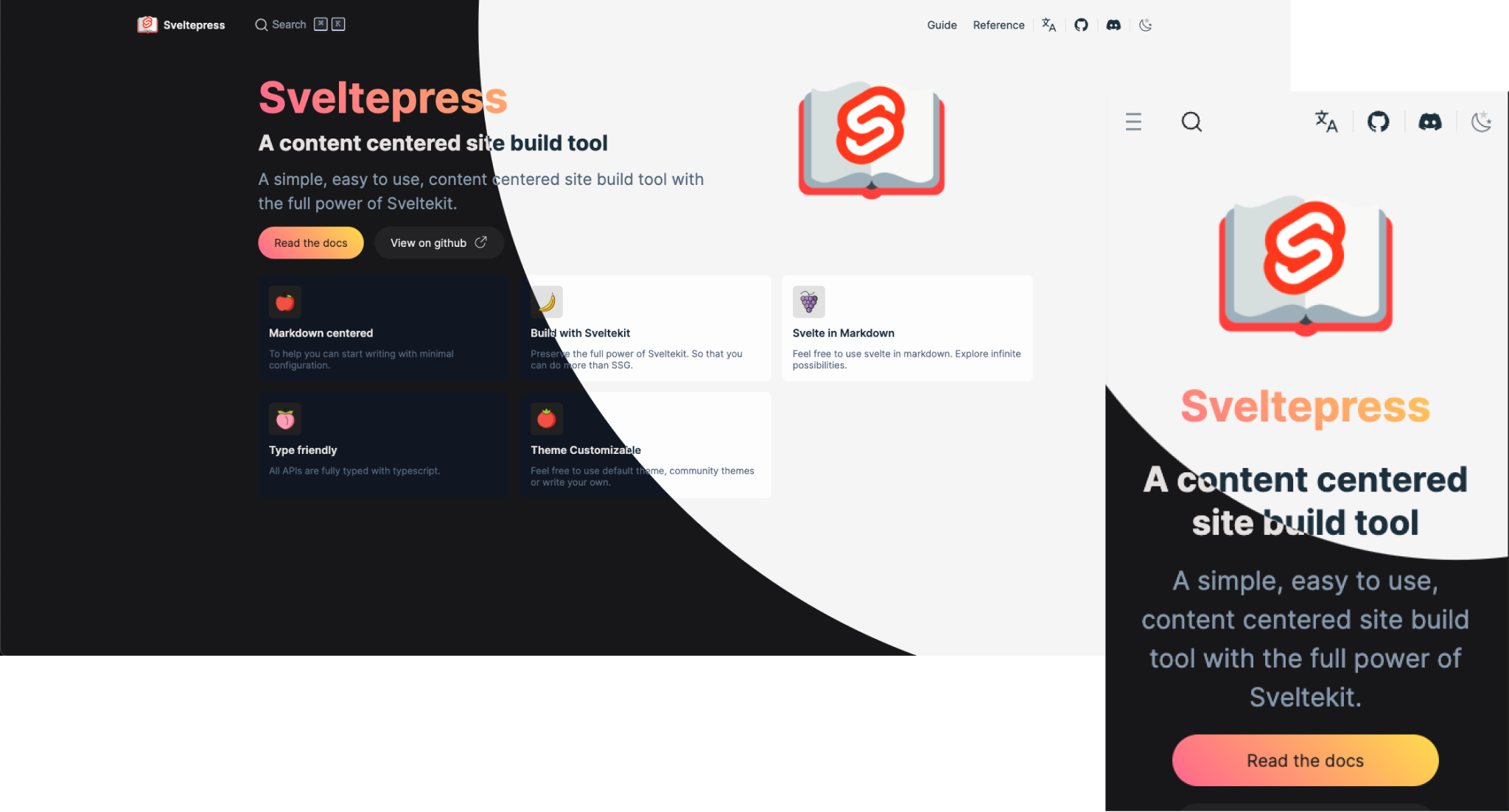
Sveltepress 是一个建立在 SvelteKit 之上的文档与博客静态站点生成工具,思路接近 VitePress,但保留了完整的 SvelteKit 能力面(SSR、适配器、服务端路由、hooks)。
Svelte · 工具站
sveltekit-blog-template
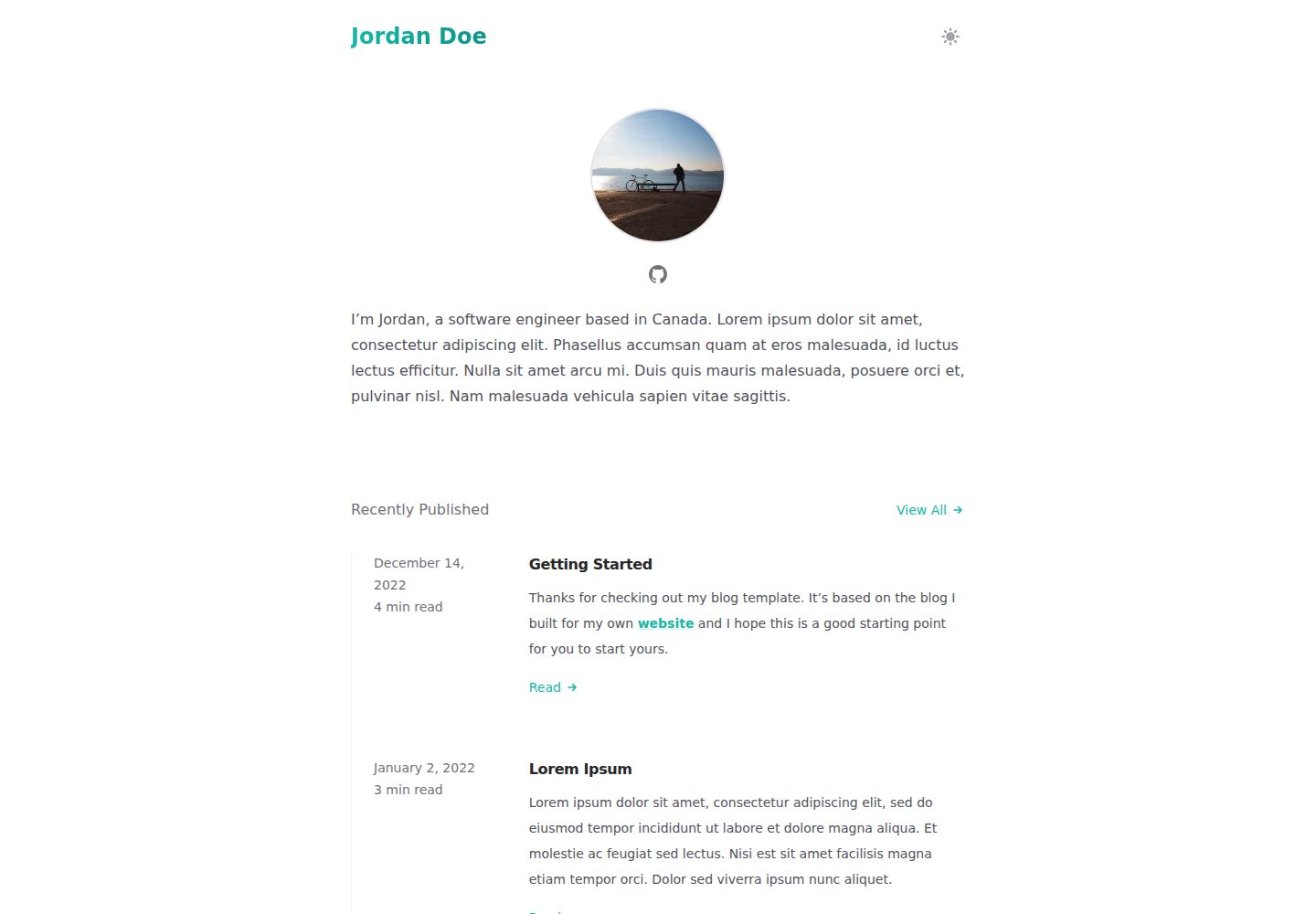
A SvelteKit blog template
Svelte · 博客
sveltekit-mdsvex-blog
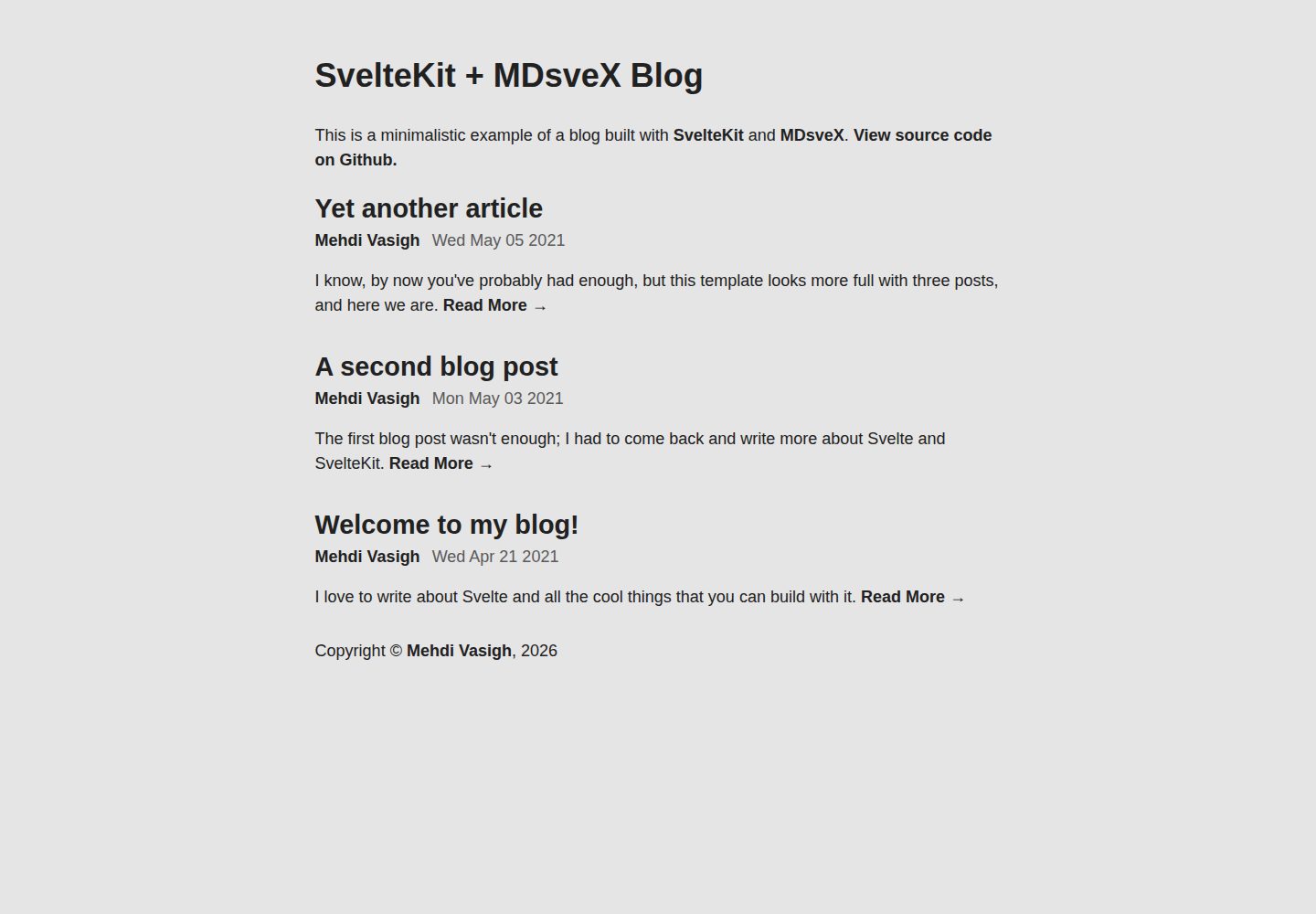
A minimalistic blog template built with SvelteKit and MDsveX
Svelte · 博客
tablog-svelte
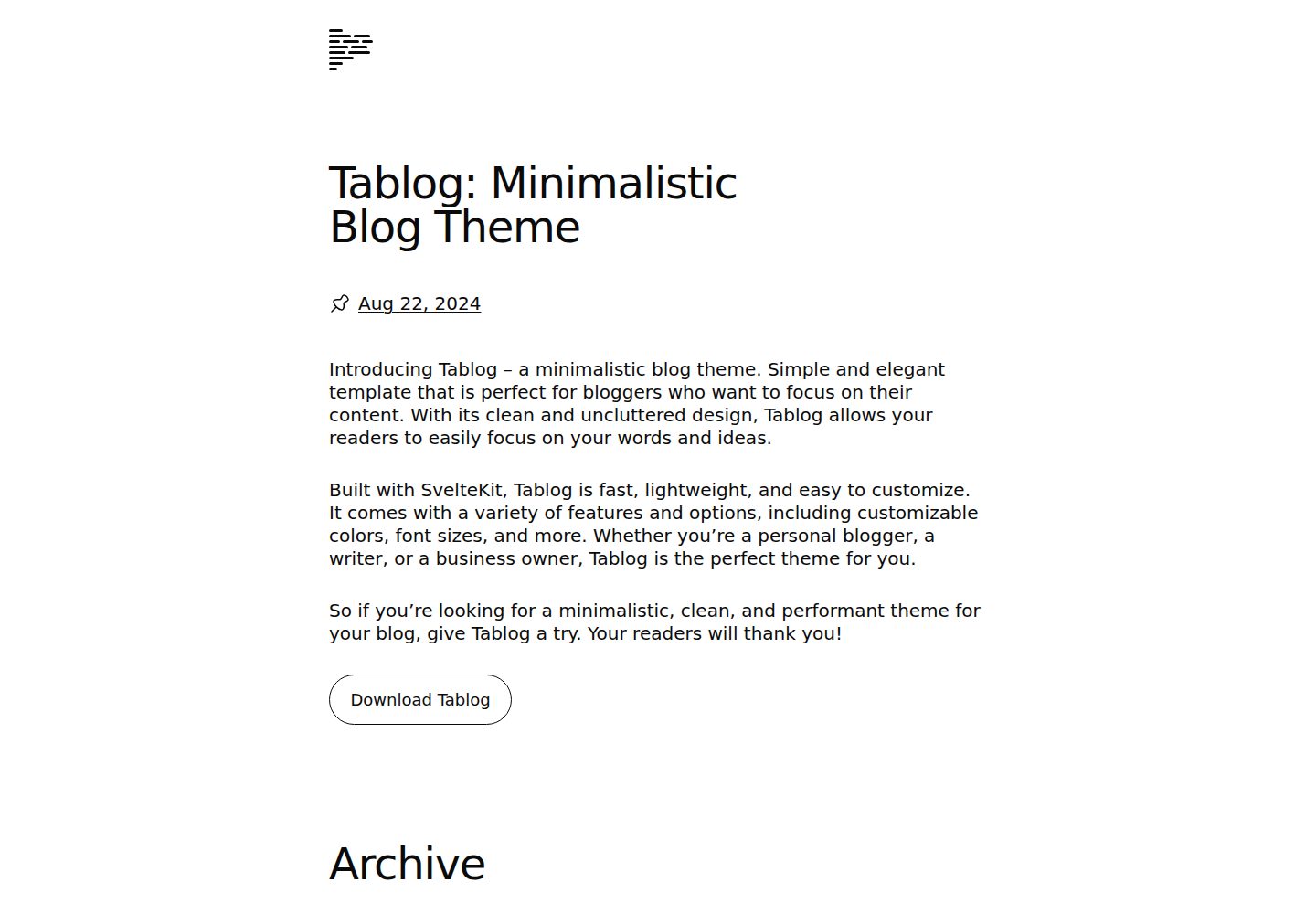
Tablog reimagined in Svelte/SvelteKit, a lightweight blogging setup powered entirely by Markdown.
Svelte · 博客

sveltekit-mdsvex-blog-template
MDsveX blog starter template built with Sveltekit & Tailwind
Svelte · 作品集