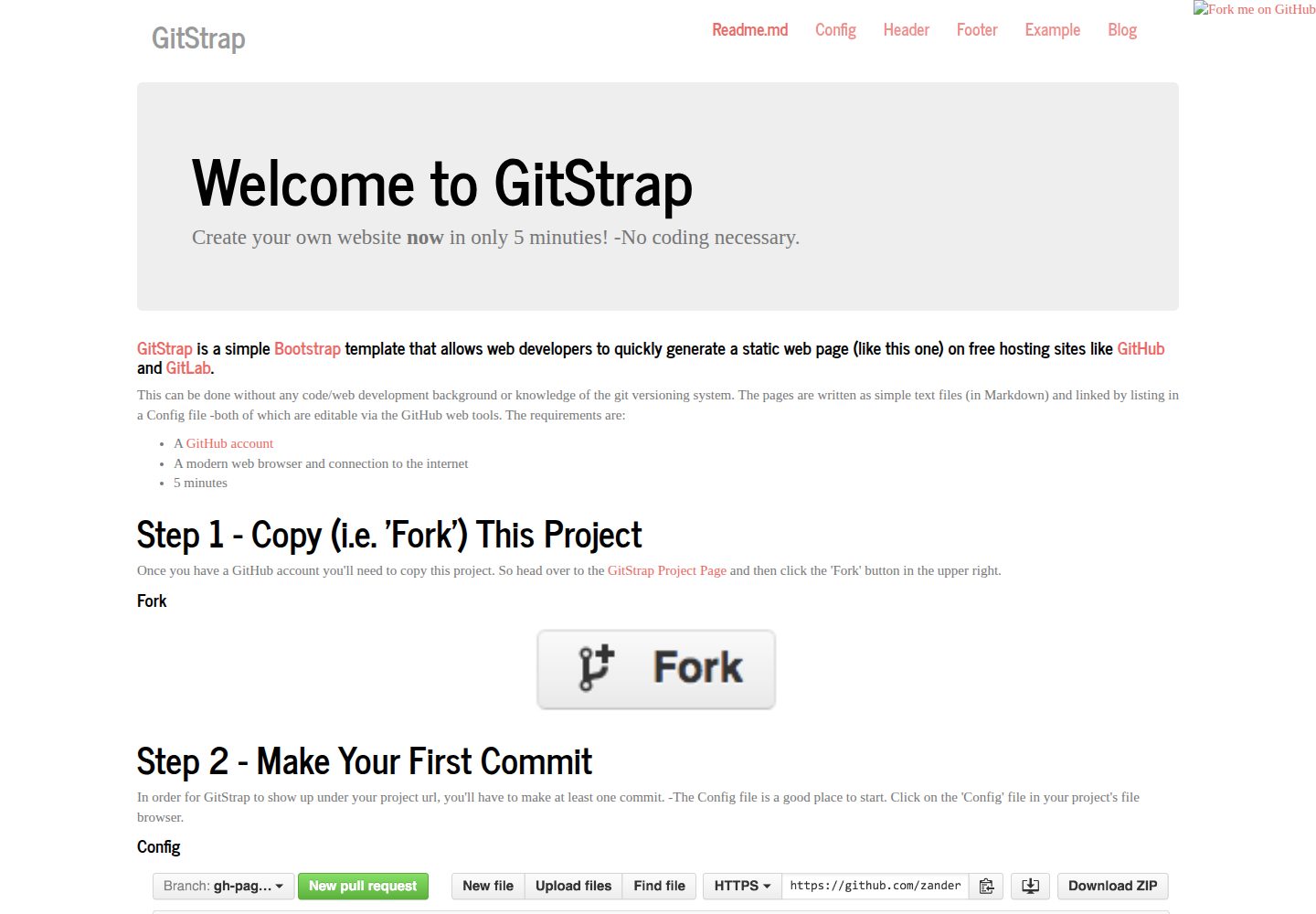
Bootstrap-based static website template that renders Markdown in the browser using JavaScript
HTMLTool Site
GitStrap — HTML Tool Template
By nckz
GitStrap is a Bootstrap-based static website template that generates pages from Markdown text files and a Config configuration file, and can be published on free hosting such as GitHub Pages. It is suitable for users without a coding background.
Explore the design
Compare the page layouts and mobile experience. Open any screenshot for a closer look.
Desktop homepage1 / 2
Desktop captureTop of page
Actual screenshot captured by the server browser.
All pages & views 2
Screenshots show visual appearance; interactive behavior may differ.
Recorded 2026-10-03View source
What stands out
A quick read of the recorded project description.
Page content is in Markdown text files, while site navigation and title are managed by the Config configuration file
All editing can be done in the GitHub web interface, with no local development environment or Git command line required
Can be deployed on free hosting services such as GitHub Pages and GitLab
Images support specifying width, height and automatic scaling through Markdown syntax
Uses the MIT license, allowing free use, modification, commercial use and distribution
Template Details
GitStrap is a simple Bootstrap-themed static website generation template that uses JavaScript to render Markdown text into web pages in the browser. Page content is written in Markdown files, while navigation and site title are managed centrally through a configuration file named Config. Both can be edited directly in the GitHub web interface, without a local development environment or knowledge of Git command-line tools.
The workflow is: first fork the repository, edit the Config file on the GitHub web interface and commit one change, then visit https://<username>.github.io/GitStrap/ to view the generated example site. After that, you can add or modify content through the "New file", "Upload files" and edit buttons; after adding a new page file, you need to add that file to the page list in the "Pages / Navigation" section of Config, otherwise it will not appear in the navigation.
Content is in Markdown format. Images are uploaded to the images folder via "Upload file" and inserted using syntax such as , where width, height and automatic scaling can be specified. The repository uses the MIT license, so the code can be used, modified, used commercially and distributed for free, but third-party assets such as demo images, fonts and icons need to be checked separately for licensing.
HTMLTool site
Is it right for your project?
Use Cases
- Quickly build a personal static site or project introduction page on GitHub Pages
- Maintain website content through a web interface without familiarity with Git and front-end development
- Write documentation in Markdown and automatically generate web pages with navigation
- Publish lightweight static pages on a free hosting platform
Suitable For
- Users without a coding or web development background who want to publish web pages using Markdown
- Individuals or small teams that need free static hosting and can accept the GitHub web editing workflow
- Developers who want to quickly build documentation or showcase pages with a Bootstrap theme
Getting started & customization
Use these recorded setup notes alongside the repository instructions for your chosen version.
- 1
A GitHub account is required, and the repository must be forked to your own account
- 2
The site will appear at https://<username>.github.io/GitStrap/ only after at least one change is committed (for example, editing the Config file)
- 3
After adding a new page file, a corresponding entry must be added in the "Pages / Navigation" section of the Config file
- 4
Images need to be uploaded to the images folder and referenced using Markdown image syntax
- 5
Licenses for third-party assets such as demo images, fonts and icons need to be checked separately; the MIT license covers only the code
License & source material
Usage conditions & limitations
Free to use · keep license noticeThis entry covers the free version under the MIT license in the public repository; the free scope is the code of this version and does not mean that external services or third-party assets are free.
Must comply with when using
- The code of this version may be used, modified, used commercially and distributed for free.
- When distributing copies or substantial portions of the code, retain the original author's copyright notice and the full MIT license notice.
- The code is provided as is; warranties and limitations of liability are governed by the original license and applicable law.
Additional costs & items to verify
- Using this template requires registering and owning a GitHub account; all editing and publishing workflows depend on the GitHub web interface.
- At least one change must be committed (for example, editing the Config file) before the site will appear under your GitHub Pages address.
- After adding a new page file, a corresponding entry must be manually added in the "Pages / Navigation" section of the Config file, otherwise the page will not appear in the navigation.
- Demo images, fonts, icons and other third-party assets must be checked according to their respective licenses and cannot be judged solely by the code's MIT license.
- External services such as domains, hosting, databases, payments or AI may incur separate charges.
View Original Text Basis
Permission is hereby granted, free of charge
Original License Text
A [GitHub account](https://github.com/join?source=header-home)
Original README
In order for GitStrap to show up under your project url, you'll have to make at least one commit.
Original README
https://github.com/nckz/GitStrap/blob/gh-pages/LICENSEhttps://github.com/nckz/GitStrap/blob/gh-pages/Readme.mdmake sure to add that file to the list of pages under the "Pages / Navigation" heading in the '[Config](?page=Config#pagesandnav)' file.
Original README
Compiled by DeepSeek based on repository license and README ·2026-10-03. Results only cover the materials read; dependencies, images, fonts, and subsequent term changes are subject to their respective original texts.
Project checks & description sources
Template Information
- Source platforms
- GitHub
- Documentation and maintenance reference score
- Partly documented · 68 / 100
- Technologies
- HTML
- Website type
- Tool Site
How this score is calculated
Our heuristic uses license records (up to 30), a demo link (12), a preview (10), stars (15), recorded maintenance (15), description completeness (8), feature records (5) and classification data (5). It is not a code, security or performance test, or a Google score. A link does not establish tested functionality.
What to verify for this project
- Repository update recorded
- 2016-07-08
- Screenshot last checked
- 2026-10-03
A demo link is listed. Check it with your own content and viewport sizes; its presence does not confirm that forms, authentication or payments work.
The catalog identifies HTML as the primary stack. Check the actual dependency manifest and lockfile for versions and hosting requirements. These notes use recorded metadata, not a code audit or a deployment test.
Use a selection guide →How this description was prepared
AI-assisted description based on catalog records and repository material. Repository authors are not automatically the reviewers of this description.
Automatically checked against source and license rules; no manual editorial review.
Inspect the recorded source material
SHA-256: e0b000b6f64d02d8a9d7f3665b81683a10b7a7d1be552a9d187e4e79fb8de9cb
2026-10-03T04:55:30.313Z
Source file / repository#### [GitStrap](#) is a simple [Bootstrap](http://getbootstrap.com/) template that allows web developers to quickly generate a static web page (like this one) on free hosting sites like [GitHub](http://github.com) and [GitLab](http://gitlab.com).
This can be done without any code/web development background or knowledge of
the git versioning system. The pages are written as simple text files (in
Markdown) and linked by listing in a Config file -both of which are editable
via the GitHub web tools. The requirements are:
* A [GitHub account](https://github.com/join?source=header-home)
* A modern web browser and connection to the internet
* 5 minutes
# Step 1 - Copy (i.e. 'Fork') This Project
Once you have a GitHub account you'll need to copy this project. So head over
to the [GitStrap Project Page](https://github.com/nckz/GitStrap) and then
click the 'Fork' button in the upper right.
#### Fork

# Step 2 - Make Your First Commit
In order for GitStrap to show up under your project url, you'll have to make at
least one commit. -The Config file is a good place to start. Click on the
'Config' file in your project's file browser.
#### Config

Then click the edit button (the pencil icon) in the upper right hand corner.
#### Edit

Rename the website by modifying the "Site Title" option. When you're finished
Scroll to the bottom of the page and submit your changes by clicking the
"Commit changes" button.
#### Commit

# Step 3 - Check Your GitHub URL
Point your browser to the following address (replacing the `<username>` with your
GitHub username):
https://<username>.github.io/GitStrap/
At this point you should see the sample GitStrap webpage with this 'Readme.md'
file displayed.
# Step 4 - Add Your Own Content
You can now start to add your own content via the "New file", "Upload files" and
'edit' (pencil button) capabilities within the GitHub website.
#### New File, Upload Files

You can start by modifying the text in any of the existing documents:
'Readme.md', 'Header', 'Footer', and 'Example'. If you create a new page file
using the "New file" button, make sure to add that file to the list of pages
under the "Pages / Navigation" heading in the
'[Config](?page=Config#pagesandnav)' file.
## Markdown
Your text content should be written in the Markdown format. Markdown is a
simple way of formatting text without requiring any knowledge of html or css.
For a quick intro to Markdown you can start
[here](https://github.com/adam-p/markdown-here/wiki/Markdown-Cheatsheet)
and
[here](https://daringfireball.net/projects/markdown/).
## Images
Use the "Upload file" button to add images. For organization sake, upload your
new images to the existing 'images' folder. Images can then be added to your
site pages with the following Markdown tag:
#### ``
Where the '`100%`' means *scale the image to fit the width of the page*. The
'`x`' separates the image width and height parameters and the '`*`' means auto
scale the height. The '`centerImage`' tag is optional and centers the image on
the page horizontally. The '`images/img_03.jpg`' refers to an image file
('img_03.jpg') stored in the 'images' folder.

Other options may look like these:
```
 simple, assumes units are in px
 sets the height to "auto"
 image with width of 80% and height of 5em
```
For more information on markdown syntax visit the
[Showdown project page](https://github.com/showdownjs/showdown).
Explore similar templates
Compare previews and descriptions within the same stack and category.
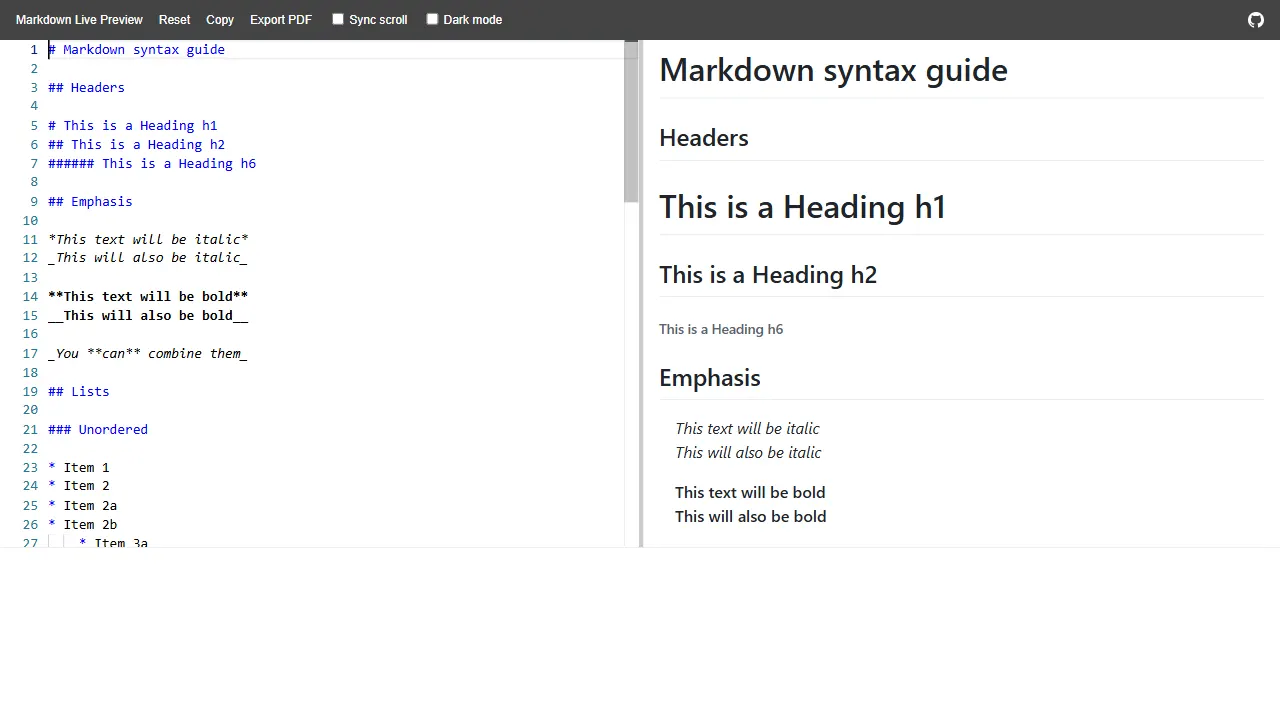
markdown live preview
An open-source Markdown live preview tool built with HTML, offering an online demo and a simple structure. It is suitable as a starting point for text-processing tool sites, Markdown editors, or front-end interaction prototypes.
HTML · Tool Site
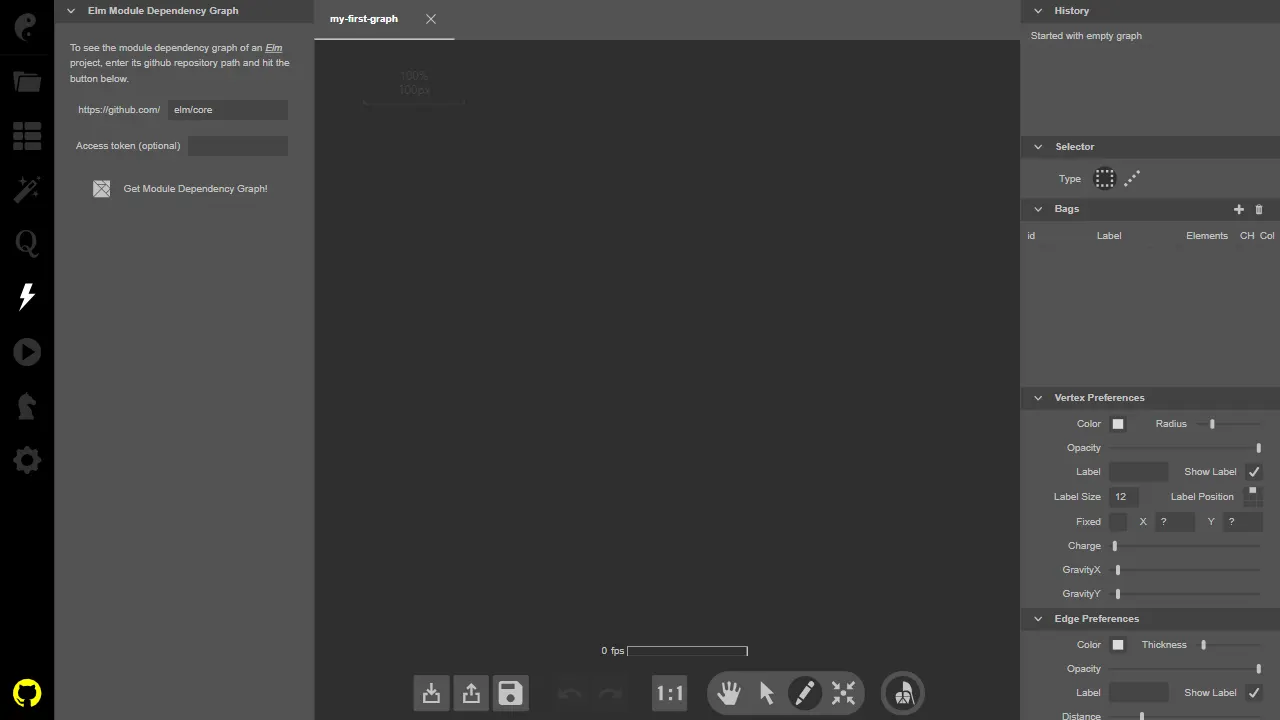
kite
Kite is an open-source, Elm-based interactive graph theory visualization tool with a live online demo.
HTML · Tool Site
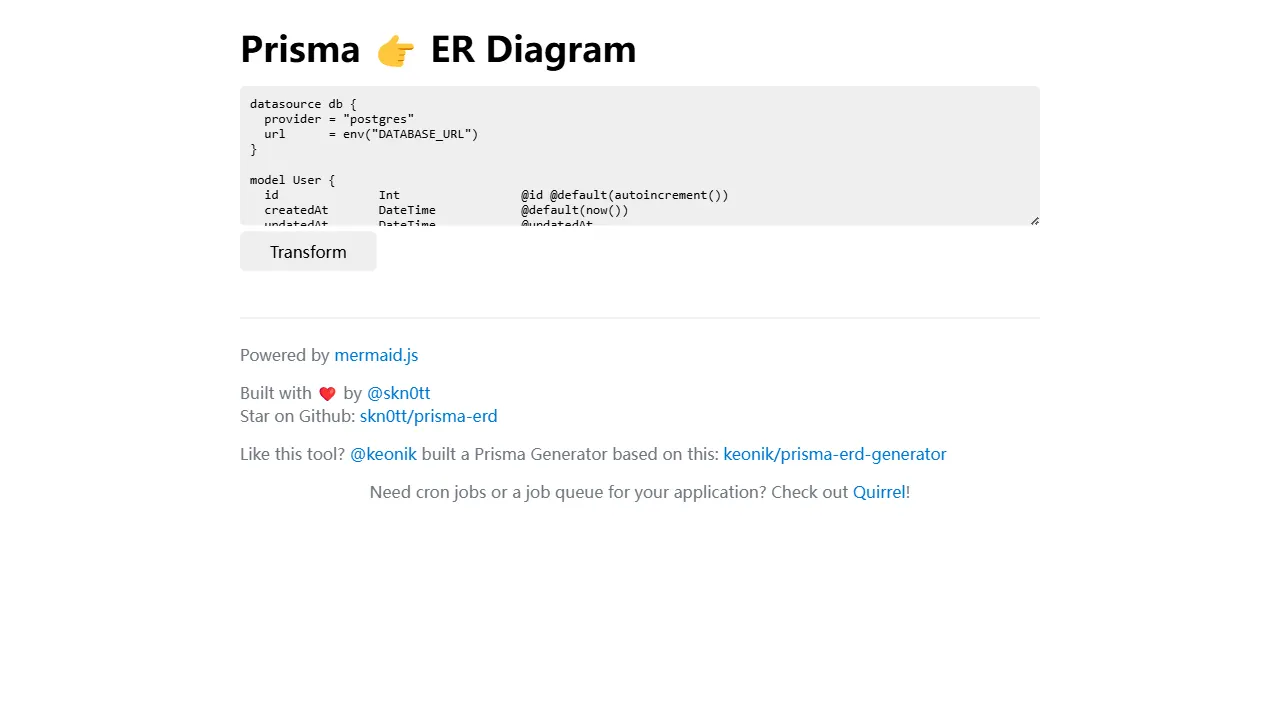
prisma erd
Prisma ERD is a pure front-end online tool that parses Prisma schemas and renders entity-relationship diagrams, helping developers quickly preview data models and share designs.
HTML · Tool Site
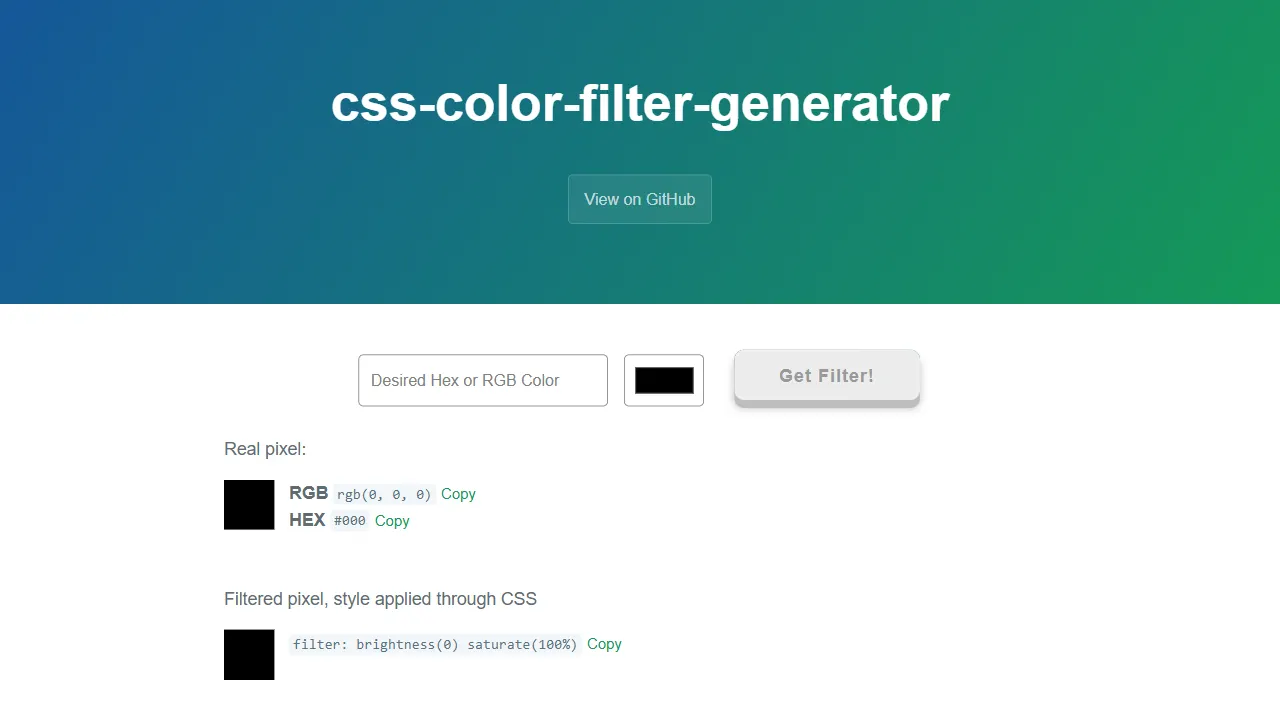
css color filter generator
An open-source, pure HTML tool site that converts any color into CSS filter values, with RGB input support and a live online demo. It references Barrett Sonntag's algorithm and extends it with interface optimizations.
HTML · Tool Site
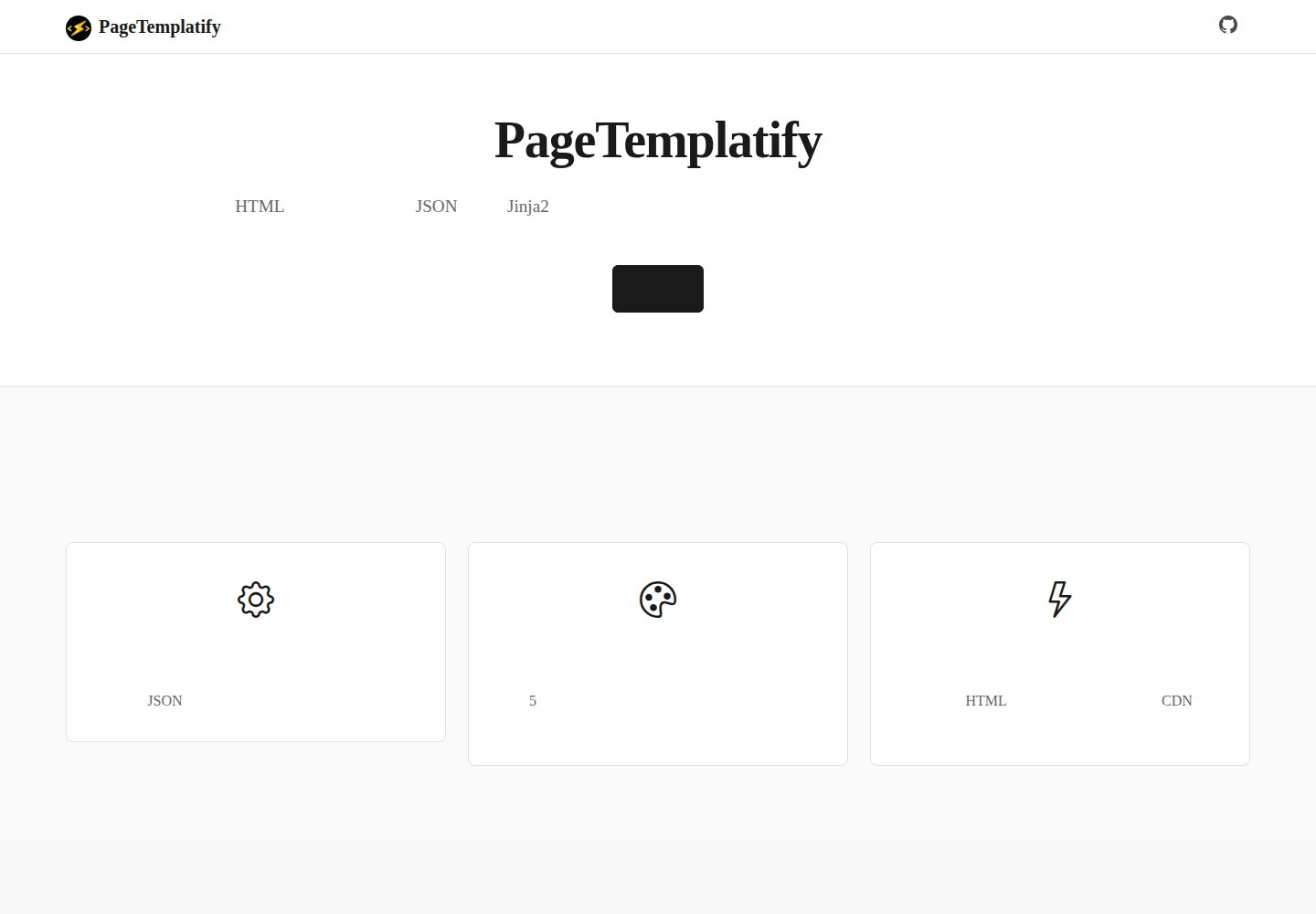
PageTemplatify
PageTemplatify is a Python and Jinja2 static HTML generator driven by JSON configuration, with five built-in themes for corporate websites, SaaS, e-commerce, blogs, and news.
HTML · Tool Site
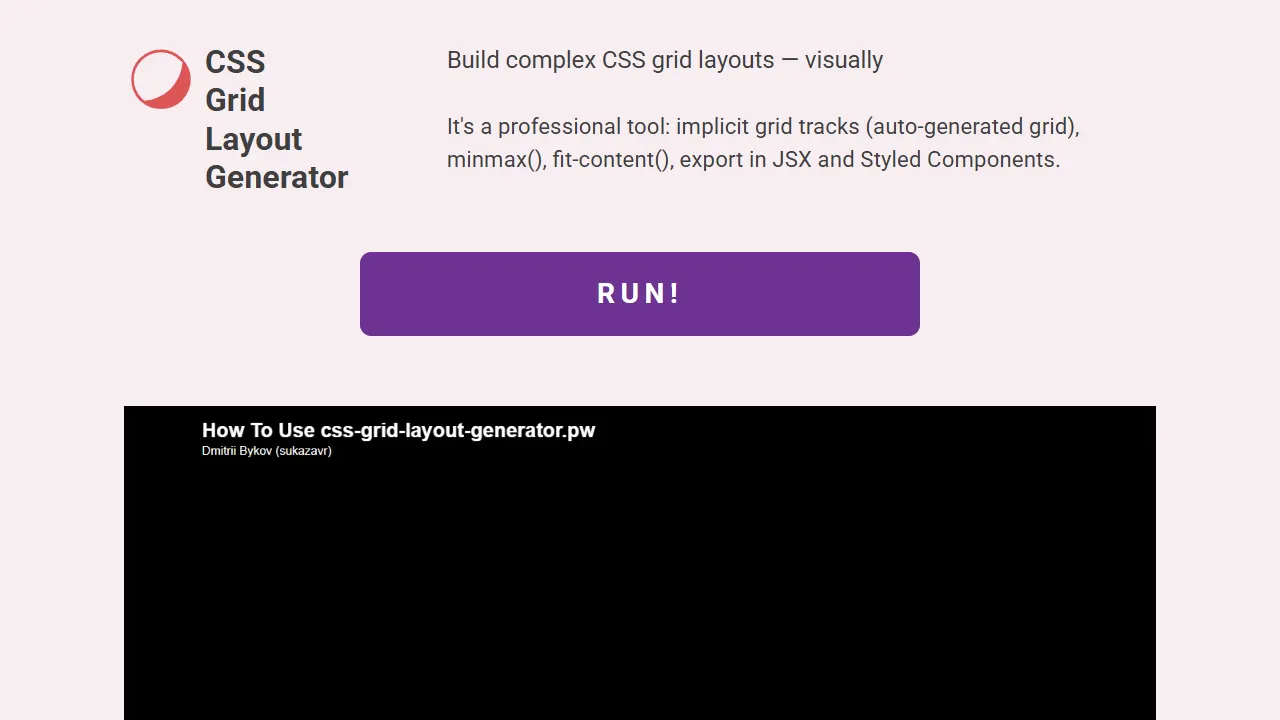
css grid layout generator
An open-source visual tool site for building complex CSS Grid layouts through a graphical interface and exporting HTML/CSS code, with a live online demo.
HTML · Tool Site