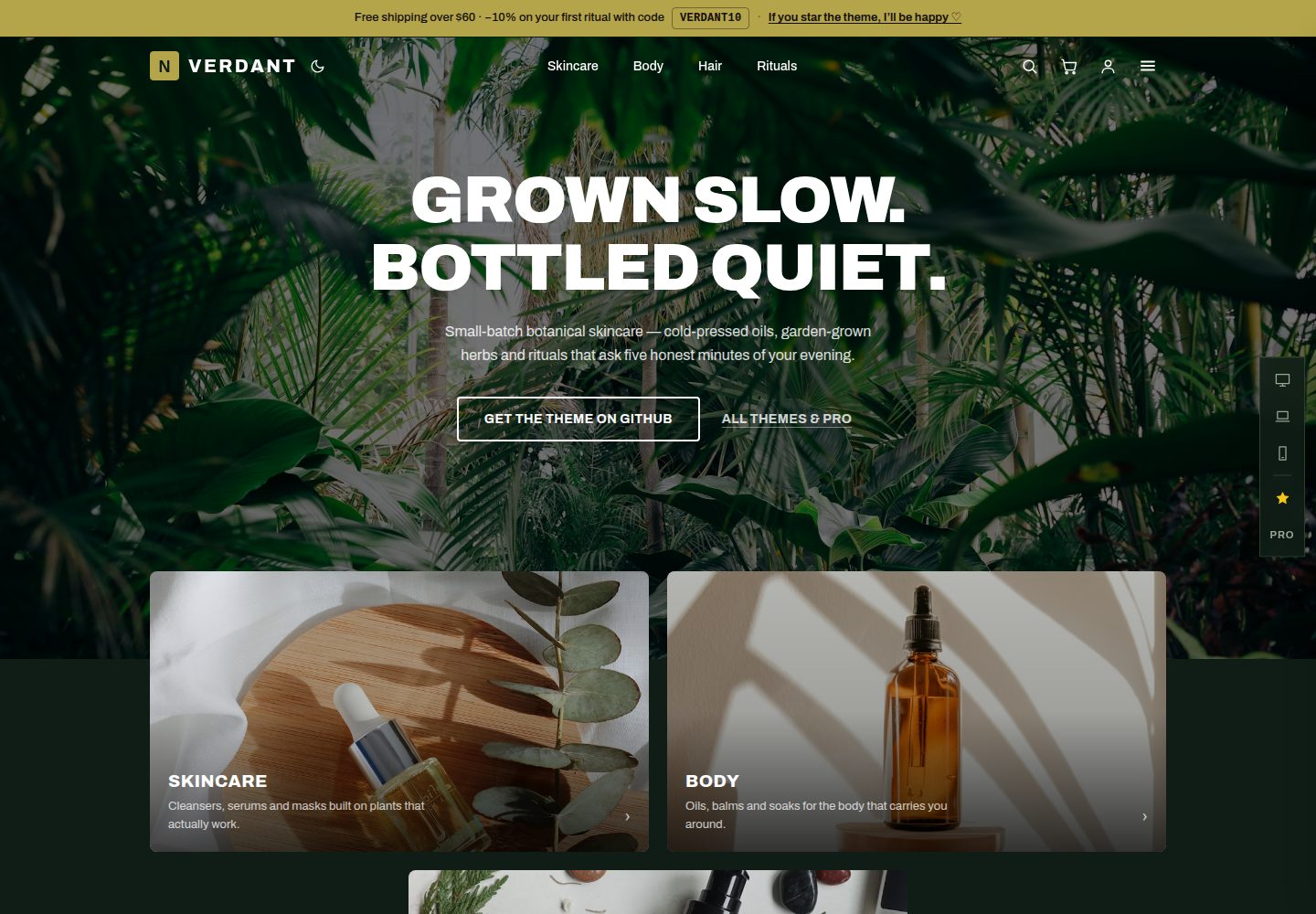
Deep forest green palette with brass accents, plus a switchable light sage theme
AstroE-commerce
astro-njx-verdant — Astro Ecommerce Template
By njbSaab
An Astro-based botanical apothecary ecommerce theme with deep green colors, a built-in product catalog and a switchable Shopify data source, outputting static pages.
Explore the design
Compare the page layouts and mobile experience. Open any screenshot for a closer look.
Desktop homepage1 / 3
Desktop captureTop of page
Actual screenshot captured by the server browser.
All pages & views 3
Screenshots show visual appearance; interactive behavior may differ.
Recorded 2026-10-13View source
What stands out
A quick read of the recorded project description.
Built-in JSON demo catalog, switchable via environment variables to the Shopify Storefront API and hosted checkout
Cart drawer, favorites, instant search, and quick-view popups, all implemented with vanilla scripts
About 28 pages, including six collection pages with filtering and sorting and 14 product pages
All copy centralized in two constants files, design tokens centralized in a single @theme block
Build output is static HTML, deployable to Cloudflare Pages or any static host
Template Details
astro-njx-verdant is a static ecommerce storefront theme built with Astro, aimed at shops with a botanical or horticultural tone such as skincare, apothecary, spa, and florist stores. Visually, it uses a deep forest green primary color with brass accents and offers a switchable light sage color mode; the homepage uses a full-bleed hero and staggered category tiles, with uppercase display typography for headings.
Product data comes from a pluggable provider: by default it uses the repository's built-in JSON demo catalog (containing 14 products and 6 collections), and it can be switched via environment variables to the Shopify Storefront API, with Shopify-hosted checkout handling payments. Interactions such as the cart drawer, favorites, instant search, and quick-view popups are implemented with a small amount of vanilla script, without introducing client-side frameworks like React or Vue.
The theme includes about 28 pages: homepage, six collection pages with filtering and sorting, 14 product pages, and about, contact, FAQ, account interface, privacy, terms, and 404 pages. All copy is centralized in two constants files, and design tokens are centralized in a single @theme block in global.css. The build output is pure HTML, deployable to Cloudflare Pages or any static host.
Note: the demo data, images (from Unsplash), fonts, and icons in the repository are third-party assets that need to be checked separately under their respective licenses; the README mentions a future Pro version with features such as reviews and customer accounts, and this listing covers only the public free code under the MIT license.
AstroE-commerce
Is it right for your project?
Use Cases
- Build a static product display and checkout entry for a skincare or botanical apothecary brand
- Quickly preview the storefront structure and page organization using the built-in demo catalog
- Connect to your own Shopify store, with Shopify-hosted checkout handling payments
- Use as a starting point for further development, replacing copy and design tokens to transform it into another retail theme
Suitable For
- Developers running skincare, apothecary, spa, or florist shops with a botanical tone
- Teams wanting to output a static storefront with Astro and connect it to Shopify
- Front-end developers who need centralized copy and design tokens for easy redesigns
Getting started & customization
Use these recorded setup notes alongside the repository instructions for your chosen version.
- 1
After cloning the repository, run npm install, copy .env.example to .env, and use the built-in demo catalog by default
- 2
To connect to Shopify, create an app in the admin and grant Storefront API read access, then fill in the domain and access token
- 3
The product catalog can be edited in src/data/mock-catalog.json, with images placed in public/products/
- 4
Copy changes are in src/constants/components.ts and src/constants/pages.ts, and design tokens are in src/styles/global.css
- 5
After building, deploy to Cloudflare Pages with npx wrangler pages deploy dist
License & source material
Usage conditions & limitations
Free to use · keep license noticeThis listing covers the free version under the MIT license in the public repository; the free scope is the code of that version and does not mean external services or third-party assets are free.
Must comply with when using
- You may use, modify, commercialize, and distribute the code of this version for free.
- When distributing copies or substantial portions of the code, retain the original author's copyright notice and the full MIT license notice.
- The code is provided as is; warranties and limitations of liability are governed by the original license and applicable law.
Additional costs & items to verify
- The project materials mention an optional paid version or features; this listing covers only the public free code and does not include paid upgrades.
- Demo images, fonts, icons, and other third-party assets need to be checked under their respective licenses and cannot be judged solely by the code's MIT license.
- External services such as domains, hosting, databases, payments, or AI may incur separate charges.
- Connecting to Shopify requires creating an app in the Shopify admin and granting Storefront API read access, then filling in the store domain and access token; using this data source depends on Shopify as an external service.
- Switching to a real store requires setting environment variables and relies on Shopify-hosted checkout for payments, which is an external service dependency.
- Pro features such as reviews, customer accounts, and a richer catalog are not yet included in the free version and are part of a future paid upgrade.
- Demo images come from Unsplash and need to be checked separately under Unsplash's own license; they are not granted along with the code license.
View Original Text Basis
Permission is hereby granted, free of charge
Original License Text
wired for **Shopify** out of the box
Original README
then flip one environment variable and the same pages build from your **real Shopify store**, with Shopify's hosted checkout handling payments.
Original README
An extended **Pro** version (reviews, customer accounts, richer catalog) is on the way — watch the repo to get notified.
Original README
https://github.com/njbSaab/astro-njx-verdant/blob/main/LICENSEhttps://github.com/njbSaab/astro-njx-verdant/blob/main/README.mdPhotos: [Unsplash](https://unsplash.com).
Original README
Compiled by DeepSeek based on repository license and README ·2026-10-13. Results only cover the materials read; dependencies, images, fonts, and subsequent term changes are subject to their respective original texts.
Project checks & description sources
Template Information
- Source platforms
- GitHub
- Documentation and maintenance reference score
- More documented · 80 / 100
- Technologies
- Astro
- Website type
- E-commerce
How this score is calculated
Our heuristic uses license records (up to 30), a demo link (12), a preview (10), stars (15), recorded maintenance (15), description completeness (8), feature records (5) and classification data (5). It is not a code, security or performance test, or a Google score. A link does not establish tested functionality.
What to verify for this project
- Repository update recorded
- 2026-09-12
- Screenshot last checked
- 2026-10-13
A demo link is listed. Check it with your own content and viewport sizes; its presence does not confirm that forms, authentication or payments work.
The catalog identifies Astro as the primary stack. Check the actual dependency manifest and lockfile for versions and hosting requirements. These notes use recorded metadata, not a code audit or a deployment test.
Use a selection guide →How this description was prepared
AI-assisted description based on catalog records and repository material. Repository authors are not automatically the reviewers of this description.
Review declaration: [email protected] · 2026-10-13
Inspect the recorded source material
SHA-256: 84fb224875747745c26ed7ce1cfb8ef114f97b80150b0be8e1942c974dbb702d
2026-10-13T00:27:41.674Z
Source file / repository# astro-njx-verdant — botanical apothecary ecommerce theme for Astro [](https://vercel.com/new/clone?repository-url=https://github.com/njbSaab/astro-njx-verdant) [](https://app.netlify.com/start/deploy?repository=https://github.com/njbSaab/astro-njx-verdant) > Part of **[njX Astro Themes](https://njxui.dev/themes)** — ecommerce storefronts & landing pages by one author, free today, Pro versions on the way. A complete storefront built with **Astro 5 + Tailwind CSS v4** in a deep-green botanical voice: dark forest palette with a brass accent, a light sage mode, quick-view product popups — wired for **Shopify** out of the box and deployable to **Cloudflare Pages** (or any static host) in minutes. **Live demo → [astro-njx-verdant.pages.dev](https://astro-njx-verdant.pages.dev)** Everything in the demo — cart, checkout, search, favorites — is this theme running on mock data.  ## What is this? A **static storefront**: Astro renders every page to plain HTML at build time, so the site is fast by default and hosting is essentially free. Product data comes from a pluggable provider — start with the bundled JSON catalog, then flip one environment variable and the same pages build from your **real Shopify store**, with Shopify's hosted checkout handling payments. Made for skincare brands, apothecaries, spas, florists and any shop that sells with a botanical, garden-first voice. ## Features - 🌿 **Deep-green design system** — dark forest palette + brass accent, staggered category tiles over a full-bleed hero, uppercase display type (Archivo) - 🌤 **Two moods, one switch** — dark greenhouse by default, a light sage theme on toggle; no reload flash - 🛒 **Persistent cart drawer** — quick-add, quantities, line remove, clear all, hands off to Shopify's hosted checkout - ❤️ **Favorites** with badge counter - 🔍 **Instant search** over an inline index - 🔌 **Two data providers, one switch** — `COMMERCE_PROVIDER=mock` (bundled JSON) or `shopify` (live products over the Storefront API) - 📝 **All copy in two constants files** — rebrand every text without touching markup - 📄 **28 pages** — home, six collections with filters and sorting, 14 product pages, about, contacts, FAQ, account UI, privacy, terms, honest 404 - ⚡️ **Zero client framework** — a few small vanilla scripts; no React/Vue cost ## Quick start ```bash git clone https://github.com/njbSaab/astro-njx-verdant.git my-store cd my-store npm install cp .env.example .env # defaults to the mock catalog npm run dev # http://localhost:4321 ``` That's it — the store runs on the bundled demo catalog (`src/data/mock-catalog.json`). Edit that file to see your own products immediately. ## Connect your Shopify store 1. In Shopify admin: **Settings → Apps and sales channels → Develop apps → Create an app.** 2. Give it the *Storefront API* scopes (unauthenticated read products/collections/checkouts). 3. Install the app and copy the **Storefront API access token** (this token is public-safe). 4. Update `.env`: ```bash COMMERCE_PROVIDER=shopify PUBLIC_SHOPIFY_DOMAIN=your-store.myshopify.com PUBLIC_SHOPIFY_STOREFRONT_TOKEN=xxxxxxxxxxxxxxxx ``` 5. `npm run build` — the same pages now build from your live catalog, and the cart creates a real Shopify cart and redirects to your hosted checkout. The provider interface lives in `src/lib/commerce/` — adding WooCommerce, Medusa or your own API means implementing one small TypeScript interface. ## Deploy Any static host works. For Cloudflare Pages: ```bash npm run build npx wrangler pages deploy dist --project-name my-store ``` The whole store fits comfortably in Cloudflare's free tier. ## Make it yours - **All copy in two files** — `src/constants/components.ts` (header, footer, cart, search, modal) and `src/constants/pages.ts` (home, about, FAQ, product page, …). - **Design tokens** — one `@theme` block in `src/styles/global.css`; the light sage mode is a single `.dark` override block. - **Catalog** — `src/data/mock-catalog.json` + photos in `public/products/`, or Shopify. ## Project structure ``` src/ ├── constants/ # ALL copy: components.ts + pages.ts ├── data/mock-catalog.json # demo products & collections (14 items) ├── layouts/Layout.astro # header, drawers, search, theme & cart logic ├── components/ProductCard.astro ├── lib/ │ ├── commerce/ # provider interface + mock & shopify implementations │ ├── cart.ts # persistent cart (nanostores) │ └── favorites.ts # favorites store └── pages/ # index, collections/, products/, about, faq, … ``` ## Sibling themes & Pro Same engine, different voices: **[astro-njx-store](https://github.com/njbSaab/astro-njx-store)** (warm paper-and-pine), **[astro-njx-boutique](https://github.com/njbSaab/astro-njx-boutique)** (editorial fashion) and **[astro-njx-dark-lux](https://github.com/njbSaab/astro-njx-dark-lux)** (monochrome dark luxury). An extended **Pro** version (reviews, customer accounts, richer catalog) is on the way — watch the repo to get notified. ## Credits Made by [njX](https://njxui.dev) — also the author of [njx-ui](https://njxui.dev), a classless-friendly CSS library for landings. Photos: [Unsplash](https://unsplash.com). If this theme saves you time, a star on GitHub would make my day ♡
Explore similar templates
Compare previews and descriptions within the same stack and category.

astro-shopify
A lightweight Shopify headless ecommerce starter template built with Astro and Svelte, integrating the Shopify Storefront API for product and inventory data, with built-in cart state management and basic add-to-cart and checkout flow.
Astro · E-commerce
astro-ecommerce
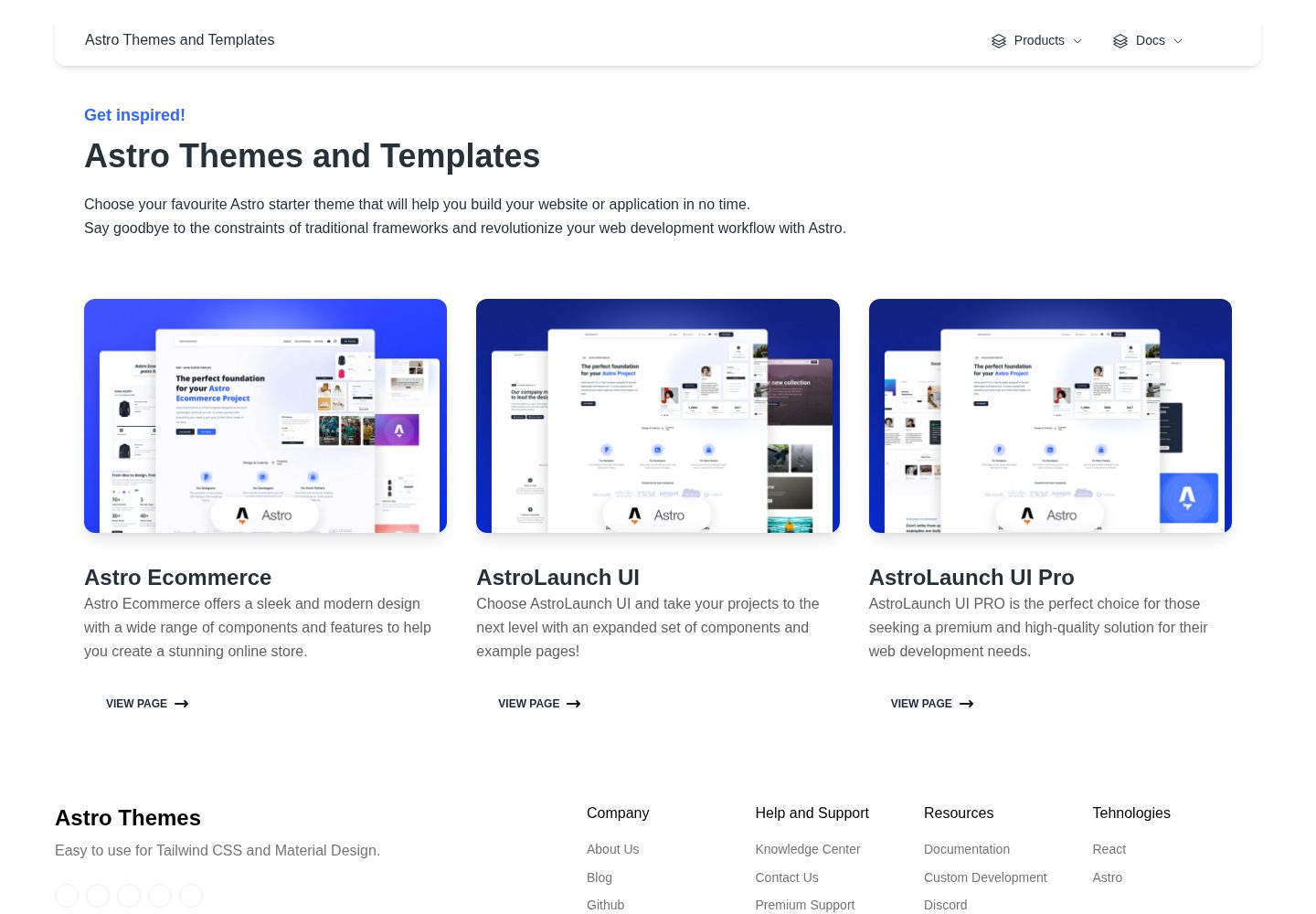
Astro Ecommerce is a Creative Tim e-commerce Astro starter template under the MIT license, with 70+ coded elements, 30+ blocks, and landing, product, and shopping cart example pages.
Astro · E-commerce
astro-medusa-starter
An open-source e-commerce storefront starter built on Astro and Medusa v2, using a static-first architecture with React islands, multi-region routing, Stripe checkout, and Cloudflare Workers deployment.
Astro · E-commerce
sanity-astro-club
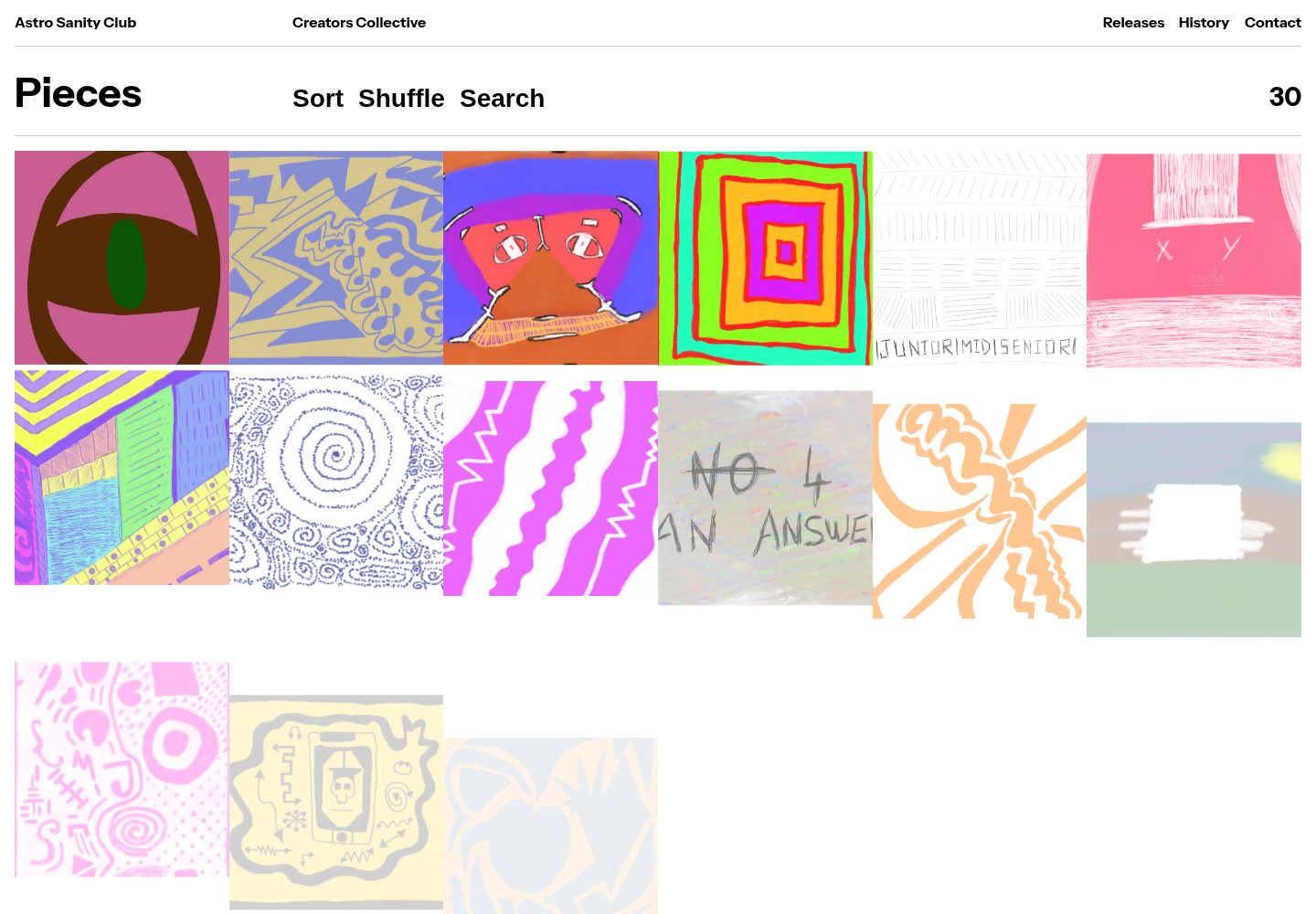
An Astro template for showcasing and selling digital works, with content managed through an extensible Sanity Studio and checkout sessions generated via the Polar API.
Astro · E-commerce
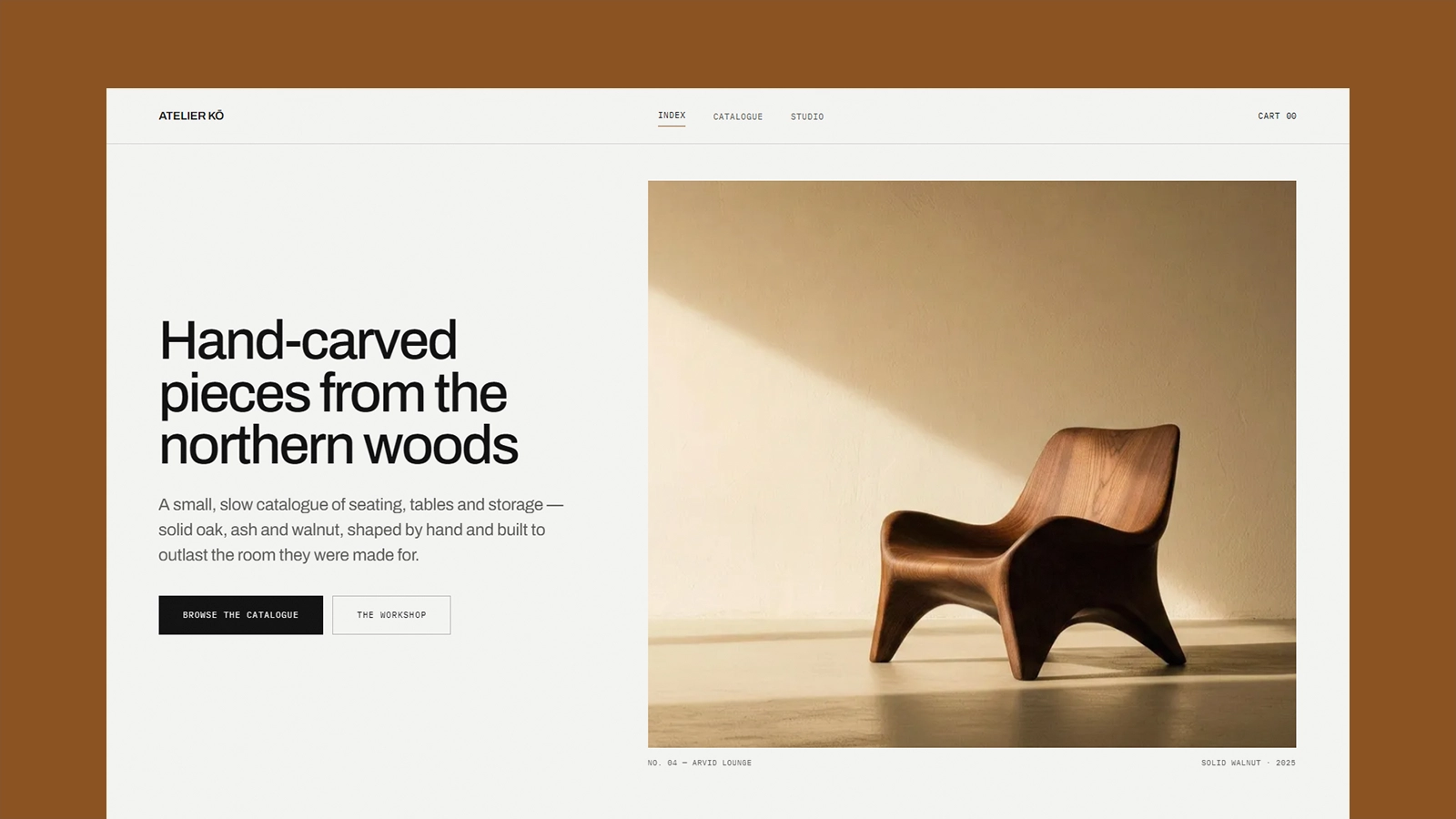
atelier-ko
Atelier Kō is a minimalist Astro ecommerce theme for small furniture workshops and craft catalogs with a limited body of work.
Astro · E-commerce
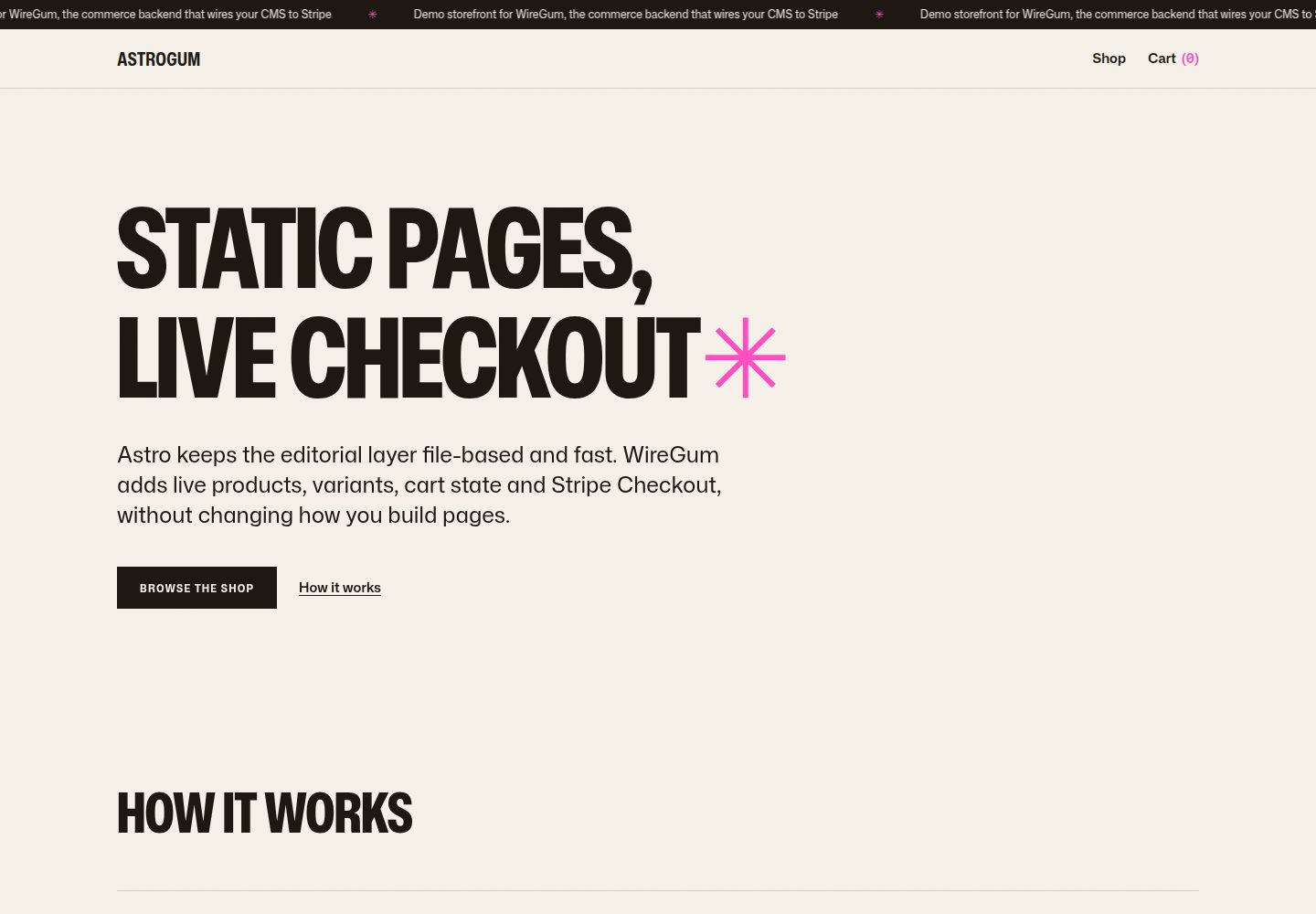
starter-astro
An Astro e-commerce storefront starter template that separates content from transactions: Markdown content collections manage pages, copy, and product images, generating static HTML at build time, while WireGum components handle live pricing, variants, cart, and Stripe Checkout.
Astro · E-commerce