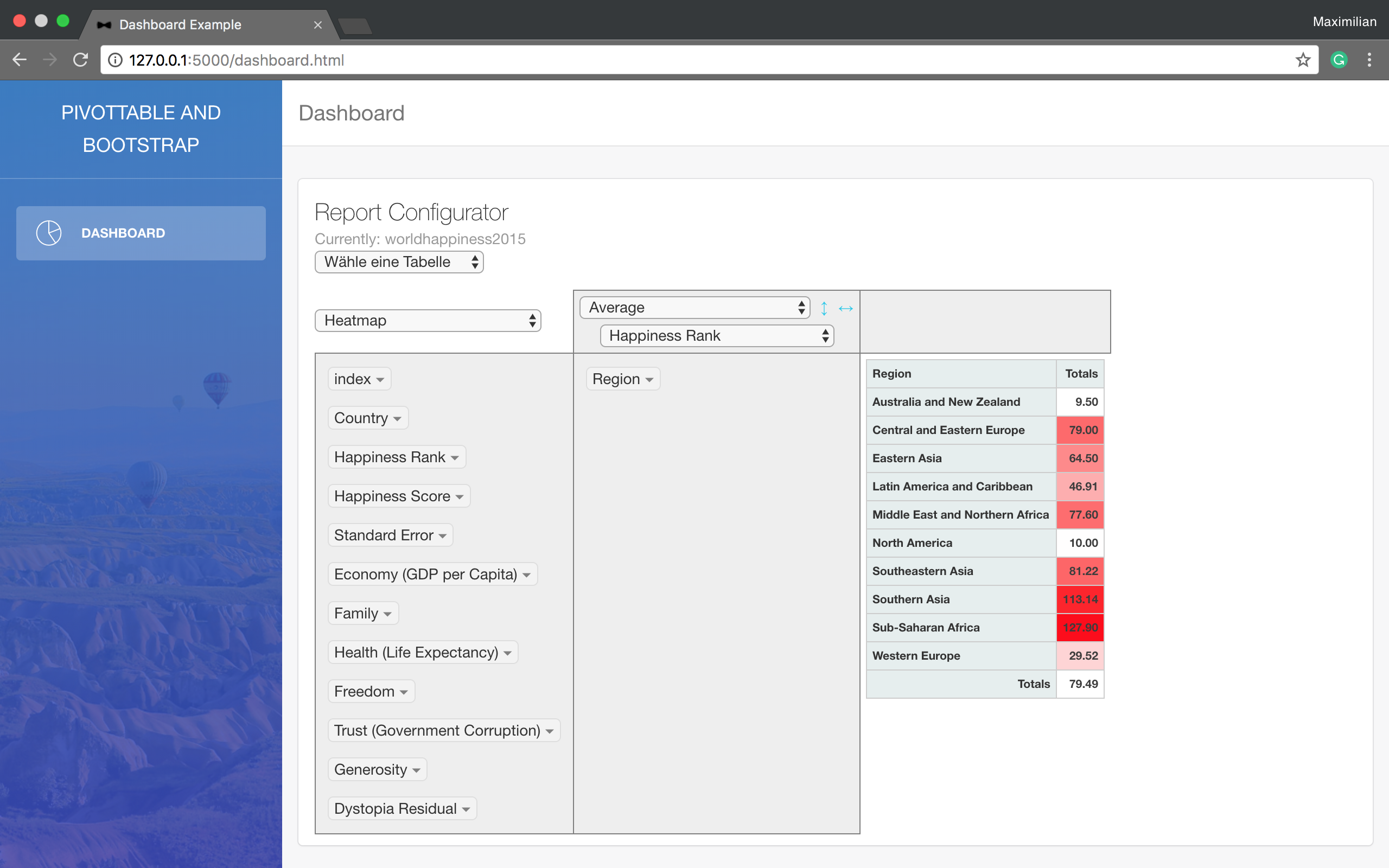
Flask backend combined with a Bootstrap template to build the data dashboard interface
FlaskHTMLAdmin dashboard
Dashboard — Flask Admin dashboard Template
By NumericalMax
A minimal Flask-based data dashboard example that reads data from a SQL database and displays it using a Bootstrap template and a pivot table.
Explore the design
Compare the page layouts and mobile experience. Open any screenshot for a closer look.
Author preview
Author-provided preview
Preview provided in the project README.
One original preview is available. Open the full image to inspect the design.
Screenshots show visual appearance; interactive behavior may differ.
Recorded 2026-10-02View source
What stands out
A quick read of the recorded project description.
Reads data from a SQL database, processes it with Pandas, and displays it summarised in a pivot table
Depends on Flask, Pandas, and mysql.connector, which can be replaced with other database connector libraries
Positions marked with TODO in main.py need to be modified item by item according to actual needs
Most of the underlying code comes from CreativeTim and Pivottable; their copyright notices must be retained
Template Details
This is a minimal example project built with Flask that demonstrates how to present data from a SQL database as a pivot table. The data is processed with Pandas, and the interface is based on a Bootstrap template, making it suitable for quickly viewing and evaluating existing data in a database.
The project depends on Flask, Pandas, and mysql.connector (if using another database such as SQL Server, replace with the corresponding connector library), and requires an existing SQL database containing data. Before use, you need to change each item in main.py at the TODO-marked positions to your own configuration.
Most of the underlying code comes from CreativeTim and Pivottable (Nicolas Kruchten). The README requires retaining their copyright notices when using these resources; the relevant LICENSE files are located in the Dashboard/Dashboard root directory. The repository was last updated in 2018.
FlaskHTMLBackend
Is it right for your project?
Use Cases
- Quickly viewing and evaluating the distribution of existing data in a SQL database
- Needing a lightweight pivot table interface to summarise database records
- As an introductory reference for reading a database with Flask and rendering tables
Suitable For
- Developers who already have a SQL database and want to view data in a web pivot table
- Those who want to refer to a minimal example project combining Flask, Pandas, and Bootstrap
- Users who can complete configuration changes themselves following the TODO comments
Getting started & customization
Use these recorded setup notes alongside the repository instructions for your chosen version.
- 1
Install Python dependencies: Flask, Pandas, and mysql.connector (or the connector library for another database)
- 2
Prepare a SQL database containing data and configure the connection information in main.py
- 3
Modify each TODO-marked position in main.py item by item to suit your own needs
- 4
If using resources from CreativeTim or Pivottable, retain their copyright notices
License & source material
Usage conditions & limitations
Free to use · keep license noticeThis entry covers the free version under the MIT license from a public repository; the free scope is the code of that version and does not imply that external services or third-party assets are free.
Must comply with when using
- You may use, modify, commercially use, and distribute the code of this version for free.
- When distributing copies or substantial portions of the code, retain the original author's copyright notice and the full MIT license notice.
- The code is provided as is; warranties and limitations of liability are governed by the original license and applicable law.
Additional costs & items to verify
- Most of the underlying code comes from CreativeTim and Pivottable (Nicolas Kruchten); when using these resources, you must retain their copyright notices in your project; the relevant LICENSE files are located in the Dashboard/Dashboard root directory.
- Before use, you must provide your own SQL database containing data; the project itself does not provide a database or data.
- You must modify all TODO-marked parts in main.py (such as database connection configuration) yourself before it can run.
- Demo images, fonts, icons, and other third-party assets must be checked against their respective licenses; they cannot be judged solely by the code's MIT license.
- External services such as domains, hosting, databases, payments, or AI may incur additional charges.
View Original Text Basis
Permission is hereby granted, free of charge
Original License Text
Most parts of the underlying code are from CreativeTim and Pivottable (Nicolas Kruchten). Please use their copyright notice in your project if you use any of their resources.
Original README
SQL Database in which your data are stored.
Original README
https://github.com/NumericalMax/Dashboard/blob/master/LICENSE.txthttps://github.com/NumericalMax/Dashboard/blob/master/README.mdIn the file main.py you have to adjust all parts to your needs which are signed by a TODO.
Original README
Compiled by DeepSeek based on repository license and README ·2026-10-02. Results only cover the materials read; dependencies, images, fonts, and subsequent term changes are subject to their respective original texts.
Project checks & description sources
Template Information
- Source platforms
- GitHub
- Documentation and maintenance reference score
- Partly documented · 65 / 100
- Technologies
- Flask · HTML
- Website type
- Admin dashboard
How this score is calculated
Our heuristic uses license records (up to 30), a demo link (12), a preview (10), stars (15), recorded maintenance (15), description completeness (8), feature records (5) and classification data (5). It is not a code, security or performance test, or a Google score. A link does not establish tested functionality.
What to verify for this project
- Repository update recorded
- 2018-04-20
- Screenshot last checked
- 2026-10-02
No demo link is recorded. Use the repository instructions to evaluate the project locally; the screenshot alone cannot establish interactive behavior.
The catalog identifies Flask as the primary stack. Check the actual dependency manifest and lockfile for versions and hosting requirements. These notes use recorded metadata, not a code audit or a deployment test.
Use a selection guide →How this description was prepared
AI-assisted description based on catalog records and repository material. Repository authors are not automatically the reviewers of this description.
Automatically checked against source and license rules; no manual editorial review.
Inspect the recorded source material
SHA-256: d6dcf44d1cbd51f83d51178a348e70b97affa41ede871db83cf6d66de71883c7
2026-10-02T14:56:26.332Z
Source file / repository# Dashboard This is a minimal example of how to use a bootstrap template with pivot table. Data are loaded from a SQL Database. This enables you to evaluate data stored in your SQL Database pretty fast in an appealing way. ## Requirements: Python Libraries: 1. Flask 2. Pandas 3. mysql.connector (differs if you want to use e.g. SQL Server) SQL Database in which your data are stored. ## TODO: In the file main.py you have to adjust all parts to your needs which are signed by a TODO. ## How does this look like:  ## License: Most parts of the underlying code are from CreativeTim and Pivottable (Nicolas Kruchten). Please use their copyright notice in your project if you use any of their resources. The mentioned LICENSE files are included into the root folder 'Dashboard/Dashboard'. https://github.com/creativetimofficial https://github.com/nicolaskruchten/pivottable
Explore similar templates
Compare previews and descriptions within the same stack and category.
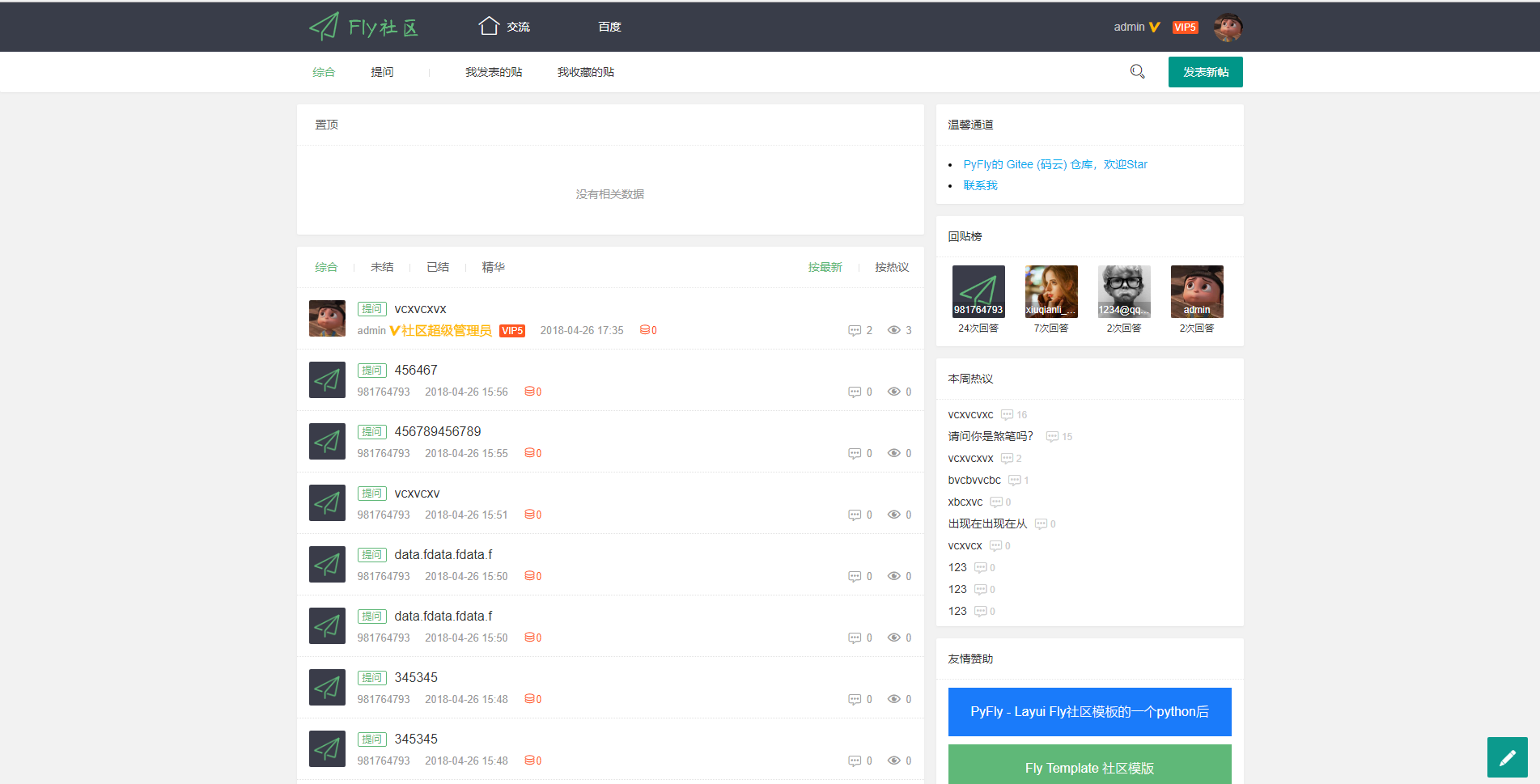
PyFly
PyFly is a Flask + MongoDB community forum project using the Layui Fly Template. The frontend covers registration, login, email activation, posting, replying, liking, accepting answers, deleting posts, and closing threads; the backend uses flask-admin for simple management.
Flask · Admin dashboard
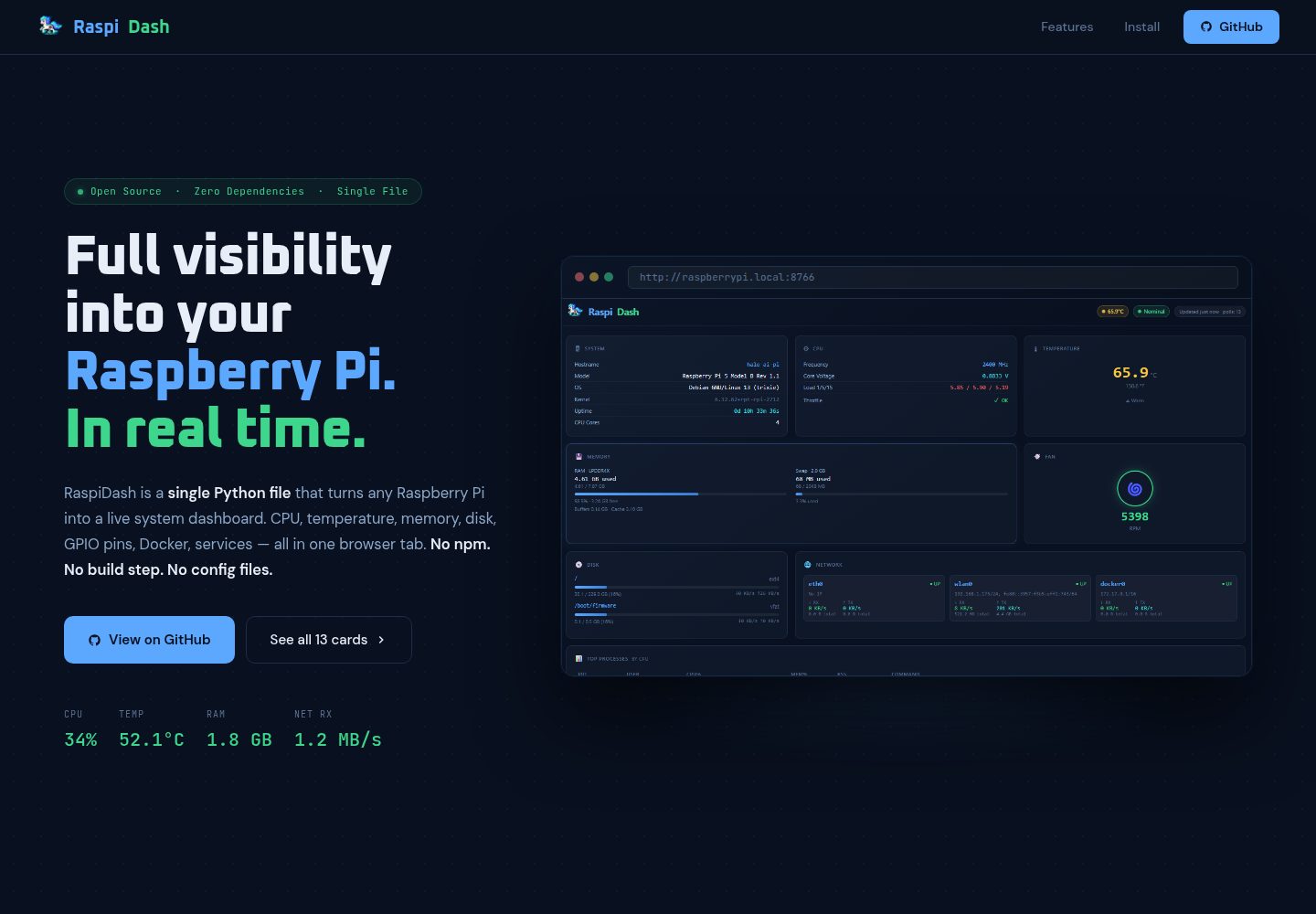
raspi-dash
RaspiDash is a real-time single-page monitoring dashboard for Raspberry Pi 5. It uses a Flask backend to collect data from native Pi interfaces such as /proc, vcgencmd, and pinctrl, and renders cards with Jinja2 templates without frontend dependencies.
Flask · Admin dashboard
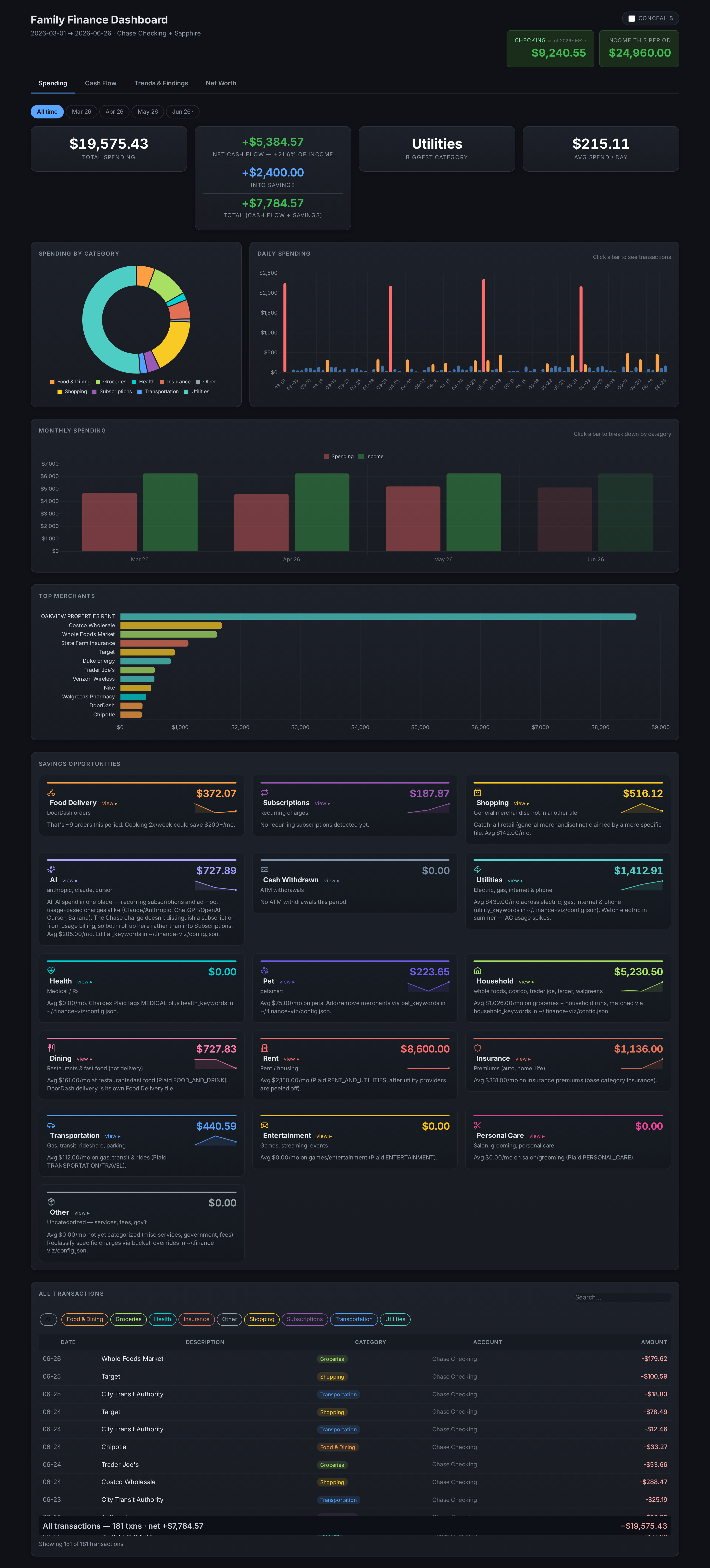
finance-dashboard-template
A Flask-based self-hosted personal finance dashboard template that aggregates bank, brokerage, and equity plan data via Plaid and custom scrapers, keeping all personal data local.
Flask · Admin dashboard
BootstrapFlask
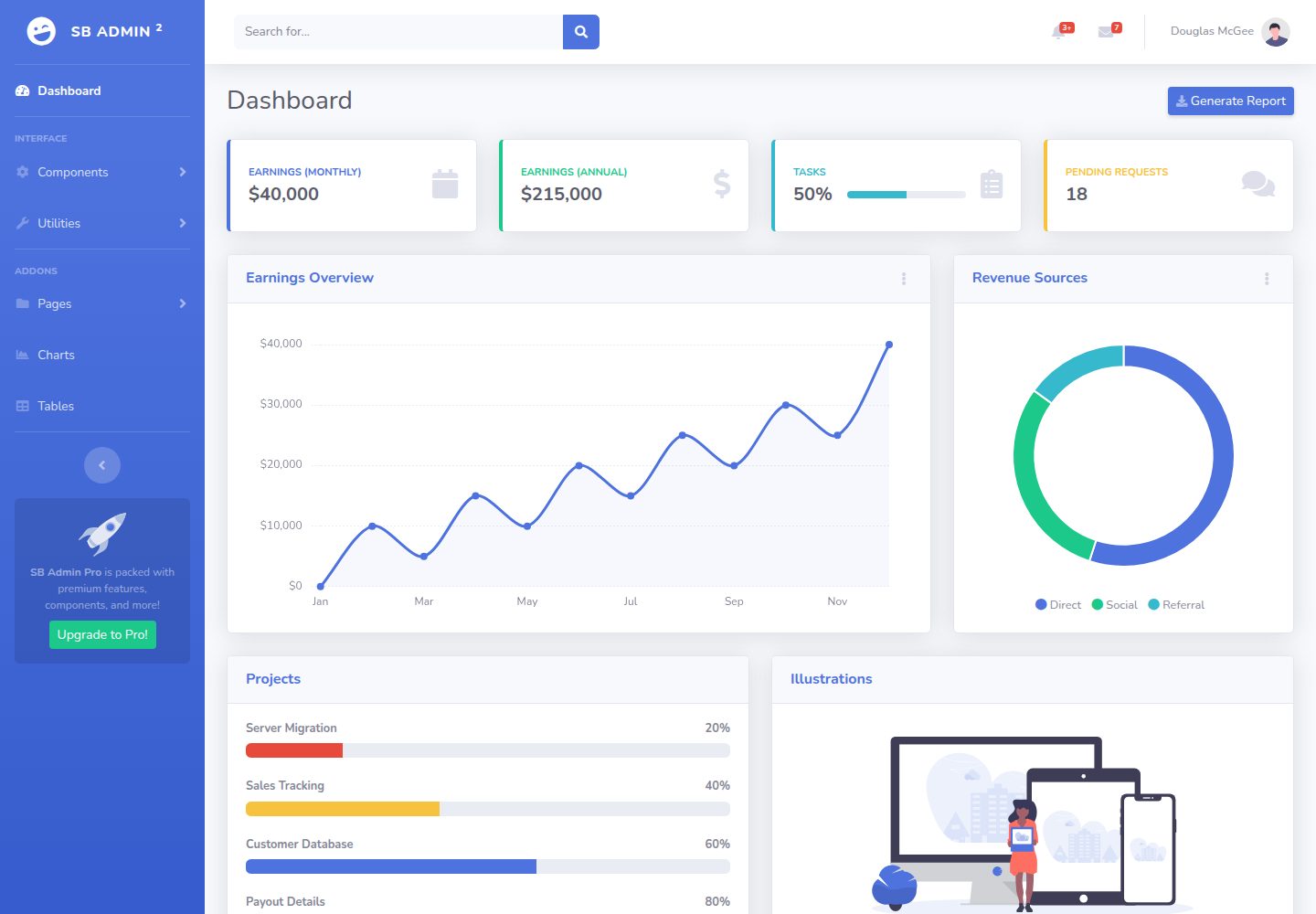
BootstrapFlask adapts Start Bootstrap's SB Admin 2 admin theme into a Flask project template, offering a dashboard-style data management interface with a sidebar and stat cards.
Flask · Admin dashboard

AdminLTE
AdminLTE is a free, open-source admin dashboard template built on Bootstrap 5 and vanilla JavaScript, with no jQuery dependency.
Astro · Admin dashboard
ngx-admin
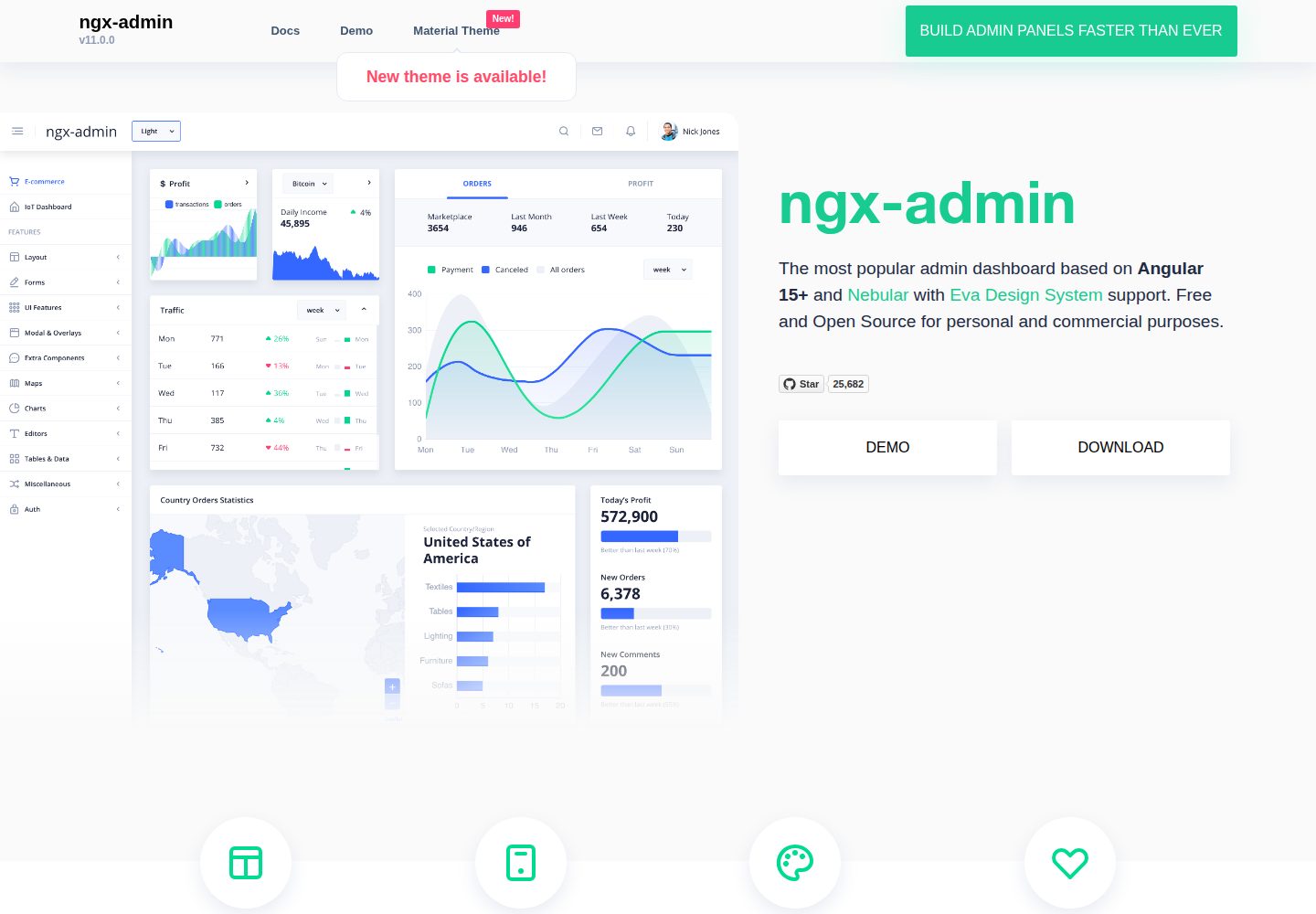
ngx-admin is an Angular admin dashboard template maintained by Akveo, built on the Nebular component library and released under the MIT license.
Angular · Admin dashboard