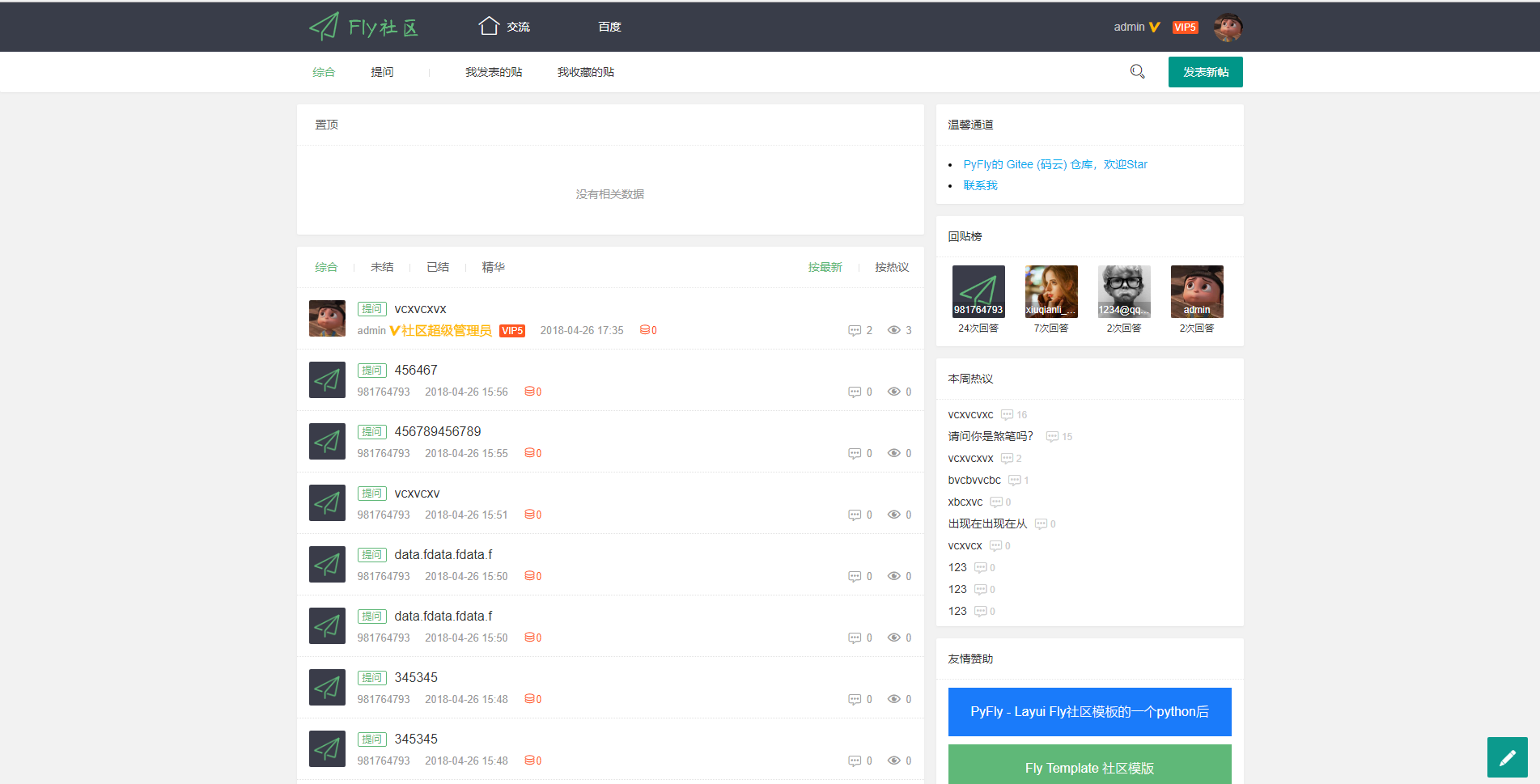
Frontend includes community features such as user registration, login, email activation, posting, replying, liking, replying to replies, accepting answers, deleting posts, and closing threads
FlaskAdmin dashboard
PyFly — Flask Admin dashboard Template
By xiuqianli1996
A community project based on Flask and the Layui Fly Template. The frontend provides registration, login, email activation, posting, replying, liking, accepting answers, deleting posts, and closing threads; the backend uses flask-admin for simple management, with data stored in MongoDB.
Explore the design
Compare the page layouts and mobile experience. Open any screenshot for a closer look.
Author preview
Author-provided preview
Preview provided in the project README.
One original preview is available. Open the full image to inspect the design.
Screenshots show visual appearance; interactive behavior may differ.
Recorded 2026-10-01View source
What stands out
A quick read of the recorded project description.
Backend uses flask-admin for simple management; on first startup it automatically writes an administrator account and default configuration
Data storage uses MongoDB, accessed via flask-pymongo; login and email are supported by flask-login and flask-mail respectively
Provides a check-in feature with a random reward from 1 to 100
Search uses whoosh with jieba tokenization
Image uploads are saved to the server by default, and can be switched to the SM.MS image host by following comments
Template Details
PyFly is a community forum project built with Flask. The frontend uses Layui's Fly Template, the data layer uses MongoDB, and extensions such as flask-pymongo, flask-login, and flask-mail handle database access, login sessions, and email sending. Frontend features cover common community operations including user registration, login, email activation, posting, replying, liking, replying to replies, accepting answers, deleting posts, and closing threads. The backend provides a simple management interface via flask-admin; on first startup it automatically writes an administrator account and default configuration items to MongoDB. The project also includes a check-in feature (reward is a random value from 1 to 100) and search based on whoosh with jieba tokenization. In the update log, the author notes that load testing was performed, throughput was unsatisfactory, and adding Redis caching improved it somewhat. The author describes it as a relatively rough work from when they were learning Python, and social account login is still listed as a Todo. Image uploads are saved to the server by default, and can be switched to the SM.MS image host by following comments.
FlaskBackend
Is it right for your project?
Use Cases
- Building a community forum prototype with email activation and posting/replying
- Quickly generating a simple backend management entry with flask-admin
- Integrating MongoDB into a Flask project and implementing template helper functions for pagination, lists, and single-record queries
- Serving as a practice project for learning how Flask and Layui work together on frontend and backend
Suitable For
- Developers who want to learn the structure of a Flask + MongoDB community project
- Those who need a template that can be modified into an information classification site, a simple CMS, or a blog
- Developers who want a reference for writing a simple backend with flask-admin
Getting started & customization
Use these recorded setup notes alongside the repository instructions for your chosen version.
- 1
After cloning the repository, install MongoDB and modify the MongoDB connection information
- 2
Configure an STMP email account and password for user registration verification emails
- 3
Run pip install -r requirements.txt to install dependencies, then start with python manager.py runserver
- 4
On first launch, an administrator account and default configuration items are automatically added to MongoDB; the backend URL is /admin
- 5
To use the image host, enable it in /static/js/mods/index.js according to the comments and adjust user.js accordingly
License & source material
Usage conditions & limitations
Free to use · keep license noticeThis entry covers the free version of the public repository under the MIT license; the free scope is the code of that version and does not mean that external services or third-party assets are free.
Must comply with when using
- The code of this version may be used, modified, used commercially, and distributed free of charge.
- When distributing copies or substantial portions of the code, retain the original author's copyright notice and the full MIT license notice.
- The code is provided as is; warranties and limitations of liability are governed by the original license and applicable law.
Additional costs & items to verify
- Before use, you must install and run a MongoDB database yourself and modify the MongoDB connection information; you also need to configure an STMP email account and password, otherwise user registration verification emails cannot be sent.
- Image uploads are saved to your own server by default; if you enable the image host feature, you must manually modify the comments in index.js and user.js and rely on the third-party SM.MS image host service, whose availability and terms are determined by the external service.
- Social account login is not yet implemented and is still listed as a Todo; the README update log also mentions that Weibo account login is unavailable because the developer's review was not approved.
- The author states that load testing showed very poor throughput, and adding Redis caching only improved it slightly; performance has not been fully verified and it is not suitable for direct production use.
- The author explicitly states that this is a work from when they were learning Python, that the implementation is relatively rough, and that it is a learning exercise, not a production-ready or quality guarantee.
- Demo images, fonts, icons, and other third-party assets must be checked against their respective licenses and cannot be judged solely by the code's MIT license.
- External services such as domains, hosting, databases, payments, or AI may incur additional charges.
View Original Text Basis
Permission is hereby granted, free of charge
Original License Text
安装MongoDB 修改mongodb连接信息,STMP邮箱账号密码(用户注册验证用到)
Original README
图片上传可选保存到后端或图床,默认保存到服务器,如果要开启图床上传在/static/js/mods/index.js搜索开启图床注释和解开相应注释后即可,然后在user.js进行相应操作,图床使用了[SM.MS图床](http://sm.ms)
Original README
1.社交账号登录 2.暂时没想到。。。
Original README
2018.06.13 学校专业实训的第三天,实在太闲,进行了一下压测,吞吐量惨不忍睹,加上redis缓存,稍微好了一些
Original README
https://github.com/xiuqianli1996/PyFly/blob/master/LICENSEhttps://github.com/xiuqianli1996/PyFly/blob/master/README.md3.19应届小菜鸟初学Python的作品,都做得比较粗糙,希望各位大佬指正
Original README
Compiled by DeepSeek based on repository license and README ·2026-10-01. Results only cover the materials read; dependencies, images, fonts, and subsequent term changes are subject to their respective original texts.
Project checks & description sources
Template Information
- Source platforms
- GitHub
- Documentation and maintenance reference score
- Partly documented · 64 / 100
- Technologies
- Flask
- Website type
- Admin dashboard
How this score is calculated
Our heuristic uses license records (up to 30), a demo link (12), a preview (10), stars (15), recorded maintenance (15), description completeness (8), feature records (5) and classification data (5). It is not a code, security or performance test, or a Google score. A link does not establish tested functionality.
What to verify for this project
- Repository update recorded
- 2023-02-15
- Screenshot last checked
- 2026-10-01
No demo link is recorded. Use the repository instructions to evaluate the project locally; the screenshot alone cannot establish interactive behavior.
The catalog identifies Flask as the primary stack. Check the actual dependency manifest and lockfile for versions and hosting requirements. These notes use recorded metadata, not a code audit or a deployment test.
Use a selection guide →How this description was prepared
AI-assisted description based on catalog records and repository material. Repository authors are not automatically the reviewers of this description.
Automatically checked against source and license rules; no manual editorial review.
Inspect the recorded source material
SHA-256: 3d3e96fb83023d8770f3daaf4ed903fa8f7545e2ca650ac066caca65438f8e4f
2026-10-01T02:45:37.243Z
Source file / repository# PyFly #### 更新记录 2018.06.13 学校专业实训的第三天,实在太闲,进行了一下压测,吞吐量惨不忍睹,加上redis缓存,稍微好了一些 2018.06.11 实现简单的签到功能,奖励为1-100的随机值 2018.05.08 开发者审核迟迟未通过,没法玩微博账号登录,突然想起搜索还没做,看了一会whoosh文档就开了撸了一波代码,用了jieba分词,效果还行 #### 项目介绍 Flask + Layui Fly Template实现的一个社区项目,使用flask-admin实现了简单的后台管理功能,数据库使用Mongodb,前台实现功能:用户注册、登录、邮件激活、发帖、回帖、点赞、回复、采纳、删帖、结贴等功能 #### 软件架构 1.前端模板:[Layui Fly Template](http://www.layui.com/template/fly/) 2.Flask + flask-pymongo + flask-admin + flask-login + flask-mail #### 安装教程 ``` git clone https://gitee.com/981764793/PyFly 安装MongoDB 修改mongodb连接信息,STMP邮箱账号密码(用户注册验证用到) pip install -r requirements.txt python manager.py runserver ``` #### 使用说明 1. 首次打开会自动往MongoDB新增一些默认数据(管理员账号和默认配置项),后台管理(flask-admin简单实现): http://127.0.0.1:5000/admin 2. 可自己修改扩展模板作为信息分类网站或者简单的cms、博客 3.19应届小菜鸟初学Python的作品,都做得比较粗糙,希望各位大佬指正,另外如果能有个实习岗位就更好了,邮箱:[email protected] 4.图片上传可选保存到后端或图床,默认保存到服务器,如果要开启图床上传在/static/js/mods/index.js搜索开启图床注释和解开相应注释后即可,然后在user.js进行相应操作,图床使用了[SM.MS图床](http://sm.ms) #### 模板开发 1.全局过滤器mongo_date_str(格式化mongodb的日期字段) 2.全局函数: 1)get_page(collection_name, pn=1, size=10, sort_by=None, filter1=None) 分页查询 pn页码 sort_by为tuple类型,目前只支持单字段排序,详情可看模板 2)get_list(collection_name, sort_by=None, filter1=None, size=None) 列表查询 3)find_one(collection_name, filter1=None) 获取单条 4)date_cal(d1, num, is_add=True) 计算日期 #### Todo 1.社交账号登录 2.暂时没想到。。。 #### 截图预览 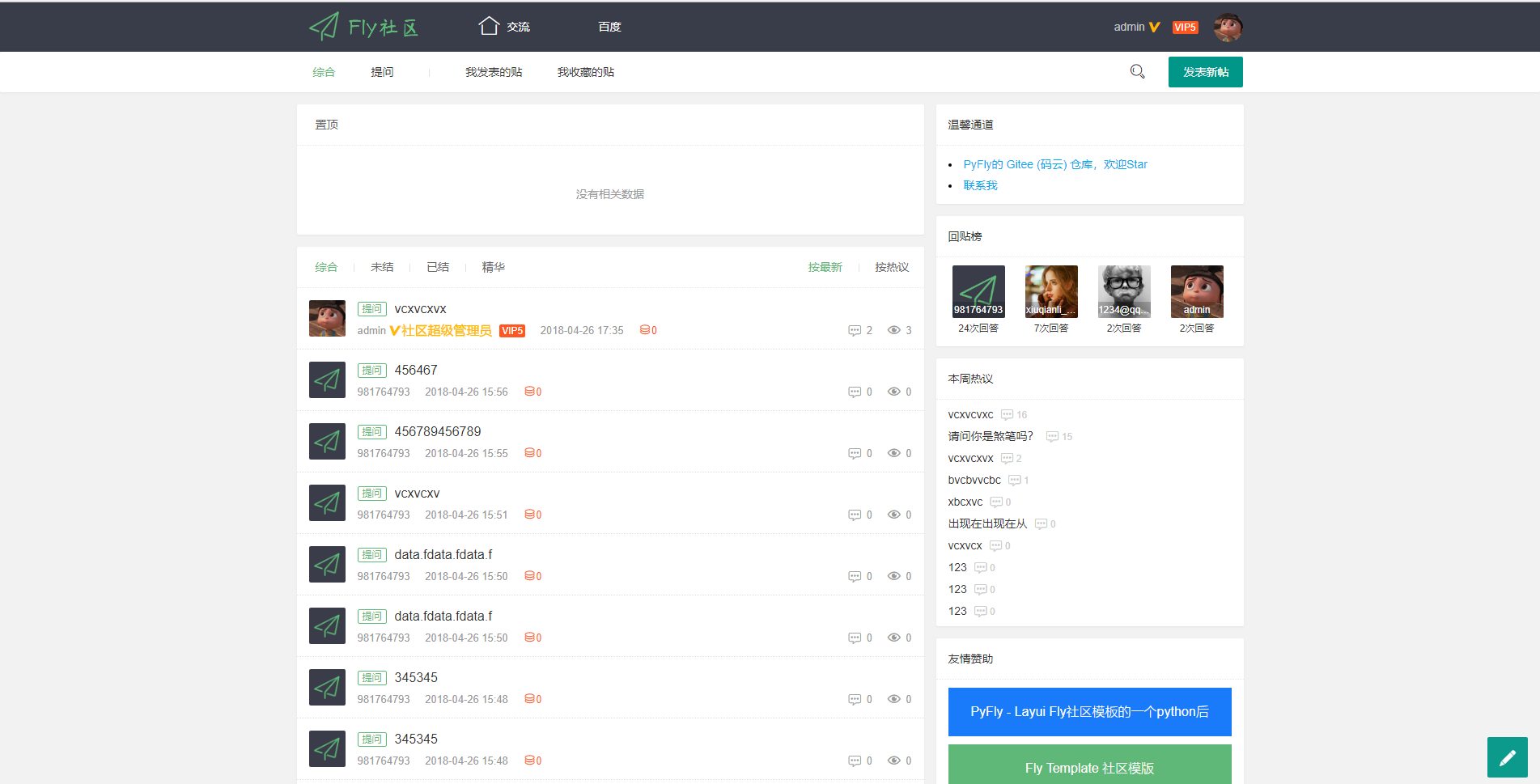 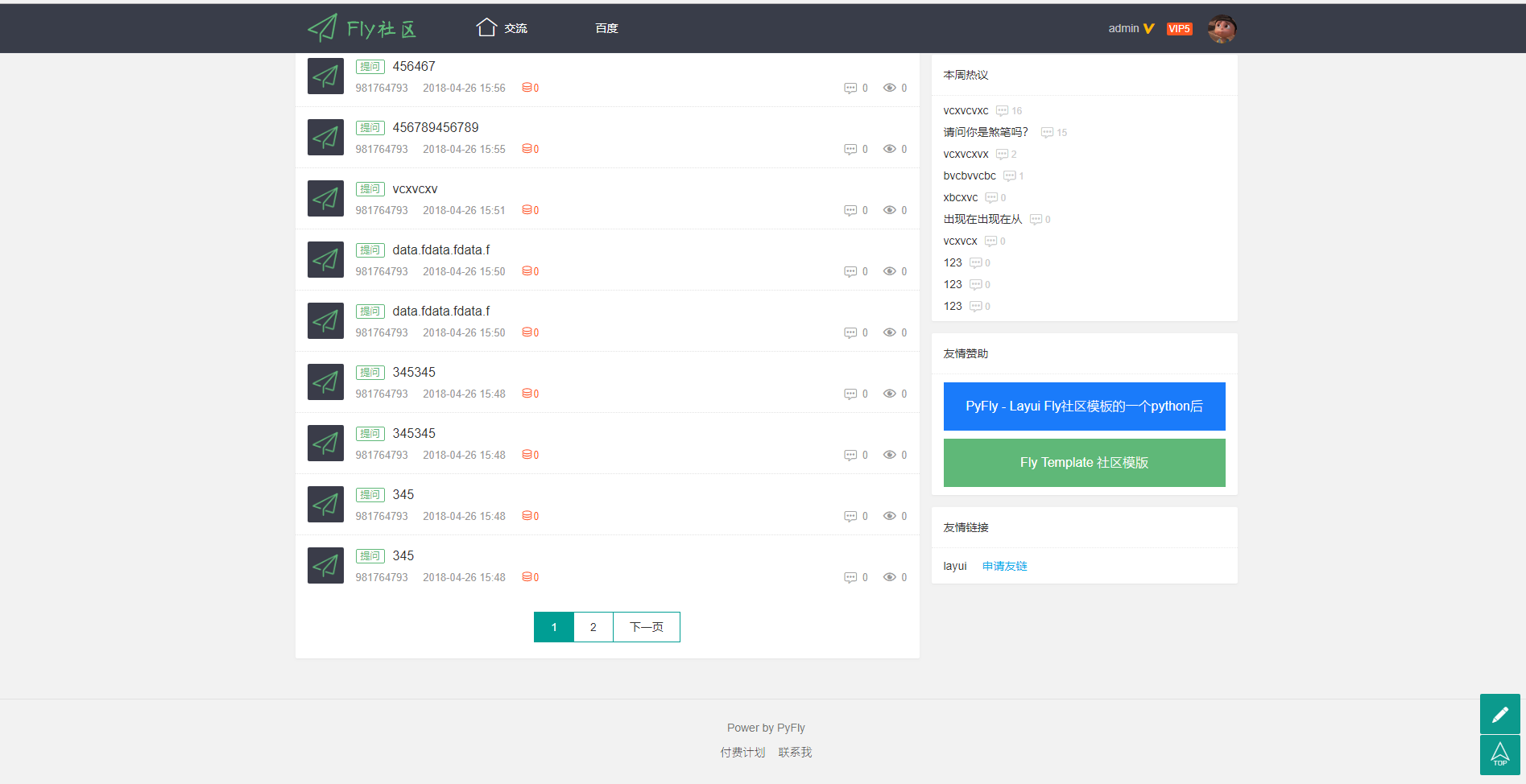 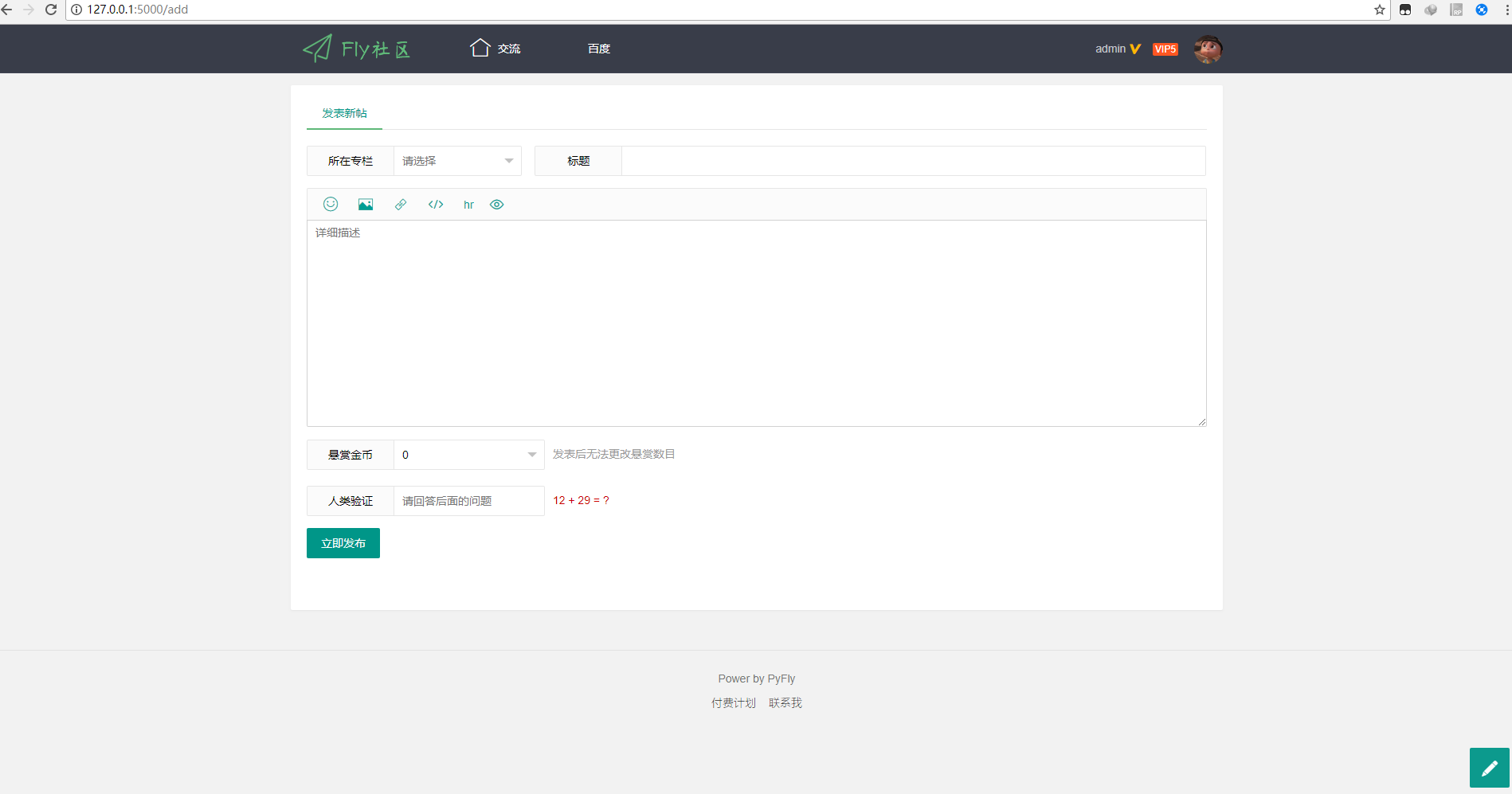 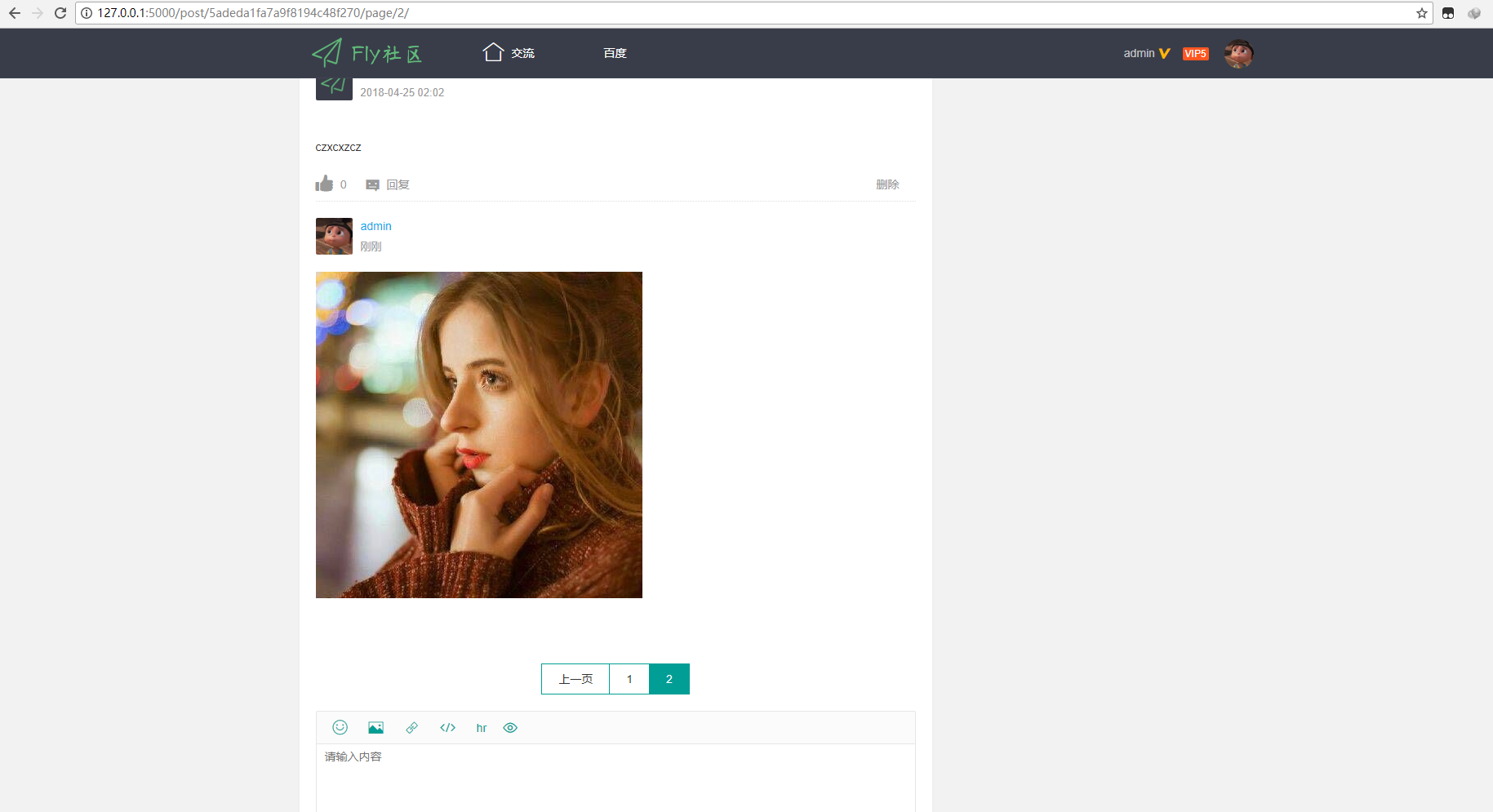 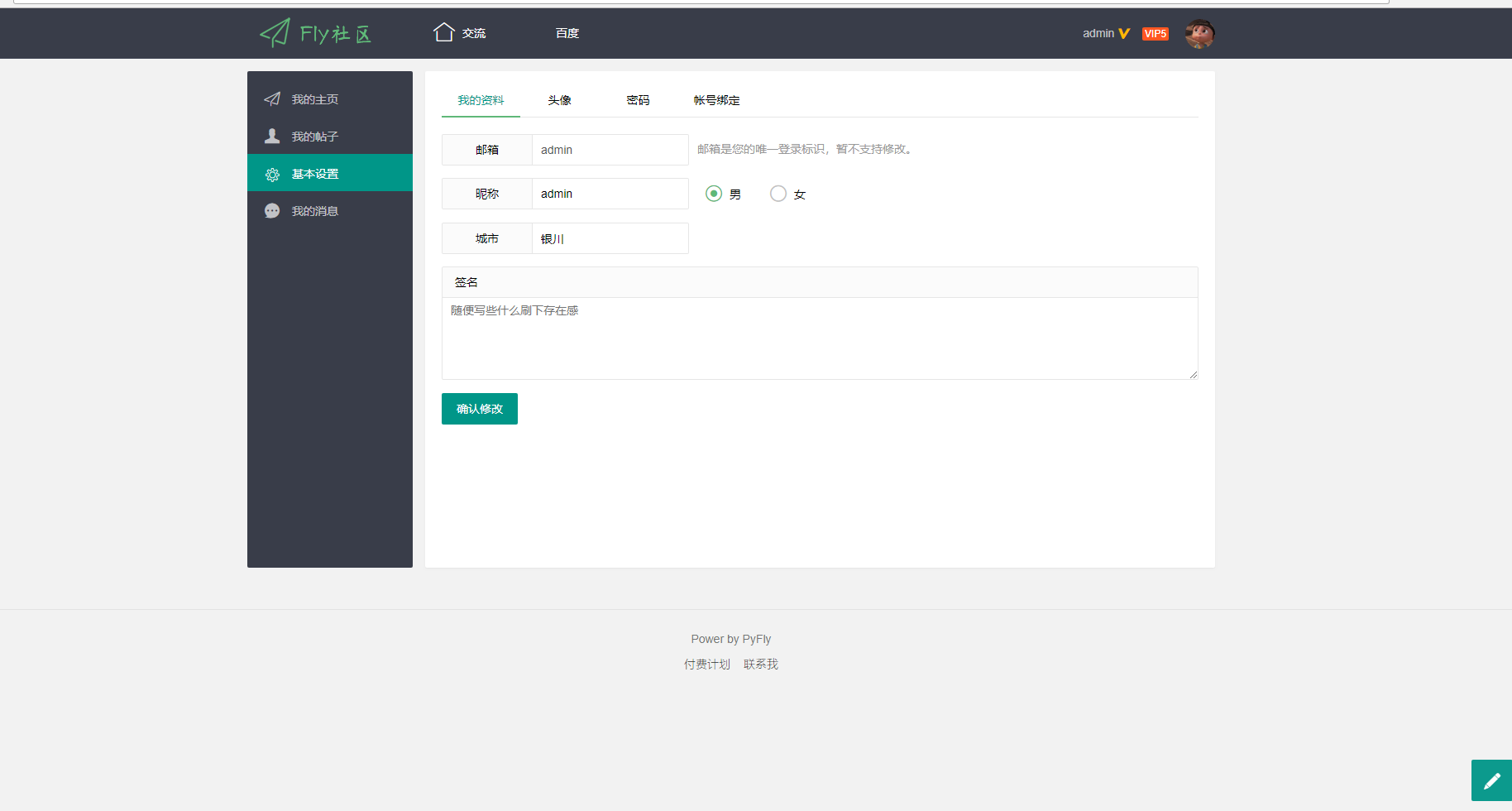 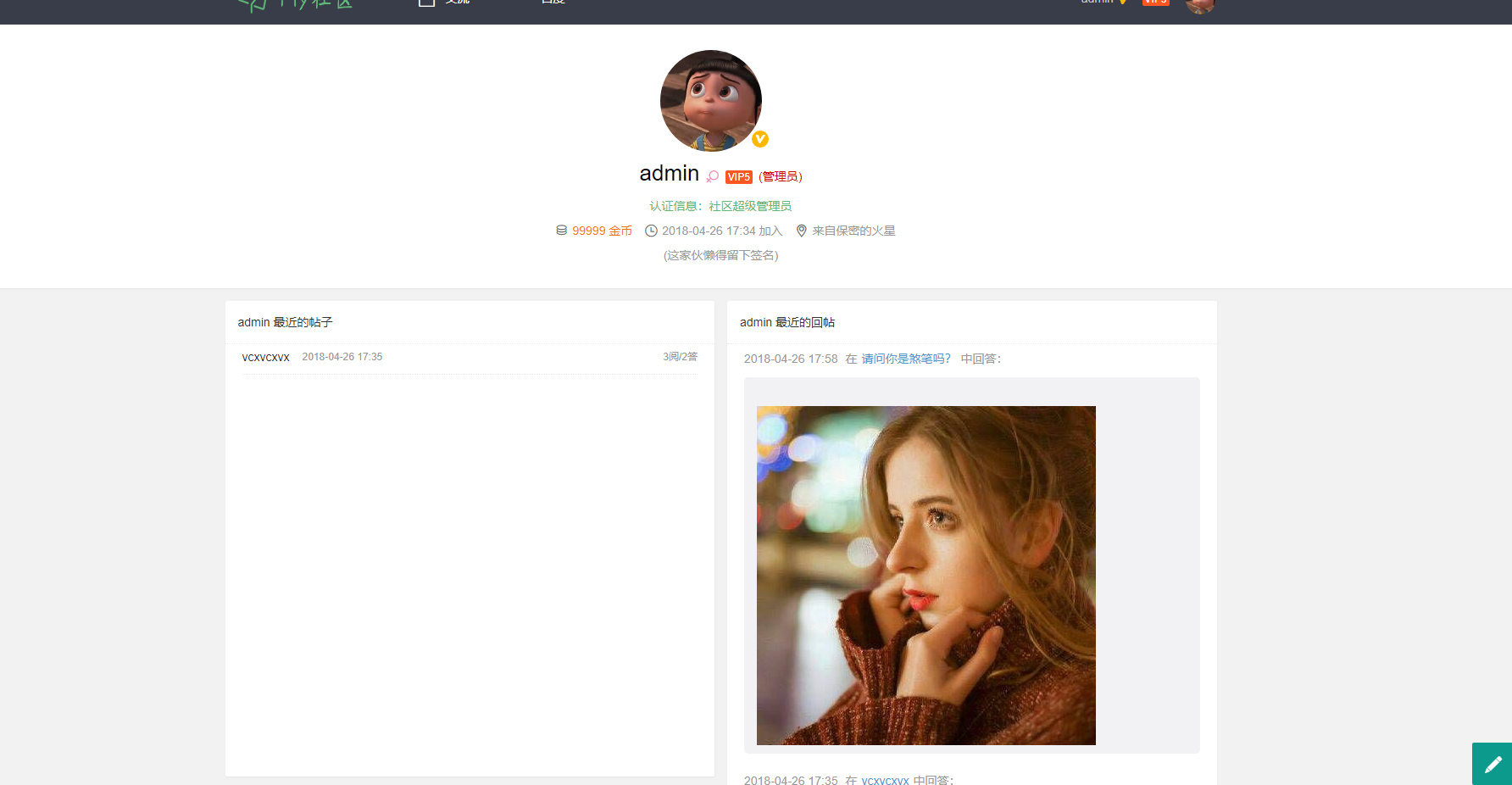
Explore similar templates
Compare previews and descriptions within the same stack and category.
Dashboard
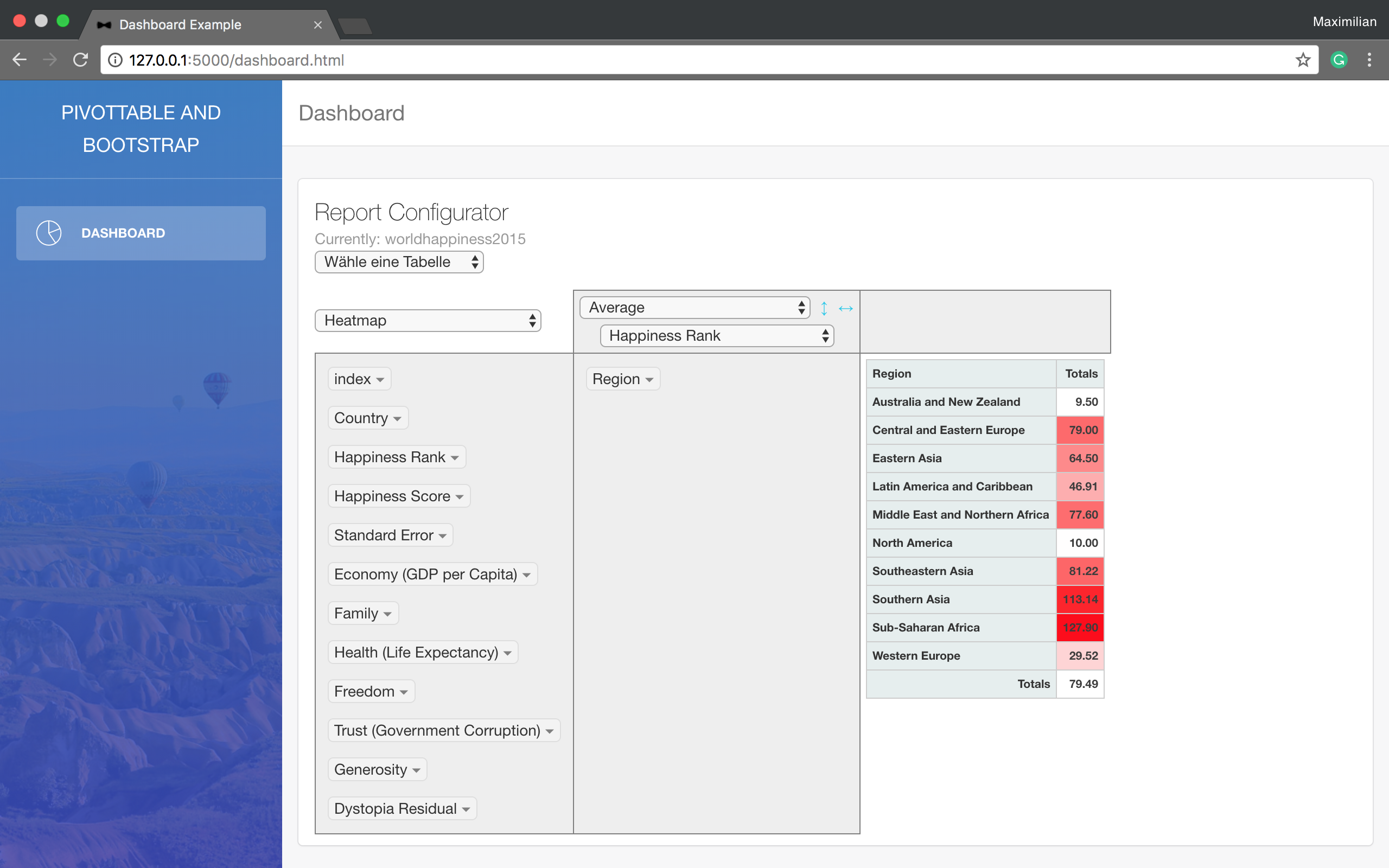
A minimal Flask example that reads data from a SQL database, processes it with Pandas, and displays it in a pivot table using a Bootstrap template. It requires your own SQL database and configuration changes at the TODO-marked positions in main.py.
Flask · Admin dashboard
raspi-dash
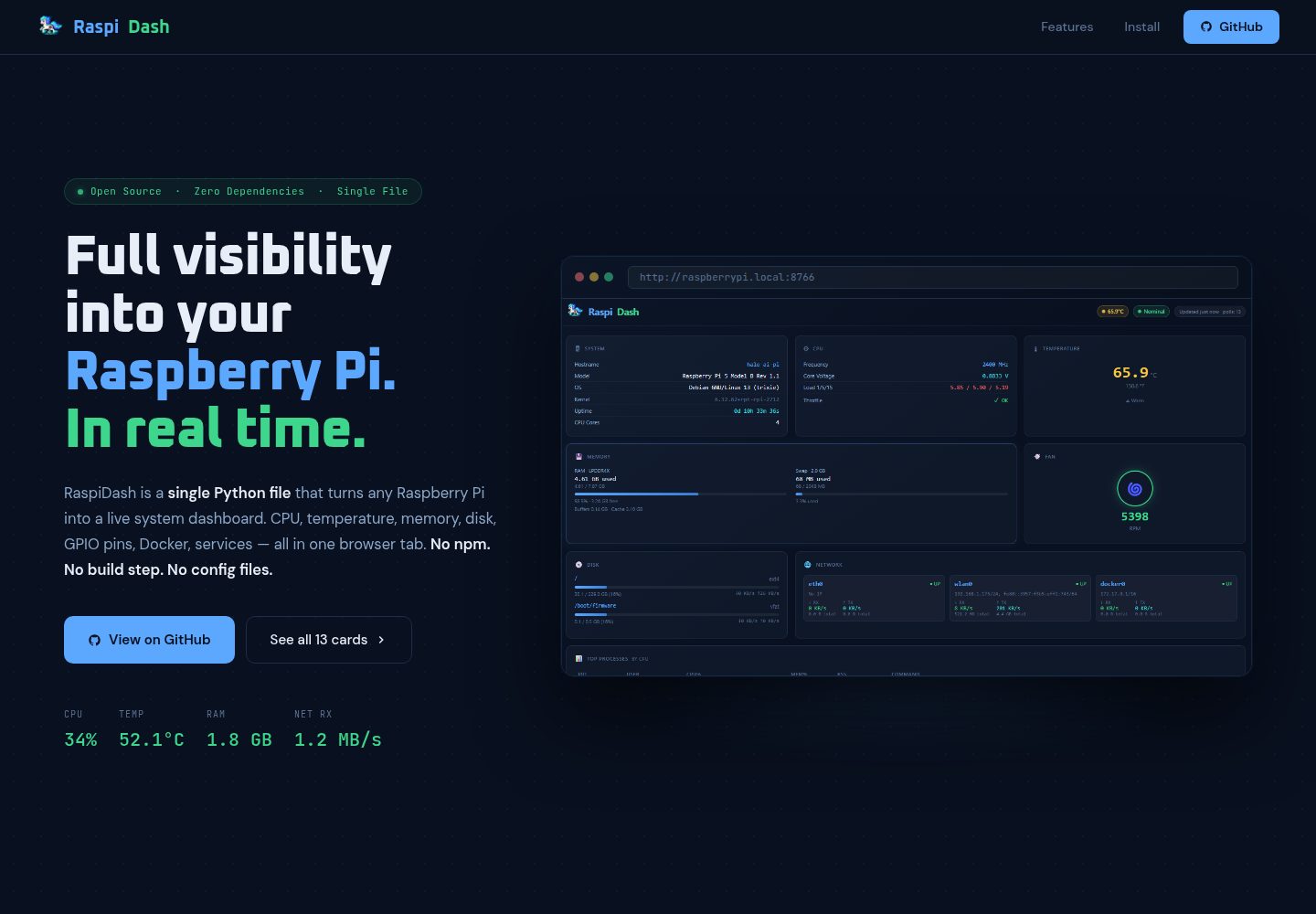
RaspiDash is a real-time single-page monitoring dashboard for Raspberry Pi 5. It uses a Flask backend to collect data from native Pi interfaces such as /proc, vcgencmd, and pinctrl, and renders cards with Jinja2 templates without frontend dependencies.
Flask · Admin dashboard
finance-dashboard-template
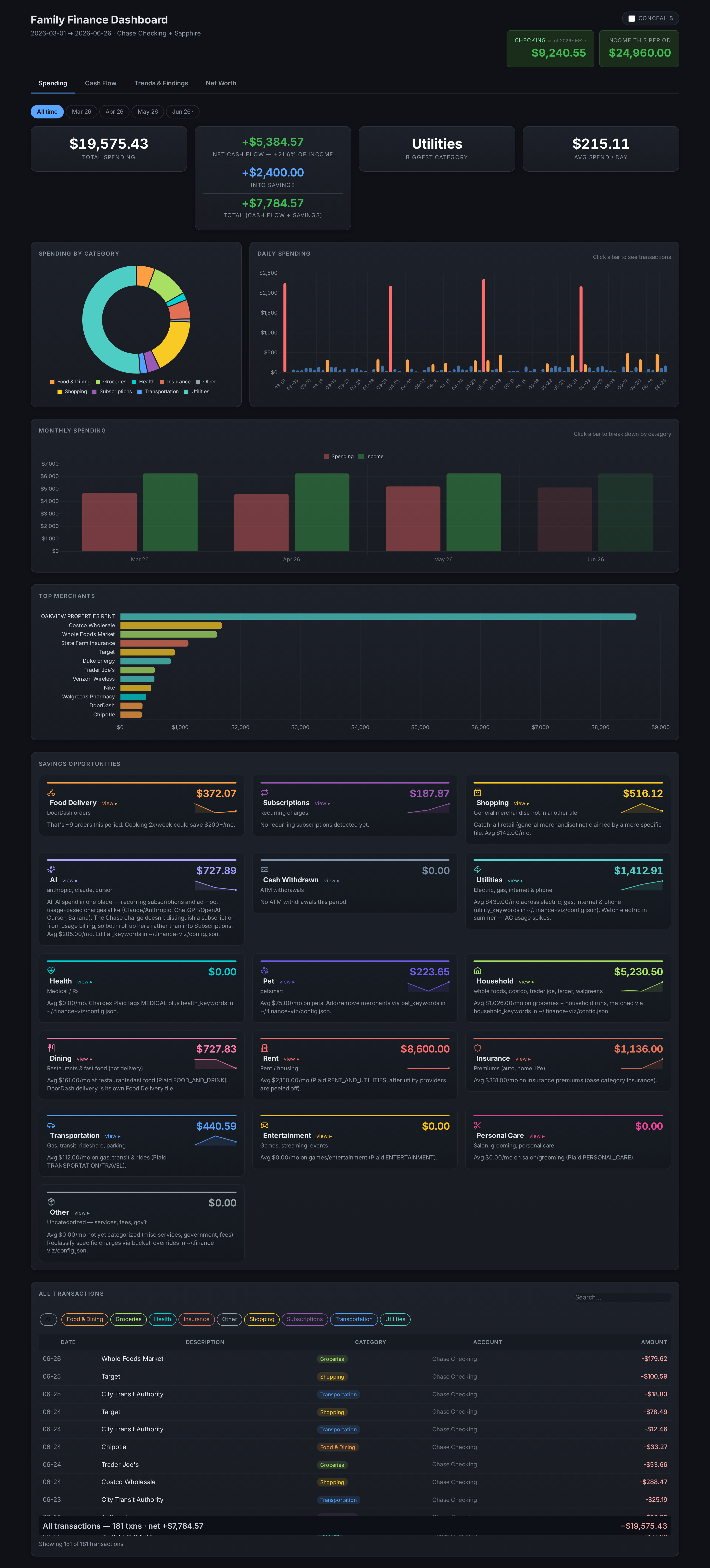
A Flask-based self-hosted personal finance dashboard template that aggregates bank, brokerage, and equity plan data via Plaid and custom scrapers, keeping all personal data local.
Flask · Admin dashboard
BootstrapFlask
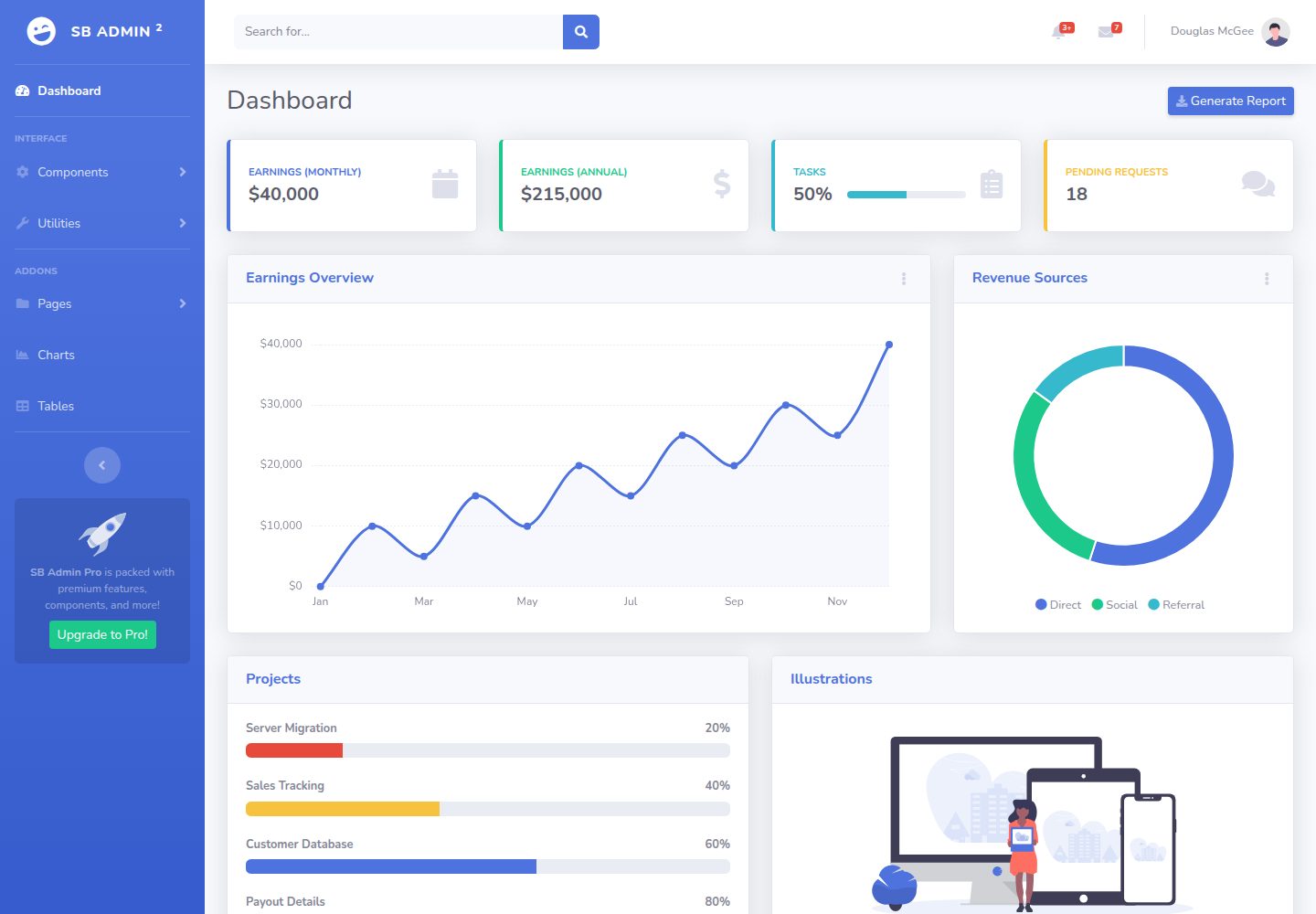
BootstrapFlask adapts Start Bootstrap's SB Admin 2 admin theme into a Flask project template, offering a dashboard-style data management interface with a sidebar and stat cards.
Flask · Admin dashboard

AdminLTE
AdminLTE is a free, open-source admin dashboard template built on Bootstrap 5 and vanilla JavaScript, with no jQuery dependency.
Astro · Admin dashboard
ant-design-pro
Ant Design Pro is an enterprise-grade React admin scaffold built on React 19, Umi Max 4, and antd 6 with TypeScript.
React · Admin dashboard