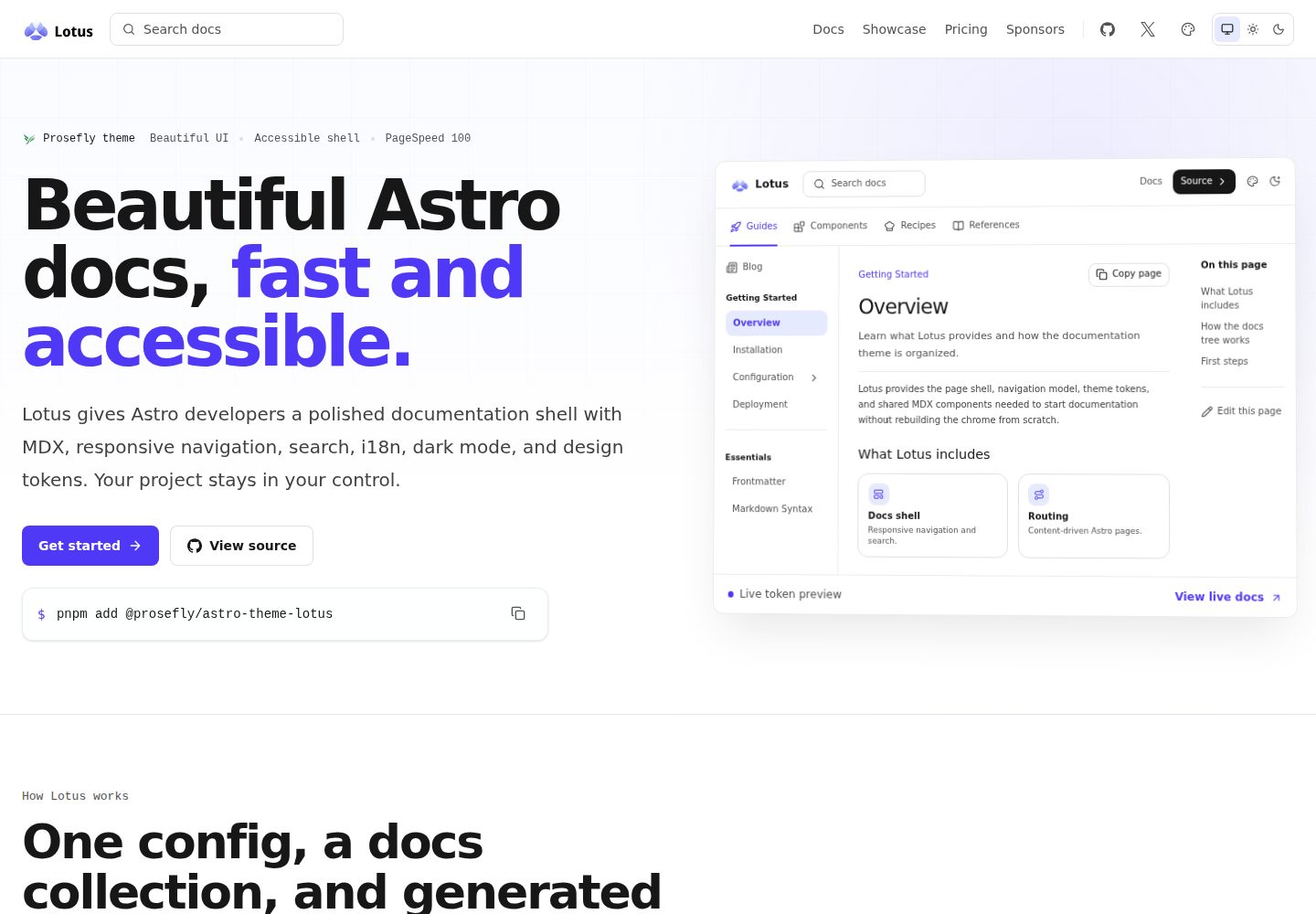
Installed as an Astro integration, so you can get the documentation shell without forking an entire site
AstroDocumentation
astro-theme-lotus — Astro Documentation Template
By prosefly
Lotus is an installable documentation theme for Astro that provides documentation routing, navigation, table of contents, search, and light/dark themes to existing Astro projects through an integration.
Explore the design
Compare the page layouts and mobile experience. Open any screenshot for a closer look.
Desktop homepage1 / 2
Desktop captureTop of page
Actual screenshot captured by the server browser.
All pages & views 2
Screenshots show visual appearance; interactive behavior may differ.
Recorded 2026-10-01View source
What stands out
A quick read of the recorded project description.
Register the docs content collection with docsLoader and docsSchema, and write documentation in MDX under src/content/docs/
Configure the site name, logo, top navigation, and documentation sidebar in theme.config.json, with integration parameters able to override that file
The sidebar supports hand-written entries, Iconify icons, and automatic generation by directory
Provides light, dark, and system-following theme modes, plus theme tokens such as accent color, gray tones, and border radius
Supports three search providers—local search, Pagefind, and DocSearch—and allows overriding shell components such as search, navigation, and footer
Template Details
Lotus is an Astro documentation theme published as an npm package, with the repository at prosefly/astro-theme-lotus and licensed under BSD-3-Clause. Its positioning is not to have you fork an entire site, but to install the documentation shell as an integration into an Astro project: register the lotus() integration in astro.config.ts, register the docs collection with docsLoader() and docsSchema() in src/content.config.ts, and then write MDX content under src/content/docs/. By default, documentation renders from the site root path, for example index.mdx maps to / and installation.mdx maps to /installation/.
Theme configuration is written in theme.config.json at the project root, where you can set the site name, description, logo, top navigation siteNav, and documentation sidebar docsNav; options passed to lotus({...}) in astro.config.ts override values in that JSON. docsNav supports hand-written entries, icons, and automatic generation by directory. The README also lists theme tokens (accent color, gray tones, border radius), global head entries, i18n routing and labels, Expressive Code, Iconify icons, and the ability to override shell components such as search, navigation, footer links, page metadata, and theme switching.
In addition to manual installation, an official companion starter template is provided at prosefly/astro-template-lotus-starter, which can be generated directly with pnpm create astro@latest to produce a project already wired with a content collection, theme configuration, and example documentation. Note that version numbers such as Astro v7 and Tailwind CSS v4 mentioned in the README were not verified against a dependency manifest in this material; the licensing of demo site screenshots and third-party assets also needs separate confirmation.
AstroDocumentation
Is it right for your project?
Use Cases
- Adding a documentation site shell to an existing Astro project
- Quickly building a new documentation site with example docs from the starter template
- Documentation projects that need multilingual routing and labels
- Documentation where content is written in MDX and code is displayed with Expressive Code
Suitable For
- Developers using Astro who want to add a documentation theme as an integration
- Documentation sites that need configurable navigation, sidebar, and table of contents
- Projects that want to control theme tokens and override shell components themselves
- Teams that accept the BSD-3-Clause license terms and will independently verify third-party asset licensing
Getting started & customization
Use these recorded setup notes alongside the repository instructions for your chosen version.
- 1
Install the package: npm install @prosefly/astro-theme-lotus; if MDX or Astro files directly reference shared components such as cards, steps, tabs, or callouts, you must also install @prosefly/astro-components
- 2
Import and register the lotus() integration in astro.config.ts
- 3
Define the docs collection with docsLoader() and docsSchema() in src/content.config.ts
- 4
Create theme.config.json at the project root to configure site information and navigation; options passed in astro.config.ts take precedence
- 5
Write documentation into src/content/docs/, which renders from the site root path by default; alternatively, start from the official starter template prosefly/astro-template-lotus-starter
License & source material
Usage conditions & limitations
Free to use · keep license noticeThis entry covers the free version in the public repository under the BSD-3-Clause license; the free scope is the code of that version and does not mean that external services or third-party assets are free.
Must comply with when using
- Free use, modification, commercial use, and distribution in source or binary form are permitted.
- Source distributions must retain the copyright notice, the three conditions, and the disclaimer; binary distributions must reproduce these in the documentation or accompanying materials.
- The name of the copyright holder or contributors may not be used to endorse or promote derivative products without prior written permission.
- The code is provided as is; warranties and limitations of liability are governed by the original license and applicable law.
Additional costs & items to verify
- Demo images, fonts, icons, and other third-party assets must be checked against their respective licenses and cannot be judged solely by the code's BSD-3-Clause license.
- External services such as domains, hosting, databases, payments, or AI may incur separate charges.
View Original Text Basis
https://github.com/prosefly/astro-theme-lotus/blob/main/LICENSEhttps://github.com/prosefly/astro-theme-lotus/blob/main/README.mdRedistribution and use in source and binary forms, with or without modification, are permitted
Original License Text
Compiled by DeepSeek based on repository license and README ·2026-10-01. Results only cover the materials read; dependencies, images, fonts, and subsequent term changes are subject to their respective original texts.
Project checks & description sources
Template Information
- Source platforms
- GitHub
- Documentation and maintenance reference score
- More documented · 87 / 100
- Technologies
- Astro
- Website type
- Documentation
How this score is calculated
Our heuristic uses license records (up to 30), a demo link (12), a preview (10), stars (15), recorded maintenance (15), description completeness (8), feature records (5) and classification data (5). It is not a code, security or performance test, or a Google score. A link does not establish tested functionality.
What to verify for this project
- Repository update recorded
- 2026-09-10
- Screenshot last checked
- 2026-10-01
A demo link is listed. Check it with your own content and viewport sizes; its presence does not confirm that forms, authentication or payments work.
The catalog identifies Astro as the primary stack. Check the actual dependency manifest and lockfile for versions and hosting requirements. These notes use recorded metadata, not a code audit or a deployment test.
Use a selection guide →How this description was prepared
AI-assisted description based on catalog records and repository material. Repository authors are not automatically the reviewers of this description.
Automatically checked against source and license rules; no manual editorial review.
Inspect the recorded source material
SHA-256: b079564567c12bae880c8754cfd67877917847a09d8a96706e7224f16dc0e8cf
2026-10-01T01:06:46.224Z
Source file / repository# Astro Theme Lotus
Lotus helps Astro developers build beautiful, accessible, and fast
documentation sites without designing the docs shell from scratch.
It is an installable documentation theme for Astro v7, Tailwind CSS v4, and
MDX. Lotus gives your project generated docs routes, responsive navigation,
table of contents, search, dark mode, i18n, theme tokens, and docs components
without turning the whole site into a theme fork.

## Why Lotus
- Beautiful documentation defaults with readable prose, compact navigation, and
polished light and dark modes.
- Accessible shell patterns for keyboard-friendly navigation, semantic content,
focus states, and theme controls.
- Fast static output with minimal client JavaScript and a current PageSpeed
Insights mobile report scoring 100 across all categories.
## Quick Start
Start from the Lotus starter template when you want a working documentation site
with Astro, content collections, theme config, and example docs already wired
up.
```sh
pnpm create astro@latest my-docs --template prosefly/astro-template-lotus-starter
cd my-docs
pnpm dev
```
Template source:
[prosefly/astro-template-lotus-starter](https://github.com/prosefly/astro-template-lotus-starter)
## Add To An Existing Project
Install Lotus manually when you already have an Astro project or want to add the
docs shell one piece at a time.
```sh
npm install @prosefly/astro-theme-lotus
```
Install `@prosefly/astro-components` directly when your own MDX or Astro files
import shared components such as cards, steps, tabs, or callouts.
Add the integration:
```ts
// astro.config.ts
import { defineConfig } from 'astro/config';
import lotus from '@prosefly/astro-theme-lotus';
export default defineConfig({
integrations: [lotus()],
});
```
Register your docs collection:
```ts
// src/content.config.ts
import { defineCollection } from 'astro:content';
import { docsLoader, docsSchema } from '@prosefly/astro-theme-lotus/content';
const docs = defineCollection({
loader: docsLoader(),
schema: docsSchema(),
});
export const collections = { docs };
```
Create docs in `src/content/docs/`. By default, Lotus renders docs from the
site root: `src/content/docs/index.mdx` renders at `/`, and
`src/content/docs/installation.mdx` renders at `/installation/`.
## Configure
Create `theme.config.json` in the project root. Options passed to
`lotus({...})` in `astro.config.ts` override values from this JSON file.
```json
{
"$schema": "https://prosefly.dev/schema/lotus.json",
"name": "Acme Docs",
"description": "Documentation for Acme.",
"logo": "/images/logo.svg",
"siteNav": [
{ "label": "Docs", "href": "/" },
{ "label": "GitHub", "href": "https://github.com/acme/acme", "external": true }
],
"docsNav": [
{
"label": "Guides",
"icon": "lucide:rocket",
"items": [
"overview",
"installation",
{
"label": "Configuration",
"items": [{ "autogenerate": { "directory": "configuration" } }]
}
]
}
]
}
```
## Features
- Astro v7 integration for documentation sites
- MDX content with configurable docs routes
- Responsive header, subnav, sidebar, main content, TOC, and footer
- Light, dark, and system theme modes
- Configurable accent color, gray palette, and radius
- Global head entries for custom CSS, social cards, and verification tags
- Local search, Pagefind, and DocSearch providers
- i18n-aware routes, labels, and sidebar ownership
- Expressive Code support
- Iconify-powered icons
- Component overrides for shell pieces such as search, navigation, footer links,
page metadata, and theme switch controls
## Links
- Documentation: <https://astro-theme-lotus.prosefly.dev/docs/overview/>
- Showcase: <https://astro-theme-lotus.prosefly.dev/showcase/>
- Starter template:
<https://github.com/prosefly/astro-template-lotus-starter>
- npm package: <https://www.npmjs.com/package/@prosefly/astro-theme-lotus>
## License
BSD-3-Clause
Explore similar templates
Compare previews and descriptions within the same stack and category.
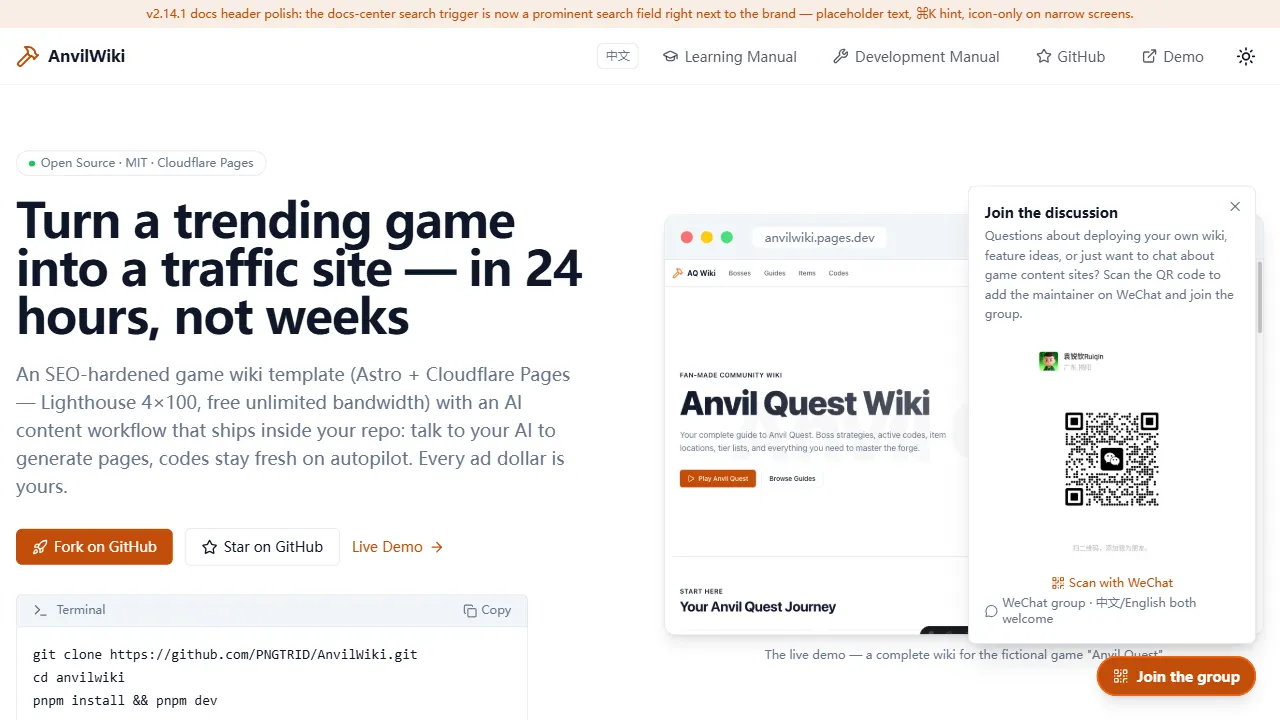
AnvilWiki
AnvilWiki is an Astro static Wiki template for game guide and compendium sites, with a built-in AI content workflow and monetization components. It outputs static pages by default and deploys on Cloudflare Pages, emphasizing zero server cost and out-of-the-box performance.
Astro · Game Site
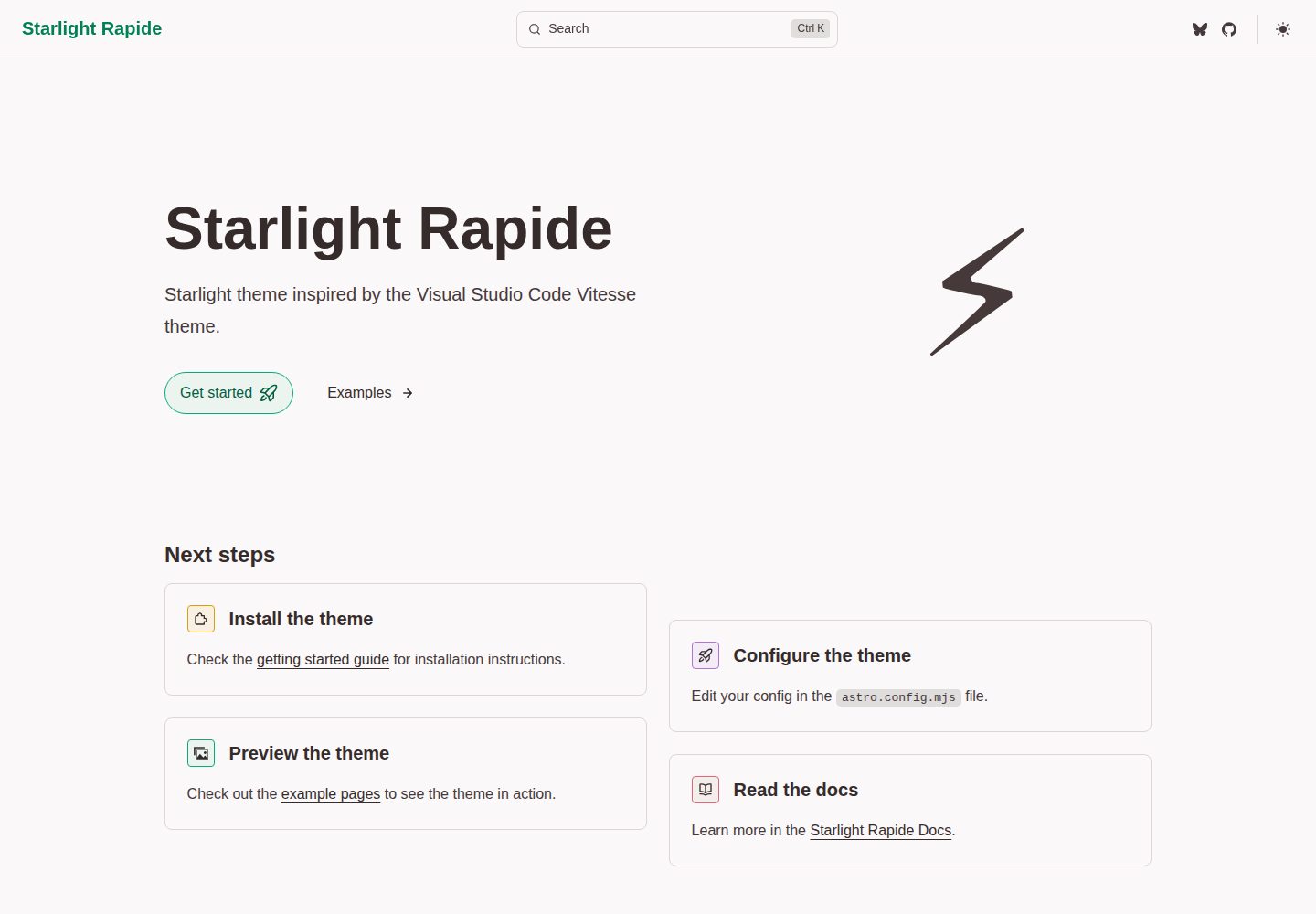
starlight-theme-rapide
starlight-theme-rapide is an Astro Starlight documentation site theme inspired by the Visual Studio Code Vitesse theme, offering dark and light modes and released under the MIT license.
Astro · Documentation
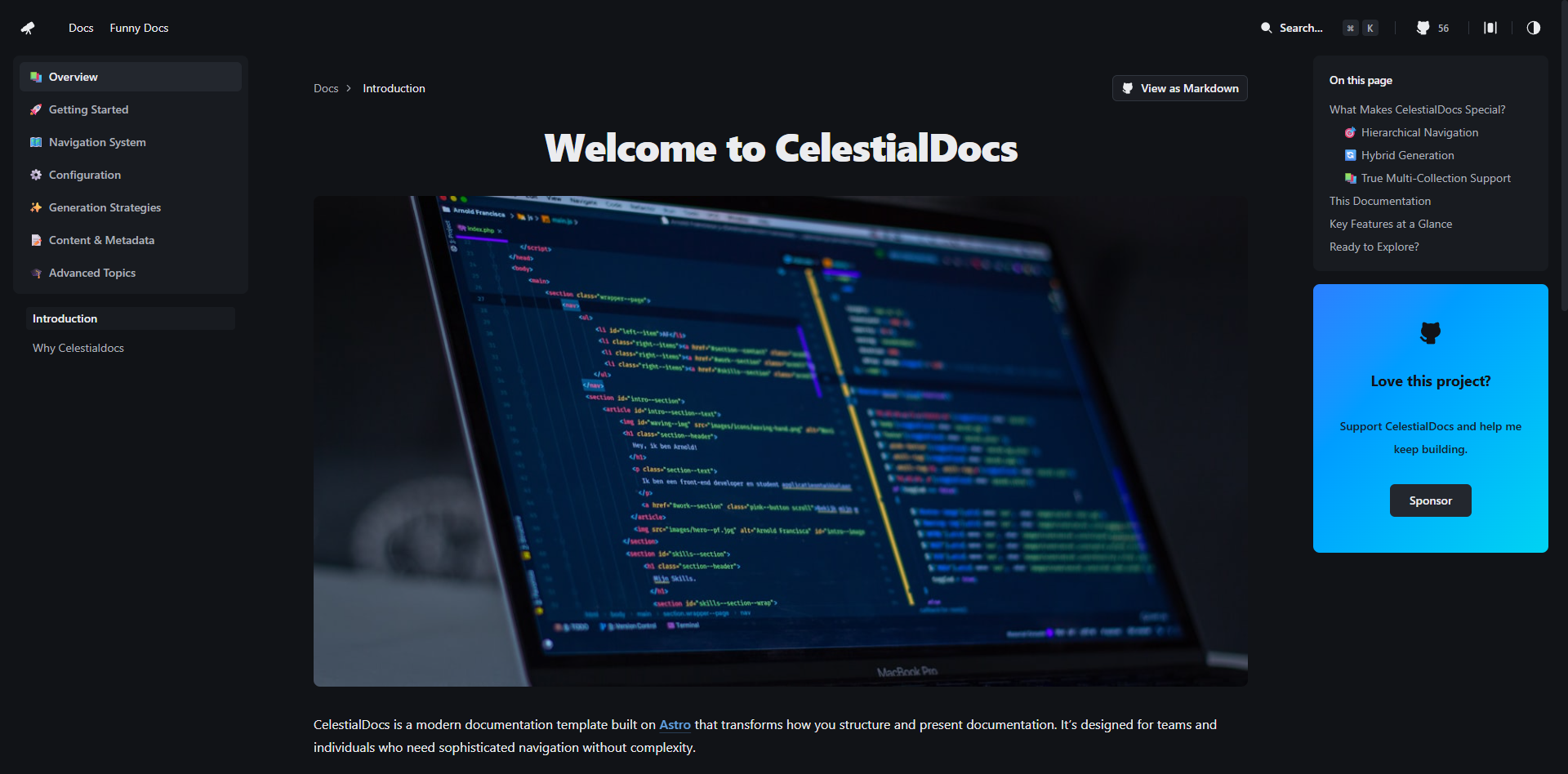
CelestialDocs
CelestialDocs is an Astro-based documentation platform template that maintains documentation, blog, and product pages in a single repository through a multi-collection architecture.
Astro · Documentation
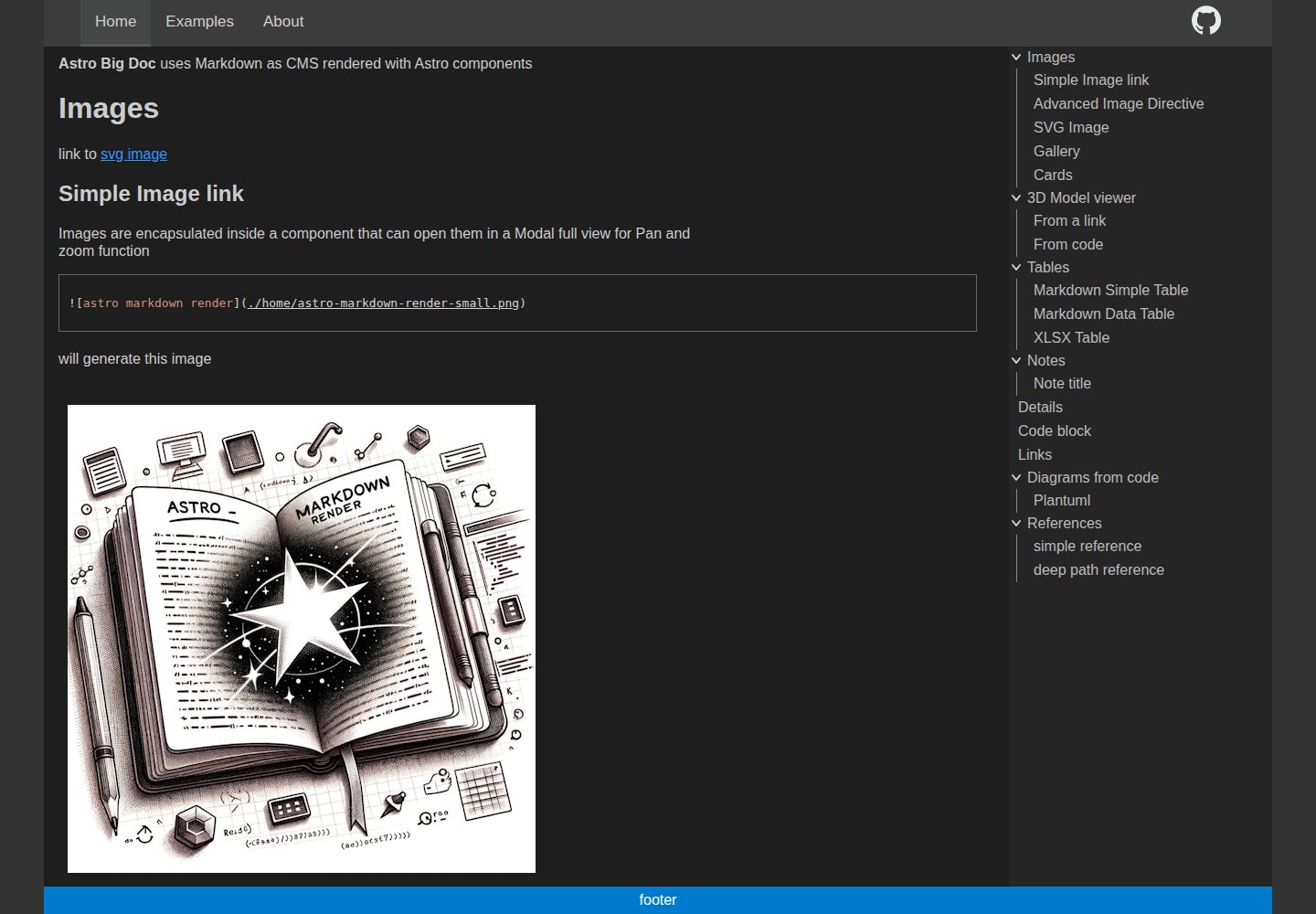
astro-big-doc
astro-big-doc is an Astro-based documentation site theme that renders standard Markdown and automatically generates a hierarchical menu and table of contents from the file directory structure with zero configuration.
Astro · Documentation
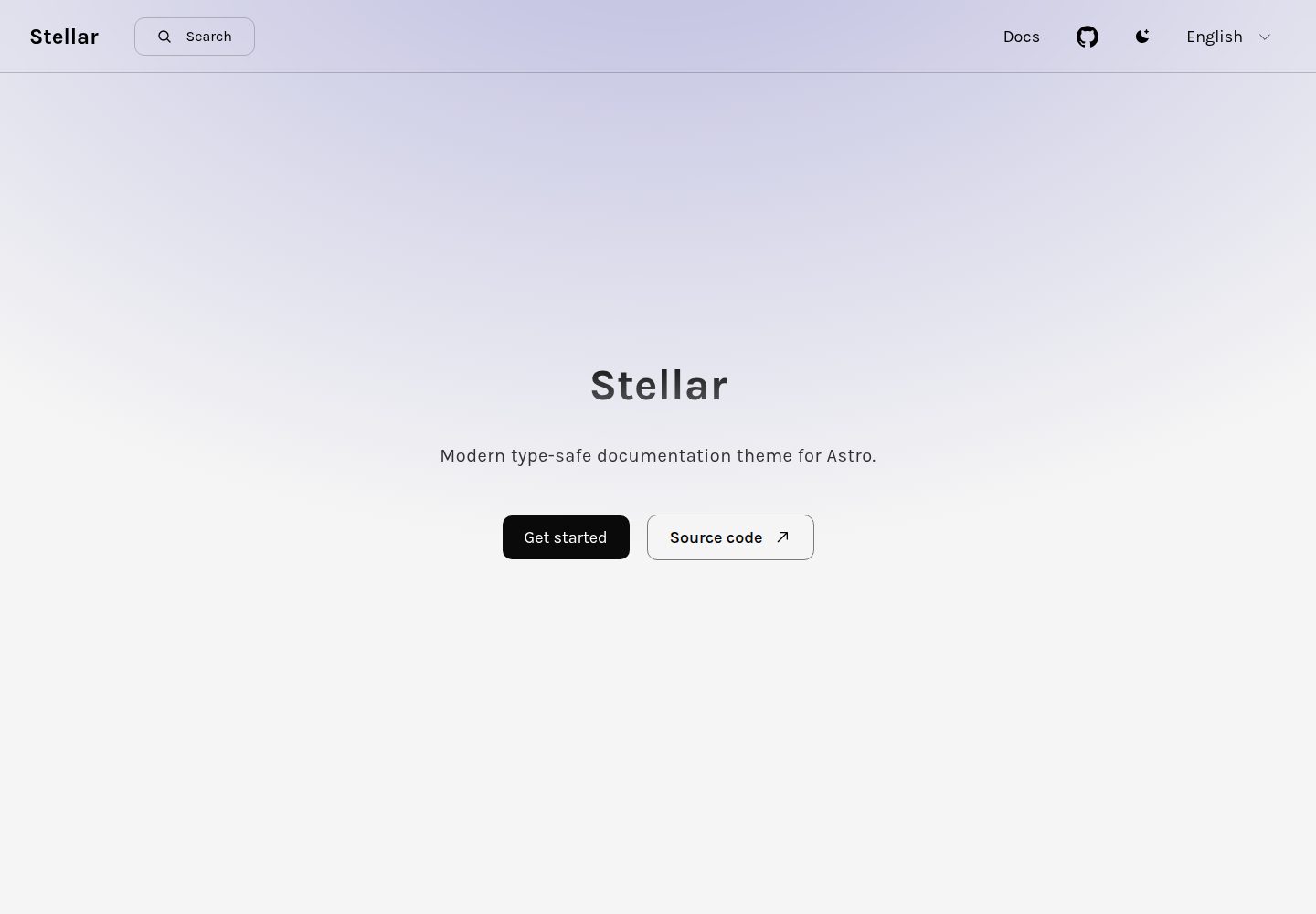
stellar
Stellar is a modern, type-safe documentation theme for Astro, suited for technical documentation sites written in Markdown or MDX. It offers dark mode, type-safe i18n, fuse.js local search, Tailwind styling, the View Transitions API, Shiki code highlighting, and custom import paths.
Astro · Documentation
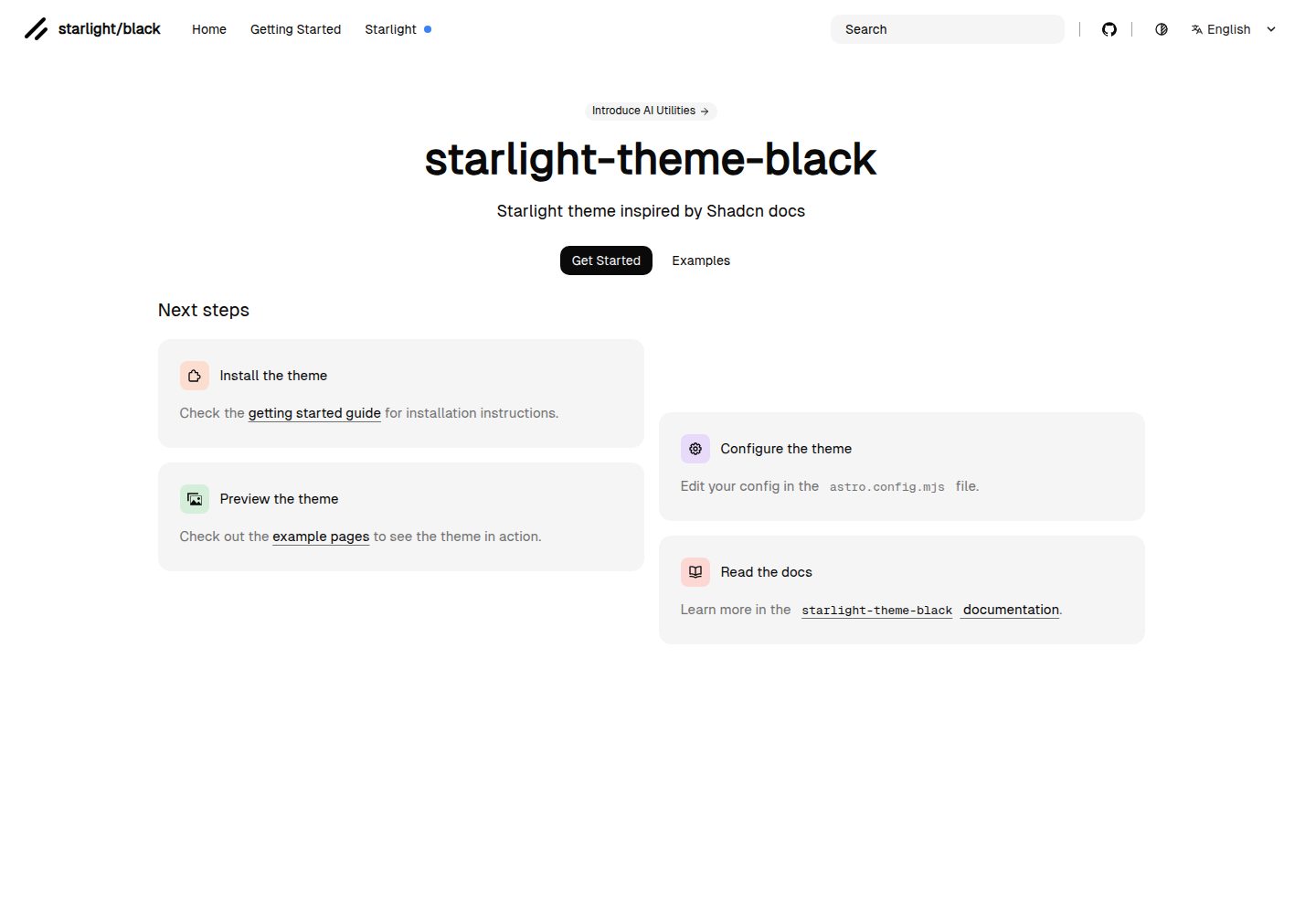
starlight-theme-black
starlight-theme-black is an Astro Starlight theme by adrian-ub that replaces the default look with a black palette, green accent (#22c55e), and editorial layout inspired by shadcn documentation.
Astro · Documentation