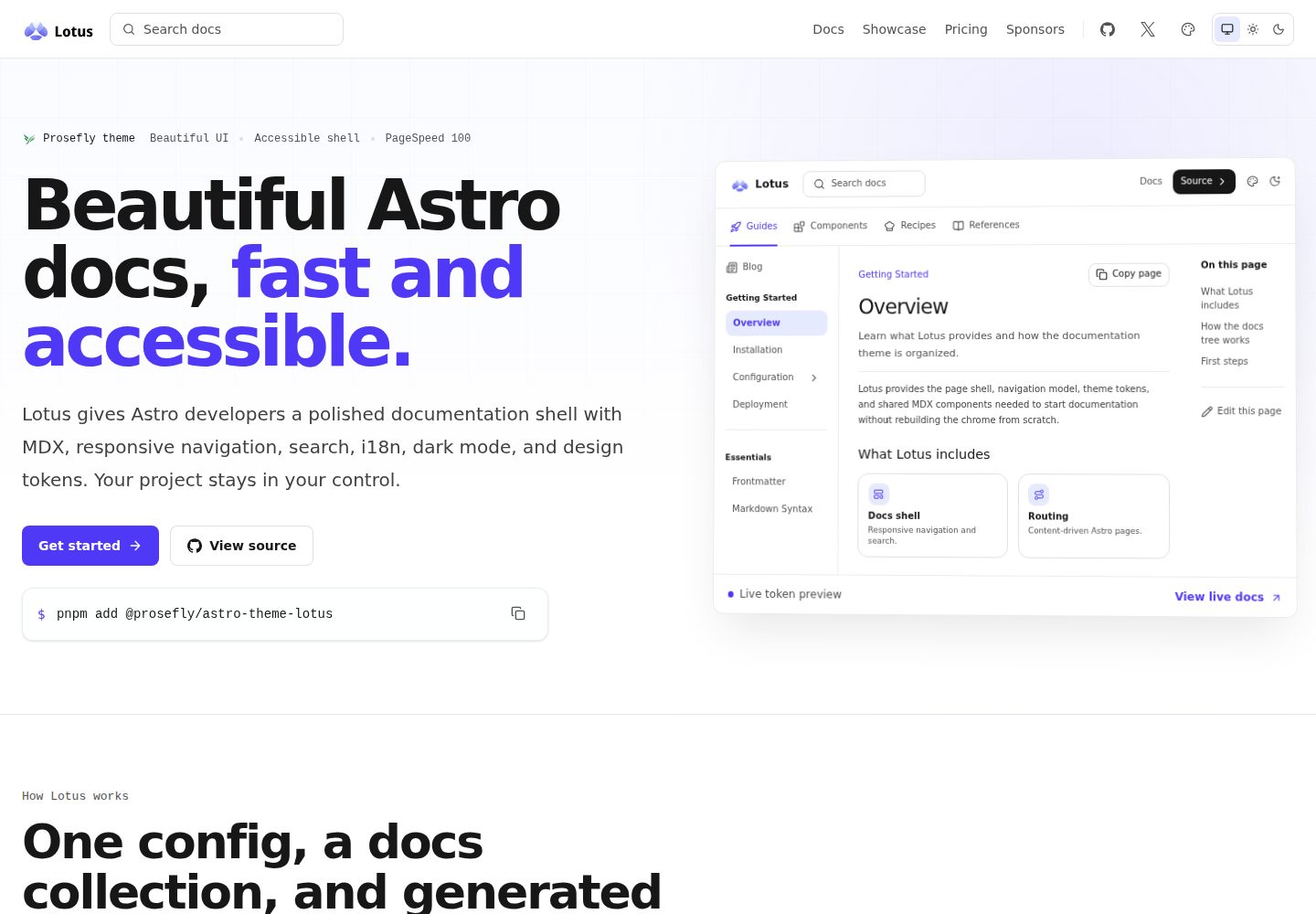
以 Astro 集成形式安装,不必 fork 整个站点即可获得文档外壳
Astro文档
astro-theme-lotus — Astro 文档模板
作者 prosefly
Lotus 是一个面向 Astro 的可安装文档主题,通过集成方式为现有 Astro 项目提供文档路由、导航、目录、搜索与明暗主题。
看看你的网站会是什么样
浏览真实页面截图,比较内容排版与手机效果。点击下方缩略图切换,放大查看整页细节。
全部页面与视图 2
截图用于了解视觉与布局,交互效果请以实际项目为准。
采集于 2026-10-01查看来源
值得关注的模板亮点
从已有项目资料中,快速了解它的特点。
通过 docsLoader 与 docsSchema 注册 docs 内容集合,在 src/content/docs/ 下用 MDX 写文档
theme.config.json 配置站点名称、logo、顶部导航与文档侧边栏,集成参数可覆盖该文件
侧边栏支持手写条目、Iconify 图标以及按目录自动生成
提供明暗与跟随系统三种主题模式,以及强调色、灰色调、圆角等主题令牌
支持本地搜索、Pagefind、DocSearch 三种搜索提供方,并可覆盖搜索、导航、页脚等外壳组件
模板详细介绍
Lotus 是一个以 npm 包形式发布的 Astro 文档主题,仓库为 prosefly/astro-theme-lotus,采用 BSD-3-Clause 许可。它的定位不是让你 fork 整套站点,而是把文档外壳作为集成安装到 Astro 项目中:在 astro.config.ts 中注册 lotus() 集成,在 src/content.config.ts 中用 docsLoader() 与 docsSchema() 注册 docs 集合,然后在 src/content/docs/ 下写 MDX 内容。默认情况下文档从站点根路径渲染,例如 index.mdx 对应 /,installation.mdx 对应 /installation/。
主题配置写在项目根目录的 theme.config.json 中,可设置站点名称、描述、logo、顶部导航 siteNav 与文档侧边栏 docsNav;astro.config.ts 里传给 lotus({...}) 的选项会覆盖该 JSON 中的值。docsNav 支持手写条目、图标以及按目录自动生成。README 还列出了主题令牌(强调色、灰色调、圆角)、全局 head 条目、i18n 路由与标签、Expressive Code、Iconify 图标,以及对搜索、导航、页脚链接、页面元数据、主题切换等外壳组件的覆盖能力。
除手动安装外,官方提供了配套的 starter 模板 prosefly/astro-template-lotus-starter,可用 pnpm create astro@latest 直接生成一个已接好内容集合、主题配置与示例文档的项目。需要注意,README 中提到的 Astro v7、Tailwind CSS v4 等版本号未在本次资料中通过依赖清单核对;演示站截图与第三方素材的授权也需单独确认。
Astro文档
适合你的项目吗?
适用场景
- 为已有 Astro 项目补充一套文档站点外壳
- 从 starter 模板快速搭建带示例文档的新文档站
- 需要多语言路由与标签的文档项目
- 希望用 MDX 编写内容并配合 Expressive Code 展示代码的文档
适合人群
- 使用 Astro 并希望以集成方式接入文档主题的开发者
- 需要可配置导航、侧边栏与目录的文档站点
- 希望自行控制主题令牌与外壳组件覆盖的项目
- 接受 BSD-3-Clause 许可条款并会自行核对第三方素材授权的团队
上手与定制指南
结合仓库当前版本的说明,按下面的资料检查内容、配置与运行要求。
- 1
安装包:npm install @prosefly/astro-theme-lotus;若 MDX 或 Astro 文件直接引用 cards、steps、tabs、callouts 等共享组件,需另行安装 @prosefly/astro-components
- 2
在 astro.config.ts 中导入并注册 lotus() 集成
- 3
在 src/content.config.ts 中用 docsLoader() 与 docsSchema() 定义 docs 集合
- 4
在项目根目录创建 theme.config.json 配置站点信息与导航,astro.config.ts 中传入的选项优先级更高
- 5
文档写入 src/content/docs/,默认从站点根路径渲染;也可改用官方 starter 模板 prosefly/astro-template-lotus-starter 起步
授权与来源资料
使用条件与限制
免费使用 · 保留许可声明本次收录的是公开仓库中采用 BSD-3-Clause 许可的免费版本;免费范围为该版本代码,不代表外部服务或第三方素材免费。
使用时需要遵守
- 允许免费使用、修改、商用以及源代码或二进制形式的分发。
- 源代码分发需保留版权声明、三项条件和免责声明;二进制分发需在文档或随附材料中重现这些内容。
- 未经事先书面许可,不得使用权利人或贡献者的名称为衍生产品背书或推广。
- 代码按现状提供;担保与责任限制以原许可证及适用法律为准。
额外费用与待核对事项
- 演示图片、字体、图标及其他第三方素材需按各自许可核对,不能仅凭代码的 BSD-3-Clause 许可判断。
- 域名、托管、数据库、支付或 AI 等外部服务可能另外收费。
查看原文依据
https://github.com/prosefly/astro-theme-lotus/blob/main/LICENSEhttps://github.com/prosefly/astro-theme-lotus/blob/main/README.mdRedistribution and use in source and binary forms, with or without modification, are permitted
许可证原文
DeepSeek 根据仓库许可证和 README 整理 ·2026-10-01。结果仅覆盖已读取资料,依赖、图片、字体及后续条款变更以各自原文为准。
项目核对记录与介绍依据
模板资料
- 来源平台
- GitHub
- 资料与维护参考分
- 资料较完整 · 87 / 100
- 技术栈
- Astro
- 网站类型
- 文档
这个分数如何计算
本站按许可资料(最高30分)、演示链接(12分)、预览图(10分)、Star数(15分)、记录的维护时间(15分)、描述完整度(8分)、功能记录(5分)和分类资料(5分)计算。它不是代码、安全或性能测试,也不是 Google 评分;有链接不代表已实测可用。
这个项目需要核对什么
- 记录的仓库更新时间
- 2026-09-10
- 截图检查日期
- 2026-10-01
已收录演示链接。请用你的内容与屏幕尺寸检查;有演示不代表表单、认证或支付已经可用。
目录记录的主要技术栈是 Astro。请通过依赖清单和锁文件核对实际版本与托管要求。这些说明基于收录资料,不代表代码审计或部署实测。
查看具体选型方法 →介绍的制作与核对状态
介绍由 AI 辅助整理目录与仓库资料。仓库作者不等于这篇介绍的审核者。
已完成服务器许可规则与 AI 来源核对;未经过人工编辑审核。
查看当时使用的来源资料
SHA-256: b079564567c12bae880c8754cfd67877917847a09d8a96706e7224f16dc0e8cf
2026-10-01T01:06:46.224Z
来源文件 / 仓库# Astro Theme Lotus
Lotus helps Astro developers build beautiful, accessible, and fast
documentation sites without designing the docs shell from scratch.
It is an installable documentation theme for Astro v7, Tailwind CSS v4, and
MDX. Lotus gives your project generated docs routes, responsive navigation,
table of contents, search, dark mode, i18n, theme tokens, and docs components
without turning the whole site into a theme fork.

## Why Lotus
- Beautiful documentation defaults with readable prose, compact navigation, and
polished light and dark modes.
- Accessible shell patterns for keyboard-friendly navigation, semantic content,
focus states, and theme controls.
- Fast static output with minimal client JavaScript and a current PageSpeed
Insights mobile report scoring 100 across all categories.
## Quick Start
Start from the Lotus starter template when you want a working documentation site
with Astro, content collections, theme config, and example docs already wired
up.
```sh
pnpm create astro@latest my-docs --template prosefly/astro-template-lotus-starter
cd my-docs
pnpm dev
```
Template source:
[prosefly/astro-template-lotus-starter](https://github.com/prosefly/astro-template-lotus-starter)
## Add To An Existing Project
Install Lotus manually when you already have an Astro project or want to add the
docs shell one piece at a time.
```sh
npm install @prosefly/astro-theme-lotus
```
Install `@prosefly/astro-components` directly when your own MDX or Astro files
import shared components such as cards, steps, tabs, or callouts.
Add the integration:
```ts
// astro.config.ts
import { defineConfig } from 'astro/config';
import lotus from '@prosefly/astro-theme-lotus';
export default defineConfig({
integrations: [lotus()],
});
```
Register your docs collection:
```ts
// src/content.config.ts
import { defineCollection } from 'astro:content';
import { docsLoader, docsSchema } from '@prosefly/astro-theme-lotus/content';
const docs = defineCollection({
loader: docsLoader(),
schema: docsSchema(),
});
export const collections = { docs };
```
Create docs in `src/content/docs/`. By default, Lotus renders docs from the
site root: `src/content/docs/index.mdx` renders at `/`, and
`src/content/docs/installation.mdx` renders at `/installation/`.
## Configure
Create `theme.config.json` in the project root. Options passed to
`lotus({...})` in `astro.config.ts` override values from this JSON file.
```json
{
"$schema": "https://prosefly.dev/schema/lotus.json",
"name": "Acme Docs",
"description": "Documentation for Acme.",
"logo": "/images/logo.svg",
"siteNav": [
{ "label": "Docs", "href": "/" },
{ "label": "GitHub", "href": "https://github.com/acme/acme", "external": true }
],
"docsNav": [
{
"label": "Guides",
"icon": "lucide:rocket",
"items": [
"overview",
"installation",
{
"label": "Configuration",
"items": [{ "autogenerate": { "directory": "configuration" } }]
}
]
}
]
}
```
## Features
- Astro v7 integration for documentation sites
- MDX content with configurable docs routes
- Responsive header, subnav, sidebar, main content, TOC, and footer
- Light, dark, and system theme modes
- Configurable accent color, gray palette, and radius
- Global head entries for custom CSS, social cards, and verification tags
- Local search, Pagefind, and DocSearch providers
- i18n-aware routes, labels, and sidebar ownership
- Expressive Code support
- Iconify-powered icons
- Component overrides for shell pieces such as search, navigation, footer links,
page metadata, and theme switch controls
## Links
- Documentation: <https://astro-theme-lotus.prosefly.dev/docs/overview/>
- Showcase: <https://astro-theme-lotus.prosefly.dev/showcase/>
- Starter template:
<https://github.com/prosefly/astro-template-lotus-starter>
- npm package: <https://www.npmjs.com/package/@prosefly/astro-theme-lotus>
## License
BSD-3-Clause
看看同类模板
对比同技术栈与用途的模板,找到更适合的视觉与内容结构。
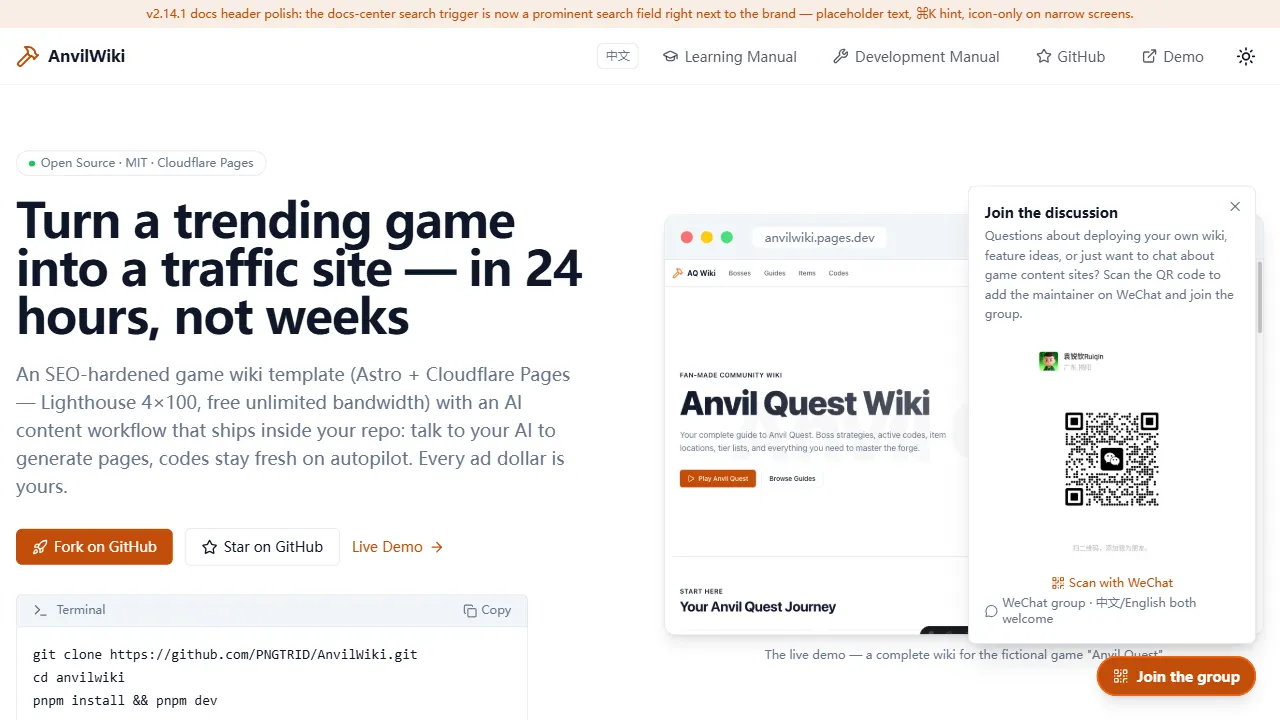
AnvilWiki
AnvilWiki 是一个围绕游戏攻略站场景设计的 Astro 静态模板,目标用户是希望快速搭建游戏内容站、通过 SEO 获取流量并利用广告变现的创作者。
Astro · 游戏站
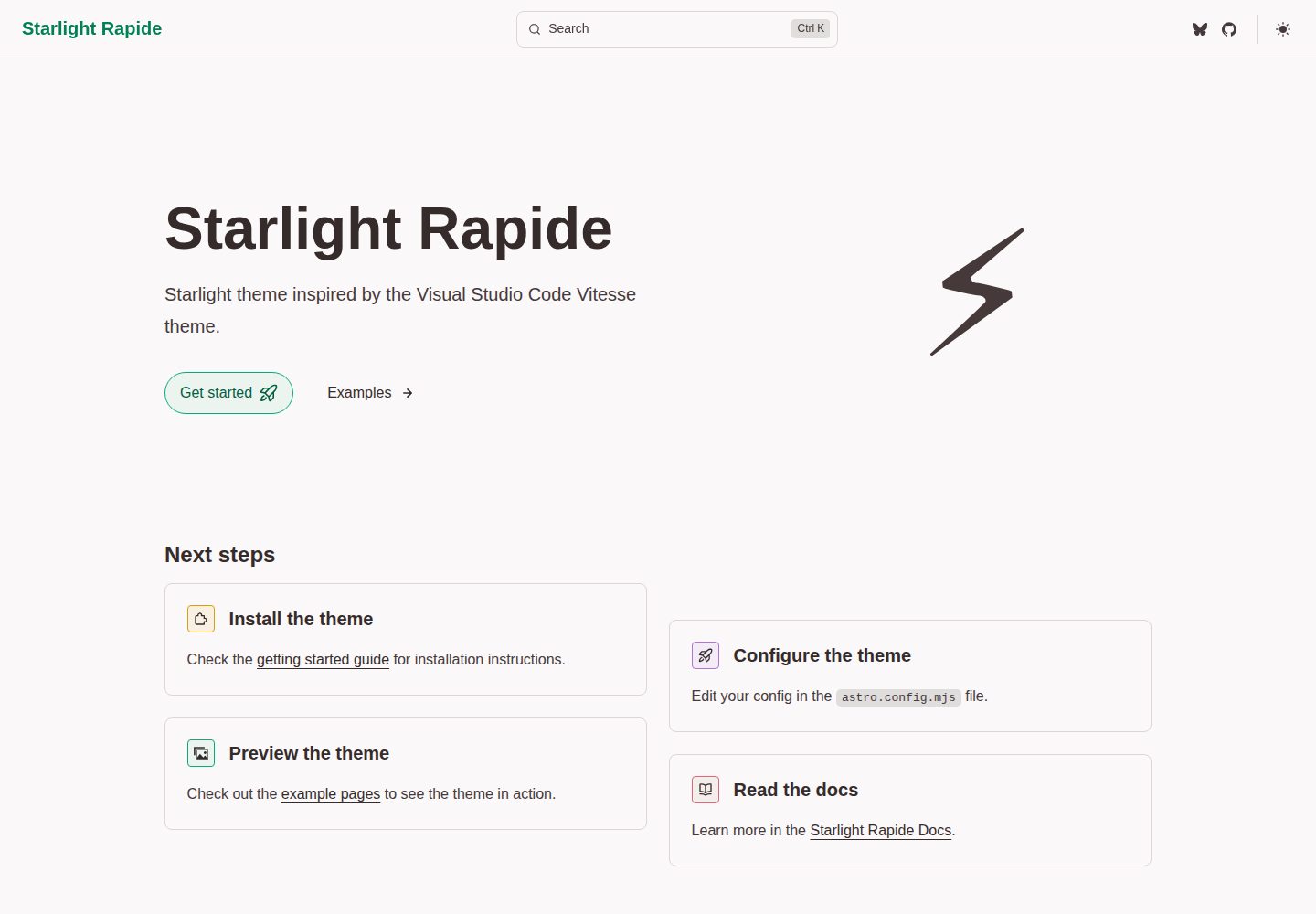
starlight-theme-rapide
Starlight theme inspired by the Visual Studio Code Vitesse theme
Astro · 文档
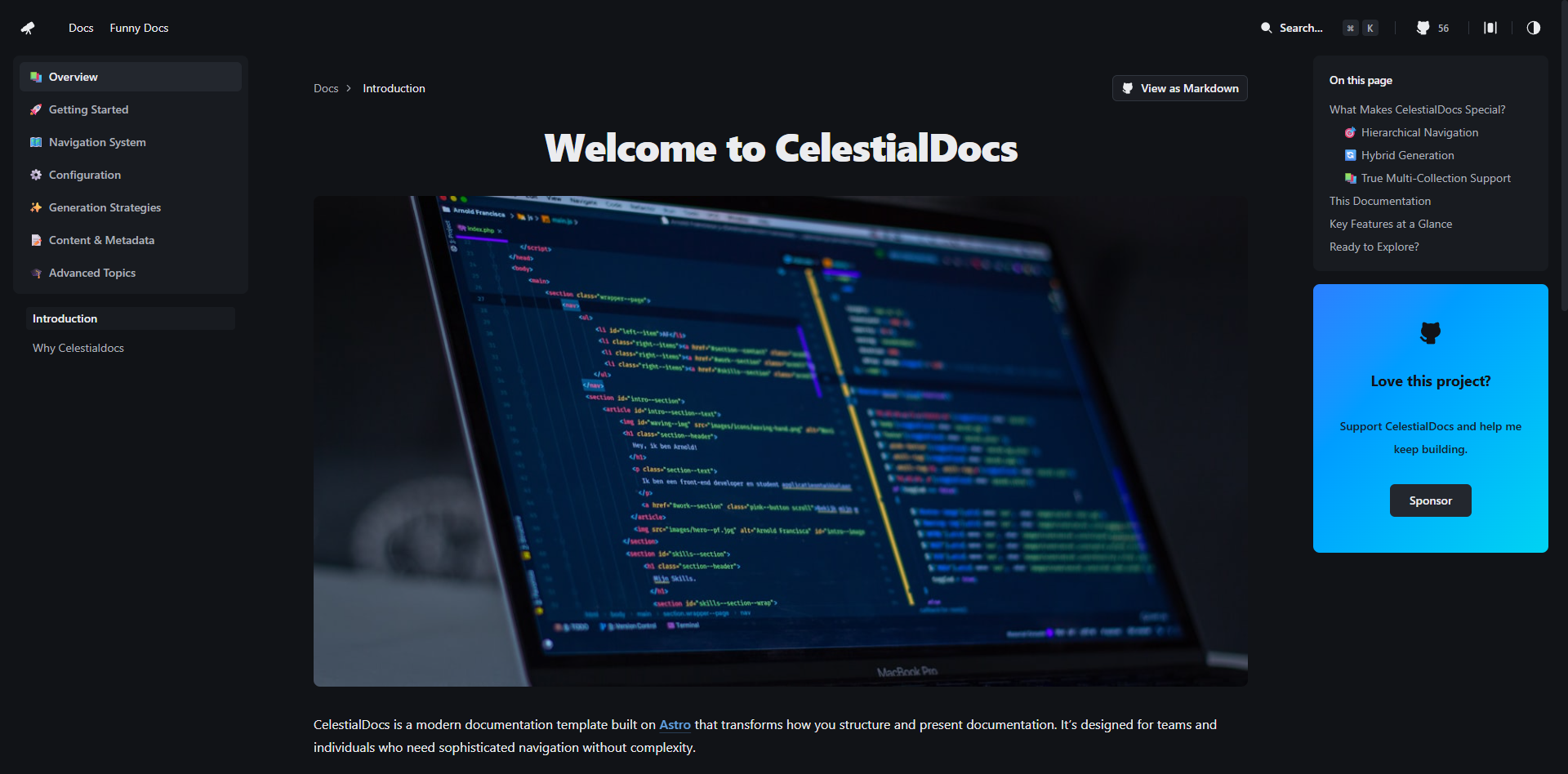
CelestialDocs
CelestialDocs 是一个基于 Astro 的文档平台模板,定位是让团队在一个仓库里同时维护文档、博客和产品页面。
Astro · 文档
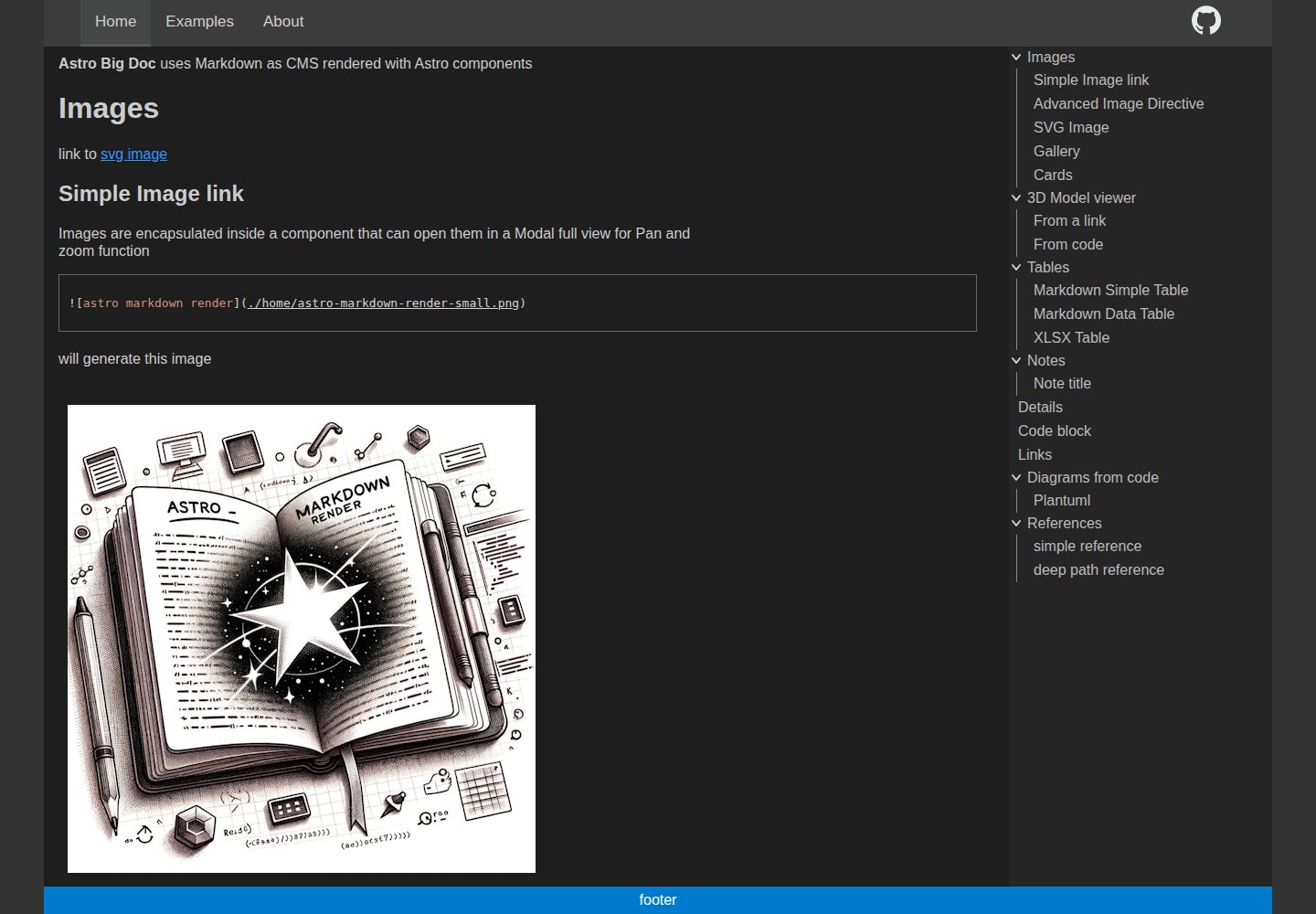
astro-big-doc
Astro Theme with zero config hierarchical menu and table of content, render pure standard Markdown .md with cu…
Astro · 文档
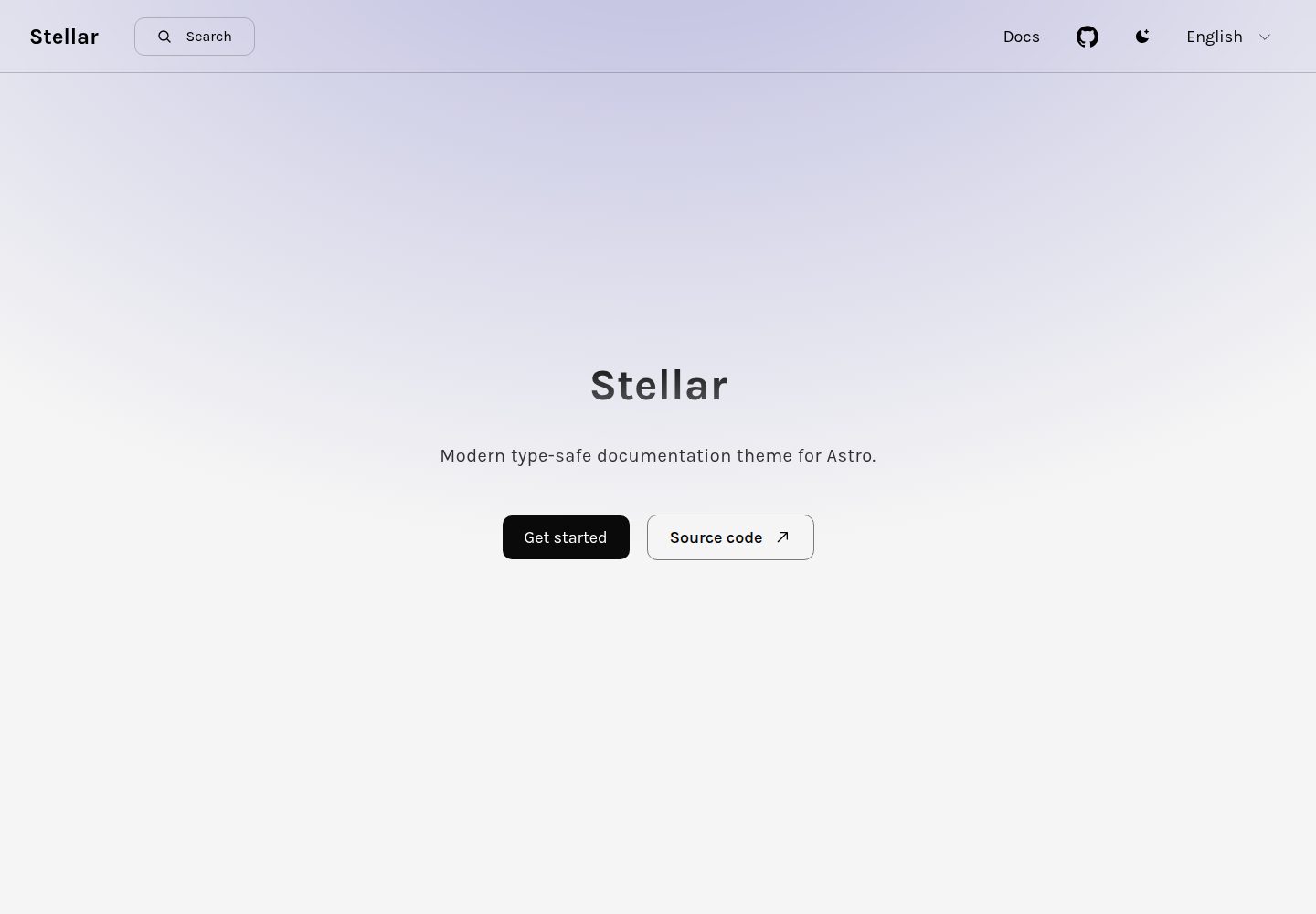
stellar
Modern type-safe documentation theme for Astro.
Astro · 文档
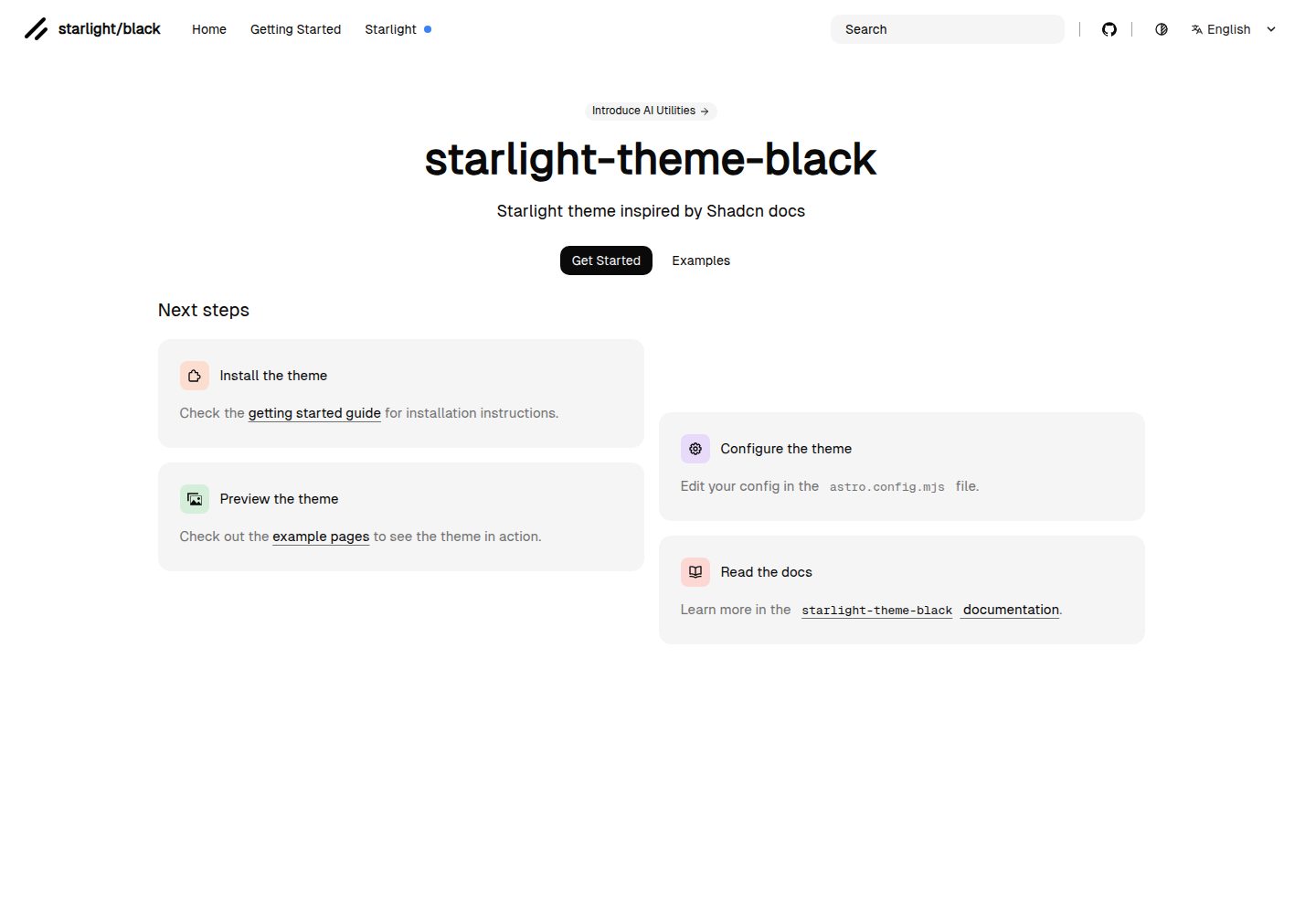
starlight-theme-black
Starlight theme inspired by @shadcn docs
Astro · 文档