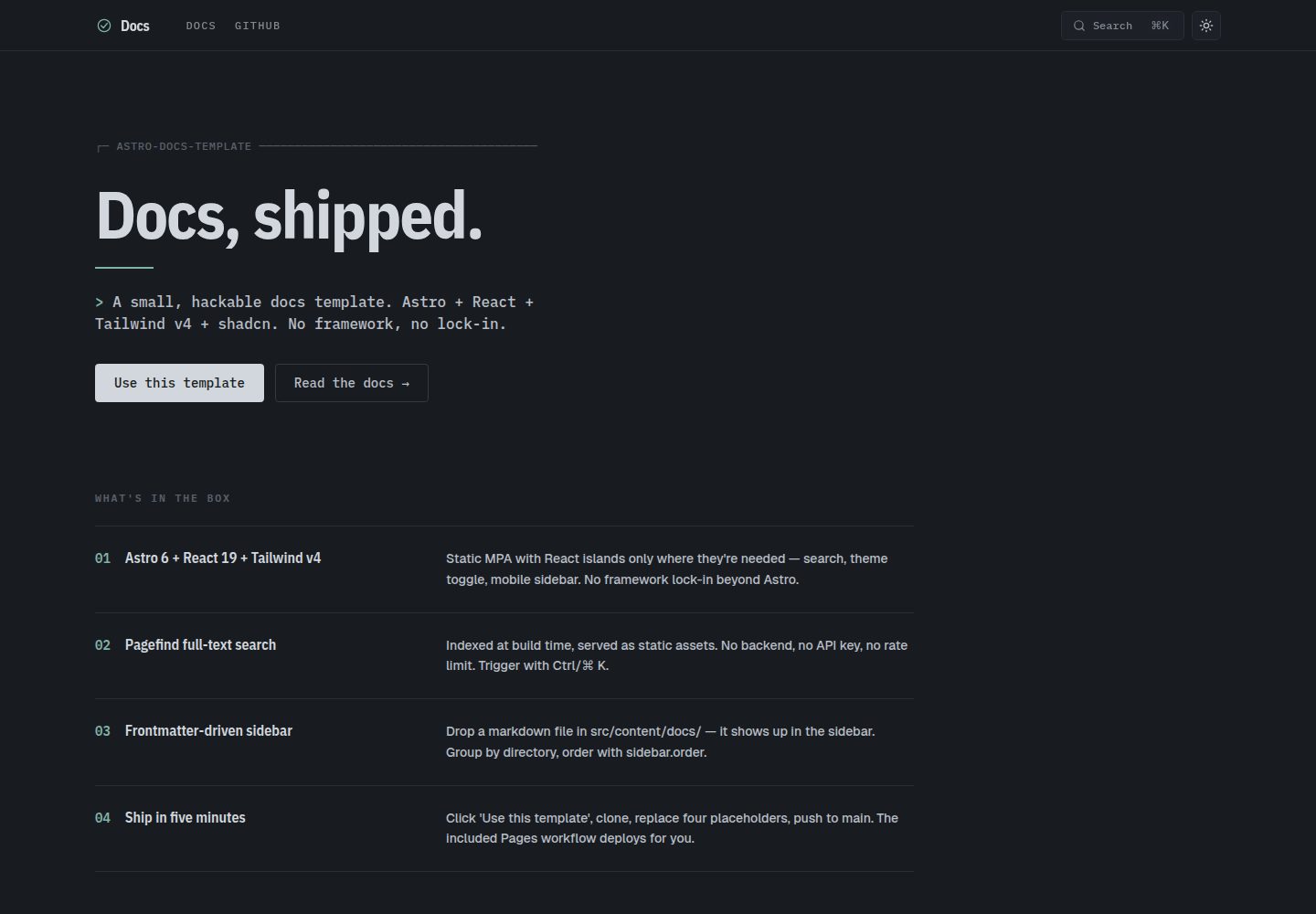
Astro static site plus React islands, with interactive parts (search, theme switching, mobile sidebar) loaded on demand
AstroReactDocumentation
astro-docs-template — Astro Documentation Template
By qwexvf
An Astro-based documentation site template that uses React islands for search, theme switching, and the mobile sidebar; sidebar navigation is frontmatter-driven and Pagefind full-text search is built in.
Explore the design
Compare the page layouts and mobile experience. Open any screenshot for a closer look.
Desktop homepage1 / 2
Desktop captureTop of page
Actual screenshot captured by the server browser.
All pages & views 2
Screenshots show visual appearance; interactive behavior may differ.
Recorded 2026-10-01View source
What stands out
A quick read of the recorded project description.
Pagefind full-text search is indexed at build time and requires no backend service
Sidebar sections and ordering are determined by frontmatter sidebar.label, sidebar.order, sidebar.hidden, and the directory structure
Built-in scroll-spy table of contents, click-to-copy code blocks, previous/next navigation, and Edit on GitHub links
Supports GitHub-style alert blocks (> [!NOTE], > [!WARNING], etc.) and automatic heading anchors
Includes a GitHub Pages deployment workflow and supports subpath deployment through PUBLIC_BASE
Template Details
This is a static template for documentation sites, and the repository is MIT-licensed. The stack combines an Astro static site with React islands, uses Tailwind for styling, and builds components on shadcn/ui and Radix primitives. Content lives in Markdown or MDX files under src/content/docs/, and file paths map automatically to routes; for example, guides/cookbook.md corresponds to /guides/cookbook/.
Navigation and content organization are controlled by frontmatter: title is required, while description, sidebar.label, sidebar.order, and sidebar.hidden are optional. Sidebar sections are derived from directories (root, guides, reference, contributing) and can be added, removed, or renamed in the SECTIONS array in src/lib/nav.ts. In-page features include Pagefind full-text search indexed at build time, a scroll-spy table of contents, click-to-copy code blocks, previous/next navigation, a per-page Edit on GitHub link, GitHub-style alert blocks via remark-github-blockquote-alert, and automatic heading anchors via rehype-slug.
For deployment, the repository includes a GitHub Pages workflow and supports subpath deployment at build time through PUBLIC_BASE; it can also be deployed to other platforms as static output, with the build command bun run build and the output directory dist. The template does not include documentation versioning; the README suggests deploying each version branch separately to a subdirectory. Running it requires Node ≥ 22.12, and the example commands use Bun, though npm or pnpm can be used instead.
AstroReactDocumentation
Is it right for your project?
Use Cases
- Building a clearly structured, searchable documentation site for an open-source project
- Publishing documentation on GitHub Pages under a subpath
- Organizing multiple content types such as guides, reference, and contributing notes into directory-based sections
- Writing in Markdown/MDX while keeping a small set of customizable interactive components
Suitable For
- Developers using an Astro and React stack who want to edit source code directly rather than rely on framework abstractions
- Maintainers of documentation sites that need static output and search without a backend
- Projects planning to deploy to GitHub Pages or another static hosting platform
- Teams comfortable managing navigation structure through frontmatter and directory conventions
Getting started & customization
Use these recorded setup notes alongside the repository instructions for your chosen version.
- 1
Requires Node ≥ 22.12; the example commands use Bun, but npm or pnpm can be used instead with corresponding workflow adjustments
- 2
Replace placeholders before the first commit: site in astro.config.mjs, the GitHub organization/repository in Header.astro and DocsLayout.astro, the brand name, and the logo
- 3
Theme colors are defined as CSS variables in src/styles/globals.css, with light and dark sets under data-theme; --color-signal controls the accent color
- 4
For GitHub Pages deployment, set Source to GitHub Actions in the repository Settings → Pages; when using a custom domain, set site and place a CNAME file
- 5
The template does not include documentation versioning; for multiple versions, consider deploying each version branch separately to a subdirectory
License & source material
Usage conditions & limitations
Free to use · keep license noticeThis entry covers the free version in the public repository under the MIT license; the free scope is that version's code and does not mean external services or third-party assets are free.
Must comply with when using
- The code for this version may be used, modified, used commercially, and distributed free of charge.
- When distributing copies or substantial portions of the code, retain the original author's copyright notice and the full MIT license notice.
- The code is provided as is; warranties and limitations of liability are governed by the original license and applicable law.
Additional costs & items to verify
- The runtime requires Node ≥ 22.12, and the example commands use Bun by default; if switching to npm or pnpm, delete bun.lock and adjust the workflow accordingly.
- When using the included GitHub Pages deployment workflow, set Source to GitHub Actions in the repository Settings → Pages.
- When deploying with a custom domain or at the root path, set site in astro.config.mjs, do not set PUBLIC_BASE, and place a CNAME file in public/.
- Before the first commit, replace placeholders such as site, the GitHub organization/repository, brand name, logo, and theme colors; otherwise the site information will be incorrect.
- The template does not include documentation versioning; for multi-version documentation, deploy each version branch separately to a subdirectory.
- Demo images, fonts, icons, and other third-party assets must be checked against their own licenses and cannot be judged solely by the code's MIT license.
- External services such as domains, hosting, databases, payments, or AI may incur separate charges.
View Original Text Basis
Permission is hereby granted, free of charge
Original License Text
Requires **Node ≥ 22.12** (Astro 6) and **Bun** (or swap commands for npm/pnpm — the lockfile is `bun.lock` after first install).
Original README
Enable Pages in repo Settings → Pages → Source: **GitHub Actions**.
Original README
Set `site:` in `astro.config.mjs` to your URL. Don't set `PUBLIC_BASE`. Drop a `CNAME` file into `public/` if using a custom domain.
Original README
Search-and-replace these placeholders before your first commit:
Original README
https://github.com/qwexvf/astro-docs-template/blob/main/LICENSEhttps://github.com/qwexvf/astro-docs-template/blob/main/README.mdNot built in. The simplest approach is a separate deploy per version branch, served from subdirectories.
Original README
Compiled by DeepSeek based on repository license and README ·2026-10-01. Results only cover the materials read; dependencies, images, fonts, and subsequent term changes are subject to their respective original texts.
Project checks & description sources
Template Information
- Source platforms
- GitHub
- Documentation and maintenance reference score
- More documented · 85 / 100
- Technologies
- Astro · React
- Website type
- Documentation
How this score is calculated
Our heuristic uses license records (up to 30), a demo link (12), a preview (10), stars (15), recorded maintenance (15), description completeness (8), feature records (5) and classification data (5). It is not a code, security or performance test, or a Google score. A link does not establish tested functionality.
What to verify for this project
- Repository update recorded
- 2026-05-05
- Screenshot last checked
- 2026-10-01
A demo link is listed. Check it with your own content and viewport sizes; its presence does not confirm that forms, authentication or payments work.
The catalog identifies Astro as the primary stack. Check the actual dependency manifest and lockfile for versions and hosting requirements. These notes use recorded metadata, not a code audit or a deployment test.
Use a selection guide →How this description was prepared
AI-assisted description based on catalog records and repository material. Repository authors are not automatically the reviewers of this description.
Automatically checked against source and license rules; no manual editorial review.
Inspect the recorded source material
SHA-256: 5a8befe09470827106f9a272018144cd38b8c28787bc2716ac455a2af5c5e15e
2026-10-01T01:13:25.412Z
Source file / repository# astro-docs-template
A minimal, opinionated documentation site template. Astro 6 + React 19 + Tailwind v4 + shadcn/ui, with full-text search, dark/light theme, and frontmatter-driven sidebar nav.
[Use this template](https://github.com/qwexvf/astro-docs-template/generate) → click the button on GitHub, name your repo, clone, and you're shipping docs.
## Screenshots


---
## What's in the box
- **Astro 6** static site, MDX support
- **React 19** islands for interactive bits (search, theme toggle, mobile sidebar)
- **Tailwind v4** via `@tailwindcss/vite`
- **shadcn/ui** + Radix primitives
- **Pagefind** full-text search, indexed at build time (no backend)
- **Shiki** syntax highlighting (`github-light` / `github-dark-dimmed`)
- **GitHub-style alerts** (`> [!NOTE]`, `> [!WARNING]`, …) via `remark-github-blockquote-alert`
- **Auto-linked headings** (`rehype-slug` + `rehype-autolink-headings`)
- **Scroll-spy TOC** on every doc page
- **Copy-on-click** code blocks
- **Prev / next** navigation derived from sidebar order
- **Edit on GitHub** link per page
- **GitHub Pages** workflow ready out of the box
- **Subpath deployments** via `PUBLIC_BASE`
## Quick start
```sh
# 1. Click "Use this template" on GitHub, or:
gh repo create my-docs --template qwexvf/astro-docs-template --public --clone
cd my-docs
# 2. Install + run
bun install
bun dev # http://localhost:4321
```
> Requires **Node ≥ 22.12** (Astro 6) and **Bun** (or swap commands for npm/pnpm — the lockfile is `bun.lock` after first install).
## Project layout
```
.
├── astro.config.mjs # site URL, base path, markdown plugins
├── components.json # shadcn config
├── public/ # static assets (favicon, og-image, …)
├── src/
│ ├── content/
│ │ └── docs/ # all your markdown / mdx lives here
│ │ ├── index.mdx
│ │ ├── getting-started.md
│ │ ├── guides/
│ │ ├── reference/
│ │ └── contributing/
│ ├── content.config.ts # collection schema (frontmatter validation)
│ ├── components/
│ │ ├── Header.astro # top bar — brand, nav links, search, theme
│ │ ├── Sidebar.astro # desktop left sidebar
│ │ ├── MobileSidebar.tsx # drawer for mobile
│ │ ├── Search.tsx # cmdk-driven Pagefind search
│ │ ├── ThemeToggle.tsx
│ │ └── ui/ # shadcn primitives
│ ├── layouts/
│ │ ├── BaseLayout.astro # html shell, theme init, copy-button script
│ │ └── DocsLayout.astro # sidebar + article + prev/next + TOC
│ ├── lib/
│ │ ├── nav.ts # buildNav() — section/order from frontmatter
│ │ └── utils.ts
│ ├── pages/
│ │ ├── index.astro # landing page
│ │ └── [...slug].astro # renders every doc collection entry
│ └── styles/
│ ├── globals.css # tokens, theme vars, base
│ └── prose.css # `.prose-docs` typographic styles
└── .github/workflows/
├── build.yml # PR + push build check
└── pages.yml # deploy to GitHub Pages
```
## Authoring
### Add a page
Drop a `.md` or `.mdx` file in `src/content/docs/`. It becomes a route automatically — `src/content/docs/guides/cookbook.md` → `/guides/cookbook/`.
```yaml
---
title: Page title # required — shown as h1 and in <title>
description: Short summary. # optional — shown under the title and in <meta>
sidebar:
label: Optional label # optional — falls back to title
order: 1 # optional — lower = higher in sidebar (default 999)
hidden: false # optional — set true to omit from nav
---
```
The file body is plain markdown / MDX. GitHub-style alerts work:
```md
> [!NOTE]
> Useful information.
> [!WARNING]
> Pay attention.
```
### Sections
Sections are derived from the directory:
| Directory | Section in sidebar |
| ----------------------------- | ------------------ |
| `src/content/docs/*.md` | Start here |
| `src/content/docs/guides/*` | Guides |
| `src/content/docs/reference/*`| Reference |
| `src/content/docs/contributing/*` | Contributing |
To add or rename sections, edit the `SECTIONS` array in [`src/lib/nav.ts`](src/lib/nav.ts).
### Ordering
Pages within a section are sorted by `sidebar.order` ascending, then alphabetically. Use sparse numbers (10, 20, 30) so you can insert later.
## Customizing
Search-and-replace these placeholders before your first commit:
| Placeholder | Where | What to set |
| ------------------------ | -------------------------------------------------- | -------------------------- |
| `https://example.com` | `astro.config.mjs` (`site:`) | Production URL |
| `your-org/your-repo` | `Header.astro`, `DocsLayout.astro` | GitHub org/repo |
| `Docs` | `Header.astro` brand, `BaseLayout.astro` title | Project name |
| `Project` | `src/pages/index.astro` | Project name + tagline |
| Logo SVG | `Header.astro` | Your logo |
| Theme tokens | `src/styles/globals.css` | Brand colors |
| `docs-theme` | `BaseLayout.astro`, `ThemeToggle.tsx` | localStorage key (only if it would collide with another app on the same domain) |
### Theme tokens
All colors live in `src/styles/globals.css` as CSS variables, with `[data-theme='dark']` and `[data-theme='light']` blocks. Change `--color-signal` to rebrand the accent.
### shadcn
`components.json` is configured. Add new components with:
```sh
bunx shadcn@latest add <component>
```
## Deploying
### GitHub Pages
Push to `main`. The included [`pages.yml`](.github/workflows/pages.yml) workflow:
1. Builds with `PUBLIC_BASE=/<repo-name>/` so subpath URLs work.
2. Uploads `dist/`.
3. Deploys to Pages.
Enable Pages in repo Settings → Pages → Source: **GitHub Actions**.
### Custom domain or root path
Set `site:` in `astro.config.mjs` to your URL. Don't set `PUBLIC_BASE`. Drop a `CNAME` file into `public/` if using a custom domain.
### Anywhere else (Vercel, Netlify, Cloudflare Pages, …)
Static output. Build command: `bun run build`. Publish dir: `dist`.
## Scripts
| Command | What it does |
| --------------- | ------------------------------------------- |
| `bun dev` | Dev server at `localhost:4321` |
| `bun build` | Production build (runs Pagefind after) |
| `bun preview` | Serve `dist/` locally |
| `bun astro …` | Astro CLI passthrough |
## FAQ
**Why Astro and not Starlight / Nextra / Docusaurus?**
Starlight is great but opinionated about chrome and theming. Nextra is Next-bound. Docusaurus is heavy. This template gives you a small, hackable surface area — every component is in `src/`, no framework abstraction to fight.
**Can I use npm or pnpm?**
Yes. Delete `bun.lock` and run `npm install` or `pnpm install`. Update the workflows accordingly.
**How do I add a non-doc page (e.g. `/blog/`)?**
Add an `.astro` file under `src/pages/`. It bypasses the docs collection.
**Can I have versioned docs?**
Not built in. The simplest approach is a separate deploy per version branch, served from subdirectories.
## License
MIT — see [LICENSE](LICENSE).
Explore similar templates
Compare previews and descriptions within the same stack and category.
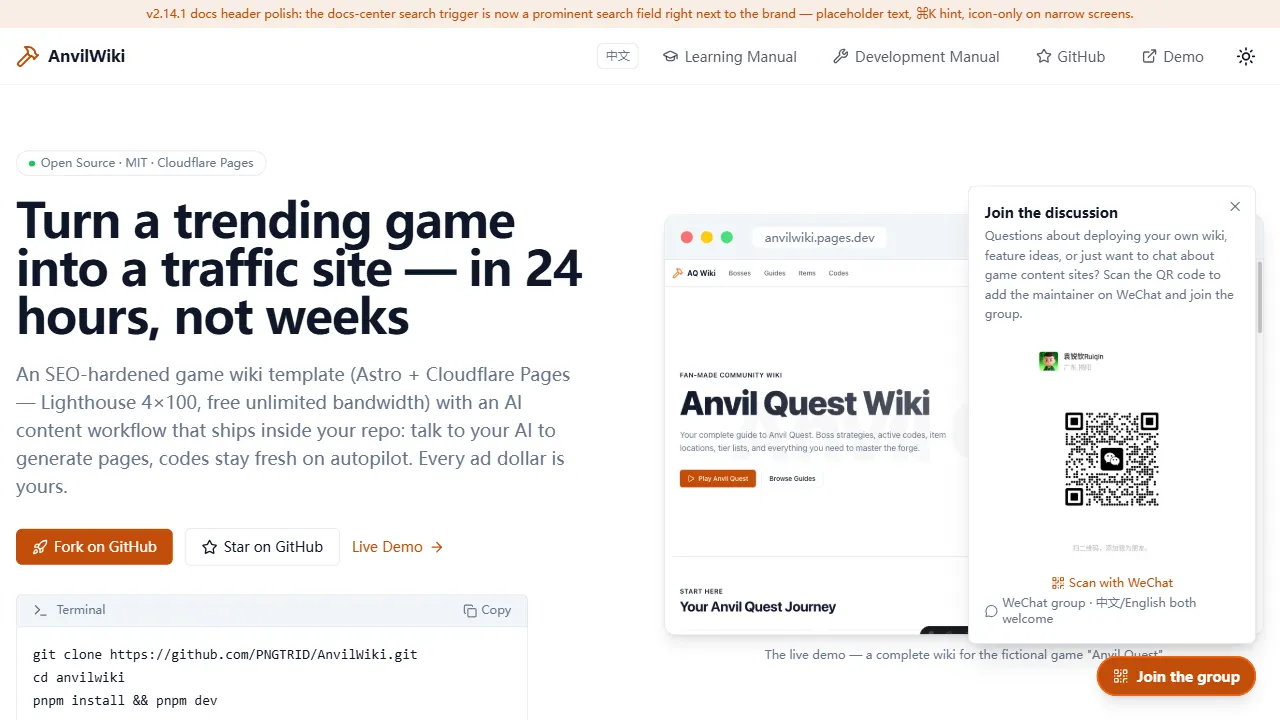
AnvilWiki
AnvilWiki is an Astro static Wiki template for game guide and compendium sites, with a built-in AI content workflow and monetization components. It outputs static pages by default and deploys on Cloudflare Pages, emphasizing zero server cost and out-of-the-box performance.
Astro · Game Site
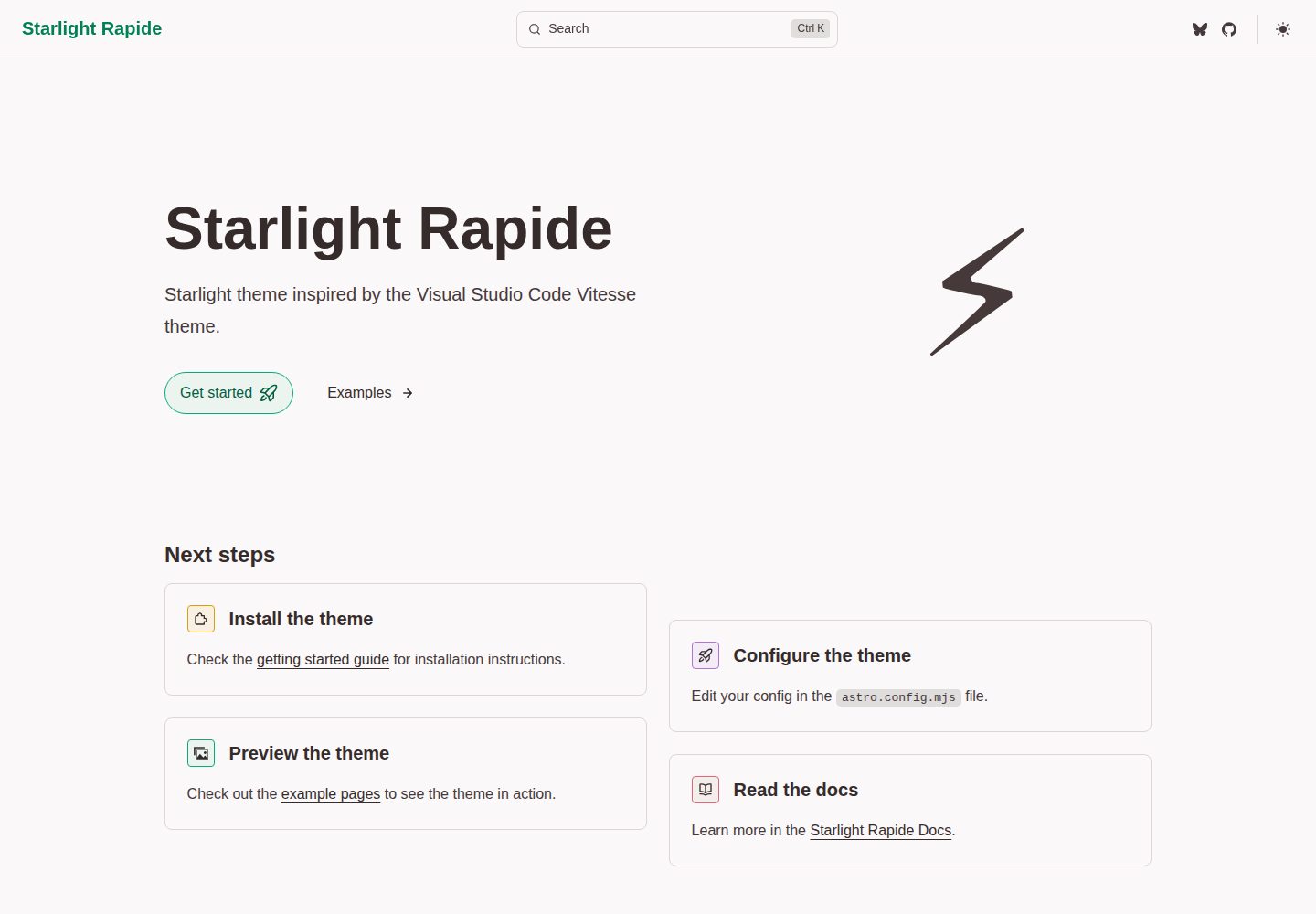
starlight-theme-rapide
starlight-theme-rapide is an Astro Starlight documentation site theme inspired by the Visual Studio Code Vitesse theme, offering dark and light modes and released under the MIT license.
Astro · Documentation
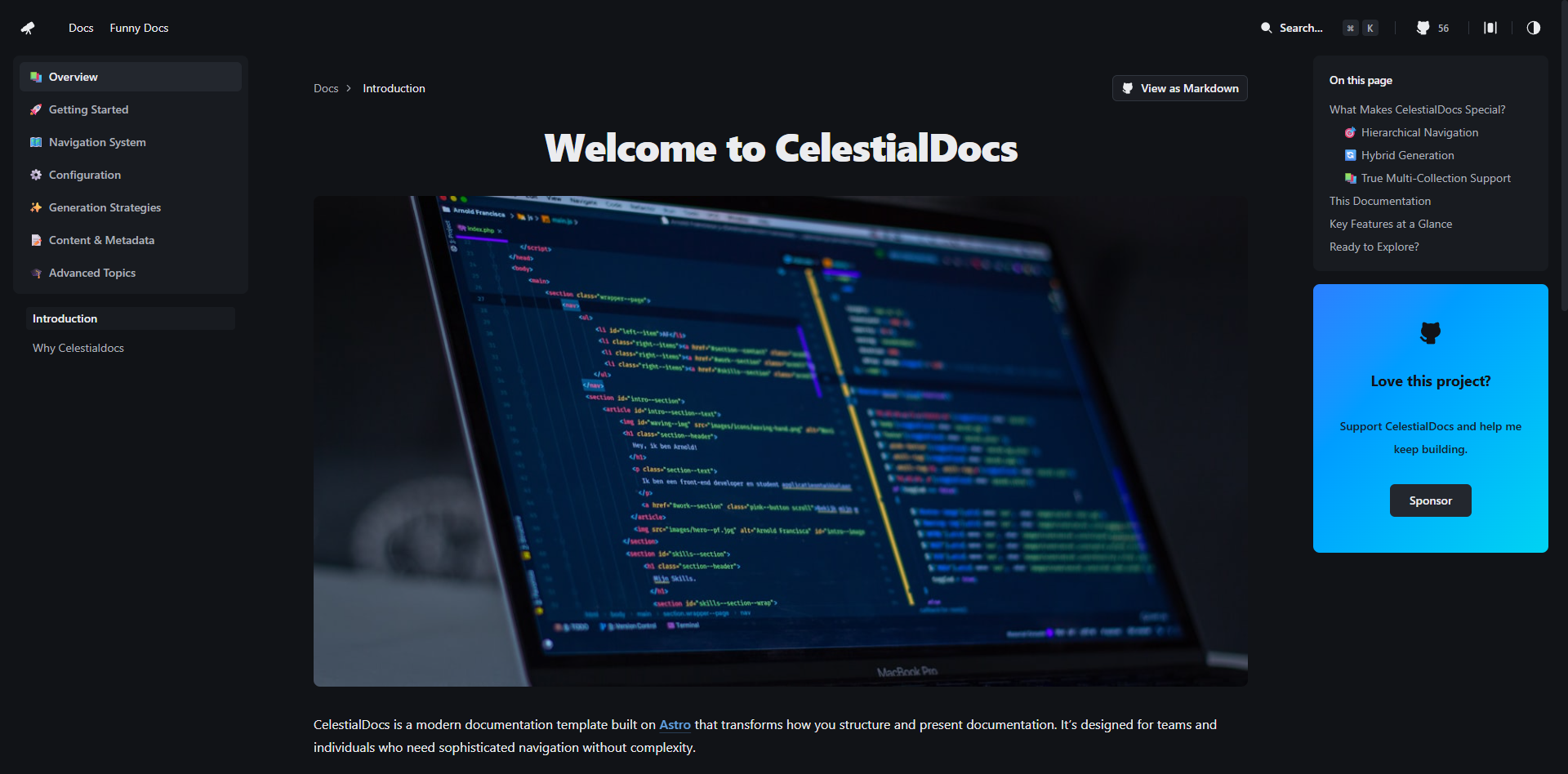
CelestialDocs
CelestialDocs is an Astro-based documentation platform template that maintains documentation, blog, and product pages in a single repository through a multi-collection architecture.
Astro · Documentation
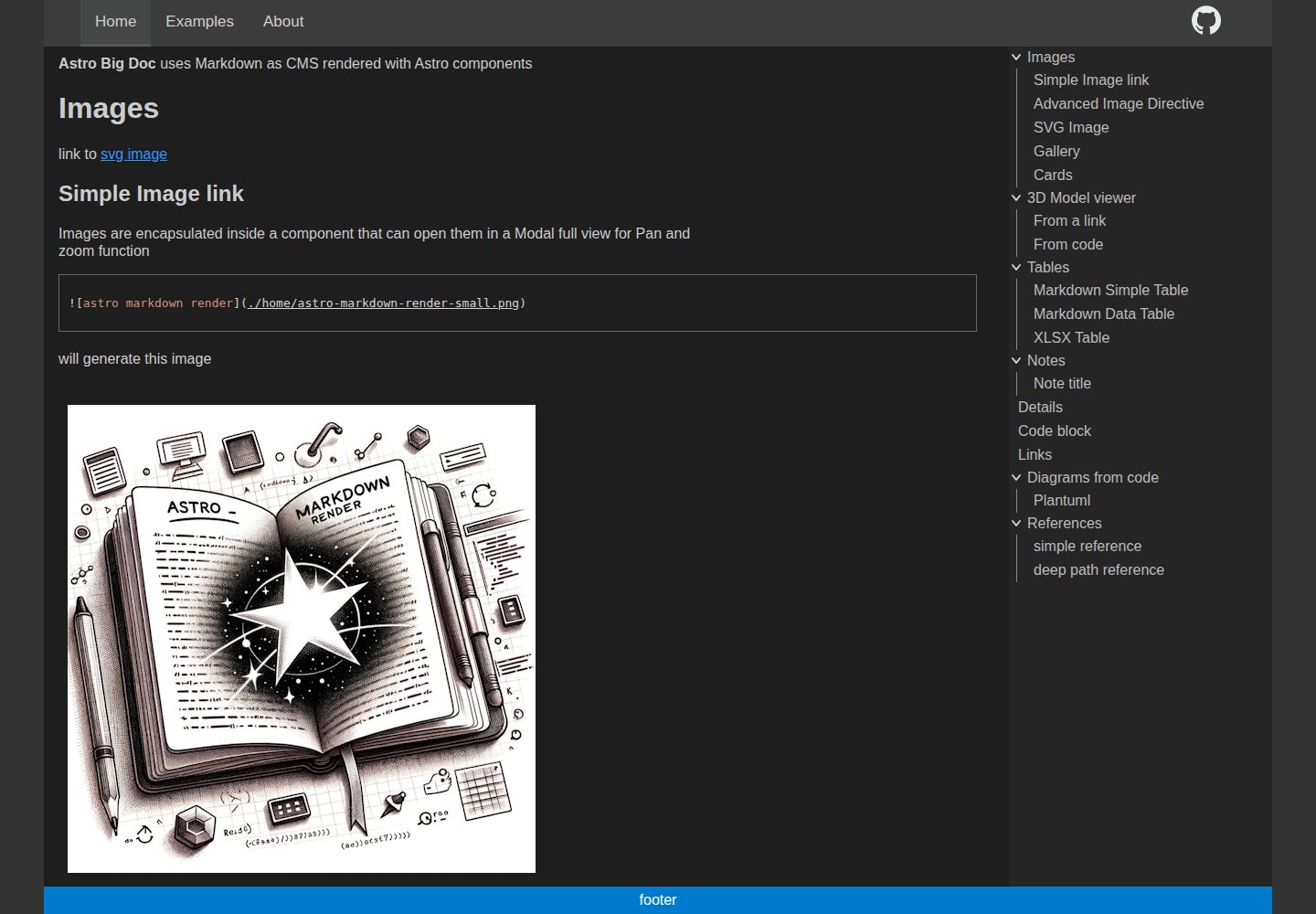
astro-big-doc
astro-big-doc is an Astro-based documentation site theme that renders standard Markdown and automatically generates a hierarchical menu and table of contents from the file directory structure with zero configuration.
Astro · Documentation
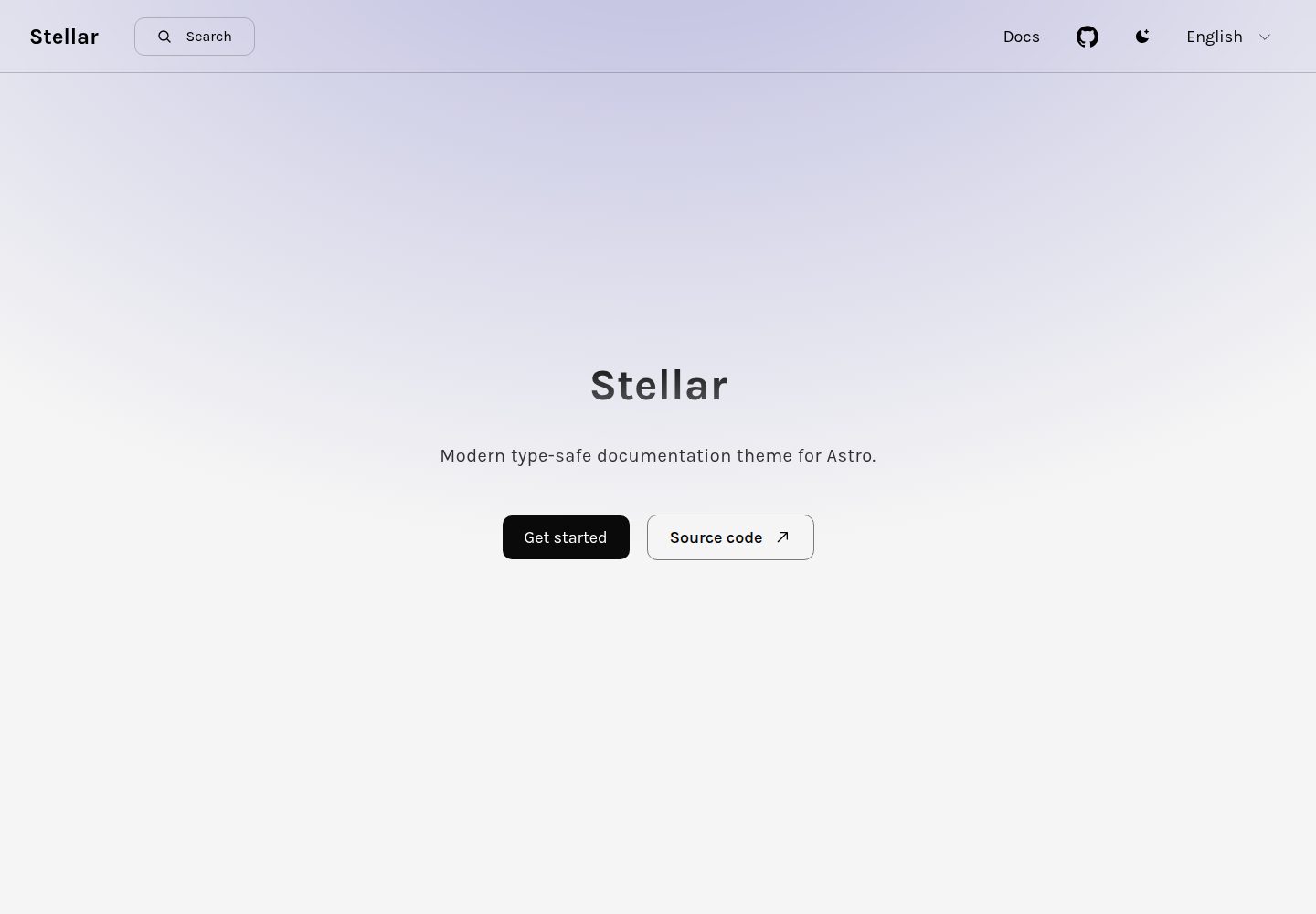
stellar
Stellar is a modern, type-safe documentation theme for Astro, suited for technical documentation sites written in Markdown or MDX. It offers dark mode, type-safe i18n, fuse.js local search, Tailwind styling, the View Transitions API, Shiki code highlighting, and custom import paths.
Astro · Documentation
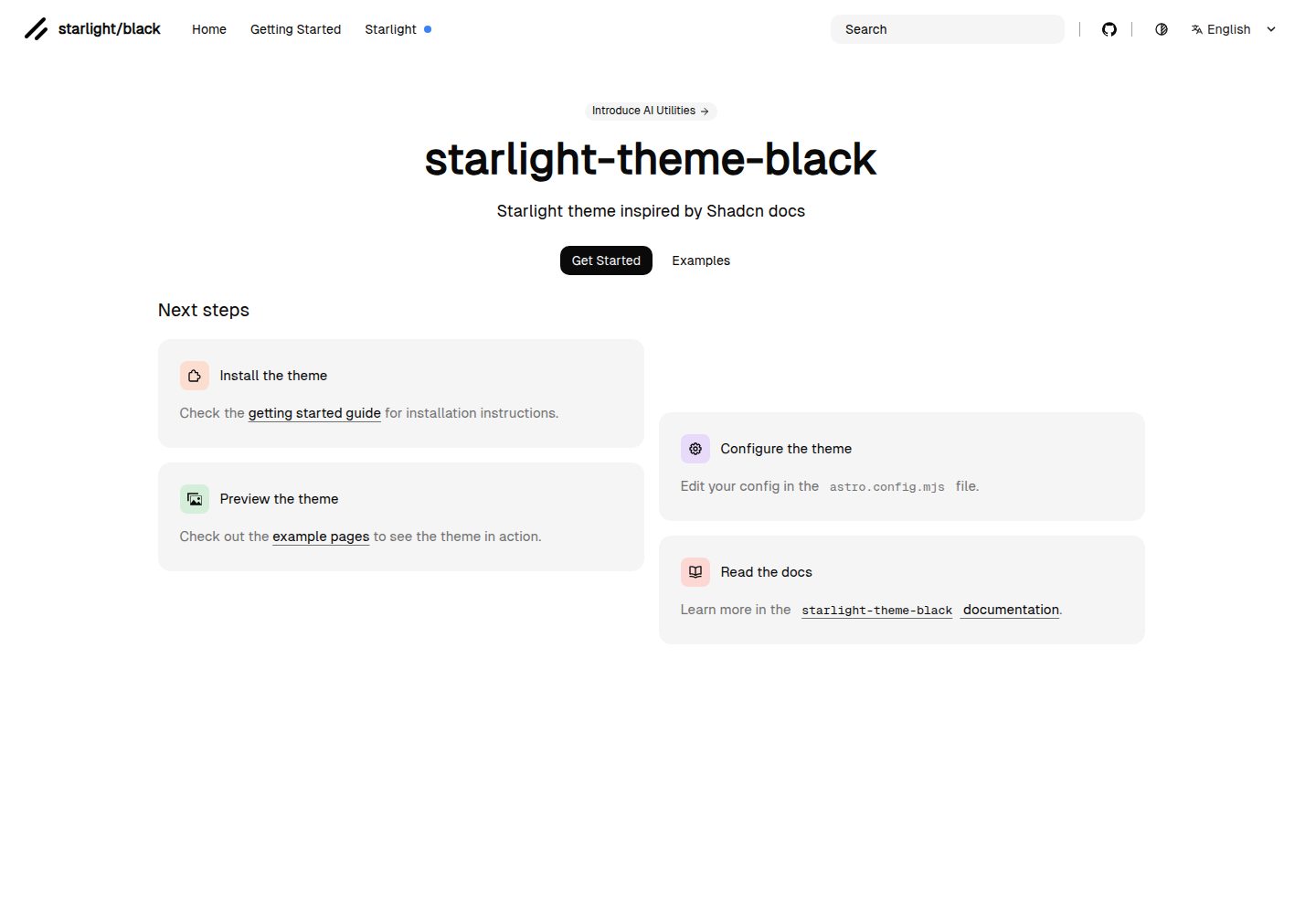
starlight-theme-black
starlight-theme-black is an Astro Starlight theme by adrian-ub that replaces the default look with a black palette, green accent (#22c55e), and editorial layout inspired by shadcn documentation.
Astro · Documentation