Astro 静态站点 + React 岛屿,交互部分(搜索、主题切换、移动端侧边栏)按需加载
AstroReact文档
astro-docs-template — Astro 文档模板
作者 qwexvf
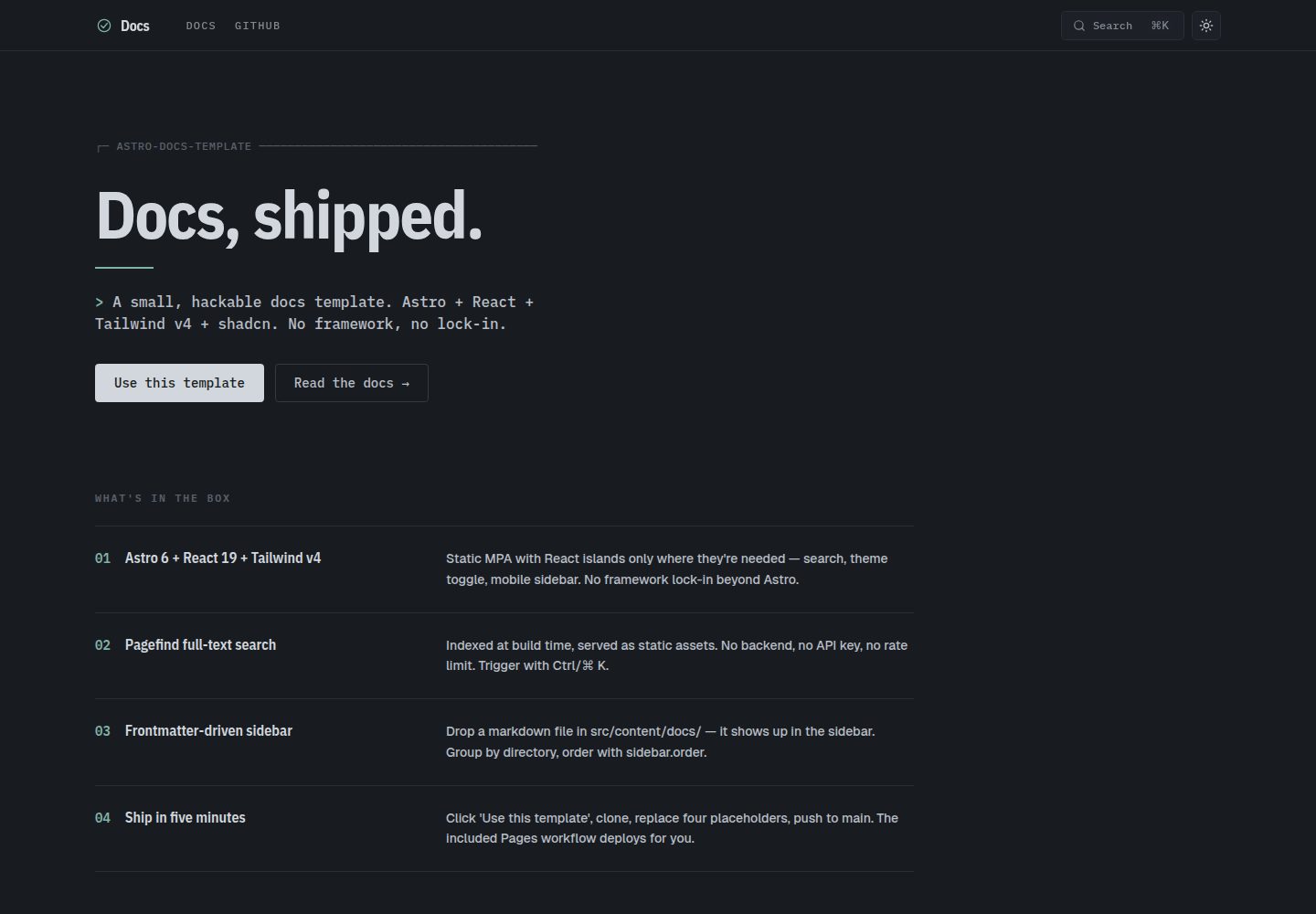
基于 Astro 的文档站点模板,使用 React 岛屿实现搜索、主题切换与移动端侧边栏,侧边栏导航由 frontmatter 驱动,内置 Pagefind 全文搜索。
看看你的网站会是什么样
浏览真实页面截图,比较内容排版与手机效果。点击下方缩略图切换,放大查看整页细节。
全部页面与视图 2
截图用于了解视觉与布局,交互效果请以实际项目为准。
采集于 2026-10-01查看来源
值得关注的模板亮点
从已有项目资料中,快速了解它的特点。
Pagefind 全文搜索在构建时建立索引,无需后端服务
侧边栏分区与排序由 frontmatter 的 sidebar.label、sidebar.order、sidebar.hidden 和目录结构决定
内置滚动监听目录、代码块点击复制、上一页/下一页导航与 Edit on GitHub 链接
支持 GitHub 风格提示块(> [!NOTE]、> [!WARNING] 等)与标题自动锚点
自带 GitHub Pages 部署工作流,并通过 PUBLIC_BASE 支持子路径部署
模板详细介绍
这是一个面向文档站点的静态模板,仓库采用 MIT 许可。技术组合为 Astro 静态站点加 React 岛屿,样式使用 Tailwind,组件基于 shadcn/ui 与 Radix 原语。内容放在 src/content/docs/ 下的 Markdown 或 MDX 文件中,文件路径自动映射为路由,例如 guides/cookbook.md 对应 /guides/cookbook/。
导航与内容组织由 frontmatter 控制:title 为必填,description、sidebar.label、sidebar.order、sidebar.hidden 为可选;侧边栏分区由目录推导(根目录、guides、reference、contributing),可在 src/lib/nav.ts 的 SECTIONS 数组中增删或重命名。页内功能包括构建时索引的 Pagefind 全文搜索、滚动监听目录、代码块点击复制、上一页/下一页导航、每页的 Edit on GitHub 链接,以及通过 remark-github-blockquote-alert 支持的 GitHub 风格提示块和 rehype-slug 自动锚点标题。
部署方面,仓库自带 GitHub Pages 工作流,构建时通过 PUBLIC_BASE 支持子路径部署;也可作为静态输出部署到其他平台,构建命令为 bun run build,产物目录为 dist。模板未内置文档版本管理,README 建议按版本分支分别部署到子目录。运行需要 Node ≥ 22.12,示例命令使用 Bun,也可改用 npm 或 pnpm。
AstroReact文档
适合你的项目吗?
适用场景
- 为开源项目搭建结构清晰、可搜索的文档站点
- 在 GitHub Pages 上以子路径方式发布文档
- 需要按目录分区组织指南、参考与贡献说明等多类内容
- 希望用 Markdown/MDX 写作并保留少量可定制的交互组件
适合人群
- 使用 Astro 与 React 技术栈、希望直接修改源码而非依赖框架抽象的开发者
- 需要静态输出、无后端搜索的文档站点维护者
- 计划部署到 GitHub Pages 或其他静态托管平台的项目
- 接受通过 frontmatter 和目录约定来管理导航结构的团队
上手与定制指南
结合仓库当前版本的说明,按下面的资料检查内容、配置与运行要求。
- 1
需要 Node ≥ 22.12;示例命令使用 Bun,也可改用 npm 或 pnpm 并相应调整工作流
- 2
首次提交前替换占位符:astro.config.mjs 中的 site、Header.astro 与 DocsLayout.astro 中的 GitHub 组织/仓库、品牌名与 Logo
- 3
主题颜色在 src/styles/globals.css 中以 CSS 变量定义,含 data-theme 的明暗两套;--color-signal 控制强调色
- 4
GitHub Pages 部署需在仓库 Settings → Pages 中将 Source 设为 GitHub Actions;使用自定义域名时设置 site 并放置 CNAME 文件
- 5
模板未内置文档版本管理,如需多版本可考虑按版本分支分别部署到子目录
授权与来源资料
使用条件与限制
免费使用 · 保留许可声明本次收录的是公开仓库中采用 MIT 许可的免费版本;免费范围为该版本代码,不代表外部服务或第三方素材免费。
使用时需要遵守
- 允许免费使用、修改、商用和分发该版本代码。
- 分发代码副本或实质性部分时,保留原作者版权声明和完整 MIT 许可声明。
- 代码按现状提供;担保与责任限制以原许可证及适用法律为准。
额外费用与待核对事项
- 运行环境要求 Node ≥ 22.12,示例命令默认使用 Bun;若改用 npm 或 pnpm,需删除 bun.lock 并相应调整工作流。
- 使用自带的 GitHub Pages 部署工作流时,需在仓库 Settings → Pages 中将 Source 设为 GitHub Actions。
- 使用自定义域名或根路径部署时,需在 astro.config.mjs 设置 site、不要设置 PUBLIC_BASE,并在 public/ 放置 CNAME 文件。
- 首次提交前需替换 site、GitHub 组织/仓库、品牌名、Logo、主题色等占位符,否则站点信息不正确。
- 模板未内置文档版本管理,如需多版本文档需自行按版本分支分别部署到子目录。
- 演示图片、字体、图标及其他第三方素材需按各自许可核对,不能仅凭代码的 MIT 许可判断。
- 域名、托管、数据库、支付或 AI 等外部服务可能另外收费。
查看原文依据
Permission is hereby granted, free of charge
许可证原文
Requires **Node ≥ 22.12** (Astro 6) and **Bun** (or swap commands for npm/pnpm — the lockfile is `bun.lock` after first install).
README 原文
Enable Pages in repo Settings → Pages → Source: **GitHub Actions**.
README 原文
Set `site:` in `astro.config.mjs` to your URL. Don't set `PUBLIC_BASE`. Drop a `CNAME` file into `public/` if using a custom domain.
README 原文
Search-and-replace these placeholders before your first commit:
README 原文
https://github.com/qwexvf/astro-docs-template/blob/main/LICENSEhttps://github.com/qwexvf/astro-docs-template/blob/main/README.mdNot built in. The simplest approach is a separate deploy per version branch, served from subdirectories.
README 原文
DeepSeek 根据仓库许可证和 README 整理 ·2026-10-01。结果仅覆盖已读取资料,依赖、图片、字体及后续条款变更以各自原文为准。
项目核对记录与介绍依据
模板资料
- 来源平台
- GitHub
- 资料与维护参考分
- 资料较完整 · 85 / 100
- 技术栈
- Astro · React
- 网站类型
- 文档
这个分数如何计算
本站按许可资料(最高30分)、演示链接(12分)、预览图(10分)、Star数(15分)、记录的维护时间(15分)、描述完整度(8分)、功能记录(5分)和分类资料(5分)计算。它不是代码、安全或性能测试,也不是 Google 评分;有链接不代表已实测可用。
这个项目需要核对什么
- 记录的仓库更新时间
- 2026-05-05
- 截图检查日期
- 2026-10-01
已收录演示链接。请用你的内容与屏幕尺寸检查;有演示不代表表单、认证或支付已经可用。
目录记录的主要技术栈是 Astro。请通过依赖清单和锁文件核对实际版本与托管要求。这些说明基于收录资料,不代表代码审计或部署实测。
查看具体选型方法 →介绍的制作与核对状态
介绍由 AI 辅助整理目录与仓库资料。仓库作者不等于这篇介绍的审核者。
已完成服务器许可规则与 AI 来源核对;未经过人工编辑审核。
查看当时使用的来源资料
SHA-256: 5a8befe09470827106f9a272018144cd38b8c28787bc2716ac455a2af5c5e15e
2026-10-01T01:13:25.412Z
来源文件 / 仓库# astro-docs-template
A minimal, opinionated documentation site template. Astro 6 + React 19 + Tailwind v4 + shadcn/ui, with full-text search, dark/light theme, and frontmatter-driven sidebar nav.
[Use this template](https://github.com/qwexvf/astro-docs-template/generate) → click the button on GitHub, name your repo, clone, and you're shipping docs.
## Screenshots


---
## What's in the box
- **Astro 6** static site, MDX support
- **React 19** islands for interactive bits (search, theme toggle, mobile sidebar)
- **Tailwind v4** via `@tailwindcss/vite`
- **shadcn/ui** + Radix primitives
- **Pagefind** full-text search, indexed at build time (no backend)
- **Shiki** syntax highlighting (`github-light` / `github-dark-dimmed`)
- **GitHub-style alerts** (`> [!NOTE]`, `> [!WARNING]`, …) via `remark-github-blockquote-alert`
- **Auto-linked headings** (`rehype-slug` + `rehype-autolink-headings`)
- **Scroll-spy TOC** on every doc page
- **Copy-on-click** code blocks
- **Prev / next** navigation derived from sidebar order
- **Edit on GitHub** link per page
- **GitHub Pages** workflow ready out of the box
- **Subpath deployments** via `PUBLIC_BASE`
## Quick start
```sh
# 1. Click "Use this template" on GitHub, or:
gh repo create my-docs --template qwexvf/astro-docs-template --public --clone
cd my-docs
# 2. Install + run
bun install
bun dev # http://localhost:4321
```
> Requires **Node ≥ 22.12** (Astro 6) and **Bun** (or swap commands for npm/pnpm — the lockfile is `bun.lock` after first install).
## Project layout
```
.
├── astro.config.mjs # site URL, base path, markdown plugins
├── components.json # shadcn config
├── public/ # static assets (favicon, og-image, …)
├── src/
│ ├── content/
│ │ └── docs/ # all your markdown / mdx lives here
│ │ ├── index.mdx
│ │ ├── getting-started.md
│ │ ├── guides/
│ │ ├── reference/
│ │ └── contributing/
│ ├── content.config.ts # collection schema (frontmatter validation)
│ ├── components/
│ │ ├── Header.astro # top bar — brand, nav links, search, theme
│ │ ├── Sidebar.astro # desktop left sidebar
│ │ ├── MobileSidebar.tsx # drawer for mobile
│ │ ├── Search.tsx # cmdk-driven Pagefind search
│ │ ├── ThemeToggle.tsx
│ │ └── ui/ # shadcn primitives
│ ├── layouts/
│ │ ├── BaseLayout.astro # html shell, theme init, copy-button script
│ │ └── DocsLayout.astro # sidebar + article + prev/next + TOC
│ ├── lib/
│ │ ├── nav.ts # buildNav() — section/order from frontmatter
│ │ └── utils.ts
│ ├── pages/
│ │ ├── index.astro # landing page
│ │ └── [...slug].astro # renders every doc collection entry
│ └── styles/
│ ├── globals.css # tokens, theme vars, base
│ └── prose.css # `.prose-docs` typographic styles
└── .github/workflows/
├── build.yml # PR + push build check
└── pages.yml # deploy to GitHub Pages
```
## Authoring
### Add a page
Drop a `.md` or `.mdx` file in `src/content/docs/`. It becomes a route automatically — `src/content/docs/guides/cookbook.md` → `/guides/cookbook/`.
```yaml
---
title: Page title # required — shown as h1 and in <title>
description: Short summary. # optional — shown under the title and in <meta>
sidebar:
label: Optional label # optional — falls back to title
order: 1 # optional — lower = higher in sidebar (default 999)
hidden: false # optional — set true to omit from nav
---
```
The file body is plain markdown / MDX. GitHub-style alerts work:
```md
> [!NOTE]
> Useful information.
> [!WARNING]
> Pay attention.
```
### Sections
Sections are derived from the directory:
| Directory | Section in sidebar |
| ----------------------------- | ------------------ |
| `src/content/docs/*.md` | Start here |
| `src/content/docs/guides/*` | Guides |
| `src/content/docs/reference/*`| Reference |
| `src/content/docs/contributing/*` | Contributing |
To add or rename sections, edit the `SECTIONS` array in [`src/lib/nav.ts`](src/lib/nav.ts).
### Ordering
Pages within a section are sorted by `sidebar.order` ascending, then alphabetically. Use sparse numbers (10, 20, 30) so you can insert later.
## Customizing
Search-and-replace these placeholders before your first commit:
| Placeholder | Where | What to set |
| ------------------------ | -------------------------------------------------- | -------------------------- |
| `https://example.com` | `astro.config.mjs` (`site:`) | Production URL |
| `your-org/your-repo` | `Header.astro`, `DocsLayout.astro` | GitHub org/repo |
| `Docs` | `Header.astro` brand, `BaseLayout.astro` title | Project name |
| `Project` | `src/pages/index.astro` | Project name + tagline |
| Logo SVG | `Header.astro` | Your logo |
| Theme tokens | `src/styles/globals.css` | Brand colors |
| `docs-theme` | `BaseLayout.astro`, `ThemeToggle.tsx` | localStorage key (only if it would collide with another app on the same domain) |
### Theme tokens
All colors live in `src/styles/globals.css` as CSS variables, with `[data-theme='dark']` and `[data-theme='light']` blocks. Change `--color-signal` to rebrand the accent.
### shadcn
`components.json` is configured. Add new components with:
```sh
bunx shadcn@latest add <component>
```
## Deploying
### GitHub Pages
Push to `main`. The included [`pages.yml`](.github/workflows/pages.yml) workflow:
1. Builds with `PUBLIC_BASE=/<repo-name>/` so subpath URLs work.
2. Uploads `dist/`.
3. Deploys to Pages.
Enable Pages in repo Settings → Pages → Source: **GitHub Actions**.
### Custom domain or root path
Set `site:` in `astro.config.mjs` to your URL. Don't set `PUBLIC_BASE`. Drop a `CNAME` file into `public/` if using a custom domain.
### Anywhere else (Vercel, Netlify, Cloudflare Pages, …)
Static output. Build command: `bun run build`. Publish dir: `dist`.
## Scripts
| Command | What it does |
| --------------- | ------------------------------------------- |
| `bun dev` | Dev server at `localhost:4321` |
| `bun build` | Production build (runs Pagefind after) |
| `bun preview` | Serve `dist/` locally |
| `bun astro …` | Astro CLI passthrough |
## FAQ
**Why Astro and not Starlight / Nextra / Docusaurus?**
Starlight is great but opinionated about chrome and theming. Nextra is Next-bound. Docusaurus is heavy. This template gives you a small, hackable surface area — every component is in `src/`, no framework abstraction to fight.
**Can I use npm or pnpm?**
Yes. Delete `bun.lock` and run `npm install` or `pnpm install`. Update the workflows accordingly.
**How do I add a non-doc page (e.g. `/blog/`)?**
Add an `.astro` file under `src/pages/`. It bypasses the docs collection.
**Can I have versioned docs?**
Not built in. The simplest approach is a separate deploy per version branch, served from subdirectories.
## License
MIT — see [LICENSE](LICENSE).
看看同类模板
对比同技术栈与用途的模板,找到更适合的视觉与内容结构。
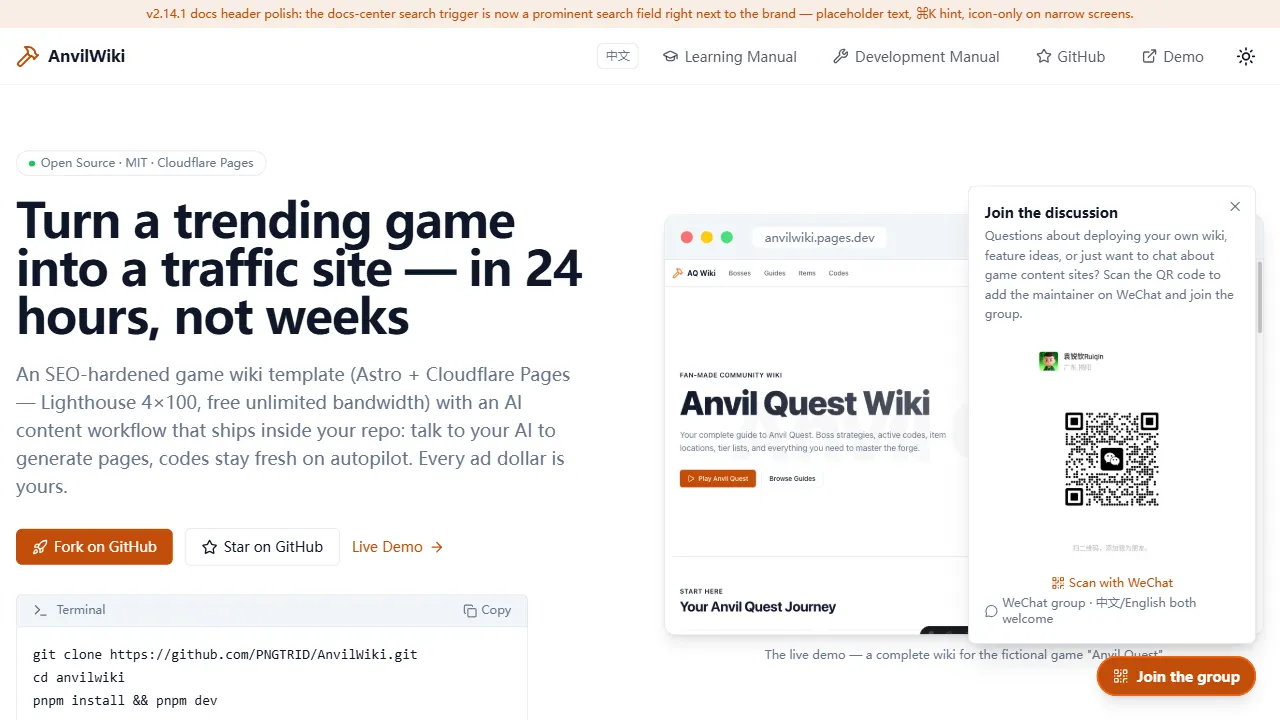
AnvilWiki
AnvilWiki 是一个围绕游戏攻略站场景设计的 Astro 静态模板,目标用户是希望快速搭建游戏内容站、通过 SEO 获取流量并利用广告变现的创作者。
Astro · 游戏站
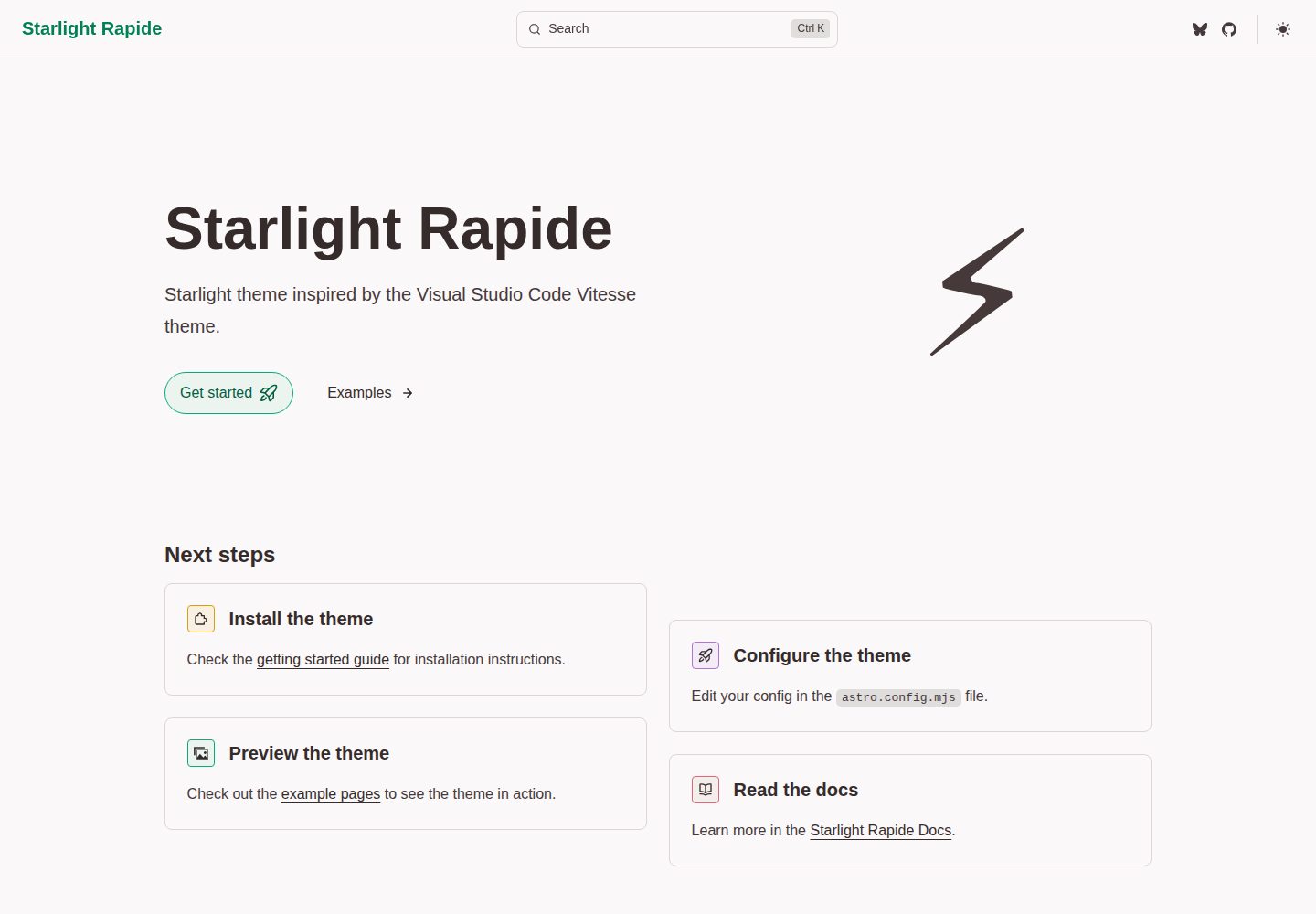
starlight-theme-rapide
Starlight theme inspired by the Visual Studio Code Vitesse theme
Astro · 文档
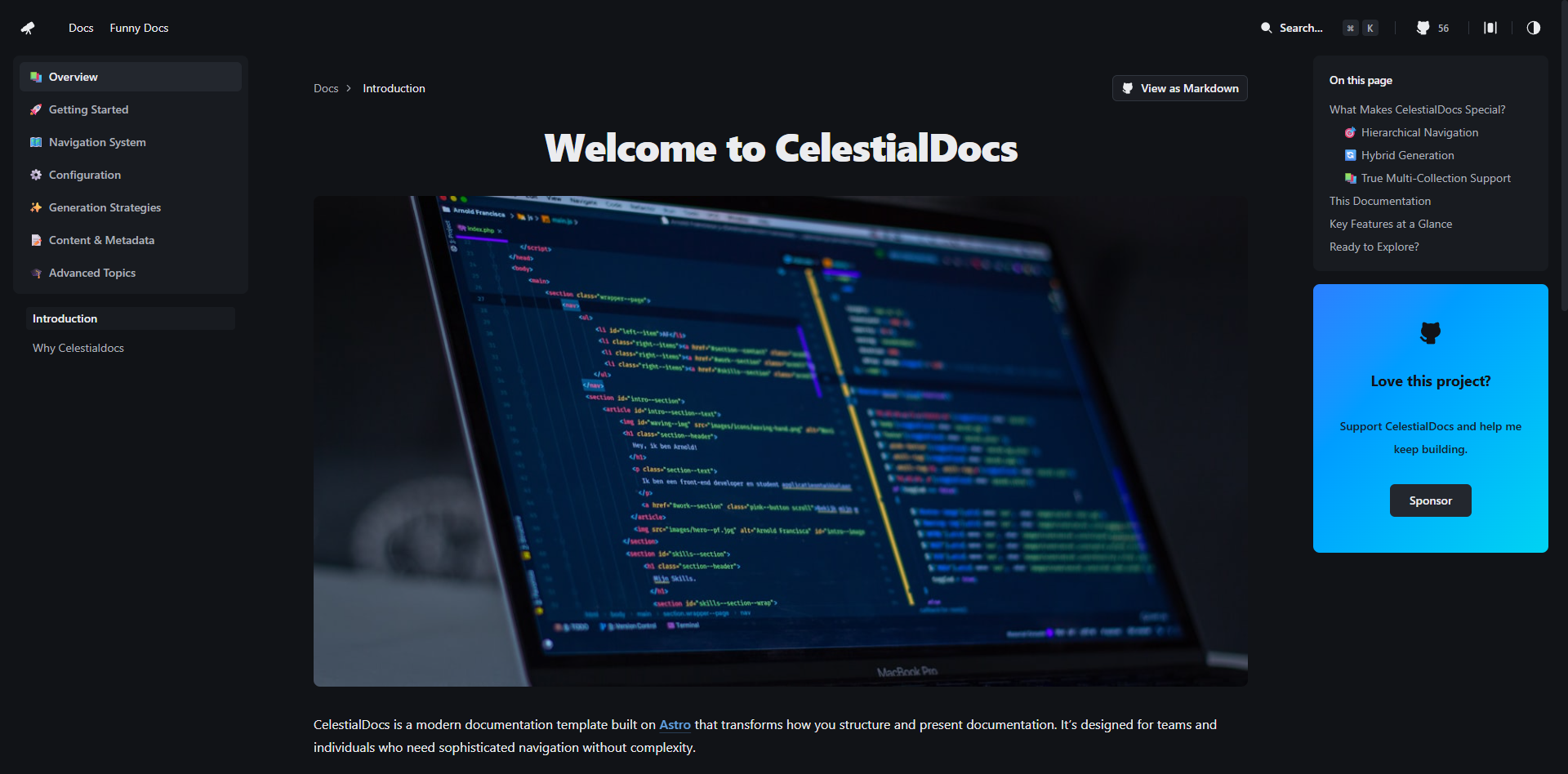
CelestialDocs
CelestialDocs 是一个基于 Astro 的文档平台模板,定位是让团队在一个仓库里同时维护文档、博客和产品页面。
Astro · 文档
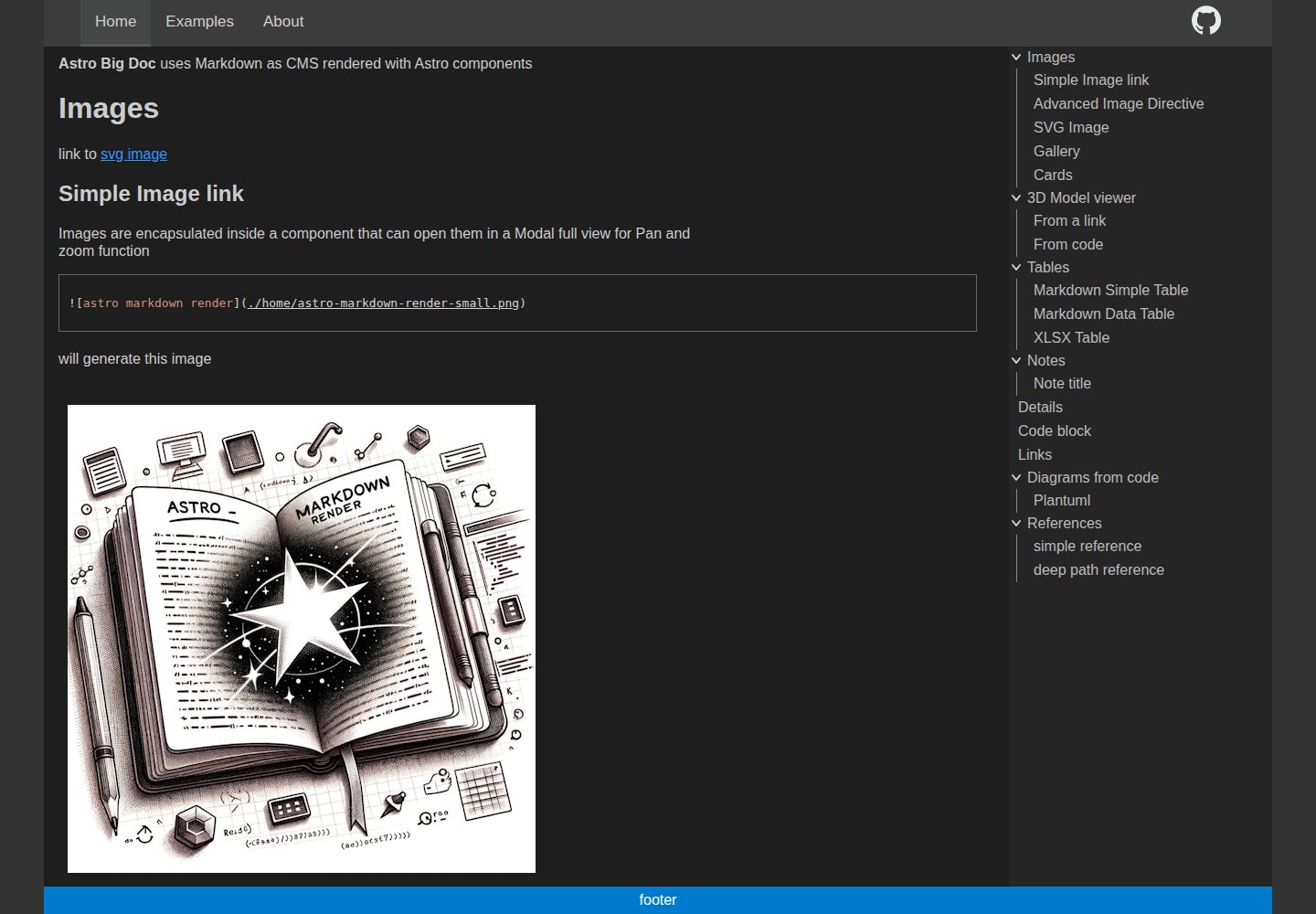
astro-big-doc
Astro Theme with zero config hierarchical menu and table of content, render pure standard Markdown .md with cu…
Astro · 文档
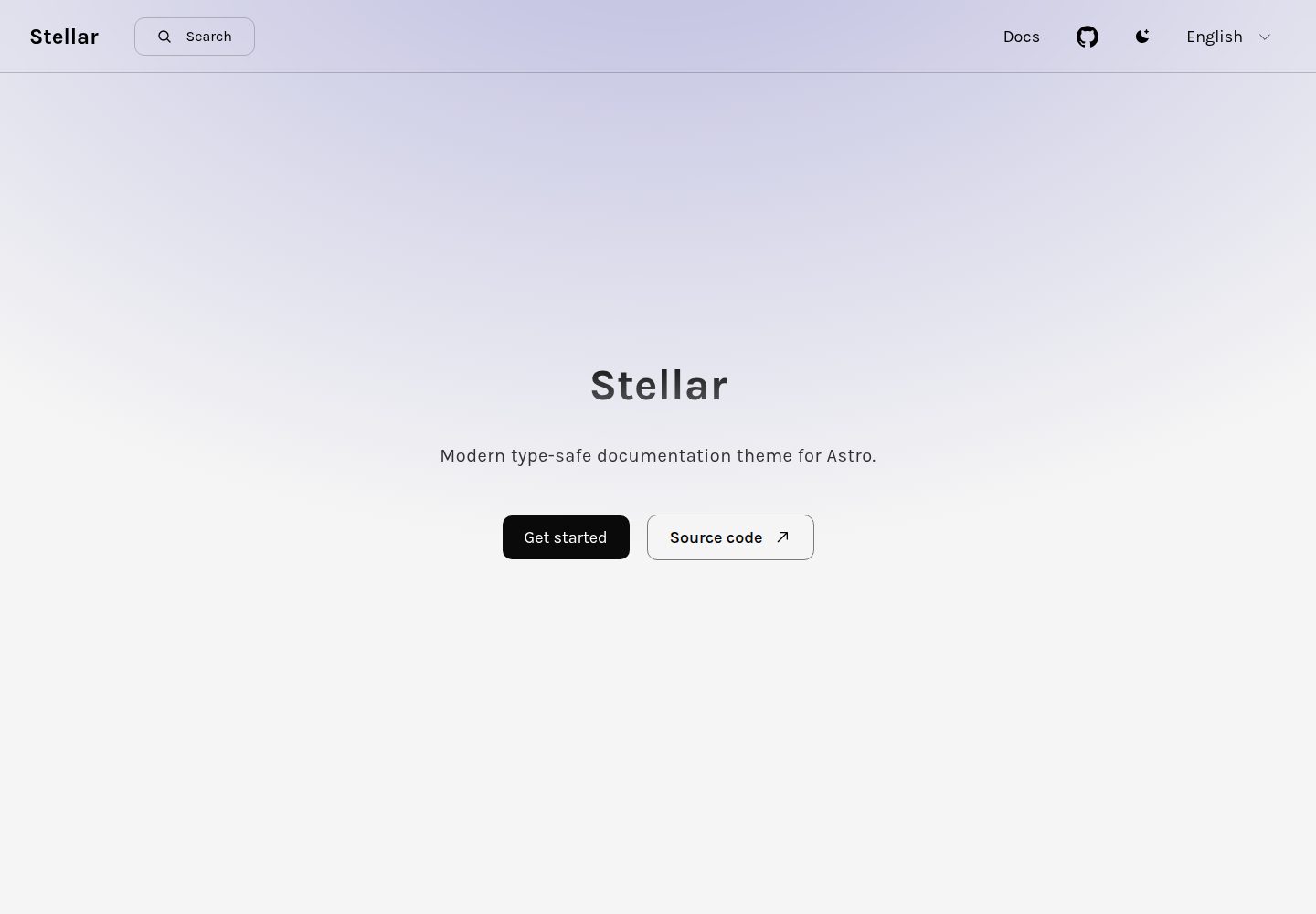
stellar
Modern type-safe documentation theme for Astro.
Astro · 文档
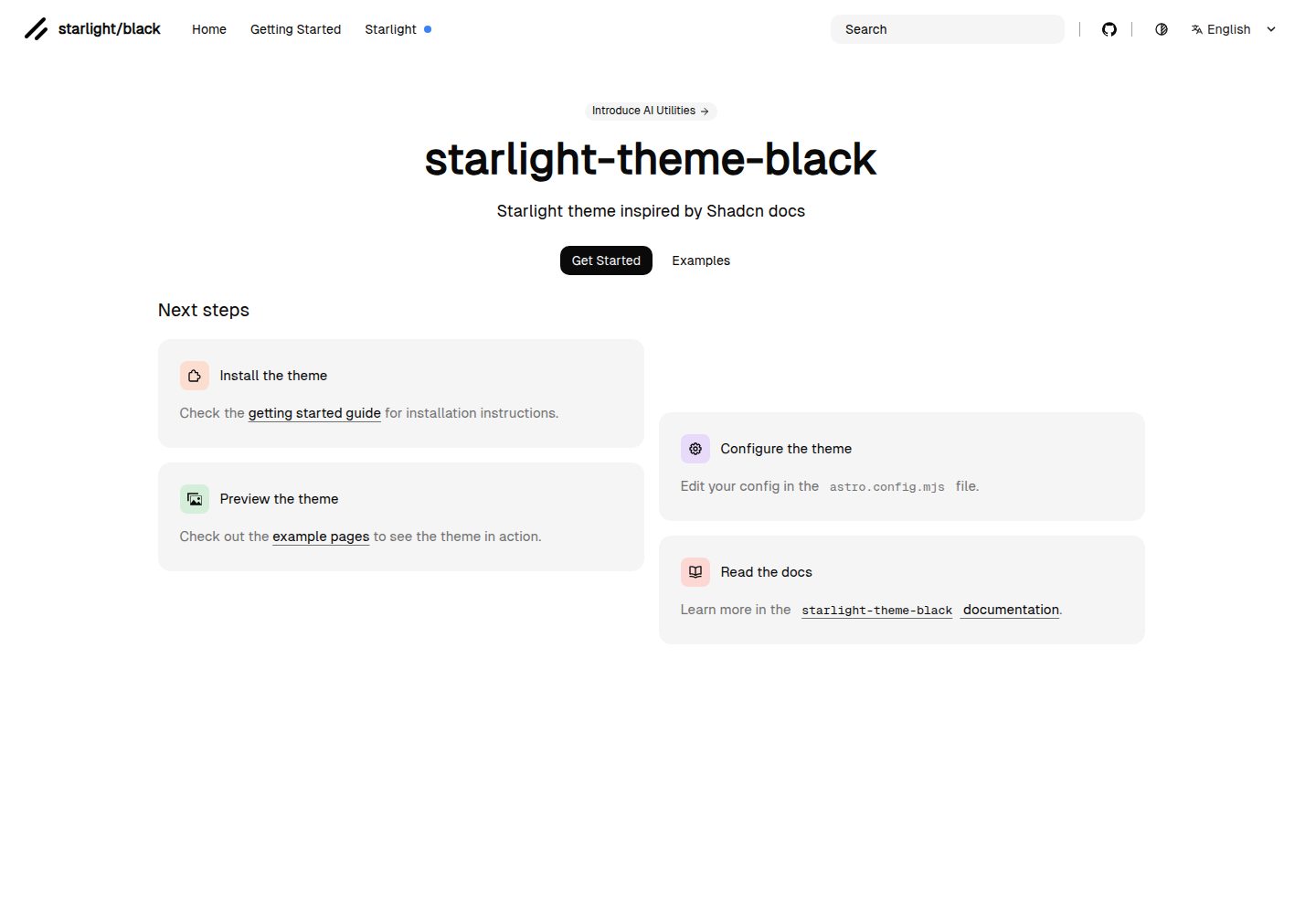
starlight-theme-black
Starlight theme inspired by @shadcn docs
Astro · 文档