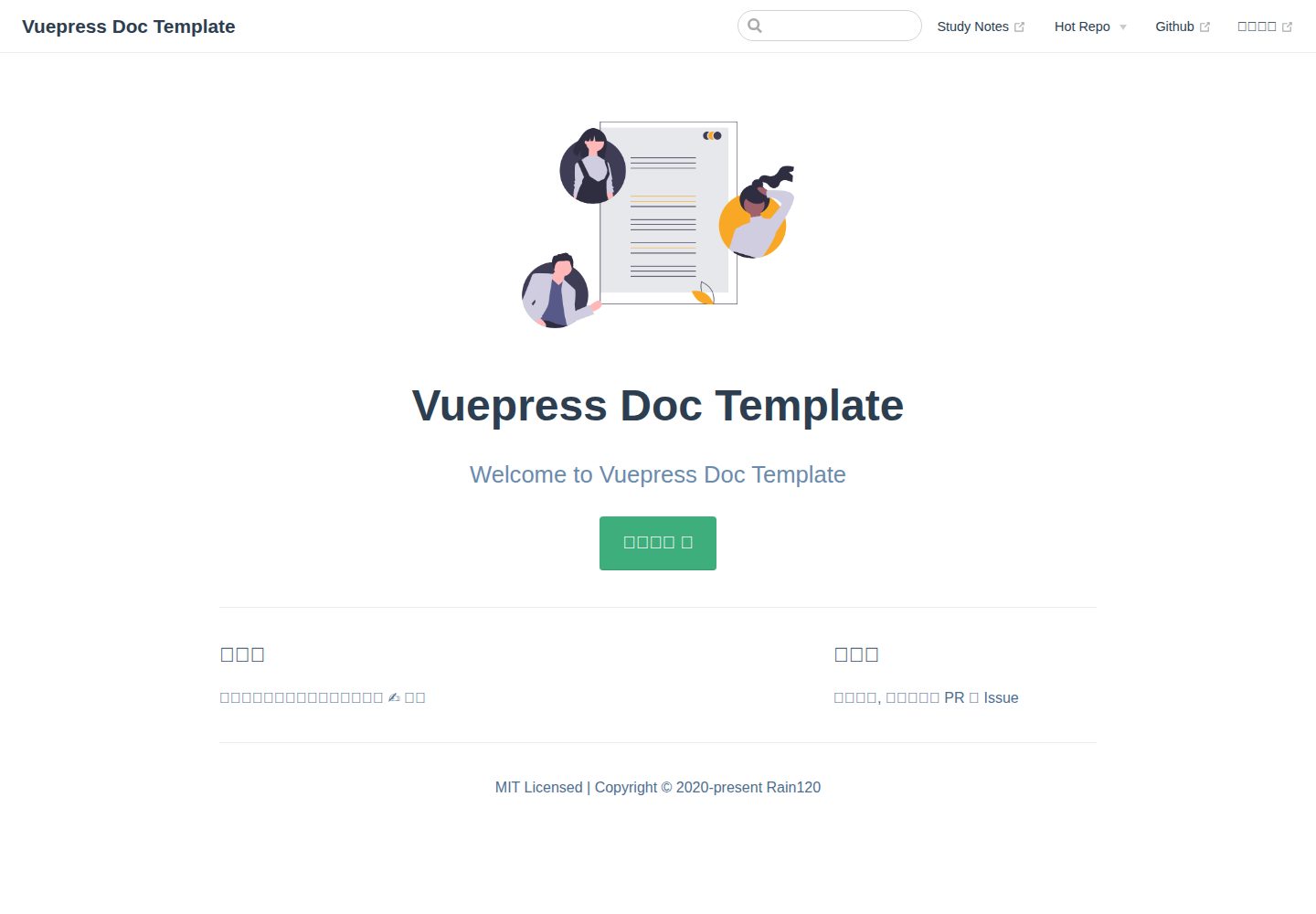
Offers two usage modes: pure documentation and project documentation; the latter requires copying the docs directory and deploy.sh to the project root
VueVitePressDocumentation
vitepress-docs-template — Vue Documentation Template
By Rain120
A documentation site template based on VuePress, offering two usage modes: pure documentation and project documentation. It includes husky commit hooks for automatic deployment, commitlint commit conventions, changelog generation, and plugin configurations for PWA, comments, Google Analytics, and more.
Explore the design
Compare the page layouts and mobile experience. Open any screenshot for a closer look.
Desktop homepage1 / 2
Desktop captureTop of page
Actual screenshot captured by the server browser.
All pages & views 2
Screenshots show visual appearance; interactive behavior may differ.
Recorded 2026-10-12View source
What stands out
A quick read of the recorded project description.
Automatically deploys on commit via husky's pre-commit hook; manual deployment is also possible with npm run deploy
devDependencies include vuepress, @vuepress/plugin-back-to-top, @vuepress/plugin-blog, @vuepress/plugin-google-analytics, @vuepress/plugin-medium-zoom, @vuepress/plugin-pwa, and other plugins
Integrates the vuepress-plugin-awesome-gitalk comment plugin and Markdown extensions such as markdown-it-katex, markdown-it-task-lists, and markdown-it-imsize
Uses commitlint and conventional-changelog-cli to generate changelogs, and configures lint-staged to process staged files
The directory contains .vuepress/config.js, enhanceApp.js, theme, utils, and configuration and writing example documents under zh
Template Details
The template's README centers on a VuePress documentation site and describes two usage paths. The first is "pure documentation": after cloning the repository, run yarn install or npm install. On commit, husky's pre-commit hook automatically deploys; you can also deploy manually via npm run deploy. If automatic deployment is not needed, remove the command containing npm run deploy from the husky pre-commit hook. The second is "project documentation": copy the docs directory and deploy.sh to the project root, and add devDependencies and scripts according to the package.json content listed in the README. Among these, the three dependencies conventional-changelog-cli, husky, and lint-staged, as well as the two scripts lint-staged and changelog, can be removed if commit formatting and changelog are not needed. The README also provides husky's pre-commit and commit-msg hook configurations and points to the how-to-config-docs and how-to-write-docs documents for more configuration details. The template directory includes config.js, enhanceApp.js, components, styles, theme, and utils under .vuepress, as well as example documents such as guide, how-to-config-docs, and how-to-write-docs under the zh directory. The README does not specify the template's browser compatibility range, build output size, deployment target platform restrictions, or long-term maintenance status, nor does it provide support channels other than the official VuePress documentation and the author's example site.
VueVitePressDocumentation
Is it right for your project?
Use Cases
- Quickly set up a VuePress documentation site for a personal or team project, reusing the template's navigation, sidebar, and plugin configurations
- Add a documentation directory to an existing project by copying docs and deploy.sh and supplementing package.json as per the README to integrate documentation building and deployment
- Automatically generate a changelog and trigger deployment on code commit using husky pre-commit and commit-msg hooks
- When common documentation site capabilities such as PWA, back-to-top, image zoom, Google Analytics, or Gitalk comments are needed, refer to the template's dependencies and configurations for combination
Suitable For
- Developers who write documentation with VuePress and want a ready-made directory structure and plugin configuration reference
- Teams that need to keep the documentation site and project code in the same repository and automatically deploy via commit hooks
- Maintainers who accept commit convention toolchains such as husky, commitlint, and conventional-changelog
- Users who want to adjust navigation, sidebar, and theme configurations based on existing examples rather than building a documentation site from scratch
Getting started & customization
Use these recorded setup notes alongside the repository instructions for your chosen version.
- 1
Pure documentation mode: after git clone the repository, run yarn install or npm install; on commit, husky pre-commit automatically deploys, or run npm run deploy to deploy manually
- 2
Project documentation mode: copy the docs directory and deploy.sh to the project root, and supplement devDependencies and scripts according to the package.json in the README
- 3
If commit formatting and changelog are not needed, remove the three dependencies conventional-changelog-cli, husky, and lint-staged, as well as the two scripts lint-staged and changelog
- 4
husky's pre-commit configuration is npm run changelog && npm run deploy && git add . && lint-staged; commit-msg uses commitlint for validation
- 5
For more configuration and writing instructions, see the docs/zh/how-to-config-docs and docs/zh/how-to-write-docs documents in the repository
License & source material
Usage conditions & limitations
Free to use · keep license noticeThis entry covers the free version under the MIT license in a public repository; the free scope is the code of this version and does not imply that external services or third-party assets are free.
Must comply with when using
- Free use, modification, commercial use, and distribution of this version's code are permitted.
- When distributing copies or substantial portions of the code, retain the original author's copyright notice and the full MIT license notice.
- The code is provided as is; warranties and limitations of liability are governed by the original license and applicable law.
Additional costs & items to verify
- Demo images, fonts, icons, and other third-party assets must be checked against their respective licenses; they cannot be judged solely by the code's MIT license.
- External services such as domains, hosting, databases, payments, or AI may incur additional charges.
- When committing code, husky's pre-commit hook automatically executes deployment, so with the template's default configuration, every commit triggers the deployment process.
- If you wish to deploy on your own, you need to modify husky's pre-commit hook and remove the command containing npm run deploy.
- When using the "project documentation" mode, you must first copy the docs directory and deploy.sh file to the project root and supplement package.json as per the README.
- When integrating into an existing project, only devDependencies need to be supplemented; if some dependencies already exist, not all need to be added.
- If commit formatting and changelog are not needed, the three dependencies conventional-changelog-cli, husky, and lint-staged can be removed; otherwise, you must complete the husky configuration yourself.
- If commit formatting and changelog are not needed, the two scripts lint-staged and changelog can be removed; otherwise, you must complete the husky configuration yourself.
- The default pre-commit hook sequentially executes changelog generation, deployment, git add, and lint-staged, and will modify workspace files before commit.
- The commit-msg hook uses commitlint to validate commit messages; commit messages must conform to the conventional commits specification.
View Original Text Basis
Permission is hereby granted, free of charge
Original License Text
We are auto deploy when you are commit by the **pre-commit** of the husky hooks. So you just need to add, commit, push. Etc:
Original README
We can also deploy by yourself, but we also deploy it when you commit, if you want to deploy by yourself, you can modify the **pre-commit** of the husky hooks, remove the command with `npm run deploy`.
Original README
First copy the **docs** folder and the **deploy.sh** file to your project root, and then we need to copy something in **package.json**. Let's do it.
Original README
Now we had seen all things about **package.json**. We just need **devDependencies**, if you had someone of **devDependencies**, you needn't all of that.
Original README
If you don't want to format your commit and changelog, there 3 **package** you can remove it. But if you need it and you have not config it, please go to [husky](#husky)
Original README
If you don't want to format your commit and changelog, there 2 **scripts** you can remove it. But if you need it and you have not config it, please go to [husky](#husky)
Original README
"pre-commit": "npm run changelog && npm run deploy && git add . && lint-staged",
Original README
https://github.com/Rain120/vitepress-docs-template/blob/master/LICENSEhttps://github.com/Rain120/vitepress-docs-template/blob/master/README.md"commit-msg": "commitlint -E HUSKY_GIT_PARAMS"
Original README
Compiled by DeepSeek based on repository license and README ·2026-10-12. Results only cover the materials read; dependencies, images, fonts, and subsequent term changes are subject to their respective original texts.
Project checks & description sources
Template Information
- Source platforms
- GitHub
- Documentation and maintenance reference score
- Partly documented · 70 / 100
- Technologies
- Vue · VitePress
- Website type
- Documentation
How this score is calculated
Our heuristic uses license records (up to 30), a demo link (12), a preview (10), stars (15), recorded maintenance (15), description completeness (8), feature records (5) and classification data (5). It is not a code, security or performance test, or a Google score. A link does not establish tested functionality.
What to verify for this project
- Repository update recorded
- 2020-12-17
- Screenshot last checked
- 2026-10-12
A demo link is listed. Check it with your own content and viewport sizes; its presence does not confirm that forms, authentication or payments work.
The catalog identifies Vue as the primary stack. Check the actual dependency manifest and lockfile for versions and hosting requirements. These notes use recorded metadata, not a code audit or a deployment test.
Use a selection guide →How this description was prepared
AI-assisted description based on catalog records and repository material. Repository authors are not automatically the reviewers of this description.
Review declaration: codex-user-requested-batch-review-20261015 · 2026-10-15
Inspect the recorded source material
SHA-256: 955c827a3ce200b149180b7cb1b0ed5bad3bc3e2206a110ff0593918e6a1b0c9
2026-10-12T23:40:37.513Z
Source file / repository<h3 align="center">
<a href="https://github.com/Rain120/vuepress-docs-template">Vuepress Docs Template</a>
<img align="center" src="docs/.vuepress/public/images/docs.png" />
</h3>
<div align="center">
[](https://github.com/Rain120/vuepress-docs-template/watchers)
[](https://github.com/Rain120/vuepress-docs-template/stargazers) [](https://github.com/Rain120/vuepress-docs-template/network/members)
[](https://github.com/Rain120/vuepress-docs-template/issues) [](https://github.com/Rain120/vuepress-docs-template/pulls) [](https://github.com/Rain120/vuepress-docs-template/commits/master)

[](https://github.com/Rain120/vuepress-docs-template/blob/master/package.json) [](https://github.com/Rain120/vuepress-docs-template/blob/master/LICENSE)
</div>
## 😚 Welcome
Welcome to the Vuepress Docs Template
## 🎮 TL;DR
⌨️ To be Continue...
## ✍ Why am I doing this?
Easy to write documents for someone.
## 🔨 Usage
### Pure Document
```sh {1}
git clone [email protected]:Rain120/vuepress-docs-template.git
yarn install # or npm install
```
**Deploy**
We are auto deploy when you are commit by the **pre-commit** of the husky hooks. So you just need to add, commit, push. Etc:
```sh
git add .
git commit -m 'feat: vuepress docs template commit'
# if you need to pulls
# git pull origin master
git push origin master
```
We can also deploy by yourself, but we also deploy it when you commit, if you want to deploy by yourself, you can modify the **pre-commit** of the husky hooks, remove the command with `npm run deploy`.
```sh
npm run deploy
```
### Project Document
Let me see our template folders.
```sh
tree . -al 3 -I "node_modules|dist|images|.git|.DS_Store"
```
```sh
.
├── .github
│ └── ISSUE_TEMPLATE
│ ├── bug_report.md
│ ├── custom.md
│ └── feature_request.md
├── .gitignore
├── LICENSE
├── README.md
├── commitlint.config.js
├── deploy.sh # copy to your project root
├── docs # copy to your project root
│ ├── .vuepress
│ │ ├── components
│ │ │ └── MySWUpdatePopup.vue
│ │ ├── config.js
│ │ ├── enhanceApp.js
│ │ ├── public
│ │ │ ├── logo.png
│ │ │ └── manifest.json
│ │ ├── styles
│ │ │ └── index.styl
│ │ ├── theme
│ │ └── utils
│ │ ├── alias.json
│ │ ├── copy.js
│ │ ├── nav.js
│ │ ├── plugins.js
│ │ └── sidebarHelper.js
│ ├── README.md
│ └── zh
│ ├── guide
│ │ └── README.md
│ ├── how-to-config-docs
│ │ └── README.md
│ └── how-to-write-docs
│ └── README.md
├── package-lock.json
├── package.json
├── wechat-zhifubao-pay.png
└── yarn.lock
3 [error opening dir]
13 directories, 27 files
```
First copy the **docs** folder and the **deploy.sh** file to your project root, and then we need to copy something in **package.json**. Let's do it.
[package](package.json)
Now we had seen all things about **package.json**. We just need **devDependencies**, if you had someone of **devDependencies**, you needn't all of that.
#### devDependencies
```json
{
"devDependencies": {
"@vuepress/plugin-back-to-top": "^1.2.0",
"@vuepress/plugin-blog": "^1.9.2",
"@vuepress/plugin-google-analytics": "^1.2.0",
"@vuepress/plugin-medium-zoom": "^1.0.0-rc.1",
"@vuepress/plugin-pwa": "^1.3.0",
"conventional-changelog-cli": "^2.0.27",
"husky": "^3.0.9",
"lint-staged": "^9.4.3",
"markdown-it-imsize": "^2.0.1",
"markdown-it-katex": "^2.0.3",
"markdown-it-task-lists": "^2.1.1",
"moment": "^2.24.0",
"vuepress": "^1.3.1",
"vuepress-plugin-awesome-gitalk": "^0.0.4"
}
}
```
If you don't want to format your commit and changelog, there 3 **package** you can remove it. But if you need it and you have not config it, please go to [husky](#husky)
```json
{
"devDependencies": {
"conventional-changelog-cli": "^2.0.27",
"husky": "^3.0.9",
"lint-staged": "^9.4.3"
}
}
```
#### scripts
```json
{
"scripts": {
"lint-staged": "lint-staged",
"changelog": "conventional-changelog -p angular -i CHANGELOG.md -s -r 0",
"docs:dev": "vuepress dev docs",
"docs:build": "vuepress build docs",
"deploy": "bash ./scripts/deploy.sh",
"remote": "bash ./scripts/add-remote.sh"
}
}
```
If you don't want to format your commit and changelog, there 2 **scripts** you can remove it. But if you need it and you have not config it, please go to [husky](#husky)
```json
{
"scripts": {
"lint-staged": "lint-staged",
"changelog": "conventional-changelog -p angular -i CHANGELOG.md -s -r 0"
}
}
```
#### husky
```json {9}
{
"lint-staged": {
"{src}/**/**.ts": [
"git add"
]
},
"husky": {
"hooks": {
"pre-commit": "npm run changelog && npm run deploy && git add . && lint-staged",
"commit-msg": "commitlint -E HUSKY_GIT_PARAMS"
}
},
}
```
More Config Detail Please Goto the Links.
[how-to-config-docs](docs/zh/how-to-config-docs/README.md)
[how-to-write-docs](docs/zh/how-to-write-docs/README.md)
Now you have all mine, Enjoy yourself!! 😉😉😉
## 🤝 Contributing

We welcome all contributions. You can submit any ideas as [pull requests](https://github.com/Rain120/vuepress-docs-template/pulls) or as a GitHub [issue](https://github.com/Rain120/vuepress-docs-template/issues).
## 🔗 Links
- [Vuepress Docs](https://vuepress.vuejs.org/)
- [Demo](https://rain120.github.io/vuepress-docs-template)
- [awesome-javascript-code-implementation github.io](https://rain120.github.io/awesome-javascript-code-implementation/)
## 👨🏭 Author
> Front-End development engineer, technology stack: React + Typescript + Mobx, also used Vue + Vuex for a while
- [Github](https://github.com/Rain120)
- [知乎](https://www.zhihu.com/people/yan-yang-nian-hua-120/activities)
- [掘金](https://juejin.im/user/57c616496be3ff00584f54db)
## 📝 License
[MIT](https://github.com/Rain120/vuepress-docs-template/blob/master/LICENSE)
Copyright © 2020-present [Rain120](https://github.com/Rain120).
## ☕ Coffee or Tea

Explore similar templates
Compare previews and descriptions within the same stack and category.
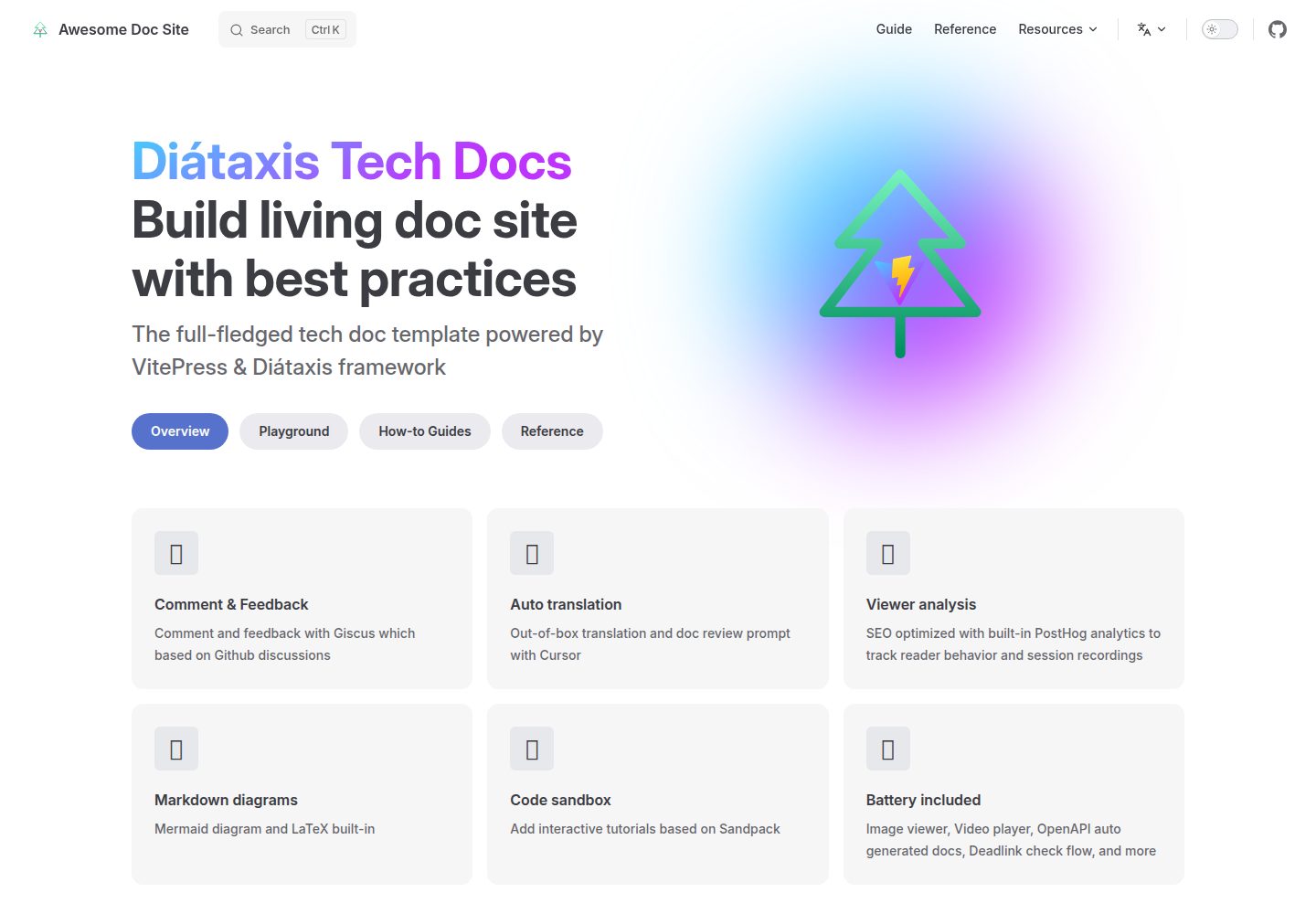
vitepress-diataxis-template
A VitePress-based technical documentation template that organizes tutorials, how-to guides, reference, and explanation content using the Diátaxis framework.
Vue · Documentation
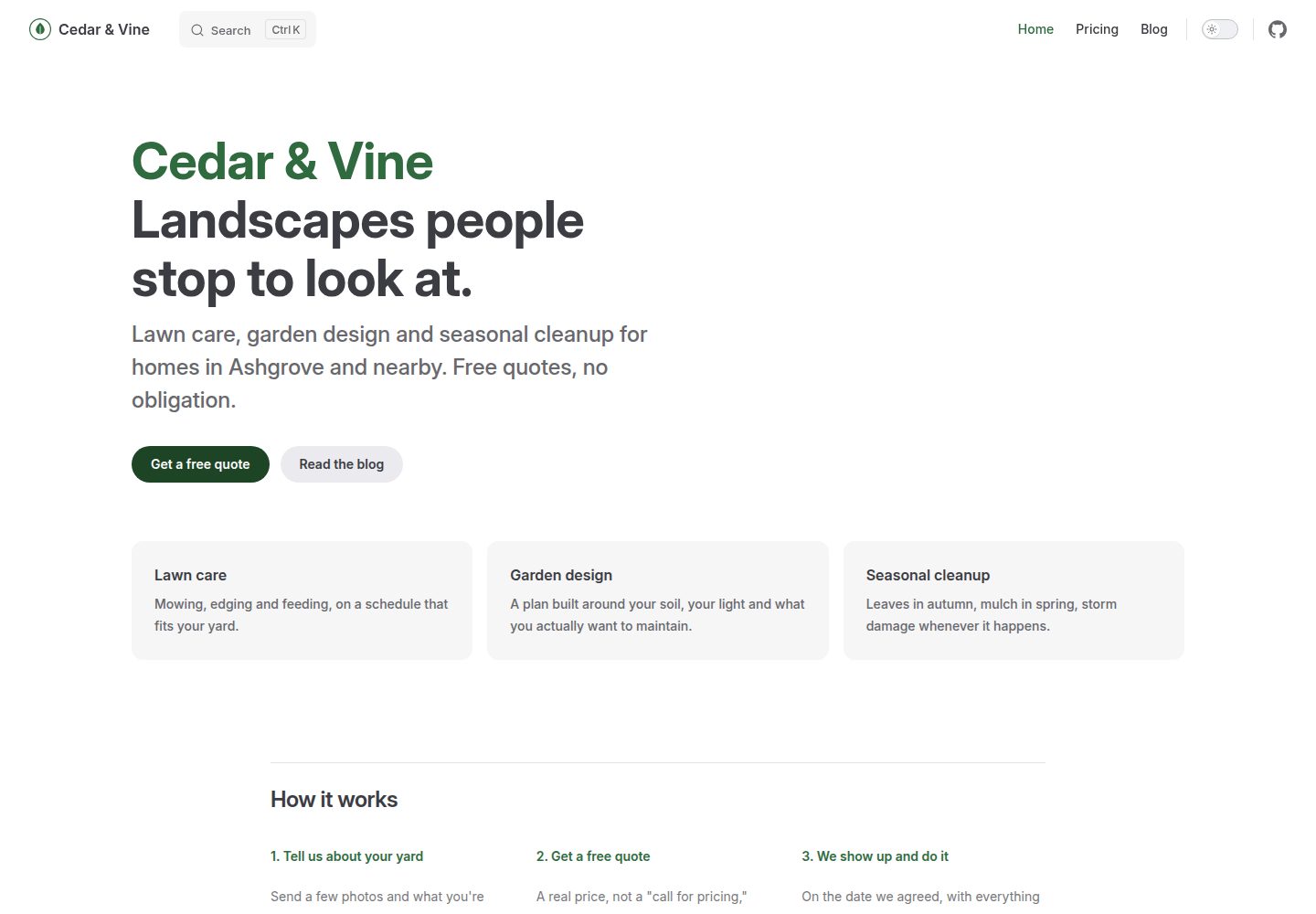
vitepress-marketing
A VitePress-based multi-page marketing site template with a home page, blog, and submittable contact form, deployed automatically to GitHub Pages via GitHub Actions.
Vue · Blog
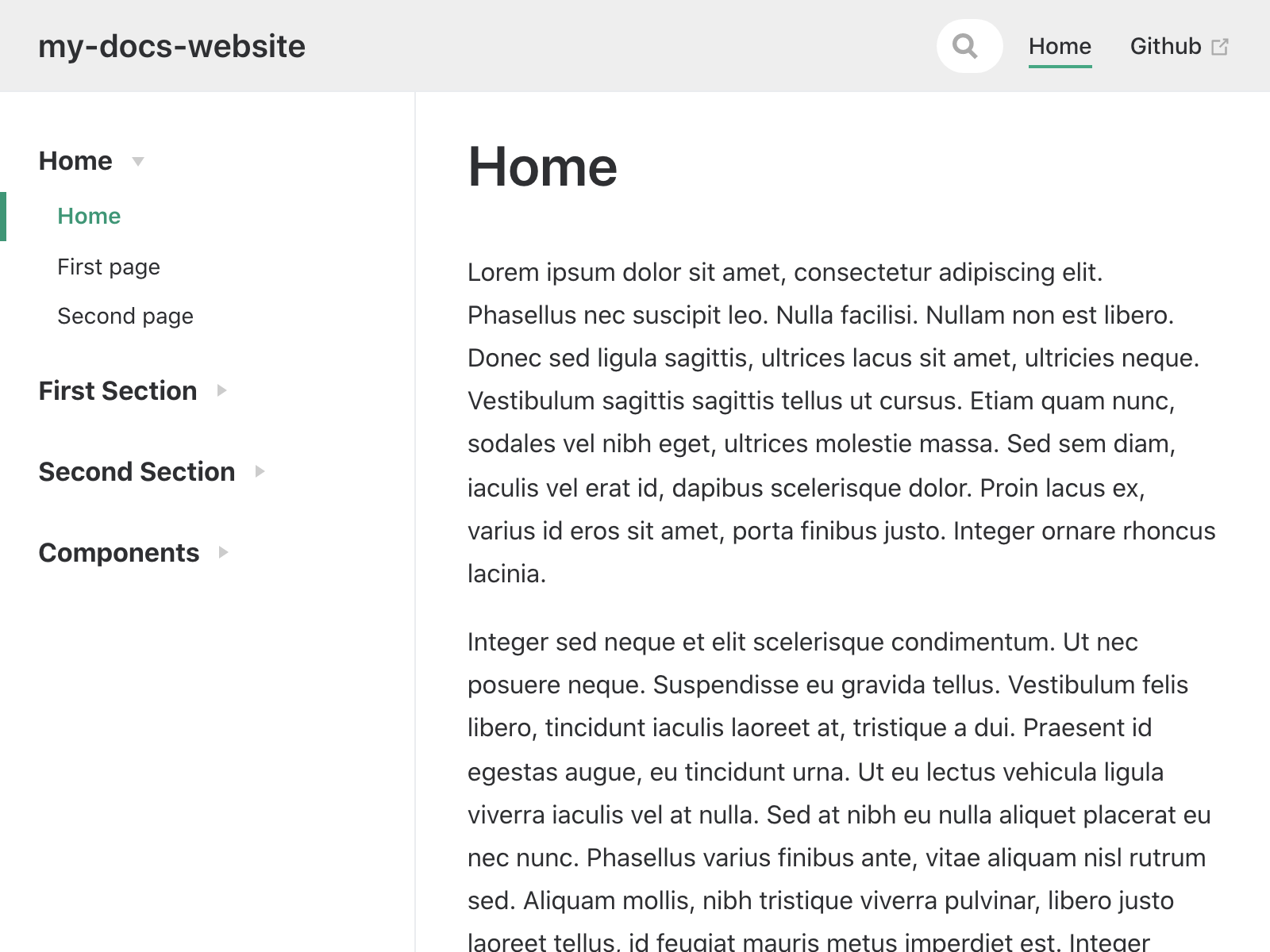
my-docs-website
A VuePress-based Markdown documentation site template described as a copy of the vuesite template.
Vue · Documentation
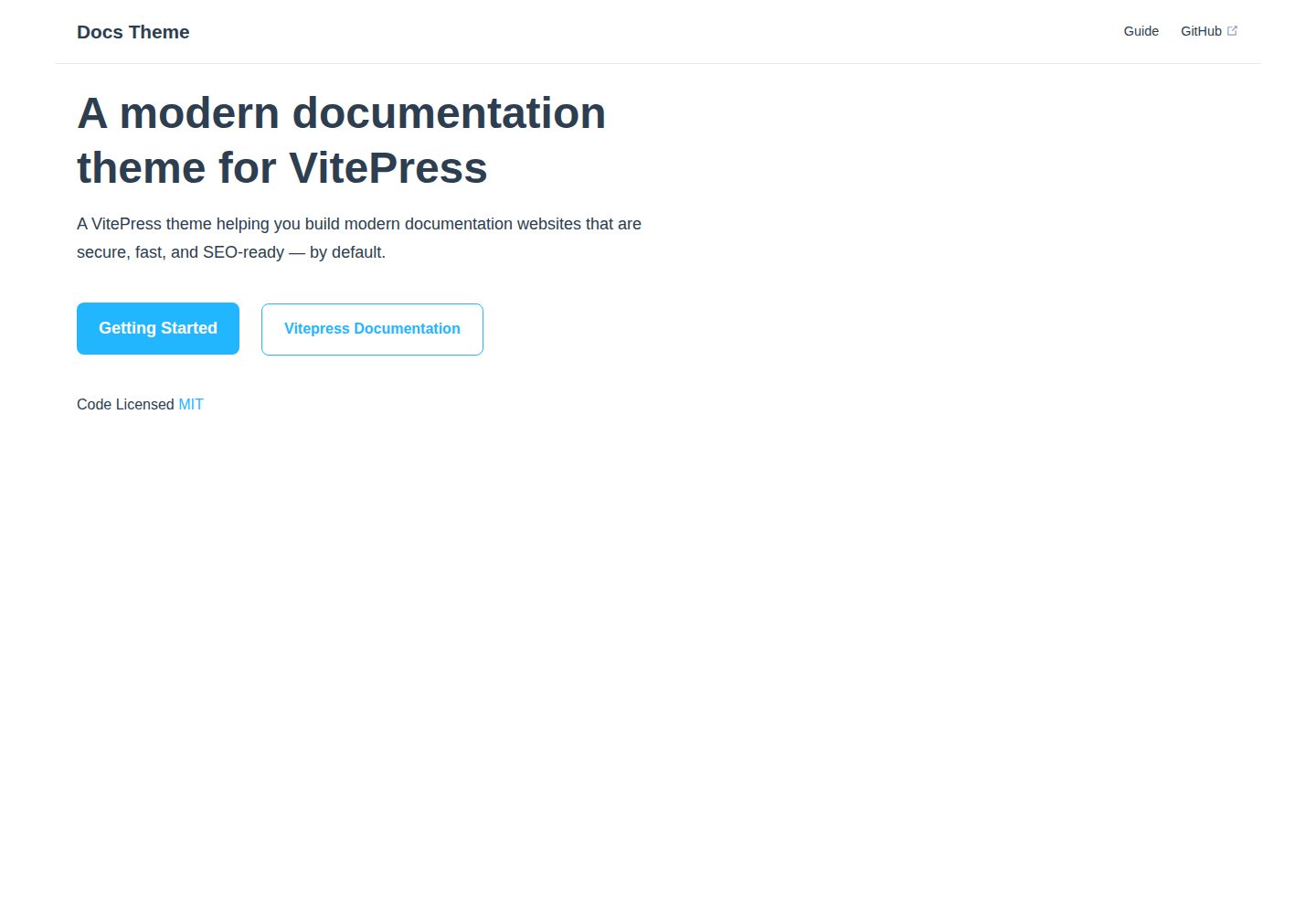
docs-theme
A VitePress documentation theme built with Vue, published by valmisson on GitHub under the MIT license, with an online demo and desktop/mobile screenshots. The README is brief and points to Getting Started; no feature list, configuration options, or dependency versions are provided.
Vue · Documentation
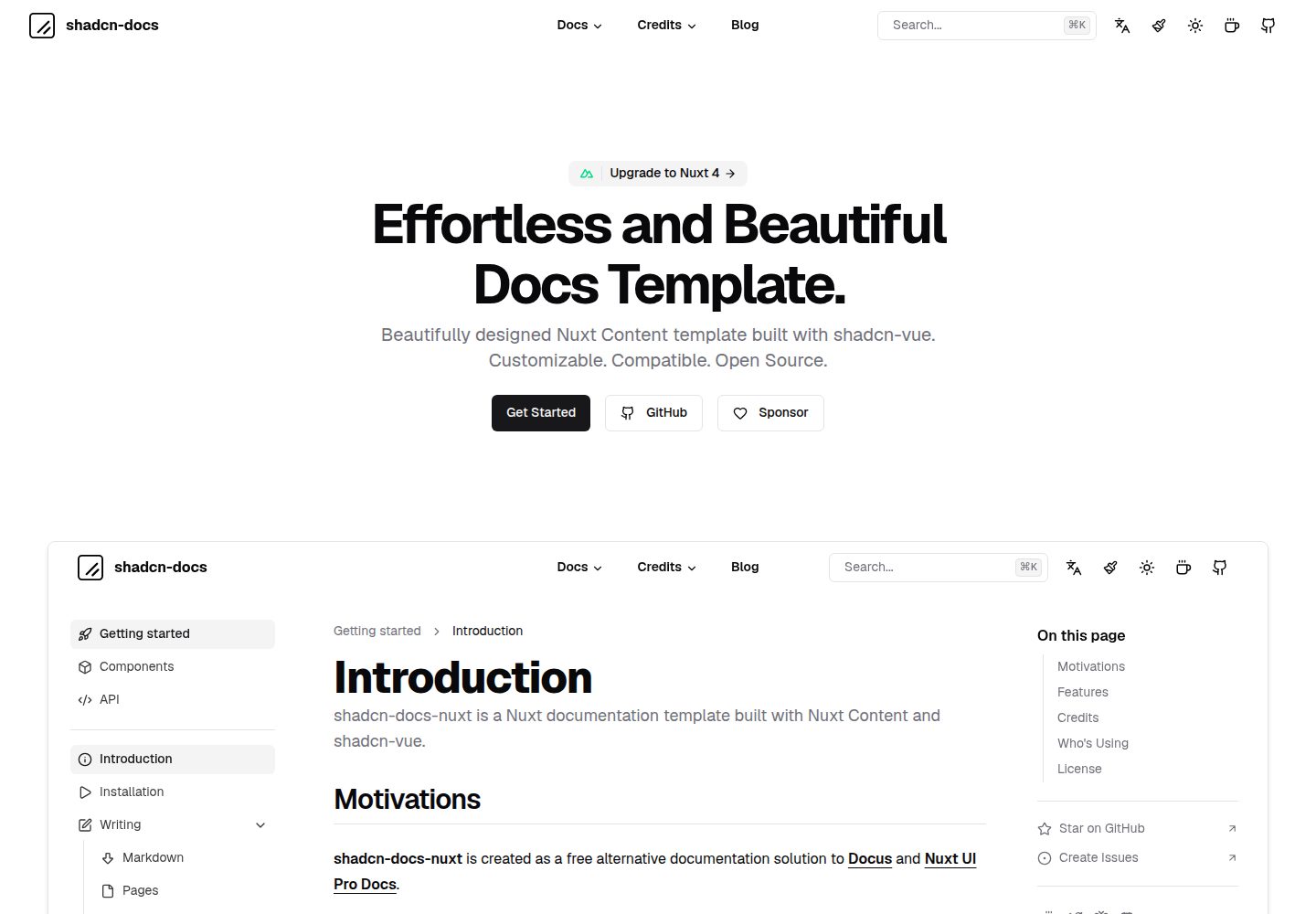
shadcn-docs-nuxt
A documentation site template built with Nuxt Content and shadcn-vue, offering a companion starter template and online demo. It is suitable for Vue or Nuxt projects to build product documentation, API docs, or technical content sites, and supports customizing components and styles.
Nuxt · Documentation
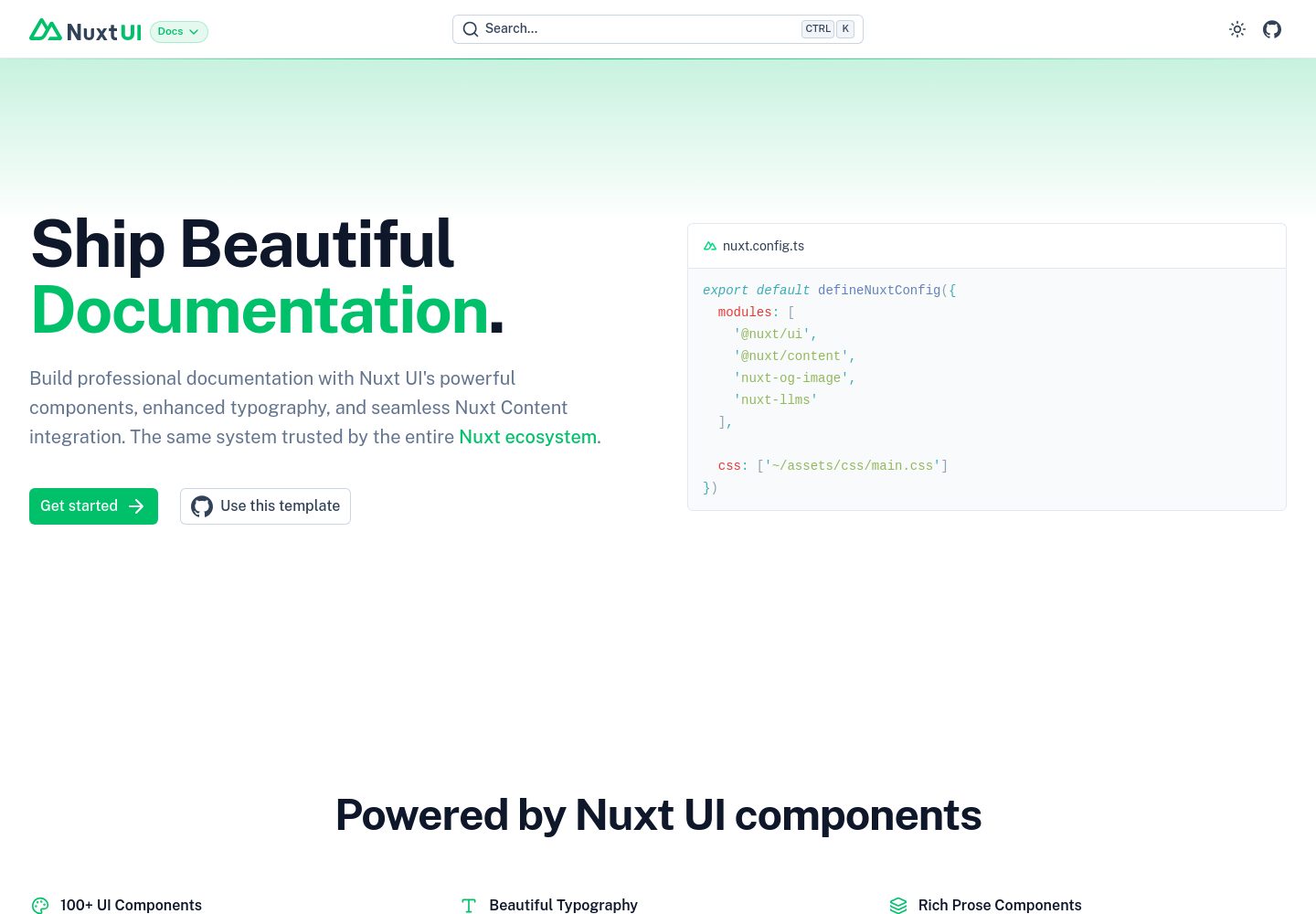
docs
A documentation site template built with Nuxt UI and Nuxt Content, maintained by nuxt-ui-templates.
Nuxt · Documentation