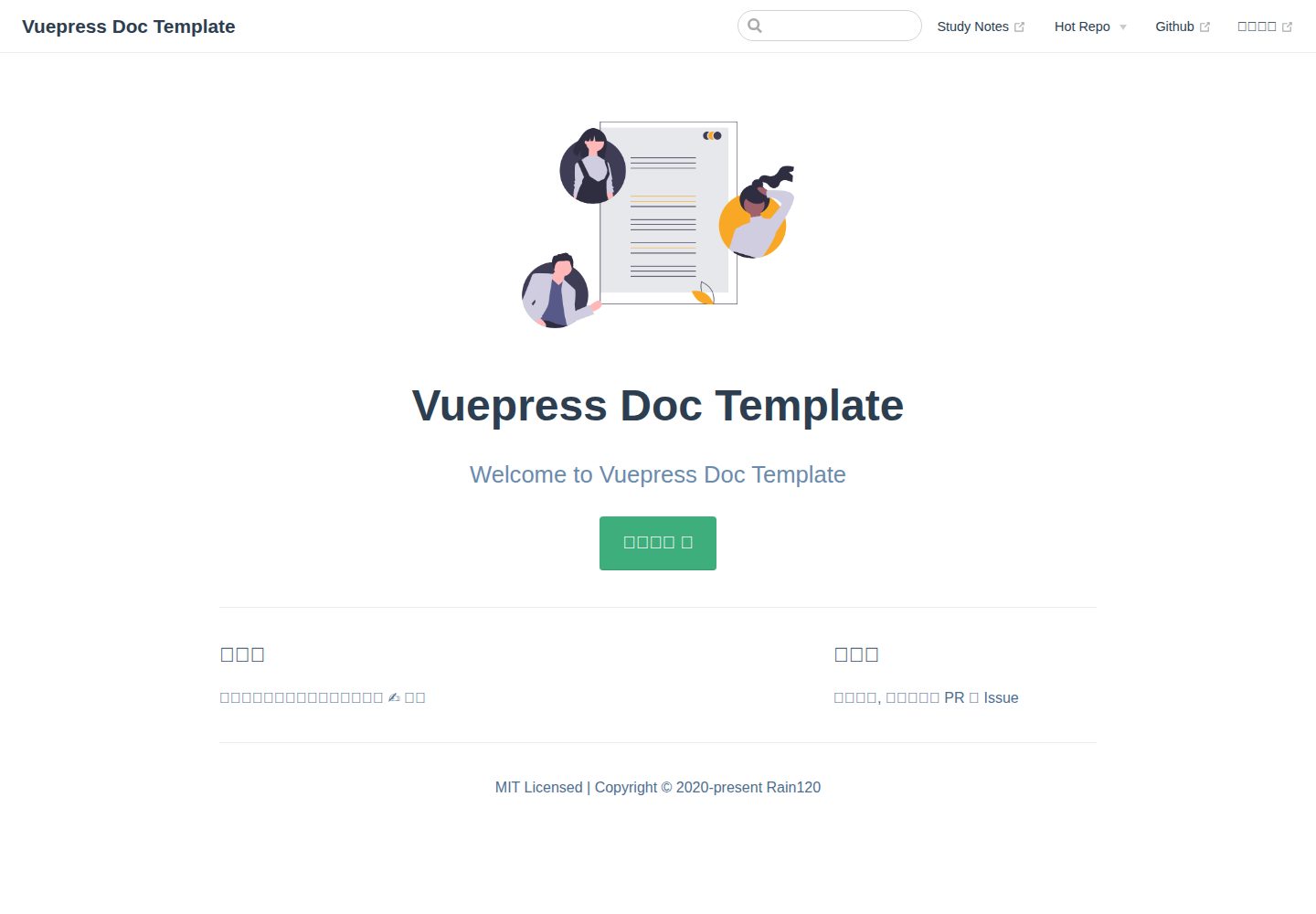
提供纯文档与项目文档两种使用方式,后者需将 docs 目录和 deploy.sh 复制到项目根目录
VueVitePress文档
vitepress-docs-template — Vue 文档模板
作者 Rain120
基于 VuePress 的文档站点模板,提供纯文档与项目文档两种使用方式,包含 husky 提交钩子自动部署、commitlint 提交规范、changelog 生成以及 PWA、评论、Google Analytics 等插件配置。
看看你的网站会是什么样
浏览真实页面截图,比较内容排版与手机效果。点击下方缩略图切换,放大查看整页细节。
全部页面与视图 2
截图用于了解视觉与布局,交互效果请以实际项目为准。
采集于 2026-10-12查看来源
值得关注的模板亮点
从已有项目资料中,快速了解它的特点。
通过 husky 的 pre-commit 钩子在提交时自动执行部署,也可用 npm run deploy 手动部署
devDependencies 包含 vuepress、@vuepress/plugin-back-to-top、@vuepress/plugin-blog、@vuepress/plugin-google-analytics、@vuepress/plugin-medium-zoom、@vuepress/plugin-pwa 等插件
集成 vuepress-plugin-awesome-gitalk 评论插件与 markdown-it-katex、markdown-it-task-lists、markdown-it-imsize 等 Markdown 扩展
使用 commitlint 与 conventional-changelog-cli 生成变更日志,并配置 lint-staged 处理暂存文件
目录内含 .vuepress/config.js、enhanceApp.js、theme、utils 以及 zh 下的配置与写作示例文档
模板详细介绍
该模板的 README 以 VuePress 文档站点为核心,说明了两条使用路径。其一为“纯文档”:克隆仓库后执行 yarn install 或 npm install,提交时由 husky 的 pre-commit 钩子自动部署,也可通过 npm run deploy 手动部署;若不需要自动部署,可移除 husky pre-commit 中带 npm run deploy 的命令。其二为“项目文档”:将 docs 目录与 deploy.sh 复制到项目根目录,并按 README 列出的 package.json 内容补充 devDependencies 与 scripts;其中 conventional-changelog-cli、husky、lint-staged 三个依赖以及 lint-staged、changelog 两个脚本在不需要提交格式化与变更日志时可移除。README 还给出了 husky 的 pre-commit 与 commit-msg 钩子配置,并指向 how-to-config-docs 与 how-to-write-docs 两篇文档获取更多配置细节。模板目录中包含 .vuepress 下的 config.js、enhanceApp.js、components、styles、theme、utils,以及 zh 目录下的 guide、how-to-config-docs、how-to-write-docs 等文档示例。README 未说明该模板的浏览器兼容范围、构建产物体积、部署目标平台限制或长期维护状态,也未提供除 VuePress 官方文档与作者示例站点之外的支持渠道。
VueVitePress文档
适合你的项目吗?
适用场景
- 为个人或团队项目快速搭建 VuePress 文档站点,并沿用模板中的导航、侧边栏与插件配置
- 在已有项目中加入文档目录,通过复制 docs 与 deploy.sh 并按 README 补充 package.json 来集成文档构建与部署
- 希望提交代码时自动生成 changelog 并触发部署,使用 husky pre-commit 与 commit-msg 钩子完成流程
- 需要 PWA、返回顶部、图片缩放、Google Analytics 或 Gitalk 评论等文档站点常见能力时,参考模板的依赖与配置进行组合
适合人群
- 使用 VuePress 编写文档并希望有现成目录结构与插件配置参考的开发者
- 需要将文档站点与项目代码放在同一仓库,并通过提交钩子自动部署的团队
- 接受 husky、commitlint、conventional-changelog 等提交规范工具链的维护者
- 希望基于现有示例调整导航、侧边栏和主题配置,而非从零搭建文档站点的用户
上手与定制指南
结合仓库当前版本的说明,按下面的资料检查内容、配置与运行要求。
- 1
纯文档方式:git clone 仓库后执行 yarn install 或 npm install;提交时由 husky pre-commit 自动部署,也可运行 npm run deploy 手动部署
- 2
项目文档方式:将 docs 目录和 deploy.sh 复制到项目根目录,并按 README 中的 package.json 补充 devDependencies 与 scripts
- 3
若不需要提交格式化与变更日志,可移除 conventional-changelog-cli、husky、lint-staged 三个依赖以及 lint-staged、changelog 两个脚本
- 4
husky 的 pre-commit 配置为 npm run changelog && npm run deploy && git add . && lint-staged,commit-msg 使用 commitlint 校验
- 5
更多配置与写作说明参见仓库内 docs/zh/how-to-config-docs 与 docs/zh/how-to-write-docs 文档
授权与来源资料
使用条件与限制
免费使用 · 保留许可声明本次收录的是公开仓库中采用 MIT 许可的免费版本;免费范围为该版本代码,不代表外部服务或第三方素材免费。
使用时需要遵守
- 允许免费使用、修改、商用和分发该版本代码。
- 分发代码副本或实质性部分时,保留原作者版权声明和完整 MIT 许可声明。
- 代码按现状提供;担保与责任限制以原许可证及适用法律为准。
额外费用与待核对事项
- 演示图片、字体、图标及其他第三方素材需按各自许可核对,不能仅凭代码的 MIT 许可判断。
- 域名、托管、数据库、支付或 AI 等外部服务可能另外收费。
- 提交代码时会通过 husky 的 pre-commit 钩子自动执行部署,因此使用该模板的默认配置时,每次提交都会触发部署流程。
- 若希望自行部署,需要修改 husky 的 pre-commit 钩子,移除其中带 npm run deploy 的命令。
- 以“项目文档”方式使用时,必须先将 docs 目录和 deploy.sh 文件复制到项目根目录,并按 README 补充 package.json 内容。
- 集成到已有项目时只需补充 devDependencies,若已存在部分依赖则无需全部添加。
- 若不需要提交格式化与变更日志,可移除 conventional-changelog-cli、husky、lint-staged 三个依赖;否则需自行完成 husky 配置。
- 若不需要提交格式化与变更日志,可移除 lint-staged 与 changelog 两个脚本;否则需自行完成 husky 配置。
- 默认 pre-commit 钩子会依次执行 changelog 生成、部署、git add 与 lint-staged,提交前会改动工作区文件。
- commit-msg 钩子使用 commitlint 校验提交信息,提交信息需符合约定式提交规范。
查看原文依据
Permission is hereby granted, free of charge
许可证原文
We are auto deploy when you are commit by the **pre-commit** of the husky hooks. So you just need to add, commit, push. Etc:
README 原文
We can also deploy by yourself, but we also deploy it when you commit, if you want to deploy by yourself, you can modify the **pre-commit** of the husky hooks, remove the command with `npm run deploy`.
README 原文
First copy the **docs** folder and the **deploy.sh** file to your project root, and then we need to copy something in **package.json**. Let's do it.
README 原文
Now we had seen all things about **package.json**. We just need **devDependencies**, if you had someone of **devDependencies**, you needn't all of that.
README 原文
If you don't want to format your commit and changelog, there 3 **package** you can remove it. But if you need it and you have not config it, please go to [husky](#husky)
README 原文
If you don't want to format your commit and changelog, there 2 **scripts** you can remove it. But if you need it and you have not config it, please go to [husky](#husky)
README 原文
"pre-commit": "npm run changelog && npm run deploy && git add . && lint-staged",
README 原文
https://github.com/Rain120/vitepress-docs-template/blob/master/LICENSEhttps://github.com/Rain120/vitepress-docs-template/blob/master/README.md"commit-msg": "commitlint -E HUSKY_GIT_PARAMS"
README 原文
DeepSeek 根据仓库许可证和 README 整理 ·2026-10-12。结果仅覆盖已读取资料,依赖、图片、字体及后续条款变更以各自原文为准。
项目核对记录与介绍依据
模板资料
- 来源平台
- GitHub
- 资料与维护参考分
- 资料一般 · 70 / 100
- 技术栈
- Vue · VitePress
- 网站类型
- 文档
这个分数如何计算
本站按许可资料(最高30分)、演示链接(12分)、预览图(10分)、Star数(15分)、记录的维护时间(15分)、描述完整度(8分)、功能记录(5分)和分类资料(5分)计算。它不是代码、安全或性能测试,也不是 Google 评分;有链接不代表已实测可用。
这个项目需要核对什么
- 记录的仓库更新时间
- 2020-12-17
- 截图检查日期
- 2026-10-12
已收录演示链接。请用你的内容与屏幕尺寸检查;有演示不代表表单、认证或支付已经可用。
目录记录的主要技术栈是 Vue。请通过依赖清单和锁文件核对实际版本与托管要求。这些说明基于收录资料,不代表代码审计或部署实测。
查看具体选型方法 →介绍的制作与核对状态
介绍由 AI 辅助整理目录与仓库资料。仓库作者不等于这篇介绍的审核者。
审核声明: codex-user-requested-batch-review-20261015 · 2026-10-15
查看当时使用的来源资料
SHA-256: 955c827a3ce200b149180b7cb1b0ed5bad3bc3e2206a110ff0593918e6a1b0c9
2026-10-12T23:40:37.513Z
来源文件 / 仓库<h3 align="center">
<a href="https://github.com/Rain120/vuepress-docs-template">Vuepress Docs Template</a>
<img align="center" src="docs/.vuepress/public/images/docs.png" />
</h3>
<div align="center">
[](https://github.com/Rain120/vuepress-docs-template/watchers)
[](https://github.com/Rain120/vuepress-docs-template/stargazers) [](https://github.com/Rain120/vuepress-docs-template/network/members)
[](https://github.com/Rain120/vuepress-docs-template/issues) [](https://github.com/Rain120/vuepress-docs-template/pulls) [](https://github.com/Rain120/vuepress-docs-template/commits/master)

[](https://github.com/Rain120/vuepress-docs-template/blob/master/package.json) [](https://github.com/Rain120/vuepress-docs-template/blob/master/LICENSE)
</div>
## 😚 Welcome
Welcome to the Vuepress Docs Template
## 🎮 TL;DR
⌨️ To be Continue...
## ✍ Why am I doing this?
Easy to write documents for someone.
## 🔨 Usage
### Pure Document
```sh {1}
git clone [email protected]:Rain120/vuepress-docs-template.git
yarn install # or npm install
```
**Deploy**
We are auto deploy when you are commit by the **pre-commit** of the husky hooks. So you just need to add, commit, push. Etc:
```sh
git add .
git commit -m 'feat: vuepress docs template commit'
# if you need to pulls
# git pull origin master
git push origin master
```
We can also deploy by yourself, but we also deploy it when you commit, if you want to deploy by yourself, you can modify the **pre-commit** of the husky hooks, remove the command with `npm run deploy`.
```sh
npm run deploy
```
### Project Document
Let me see our template folders.
```sh
tree . -al 3 -I "node_modules|dist|images|.git|.DS_Store"
```
```sh
.
├── .github
│ └── ISSUE_TEMPLATE
│ ├── bug_report.md
│ ├── custom.md
│ └── feature_request.md
├── .gitignore
├── LICENSE
├── README.md
├── commitlint.config.js
├── deploy.sh # copy to your project root
├── docs # copy to your project root
│ ├── .vuepress
│ │ ├── components
│ │ │ └── MySWUpdatePopup.vue
│ │ ├── config.js
│ │ ├── enhanceApp.js
│ │ ├── public
│ │ │ ├── logo.png
│ │ │ └── manifest.json
│ │ ├── styles
│ │ │ └── index.styl
│ │ ├── theme
│ │ └── utils
│ │ ├── alias.json
│ │ ├── copy.js
│ │ ├── nav.js
│ │ ├── plugins.js
│ │ └── sidebarHelper.js
│ ├── README.md
│ └── zh
│ ├── guide
│ │ └── README.md
│ ├── how-to-config-docs
│ │ └── README.md
│ └── how-to-write-docs
│ └── README.md
├── package-lock.json
├── package.json
├── wechat-zhifubao-pay.png
└── yarn.lock
3 [error opening dir]
13 directories, 27 files
```
First copy the **docs** folder and the **deploy.sh** file to your project root, and then we need to copy something in **package.json**. Let's do it.
[package](package.json)
Now we had seen all things about **package.json**. We just need **devDependencies**, if you had someone of **devDependencies**, you needn't all of that.
#### devDependencies
```json
{
"devDependencies": {
"@vuepress/plugin-back-to-top": "^1.2.0",
"@vuepress/plugin-blog": "^1.9.2",
"@vuepress/plugin-google-analytics": "^1.2.0",
"@vuepress/plugin-medium-zoom": "^1.0.0-rc.1",
"@vuepress/plugin-pwa": "^1.3.0",
"conventional-changelog-cli": "^2.0.27",
"husky": "^3.0.9",
"lint-staged": "^9.4.3",
"markdown-it-imsize": "^2.0.1",
"markdown-it-katex": "^2.0.3",
"markdown-it-task-lists": "^2.1.1",
"moment": "^2.24.0",
"vuepress": "^1.3.1",
"vuepress-plugin-awesome-gitalk": "^0.0.4"
}
}
```
If you don't want to format your commit and changelog, there 3 **package** you can remove it. But if you need it and you have not config it, please go to [husky](#husky)
```json
{
"devDependencies": {
"conventional-changelog-cli": "^2.0.27",
"husky": "^3.0.9",
"lint-staged": "^9.4.3"
}
}
```
#### scripts
```json
{
"scripts": {
"lint-staged": "lint-staged",
"changelog": "conventional-changelog -p angular -i CHANGELOG.md -s -r 0",
"docs:dev": "vuepress dev docs",
"docs:build": "vuepress build docs",
"deploy": "bash ./scripts/deploy.sh",
"remote": "bash ./scripts/add-remote.sh"
}
}
```
If you don't want to format your commit and changelog, there 2 **scripts** you can remove it. But if you need it and you have not config it, please go to [husky](#husky)
```json
{
"scripts": {
"lint-staged": "lint-staged",
"changelog": "conventional-changelog -p angular -i CHANGELOG.md -s -r 0"
}
}
```
#### husky
```json {9}
{
"lint-staged": {
"{src}/**/**.ts": [
"git add"
]
},
"husky": {
"hooks": {
"pre-commit": "npm run changelog && npm run deploy && git add . && lint-staged",
"commit-msg": "commitlint -E HUSKY_GIT_PARAMS"
}
},
}
```
More Config Detail Please Goto the Links.
[how-to-config-docs](docs/zh/how-to-config-docs/README.md)
[how-to-write-docs](docs/zh/how-to-write-docs/README.md)
Now you have all mine, Enjoy yourself!! 😉😉😉
## 🤝 Contributing

We welcome all contributions. You can submit any ideas as [pull requests](https://github.com/Rain120/vuepress-docs-template/pulls) or as a GitHub [issue](https://github.com/Rain120/vuepress-docs-template/issues).
## 🔗 Links
- [Vuepress Docs](https://vuepress.vuejs.org/)
- [Demo](https://rain120.github.io/vuepress-docs-template)
- [awesome-javascript-code-implementation github.io](https://rain120.github.io/awesome-javascript-code-implementation/)
## 👨🏭 Author
> Front-End development engineer, technology stack: React + Typescript + Mobx, also used Vue + Vuex for a while
- [Github](https://github.com/Rain120)
- [知乎](https://www.zhihu.com/people/yan-yang-nian-hua-120/activities)
- [掘金](https://juejin.im/user/57c616496be3ff00584f54db)
## 📝 License
[MIT](https://github.com/Rain120/vuepress-docs-template/blob/master/LICENSE)
Copyright © 2020-present [Rain120](https://github.com/Rain120).
## ☕ Coffee or Tea

看看同类模板
对比同技术栈与用途的模板,找到更适合的视觉与内容结构。
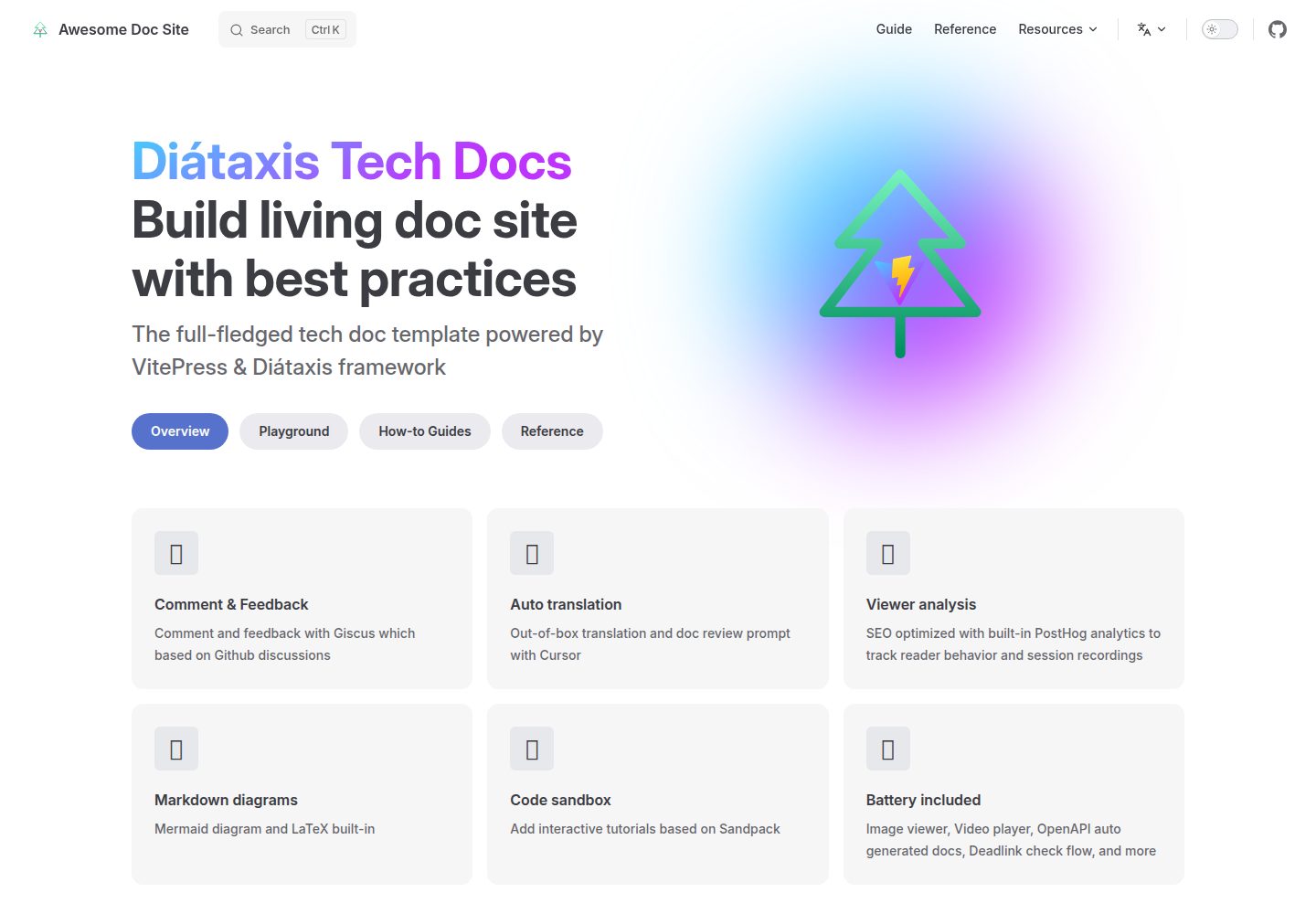
vitepress-diataxis-template
The full-fledged tech doc template powered by VitePress & Diátaxis framework
Vue · 文档
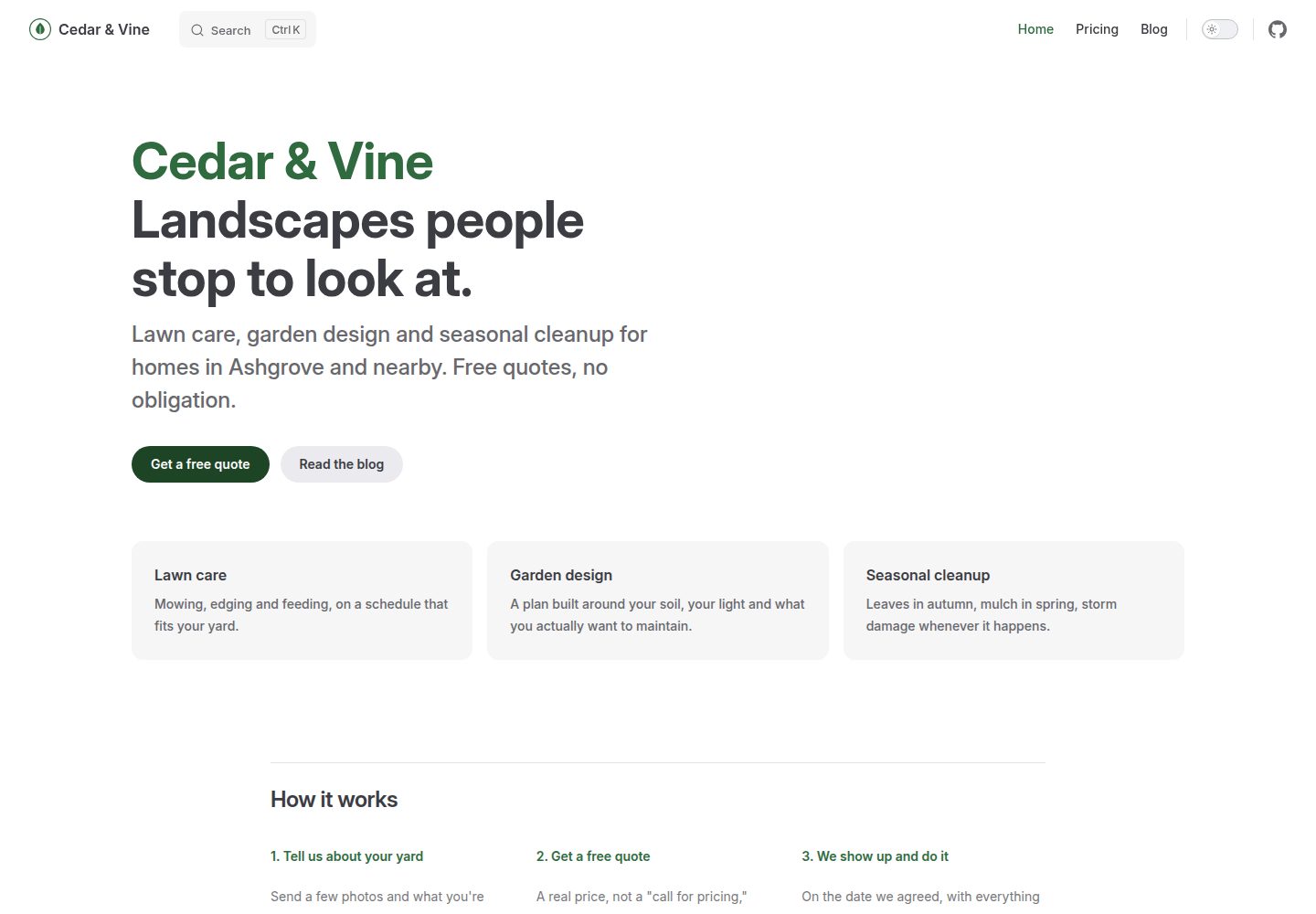
vitepress-marketing
VitePress set up as a real marketing site, not a docs site: a home page, a blog, and a working contact form.
Vue · 博客
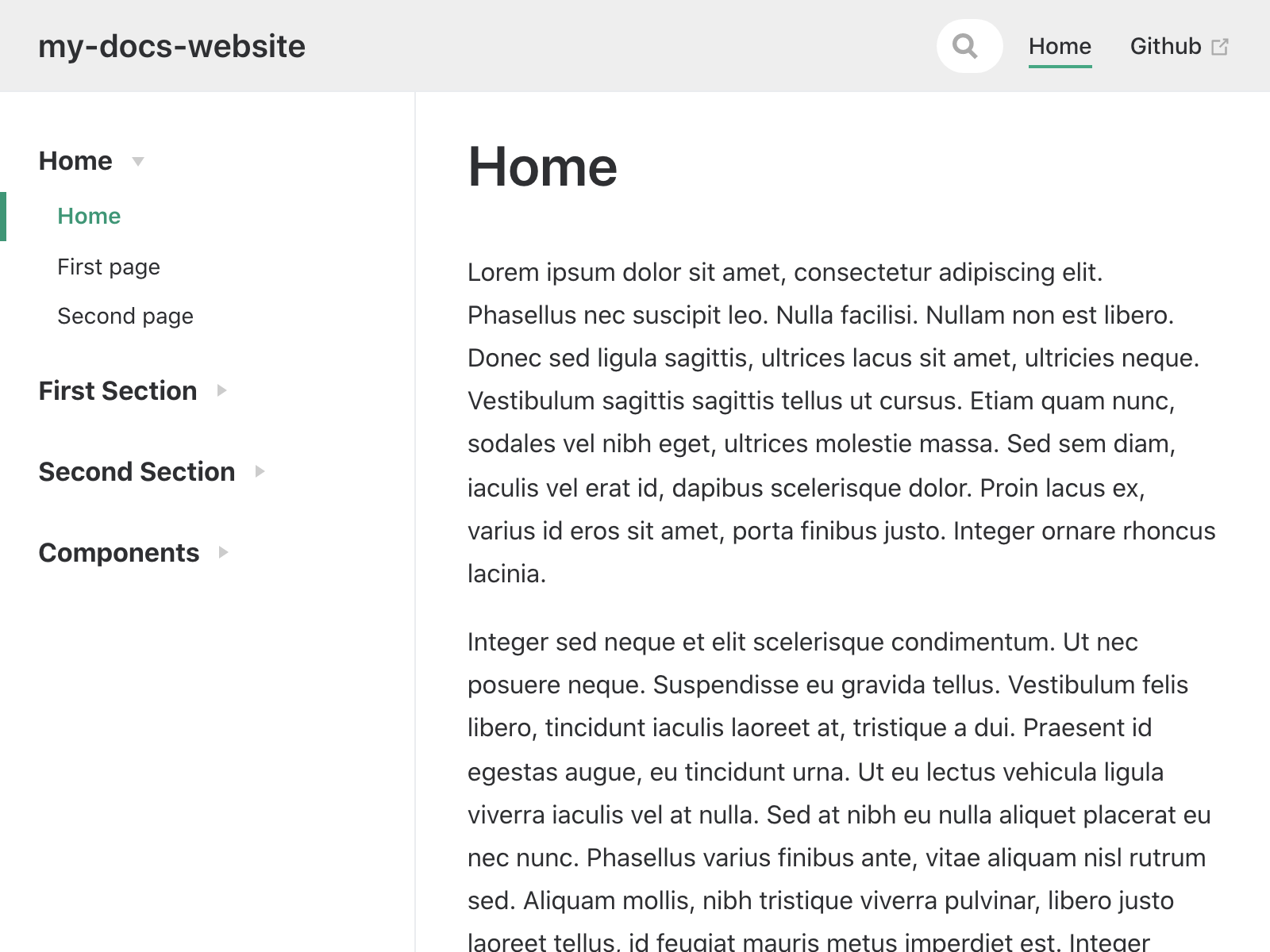
my-docs-website
My docs website - copy of vuesite template
Vue · 文档
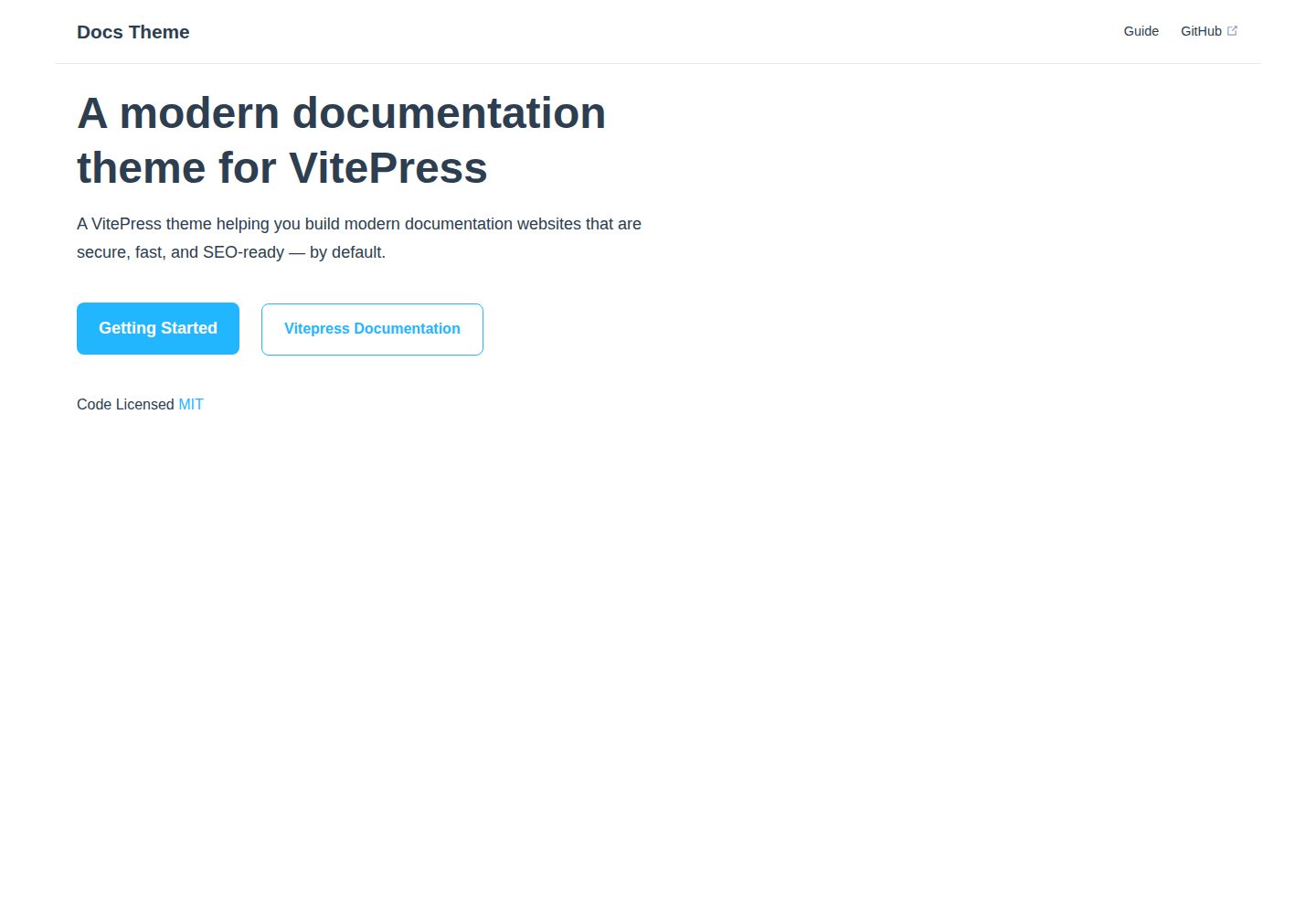
docs-theme
A modern documentation theme for VitePress
Vue · 文档
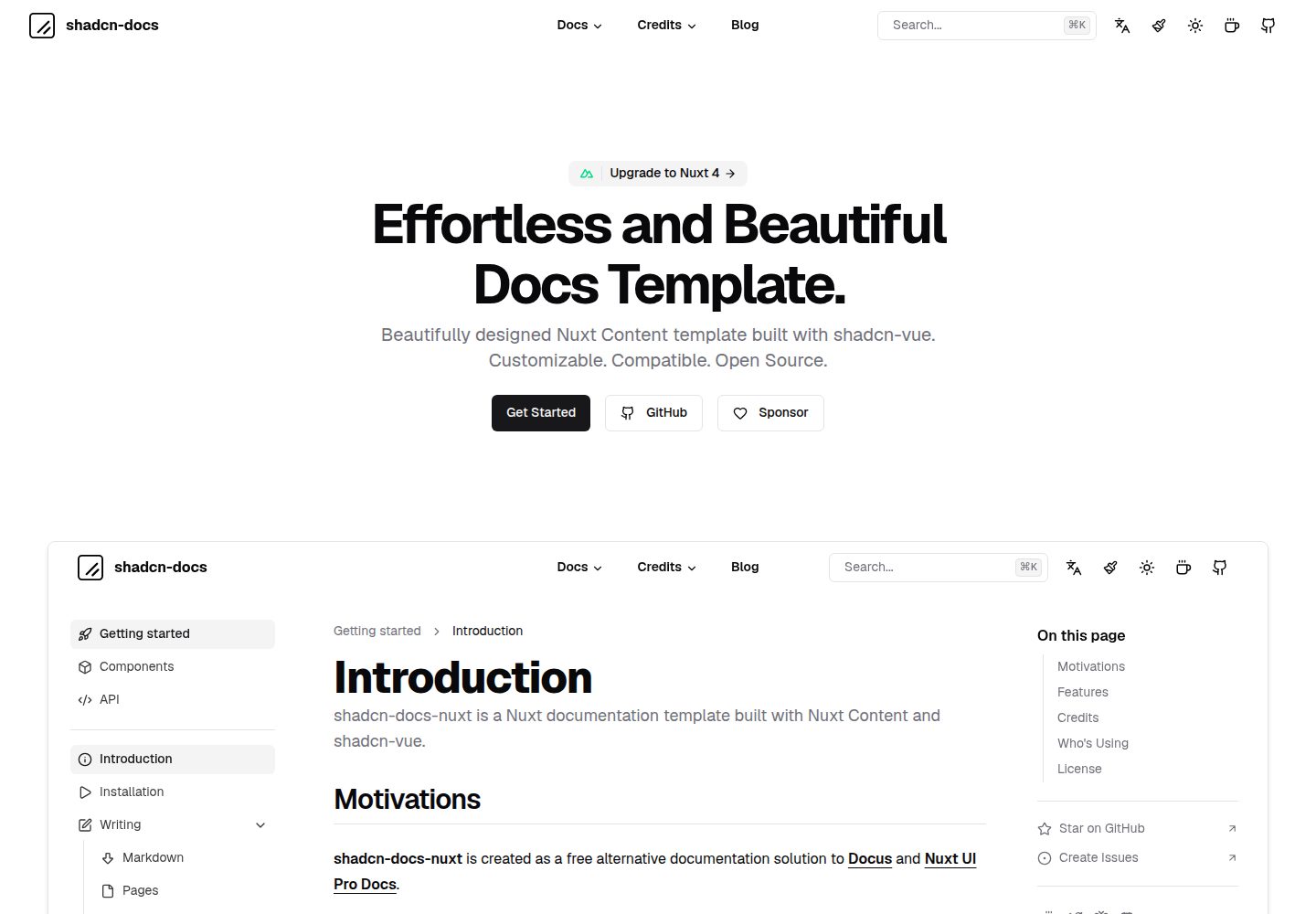
shadcn-docs-nuxt
Effortless and beautiful docs template built with Nuxt Content & shadcn-vue.
Nuxt · 文档
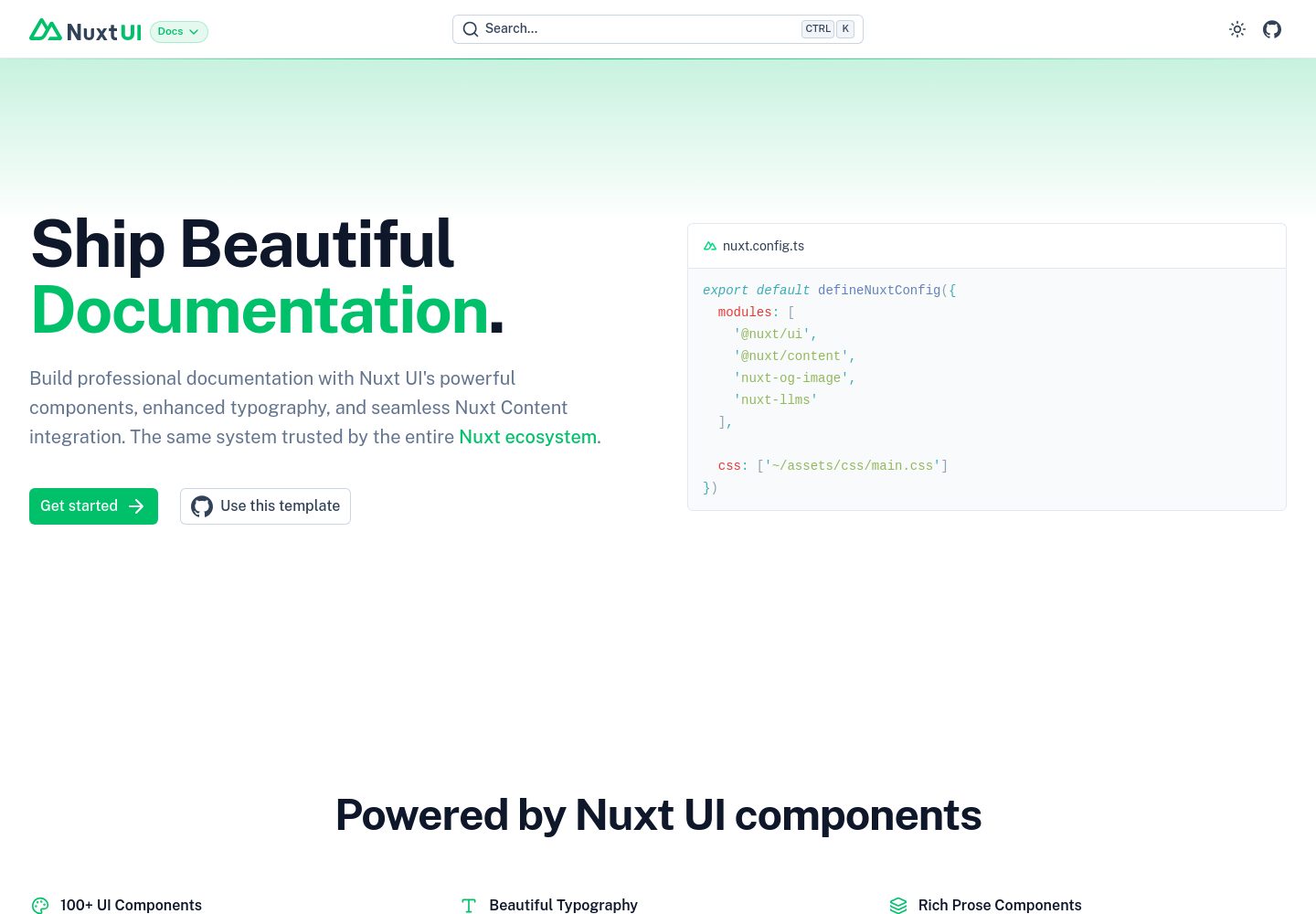
docs
Nuxt Docs Template made with Nuxt UI and Nuxt Content.
Nuxt · 文档