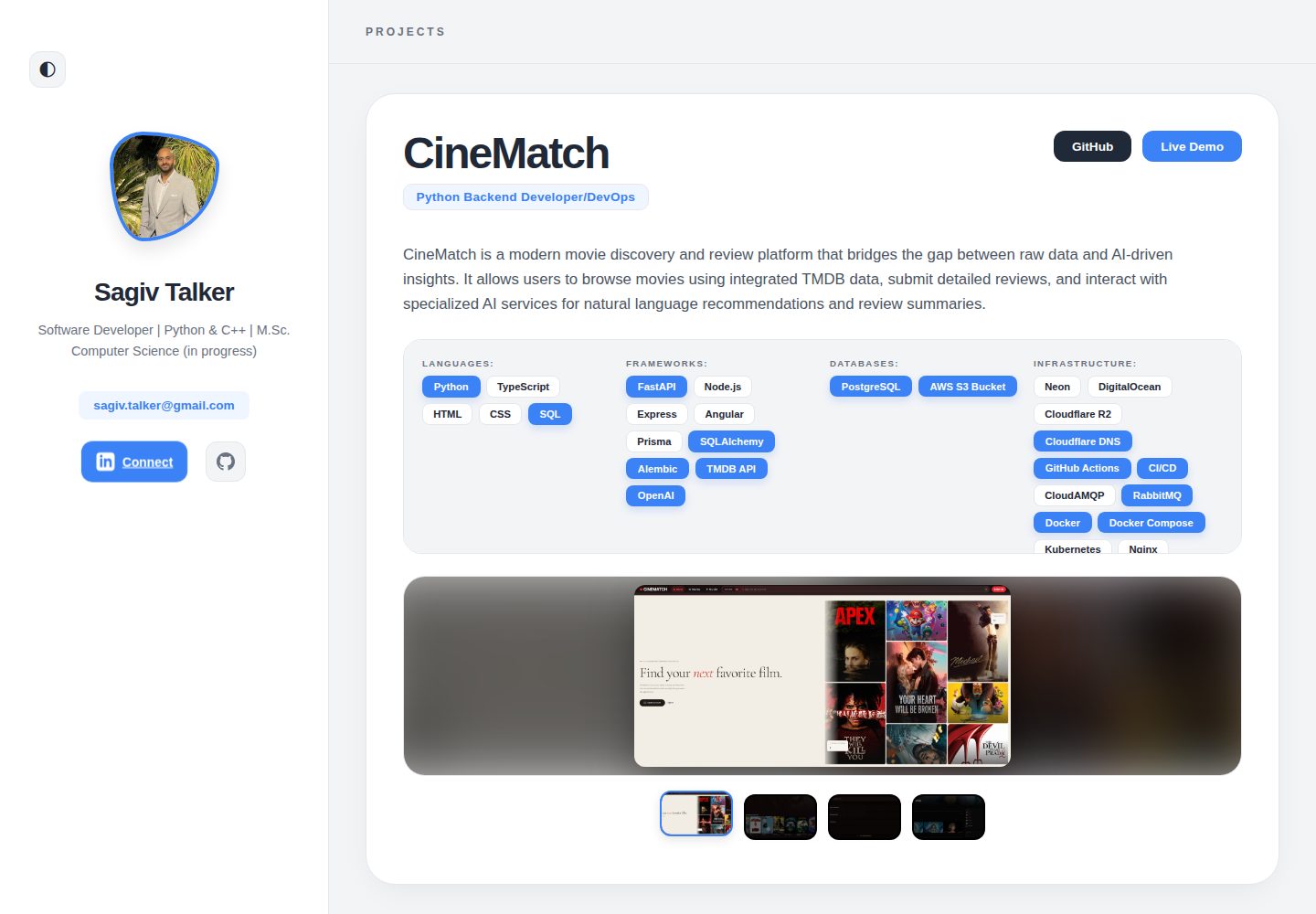
Portfolio content is centralized in public/assets/data.json, with profile, skills and projects maintained through JSON
AngularVitePortfolio
PortfolioPage — Angular Portfolio Template
By sagivt1
An Angular personal portfolio template whose content is driven by public/assets/data.json; replace the profile, projects and screenshots, with SEO, Docker and Cloudflare Pages deployment configuration included.
Explore the design
Compare the page layouts and mobile experience. Open any screenshot for a closer look.
Desktop homepage1 / 2
Desktop captureTop of page
Actual screenshot captured by the server browser.
All pages & views 2
Screenshots show visual appearance; interactive behavior may differ.
Recorded 2026-10-17View source
What stands out
A quick read of the recorded project description.
Includes preconfigured meta tags and Open Graph support; the SEO title and description are changed in src/index.html
Includes a Dockerfile and docker-compose.yml, so the production build can be run locally in an Nginx container
Ships with portfolio-export-skill.md, which can work with an external AI agent to generate project JSON from other codebases
Provides Cloudflare Pages deployment steps and public/_redirects for client-side routing
npm scripts cover development, production build, Vitest unit tests and Prettier format checks
Template Details
PortfolioPage is an Angular template for developer portfolios. The README states that its content is driven by a single public/assets/data.json file, so the profile, skills, projects and other information can be updated without writing Angular code; the avatar and project screenshots are placed in public/assets/profile.png and the public/assets/screenshot/ directory respectively. The template includes preconfigured meta tags and Open Graph support, and the SEO title and description must be changed in src/index.html.
Local development requires Node.js 22+ and npm 10+. Run npm install and npm start, then preview at localhost:4200; npm run build produces a production build, npm test runs unit tests through Vitest, and npm run lint checks formatting with Prettier. The project provides a Dockerfile and docker-compose.yml, so the production build can be verified locally in an Nginx container.
For deployment, the README gives steps for connecting Cloudflare Pages to Git, with the build command npm run build and the output directory dist/PortfolioPage/browser, and includes public/_redirects to support client-side routing. The README also provides portfolio-export-skill.md, which lets an AI agent analyze other codebases and generate project JSON, but that process depends on external AI tools and the template itself does not include automatic generation capability. The README does not document accessibility support, browser compatibility ranges, or hosting platform configurations other than Cloudflare Pages.
AngularVitePortfolio
Is it right for your project?
Use Cases
- A developer forks the repository, replaces data.json, the avatar and project screenshots, and publishes a personal portfolio
- Preview and edit portfolio content locally with npm start
- Verify the production build in an isolated environment with Docker Compose
- Deploy the site to Cloudflare Pages by following the README steps
Suitable For
- Developers who want to maintain portfolio content in JSON and avoid frequent changes to Angular code
- Personal sites that need preconfigured SEO and Open Graph metadata
- Users planning to host a static site on Cloudflare Pages
- Developers who need to verify the production build locally with Docker
Getting started & customization
Use these recorded setup notes alongside the repository instructions for your chosen version.
- 1
Local development requires Node.js 22+ and npm 10+; run npm install, then npm start, with the default address http://localhost:4200/
- 2
Replace public/assets/profile.png with a personal avatar, put project screenshots in public/assets/screenshot/, and reference them in data.json
- 3
Change <title> and <meta name="description"> in src/index.html to set SEO information
- 4
The Cloudflare Pages build command is npm run build, the output directory is dist/PortfolioPage/browser, and the project name must be changed to your own
- 5
With Docker, run docker-compose up -d --build, then visit http://localhost
License & source material
Usage conditions & limitations
Free to use · keep license noticeThis listing covers the free version in the public repository, which is under the MIT license; the free scope is that version's code and does not mean external services or third-party assets are free.
Must comply with when using
- The code of this version may be used, modified, used commercially and distributed free of charge.
- When distributing copies or substantial portions of the code, the original author's copyright notice and the full MIT license notice must be retained.
- The code is provided as is; warranties and limitations of liability are governed by the original license and applicable law.
Additional costs & items to verify
- Demo images, fonts, icons and other third-party assets must be checked against their respective licenses; the code's MIT license alone is not sufficient to determine their terms.
- External services such as domains, hosting, databases, payments or AI may incur separate charges.
- The README describes Cloudflare Pages as free hosting, but it is a third-party hosting service; self-hosting the code is free, while using that hosting service requires registering a Cloudflare account and following its terms.
- The workflow for AI-generated project JSON depends on an external AI agent (such as ChatGPT, Claude, Gemini or Cursor) and may require a corresponding account or API key; the template itself does not include that generation capability.
- You must replace the avatar at public/assets/profile.png and the project screenshots in public/assets/screenshot/ yourself; the README does not document the licensing of these image assets, so users should confirm the asset licenses themselves.
View Original Text Basis
Permission is hereby granted, free of charge
Original License Text
This project is highly optimized for [Cloudflare Pages](https://pages.cloudflare.com/) (free, global edge hosting).
Original README
You can use **any AI Agent** (like ChatGPT, Claude, Gemini, Cursor, etc.) to automatically analyze your other codebases and generate the JSON data for your portfolio.
Original README
https://github.com/sagivt1/PortfolioPage/blob/master/LICENSEhttps://github.com/sagivt1/PortfolioPage/blob/master/README.md- **What to do:** Replace `public/assets/profile.png` with your own professional headshot. Place screenshots of your projects inside the `public/assets/screenshot/` folder.
Original README
Compiled by DeepSeek based on repository license and README ·2026-10-17. Results only cover the materials read; dependencies, images, fonts, and subsequent term changes are subject to their respective original texts.
Project checks & description sources
Template Information
- Source platforms
- GitHub
- Documentation and maintenance reference score
- More documented · 85 / 100
- Technologies
- Angular · Vite
- Website type
- Portfolio
How this score is calculated
Our heuristic uses license records (up to 30), a demo link (12), a preview (10), stars (15), recorded maintenance (15), description completeness (8), feature records (5) and classification data (5). It is not a code, security or performance test, or a Google score. A link does not establish tested functionality.
What to verify for this project
- Repository update recorded
- 2026-05-19
- Screenshot last checked
- 2026-10-17
A demo link is listed. Check it with your own content and viewport sizes; its presence does not confirm that forms, authentication or payments work.
The catalog identifies Angular as the primary stack. Check the actual dependency manifest and lockfile for versions and hosting requirements. These notes use recorded metadata, not a code audit or a deployment test.
Use a selection guide →How this description was prepared
AI-assisted description based on catalog records and repository material. Repository authors are not automatically the reviewers of this description.
Review declaration: codex-user-requested-batch-review-20261018 · 2026-10-18
Inspect the recorded source material
SHA-256: 1f37a7a6b75d8ea26262c1bff8a90b451f15e5230db8febe537a7d9fa94e8633
2026-10-17T19:19:25.169Z
Source file / repository# 🚀 Modern Developer Portfolio Template
A high-performance, data-driven portfolio application built with **Angular 21**, **Vite**, and **Vitest**.
This project is designed to be a completely reusable template. You are highly encouraged to fork this repository and modify the code and design as you see fit to truly make it your own! While all content is easily managed via a simple JSON file, changing the core template itself is incredibly straightforward, especially when using AI coding assistants. It is optimized for speed, SEO, and zero-configuration deployment to Cloudflare Pages.
---
## ✨ Features
- **Data-Driven Content:** Manage your entire portfolio (skills, projects, bio) from a single `data.json` file.
- **Pre-configured SEO:** Built-in meta tags and Open Graph support for professional sharing on LinkedIn and Twitter.
- **Blazing Fast:** Powered by Angular 21's application builder and Vite.
- **Docker Ready:** Includes `Dockerfile` and `docker-compose.yml` for isolated local testing and deployment.
- **AI-Assisted Generation:** Includes a custom prompt skill to let AI automatically generate your project data from your other repositories.
- **Cloudflare Ready:** Pre-configured with `_redirects` for seamless SPA routing on Cloudflare Pages.
---
## 🛠️ How to Use This Template
### 1. Fork and Clone
1. Click the **Fork** button at the top-right of this GitHub page.
2. Clone your forked repository:
```bash
git clone https://github.com/YOUR_USERNAME/PortfolioPage.git
cd PortfolioPage
```
### 2. Customize Your Data
The entire application is driven by the `public/assets/data.json` file. You do not need to write any Angular code to update your portfolio.
**💡 Pro Tip:** The fastest way to customize this template is to give this repository to an AI Assistant (like Gemini, Claude, or Cursor) and ask it to do the steps below for you!
1. **Personal Details:**
- **What to do:** Open `public/assets/data.json` and update the `personalInfo` object.
- **Why:** This data populates the hero section (your name, title, email) and the links for your GitHub and LinkedIn buttons.
2. **Images & Assets:**
- **What to do:** Replace `public/assets/profile.png` with your own professional headshot. Place screenshots of your projects inside the `public/assets/screenshot/` folder.
- **Important:** Use a consistent naming scheme for screenshots (e.g., `EcoTrack01.png`, `EcoTrack02.png`).
- **Why:** Clear naming makes it trivial for an AI assistant to automatically map the images to the correct projects in your JSON file.
3. **Projects:**
- **What to do:** Add your projects to the `projects` array inside `data.json`.
- **How to do it with AI:**
1. First, use the `portfolio-export-skill.md` (detailed below) to have an AI generate the raw JSON data directly from your project's codebase.
2. Upload your screenshots to the `screenshot/` folder.
3. Give the generated JSON to your AI assistant and prompt it: _"Please add this new project to my `data.json` file and link the screenshots I just uploaded based on the project's name."_
4. **SEO (Search Engine Optimization):**
- **What to do:** Open `src/index.html` and modify the `<title>` and `<meta name="description">` tags.
- **Why:** This ensures that when you share your portfolio link on LinkedIn or when recruiters find you on Google, they see your correct name and a professional summary.
---
## 🤖 Automated Project Generation (AI Skill)
You can use **any AI Agent** (like ChatGPT, Claude, Gemini, Cursor, etc.) to automatically analyze your other codebases and generate the JSON data for your portfolio.
1. Open the `portfolio-export-skill.md` file in this repository and copy its entire content.
2. Provide this content to your AI Agent and tell it to use these instructions.
3. Give your AI Agent the codebase of the project you want to feature, along with the following prompt:
**Prompt to use:**
> "Please analyze this codebase and generate the portfolio project JSON by following the instructions from the portfolio export skill.
>
> **Context:**
>
> - **Role:** [e.g., Lead Developer, Full Stack Engineer]
> - **Infrastructure:** [e.g., AWS, GitHub Actions, Vercel]
> - **Key Highlights:** [e.g., Focus on React, TypeScript, Performance optimization]
> - **Featured status:** [Yes/No]
>
> Output ONLY the raw JSON."
---
## 💻 Local Development
### Prerequisites
- Node.js 22+
- npm 10+
### Setup
Install the dependencies and start the development server:
```bash
npm install
npm start
```
Navigate to `http://localhost:4200/`. The app will automatically reload if you change any source files or `data.json`.
---
## 🐳 Docker & Testing
The project is fully Dockerized, making it easy to test the production build locally in an isolated environment before deploying.
### Using Docker Compose (Recommended)
This will build the Angular application and serve it using a lightweight Nginx container.
```bash
# Build and start the container in the background
docker-compose up -d --build
# View the live portfolio
# Open http://localhost in your browser
```
To stop the container:
```bash
docker-compose down
```
### Using standard Docker commands
```bash
docker build -t my-portfolio .
docker run -p 80:80 my-portfolio
```
---
## 🌐 Production Deployment (Cloudflare Pages)
This project is highly optimized for [Cloudflare Pages](https://pages.cloudflare.com/) (free, global edge hosting).
### Deployment Steps
1. Push your customized code to your GitHub repository.
2. Log in to the [Cloudflare Dashboard](https://dash.cloudflare.com/).
3. Navigate to **Workers & Pages** > **Create application** > **Pages** > **Connect to Git**.
4. Select your `PortfolioPage` repository.
5. **Important:** On the next screen, change the **Project Name** to your own name (e.g., `sagivtalker`). This ensures your live URL is professional (e.g., `https://sagivtalker.pages.dev/`) instead of a random or generic one.
6. Use these exact **Build settings**:
- **Framework preset:** `Angular`
- **Build command:** `npm run build`
- **Build output directory:** `dist/PortfolioPage/browser`
7. Click **Save and Deploy**.
_Note: The project includes a `public/_redirects` file to ensure client-side routing works flawlessly on Cloudflare._
---
## ⌨️ Available Scripts
- **`npm start`**: Runs the development server. Includes pre-start data validation.
- **`npm run build`**: Compiles the application for production into the `dist/` folder.
- **`npm test`**: Runs unit tests via Vitest.
- **`npm run lint`**: Checks code formatting via Prettier.
---
## 📝 License
This project is open-source. Feel free to use it, fork it, and modify it for your own personal portfolio!
Explore similar templates
Compare previews and descriptions within the same stack and category.
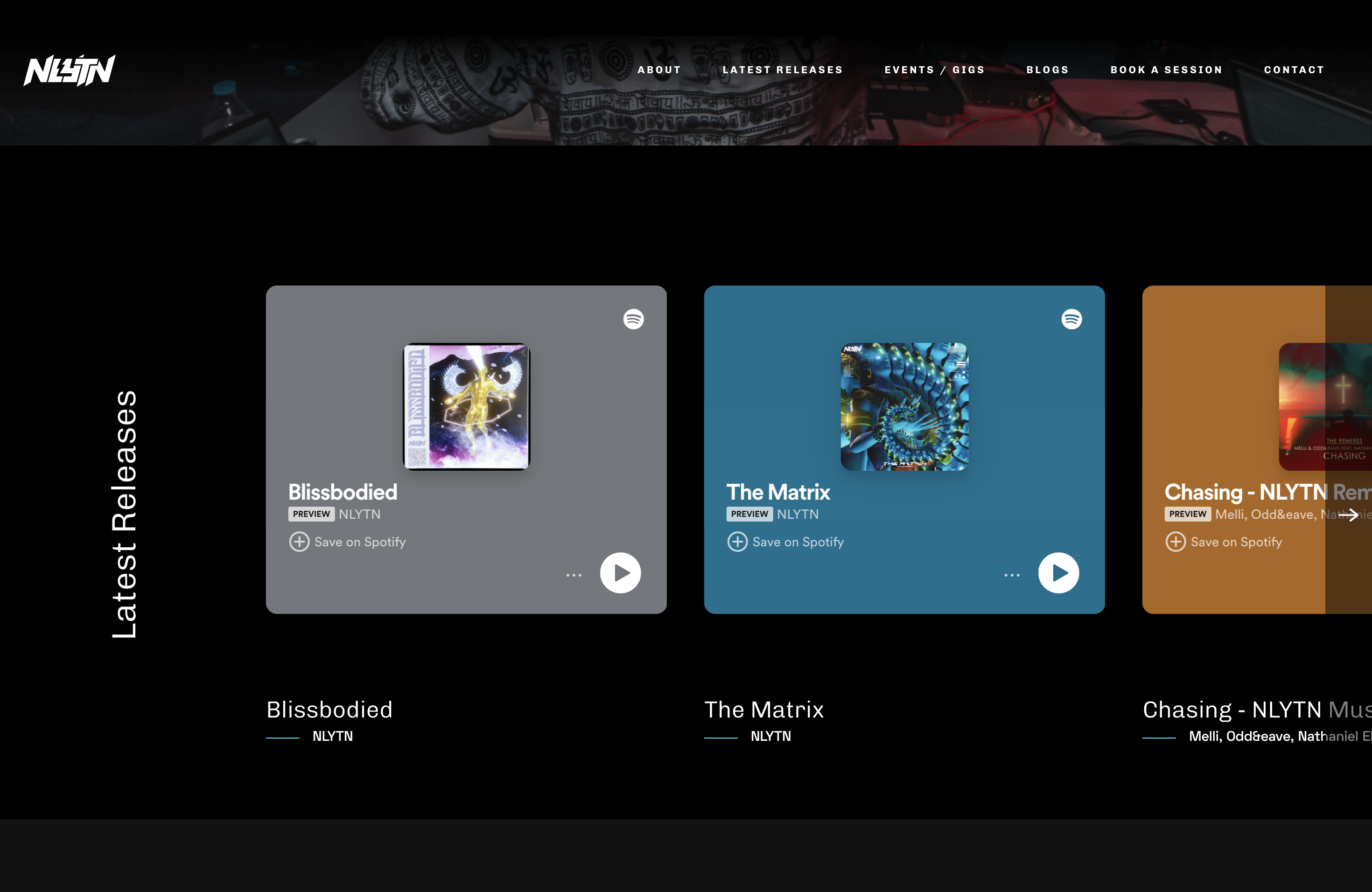
Artist-Studio-Portfolio-Website
A Django-based open-source website template originally built for musician nlytnmusic (Siddhesh Parekh), integrating song and album showcases, performance event announcements and bookings, blog publishing, and music studio rentals.
Angular · Portfolio
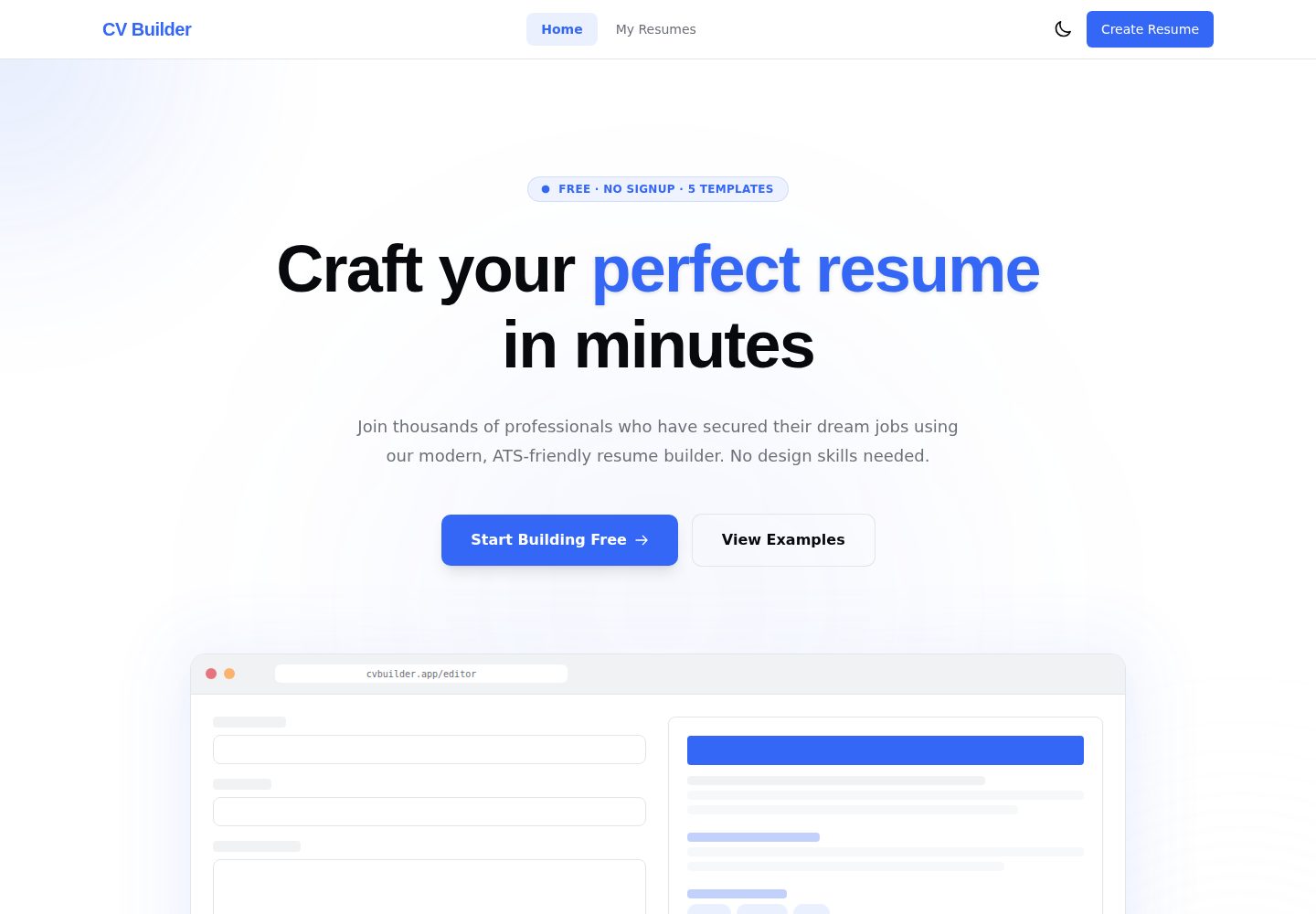
cv-builder
A free, privacy-first résumé builder that runs entirely in the browser with no account, backend or tracking.
Angular · Portfolio
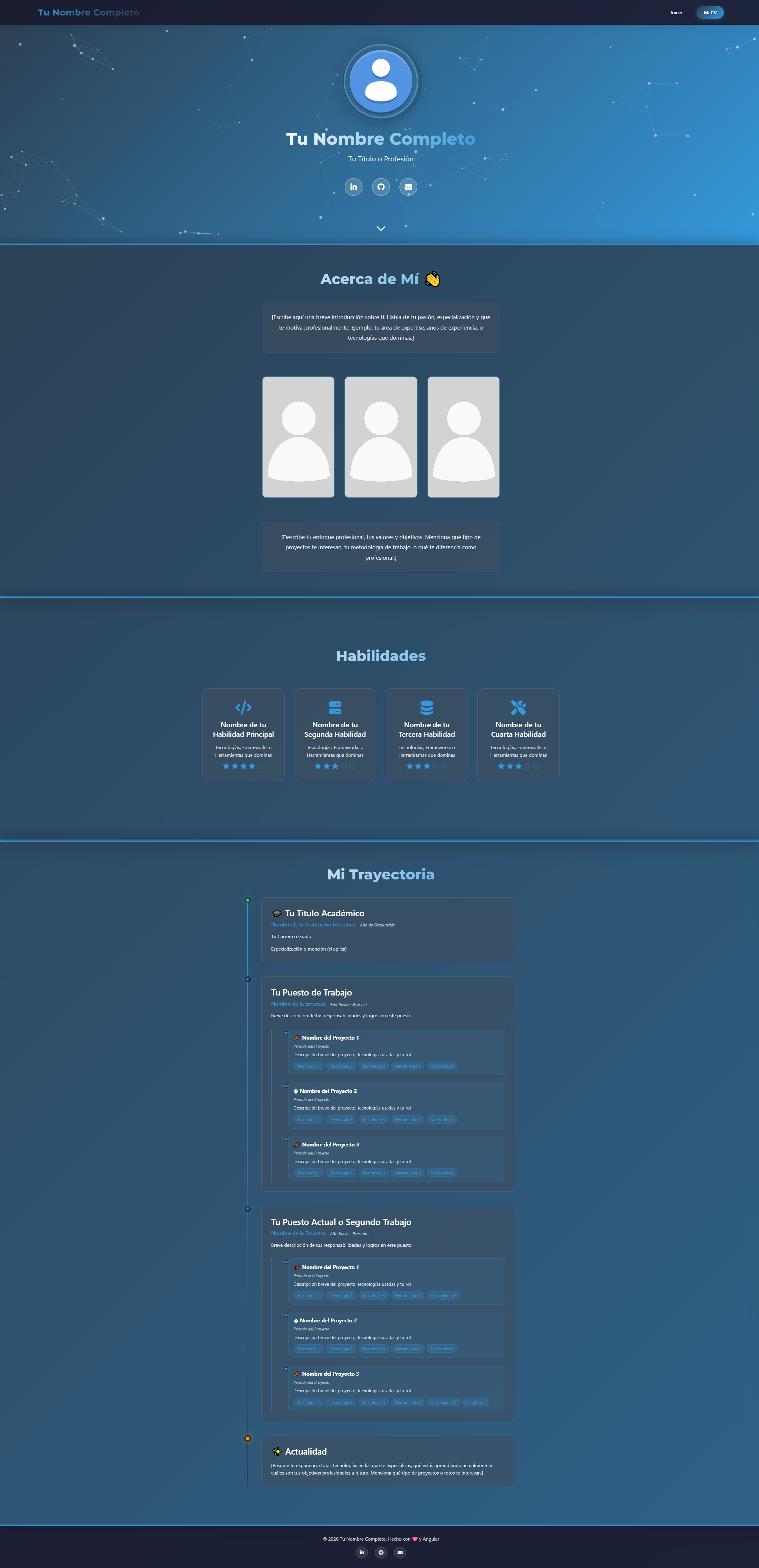
modern-web-cv-angular
A modern CV/portfolio template built with Angular 17, featuring a standalone components architecture, tsparticles particle background, AOS scroll animations, experience timeline, and photo gallery.
Angular · Timeline
portfolio-angular
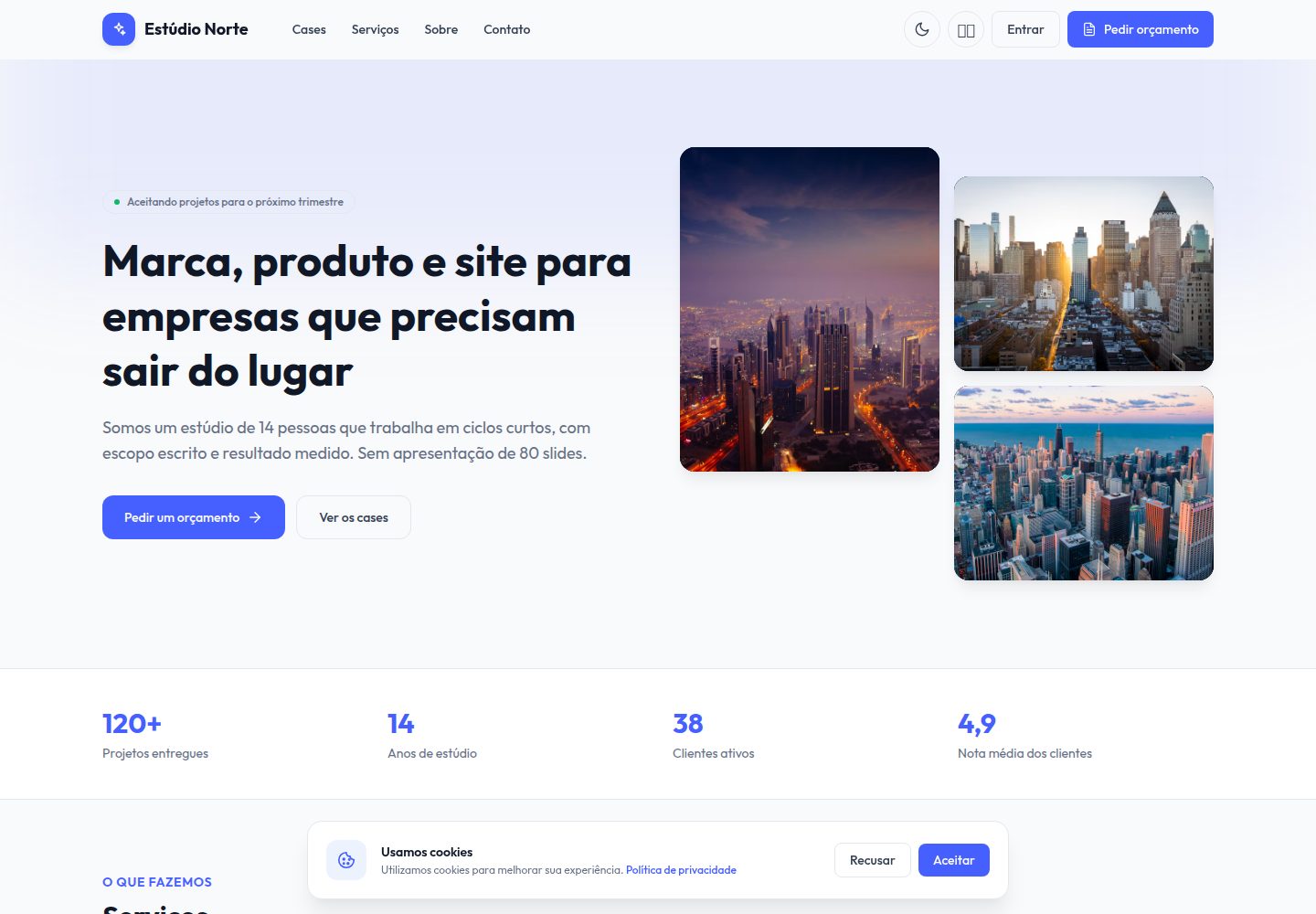
A free Angular 19 creative studio portfolio template with a public site and a sales back office. It includes case studies, a service catalog, a four-step requirements brief, a drag-and-drop lead kanban, and proposals with a line-item editor.
Angular · Portfolio

sveltekit-mdsvex-blog-template
A SvelteKit and MDsveX blog starter for Markdown writing with embedded Svelte components, Tailwind CSS typography, tags, dark mode, SEO metadata, and Cloudflare Workers deployment configuration. Requires Node.js 22.12+ and pnpm 11.17.0; third-party demo assets need separate license verification.
Svelte · Portfolio

Resumify
Resumify is a browser-based resume builder built with React, TypeScript, and Vite.
Vite · Portfolio