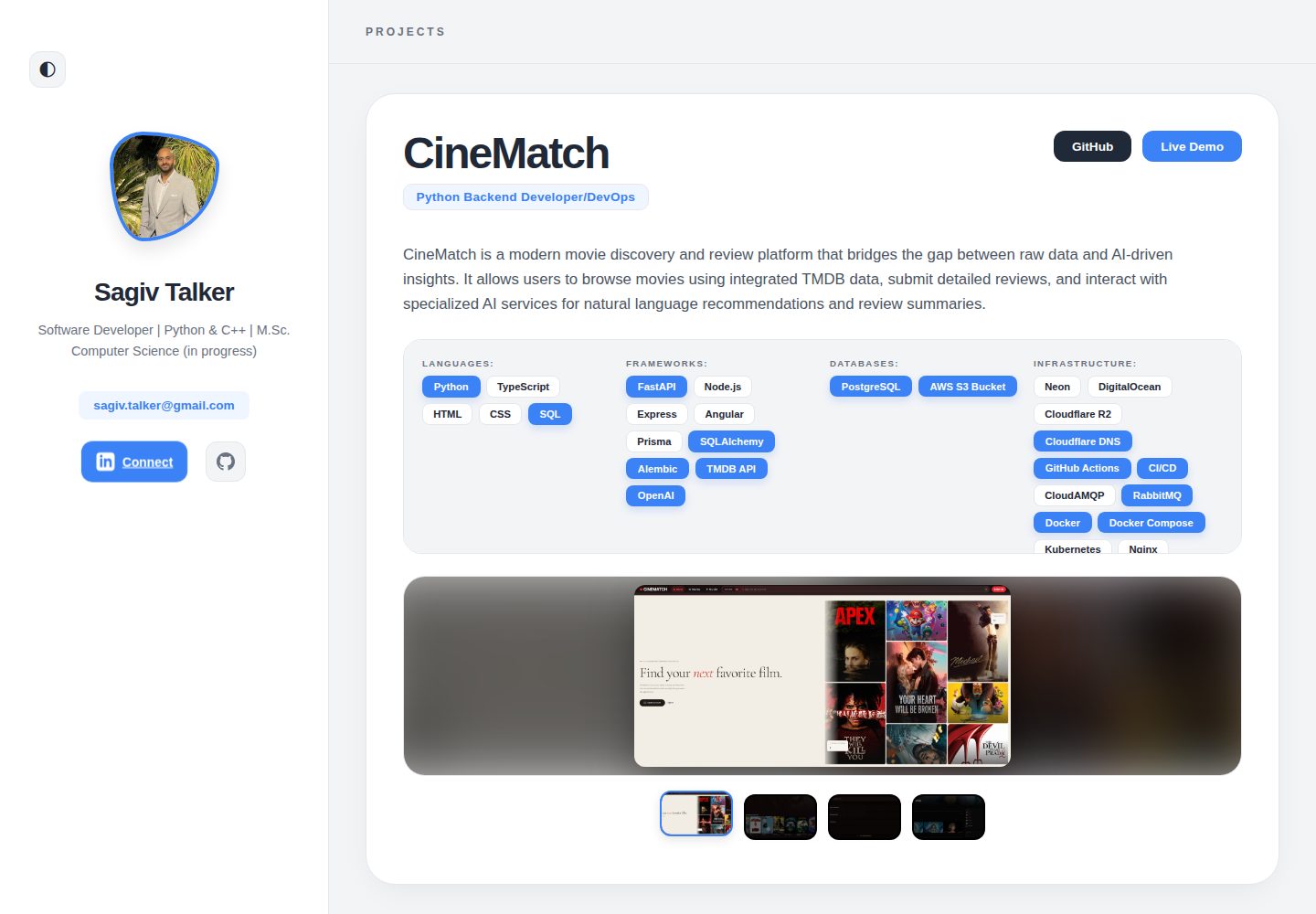
作品集内容集中在 public/assets/data.json,个人资料、技能与项目通过 JSON 维护
AngularVite作品集
PortfolioPage — Angular 作品集模板
作者 sagivt1
一个基于 Angular 的个人作品集模板,内容由 public/assets/data.json 驱动,可替换个人资料、项目与截图,并预置 SEO、Docker 与 Cloudflare Pages 部署配置。
看看你的网站会是什么样
浏览真实页面截图,比较内容排版与手机效果。点击下方缩略图切换,放大查看整页细节。
全部页面与视图 2
截图用于了解视觉与布局,交互效果请以实际项目为准。
采集于 2026-10-17查看来源
值得关注的模板亮点
从已有项目资料中,快速了解它的特点。
提供预配置的 meta 标签与 Open Graph 支持,SEO 标题和描述在 src/index.html 中修改
包含 Dockerfile 与 docker-compose.yml,可用 Nginx 容器本地运行生产构建
附带 portfolio-export-skill.md,可配合外部 AI 代理从其他代码库生成项目 JSON
提供 Cloudflare Pages 部署步骤与 public/_redirects,用于客户端路由
npm 脚本覆盖开发、生产构建、Vitest 单元测试与 Prettier 格式检查
模板详细介绍
PortfolioPage 是面向开发者个人作品集的 Angular 模板,README 说明其内容由单个 public/assets/data.json 文件驱动,个人简介、技能、项目等信息无需编写 Angular 代码即可更新;头像和项目截图分别放在 public/assets/profile.png 与 public/assets/screenshot/ 目录。模板包含预配置的 meta 标签与 Open Graph 支持,SEO 标题和描述需在 src/index.html 中修改。
本地开发需要 Node.js 22+ 和 npm 10+,执行 npm install 与 npm start 后在 localhost:4200 预览;npm run build 生成生产构建,npm test 通过 Vitest 运行单元测试,npm run lint 使用 Prettier 检查格式。项目提供 Dockerfile 与 docker-compose.yml,可用 Nginx 容器在本地验证生产构建。
部署方面,README 给出 Cloudflare Pages 的 Git 连接步骤,构建命令为 npm run build,输出目录为 dist/PortfolioPage/browser,并包含 public/_redirects 以支持客户端路由。README 还提供 portfolio-export-skill.md,用于让 AI 代理分析其他代码库并生成项目 JSON,但该流程依赖外部 AI 工具,模板本身不包含自动生成能力。README 未说明无障碍支持、浏览器兼容范围或除 Cloudflare Pages 之外的其他托管平台配置。
AngularVite作品集
适合你的项目吗?
适用场景
- 开发者 fork 仓库后替换 data.json、头像和项目截图,发布个人作品集
- 在本地通过 npm start 预览并修改作品集内容
- 用 Docker Compose 在隔离环境中验证生产构建
- 按 README 步骤将站点部署到 Cloudflare Pages
适合人群
- 希望以 JSON 维护作品集内容、不频繁改动 Angular 代码的开发者
- 需要预置 SEO 与 Open Graph 元信息的个人站点
- 计划使用 Cloudflare Pages 托管静态站点的用户
- 需要在本地用 Docker 验证生产构建的开发者
上手与定制指南
结合仓库当前版本的说明,按下面的资料检查内容、配置与运行要求。
- 1
本地开发需 Node.js 22+ 与 npm 10+,执行 npm install 后运行 npm start,默认地址为 http://localhost:4200/
- 2
将 public/assets/profile.png 替换为个人头像,项目截图放入 public/assets/screenshot/ 并在 data.json 中关联
- 3
在 src/index.html 中修改 <title> 与 <meta name="description"> 以设置 SEO 信息
- 4
Cloudflare Pages 构建命令为 npm run build,输出目录为 dist/PortfolioPage/browser,并需将项目名改为自己的名称
- 5
Docker 方式可执行 docker-compose up -d --build,然后访问 http://localhost
授权与来源资料
使用条件与限制
免费使用 · 保留许可声明本次收录的是公开仓库中采用 MIT 许可的免费版本;免费范围为该版本代码,不代表外部服务或第三方素材免费。
使用时需要遵守
- 允许免费使用、修改、商用和分发该版本代码。
- 分发代码副本或实质性部分时,保留原作者版权声明和完整 MIT 许可声明。
- 代码按现状提供;担保与责任限制以原许可证及适用法律为准。
额外费用与待核对事项
- 演示图片、字体、图标及其他第三方素材需按各自许可核对,不能仅凭代码的 MIT 许可判断。
- 域名、托管、数据库、支付或 AI 等外部服务可能另外收费。
- README 将 Cloudflare Pages 描述为免费托管,但这是第三方托管服务;自托管代码本身免费,使用该托管服务需自行注册 Cloudflare 账户并遵循其条款。
- AI 自动生成项目 JSON 的流程依赖外部 AI 代理(如 ChatGPT、Claude、Gemini、Cursor),可能需要相应账户或 API 密钥,模板本身不包含该生成能力。
- 需自行替换 public/assets/profile.png 头像与 public/assets/screenshot/ 中的项目截图;README 未说明这些图片素材的授权情况,使用者应自行确认素材许可。
查看原文依据
Permission is hereby granted, free of charge
许可证原文
This project is highly optimized for [Cloudflare Pages](https://pages.cloudflare.com/) (free, global edge hosting).
README 原文
You can use **any AI Agent** (like ChatGPT, Claude, Gemini, Cursor, etc.) to automatically analyze your other codebases and generate the JSON data for your portfolio.
README 原文
https://github.com/sagivt1/PortfolioPage/blob/master/LICENSEhttps://github.com/sagivt1/PortfolioPage/blob/master/README.md- **What to do:** Replace `public/assets/profile.png` with your own professional headshot. Place screenshots of your projects inside the `public/assets/screenshot/` folder.
README 原文
DeepSeek 根据仓库许可证和 README 整理 ·2026-10-17。结果仅覆盖已读取资料,依赖、图片、字体及后续条款变更以各自原文为准。
项目核对记录与介绍依据
模板资料
- 来源平台
- GitHub
- 资料与维护参考分
- 资料较完整 · 85 / 100
- 技术栈
- Angular · Vite
- 网站类型
- 作品集
这个分数如何计算
本站按许可资料(最高30分)、演示链接(12分)、预览图(10分)、Star数(15分)、记录的维护时间(15分)、描述完整度(8分)、功能记录(5分)和分类资料(5分)计算。它不是代码、安全或性能测试,也不是 Google 评分;有链接不代表已实测可用。
这个项目需要核对什么
- 记录的仓库更新时间
- 2026-05-19
- 截图检查日期
- 2026-10-17
已收录演示链接。请用你的内容与屏幕尺寸检查;有演示不代表表单、认证或支付已经可用。
目录记录的主要技术栈是 Angular。请通过依赖清单和锁文件核对实际版本与托管要求。这些说明基于收录资料,不代表代码审计或部署实测。
查看具体选型方法 →介绍的制作与核对状态
介绍由 AI 辅助整理目录与仓库资料。仓库作者不等于这篇介绍的审核者。
审核声明: codex-user-requested-batch-review-20261018 · 2026-10-18
查看当时使用的来源资料
SHA-256: 1f37a7a6b75d8ea26262c1bff8a90b451f15e5230db8febe537a7d9fa94e8633
2026-10-17T19:19:25.169Z
来源文件 / 仓库# 🚀 Modern Developer Portfolio Template
A high-performance, data-driven portfolio application built with **Angular 21**, **Vite**, and **Vitest**.
This project is designed to be a completely reusable template. You are highly encouraged to fork this repository and modify the code and design as you see fit to truly make it your own! While all content is easily managed via a simple JSON file, changing the core template itself is incredibly straightforward, especially when using AI coding assistants. It is optimized for speed, SEO, and zero-configuration deployment to Cloudflare Pages.
---
## ✨ Features
- **Data-Driven Content:** Manage your entire portfolio (skills, projects, bio) from a single `data.json` file.
- **Pre-configured SEO:** Built-in meta tags and Open Graph support for professional sharing on LinkedIn and Twitter.
- **Blazing Fast:** Powered by Angular 21's application builder and Vite.
- **Docker Ready:** Includes `Dockerfile` and `docker-compose.yml` for isolated local testing and deployment.
- **AI-Assisted Generation:** Includes a custom prompt skill to let AI automatically generate your project data from your other repositories.
- **Cloudflare Ready:** Pre-configured with `_redirects` for seamless SPA routing on Cloudflare Pages.
---
## 🛠️ How to Use This Template
### 1. Fork and Clone
1. Click the **Fork** button at the top-right of this GitHub page.
2. Clone your forked repository:
```bash
git clone https://github.com/YOUR_USERNAME/PortfolioPage.git
cd PortfolioPage
```
### 2. Customize Your Data
The entire application is driven by the `public/assets/data.json` file. You do not need to write any Angular code to update your portfolio.
**💡 Pro Tip:** The fastest way to customize this template is to give this repository to an AI Assistant (like Gemini, Claude, or Cursor) and ask it to do the steps below for you!
1. **Personal Details:**
- **What to do:** Open `public/assets/data.json` and update the `personalInfo` object.
- **Why:** This data populates the hero section (your name, title, email) and the links for your GitHub and LinkedIn buttons.
2. **Images & Assets:**
- **What to do:** Replace `public/assets/profile.png` with your own professional headshot. Place screenshots of your projects inside the `public/assets/screenshot/` folder.
- **Important:** Use a consistent naming scheme for screenshots (e.g., `EcoTrack01.png`, `EcoTrack02.png`).
- **Why:** Clear naming makes it trivial for an AI assistant to automatically map the images to the correct projects in your JSON file.
3. **Projects:**
- **What to do:** Add your projects to the `projects` array inside `data.json`.
- **How to do it with AI:**
1. First, use the `portfolio-export-skill.md` (detailed below) to have an AI generate the raw JSON data directly from your project's codebase.
2. Upload your screenshots to the `screenshot/` folder.
3. Give the generated JSON to your AI assistant and prompt it: _"Please add this new project to my `data.json` file and link the screenshots I just uploaded based on the project's name."_
4. **SEO (Search Engine Optimization):**
- **What to do:** Open `src/index.html` and modify the `<title>` and `<meta name="description">` tags.
- **Why:** This ensures that when you share your portfolio link on LinkedIn or when recruiters find you on Google, they see your correct name and a professional summary.
---
## 🤖 Automated Project Generation (AI Skill)
You can use **any AI Agent** (like ChatGPT, Claude, Gemini, Cursor, etc.) to automatically analyze your other codebases and generate the JSON data for your portfolio.
1. Open the `portfolio-export-skill.md` file in this repository and copy its entire content.
2. Provide this content to your AI Agent and tell it to use these instructions.
3. Give your AI Agent the codebase of the project you want to feature, along with the following prompt:
**Prompt to use:**
> "Please analyze this codebase and generate the portfolio project JSON by following the instructions from the portfolio export skill.
>
> **Context:**
>
> - **Role:** [e.g., Lead Developer, Full Stack Engineer]
> - **Infrastructure:** [e.g., AWS, GitHub Actions, Vercel]
> - **Key Highlights:** [e.g., Focus on React, TypeScript, Performance optimization]
> - **Featured status:** [Yes/No]
>
> Output ONLY the raw JSON."
---
## 💻 Local Development
### Prerequisites
- Node.js 22+
- npm 10+
### Setup
Install the dependencies and start the development server:
```bash
npm install
npm start
```
Navigate to `http://localhost:4200/`. The app will automatically reload if you change any source files or `data.json`.
---
## 🐳 Docker & Testing
The project is fully Dockerized, making it easy to test the production build locally in an isolated environment before deploying.
### Using Docker Compose (Recommended)
This will build the Angular application and serve it using a lightweight Nginx container.
```bash
# Build and start the container in the background
docker-compose up -d --build
# View the live portfolio
# Open http://localhost in your browser
```
To stop the container:
```bash
docker-compose down
```
### Using standard Docker commands
```bash
docker build -t my-portfolio .
docker run -p 80:80 my-portfolio
```
---
## 🌐 Production Deployment (Cloudflare Pages)
This project is highly optimized for [Cloudflare Pages](https://pages.cloudflare.com/) (free, global edge hosting).
### Deployment Steps
1. Push your customized code to your GitHub repository.
2. Log in to the [Cloudflare Dashboard](https://dash.cloudflare.com/).
3. Navigate to **Workers & Pages** > **Create application** > **Pages** > **Connect to Git**.
4. Select your `PortfolioPage` repository.
5. **Important:** On the next screen, change the **Project Name** to your own name (e.g., `sagivtalker`). This ensures your live URL is professional (e.g., `https://sagivtalker.pages.dev/`) instead of a random or generic one.
6. Use these exact **Build settings**:
- **Framework preset:** `Angular`
- **Build command:** `npm run build`
- **Build output directory:** `dist/PortfolioPage/browser`
7. Click **Save and Deploy**.
_Note: The project includes a `public/_redirects` file to ensure client-side routing works flawlessly on Cloudflare._
---
## ⌨️ Available Scripts
- **`npm start`**: Runs the development server. Includes pre-start data validation.
- **`npm run build`**: Compiles the application for production into the `dist/` folder.
- **`npm test`**: Runs unit tests via Vitest.
- **`npm run lint`**: Checks code formatting via Prettier.
---
## 📝 License
This project is open-source. Feel free to use it, fork it, and modify it for your own personal portfolio!
看看同类模板
对比同技术栈与用途的模板,找到更适合的视觉与内容结构。
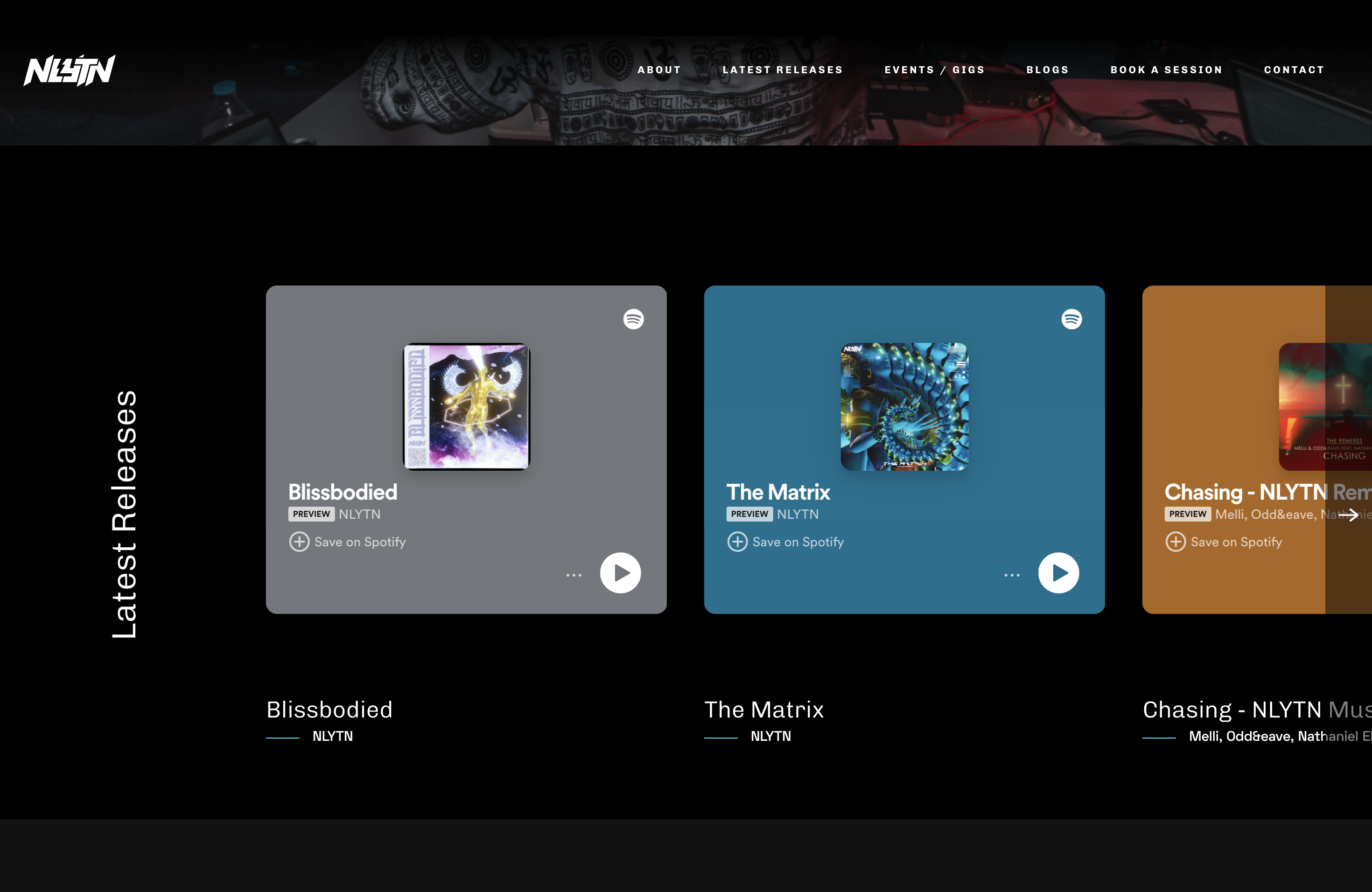
Artist-Studio-Portfolio-Website
Open-source Django-based website template for musicians, originally created for nlytnmusic (Siddhesh Parekh). …
Angular · 作品集
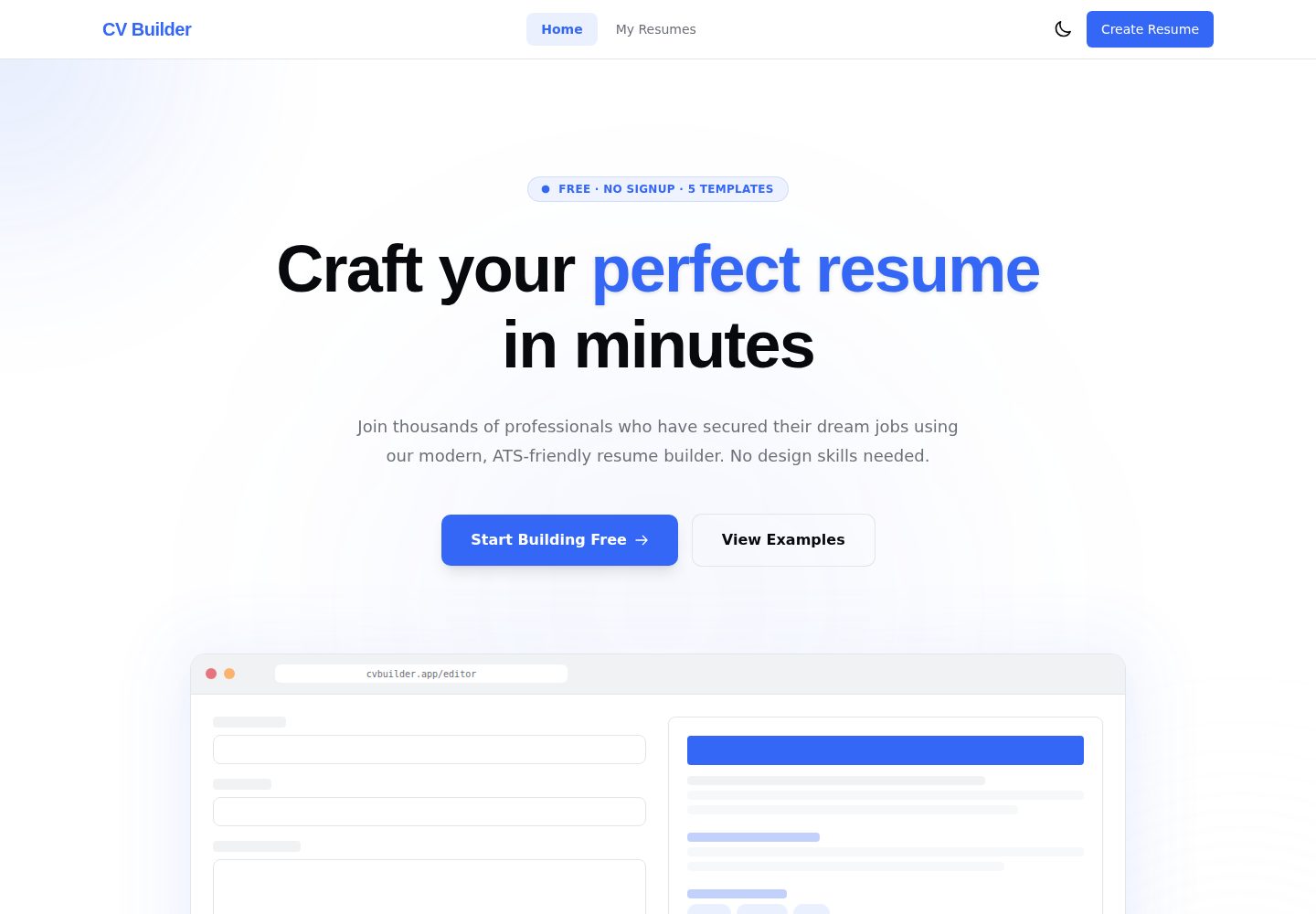
cv-builder
Free, privacy-first résumé builder that runs 100% in your browser — no account, no backend, no tracking. Angul…
Angular · 作品集
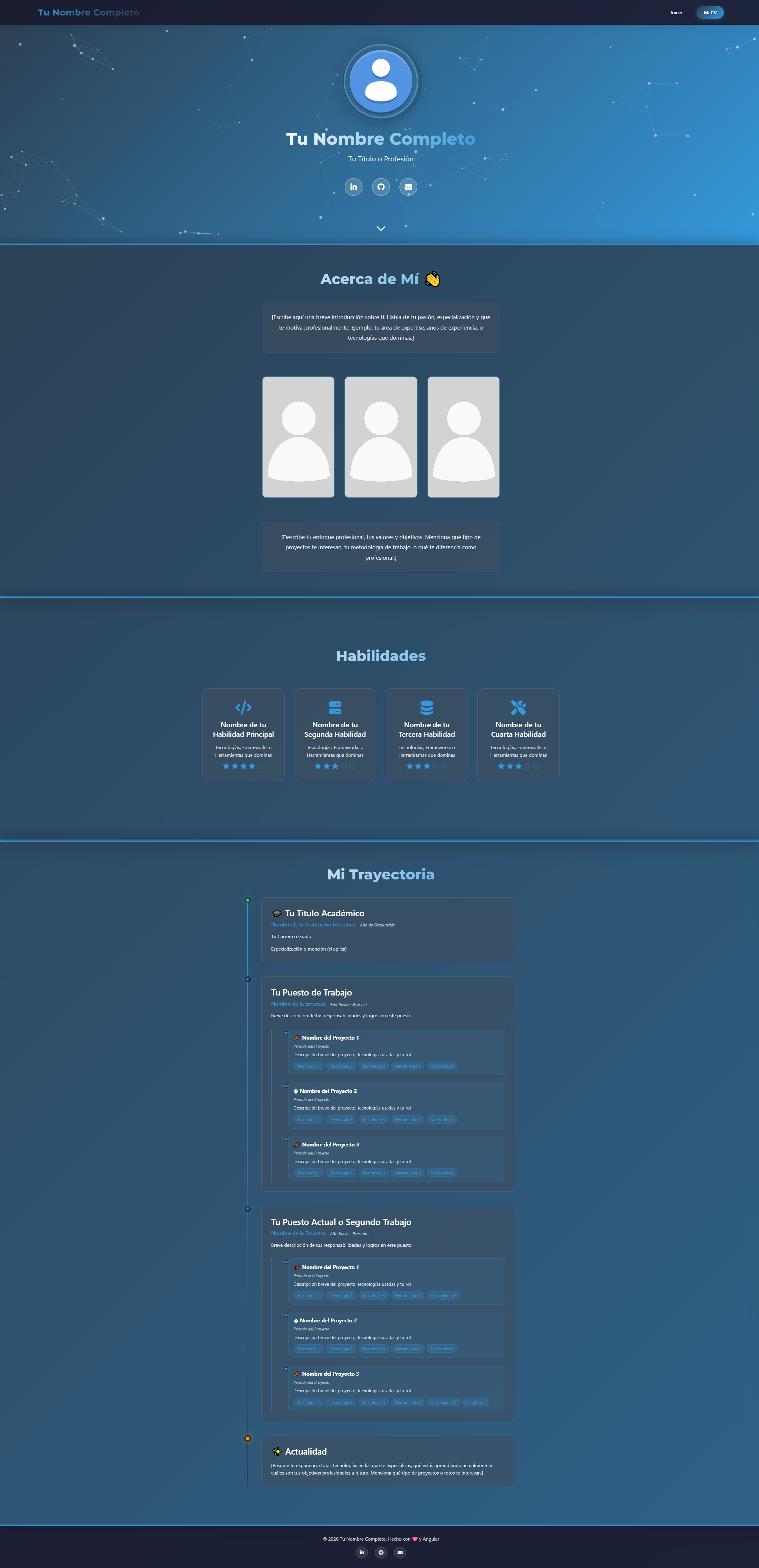
modern-web-cv-angular
modern-web-cv-angular 是一个基于 Angular 17 的个人简历与作品集网页模板,采用 standalone components 架构,适合开发者、设计师等技术人员展示个人履历。
Angular · 人物时间线
portfolio-angular
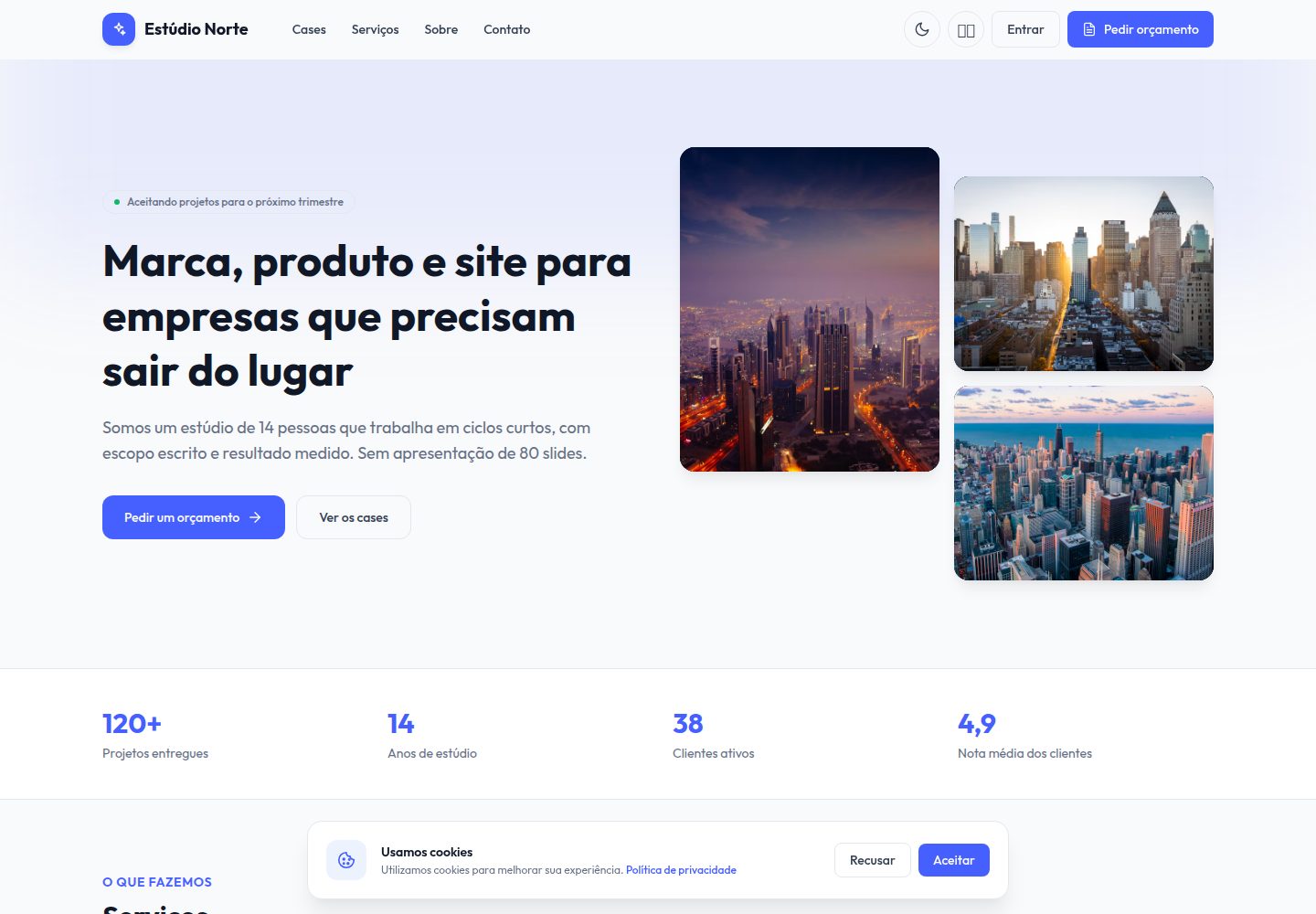
Free Angular 19 + Tailwind creative studio template: case studies, services, 4-step brief, lead kanban, propos…
Angular · 作品集

sveltekit-mdsvex-blog-template
MDsveX blog starter template built with Sveltekit & Tailwind
Svelte · 作品集

Resumify
Free, privacy-first resume builder — 6 ATS-friendly templates, full customization, JSON import/export. No sign…
Vite · 作品集