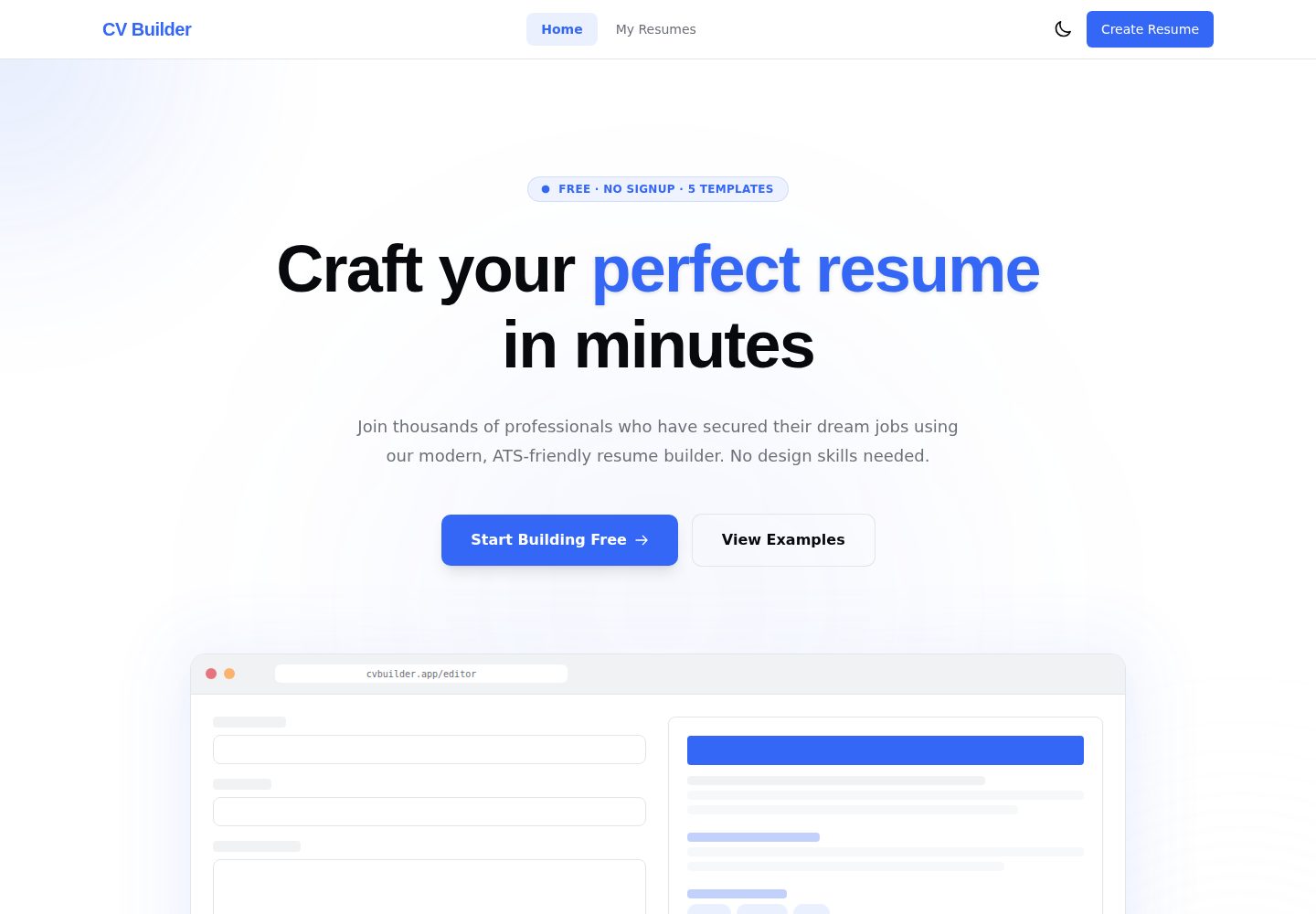
九个内容标签页:个人信息、经历、教育、技能、项目、证书、语言、自定义区块与模板
AngularVite作品集
cv-builder — Angular 作品集模板
作者 Andersseen
基于 Angular 与 AnalogJS 的浏览器端简历编辑器,表单填写、A4 实时预览、五种模板与三种 PDF 导出,数据默认存于浏览器 IndexedDB。
看看你的网站会是什么样
浏览真实页面截图,比较内容排版与手机效果。点击下方缩略图切换,放大查看整页细节。
全部页面与视图 2
截图用于了解视觉与布局,交互效果请以实际项目为准。
采集于 2026-10-16查看来源
值得关注的模板亮点
从已有项目资料中,快速了解它的特点。
五种布局不同的模板:Modern、Classic、Minimal、Creative、Executive
输入即时反映到 A4 预览,基于 zoneless signals,无防抖延迟
三种 PDF 导出模式:图像 PDF、打印 PDF、Cloud PDF
简历保存在浏览器 IndexedDB,自动保存防抖 800ms,支持撤销/重做
支持 JSON 导入导出单份简历,或备份与恢复全部数据
模板详细介绍
Modern CV Builder 是一个在浏览器中构建简历的开源项目,无需注册账号。用户在左侧结构化表单中填写个人信息、经历、教育、技能、项目、证书、语言等内容,右侧 A4 预览随输入即时更新。项目提供 Modern、Classic、Minimal、Creative、Executive 五种布局不同的模板,并支持按简历设置强调色、背景色、文字颜色与四种打印安全字体栈。简历默认保存在浏览器 IndexedDB 中,自动保存采用 800ms 防抖写入,并支持内存中的撤销/重做。导出提供三种模式:图像 PDF、打印 PDF 与可选的 Cloud PDF;其中 Cloud PDF 会将简历 HTML 发送到项目自有的 Cloudflare Worker 进行服务端渲染,其余两种在客户端完成。README 未说明模板的具体适用场景、导出质量差异或 Cloud PDF 的可用性限制。
AngularVite作品集
适合你的项目吗?
适用场景
- 在浏览器中填写并排版个人简历,实时查看 A4 预览效果
- 在五种模板间切换并调整强调色、背景色、文字颜色与字体栈
- 将简历导出为图像 PDF 或适合 ATS 的打印 PDF
- 通过 JSON 文件备份、迁移或恢复简历数据
- 在无网络环境下继续编辑并导出客户端 PDF
适合人群
- 希望无需注册账号即可制作简历的个人用户
- 重视简历数据保留在本地浏览器、不希望上传到第三方服务器的用户
- 需要多种模板与配色方案来匹配不同求职风格的用户
- 需要同时获得视觉还原度高与文本可解析两种 PDF 输出的用户
上手与定制指南
结合仓库当前版本的说明,按下面的资料检查内容、配置与运行要求。
- 1
需要 Node.js 22+ 与 pnpm 10+,项目使用 pnpm 而非 npm
- 2
克隆仓库后执行 pnpm install,再运行 pnpm start 启动开发服务器(默认 http://localhost:5173)
- 3
无需配置 .env、数据库或 API 密钥,项目没有需要指向的后端
- 4
Cloud PDF 导出依赖项目自有的 Cloudflare Worker 端点 /api/pdf,需要网络连接
授权与来源资料
使用条件与限制
免费使用 · 保留许可声明本次收录的是公开仓库中采用 MIT 许可的免费版本;免费范围为该版本代码,不代表外部服务或第三方素材免费。
使用时需要遵守
- 允许免费使用、修改、商用和分发该版本代码。
- 分发代码副本或实质性部分时,保留原作者版权声明和完整 MIT 许可声明。
- 代码按现状提供;担保与责任限制以原许可证及适用法律为准。
额外费用与待核对事项
- 演示图片、字体、图标及其他第三方素材需按各自许可核对,不能仅凭代码的 MIT 许可判断。
- 域名、托管、数据库、支付或 AI 等外部服务可能另外收费。
- Cloud PDF 导出为可选功能:选择该模式时,简历 HTML 会被发送到项目自有的 Cloudflare Worker 进行服务端渲染,其余两种客户端导出不涉及服务器。
- 两种客户端导出可离线使用;Cloud PDF 导出需要网络连接。
- 运行项目需要 Node.js 22+ 与 pnpm 10+,且必须使用 pnpm 而非 npm。
- 生产环境中浏览器直接请求独立的 workers.dev 端点 https://cv-builder-pdf.andriipap01.workers.dev/api/pdf,CORS 仅限生产 Pages 域名与 localhost。
- 持续部署需要配置 Cloudflare API Token 仓库密钥,且该 Token 需具备 Cloudflare Pages:Edit 与 Workers Scripts:Edit 权限。
- 持续部署还需要配置 Cloudflare Account ID 仓库密钥。
- Cloud PDF 依赖 Cloudflare Browser Run,其免费额度为每天 10 分钟浏览器时间,超出后可能产生费用或不可用。
- Cloudflare 是唯一部署目标,项目不支持 Vercel;若 Vercel 仍提交 GitHub 检查需断开该仓库与 Vercel 项目的集成。
查看原文依据
Permission is hereby granted, free of charge
许可证原文
> ¹ The one exception: the opt-in **Cloud PDF** export sends the résumé HTML to the project's
README 原文
> ² The two client-side exports work offline; Cloud PDF needs the network.
README 原文
> **Requires** Node.js 22+ and [pnpm](https://pnpm.io/) 10+ (pnpm is the package manager here, not npm).
README 原文
(`https://cv-builder-pdf.andriipap01.workers.dev/api/pdf`) with CORS restricted to the production
README 原文
| `CLOUDFLARE_API_TOKEN` | Cloudflare API token with `Cloudflare Pages:Edit` and `Workers Scripts:Edit` |
README 原文
| `CLOUDFLARE_ACCOUNT_ID` | Cloudflare dashboard → Workers & Pages → Account ID |
README 原文
> **Browser Run free tier:** 10 minutes of browser time per day at $0 (a PDF takes ~2–4 s).
README 原文
https://github.com/Andersseen/cv-builder/blob/main/LICENSEhttps://github.com/Andersseen/cv-builder/blob/main/README.md> **No Vercel:** Cloudflare is the only deployment target. If Vercel still posts GitHub checks,
README 原文
DeepSeek 根据仓库许可证和 README 整理 ·2026-10-16。结果仅覆盖已读取资料,依赖、图片、字体及后续条款变更以各自原文为准。
项目核对记录与介绍依据
模板资料
- 来源平台
- GitHub
- 资料与维护参考分
- 资料较完整 · 85 / 100
- 技术栈
- Angular · Vite
- 网站类型
- 作品集
这个分数如何计算
本站按许可资料(最高30分)、演示链接(12分)、预览图(10分)、Star数(15分)、记录的维护时间(15分)、描述完整度(8分)、功能记录(5分)和分类资料(5分)计算。它不是代码、安全或性能测试,也不是 Google 评分;有链接不代表已实测可用。
这个项目需要核对什么
- 记录的仓库更新时间
- 2026-08-12
- 截图检查日期
- 2026-10-16
已收录演示链接。请用你的内容与屏幕尺寸检查;有演示不代表表单、认证或支付已经可用。
目录记录的主要技术栈是 Angular。请通过依赖清单和锁文件核对实际版本与托管要求。这些说明基于收录资料,不代表代码审计或部署实测。
查看具体选型方法 →介绍的制作与核对状态
介绍由 AI 辅助整理目录与仓库资料。仓库作者不等于这篇介绍的审核者。
审核声明: codex-user-requested-batch-review-20261017 · 2026-10-16
查看当时使用的来源资料
SHA-256: d0a5efec762b799ee6905fd21df4859b157dd5709d119799da1ab849085e7679
2026-10-16T03:46:09.353Z
来源文件 / 仓库<div align="center">
<img src="docs/screenshots/02-editor.png" width="840" alt="Modern CV Builder — structured forms on the left, live A4 preview on the right">
# 📄 Modern CV Builder
### Build a professional résumé in your browser. No account, no tracking.
Fill structured forms, watch an A4 preview update as you type, pick one of five distinct
templates, and export a print-ready PDF. Every résumé lives in **your** browser's IndexedDB —
the only thing that ever touches a server is the optional Cloud PDF export, rendered on the
project's own Cloudflare Worker when you explicitly choose it.
<br/>
[](https://cv-builder.andersseen.dev)
[](https://github.com/Andersseen/cv-builder/actions/workflows/ci.yml)
[](https://github.com/Andersseen/cv-builder/actions/workflows/deploy.yml)
[](LICENSE)








**[Live demo](https://cv-builder.andersseen.dev)** ·
[Features](#-features) ·
[Quick start](#-quick-start) ·
[Templates](#-five-genuinely-different-templates) ·
[Architecture](#-architecture) ·
[Docs](#-documentation)
</div>
---
## 🤔 Why another résumé builder?
Most online builders ask you to sign up, keep your employment history on their servers, and put
the PDF export behind a paywall. This one inverts all three.
| | Typical online builder | Modern CV Builder |
| ----------------- | --------------------------- | ----------------------------------- |
| **Account** | Required | None — open the page and start |
| **Your data** | On their servers | IndexedDB in your browser only¹ |
| **PDF export** | Often paywalled/watermarked | Free, unlimited, three export modes |
| **Works offline** | No | Yes, after the first load² |
| **Cost to host** | — | $0 on Cloudflare Workers' free tier |
> ¹ The one exception: the opt-in **Cloud PDF** export sends the résumé HTML to the project's
> own Cloudflare Worker for server-side rendering — nowhere else, only when you pick it.
> ² The two client-side exports work offline; Cloud PDF needs the network.
> **Design principle:** the résumé is the product. Preview fidelity and PDF quality beat every
> app-UI concern — which is why the preview always renders on white, even in dark mode.
---
## ✨ Features
| | Feature | What it does |
| :-: | --------------------------- | --------------------------------------------------------------------------------------------------- |
| 📝 | **Nine content tabs** | Personal, Experience, Education, Skills, Projects, Certifications, Languages, Sections and Template |
| ⚡ | **Instant live preview** | Zoneless signals push every keystroke straight to the A4 preview — no debounce, no lag |
| 🎨 | **Five distinct templates** | Different _layouts_ (sidebar, header-accent, single-column), not recolours of one design |
| 🌈 | **Per-résumé theming** | Accent, background and text colours plus four print-safe font stacks |
| 🧩 | **Flexible sections** | Reorder sections, hide the ones you don't need, add your own custom sections |
| 📊 | **Completeness score** | A live 0–100 score with actionable suggestions that jump straight to the right tab |
| 💾 | **Autosave** | Debounced 800 ms writes to IndexedDB — edits survive a reload or a crashed tab |
| ↩️ | **Undo / redo** | In-memory history with keyboard shortcuts |
| 📤 | **Three PDF modes** | Image PDF (pixel-perfect), print PDF (ATS-friendly text), Cloud PDF (both, server-rendered) |
| 🔁 | **JSON portability** | Export/import a single résumé, or back up and restore everything |
| 🌗 | **Dark mode** | System-preference aware, persisted — the résumé itself stays print-white |
| 🔒 | **No third-party calls** | No analytics, no fonts CDN, no telemetry. The only API is our own Worker's `/api/pdf` |
---
## 🎨 Five genuinely different templates
<div align="center">
<img src="docs/screenshots/templates.png" width="100%" alt="The five résumé templates side by side: Modern, Classic, Minimal, Creative, Executive">
</div>
| Template | Layout |
| ------------- | -------------------------------------------- |
| **Modern** | Gradient header with card-based sections |
| **Classic** | Traditional centred layout with a serif feel |
| **Minimal** | Maximum whitespace, clean typography |
| **Creative** | Dark sidebar with timeline and progress bars |
| **Executive** | Bold dark header with pill badges |
Adding a sixth is a two-file change — see [docs/CONVENTIONS.md](docs/CONVENTIONS.md).
---
## 🚀 Quick start
```bash
git clone https://github.com/Andersseen/cv-builder.git
cd cv-builder
pnpm install
pnpm start # → http://localhost:5173
```
That's it. No `.env`, no database to provision, no API keys — there is no backend to point at.
> **Requires** Node.js 22+ and [pnpm](https://pnpm.io/) 10+ (pnpm is the package manager here, not npm).
---
## 📸 Screenshots
| Landing | Dashboard |
| :-----------------------------------------------------------------------------------------------------------: | :---------------------------------------------------------------------------------: |
| <img src="docs/screenshots/01-landing.png" alt="Landing page"> | <img src="docs/screenshots/04-dashboard.png" alt="Dashboard listing saved résumés"> |
| **Template picker & theming** | **Dark mode** |
| <img src="docs/screenshots/03-templates.png" alt="Template picker with accent, background and font controls"> | <img src="docs/screenshots/05-editor-dark.png" alt="Editor in dark mode"> |
---
## 🧩 Architecture
Four layers, dependencies pointing **downward only**. `domain/` is pure TypeScript — no Angular,
no RxJS, no side effects, ever.
```mermaid
flowchart TD
subgraph F["features/ · UI"]
F1["landing"]
F2["dashboard"]
F3["editor + live preview"]
end
subgraph A["application/ · state and orchestration"]
A1["CvStore (signals)"]
A2["Autosave (800 ms)"]
A3["History (undo/redo)"]
end
subgraph I["infrastructure/ · adapters"]
I1["Dexie repository"]
I2["PDF and print export"]
I3["JSON portability"]
end
subgraph D["domain/ · pure TypeScript"]
D1["Cv models"]
D2["section and completeness helpers"]
end
F --> A
A --> I
A --> D
I --> D
F --> D
```
| Layer | Owns | May depend on |
| ----------------- | -------------------------------------- | ----------------------------------------- |
| `features/` | Pages and components | `application`, `core`, `shared`, `domain` |
| `application/` | `CvStore`, `Autosave`, `History` | `infrastructure`, `domain` |
| `infrastructure/` | Dexie persistence, PDF/print, JSON I/O | `domain` |
| `domain/` | Models and pure helpers | **nothing** |
<details>
<summary><b>How a keystroke reaches the screen and the disk</b></summary>
<br/>
```mermaid
sequenceDiagram
participant U as User
participant Form as Form component
participant Store as CvStore (signal)
participant Preview as Resume preview
participant Save as Autosave
participant DB as IndexedDB
U->>Form: types a character
Form->>Store: patch(partial Cv)
Store-->>Preview: signal change → re-render (same tick)
Store-->>Save: effect() marks dirty
Note over Save: debounce 800 ms
Save->>DB: put(cv) via Dexie
DB-->>Save: ok
Save-->>U: "Saved ✓" indicator
```
Every CV mutation goes through `CvStore`. Components never touch Dexie and never call
`persist()` — `Autosave` owns that. See [docs/ARCHITECTURE.md](docs/ARCHITECTURE.md).
</details>
<details>
<summary><b>Why the initial bundle stays small</b></summary>
<br/>
The two heavy PDF dependencies are dynamically imported the first time you export, so they
never touch the initial load:
| Chunk | Gzipped | Loaded |
| ---------------- | ------- | ------------------- |
| `jspdf` | ~118 kB | on first PDF export |
| `html2canvas` | ~48 kB | on first PDF export |
| `editor.page` | ~30 kB | on route entry |
| `dashboard.page` | ~4 kB | on route entry |
All three routes are lazy — landing visitors never download the editor.
</details>
---
## 🛠️ Tech stack
| Layer | Choice | Why |
| -------------- | ---------------------------------------------------------- | ------------------------------------------------- |
| Framework | **Angular 22**, standalone + signals + Signal Forms | Zoneless change detection, no NgModules anywhere |
| Meta-framework | **AnalogJS 2.7** + **Vite 8** | File-based routing, fast dev server, static build |
| Styling | **Tailwind CSS v4** | CSS-first `@theme` config, semantic HSL tokens |
| Persistence | **Dexie 4** over IndexedDB | The only storage — CVs never leave the browser |
| PDF export | `html-to-image` + `jspdf`, native print, **Browser Run** | Pixel-perfect _and_ ATS-friendly paths |
| Language | **TypeScript 5.9**, all strict flags | Plus `strictTemplates` for Angular templates |
| Tests | **Vitest** (75) + **Playwright** (14) | Unit for pure logic, e2e for the real flow |
| Lint / format | ESLint + angular-eslint, Prettier | Enforced in CI |
| Hosting | **Cloudflare Pages** + **Cloudflare Workers** | Static app on Pages, PDF service on a Worker |
---
## 📜 Scripts
| Command | What it does |
| --------------------- | --------------------------------------------------------------- |
| `pnpm start` | Local app + Cloud PDF Worker (`:5173` + `:8787`) |
| `pnpm dev:pages` | Build + local Cloudflare Pages server |
| `pnpm dev:worker` | Local Cloud PDF Worker server on `http://localhost:8787` |
| `pnpm build` | Production build → `dist/analog/public` |
| `pnpm preview` | Serve the production build locally |
| `pnpm test` | Unit tests (Vitest, single run) |
| `pnpm test:watch` | Unit tests in watch mode |
| `pnpm e2e` | End-to-end tests (Playwright) |
| `pnpm e2e:ui` | Playwright in UI mode |
| `pnpm lint` | ESLint over the repo |
| `pnpm format` | Prettier write |
| `pnpm deploy:prod` | Build and deploy the Pages app + PDF Worker |
| `pnpm deploy:pages` | Deploy `dist/analog/public` to Cloudflare Pages |
| `pnpm deploy:worker` | Deploy the standalone Cloud PDF Worker |
| `pnpm deploy:preview` | Build and upload a Pages preview deployment |
For local Cloud PDF, use `pnpm start`. It starts the Worker first, then Vite. The Vite dev
server intercepts `/api/pdf` before Analog's dev API router and forwards it to the local Worker,
matching the local same-origin `/api/pdf` contract.
---
## ☁️ Deployment
The app and service are split by responsibility:
[Cloudflare Pages](https://developers.cloudflare.com/pages/) serves the static Angular app, and
a standalone [Cloudflare Worker](https://developers.cloudflare.com/workers/) renders PDFs
server-side via [Browser Run](https://developers.cloudflare.com/browser-run/).
```bash
pnpm deploy:prod # build + deploy Pages app + PDF Worker
```
Pages configuration lives in [wrangler.jsonc](wrangler.jsonc), with
`pages_build_output_dir: dist/analog/public`. `public/_redirects` keeps SPA deep links working,
and `public/_headers` sets cache and security headers.
The PDF service configuration lives in [worker/wrangler.jsonc](worker/wrangler.jsonc). In
production, the browser posts directly to the standalone `cv-builder-pdf` workers.dev endpoint
(`https://cv-builder-pdf.andriipap01.workers.dev/api/pdf`) with CORS restricted to the production
Pages domains and localhost. This keeps CI away from zone-level Workers Routes permissions.
**Continuous deployment** — every push to `main` runs
[`ci.yml`](.github/workflows/ci.yml) (lint → test → build) and
[`deploy.yml`](.github/workflows/deploy.yml) (build → deploy). The deploy workflow needs two
repository secrets:
| Secret | Where to get it |
| ----------------------- | -------------------------------------------------------------------------- |
| `CLOUDFLARE_API_TOKEN` | Cloudflare API token with `Cloudflare Pages:Edit` and `Workers Scripts:Edit` |
| `CLOUDFLARE_ACCOUNT_ID` | Cloudflare dashboard → Workers & Pages → Account ID |
> **Browser Run free tier:** 10 minutes of browser time per day at $0 (a PDF takes ~2–4 s).
> **No Vercel:** Cloudflare is the only deployment target. If Vercel still posts GitHub checks,
> disconnect this repository from the Vercel project/integration; there is no Vercel config in
> this repo.
> Usage is visible in the Cloudflare dashboard under Compute → Browser Run.
---
## 🗂️ Project structure
```
src/
├── app/
│ ├── pages/ # file-based routes: (home), dashboard, editor
│ ├── features/
│ │ ├── landing/ # hero, features, CTA
│ │ ├── dashboard/ # résumé cards, empty state, backup/restore
│ │ └── editor/
│ │ ├── components/ # one form per tab, toolbar, preview
│ │ └── resume-templates/# the five templates
│ ├── application/
│ │ ├── state/cv.ts # CvStore — every mutation goes through here
│ │ └── services/ # autosave, history
│ ├── infrastructure/
│ │ ├── persistence/ # Dexie schema + repository
│ │ ├── export/ # image PDF + print PDF + cloud PDF client
│ │ └── portability/ # JSON export / import / backup
│ ├── domain/models/ # pure TS: Cv, defaults, template registry, helpers
│ ├── core/services/ # theme, toast
│ └── shared/ # header, footer, toast UI, utils
├── styles.css # Tailwind v4 @theme + design tokens
└── main.ts # zoneless bootstrap
worker/
├── index.ts # Cloudflare Worker: POST /api/pdf (Browser Run)
└── wrangler.jsonc # Worker service config + workers.dev endpoint
```
---
## 📚 Documentation
This repo is spec-driven: non-trivial features get a spec in `docs/specs/` before any code.
| Document | Read it when you want to know… |
| -------------------------------------------- | --------------------------------------------------- |
| [AGENTS.md](AGENTS.md) | The house rules — start here before contributing |
| [docs/CONTEXT.md](docs/CONTEXT.md) | What the product is, and what it deliberately isn't |
| [docs/ARCHITECTURE.md](docs/ARCHITECTURE.md) | Layers, data flow, and where state lives |
| [docs/CONVENTIONS.md](docs/CONVENTIONS.md) | Code style and recipes (e.g. adding a template) |
| [docs/STATE.md](docs/STATE.md) | Current status, known issues, next steps |
| [docs/ROADMAP.md](docs/ROADMAP.md) | Where this is going |
| [docs/specs/](docs/specs/) | The spec behind each shipped feature |
---
## 🤝 Contributing
Issues and pull requests are welcome. Before you open a PR:
1. Read [AGENTS.md](AGENTS.md) — it documents the non-negotiables (standalone components,
`OnPush` everywhere, signals over decorators, strict layer boundaries).
2. Keep `pnpm lint`, `pnpm test`, `pnpm e2e` and `pnpm build` green. CI runs all four.
3. For anything non-trivial, add a spec in `docs/specs/` first.
---
## 📄 License
[MIT](LICENSE) © [Andersseen](https://github.com/Andersseen)
<div align="center">
<br/>
**[cv-builder.andersseen.dev](https://cv-builder.andersseen.dev)**
<sub>Built with Angular 22, signals and a single Cloudflare Worker.</sub>
</div>
看看同类模板
对比同技术栈与用途的模板,找到更适合的视觉与内容结构。
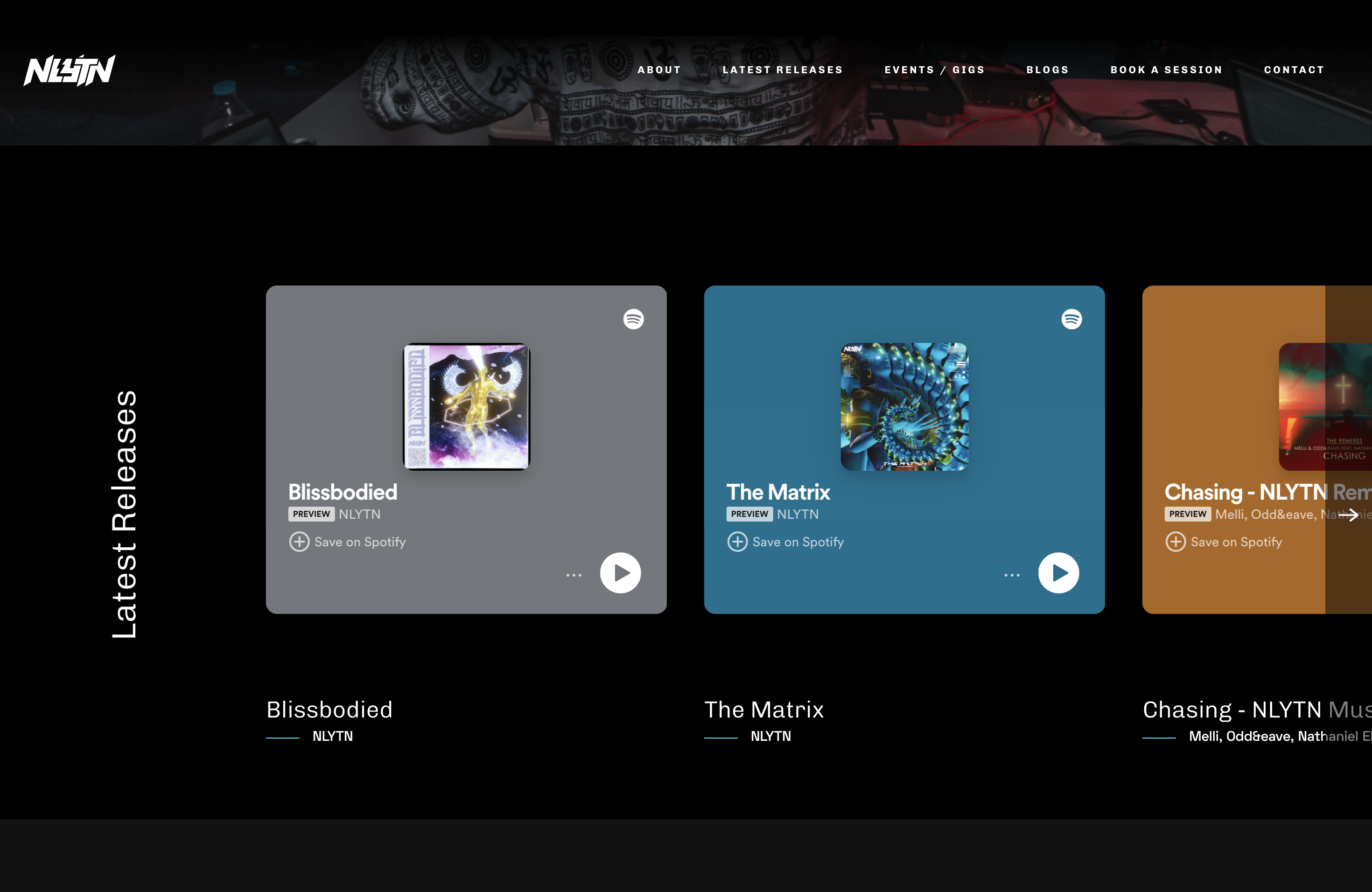
Artist-Studio-Portfolio-Website
Open-source Django-based website template for musicians, originally created for nlytnmusic (Siddhesh Parekh). …
Angular · 作品集
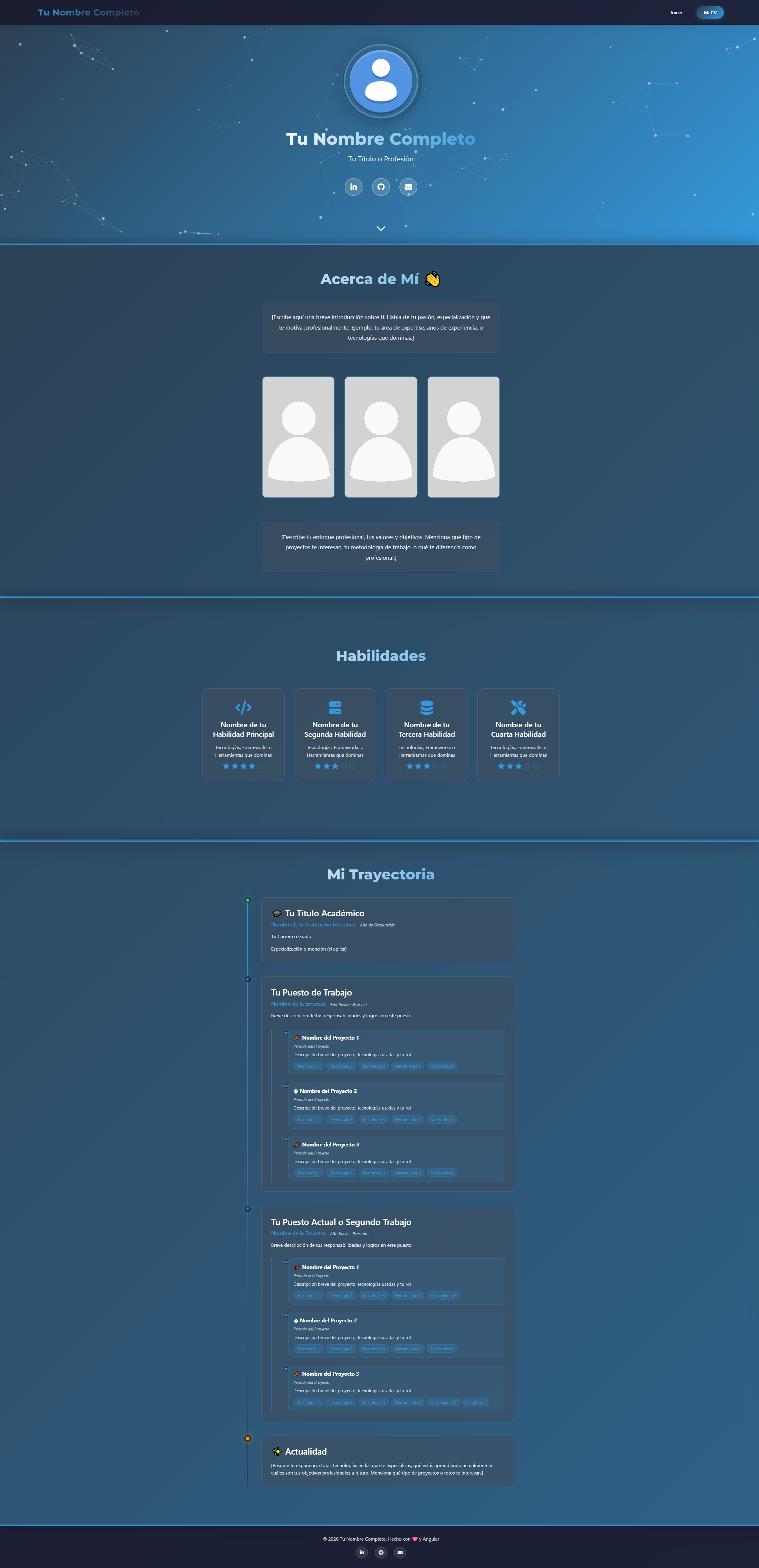
modern-web-cv-angular
modern-web-cv-angular 是一个基于 Angular 17 的个人简历与作品集网页模板,采用 standalone components 架构,适合开发者、设计师等技术人员展示个人履历。
Angular · 人物时间线
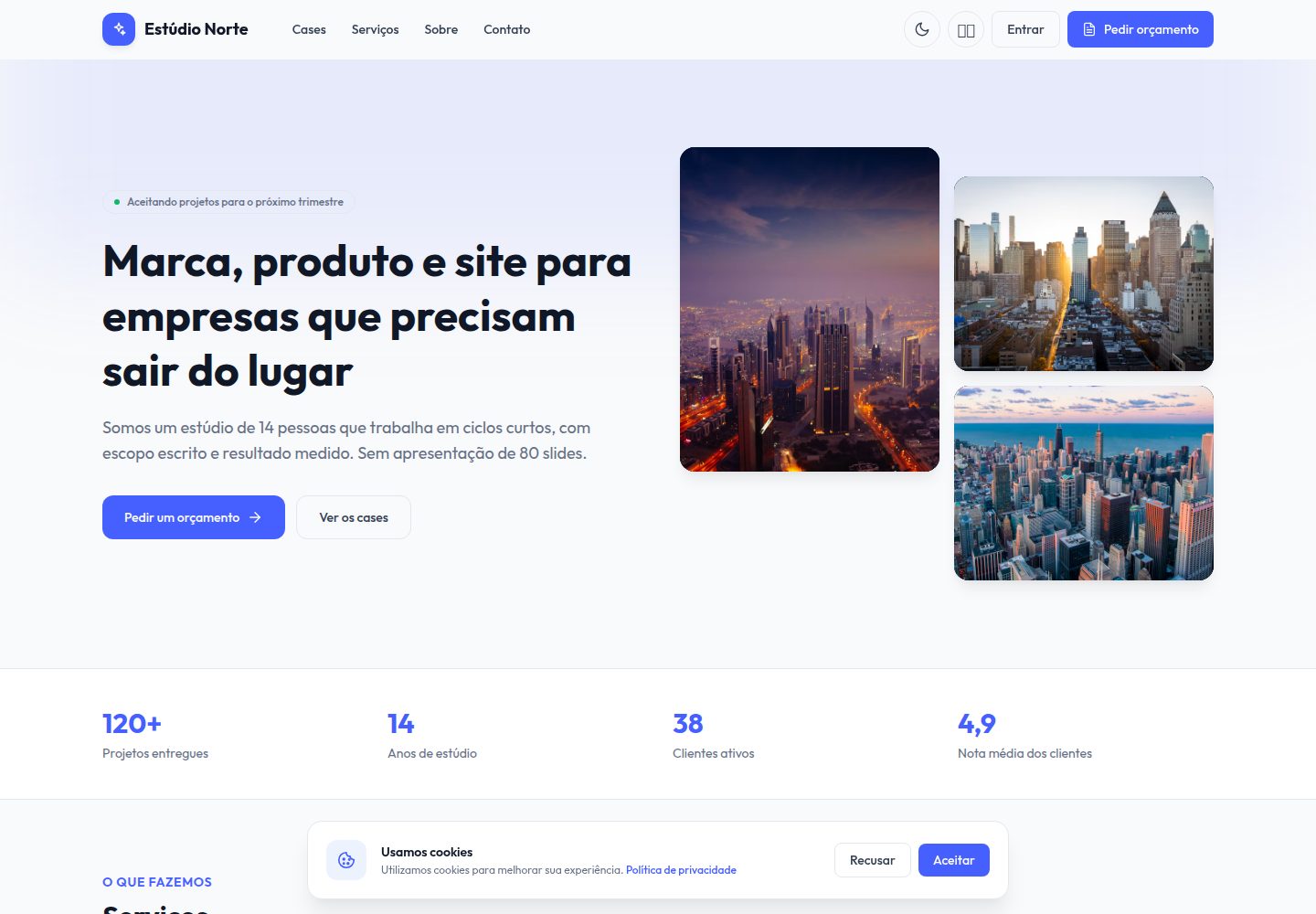
portfolio-angular
Free Angular 19 + Tailwind creative studio template: case studies, services, 4-step brief, lead kanban, propos…
Angular · 作品集
PortfolioPage
A modern, high-performance developer portfolio template built with Angular and Vite. Fully data-driven via JSO…
Angular · 作品集

sveltekit-mdsvex-blog-template
MDsveX blog starter template built with Sveltekit & Tailwind
Svelte · 作品集

Resumify
Free, privacy-first resume builder — 6 ATS-friendly templates, full customization, JSON import/export. No sign…
Vite · 作品集