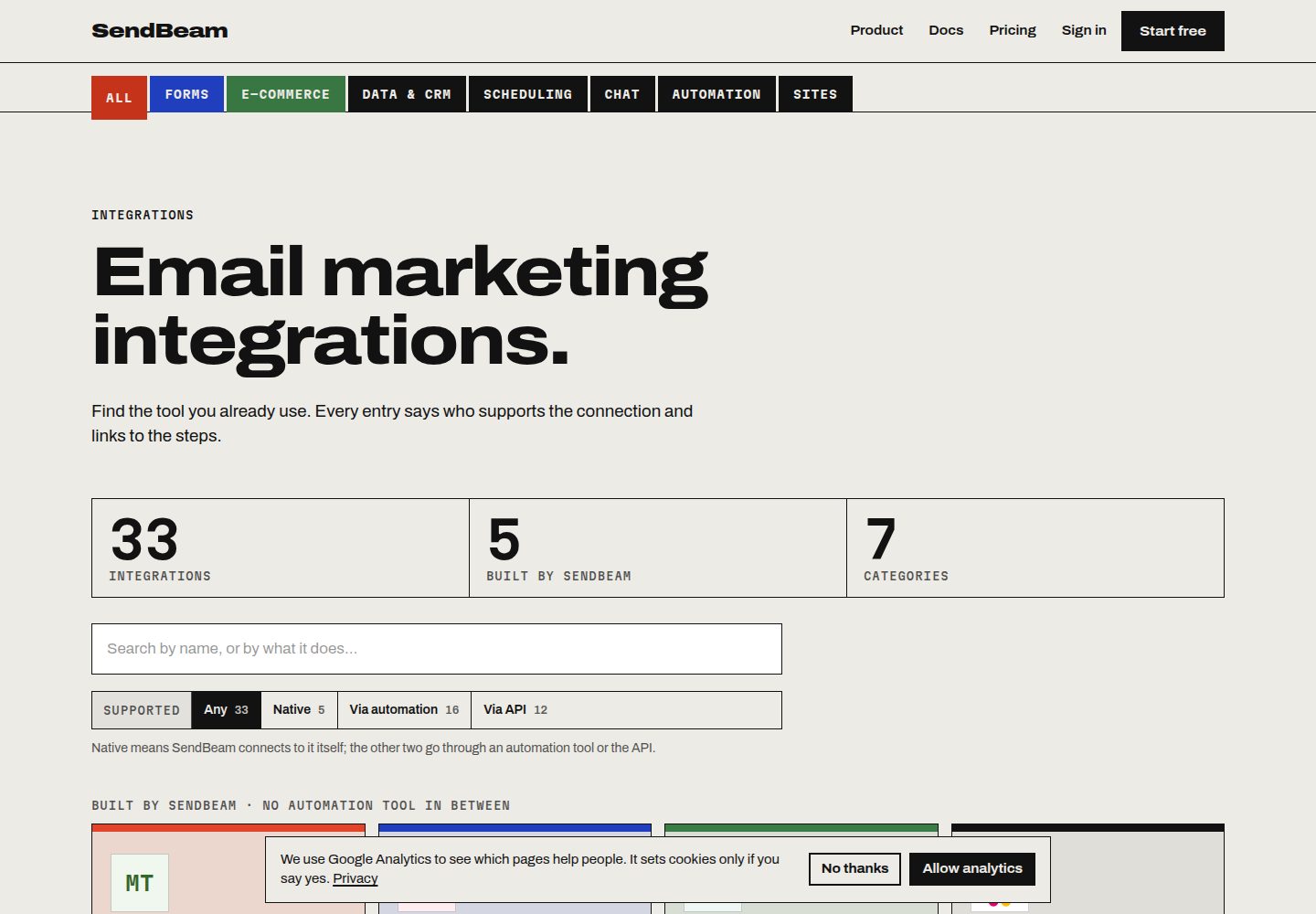
Provides five runnable starters — plain HTML, Astro, Eleventy, Next.js, and Hugo — covering Cloudflare Pages, Netlify, Vercel, and any static host
Next.jsAstroEleventyReactCorporate WebsiteStarter
sendbeam-starters — Next.js Business Template
By sendbeam-io
Five runnable starters from SendBeam that add signup and contact forms to static sites. The browser submits JSON directly to a SendBeam form endpoint, with no self-hosted backend, serverless function, or SMTP.
Explore the design
Compare the page layouts and mobile experience. Open any screenshot for a closer look.
Desktop homepage1 / 3
Desktop captureTop of page
Actual screenshot captured by the server browser.
All pages & views 3
Screenshots show visual appearance; interactive behavior may differ.
Recorded 2026-10-07View source
What stands out
A quick read of the recorded project description.
No self-hosted backend, serverless function, SMTP credentials, or database; the browser POSTs JSON directly to SendBeam's public form endpoint
Each starter includes a signup component, a contact component, an optional Cloudflare Turnstile component, a hidden verification field, inline validation, and a thank-you state
Form IDs are public by design, and the build output contains no secrets that need to be kept confidential; the hidden verification field name is unique per form, and a script prevents it from being committed to the repository
The signup form supports double opt-in, the contact form uses the sender address as the reply-to address, and custom fields store only keys declared in the form
Template Details
This repository targets static sites and provides five runnable starters, each for a different stack and hosting platform: plain HTML, Astro (Cloudflare Pages), Eleventy + Nunjucks (Netlify), Next.js App Router (Vercel), and Hugo. Each starter includes a signup component, a contact component, an optional Cloudflare Turnstile component, a hidden verification field, inline validation, a thank-you state, and its own README.
Form submissions do not pass through any self-hosted server: the browser uses a single fetch to POST JSON directly to SendBeam's public form endpoint, which saves the subscriber or forwards the message to you by email and returns the thank-you copy to display. Form IDs are public by design, and the build output contains no secrets that need to be kept confidential. Each form also has a hidden verification field with a unique name; that name appears in the page source, but it is not a fixed value shared by all SendBeam forms. The repository's check-labels.mjs script fails the build if that field is accidentally committed to the repository.
Before use, you need to create two forms in SendBeam (a signup form that selects the list to join, and a contact form with the recipient address), then copy the form ID from each form's API Endpoint line and configure it as an environment variable. A free account covers 500 contacts. When double opt-in is enabled for a list, the signup form first sends a confirmation email and the subscriber is added only after clicking it; on the free plan, all lists work this way.
Limitations: real submissions depend on the SendBeam service endpoint, whose quotas and fees must be checked separately. The README mentions the Formspree form service, but the example code uses SendBeam endpoints. Third-party assets such as demo images, fonts, and icons must be checked under their respective licenses and cannot be judged solely by the code's MIT license. If you only need a contact form, a dedicated form service may be simpler; these starters suit scenarios where the form should be part of your own page with styling controlled by your own CSS.
Next.jsAstroEleventyCorporate websiteStarter
Is it right for your project?
Use Cases
- Add a signup form to an existing static site and add contacts to a specified list
- Add a contact form to a static site and forward each message by email to a specified address
- Deploy a static site with forms on Cloudflare Pages, Netlify, or Vercel
- Use a SendBeam hosted form page where no markup can be pasted (such as a social bio link or QR code), or show the signup form as a popup via a script
Suitable For
- Developers building static sites with Astro, Eleventy, Next.js, or Hugo who need signup and contact forms
- Teams that want forms styled by their own page and CSS and do not want to maintain a backend or serverless function
- Personal projects or small sites that need the full form flow on a free account
Getting started & customization
Use these recorded setup notes alongside the repository instructions for your chosen version.
- 1
First create a signup form in SendBeam (selecting the list to join) and a contact form (entering the recipient address), then copy the form ID from each form's API Endpoint line
- 2
After cloning the repository, enter the corresponding directory, copy .env.example to .env and fill in the two form IDs, then run npm install && npm run dev
- 3
The hidden verification field name for each form must be obtained from the SendBeam form page and configured, keeping that field empty
- 4
Real submissions depend on the SendBeam service endpoint, whose usage quotas and fees must be checked separately; third-party assets such as demo images, fonts, and icons must be checked under their respective licenses
License & source material
Usage conditions & limitations
Free to use · keep license noticeThis entry covers the free version under the MIT license in the public repository; the free scope is the code of this version and does not mean that external services or third-party assets are free.
Must comply with when using
- You may use, modify, commercialize, and distribute the code of this version for free.
- When distributing copies or substantial portions of the code, retain the original author's copyright notice and the complete MIT license notice.
- The code is provided as is; warranties and limitations of liability are governed by the original license and applicable law.
Additional costs & items to verify
- The README mentions the Formspree form service; real submissions require configuring a service endpoint, whose usage quotas and fees must be checked separately.
- Demo images, fonts, icons, and other third-party assets must be checked under their respective licenses and cannot be judged solely by the code's MIT license.
- External services such as domains, hosting, databases, payments, or AI may incur separate charges.
- Before use, you must create a signup form and a contact form in SendBeam and copy their respective form IDs as configuration; otherwise the forms cannot submit.
- A free SendBeam account covers only 500 contacts, and payment is required beyond that; actual submissions depend on the SendBeam service endpoint, whose quotas and fees must be checked separately.
- The hidden verification field name differs for each form and must be obtained from the SendBeam form page and configured; a fixed value cannot be used.
- When double opt-in is enabled for a list, the signup form requires the subscriber to click the confirmation email before being added; on the free plan, all lists enforce double opt-in.
- If you only need a contact form, a dedicated form service may be simpler; these starters are better suited to scenarios that need both signup and contact forms.
View Original Text Basis
Permission is hereby granted, free of charge
Original License Text
You need two form IDs from SendBeam: create a **signup** form (choose the list it adds people to) and a **contact** form (enter the address messages go to), then copy each form's ID from its *API Endpoint* line.
Original README
A [free SendBeam account](https://sendbeam.io/signup) covers 500 contacts.
Original README
Every form carries one hidden check field, and **its name is unique to that form**. You will find it on the form's page in SendBeam, just under the embed code, and each starter takes it as configuration next to the form ID.
Original README
Signup forms honour double opt-in when the list has it switched on, so the subscriber gets a confirmation email and is only added once they click it. On the Free plan every list behaves this way whatever the setting.
Original README
https://github.com/sendbeam-io/sendbeam-starters/blob/main/LICENSEhttps://github.com/sendbeam-io/sendbeam-starters/blob/main/README.mdIf you only ever need a contact form, the dedicated form services are simpler.
Original README
Compiled by DeepSeek based on repository license and README ·2026-10-07. Results only cover the materials read; dependencies, images, fonts, and subsequent term changes are subject to their respective original texts.
Project checks & description sources
Template Information
- Source platforms
- GitHub
- Documentation and maintenance reference score
- More documented · 85 / 100
- Technologies
- Next.js · Astro · Eleventy · React
- Website type
- Corporate Website · Starter
How this score is calculated
Our heuristic uses license records (up to 30), a demo link (12), a preview (10), stars (15), recorded maintenance (15), description completeness (8), feature records (5) and classification data (5). It is not a code, security or performance test, or a Google score. A link does not establish tested functionality.
What to verify for this project
- Repository update recorded
- 2026-09-12
- Screenshot last checked
- 2026-10-07
A demo link is listed. Check it with your own content and viewport sizes; its presence does not confirm that forms, authentication or payments work.
The catalog identifies Next.js as the primary stack. Check the actual dependency manifest and lockfile for versions and hosting requirements. These notes use recorded metadata, not a code audit or a deployment test.
Use a selection guide →How this description was prepared
AI-assisted description based on catalog records and repository material. Repository authors are not automatically the reviewers of this description.
Review declaration: [email protected] · 2026-10-08
Inspect the recorded source material
SHA-256: daed37b98108a09a335ff9353a76e6c25d075dc88bf87c4af4be25626a2be636
2026-10-07T15:11:18.189Z
Source file / repository# SendBeam starters — newsletter signup and contact forms for static sites
Five complete, runnable starter projects that add a **newsletter signup form** and a **contact form** to a static
site, with **no backend of your own**: no serverless function to write, no SMTP credentials, no database. The browser
posts JSON straight to a [SendBeam](https://sendbeam.io) form endpoint, which stores the subscriber or emails you the
message and returns the text to show.
Pick the folder that matches your stack and you are live in about five minutes.
| Starter | Stack | Host | Needs | Deploy config |
| --- | --- | --- | --- | --- |
| [`plain-html/`](./plain-html) | None — HTML, CSS and one JS file | Any static host | 🟢 No API key | none needed |
| [`astro-cloudflare-pages/`](./astro-cloudflare-pages) | [Astro](https://astro.build) (static) | Cloudflare Pages | 🟢 No API key | `public/_headers` |
| [`eleventy-netlify/`](./eleventy-netlify) | [Eleventy](https://www.11ty.dev) + Nunjucks | Netlify | 🟢 No API key | `netlify.toml` |
| [`nextjs-vercel/`](./nextjs-vercel) | [Next.js](https://nextjs.org) App Router | Vercel | 🟢 No API key | `vercel.json` |
| [`hugo/`](./hugo) | [Hugo](https://gohugo.io) | Any static host | 🟢 No API key | none needed |
Each one ships a signup component, a contact component, an optional [Cloudflare Turnstile](https://developers.cloudflare.com/turnstile/)
widget, a hidden check field, inline validation, a thank-you state and its own README.
### What "Needs" means
Every example here is labelled with what it requires from your SendBeam account, so you know before you clone
whether you can run it:
| Label | Meaning | Works on |
| --- | --- | --- |
| 🟢 **No API key** | Posts to a public form endpoint. Nothing secret in your build, nothing to rotate. | Every plan, including Free |
| 🔑 **API key** | Calls the REST API with an `x-api-key` header, so the key has to live somewhere server-side. | Every plan; the plan sets how many writes an hour |
All five starters above are 🟢, so you can run them end to end on a free account. Anything needing a key is
labelled 🔑 here and says so again in its own README, with the reason.
## Quick start
```bash
git clone https://github.com/sendbeam-io/sendbeam-starters
cd sendbeam-starters/astro-cloudflare-pages # or eleventy-netlify, or nextjs-vercel
cp .env.example .env # paste your two form IDs
npm install && npm run dev
```
You need two form IDs from SendBeam: create a **signup** form (choose the list it adds people to) and a **contact**
form (enter the address messages go to), then copy each form's ID from its *API Endpoint* line. A
[free SendBeam account](https://sendbeam.io/signup) covers 500 contacts.
## How it works
There is no server in these projects. Each form does one `fetch` to a public endpoint:
```js
await fetch(`https://sendbeam.io/api/forms/${FORM_ID}`, {
method: 'POST',
headers: { 'Content-Type': 'application/json' },
body: JSON.stringify({
email: '[email protected]',
first_name: 'Sam', // signup forms
// name, subject, message // contact forms
[HIDDEN_FIELD]: '', // your form's hidden check field, left empty
turnstile_token: token, // optional
}),
});
```
The endpoint replies with JSON carrying the thank-you message to render. Form IDs are public by design: they carry no
API key, and the endpoint is protected on the server instead. There is nothing secret to leak in your built HTML.
Every form carries one hidden check field, and **its name is unique to that form**. You will find it on the form's page
in SendBeam, just under the embed code, and each starter takes it as configuration next to the form ID. Leave the field
empty; a submission that arrives with it filled is discarded, and nothing is stored.
That name ends up in your published page source, which is unavoidable — the browser has to send it. What matters is
that it is **not a constant shared by every SendBeam form**, and that it is not sitting in a public repository where
thousands of them could be collected at once. A single fixed name, written down somewhere searchable, is what lets one
bot skip every form everywhere; a per-form name means anyone abusing yours has to come and look at your page first.
That is why no starter here has a name written into it, and why `scripts/check-labels.mjs` fails the build if one is
ever committed.
Signup forms honour double opt-in when the list has it switched on, so the subscriber gets a confirmation email and
is only added once they click it. On the Free plan every list behaves this way whatever the setting.
## What you get
- **Newsletter signup** that adds contacts to a chosen list, with double opt-in when enabled.
- **Contact form** that emails you each message, with the sender's address as the reply-to.
- **Custom fields** — any extra field you declare on the form is stored on the contact. Keys you have not declared are
ignored, so a public endpoint cannot be used to stuff arbitrary data into your audience.
- **Spam protection** without a CAPTCHA wall: the hidden check field, an origin allow-list, rate limits, and Turnstile
if you want it.
- **No vendor lock-in in the markup** — the forms are plain HTML and one `fetch`; swap the endpoint and they still work.
You may not need a starter at all. Every active form has a **hosted page** at `https://sendbeam.io/f/<form id>` — use it
where there is no site to paste markup into, such as a link in a social bio or a QR code. Signup forms can also open as
a **pop-up** over any page, which is one script tag and no markup:
```html
<script src="https://sendbeam.io/f/<form id>/popup.js" data-delay="5000" data-once="day" async></script>
```
These starters are for when you want the form to be part of your own page, styled by your own CSS.
## Why not a serverless function, Formspree or Netlify Forms?
All of those are reasonable. The differences worth knowing:
- **Your own function** means writing, deploying and monitoring code, plus an email provider and its credentials. Fine
if you want the control; a lot of moving parts for a signup box.
- **Formspree, Web3Forms, Netlify Forms** handle contact forms well but stop there. They do not keep a subscriber list,
send a newsletter, or manage unsubscribes, so a site that needs both ends up with two products.
- **SendBeam** does both from one account, and one account covers every site you run rather than billing you per site.
If you only ever need a contact form, the dedicated form services are simpler.
## Documentation
- [Forms](https://sendbeam.io/docs/forms) — form types, fields, protection settings
- [Contact form backend for Cloudflare Pages](https://sendbeam.io/docs/guides/contact-form-cloudflare-pages)
- [Newsletter signup on an Astro site](https://sendbeam.io/docs/guides/newsletter-signup-astro)
- [Form to email without a backend](https://sendbeam.io/docs/guides/form-to-email-without-backend)
- [Double opt-in on a static site](https://sendbeam.io/docs/guides/double-opt-in-static-site)
- [API reference](https://sendbeam.io/docs/api) and [OpenAPI spec](https://sendbeam.io/openapi.json)
## Contributing
Issues and pull requests are welcome, particularly fixes where a host or framework has changed its defaults.
See [CONTRIBUTING.md](./CONTRIBUTING.md) for how to report a broken starter or propose a new one, and
[MAINTENANCE.md](./MAINTENANCE.md) for why there are five and not fifty. Security reports go to
[SECURITY.md](./SECURITY.md), not the issue tracker. Everyone taking part is covered by the
[Code of Conduct](./CODE_OF_CONDUCT.md).
## Licence
[MIT](./LICENSE) — use these as the basis for your own site, commercial or otherwise.
Explore similar templates
Compare previews and descriptions within the same stack and category.

Next.js SaaS Starter
The official Next.js SaaS starter template, integrating email/password authentication, Stripe Checkout subscriptions, a dashboard with user/team CRUD, basic Owner/Member RBAC, and activity logging.
Next.js · SaaS

Next.js Commerce
Vercel's officially maintained Next.js App Router ecommerce starter with deep Shopify integration, offering a complete product catalog, cart, and checkout flow. Core logic is modular for swapping backends, and community provider versions exist for BigCommerce, Medusa, and Saleor.
Next.js · E-commerce

Next-js-Boilerplate
A developer-first Next.js 16 starter with Tailwind CSS 4 and TypeScript, supporting both App Router and Page Router.
Next.js · Starter

tailwind-nextjs-starter-blog
A Next.js and Tailwind CSS blog starter template using Contentlayer for Markdown/MDX, with built-in SEO, code highlighting, and tags. It targets personal technical blogs and migration from Jekyll/Hugo to React, and supports one-click Vercel deployment.
Next.js · Blog

next-forge
next-forge is a Turborepo-based Next.js template maintained by Vercel, positioned as a starting point for SaaS products.
Next.js · Starter

SaaS-Boilerplate
SaaS-Boilerplate is an open-source SaaS starter template built with Next.js App Router, React 19, TypeScript, Tailwind CSS, and Shadcn UI.
Next.js · SaaS