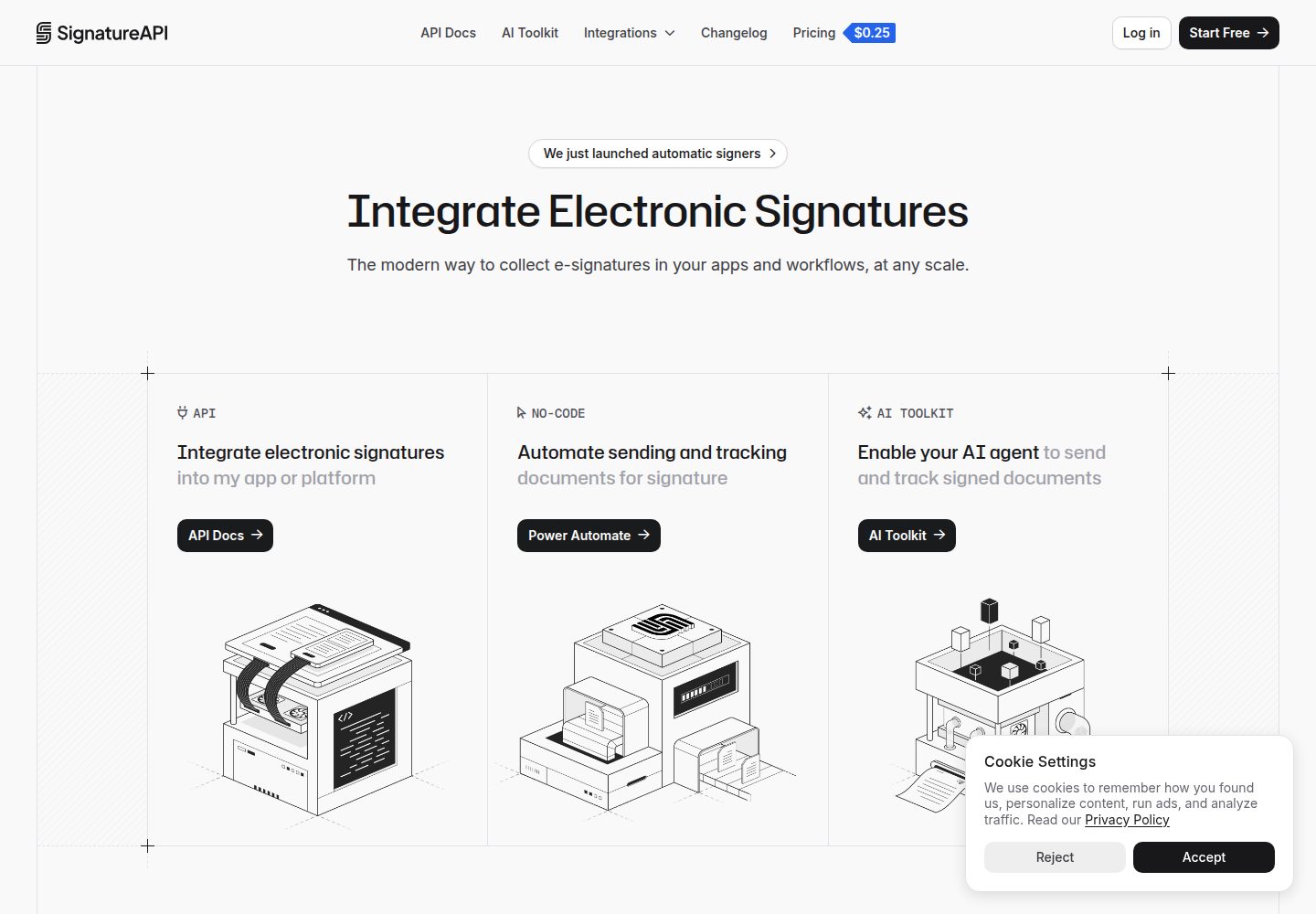
Demonstrates the complete e-signature flow from creating an envelope and sending a signing link to updating status via webhook callback
RailsStarter
signatureapi-rails-starter — Rails Starter Template
By signatureapi
A Rails-based starter for integrating SignatureAPI e-signatures, demonstrating the full flow of sending a document, verifying webhooks and downloading the signed PDF.
Explore the design
Compare the page layouts and mobile experience. Open any screenshot for a closer look.
Desktop homepage1 / 3
Desktop captureTop of page
Actual screenshot captured by the server browser.
All pages & views 3
Screenshots show visual appearance; interactive behavior may differ.
Recorded 2026-10-09View source
What stands out
A quick read of the recorded project description.
Uses the Standard Webhooks library to verify webhook signatures and update agreement status accordingly
Completed agreements can be redirected to download the signed PDF
Integration logic is concentrated in two files, the service and the webhooks controller, making it easy to extend recipients, locations or envelope options
Includes SignatureAPI agent skills and MCP server configuration, supporting multiple AI coding tools
Unit tests use WebMock to stub the API and sign test webhooks, requiring no API key
Template Details
This is a Ruby on Rails starter template for integrating the SignatureAPI e-signature service. After a form collects the signer's name and email, the app uploads a sample PDF, creates an envelope and saves an Agreement record, and SignatureAPI sends a signing link to the signer. Once signing is complete, a webhook updates the agreement status to completed, rejected, failed or canceled, and completed agreements can be redirected to download the signed PDF.
The integration logic is concentrated in two files: app/services/signature_api.rb handles REST API calls, and app/controllers/signatureapi_webhooks_controller.rb uses the Standard Webhooks library to verify webhooks and update agreement status. The repository also includes SignatureAPI agent skills and MCP server configuration, covering tools such as Claude Code, Codex, Cursor and Copilot.
The template uses SQLite by default and does not include user authentication. The README notes that production requires replacing the live API key, registering a public webhook URL, setting SECRET_KEY_BASE and providing persistent disk for SQLite or switching databases; deliverable links expire after one hour, so signed PDFs must be downloaded and stored separately if they need to be retained.
RailsStarter
Is it right for your project?
Use Cases
- Quickly adding SignatureAPI e-signature capabilities to a Rails application
- Learning how to create envelopes, handle signing status callbacks and retrieve signed PDFs
- As a starting point for an internal tool or prototype that needs to send agreements for others to sign
- As a reference for implementing Standard Webhooks verification and AI coding tool integration
Suitable For
- Developers familiar with Ruby on Rails who want to integrate e-signatures
- Teams that need a runnable example to understand the SignatureAPI envelope and webhook flow
- Product prototypes planning to add a document signing step to a Rails project
Getting started & customization
Use these recorded setup notes alongside the repository instructions for your chosen version.
- 1
Requires Ruby (see .ruby-version) and Node.js 20 or higher to use npx
- 2
Run npx --yes signatureapi init to write the test API key to .env
- 3
Run bin/setup --skip-server to install dependencies and create the database, then run bin/rails server -p 3000
- 4
In another terminal, run npx --yes signatureapi listen --forward-to http://127.0.0.1:3000/webhooks/signatureapi to forward test webhooks; the first run writes SIGNATUREAPI_WEBHOOK_SECRET, and the server must be restarted to load it
- 5
Production requires replacing the live API key, registering a public webhook URL, setting SECRET_KEY_BASE and providing persistent disk for SQLite or switching databases
License & source material
Usage conditions & limitations
Free to use · keep license noticeThis entry covers the free version of the public repository under the MIT license; the free scope is the code of that version and does not imply that external services or third-party assets are free.
Must comply with when using
- The code of this version may be used, modified, used commercially and distributed free of charge.
- When distributing copies or substantial portions of the code, retain the original author's copyright notice and the full MIT license notice.
- The code is provided as is; warranties and limitations of liability are governed by the original license and applicable law.
Additional costs & items to verify
- Demo images, fonts, icons and other third-party assets must be checked against their respective licenses and cannot be judged solely by the code's MIT license.
- External services such as domains, hosting, databases, payments or AI may incur separate charges.
- A SignatureAPI test API key must be obtained and configured before use; the template depends on this external service to run.
- Initialization requires running SignatureAPI CLI commands via npx, depending on external tools and network access.
- Local development requires running the SignatureAPI CLI to forward test webhooks, depending on an external service.
- The first listen run writes the webhook secret, and the server must be restarted to load it, otherwise webhook verification fails.
- End-to-end testing requires an API key and keeping listen running, depending on an external service.
- Production must use a SignatureAPI live API key, which is an external paid service dependency.
- Production requires registering a public webhook URL in the SignatureAPI console and configuring the signing secret.
- The template does not include user authentication; using it directly in production requires adding authentication mechanisms.
- Deliverable links expire after one hour; to retain signed PDFs long-term, they must be downloaded and stored separately.
View Original Text Basis
Permission is hereby granted, free of charge
Original License Text
Write a test API key to `.env`:
Original README
npx --yes signatureapi init
Original README
forward test webhooks to the app:
Original README
The first `listen` writes `SIGNATUREAPI_WEBHOOK_SECRET` to `.env`. Restart the server once so it loads the secret.
Original README
The end-to-end test in [`e2e/`](e2e/README.md) sends, signs and completes a real test-mode envelope. It needs a key and a running `listen`.
Original README
Use a live API key in `SIGNATUREAPI_KEY`.
Original README
Register your public webhook URL in the SignatureAPI dashboard and set `SIGNATUREAPI_WEBHOOK_SECRET` to its signing secret.
Original README
Add authentication for your users. This app has none.
Original README
https://github.com/signatureapi/signatureapi-rails-starter/blob/main/LICENSEhttps://github.com/signatureapi/signatureapi-rails-starter/blob/main/README.mdDeliverable URLs expire after an hour. Download and store the signed PDF (for example on `deliverable.generated`) if you need to keep it.
Original README
Compiled by DeepSeek based on repository license and README ·2026-10-09. Results only cover the materials read; dependencies, images, fonts, and subsequent term changes are subject to their respective original texts.
Project checks & description sources
Template Information
- Source platforms
- GitHub
- Documentation and maintenance reference score
- More documented · 83 / 100
- Technologies
- Rails
- Website type
- Starter
How this score is calculated
Our heuristic uses license records (up to 30), a demo link (12), a preview (10), stars (15), recorded maintenance (15), description completeness (8), feature records (5) and classification data (5). It is not a code, security or performance test, or a Google score. A link does not establish tested functionality.
What to verify for this project
- Repository update recorded
- 2026-10-09
- Screenshot last checked
- 2026-10-09
A demo link is listed. Check it with your own content and viewport sizes; its presence does not confirm that forms, authentication or payments work.
The catalog identifies Rails as the primary stack. Check the actual dependency manifest and lockfile for versions and hosting requirements. These notes use recorded metadata, not a code audit or a deployment test.
Use a selection guide →How this description was prepared
AI-assisted description based on catalog records and repository material. Repository authors are not automatically the reviewers of this description.
Review declaration: [email protected] · 2026-10-10
Inspect the recorded source material
SHA-256: 7218f92554b9ba11f3721ef180af5c9ebbf96d5a80815cd2ee0110d60eccd609
2026-10-09T16:37:19.811Z
Source file / repository# SignatureAPI Rails starter
A Ruby on Rails template for sending documents for signature with the SignatureAPI e-signature API.
[](docs/media/demo.mp4)
## What it does
- A form takes a signer's name and email.
- The app uploads a sample PDF, creates an envelope and saves an `Agreement`.
- SignatureAPI emails the signer a signing link.
- A webhook updates the agreement's status: completed, rejected, failed or canceled.
- A completed agreement links to its signed PDF.
## Use this template
Select **Use this template** on GitHub to create your own repository, then clone it.
## Quickstart
You need Ruby (see `.ruby-version`) and Node.js 20 or later for `npx`.
Write a test API key to `.env`:
```bash
npx --yes signatureapi init
```
Install gems, create the database and start the app:
```bash
bin/setup --skip-server
bin/rails server -p 3000
```
In another terminal, forward test webhooks to the app:
```bash
npx --yes signatureapi listen --forward-to http://127.0.0.1:3000/webhooks/signatureapi
```
The first `listen` writes `SIGNATUREAPI_WEBHOOK_SECRET` to `.env`. Restart the
server once so it loads the secret.
Open http://localhost:3000 and send an agreement.
## How it works
```mermaid
sequenceDiagram
participant U as Browser
participant A as Rails app
participant S as SignatureAPI
participant R as Signer
U->>A: POST /agreements (name, email)
A->>S: POST /uploads (sample PDF)
A->>S: POST /envelopes
A->>A: Save Agreement (status: sent)
S->>R: Email with signing link
R->>S: Signs
S->>A: POST /webhooks/signatureapi (envelope.completed)
A->>A: Verify signature, set status: completed
U->>A: GET /agreements/:id/signed.pdf
A->>S: GET /envelopes/:id/deliverables
A-->>U: 302 to the signed PDF
```
Two files hold the integration:
- [`app/services/signature_api.rb`](app/services/signature_api.rb) calls the REST API.
Add places, recipients or envelope options here.
- [`app/controllers/signatureapi_webhooks_controller.rb`](app/controllers/signatureapi_webhooks_controller.rb)
verifies each webhook with the [Standard Webhooks](https://github.com/standard-webhooks/standard-webhooks)
library and updates the agreement. Add events here.
## AI agents
The repo comes with the SignatureAPI agent skills and MCP server set up:
- Claude Code: the SignatureAPI plugin (skills and MCP) in `.claude/settings.json`.
- Codex, Cursor, Copilot and others: the same skills in `.agents/skills/`,
and the MCP server in `.cursor/mcp.json` and `.codex/config.toml`.
Both are pinned to commit `93c02a9f1336952b0da9c71a2da2f0024e8afaaa` of
[signatureapi/skills](https://github.com/signatureapi/skills). To update:
```bash
scripts/update-agent-skills.sh <commit-sha>
```
## Tests
```bash
bin/rails test
bin/rubocop
```
Unit tests stub SignatureAPI with WebMock and sign test webhooks with the
Standard Webhooks library. They need no API key.
The end-to-end test in [`e2e/`](e2e/README.md) sends, signs and completes a
real test-mode envelope. It needs a key and a running `listen`.
## Going to production
- Use a live API key in `SIGNATUREAPI_KEY`.
- Register your public webhook URL in the SignatureAPI dashboard and set
`SIGNATUREAPI_WEBHOOK_SECRET` to its signing secret.
- Set `SECRET_KEY_BASE` and give SQLite a persistent disk, or switch databases.
- Add authentication for your users. This app has none.
- Deliverable URLs expire after an hour. Download and store the signed PDF
(for example on `deliverable.generated`) if you need to keep it.
## License
[MIT](LICENSE)
Explore similar templates
Compare previews and descriptions within the same stack and category.
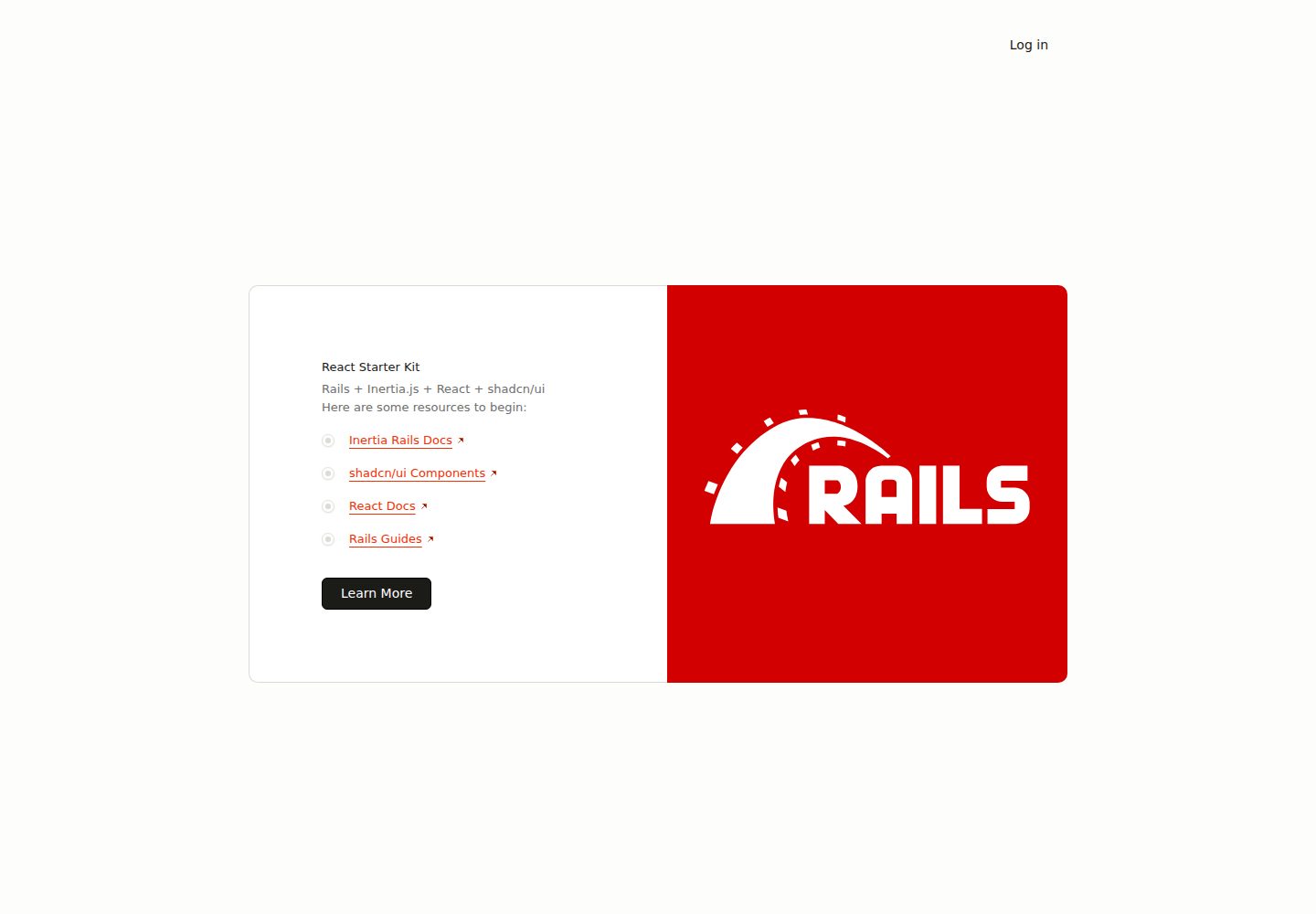
react-starter-kit
A full-stack Inertia.js starter with a Rails backend and React + TypeScript frontend, generated by inertia-rails/generator and automatically synced.
Rails · Starter
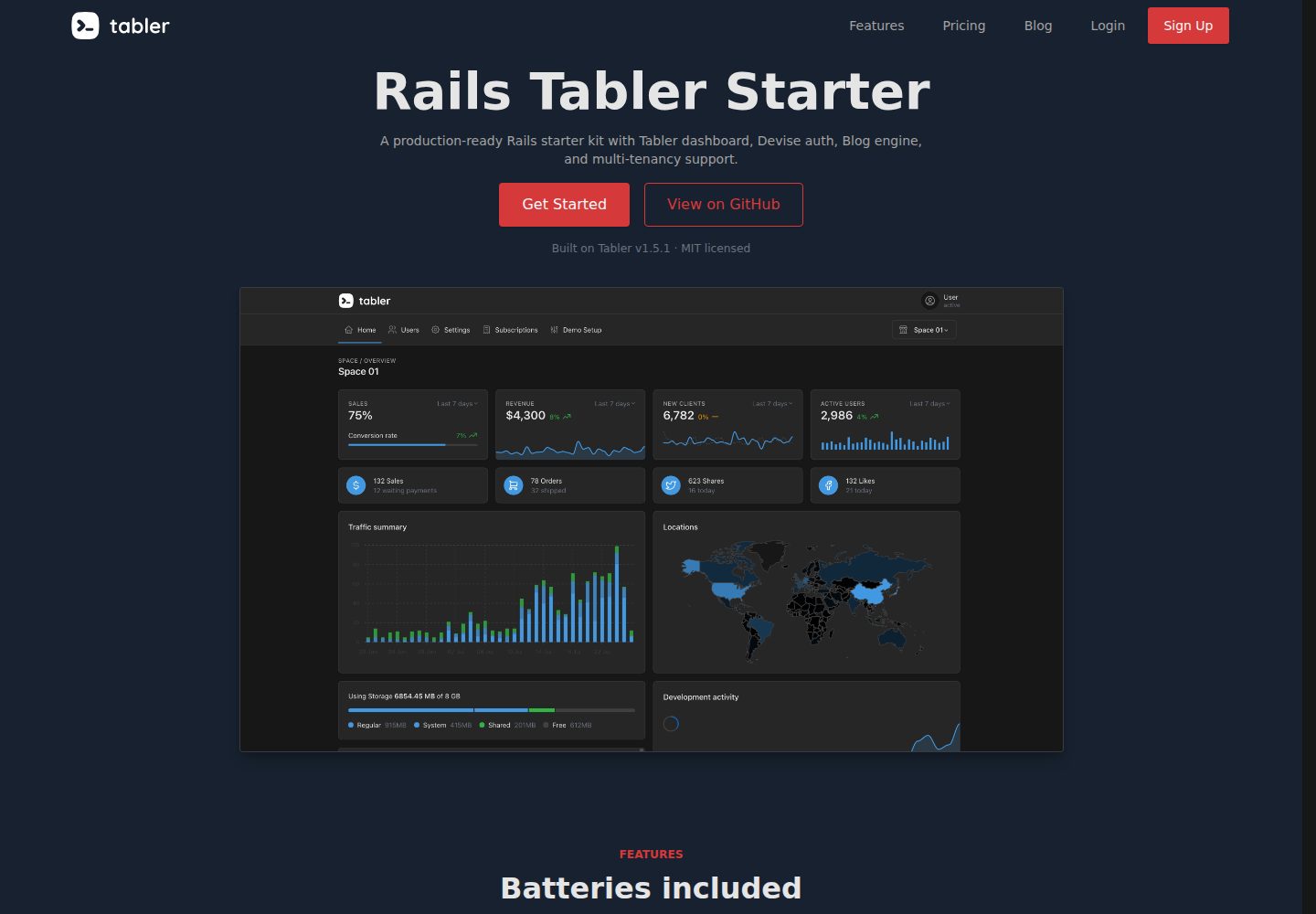
rails-tabler-starter
A free, open-source Ruby on Rails backend starter using Tabler (Bootstrap 5) with Hotwire/Turbo.
Rails · Admin dashboard
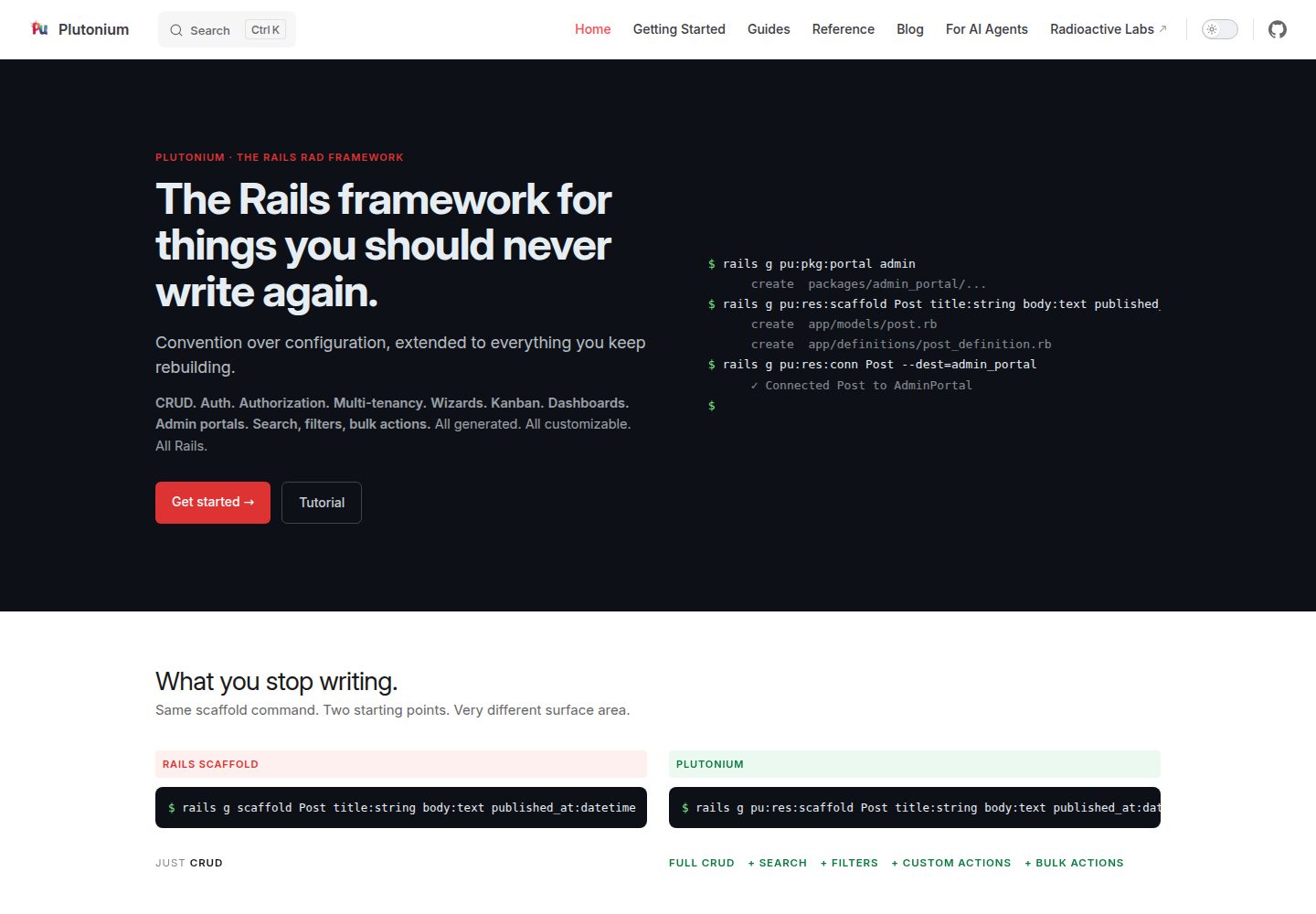
plutonium-core
Plutonium is a Rails-based admin and starter template that uses generators to write CRUD, authentication, authorization, multi-tenancy, portals, search and filtering, and bulk actions directly into project code.
Rails · Admin dashboard
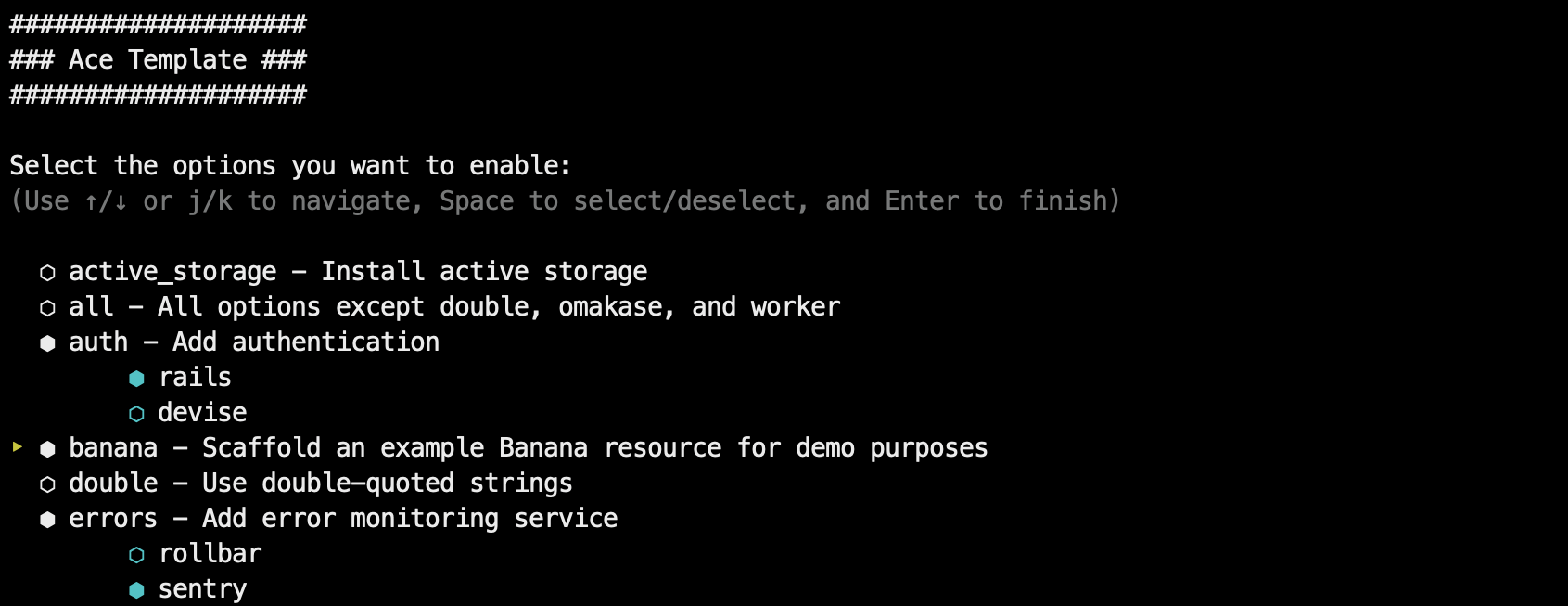
ace-template
Ace Template is a Rails application template applied via rails new, supporting interactive mode and command-line options, with SQLite, Postgres, and MySQL support, Tailwind or Bootstrap styling, and deployment instructions for Kamal, Fly.io, and Heroku.
Rails · Starter
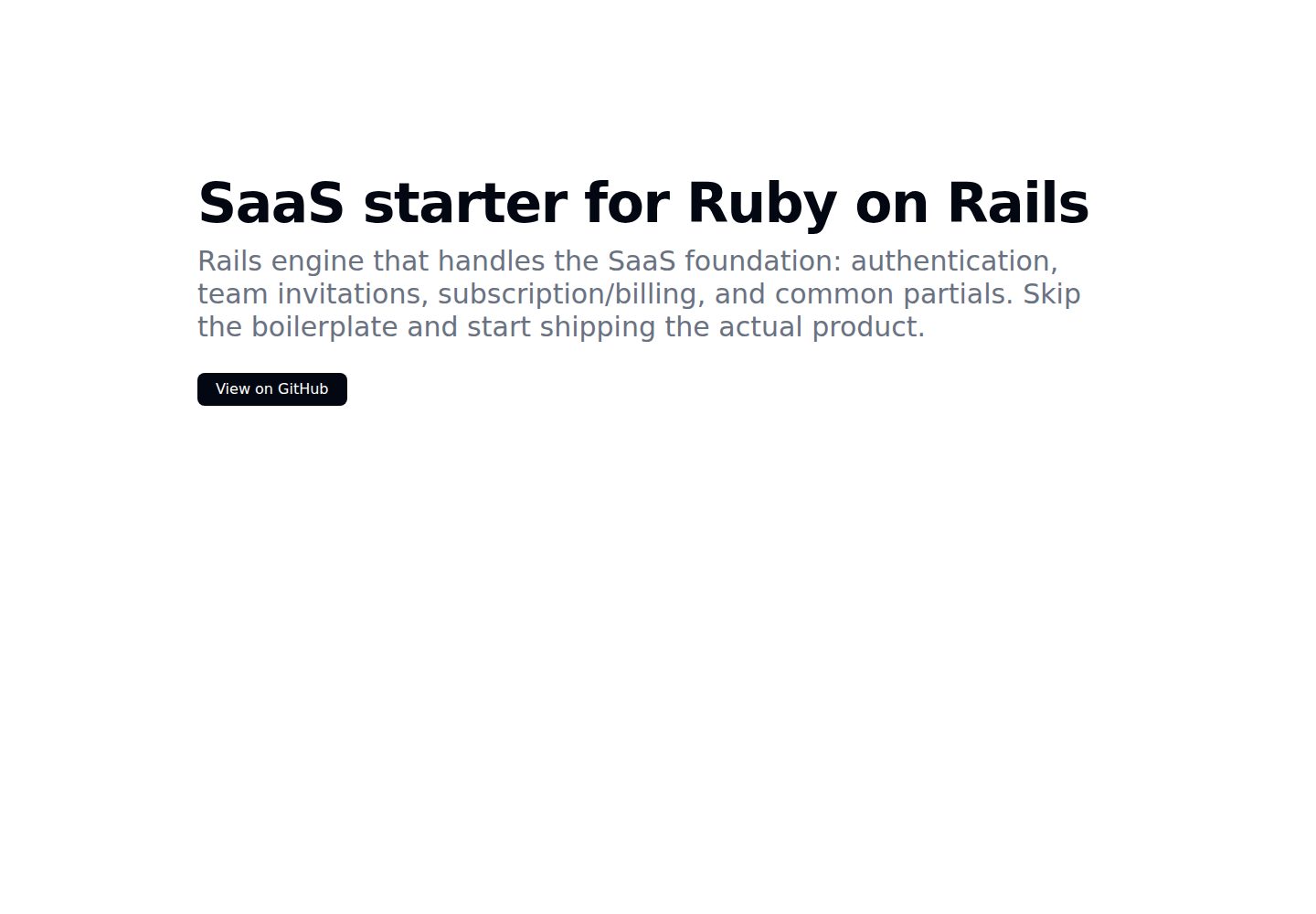
kern
Kern is a Rails engine that provides foundational SaaS features: authentication and user settings based on Rails' authentication generator, multi-tenancy via Workspace and Member with multiple Roles, team invitations, Stripe subscription billing configured through plans.yml and credentials, plus a form builder, basic…
Rails · SaaS

rails-react-starter
Rails React Starter is an MIT-licensed starter that pairs a Rails JSON API backend with a React frontend, including TailwindCSS and Docker configuration.
Rails · Starter