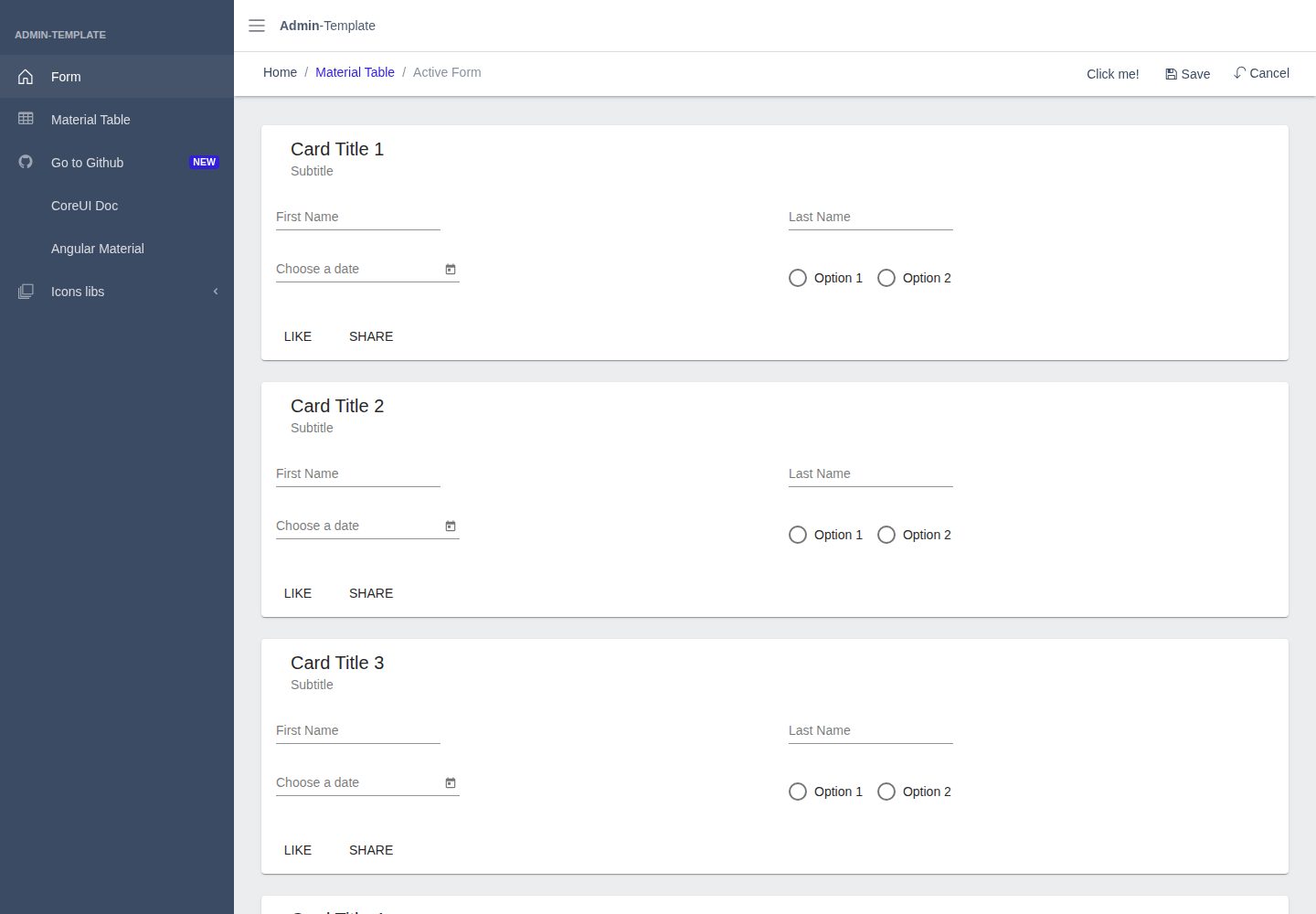
Core UI admin layout based on Bootstrap, also integrating Angular Material components
AngularHTMLAdmin dashboard
admin-template — Angular Admin dashboard Template
By sterlp
A clean admin interface template built on Angular and Bootstrap, also integrating Angular Material, with a runnable admin demo and Docker image.
Explore the design
Compare the page layouts and mobile experience. Open any screenshot for a closer look.
Desktop homepage
Desktop captureTop of page
Actual screenshot captured by the server browser.
One original preview is available. Open the full image to inspect the design.
Screenshots show visual appearance; interactive behavior may differ.
Recorded 2026-09-30View source
What stands out
A quick read of the recorded project description.
Provides an online demo page to view the actual interface directly
README gives complete steps from creating a new project to integrating Material, Core UI, icons, and fonts
Supports switching Material Icons and Roboto fonts to local references, avoiding reliance on external font links
Provides a Docker image run method, allowing the built output to be started directly as a container
Licensed under MIT, permitting free use, modification, commercial use, and distribution of this version of the code
Template Details
This template aims to provide a clean admin interface: based on Bootstrap while also allowing the use of Material Design components. The repository contains two sets of interface resources—Bootstrap styles based on Core UI and Angular Material—and provides an online preview page. The README gives step-by-step installation and style configuration instructions, starting from creating a new Angular project and progressively adding Angular Material, Core UI and its icons, and fonts (Material Icons, Roboto); it also explains how to switch icons and fonts to local references. The project offers a Docker run method, allowing the built image to be started directly as a container. The template itself is an interface skeleton and dependency integration example; it does not include a backend, database, or business logic, and whether it is suitable for production use needs to be evaluated in the context of your own project.
AngularHTMLAdmin
Is it right for your project?
Use Cases
- As a starting skeleton for an Angular admin interface, adding business pages on top of it
- Admin projects that need to use both Bootstrap styles and Angular Material components
- Quickly running and viewing the admin template's interface via Docker
- Referencing its dependency installation and style configuration approach to build your own Angular admin project
Suitable For
- Developers building admin interfaces with Angular
- Teams wanting to mix Angular Material components into a Bootstrap layout
- Projects needing a freely modifiable, commercially usable admin template
Getting started & customization
Use these recorded setup notes alongside the repository instructions for your chosen version.
- 1
The template is based on Angular; when creating a new project, choose scss for styles
- 2
Add Angular Material via ng add @angular/material and choose to enable animations
- 3
Install icon dependencies such as @coreui/coreui and @coreui/icons, simple-line-icons, font-awesome via npm, and include the corresponding CSS in the styles of angular.json
- 4
To use Material Icons and Roboto fonts locally, install material-icons and roboto-fontface and configure the paths in styles.scss, while removing the external font links from index.html
- 5
You can directly run the Docker image sterlp/admin-template:latest and map the port to view the result
License & source material
Usage conditions & limitations
Free to use · keep license noticeThis entry covers the free version in a public repository under the MIT license; the free scope is this version of the code and does not mean external services or third-party assets are free.
Must comply with when using
- Free use, modification, commercial use, and distribution of this version of the code are permitted.
- When distributing copies or substantial portions of the code, retain the original author's copyright notice and the full MIT license notice.
- The code is provided as is; warranties and limitations of liability are governed by the original license and applicable law.
Additional costs & items to verify
- Demo images, fonts, icons, and other third-party assets need to be checked against their respective licenses and cannot be judged solely by the code's MIT license.
- External services such as domains, hosting, databases, payments, or AI may incur additional charges.
View Original Text Basis
https://github.com/sterlp/admin-template/blob/master/LICENSEhttps://github.com/sterlp/admin-template/blob/master/README.mdPermission is hereby granted, free of charge
Original License Text
Compiled by DeepSeek based on repository license and README ·2026-09-30. Results only cover the materials read; dependencies, images, fonts, and subsequent term changes are subject to their respective original texts.
Project checks & description sources
Template Information
- Source platforms
- GitHub
- Documentation and maintenance reference score
- More documented · 92 / 100
- Technologies
- Angular · HTML
- Website type
- Admin dashboard
How this score is calculated
Our heuristic uses license records (up to 30), a demo link (12), a preview (10), stars (15), recorded maintenance (15), description completeness (8), feature records (5) and classification data (5). It is not a code, security or performance test, or a Google score. A link does not establish tested functionality.
What to verify for this project
- Repository update recorded
- 2026-09-20
- Screenshot last checked
- 2026-09-30
A demo link is listed. Check it with your own content and viewport sizes; its presence does not confirm that forms, authentication or payments work.
The catalog identifies Angular as the primary stack. Check the actual dependency manifest and lockfile for versions and hosting requirements. These notes use recorded metadata, not a code audit or a deployment test.
Use a selection guide →How this description was prepared
AI-assisted description based on catalog records and repository material. Repository authors are not automatically the reviewers of this description.
Automatically checked against source and license rules; no manual editorial review.
Inspect the recorded source material
SHA-256: c6fd489128838088ad8055b0716b54bc81febcce2712b9f977932c5a80856a9d
2026-09-30T11:36:44.719Z
Source file / repository<p align="center">
<img alt="GitHub Actions status" src="https://github.com/sterlp/admin-template/workflows/admin-template%20CI/badge.svg">
</p>
# Goal
Simple admin UI based on bootstrap but be able to use material design too.
**[Launch Live Preview](https://sterlp.github.io/admin-template/)**
- run as docker `docker run -p 8080:80 sterlp/admin-template:latest`
# Included
- [Core UI](https://coreui.io/) based on Bootstrap
- [Angular Material](https://material.angular.io/)
# Optional
- add angular bootstrap
- [ngx-bootstrap](https://valor-software.com/ngx-bootstrap/#/documentation#getting-started) `npm install --save ngx-bootstrap` or
- [ng-bootstrap](https://ng-bootstrap.github.io/#/getting-started) `ng add @ng-bootstrap/ng-bootstrap`
# Links
- [Admin-Template Core-UI 3](https://coreui.io/docs/getting-started/introduction/) based on Core-UI 3.4
# Setup this Admin Template on your own
## New Project
- new project `ng new admin-template`
use `scss` for styles
## Add Angular Material
- `ng add @angular/material`
- select `Y` to add angular animations
- `npm install material-icons --save`
## Add Core UI
- add coreui `npm install @coreui/coreui --save`
- add some icons `npm install @coreui/icons simple-line-icons font-awesome --save`
## styles `angular.json`
add to styles:
```json
"styles": [
"node_modules/@coreui/icons/css/free.css",
"node_modules/font-awesome/css/font-awesome.css",
"node_modules/simple-line-icons/css/simple-line-icons.css",
"src/assets/styles.scss",
...
],
```
### local usesage of material icons
```
npm install --save material-icons
```
add in `styles.scss` https://www.npmjs.com/package/material-icons
```scss
$material-icons-font-path: '~material-icons/iconfont/';
@import '~material-icons/iconfont/material-icons.scss';
```
remove from `index.html`
```html
<link href="https://fonts.googleapis.com/icon?family=Material+Icons" rel="stylesheet">
```
### local usesage of robo fonts
```
npm install --save roboto-fontface
```
add in `styles.scss` https://www.npmjs.com/package/material-icons
```scss
$roboto-font-path: "~roboto-fontface/fonts" !default;
@import "~roboto-fontface/css/roboto/sass/roboto-fontface";
```
remove from `index.html`
```html
<link href="https://fonts.googleapis.com/css?family=Roboto:300,400,500&display=swap" rel="stylesheet">
```
add css class to `body` or main `div``
```
class="mat-typography"
```
# Links
- https://ng-bootstrap.github.io
- https://valor-software.com/ngx-bootstrap
- https://coreui.io/docs
- https://material.angular.io
- https://gist.github.com/timbophillips/455ac41659fddcd774c5550650665b66
- https://github.com/peaceiris/actions-gh-pages
## Icons Links
- https://fontawesome.com/v4.7.0/icons/
- https://coreui.io/docs/icons/
- https://material.io/resources/icons/
## Used schematics
- Table: https://material.angular.io/guide/schematics
## Docker
- npm run build:docker
- docker push sterlp/admin-template
# Copyright
- CoreUI Code released under the MIT license
- https://getbootstrap.com/docs/4.0/about/license/
Explore similar templates
Compare previews and descriptions within the same stack and category.
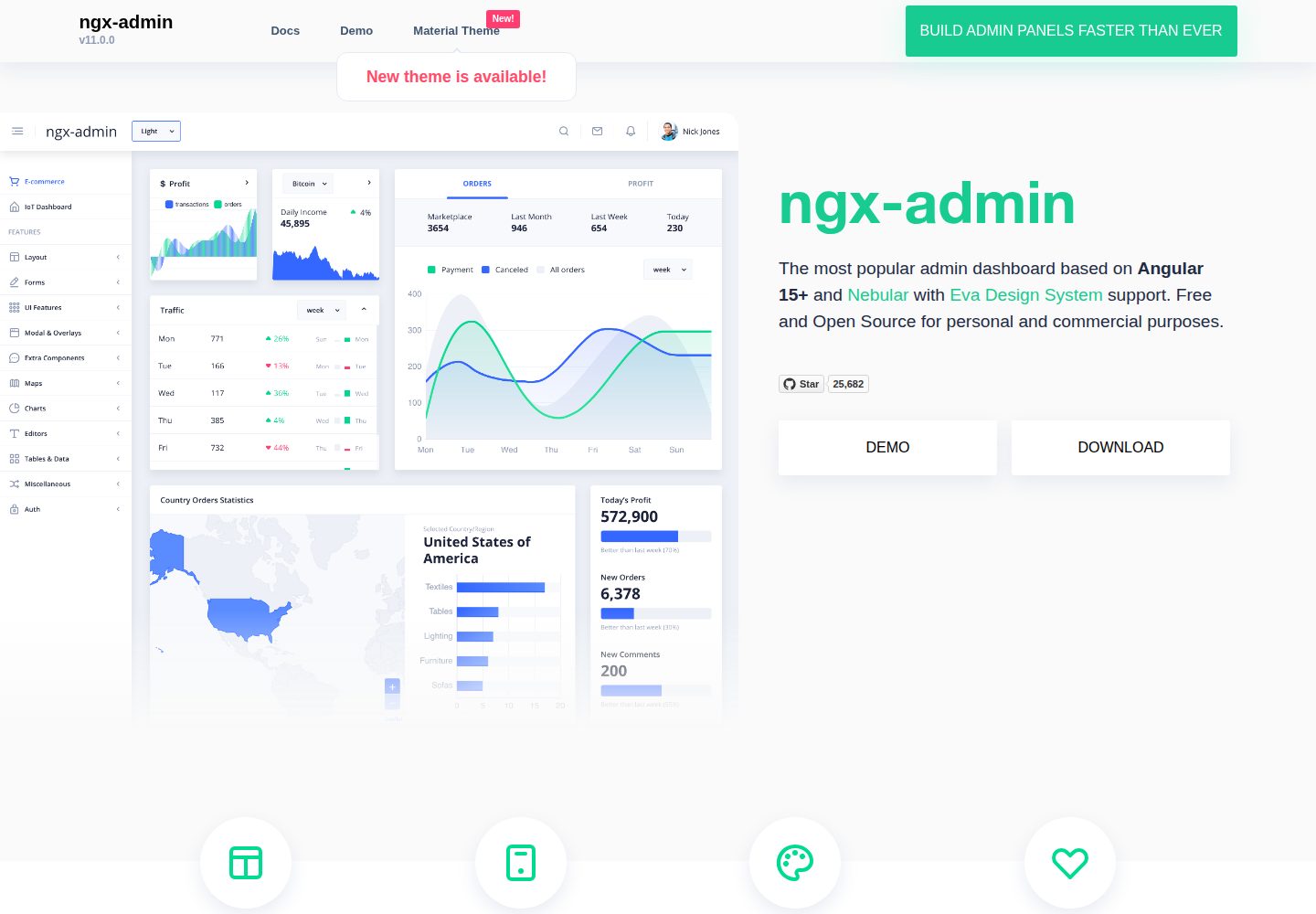
ngx-admin
ngx-admin is an Angular admin dashboard template maintained by Akveo, built on the Nebular component library and released under the MIT license.
Angular · Admin dashboard
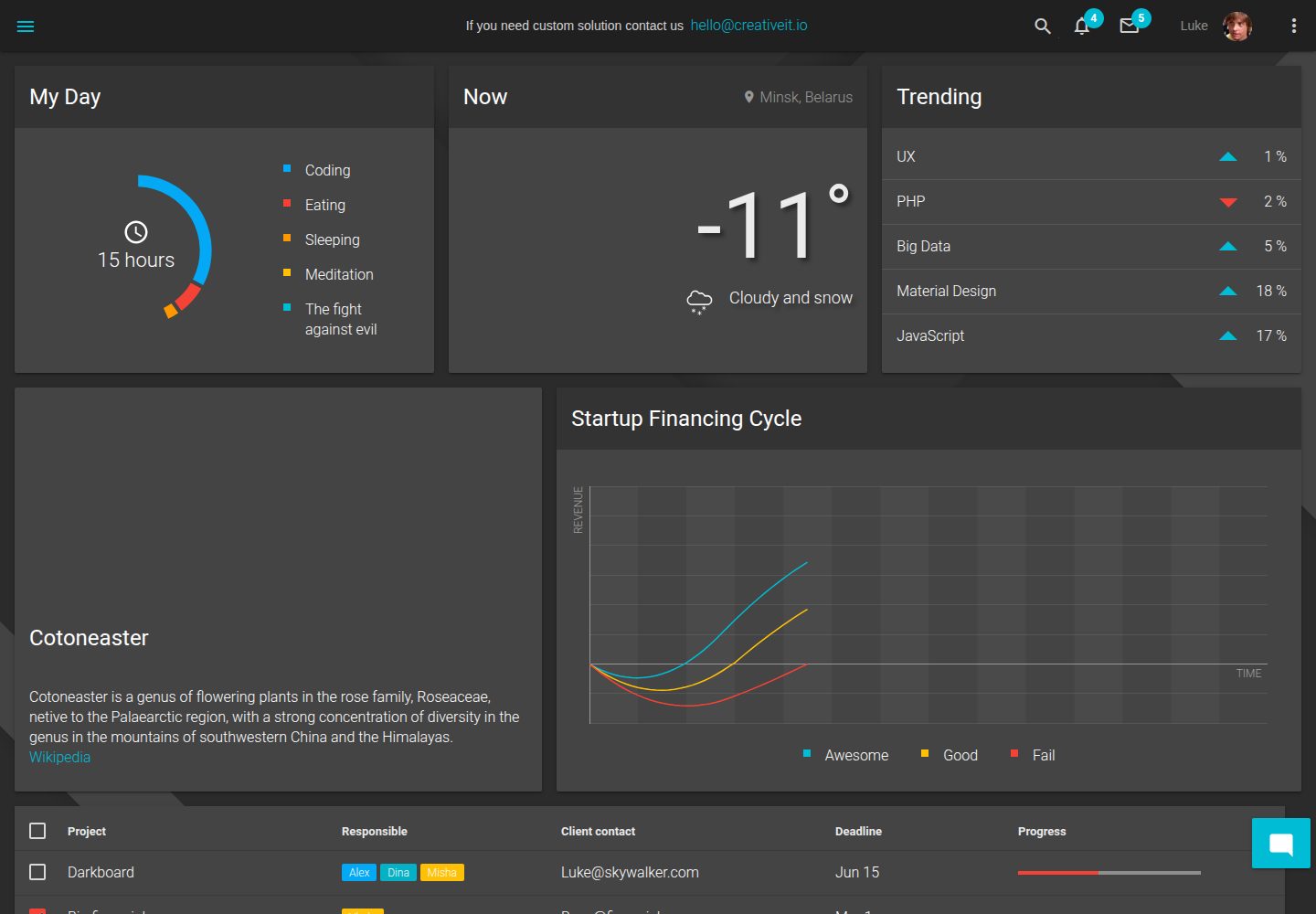
material-angular-dashboard
A dark-themed Angular admin template following Google Material Design, with dashboard pages, D3/NVD3 charts, ag-Grid tables, and a Sass/BEM theme. Released under the MIT license, it offers starter-kit, feature/backend, and feature/serverless branches.
Angular · Admin dashboard
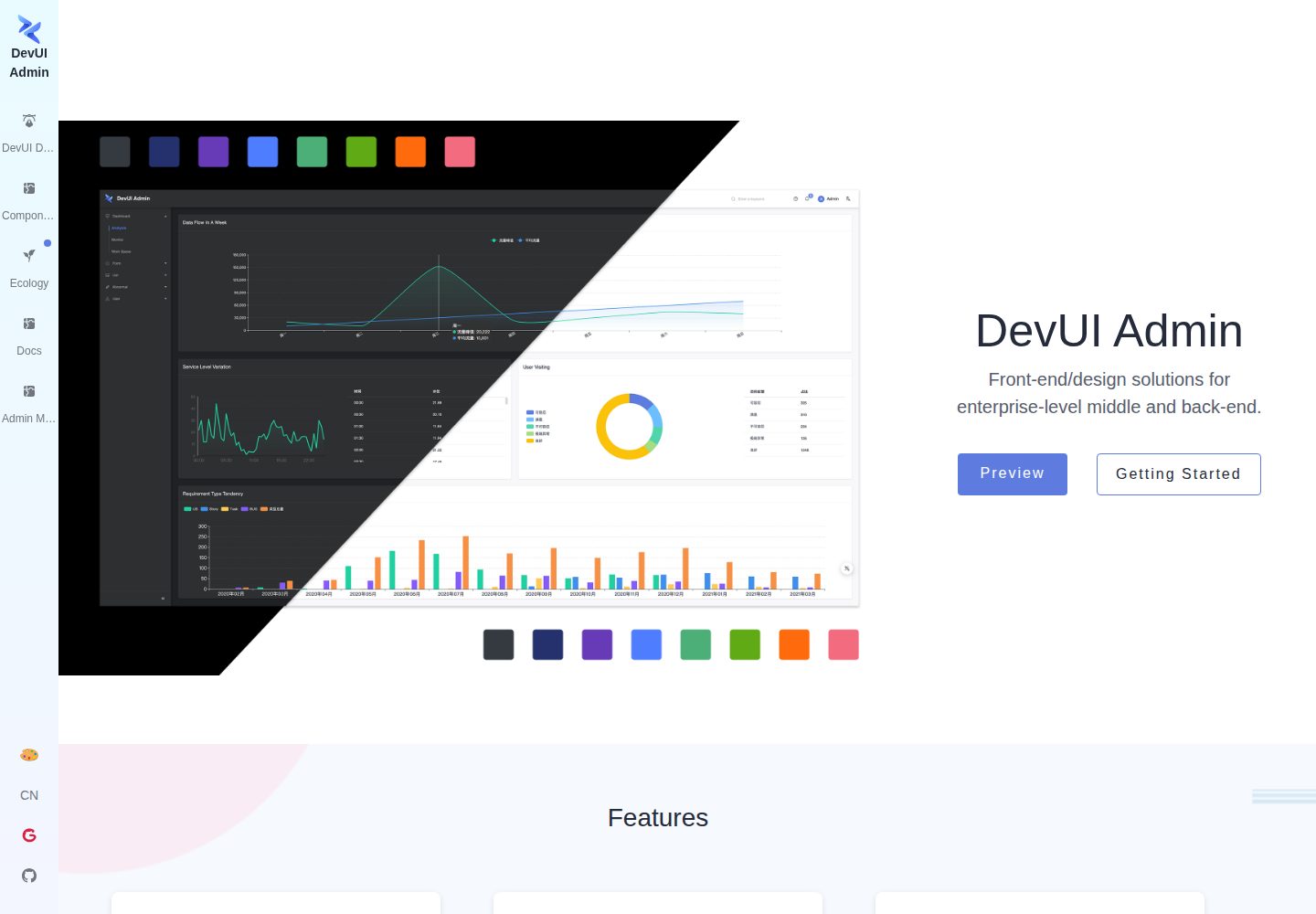
ng-devui-admin
A customizable mid-to-back-office admin template built with Angular and DevUI, featuring configurable layouts, multi-theme switching, internationalization, and local mock data debugging.
Angular · Admin dashboard
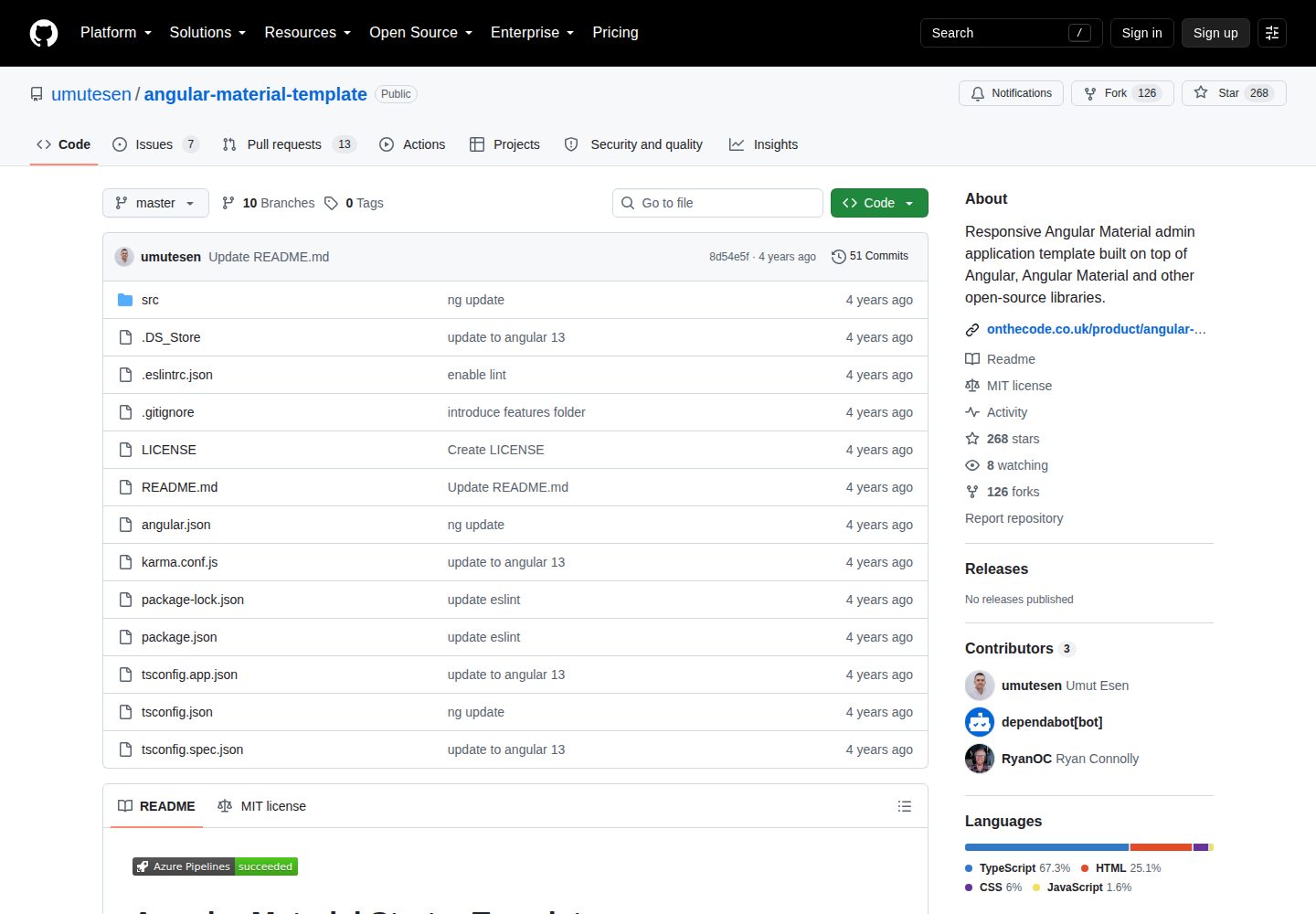
angular-material-template
A responsive Angular Material admin template with authentication, sidebar dashboard, account area, role guards, JWT interceptor, and lazy-loaded modules, under the MIT license.
Angular · Admin dashboard
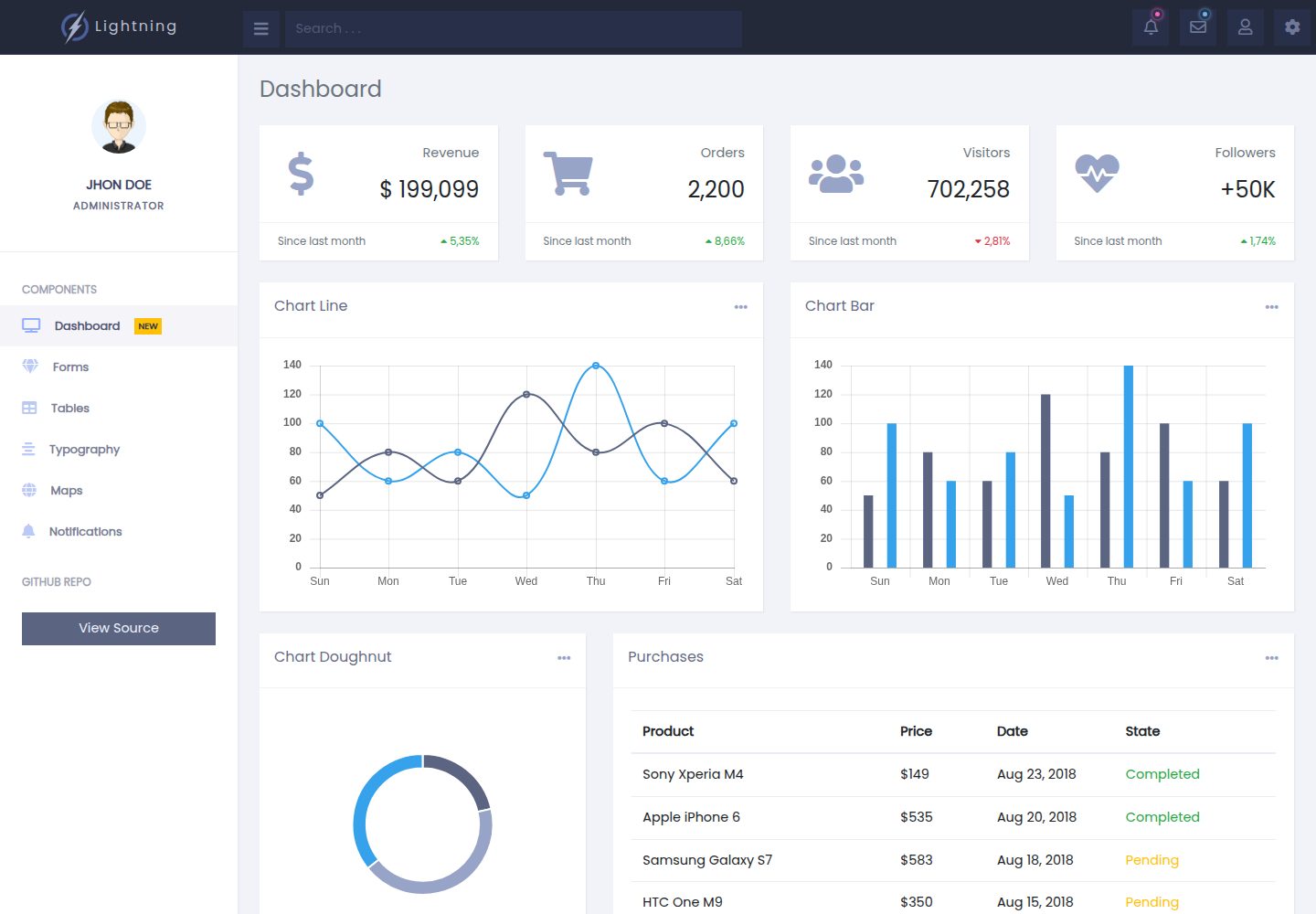
lightning-admin-angular
A mobile-first responsive admin template built with Angular and Bootstrap, offering data interface layouts such as dashboards.
Angular · Admin dashboard
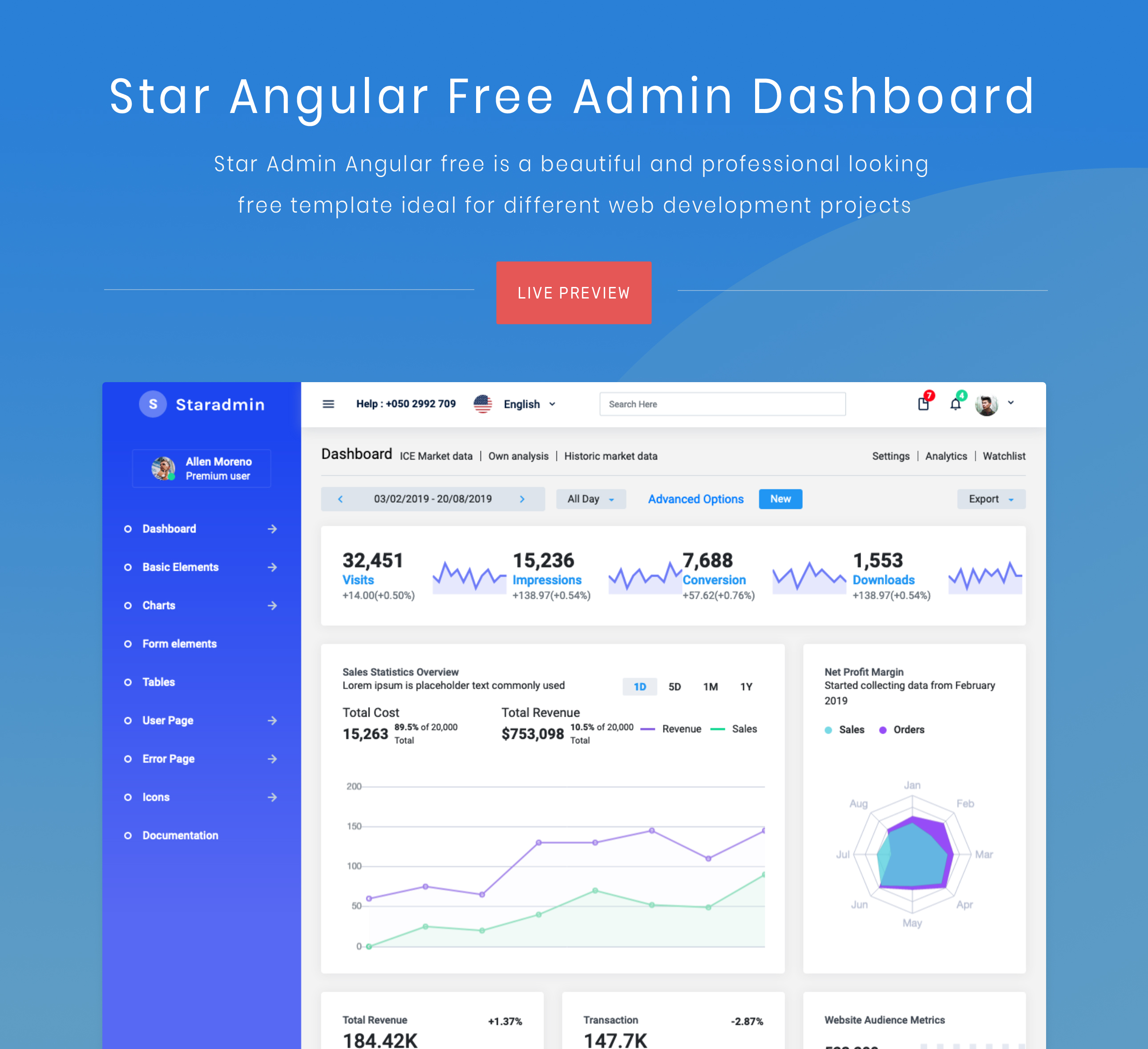
StarAdmin-Free-Angular-Admin-Template
A free admin template based on Angular 7 and Bootstrap 4, maintained by BootstrapDash.
Angular · Admin dashboard