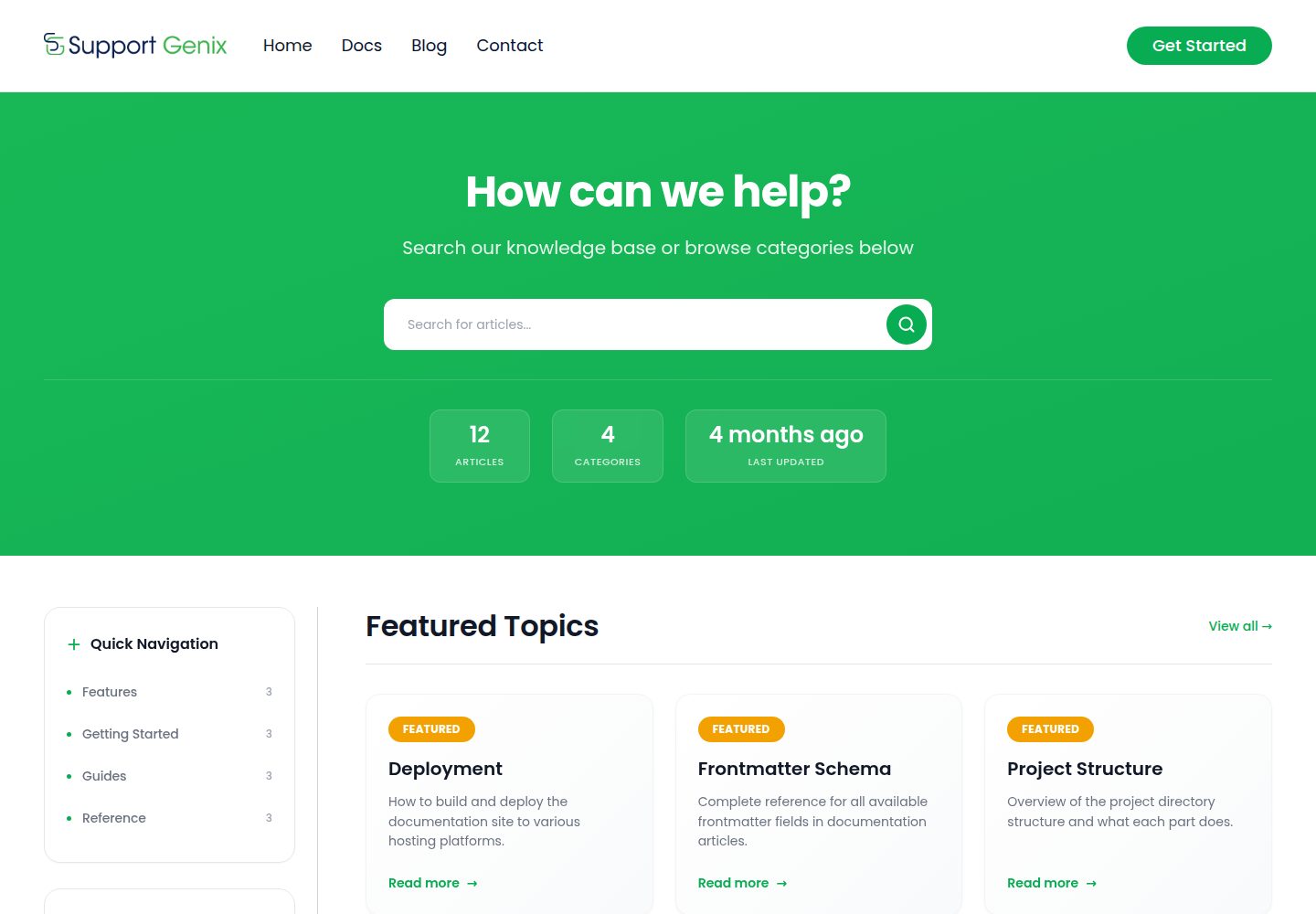
Write documentation using MDX content collections, with frontmatter validated by schema and categories and navigation generated automatically from the content directory
AstroDocumentation
supportgenix-docs — Astro Documentation Template
By supportgenix
SupportGenix Docs is a free Astro documentation theme that uses MDX content collections, Pagefind full-text search, and Tailwind CSS, suitable for building documentation sites, help centers, and knowledge bases.
Explore the design
Compare the page layouts and mobile experience. Open any screenshot for a closer look.
Desktop homepage1 / 3
Desktop captureTop of page
Actual screenshot captured by the server browser.
All pages & views 3
Screenshots show visual appearance; interactive behavior may differ.
Recorded 2026-10-01View source
What stands out
A quick read of the recorded project description.
Built-in Pagefind full-text search, with an index generated after build and automatic fallback to JSON search in the development environment
Centralized site configuration, with brand name, site URL, navigation, and social links maintained in a single configuration file
Article pages include a table of contents, related articles, pagination, and a localStorage-based "Was this helpful?" feedback mechanism
SEO-related output includes canonical URLs, Open Graph, Twitter cards, JSON-LD, and sitemap
Provides a CLI installer that can install documentation pages, layout components, and search into an existing Astro project
Template Details
SupportGenix Docs is an Astro theme for documentation sites, help centers, and knowledge bases. It uses static output and can be deployed to any static hosting platform. Content is stored as MDX files under src/content/docs, with frontmatter validated by a content collection schema. Categories and navigation are generated automatically from the content directory, and file paths determine article URLs.
The theme includes Pagefind full-text search, with an index generated after build; in the development environment, Pagefind is unavailable and automatically falls back to a JSON search endpoint. Site branding, links, and social addresses are configured centrally in src/lib/site-config.ts. SEO-related capabilities include canonical URLs, Open Graph, Twitter cards, JSON-LD, and sitemap. Article pages provide a table of contents, related articles, pagination, and a localStorage-based "Was this helpful?" feedback mechanism, with no backend required.
There are two ways to use it: first, via npm create supportgenix-docs@latest, which installs documentation pages, layouts and components under a namespace, content directories, and dual-mode search into an existing Astro project; the CLI outputs snippets for astro.config.mjs and content.config.ts that must be merged manually. Second, clone the repository and run it as a standalone theme, requiring Node.js 22.12+ and npm 9.6+.
Limitations: Pagefind search only takes effect after a full build, while development mode uses fallback search; the repository does not provide documentation for dark mode, multilingual support, versioned documentation, or a comment system. Third-party assets such as demo images, fonts, and icons require separate license verification, and external services such as domains and hosting may incur additional charges.
AstroDocumentation
Is it right for your project?
Use Cases
- Build a static documentation site and user manual for a product or open-source project
- Build a help center or knowledge base, organizing articles by category and providing site search
- Add a /docs documentation module to an existing Astro site via CLI
- Deploy build output to Cloudflare Pages, Netlify, Vercel, GitHub Pages, or S3 + CDN
Suitable For
- Teams or individual developers who need static output and can self-host documentation content
- Sites using Astro that want to manage documentation with MDX
- Documentation projects that need site-wide full-text search without introducing a backend service
- Documentation maintainers who want to configure branding, navigation, and social links centrally
Getting started & customization
Use these recorded setup notes alongside the repository instructions for your chosen version.
- 1
Standalone operation requires Node.js 22.12+ and npm 9.6+. Run npm install, then npm run dev; the default address is http://localhost:4321
- 2
Before deployment, modify the brand, site URL, and links in src/lib/site-config.ts, and set the site domain in astro.config.mjs
- 3
Pagefind search only takes effect after npm run build; the development environment uses fallback JSON search
- 4
When installing into an existing project via CLI, manually merge the astro.config.mjs and content.config.ts snippets as prompted
- 5
On Windows, if the build reports EPERM in the .vite directory, stop the development server and delete node_modules\.vite, then retry
License & source material
Usage conditions & limitations
Free to use · keep license noticeThis entry covers the free version under the ISC license in the public repository; the free scope is the code of that version and does not mean external services or third-party assets are free.
Must comply with when using
- Permits free use, copying, modification, and distribution for any purpose, including commercial use.
- All copies must retain the original copyright notice and license notice.
- The code is provided as is; warranties and limitations of liability are governed by the original license and applicable law.
Additional costs & items to verify
- The README positions this theme as a static-site companion version for the SupportGenix WordPress plugin (including ticketing, email pipelines, AI support, etc.); if those ticketing/knowledge base backend features are needed, the WordPress plugin must be used separately, as this repository only provides a static documentation theme.
- Pagefind full-text search only takes effect after a full build (npm run build); in development mode it automatically switches to fallback JSON search, and functionality and index results may differ from the production build.
- When installing into an existing Astro project via CLI, the configuration snippets for astro.config.mjs and content.config.ts cannot be merged automatically and must be modified manually as prompted; otherwise the documentation module may not work properly.
- Running the theme standalone requires Node.js 22.12 or higher and npm 9.6 or higher; environments below these versions are not supported.
- On Windows, builds may report an EPERM error due to the .vite directory; stop the development server and delete node_modules\.vite before rebuilding.
- Demo images, fonts, icons, and other third-party assets must be checked against their respective licenses and cannot be judged solely by the code's ISC license.
- External services such as domains, hosting, databases, payments, or AI may incur additional charges.
View Original Text Basis
for any purpose with or without fee is hereby granted
Original License Text
This theme is the static-site companion to [SupportGenix](https://supportgenix.com/) — a WordPress support ticket and knowledge base plugin with built-in ticketing, email piping, AI support, and more.
Original README
Pagefind search only works after a full build. In dev, the fallback JSON search is used automatically.
Original README
The CLI adds docs pages, namespaced layouts/components/styles under `src/supportgenix-docs/`, an empty `src/content/docs/` folder, and dual-mode search — then prints the manual `astro.config.mjs` / `content.config.ts` snippets it can't auto-merge
Original README
**Requirements:** Node.js 22.12+ and npm 9.6+
Original README
https://github.com/supportgenix/supportgenix-docs/blob/main/LICENSEhttps://github.com/supportgenix/supportgenix-docs/blob/main/README.md**Build fails on Windows with EPERM in `.vite`** — Close the dev server, then run `rmdir /s /q node_modules\.vite` before building again.
Original README
Compiled by DeepSeek based on repository license and README ·2026-10-01. Results only cover the materials read; dependencies, images, fonts, and subsequent term changes are subject to their respective original texts.
Project checks & description sources
Template Information
- Source platforms
- GitHub
- Documentation and maintenance reference score
- More documented · 83 / 100
- Technologies
- Astro
- Website type
- Documentation
How this score is calculated
Our heuristic uses license records (up to 30), a demo link (12), a preview (10), stars (15), recorded maintenance (15), description completeness (8), feature records (5) and classification data (5). It is not a code, security or performance test, or a Google score. A link does not establish tested functionality.
What to verify for this project
- Repository update recorded
- 2026-05-29
- Screenshot last checked
- 2026-10-01
A demo link is listed. Check it with your own content and viewport sizes; its presence does not confirm that forms, authentication or payments work.
The catalog identifies Astro as the primary stack. Check the actual dependency manifest and lockfile for versions and hosting requirements. These notes use recorded metadata, not a code audit or a deployment test.
Use a selection guide →How this description was prepared
AI-assisted description based on catalog records and repository material. Repository authors are not automatically the reviewers of this description.
Automatically checked against source and license rules; no manual editorial review.
Inspect the recorded source material
SHA-256: aff1e6b4cedc06ed21d4d2ebd35f0a0a51ec9c9d0c6a627c4bf79c0ff9cbd7eb
2026-10-01T01:12:35.702Z
Source file / repository# SupportGenix Docs

A free, production-ready Astro theme for documentation sites, help centers, and knowledge bases. Static, fast, and fully customizable.
[Live Demo](https://astro.supportgenix.com) | [WordPress Version](https://supportgenix.com/)
## Features
- **Astro 6** with static output — deploy anywhere
- **MDX content collections** with schema validation
- **Built-in search** — Pagefind full-text search with automatic JSON fallback
- **SEO-ready** — canonical URLs, Open Graph, Twitter cards, JSON-LD, sitemap
- **Tailwind CSS 4** with design tokens and custom theme
- **Alpine.js** for lightweight interactivity (mobile menu, search, feedback)
- **Category pages**, article pages, related articles, and pagination
- **Article feedback** — "Was this helpful?" UI (localStorage, no backend needed)
- **Config-driven** — update brand, links, and social from a single file
- **Self-hosted fonts** via `@fontsource/poppins`
- **One-command installer** — drop the docs into any existing Astro 6+ project with `npm create supportgenix-docs@latest`
## Quick Start
There are two ways to use SupportGenix Docs.
### Option 1 — Add to an existing Astro project (recommended)
Already have an Astro 6+ site? Use the CLI to scaffold a full knowledge base into it in one command:
```bash
npm create supportgenix-docs@latest
```
The CLI adds docs pages, namespaced layouts/components/styles under `src/supportgenix-docs/`, an empty `src/content/docs/` folder, and dual-mode search — then prints the manual `astro.config.mjs` / `content.config.ts` snippets it can't auto-merge (also saved to `supportgenix-docs-install.md`).
```bash
# Install at /docs and skip prompts
npm create supportgenix-docs@latest -- --path /docs --yes
# Include sample articles
npm create supportgenix-docs@latest -- --with-examples
# Preview without writing anything
npm create supportgenix-docs@latest -- --dry-run --yes
```
See the [`create-supportgenix-docs` package README](./packages/create-supportgenix-docs/README.md) for all flags and details. Package on [npm](https://www.npmjs.com/package/create-supportgenix-docs).
### Option 2 — Clone this repo as a standalone theme
Want a complete, ready-to-deploy docs site? Clone this repository and run it directly.
**Requirements:** Node.js 22.12+ and npm 9.6+
```bash
npm install
npm run dev
```
Open `http://localhost:4321`.
### Available Scripts
| Command | Description |
|---------|-------------|
| `npm run dev` | Start dev server |
| `npm run build` | Build to `dist/` + generate Pagefind index |
| `npm run preview` | Preview production build |
> Pagefind search only works after a full build. In dev, the fallback JSON search is used automatically.
## Configuration
Update these before deploying:
**`src/lib/site-config.ts`** — Single source of truth for your site:
```ts
export const SITE_CONFIG = {
brandName: "Your Docs",
organizationName: "Your Company",
defaultAuthor: "Documentation Team",
siteUrl: "https://yourdomain.com",
links: {
home: "/",
docsHome: "/docs",
blog: "#", // Replace with your blog URL
contact: "#", // Replace with your contact URL
about: "#",
terms: "#",
privacy: "#",
twitter: "#",
github: "#",
},
};
```
**`astro.config.mjs`** — Set `site` to your domain.
**`package.json`** — Set `homepage` and `repository.url`.
**`public/robots.txt`** — Verify the sitemap URL.
## Adding Content
Create MDX files in `src/content/docs/<category>/<article>.mdx`. Categories and navigation are generated automatically from your content.
### Frontmatter
```mdx
---
title: "Getting Started"
description: "Learn how to set up your docs site"
category: "Tutorials"
order: 1
publishedDate: 2026-01-01
lastUpdated: 2026-01-15
tags: ["setup", "quickstart"]
author: "Documentation Team"
tableOfContents: true
---
Your content here.
```
Required fields: `title`, `description`, `category`. All others are optional.
### Images
Place images in `src/assets/images/docs/` and use the `DocImage` component:
```mdx
import DocImage from '../../components/DocImage.astro'
<DocImage src="../../assets/images/docs/screenshot.png" alt="Screenshot" />
```
### URL Structure
File path determines the URL:
- `src/content/docs/tutorials/getting-started.mdx` → `/docs/tutorials/getting-started`
## Project Structure
```text
src/
content.config.ts # Content collection schema
content/docs/**/*.mdx # Documentation articles
components/ # UI components
layouts/
Layout.astro # Base layout (Header, Footer, SEO)
DocsLayout.astro # Docs layout (sidebar, ToC, feedback)
lib/
site-config.ts # Brand, links, social config
docs.ts # Content query utilities
pages/
index.astro # Homepage
docs/index.astro # Docs listing
docs/[...slug].astro # Article pages
docs/category/[category].astro # Category pages
search-index.json.ts # Fallback search endpoint
```
## Deployment
Run `npm run build` and deploy the `dist/` folder to any static host:
- Cloudflare Pages
- Netlify
- Vercel (static output)
- GitHub Pages
- S3 + CDN
## Troubleshooting
**Build fails on Windows with EPERM in `.vite`** — Close the dev server, then run `rmdir /s /q node_modules\.vite` before building again.
**Search not working in dev** — Expected. Pagefind requires a production build. The fallback JSON search still works during development.
**Wrong canonical/sitemap domain** — Check that `site` in `astro.config.mjs` matches your domain.
## WordPress Version
Looking for a WordPress knowledge base? This theme is the static-site companion to [SupportGenix](https://supportgenix.com/) — a WordPress support ticket and knowledge base plugin with built-in ticketing, email piping, AI support, and more.
## License
ISC
Explore similar templates
Compare previews and descriptions within the same stack and category.
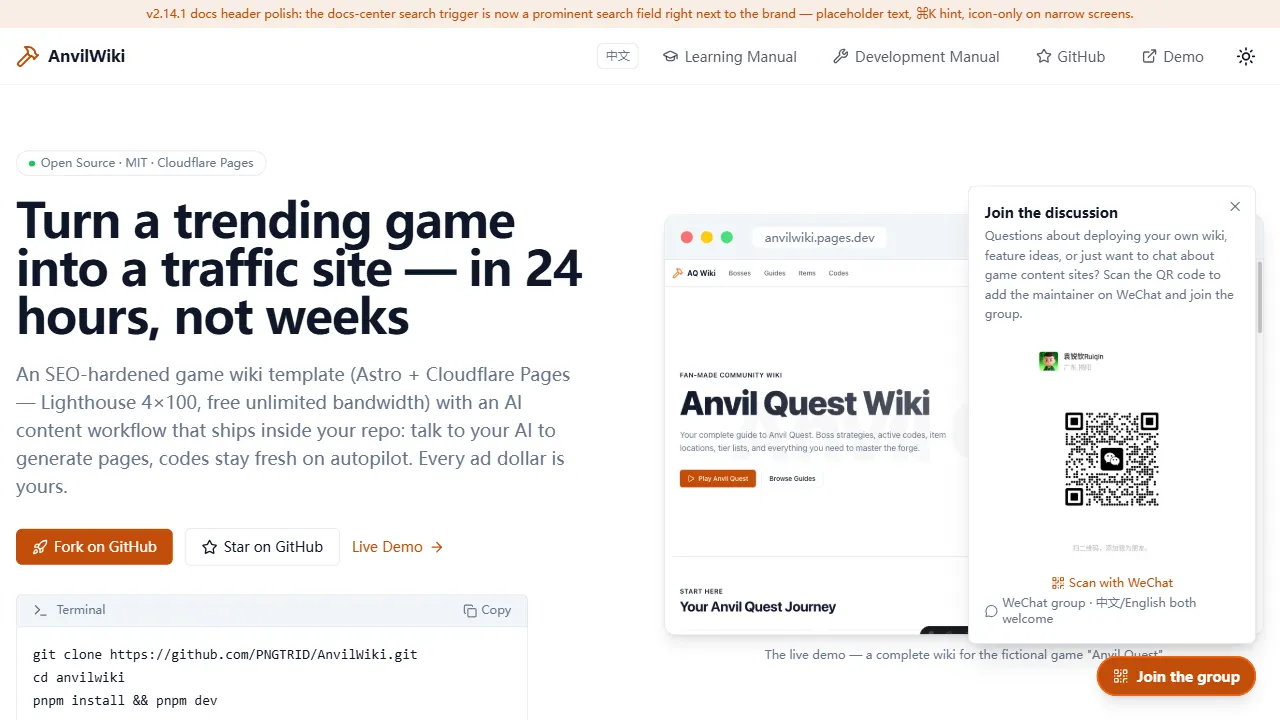
AnvilWiki
AnvilWiki is an Astro static Wiki template for game guide and compendium sites, with a built-in AI content workflow and monetization components. It outputs static pages by default and deploys on Cloudflare Pages, emphasizing zero server cost and out-of-the-box performance.
Astro · Game Site
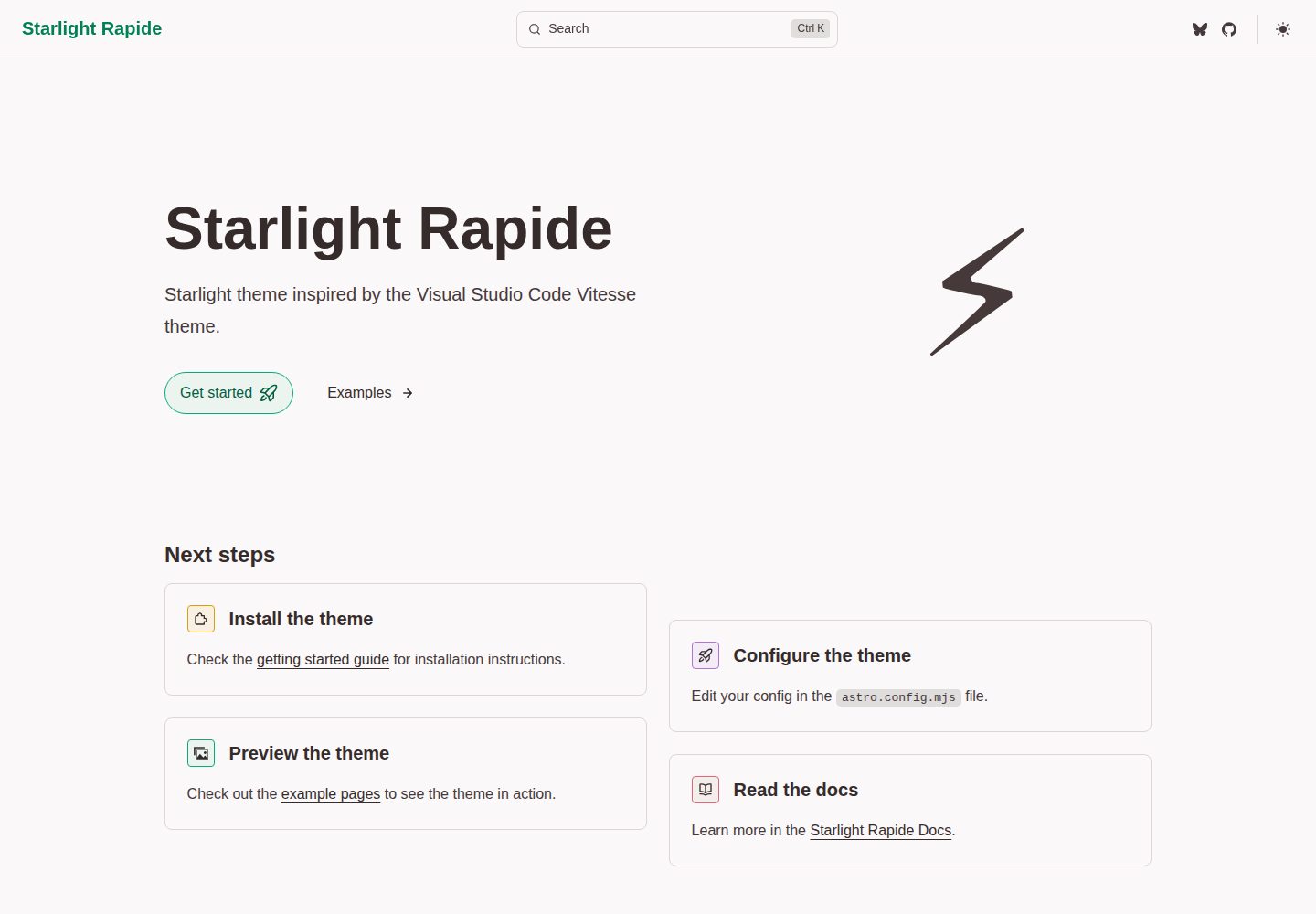
starlight-theme-rapide
starlight-theme-rapide is an Astro Starlight documentation site theme inspired by the Visual Studio Code Vitesse theme, offering dark and light modes and released under the MIT license.
Astro · Documentation
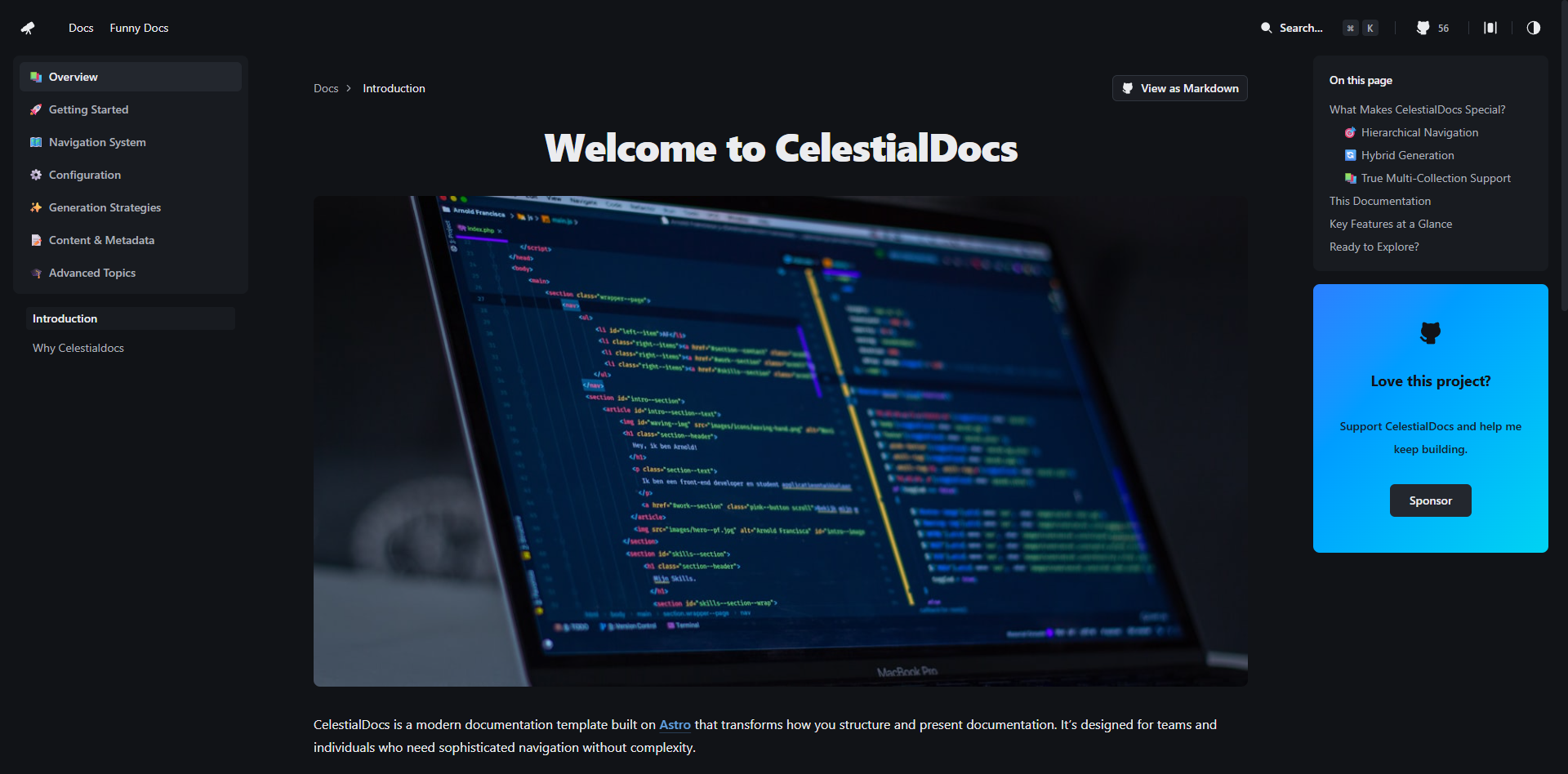
CelestialDocs
CelestialDocs is an Astro-based documentation platform template that maintains documentation, blog, and product pages in a single repository through a multi-collection architecture.
Astro · Documentation
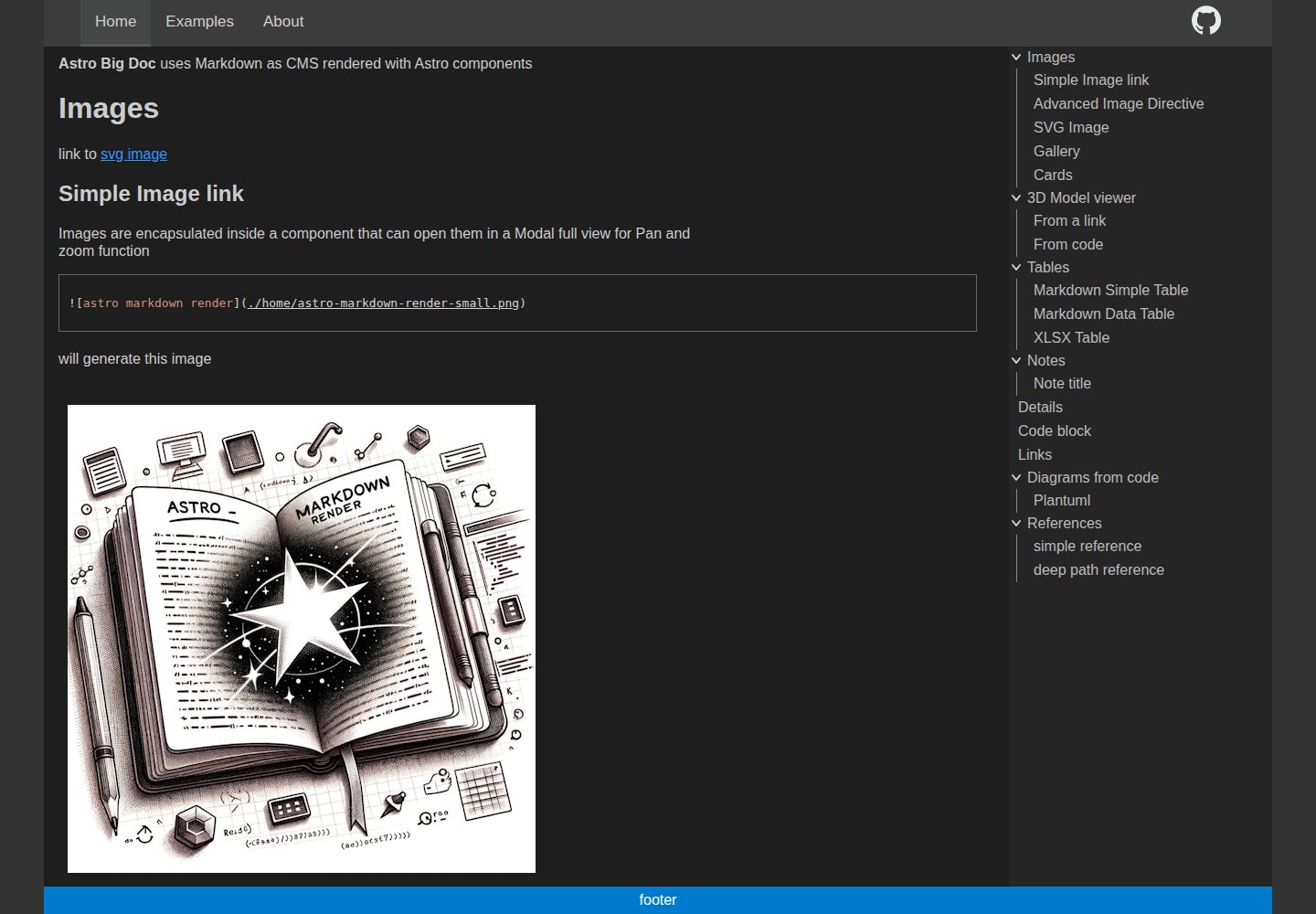
astro-big-doc
astro-big-doc is an Astro-based documentation site theme that renders standard Markdown and automatically generates a hierarchical menu and table of contents from the file directory structure with zero configuration.
Astro · Documentation
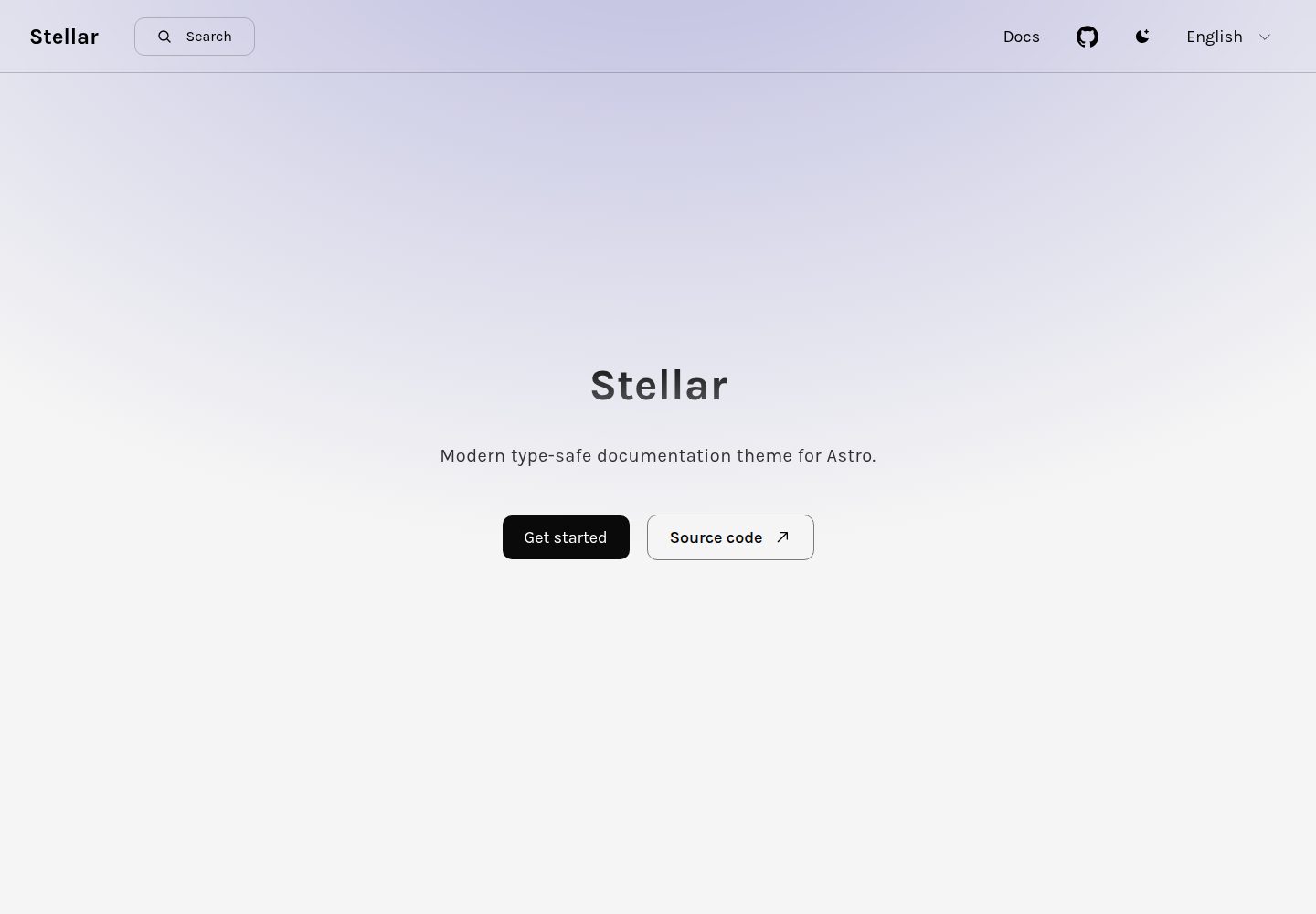
stellar
Stellar is a modern, type-safe documentation theme for Astro, suited for technical documentation sites written in Markdown or MDX. It offers dark mode, type-safe i18n, fuse.js local search, Tailwind styling, the View Transitions API, Shiki code highlighting, and custom import paths.
Astro · Documentation
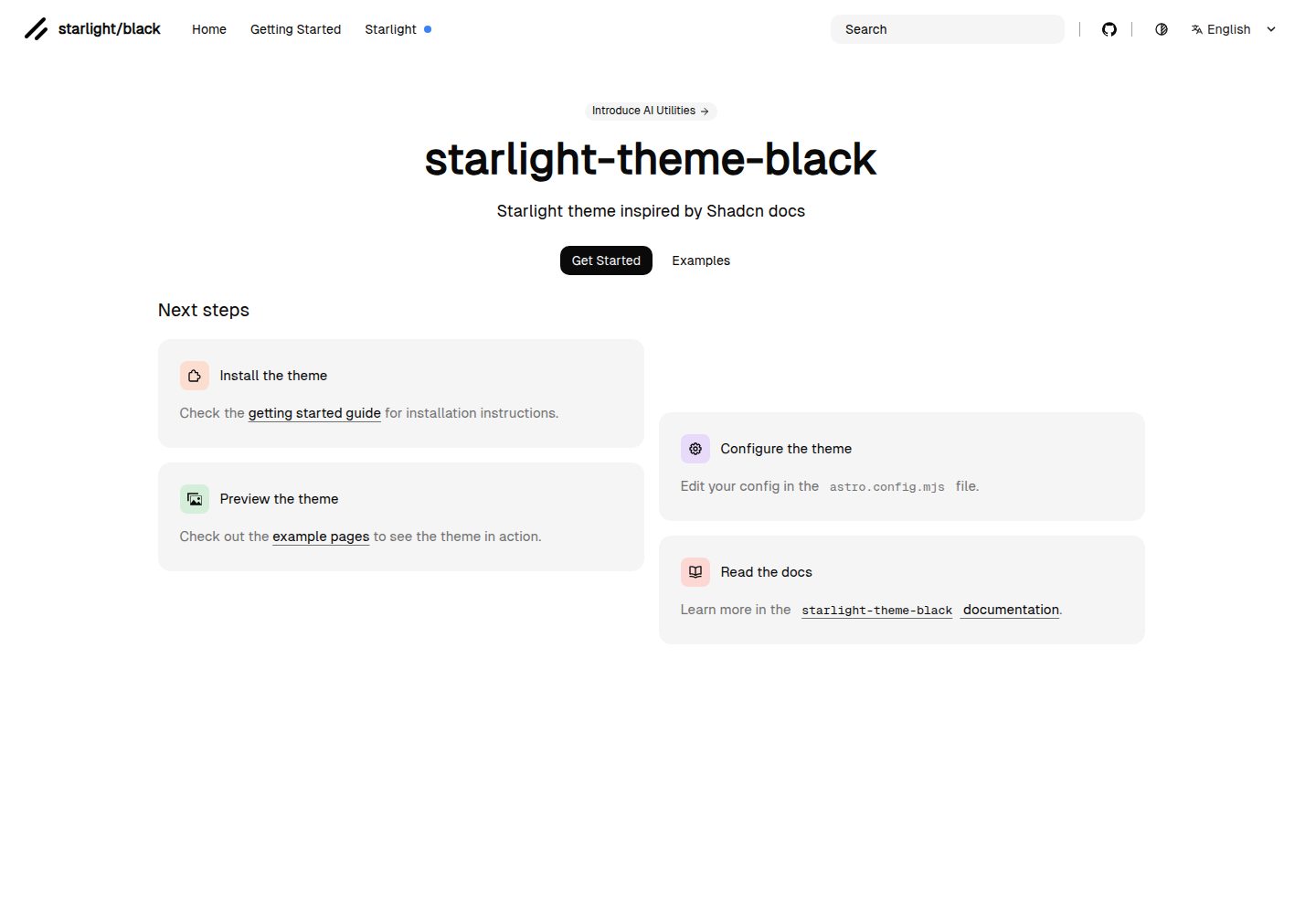
starlight-theme-black
starlight-theme-black is an Astro Starlight theme by adrian-ub that replaces the default look with a black palette, green accent (#22c55e), and editorial layout inspired by shadcn documentation.
Astro · Documentation