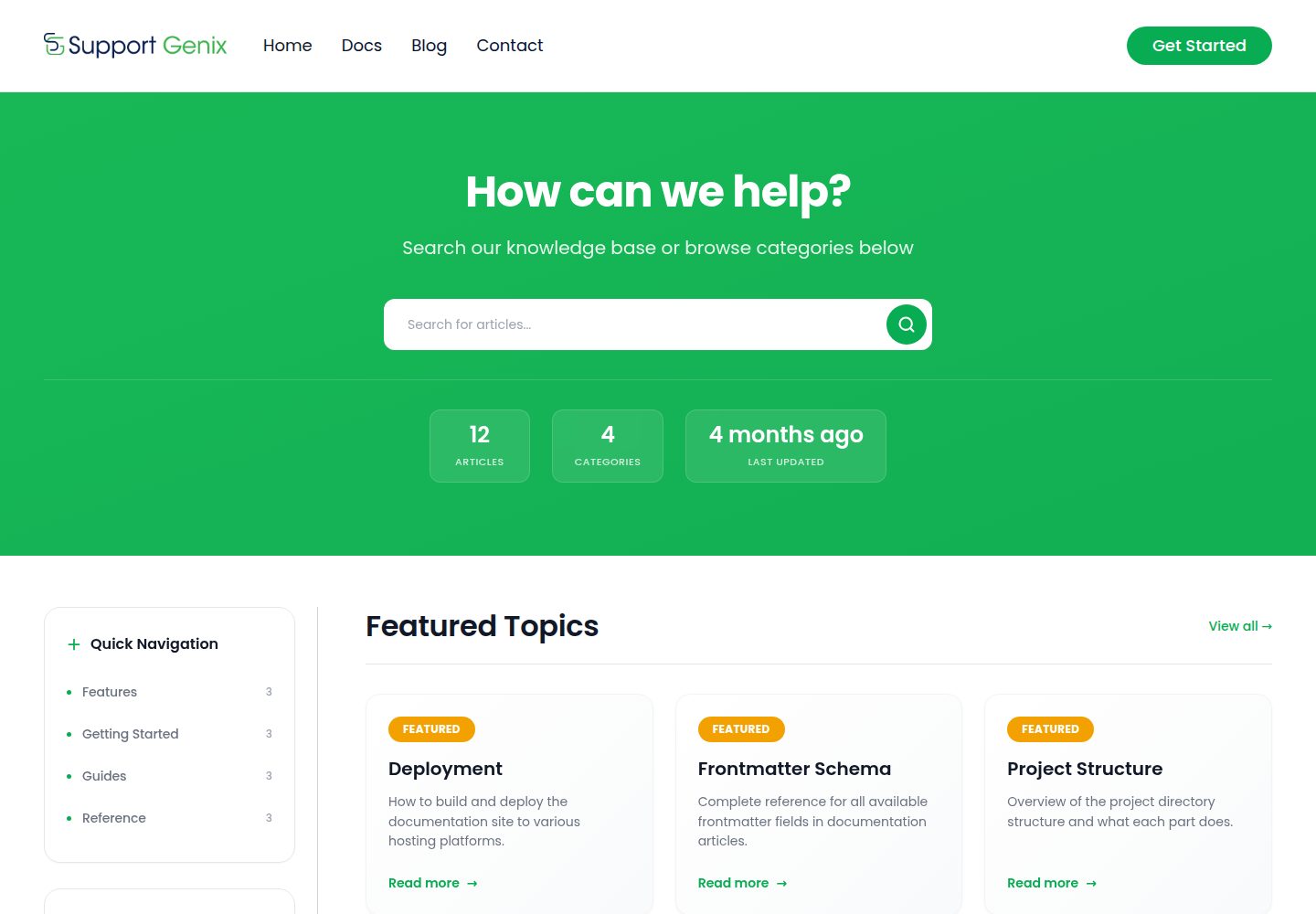
使用 MDX 内容集合编写文档,frontmatter 经 schema 校验,分类与导航由内容目录自动生成
Astro文档
supportgenix-docs — Astro 文档模板
作者 supportgenix
SupportGenix Docs 是一个基于 Astro 的免费文档主题,使用 MDX 内容集合、Pagefind 全文搜索与 Tailwind CSS,适合搭建文档站、帮助中心与知识库。
看看你的网站会是什么样
浏览真实页面截图,比较内容排版与手机效果。点击下方缩略图切换,放大查看整页细节。
全部页面与视图 3
截图用于了解视觉与布局,交互效果请以实际项目为准。
采集于 2026-10-01查看来源
值得关注的模板亮点
从已有项目资料中,快速了解它的特点。
内置 Pagefind 全文搜索,构建后生成索引,开发环境自动回退到 JSON 搜索
集中式站点配置,品牌名、站点 URL、导航与社交链接在单一配置文件中维护
文章页包含目录、相关文章、分页,以及基于 localStorage 的“是否有帮助”反馈
SEO 相关输出包含 canonical URL、Open Graph、Twitter 卡片、JSON-LD 与 sitemap
提供 CLI 安装器,可将文档页面、布局组件与搜索安装到已有 Astro 项目
模板详细介绍
SupportGenix Docs 是一个面向文档站、帮助中心和知识库的 Astro 主题,采用静态输出,可部署到任意静态托管平台。内容以 MDX 文件形式存放在 src/content/docs 下,通过内容集合 schema 校验 frontmatter,分类与导航由内容目录自动生成,文件路径决定文章 URL。
主题内置 Pagefind 全文搜索,构建后生成索引;开发环境下 Pagefind 不可用,会自动回退到 JSON 搜索端点。站点品牌、链接与社交地址集中在 src/lib/site-config.ts 中配置,SEO 相关能力包括 canonical URL、Open Graph、Twitter 卡片、JSON-LD 与 sitemap。文章页提供目录、相关文章、分页以及基于 localStorage 的“是否有帮助”反馈,无需后端。
使用方式有两种:一是通过 npm create supportgenix-docs@latest 将文档页面、命名空间下的布局与组件、内容目录和双模式搜索安装到已有的 Astro 项目中,CLI 会输出需要手动合并的 astro.config.mjs 与 content.config.ts 片段;二是直接克隆仓库作为独立主题运行,要求 Node.js 22.12+ 与 npm 9.6+。
限制方面:Pagefind 搜索仅在完整构建后生效,开发模式使用回退搜索;仓库未提供暗色模式、多语言、版本化文档或评论系统等说明。演示图片、字体、图标等第三方素材需单独核对许可,域名、托管等外部服务可能另行收费。
Astro文档
适合你的项目吗?
适用场景
- 为产品或开源项目搭建静态文档站与使用手册
- 构建帮助中心或知识库,按分类组织文章并提供站内搜索
- 在已有的 Astro 站点中通过 CLI 追加 /docs 文档模块
- 将构建产物部署到 Cloudflare Pages、Netlify、Vercel、GitHub Pages 或 S3 + CDN
适合人群
- 需要静态输出、可自行托管文档内容的团队或个人开发者
- 使用 Astro 并希望以 MDX 管理文档的站点
- 需要站内全文搜索但不想引入后端服务的文档项目
- 希望将品牌、导航与社交链接集中配置的文档维护者
上手与定制指南
结合仓库当前版本的说明,按下面的资料检查内容、配置与运行要求。
- 1
独立运行需 Node.js 22.12+ 与 npm 9.6+,执行 npm install 后 npm run dev,默认地址为 http://localhost:4321
- 2
部署前需修改 src/lib/site-config.ts 中的品牌、站点 URL 与链接,并在 astro.config.mjs 中设置 site 域名
- 3
Pagefind 搜索只在 npm run build 之后生效,开发环境使用回退的 JSON 搜索
- 4
使用 CLI 安装到已有项目时,需按提示手动合并 astro.config.mjs 与 content.config.ts 片段
- 5
Windows 下构建若在 .vite 目录报 EPERM,可关闭开发服务器并删除 node_modules\.vite 后重试
授权与来源资料
使用条件与限制
免费使用 · 保留许可声明本次收录的是公开仓库中采用 ISC 许可的免费版本;免费范围为该版本代码,不代表外部服务或第三方素材免费。
使用时需要遵守
- 允许为任何目的免费使用、复制、修改和分发,包括商用。
- 所有副本均需保留原版权声明和许可声明。
- 代码按现状提供;担保与责任限制以原许可证及适用法律为准。
额外费用与待核对事项
- README 将本主题定位为 SupportGenix WordPress 插件(含工单、邮件管道、AI 支持等)的静态站配套版本;若需要这些工单/知识库后端功能,须另行使用该 WordPress 插件,本仓库仅提供静态文档主题。
- Pagefind 全文搜索仅在执行完整构建(npm run build)后生效;开发模式下自动改用回退的 JSON 搜索,功能与索引结果可能与生产构建不同。
- 使用 CLI 安装到已有 Astro 项目时,astro.config.mjs 与 content.config.ts 的配置片段无法自动合并,必须按提示手动修改,否则文档模块可能无法正常工作。
- 独立运行该主题要求 Node.js 22.12 及以上、npm 9.6 及以上版本,低于该版本的环境不受支持。
- 在 Windows 上构建可能因 .vite 目录报 EPERM 错误,需先关闭开发服务器并删除 node_modules\.vite 后重新构建。
- 演示图片、字体、图标及其他第三方素材需按各自许可核对,不能仅凭代码的 ISC 许可判断。
- 域名、托管、数据库、支付或 AI 等外部服务可能另外收费。
查看原文依据
for any purpose with or without fee is hereby granted
许可证原文
This theme is the static-site companion to [SupportGenix](https://supportgenix.com/) — a WordPress support ticket and knowledge base plugin with built-in ticketing, email piping, AI support, and more.
README 原文
Pagefind search only works after a full build. In dev, the fallback JSON search is used automatically.
README 原文
The CLI adds docs pages, namespaced layouts/components/styles under `src/supportgenix-docs/`, an empty `src/content/docs/` folder, and dual-mode search — then prints the manual `astro.config.mjs` / `content.config.ts` snippets it can't auto-merge
README 原文
**Requirements:** Node.js 22.12+ and npm 9.6+
README 原文
https://github.com/supportgenix/supportgenix-docs/blob/main/LICENSEhttps://github.com/supportgenix/supportgenix-docs/blob/main/README.md**Build fails on Windows with EPERM in `.vite`** — Close the dev server, then run `rmdir /s /q node_modules\.vite` before building again.
README 原文
DeepSeek 根据仓库许可证和 README 整理 ·2026-10-01。结果仅覆盖已读取资料,依赖、图片、字体及后续条款变更以各自原文为准。
项目核对记录与介绍依据
模板资料
- 来源平台
- GitHub
- 资料与维护参考分
- 资料较完整 · 83 / 100
- 技术栈
- Astro
- 网站类型
- 文档
这个分数如何计算
本站按许可资料(最高30分)、演示链接(12分)、预览图(10分)、Star数(15分)、记录的维护时间(15分)、描述完整度(8分)、功能记录(5分)和分类资料(5分)计算。它不是代码、安全或性能测试,也不是 Google 评分;有链接不代表已实测可用。
这个项目需要核对什么
- 记录的仓库更新时间
- 2026-05-29
- 截图检查日期
- 2026-10-01
已收录演示链接。请用你的内容与屏幕尺寸检查;有演示不代表表单、认证或支付已经可用。
目录记录的主要技术栈是 Astro。请通过依赖清单和锁文件核对实际版本与托管要求。这些说明基于收录资料,不代表代码审计或部署实测。
查看具体选型方法 →介绍的制作与核对状态
介绍由 AI 辅助整理目录与仓库资料。仓库作者不等于这篇介绍的审核者。
已完成服务器许可规则与 AI 来源核对;未经过人工编辑审核。
查看当时使用的来源资料
SHA-256: aff1e6b4cedc06ed21d4d2ebd35f0a0a51ec9c9d0c6a627c4bf79c0ff9cbd7eb
2026-10-01T01:12:35.702Z
来源文件 / 仓库# SupportGenix Docs

A free, production-ready Astro theme for documentation sites, help centers, and knowledge bases. Static, fast, and fully customizable.
[Live Demo](https://astro.supportgenix.com) | [WordPress Version](https://supportgenix.com/)
## Features
- **Astro 6** with static output — deploy anywhere
- **MDX content collections** with schema validation
- **Built-in search** — Pagefind full-text search with automatic JSON fallback
- **SEO-ready** — canonical URLs, Open Graph, Twitter cards, JSON-LD, sitemap
- **Tailwind CSS 4** with design tokens and custom theme
- **Alpine.js** for lightweight interactivity (mobile menu, search, feedback)
- **Category pages**, article pages, related articles, and pagination
- **Article feedback** — "Was this helpful?" UI (localStorage, no backend needed)
- **Config-driven** — update brand, links, and social from a single file
- **Self-hosted fonts** via `@fontsource/poppins`
- **One-command installer** — drop the docs into any existing Astro 6+ project with `npm create supportgenix-docs@latest`
## Quick Start
There are two ways to use SupportGenix Docs.
### Option 1 — Add to an existing Astro project (recommended)
Already have an Astro 6+ site? Use the CLI to scaffold a full knowledge base into it in one command:
```bash
npm create supportgenix-docs@latest
```
The CLI adds docs pages, namespaced layouts/components/styles under `src/supportgenix-docs/`, an empty `src/content/docs/` folder, and dual-mode search — then prints the manual `astro.config.mjs` / `content.config.ts` snippets it can't auto-merge (also saved to `supportgenix-docs-install.md`).
```bash
# Install at /docs and skip prompts
npm create supportgenix-docs@latest -- --path /docs --yes
# Include sample articles
npm create supportgenix-docs@latest -- --with-examples
# Preview without writing anything
npm create supportgenix-docs@latest -- --dry-run --yes
```
See the [`create-supportgenix-docs` package README](./packages/create-supportgenix-docs/README.md) for all flags and details. Package on [npm](https://www.npmjs.com/package/create-supportgenix-docs).
### Option 2 — Clone this repo as a standalone theme
Want a complete, ready-to-deploy docs site? Clone this repository and run it directly.
**Requirements:** Node.js 22.12+ and npm 9.6+
```bash
npm install
npm run dev
```
Open `http://localhost:4321`.
### Available Scripts
| Command | Description |
|---------|-------------|
| `npm run dev` | Start dev server |
| `npm run build` | Build to `dist/` + generate Pagefind index |
| `npm run preview` | Preview production build |
> Pagefind search only works after a full build. In dev, the fallback JSON search is used automatically.
## Configuration
Update these before deploying:
**`src/lib/site-config.ts`** — Single source of truth for your site:
```ts
export const SITE_CONFIG = {
brandName: "Your Docs",
organizationName: "Your Company",
defaultAuthor: "Documentation Team",
siteUrl: "https://yourdomain.com",
links: {
home: "/",
docsHome: "/docs",
blog: "#", // Replace with your blog URL
contact: "#", // Replace with your contact URL
about: "#",
terms: "#",
privacy: "#",
twitter: "#",
github: "#",
},
};
```
**`astro.config.mjs`** — Set `site` to your domain.
**`package.json`** — Set `homepage` and `repository.url`.
**`public/robots.txt`** — Verify the sitemap URL.
## Adding Content
Create MDX files in `src/content/docs/<category>/<article>.mdx`. Categories and navigation are generated automatically from your content.
### Frontmatter
```mdx
---
title: "Getting Started"
description: "Learn how to set up your docs site"
category: "Tutorials"
order: 1
publishedDate: 2026-01-01
lastUpdated: 2026-01-15
tags: ["setup", "quickstart"]
author: "Documentation Team"
tableOfContents: true
---
Your content here.
```
Required fields: `title`, `description`, `category`. All others are optional.
### Images
Place images in `src/assets/images/docs/` and use the `DocImage` component:
```mdx
import DocImage from '../../components/DocImage.astro'
<DocImage src="../../assets/images/docs/screenshot.png" alt="Screenshot" />
```
### URL Structure
File path determines the URL:
- `src/content/docs/tutorials/getting-started.mdx` → `/docs/tutorials/getting-started`
## Project Structure
```text
src/
content.config.ts # Content collection schema
content/docs/**/*.mdx # Documentation articles
components/ # UI components
layouts/
Layout.astro # Base layout (Header, Footer, SEO)
DocsLayout.astro # Docs layout (sidebar, ToC, feedback)
lib/
site-config.ts # Brand, links, social config
docs.ts # Content query utilities
pages/
index.astro # Homepage
docs/index.astro # Docs listing
docs/[...slug].astro # Article pages
docs/category/[category].astro # Category pages
search-index.json.ts # Fallback search endpoint
```
## Deployment
Run `npm run build` and deploy the `dist/` folder to any static host:
- Cloudflare Pages
- Netlify
- Vercel (static output)
- GitHub Pages
- S3 + CDN
## Troubleshooting
**Build fails on Windows with EPERM in `.vite`** — Close the dev server, then run `rmdir /s /q node_modules\.vite` before building again.
**Search not working in dev** — Expected. Pagefind requires a production build. The fallback JSON search still works during development.
**Wrong canonical/sitemap domain** — Check that `site` in `astro.config.mjs` matches your domain.
## WordPress Version
Looking for a WordPress knowledge base? This theme is the static-site companion to [SupportGenix](https://supportgenix.com/) — a WordPress support ticket and knowledge base plugin with built-in ticketing, email piping, AI support, and more.
## License
ISC
看看同类模板
对比同技术栈与用途的模板,找到更适合的视觉与内容结构。
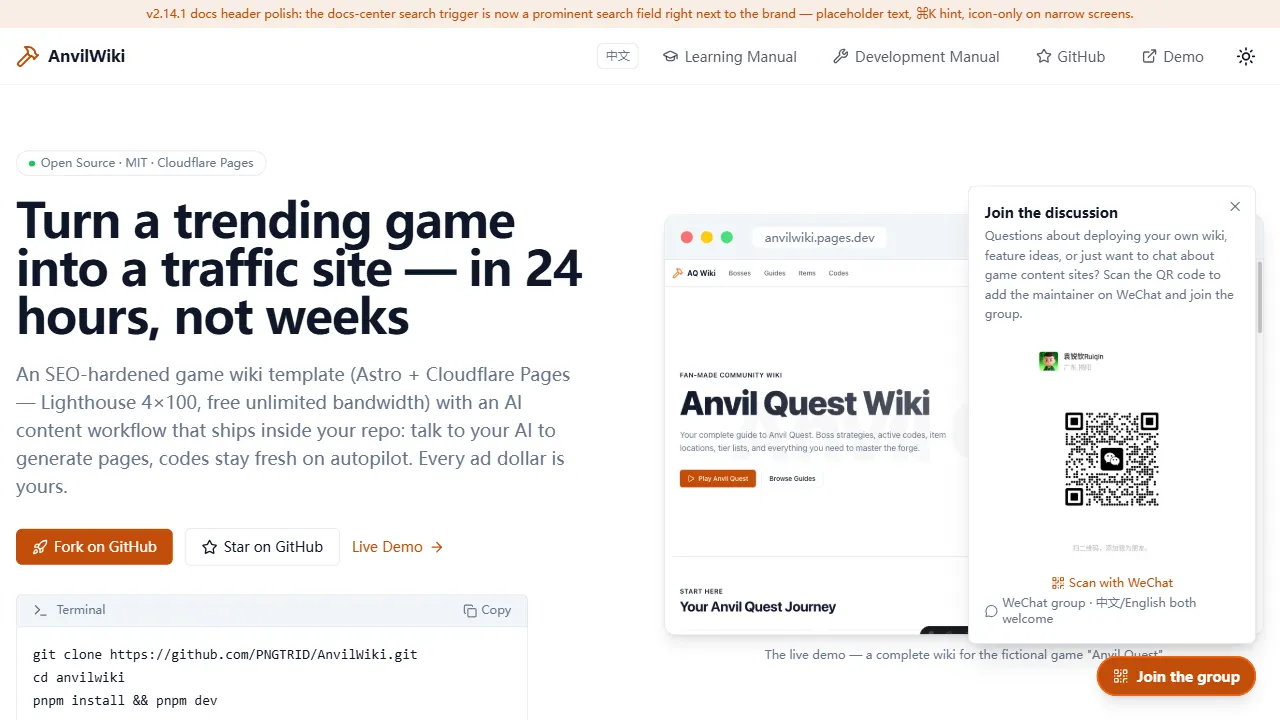
AnvilWiki
AnvilWiki 是一个围绕游戏攻略站场景设计的 Astro 静态模板,目标用户是希望快速搭建游戏内容站、通过 SEO 获取流量并利用广告变现的创作者。
Astro · 游戏站
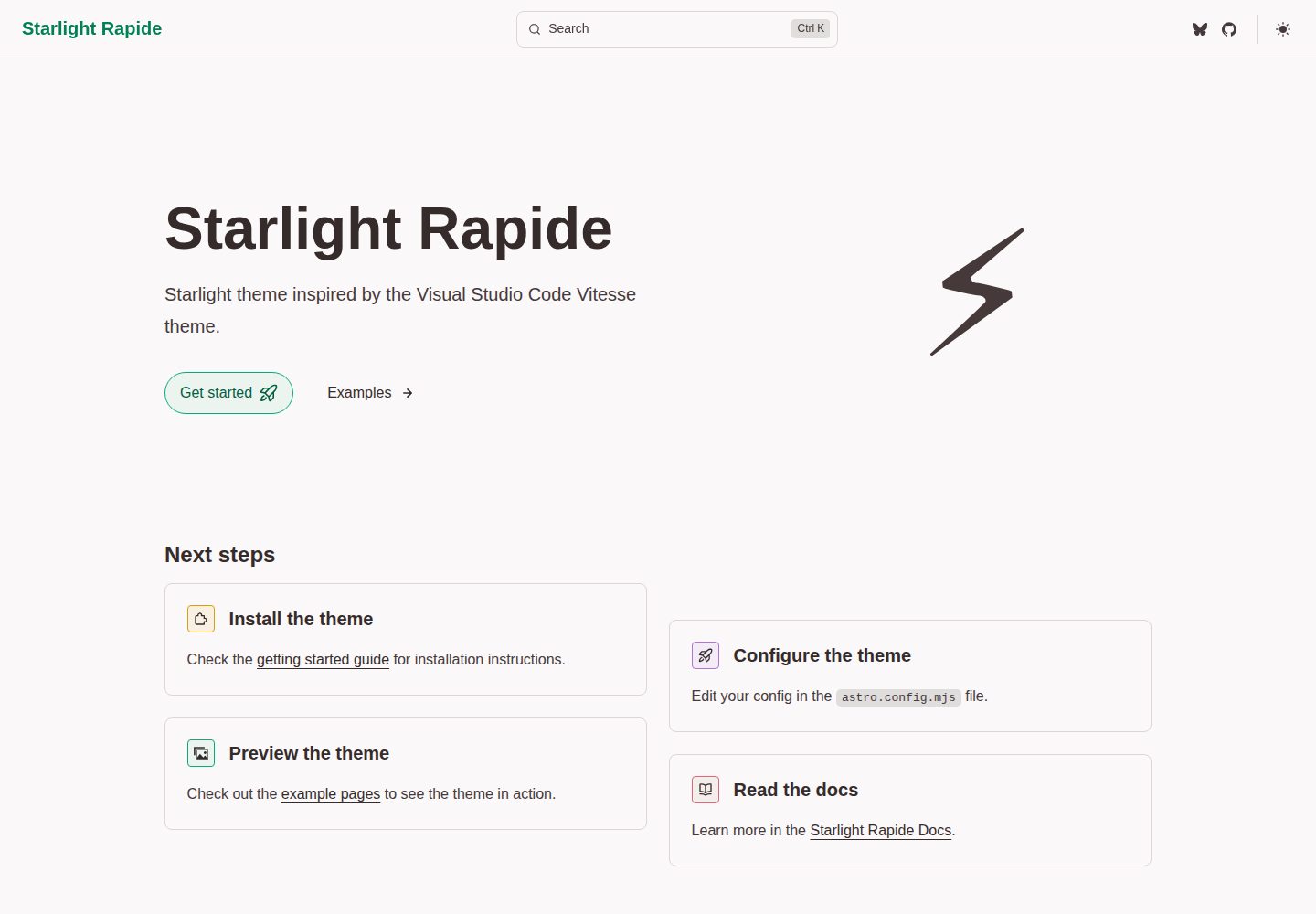
starlight-theme-rapide
Starlight theme inspired by the Visual Studio Code Vitesse theme
Astro · 文档
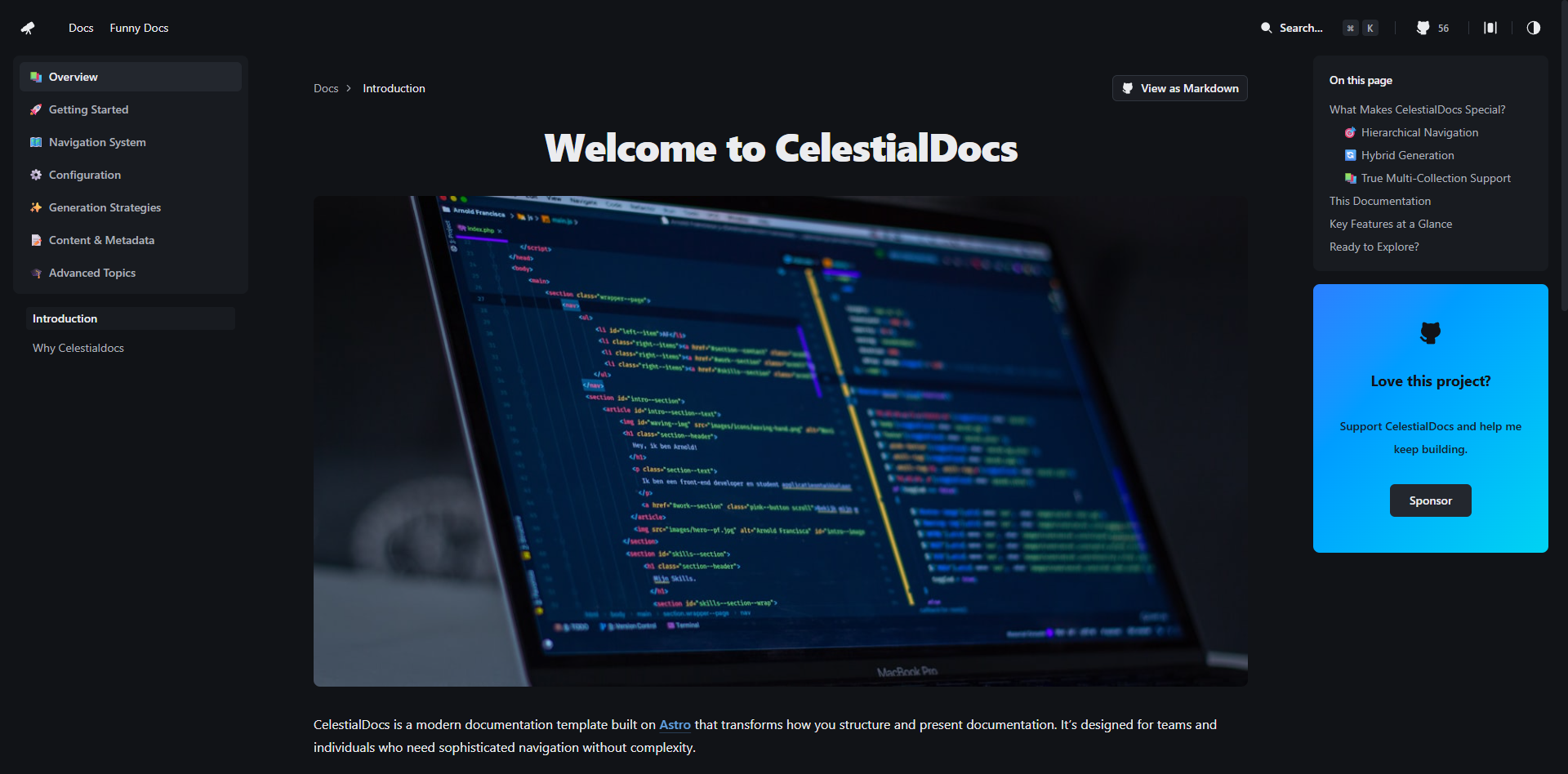
CelestialDocs
CelestialDocs 是一个基于 Astro 的文档平台模板,定位是让团队在一个仓库里同时维护文档、博客和产品页面。
Astro · 文档
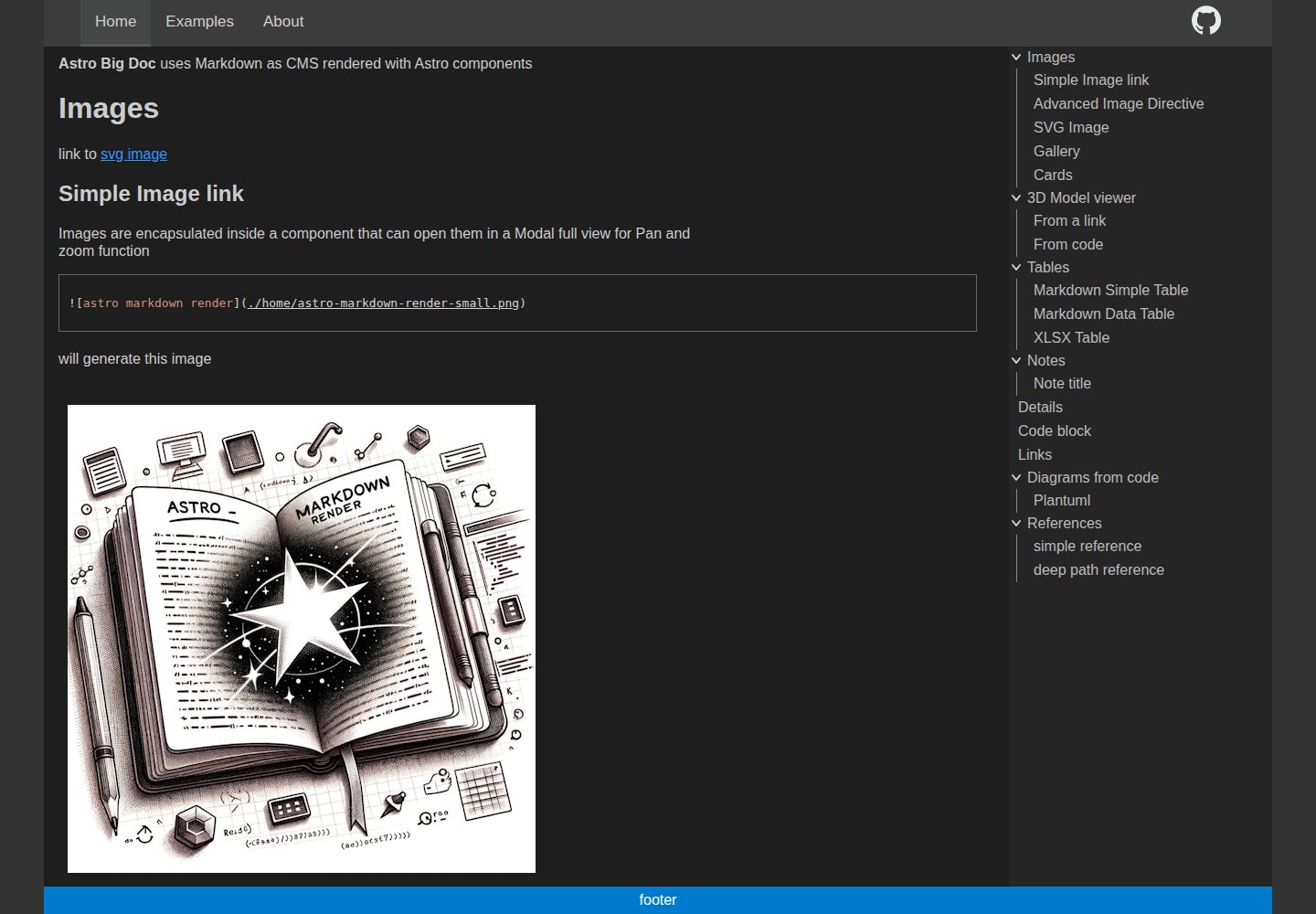
astro-big-doc
Astro Theme with zero config hierarchical menu and table of content, render pure standard Markdown .md with cu…
Astro · 文档
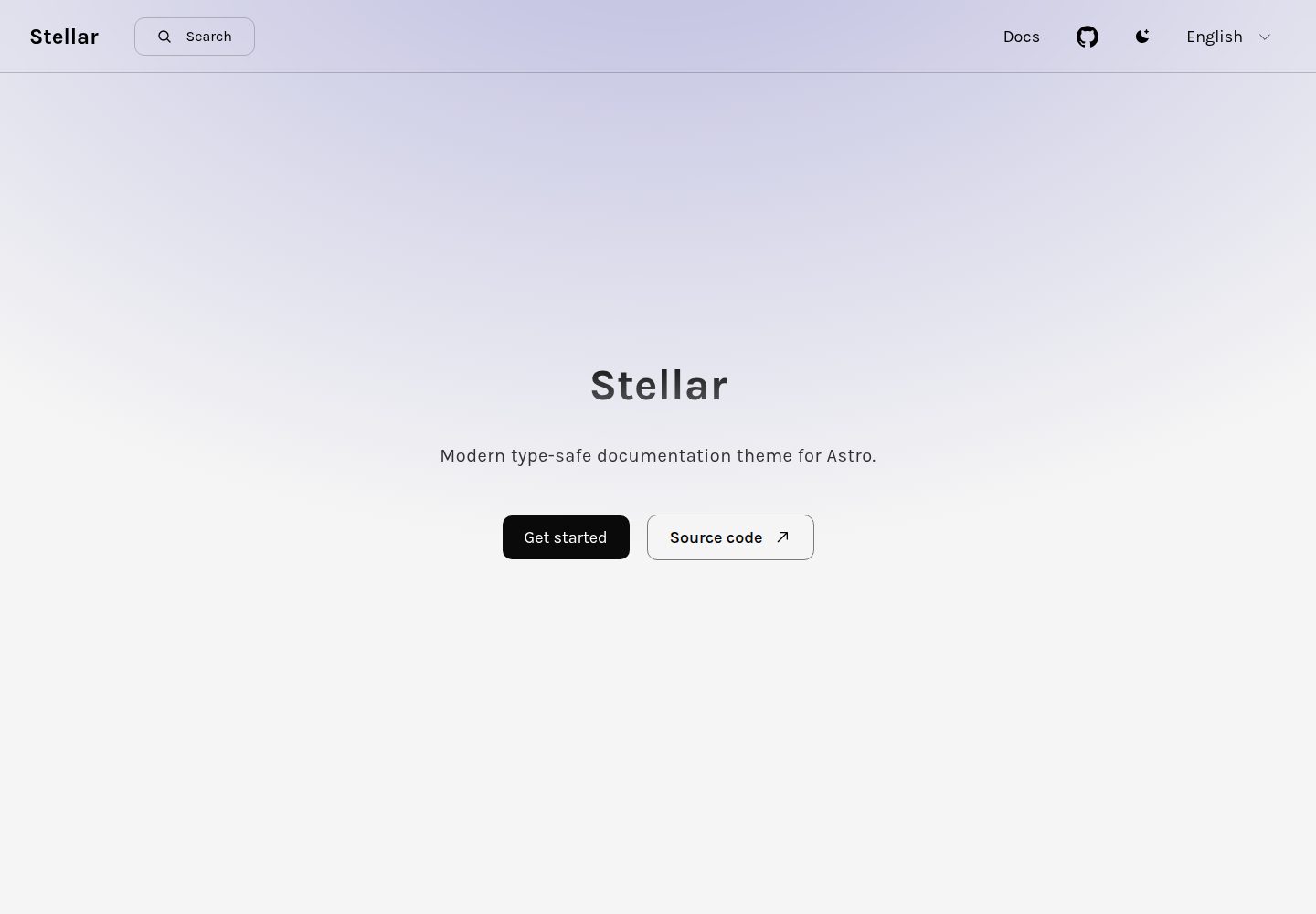
stellar
Modern type-safe documentation theme for Astro.
Astro · 文档
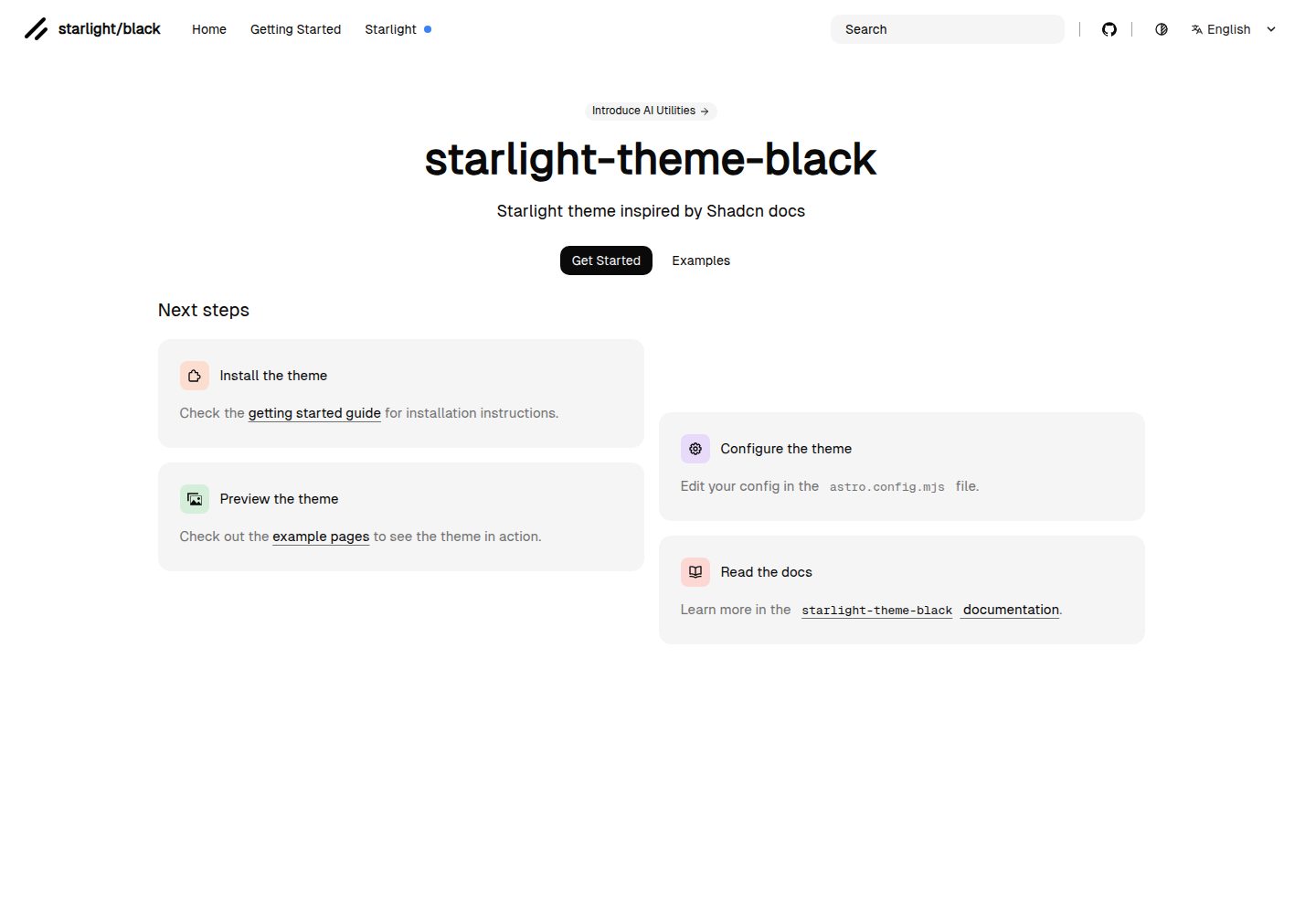
starlight-theme-black
Starlight theme inspired by @shadcn docs
Astro · 文档