Starter template based on Nuxt.js and Vue, initialized via vue-cli
NuxtVueStarter
vue-starter — Nuxt Starter Template
By UniSharp
A Nuxt.js starter template maintained by UniSharp, initialized via vue-cli, offering three script paths for development, build, and static generation.
Explore the design
Compare the page layouts and mobile experience. Open any screenshot for a closer look.
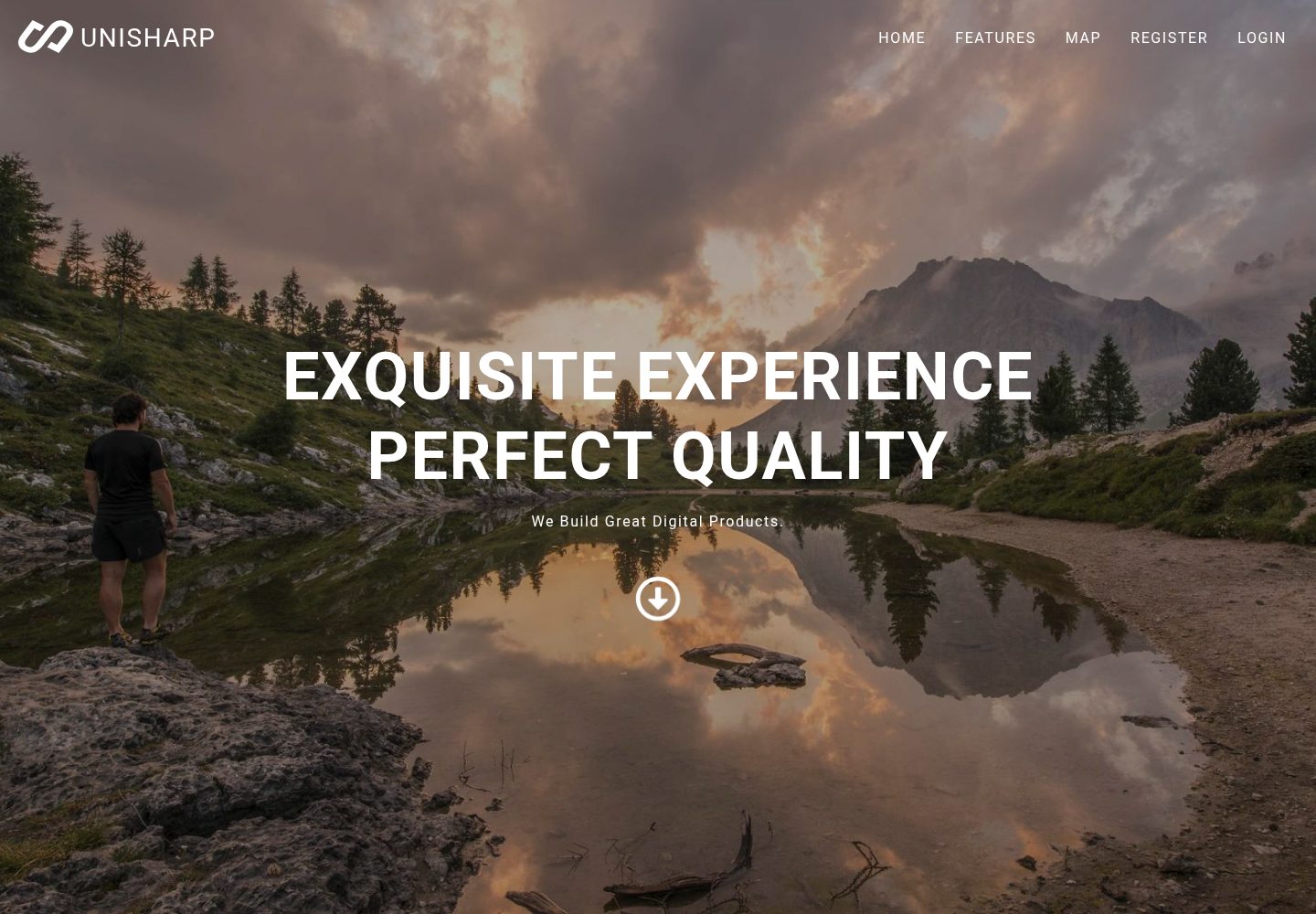
Desktop homepage1 / 2
Desktop captureTop of page
Actual screenshot captured by the server browser.
All pages & views 2
Screenshots show visual appearance; interactive behavior may differ.
Recorded 2026-10-03View source
What stands out
A quick read of the recorded project description.
Provides three npm script paths: dev, build/start, and generate
Development mode offers hot reload at localhost:3000 by default
README states dependencies on node 8.0+, npm 5.0+, and vue-cli 2.1+
Repository uses the MIT license and was last updated in 2018
Template Details
This is a Nuxt.js-based project template positioned as a starting scaffold that avoids complex development environment configuration. The README states it is used via vue-cli: run `vue init unisharp/vue-starter my-project` to generate a project, then install dependencies to begin development. The template provides three run modes: `npm run dev` starts a development server with hot reload at localhost:3000; `npm run build` followed by `npm start` builds and starts a production server; `npm run generate` generates a static site. The repository materials do not describe page structure, components, styling approach, or data layer, so these must be confirmed when using it. The repository was last updated in 2018, and the README requires node 8.0+, npm 5.0+, and vue-cli 2.1 or higher, placing it in an earlier toolchain environment.
NuxtVueStarter
Is it right for your project?
Use Cases
- Quickly generate a Nuxt project skeleton with vue-cli and start development
- Projects that need to retain both server-side runtime and static generation output
- As a reference template for learning Nuxt project directory and script organization
Suitable For
- Front-end developers using a vue-cli workflow
- Projects needing a Nuxt starter template and adding pages and components themselves
- Teams accepting the constraints of an earlier Node and vue-cli toolchain
Getting started & customization
Use these recorded setup notes alongside the repository instructions for your chosen version.
- 1
The environment must meet node 8.0+ and npm 5.0+, and vue-cli 2.1 or higher must be installed
- 2
Run `vue init unisharp/vue-starter my-project` to generate the project, then enter the directory and run npm install or yarn install
- 3
Use `npm run dev` for development, `npm run build` then `npm start` for production, and `npm run generate` for static output
- 4
The repository materials do not explain page, style, or data layer structure; it is advisable to check the actual repository files before use
- 5
Third-party assets such as demo images, fonts, and icons must have their licenses verified separately
License & source material
Usage conditions & limitations
Free to use · keep license noticeThis entry covers the free version under the MIT license in a public repository; the free scope is the code of this version and does not imply that external services or third-party assets are free.
Must comply with when using
- Free use, modification, commercial use, and distribution of this version's code are permitted.
- When distributing copies or substantial portions of the code, retain the original author's copyright notice and the full MIT license notice.
- The code is provided as is; warranties and limitations of liability are governed by the original license and applicable law.
Additional costs & items to verify
- Demo images, fonts, icons, and other third-party assets must be checked against their respective licenses and cannot be judged solely by the code's MIT license.
- External services such as domains, hosting, databases, payments, or AI may incur additional charges.
View Original Text Basis
https://github.com/UniSharp/vue-starter/blob/master/LICENSEhttps://github.com/UniSharp/vue-starter/blob/master/README.mdPermission is hereby granted, free of charge
Original License Text
Compiled by DeepSeek based on repository license and README ·2026-10-03. Results only cover the materials read; dependencies, images, fonts, and subsequent term changes are subject to their respective original texts.
Project checks & description sources
Template Information
- Source platforms
- GitHub
- Documentation and maintenance reference score
- Partly documented · 73 / 100
- Technologies
- Nuxt · Vue
- Website type
- Starter
How this score is calculated
Our heuristic uses license records (up to 30), a demo link (12), a preview (10), stars (15), recorded maintenance (15), description completeness (8), feature records (5) and classification data (5). It is not a code, security or performance test, or a Google score. A link does not establish tested functionality.
What to verify for this project
- Repository update recorded
- 2018-09-05
- Screenshot last checked
- 2026-10-03
A demo link is listed. Check it with your own content and viewport sizes; its presence does not confirm that forms, authentication or payments work.
The catalog identifies Nuxt as the primary stack. Check the actual dependency manifest and lockfile for versions and hosting requirements. These notes use recorded metadata, not a code audit or a deployment test.
Use a selection guide →How this description was prepared
AI-assisted description based on catalog records and repository material. Repository authors are not automatically the reviewers of this description.
Automatically checked against source and license rules; no manual editorial review.
Inspect the recorded source material
SHA-256: 016da3f7b27201fb7ddb994270edbacdfc334170edc7605c22ea69d94ab2f3f8
2026-10-03T06:26:20.935Z
Source file / repository# Starter A [Nuxt.js](https://github.com/nuxt/nuxt.js) starter project template without the distraction of a complicated development environment. Live demo: https://unisharp.github.io/vue-starter ## Prerequisites Make sure to have `node 8.0+` and `npm 5.0+` installed ## Installation This is a project template for [vue-cli](https://github.com/vuejs/vue-cli). ``` bash $ vue init unisharp/vue-starter my-project $ cd my-project # install dependencies $ npm install # Or yarn install ``` > Make sure to use a version of vue-cli >= 2.1 (`vue -V`). ## Usage ### Development ``` bash # serve with hot reloading at localhost:3000 $ npm run dev ``` Go to [http://localhost:3000](http://localhost:3000) ### Production ``` bash # build for production and launch the server $ npm run build $ npm start ``` ### Generate ``` bash # generate a static project $ npm run generate ```
Explore similar templates
Compare previews and descriptions within the same stack and category.

laravel-nuxt
A Laravel + Nuxt decoupled starter kit with built-in login, registration, email verification, password reset, and Socialite third-party login (GitHub example), switchable between SPA and SSR.
Nuxt · Starter

canvas
Canvas is a Nuxt-based portfolio template that uses Nuxt Content for content management and Nuxt UI with Tailwind CSS for pages.
Nuxt · Portfolio

nuxt3-starter
A Nuxt 3 starter template generated by nuxi, preconfigured with UnoCSS, unplugin-icons, Pinia, and VueUse. It suits developers who need a quick Nuxt 3 project skeleton with atomic CSS and auto-import workflows, and is available under the MIT license.
Nuxt · Starter

starter
The official Nuxt starter template for Nuxt UI, based on Nuxt and Vue. It provides a runnable project skeleton, an online demo, and Nuxt UI installation documentation, with README commands for creating, installing, developing, building, and previewing.
Nuxt · Starter

bloggrify
Bloggrify is a Nuxt layer that turns Markdown files into a blog site, built on Nuxt Content with preconfigured analytics, newsletter, comments, SEO, RSS, and content components.
Nuxt · Blog
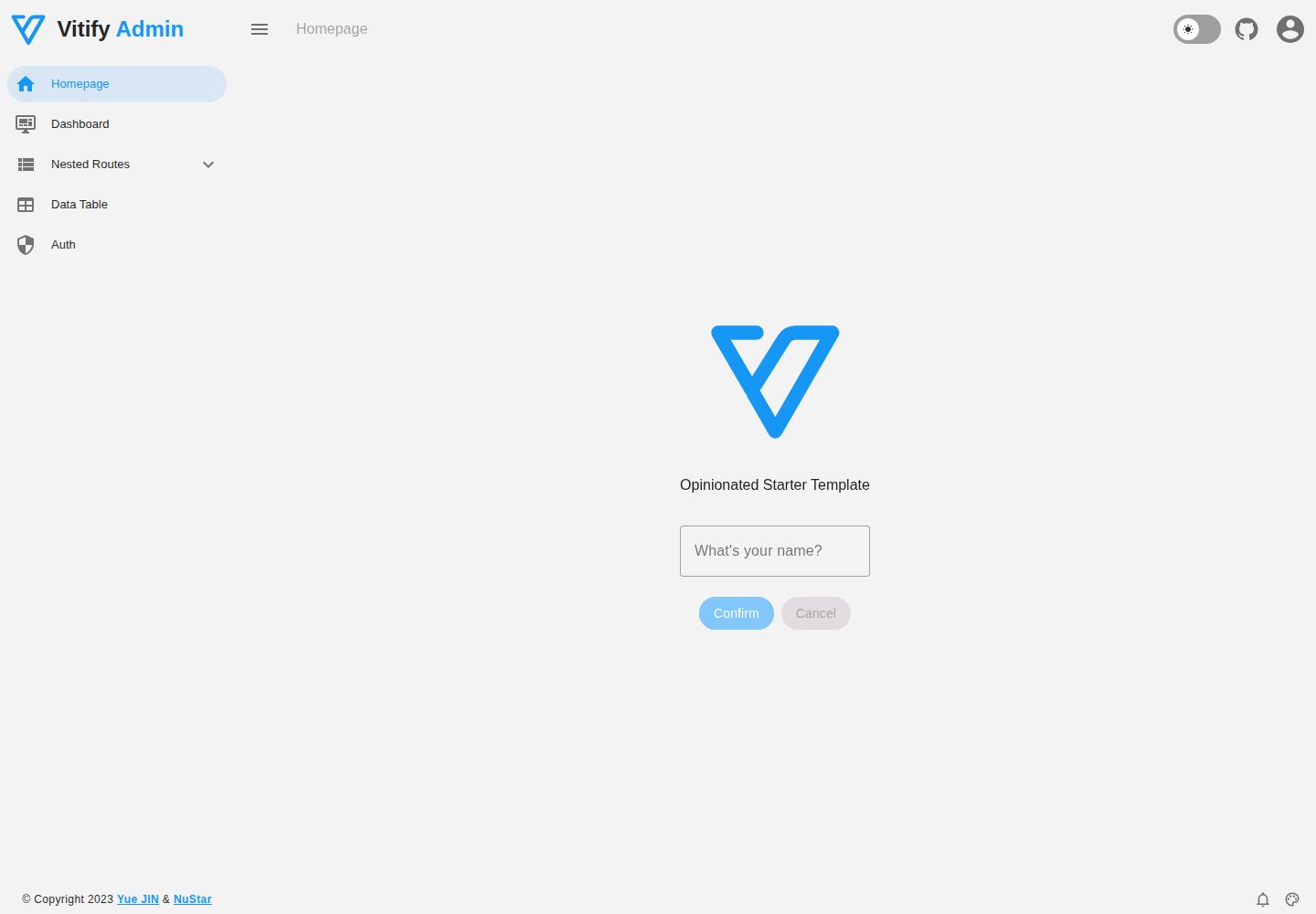
vitify-nuxt
Vitify Nuxt is an admin dashboard starter template built on Nuxt and Vuetify, featuring a drawer layout, automatic navigation and breadcrumbs, notification state, ECharts charts, theming and dark mode, and authentication via nuxt-auth-utils.
Nuxt · Admin dashboard