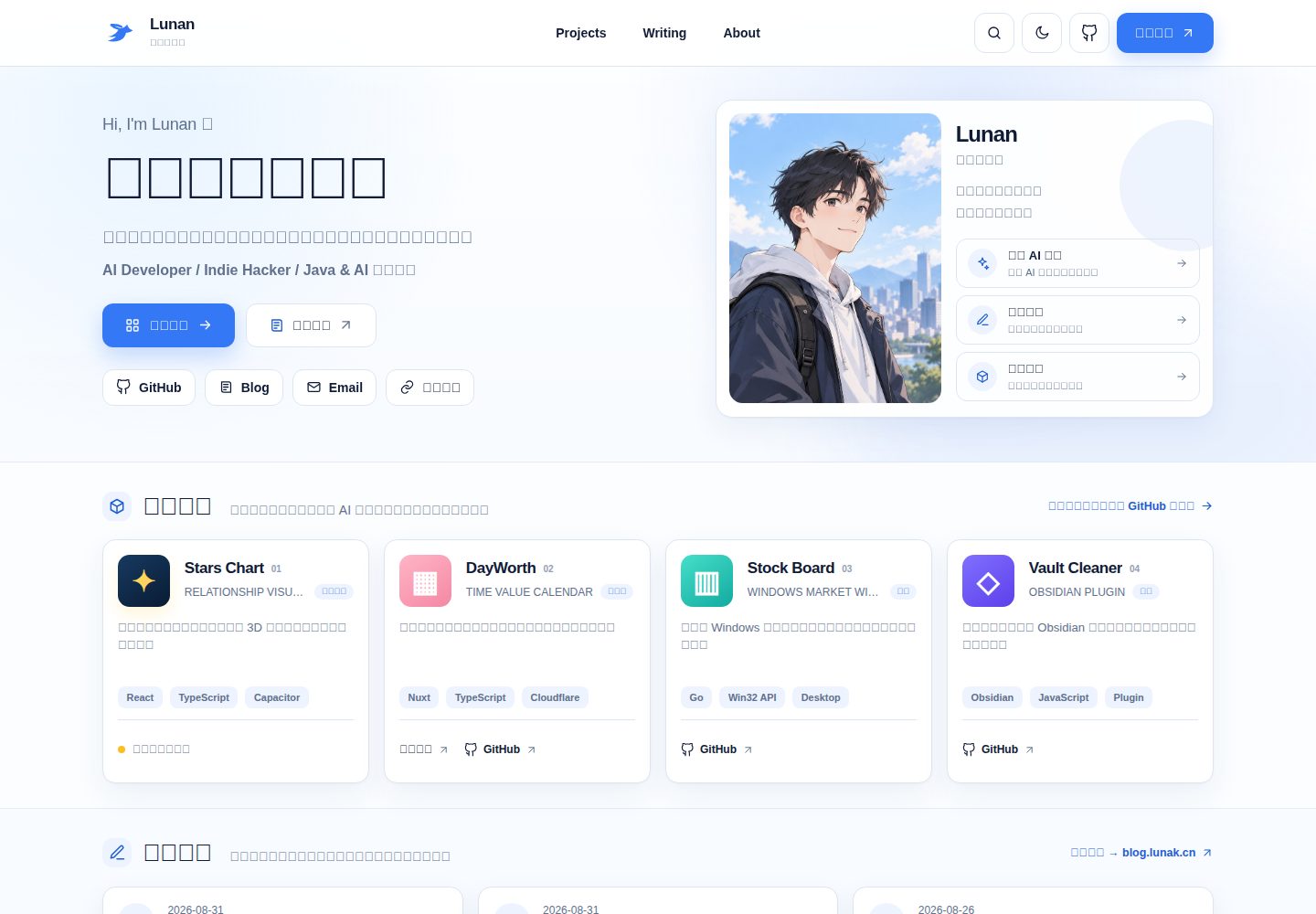
The homepage includes sections such as personal introduction, representative projects, recent articles, skills, and contact information
NuxtVuePortfolio
nuxt-portfolio-studio — Nuxt Portfolio Template
By wlunan
A Nuxt personal homepage template for developers, positioned as a digital business card and portfolio entry, with a visual content backend available only in the local development environment and a pure static site output in production.
Explore the design
Compare the page layouts and mobile experience. Open any screenshot for a closer look.
Desktop homepage1 / 2
Desktop captureTop of page
Actual screenshot captured by the server browser.
All pages & views 2
Screenshots show visual appearance; interactive behavior may differ.
Recorded 2026-09-30View source
What stands out
A quick read of the recorded project description.
Provides a visual content backend registered only in the local development environment, with changes written back to data/home.json
The production environment is a pure static site, without exposing the backend page or write API
Page content is stored centrally in data/home.json, so updates do not require modifying page components
Includes a built-in GitHub Pages automatic deployment workflow and provides Cloudflare Pages build configuration
Supports responsive layout, mobile navigation, light/dark themes, and accessibility features such as keyboard focus, skip navigation, and reduced motion
Template Details
This is an open-source personal homepage template based on Nuxt, aimed at developers and positioned as a "digital business card + portfolio entry". The homepage includes sections such as personal introduction, representative projects, recent articles, skills, and contact information. Page content is stored centrally in data/home.json, and routine updates can be done through the local content backend without modifying page components.
The template provides a visual content backend registered only in the local development environment (pnpm admin, accessed at 127.0.0.1:3000/admin); changes are written back to data/home.json. After static generation, no /admin page is produced, and no content write API is included. The production environment is a pure static site, with a built-in GitHub Pages automatic deployment workflow and build configuration for Cloudflare Pages.
The repository includes the author Lunan's public homepage as a demo by default. After forking, you need to replace the name, introduction, contact information, projects, and articles in data/home.json, as well as the avatar, favicon, OG cover under public, and the name and icon declarations in site.webmanifest. The project code is under the MIT license, but the avatar, brand graphics, page screenshots, and personal content in data/home.json are not covered by the MIT license and must be checked separately according to ASSETS_LICENSE.md.
NuxtPortfolio
Is it right for your project?
Use Cases
- Developers building a personal digital business card and portfolio entry page
- Maintaining homepage profile, projects, articles, and section copy through the local visual backend
- Deploying static output to static hosting services such as GitHub Pages or Cloudflare Pages
- Using as a reference template for Nuxt static sites and local content editing workflows
Suitable For
- Developers who need a personal homepage and portfolio display
- Users who want to maintain content through a local backend and avoid directly modifying page components
- Users planning to deploy the site to GitHub Pages or Cloudflare Pages
- Developers who accept replacing demo data and personal visual assets after forking
Getting started & customization
Use these recorded setup notes alongside the repository instructions for your chosen version.
- 1
Requires Node.js 20 or higher, and pnpm 9
- 2
Install dependencies and start the development server: pnpm install, pnpm dev, running at http://localhost:3000 by default
- 3
Start the local content backend: pnpm admin, access http://127.0.0.1:3000/admin
- 4
After forking, replace the personal data in data/home.json, as well as the avatar, favicon, OG cover under public, and the declarations in site.webmanifest
- 5
For first-time use of GitHub Pages, set Source to GitHub Actions in the repository Settings → Pages; for a custom domain, add the NUXT_APP_BASE_URL=/ variable
License & source material
Usage conditions & limitations
Free to use · keep license noticeThis entry covers the free version under the MIT license in the public repository; the free scope is the code of this version and does not mean external services or third-party assets are free.
Must comply with when using
- Free use, modification, commercial use, and distribution of this version's code are permitted.
- When distributing copies or substantial portions of the code, retain the original author's copyright notice and the full MIT license notice.
- The code is provided as is; warranties and limitations of liability are governed by the original license and applicable law.
Additional costs & items to verify
- The MIT license covers only the project code; the author's avatar, brand graphics, page screenshots, and personal content in data/home.json are not covered by the MIT license and must be checked separately in ASSETS_LICENSE.md and replaced by yourself. You cannot directly reuse these assets to publish your own site.
- Before using a fork for your own homepage, you must replace the name, introduction, email, GitHub, blog, projects, and articles in data/home.json, as well as the avatar, favicon, OG cover under public, and the name and icon declarations in site.webmanifest. You must not directly reuse the original author's personal data and visual assets.
- The visual content backend is registered only in local development mode and restricted to local access. The statically generated production site does not include the /admin page or content write API, so the backend cannot be used to edit content in production.
- Demo images, fonts, icons, and other third-party assets must be checked against their respective licenses and cannot be judged solely by the code's MIT license.
- External services such as domain, hosting, database, payment, or AI may incur additional charges.
View Original Text Basis
Permission is hereby granted, free of charge
Original License Text
头像、品牌图形、页面截图与 `data/home.json` 中的个人内容不包含在 MIT 授权范围内
Original README
不要直接沿用原作者的头像、品牌图形或个人内容发布自己的站点。
Original README
https://github.com/wlunan/nuxt-portfolio-studio/blob/main/LICENSEhttps://github.com/wlunan/nuxt-portfolio-studio/blob/main/README.md它只在开发模式下注册,并限制为本机访问;执行静态生成后不会产生 `/admin` 页面
Original README
Compiled by DeepSeek based on repository license and README ·2026-10-01. Results only cover the materials read; dependencies, images, fonts, and subsequent term changes are subject to their respective original texts.
Project checks & description sources
Template Information
- Source platforms
- GitHub
- Documentation and maintenance reference score
- More documented · 80 / 100
- Technologies
- Nuxt · Vue
- Website type
- Portfolio
How this score is calculated
Our heuristic uses license records (up to 30), a demo link (12), a preview (10), stars (15), recorded maintenance (15), description completeness (8), feature records (5) and classification data (5). It is not a code, security or performance test, or a Google score. A link does not establish tested functionality.
What to verify for this project
- Repository update recorded
- 2026-09-29
- Screenshot last checked
- 2026-10-01
A demo link is listed. Check it with your own content and viewport sizes; its presence does not confirm that forms, authentication or payments work.
The catalog identifies Nuxt as the primary stack. Check the actual dependency manifest and lockfile for versions and hosting requirements. These notes use recorded metadata, not a code audit or a deployment test.
Use a selection guide →How this description was prepared
AI-assisted description based on catalog records and repository material. Repository authors are not automatically the reviewers of this description.
Automatically checked against source and license rules; no manual editorial review.
Inspect the recorded source material
SHA-256: 6dac44d7d3df913e28f0c03668a5f8dbae7cc49dd89bae97919ef6b9b2f2acd0
2026-10-01T13:57:08.648Z
Source file / repository# Nuxt Portfolio Studio > A local-first portfolio template with a visual content editor. 一个面向开发者的开源个人主页模板,定位是“数字名片 + 作品集入口”。项目使用 Nuxt 3 静态生成,并提供仅在本地开发环境可用的可视化内容后台。 仓库默认包含 Lunan 的公开主页作为演示;Fork 后可通过本地后台替换为自己的资料,无需修改页面组件。  ## 功能亮点 - 首页包含个人介绍、代表项目、近期文章、技能与联系方式 - 响应式布局、移动端导航及浅色 / 深色主题 - 键盘焦点、跳过导航、减少动画等可访问性支持 - 页面内容集中保存在 `data/home.json` - 本地内容后台可维护资料、项目、文章与区块文案 - 生产环境为纯静态站点,不暴露后台页面和写入接口 - 内置 GitHub Pages 自动部署,也适合 Cloudflare Pages 等静态托管服务 ## 技术栈 - Nuxt 3 - Vue 3 - TypeScript - Tailwind CSS - Static Site Generation(SSG) ## 快速开始 需要 Node.js 20 或更高版本,以及 pnpm 9。 ```bash pnpm install pnpm dev ``` 开发服务默认运行在 `http://localhost:3000`。 ## 本地内容后台 如果只需要更新主页内容,推荐启动本地后台: ```bash pnpm admin ``` 然后访问 `http://127.0.0.1:3000/admin`。  后台会把修改保存到 `data/home.json`。它只在开发模式下注册,并限制为本机访问;执行静态生成后不会产生 `/admin` 页面,也不会包含内容写入接口。 更完整的字段说明和操作流程见 [个人主页内容更新指南](./CONTENT_UPDATE_GUIDE.md)。 ## 内容结构 ```text data/ ├─ home.json # 后台维护的全部主页内容 ├─ site.ts # 读取品牌、链接与 SEO ├─ profile.ts # 读取首页介绍、技能与个人标签 ├─ projects.ts # 读取项目数据 ├─ articles.ts # 读取文章数据并拼接博客域名 └─ links.ts # 根据站点配置生成社交入口 ``` 日常更新只需要使用本地后台,或直接编辑 `data/home.json`,无需修改页面组件。 ## Fork 后必须替换 本仓库保留了作者的公开资料与个人视觉资产。将它用于自己的主页前,请至少检查以下内容: - `data/home.json` 中的姓名、介绍、邮箱、GitHub、博客、项目和文章 - `public/profile-portrait-720.jpg` 与 `public/profile-portrait-1080.jpg` - `public/avatar-square.png` - `public/favicon.svg` 与 `public/og-cover.svg` - `public/site.webmanifest` 中的名称和图标声明 - README 中的项目名称、截图和说明 不要直接沿用原作者的头像、品牌图形或个人内容发布自己的站点。相关边界见 [素材许可说明](./ASSETS_LICENSE.md)。 ## 检查与构建 ```bash # 类型检查并生成静态站点 pnpm check # 单独执行安全审计 pnpm audit:security # 本地复现 GitHub Pages 构建 pnpm build:pages ``` 静态产物生成在 `.output/public`,不会提交到 Git: ```bash pnpm preview ``` ## GitHub Pages 自动部署 仓库内置 `.github/workflows/deploy-pages.yml`。推送到 `main` 后,会自动检查、构建并发布 `.output/public`。 首次使用时,在 GitHub 仓库打开: ```text Settings → Pages → Build and deployment → Source → GitHub Actions ``` 工作流会自动处理两种地址: - 普通仓库:`https://<用户名>.github.io/<仓库名>/` - 用户主页仓库:`https://<用户名>.github.io/` 如果配置了自定义域名,请在 `Settings → Secrets and variables → Actions → Variables` 新增: ```text NUXT_APP_BASE_URL=/ ``` 保存后重新运行部署工作流即可。部署完成后,地址会显示在仓库的 **Deployments** 和 **Settings → Pages** 中。 ## Cloudflare Pages 部署 在 Cloudflare Pages 连接仓库后,使用以下配置: | 配置项 | 值 | | --- | --- | | Framework preset | Nuxt.js | | Build command | `pnpm generate` | | Build output directory | `.output/public` | | Node.js version | `20` 或更高 | 如果平台没有自动识别 pnpm,可设置: ```text PNPM_VERSION=9.14.4 ``` ## 目录结构 ```text nuxt-portfolio-studio/ ├─ .github/workflows/deploy-pages.yml ├─ .github/workflows/quality.yml ├─ assets/css/main.css ├─ components/ │ ├─ common/ │ ├─ home/ │ └─ layout/ ├─ data/ ├─ docs/screenshots/ ├─ layouts/ ├─ pages/ │ ├─ index.vue │ └─ admin.vue # 仅开发模式注册 ├─ public/ ├─ server/api/admin/ # 仅本机开发模式可用 ├─ types/ ├─ app.vue ├─ nuxt.config.ts └─ tailwind.config.ts ``` ## 安全与贡献 - 安全问题请按 [SECURITY.md](./SECURITY.md) 提交,避免在公开 Issue 中披露细节。 - 参与开发前请阅读 [CONTRIBUTING.md](./CONTRIBUTING.md)。 - GitHub Actions 会在推送和拉取请求中执行依赖安装、类型检查、静态生成与高危依赖审计。 ## 许可 项目代码采用 [MIT License](./LICENSE)。头像、品牌图形、页面截图与 `data/home.json` 中的个人内容不包含在 MIT 授权范围内,详见 [ASSETS_LICENSE.md](./ASSETS_LICENSE.md)。
Explore similar templates
Compare previews and descriptions within the same stack and category.

canvas
Canvas is a Nuxt-based portfolio template that uses Nuxt Content for content management and Nuxt UI with Tailwind CSS for pages.
Nuxt · Portfolio
portfolio
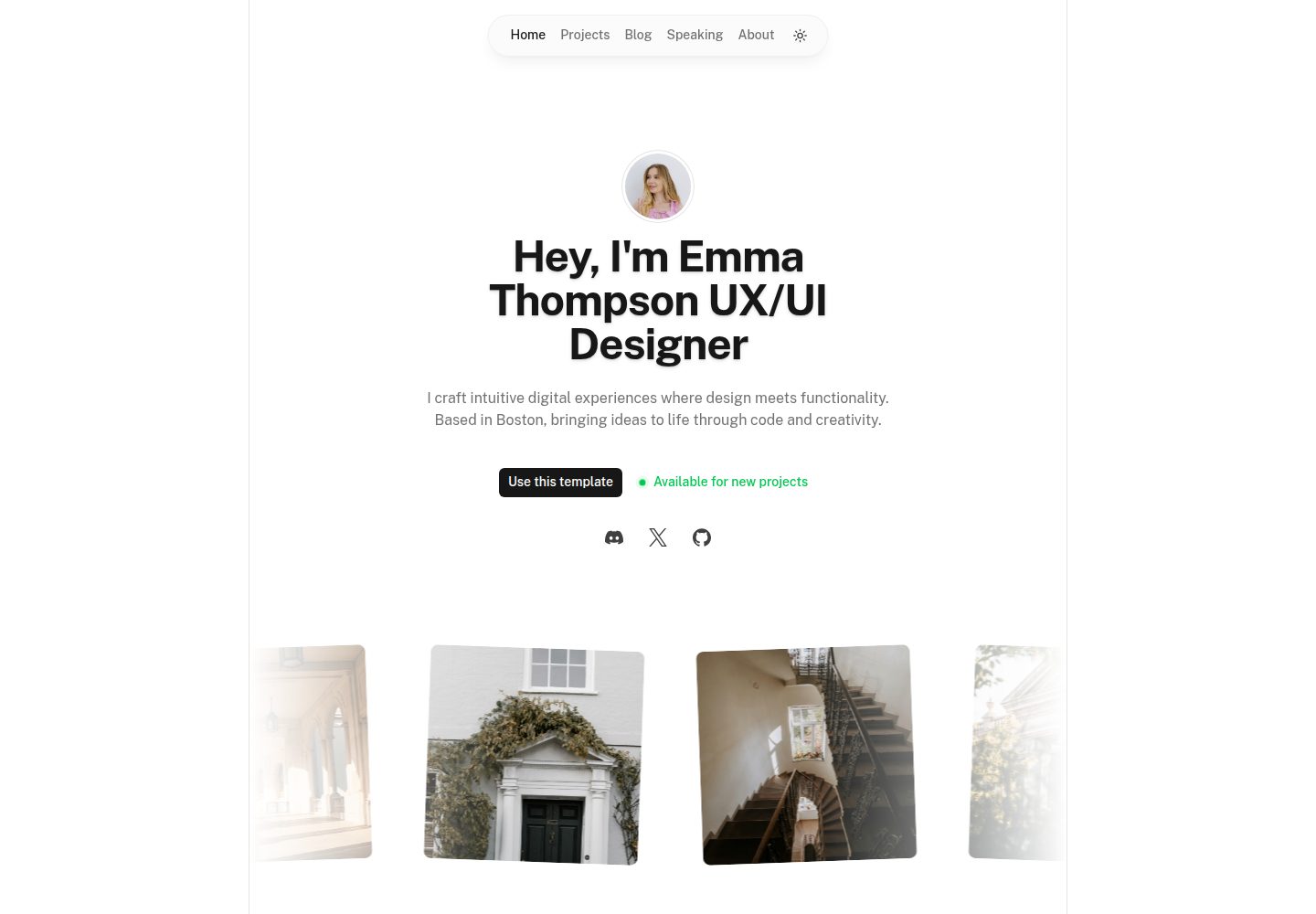
A Nuxt portfolio template using Nuxt UI for interface components and Nuxt Content for content, intended to showcase projects, skills, and blog.
Nuxt · Portfolio
nuxtjs-tailwindcss-portfolio
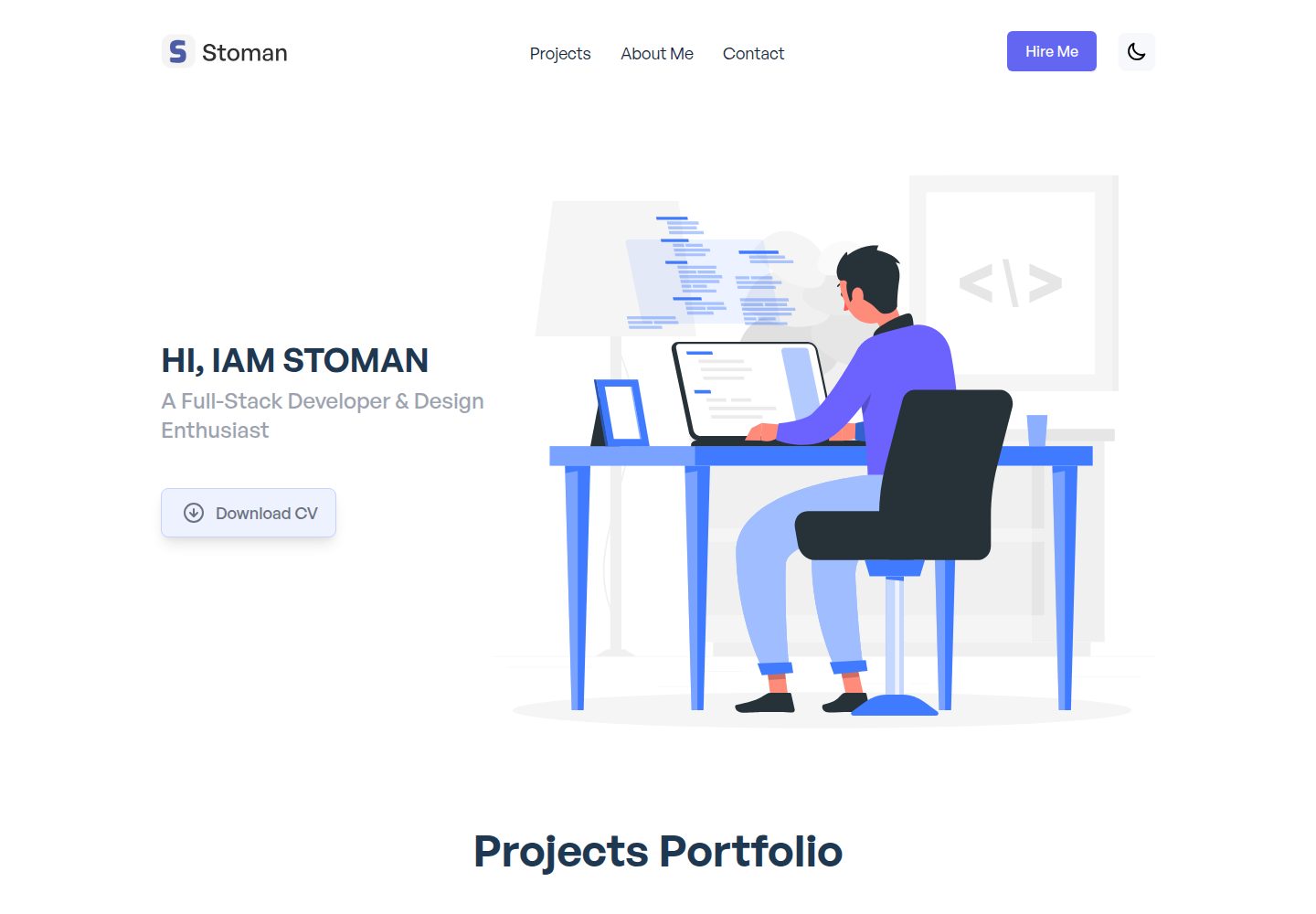
A Nuxt.js and Tailwind CSS personal portfolio starter theme with dark mode, theme switching, Vuex state management, reusable components, project category filtering and title search, Vue transition animations, a project carousel, smooth scrolling, a dynamic form, a counter, and back-to-top and download…
Nuxt · Portfolio
nuxt-resume
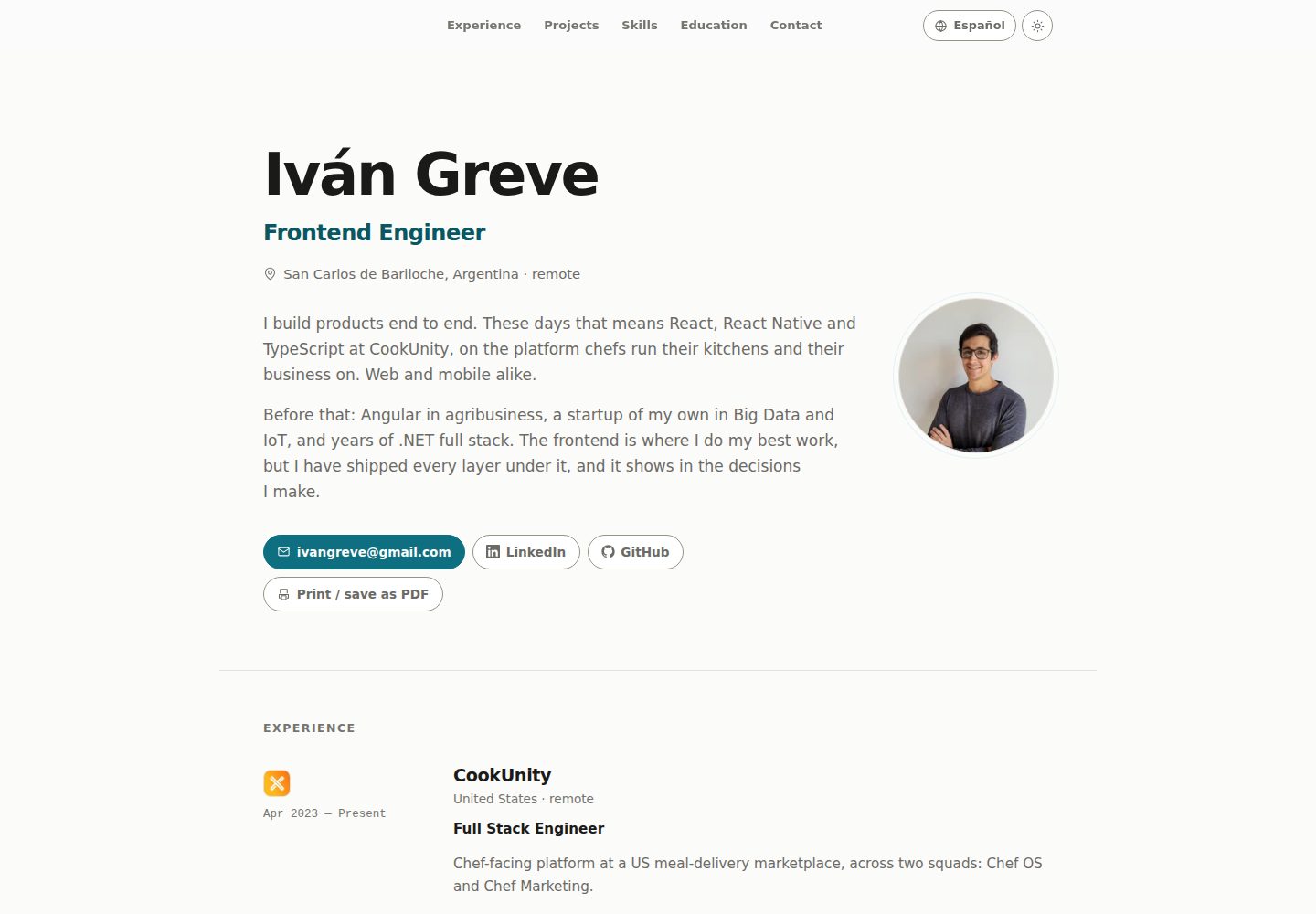
A personal resume website template built with Nuxt and Vue, with i18n multilingual support. Resume copy and page text are maintained through JSON files under locales, with English and Spanish provided by default; new languages can be registered in nuxt.config.js.
Nuxt · Portfolio
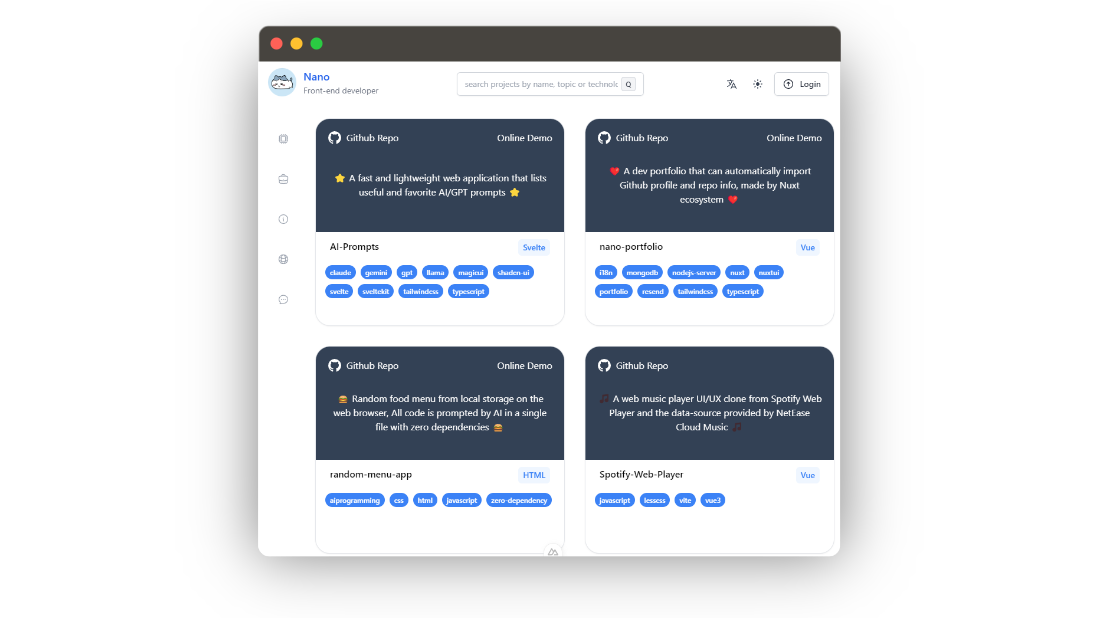
nano-portfolio
Nano Portfolio is an open-source developer portfolio template built on Nuxt 3, TypeScript, Nuxt UI, Tailwind, MongoDB, and Resend.
Nuxt · Portfolio
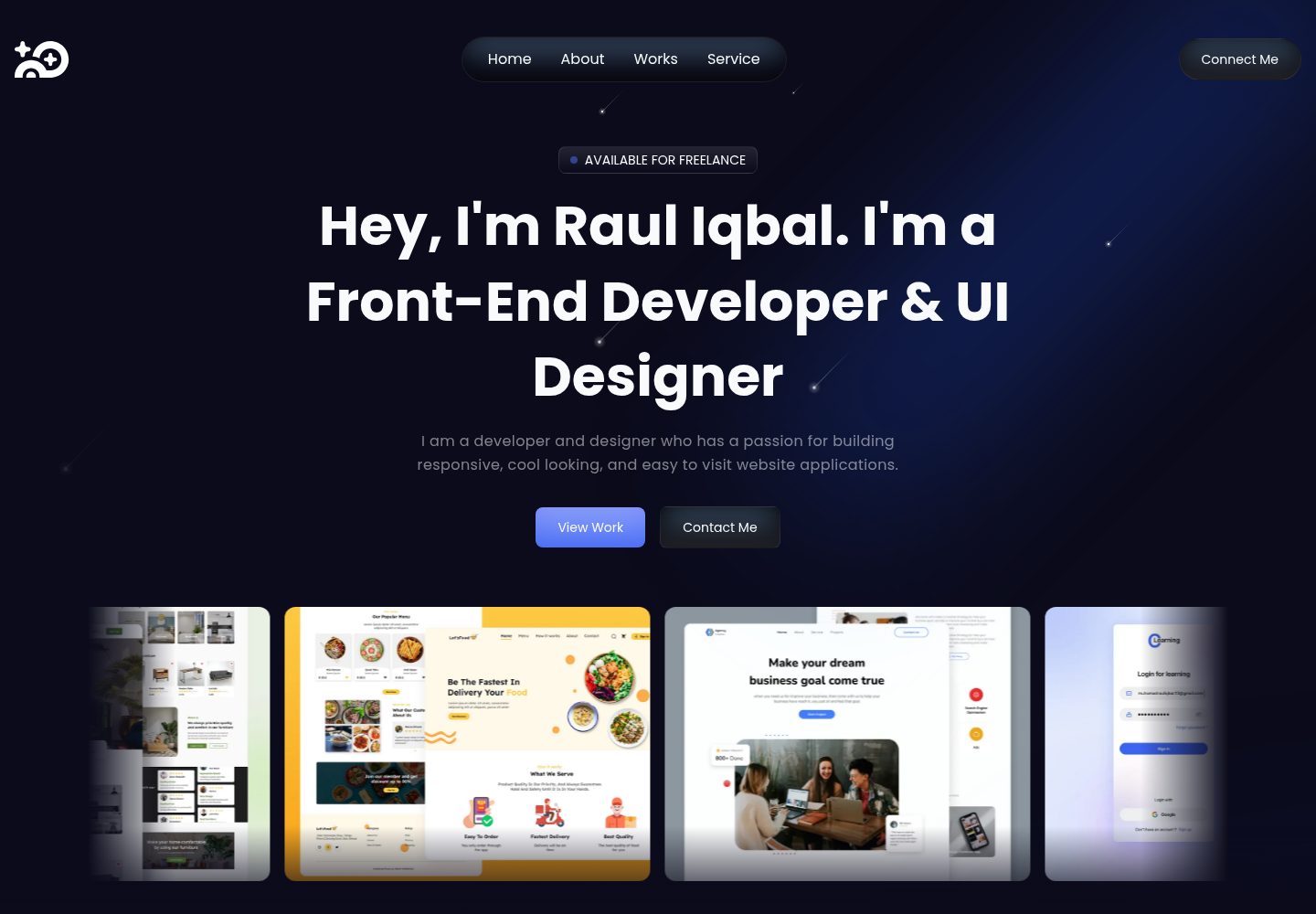
super-portfolio
Super Portfolio is a personal portfolio website template built with Nuxt 3, Tailwind CSS, and TypeScript, using Iconsax icons and Nuxt Google Font.
Nuxt · Portfolio