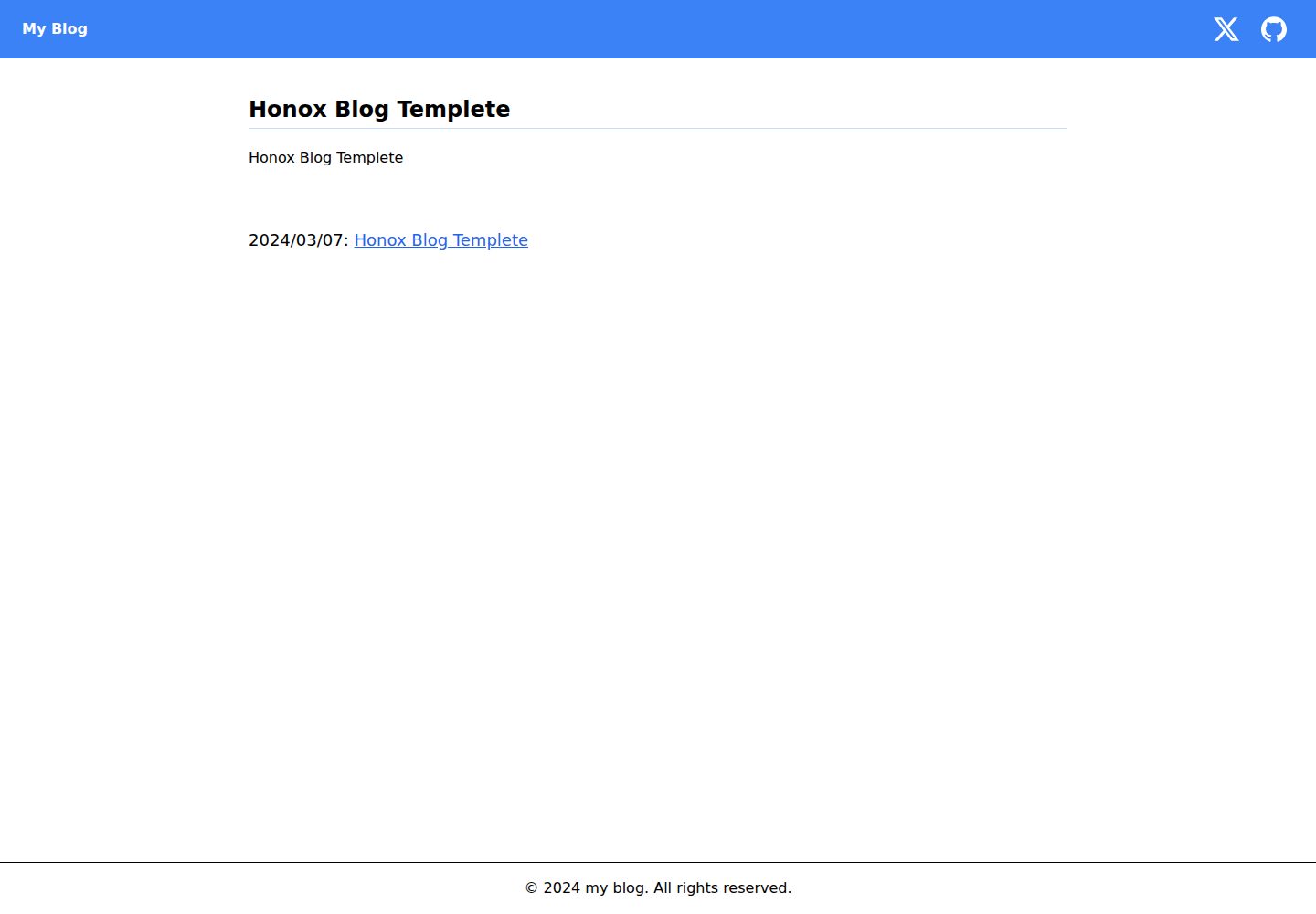
Uses HonoX as the core framework, paired with Vite for development and building
ViteBlog
honox-blog-templete — Vite Blog Template
By yossydev
A blog template repository built on HonoX and Vite, offering local development, build preview, and a command-line interactive script for generating MDX articles.
Explore the design
Compare the page layouts and mobile experience. Open any screenshot for a closer look.
Desktop homepage1 / 3
Desktop captureTop of page
Actual screenshot captured by the server browser.
All pages & views 3
Screenshots show visual appearance; interactive behavior may differ.
Recorded 2026-10-03View source
What stands out
A quick read of the recorded project description.
Includes an npm run create:post script that generates mdx article files through interactive Q&A
Integrates Biome for code linting and formatting, and highlight.js for code block syntax highlighting
Uses Tailwind CSS utility classes for page styling
The repository is MIT licensed, allowing modification, commercial use, and distribution
Template Details
This is a template repository for quickly setting up a blog site, with HonoX as the core framework and Vite as the build tool. The tech stack listed in the repository description also includes Biome (code linting and formatting), highlight.js (code syntax highlighting), and Tailwind CSS (utility-first styling).
For the workflow, after installing dependencies you can start the local development server with npm run dev (default http://localhost:5173/); for production, build with npm run build and preview with npm run preview. To write an article, run npm run create:post, and the script will automatically generate an mdx file by answering three questions. The README provides a link to an example repository that actually uses this template.
The repository is MIT licensed, allowing free use, modification, commercial use, and distribution of the code, provided the copyright notice and license notice are retained. The demo site is an online address on Cloudflare Pages. The template does not specify the content model, routing conventions, deployment configuration, or licensing details of third-party assets in the provided materials; these need to be confirmed by checking the repository files yourself.
ViteBlog
Is it right for your project?
Use Cases
- You need a directly runnable HonoX blog starter project
- You want to quickly create new blog article files through command-line interaction
- You want to reference the project structure combining HonoX with Vite, Tailwind CSS, and highlight.js
Suitable For
- Developers familiar with npm and command-line operations
- Individual developers building blogs with HonoX or the Hono ecosystem
- Teams needing an MIT-licensed blog template that can be freely modified
Getting started & customization
Use these recorded setup notes alongside the repository instructions for your chosen version.
- 1
Install dependencies: npm install; package managers such as bun or pnpm can also be used
- 2
Local development: npm run dev, accessible by default at http://localhost:5173/
- 3
Production build and preview: npm run build followed by npm run preview
- 4
Create a new article: run npm run create:post and answer three prompts to generate an mdx file
- 5
Third-party assets such as demo images, fonts, and icons must be checked separately under their respective licenses
License & source material
Usage conditions & limitations
Free to use · keep license noticeThis entry covers the free version in a public repository under the MIT license; the free scope is the code of that version and does not mean external services or third-party assets are free.
Must comply with when using
- Free use, modification, commercial use, and distribution of that version's code are permitted.
- When distributing copies or substantial portions of the code, retain the original author's copyright notice and the full MIT license notice.
- The code is provided as is; warranties and limitations of liability are governed by the original license and applicable law.
Additional costs & items to verify
- Demo images, fonts, icons, and other third-party assets must be checked under their respective licenses; they cannot be judged solely by the code's MIT license.
- External services such as domains, hosting, databases, payments, or AI may incur separate charges.
View Original Text Basis
https://github.com/yossydev/honox-blog-templete/blob/main/LICENSEhttps://github.com/yossydev/honox-blog-templete/blob/main/README.mdPermission is hereby granted, free of charge
Original License Text
Compiled by DeepSeek based on repository license and README ·2026-10-03. Results only cover the materials read; dependencies, images, fonts, and subsequent term changes are subject to their respective original texts.
Project checks & description sources
Template Information
- Source platforms
- GitHub
- Documentation and maintenance reference score
- More documented · 87 / 100
- Technologies
- Vite
- Website type
- Blog
How this score is calculated
Our heuristic uses license records (up to 30), a demo link (12), a preview (10), stars (15), recorded maintenance (15), description completeness (8), feature records (5) and classification data (5). It is not a code, security or performance test, or a Google score. A link does not establish tested functionality.
What to verify for this project
- Repository update recorded
- 2026-10-01
- Screenshot last checked
- 2026-10-03
A demo link is listed. Check it with your own content and viewport sizes; its presence does not confirm that forms, authentication or payments work.
The catalog identifies Vite as the primary stack. Check the actual dependency manifest and lockfile for versions and hosting requirements. These notes use recorded metadata, not a code audit or a deployment test.
Use a selection guide →How this description was prepared
AI-assisted description based on catalog records and repository material. Repository authors are not automatically the reviewers of this description.
Automatically checked against source and license rules; no manual editorial review.
Inspect the recorded source material
SHA-256: cb3c09995d5a5f7acfdabf83771f1bb115fa16343e47aa650e1f29d66251e0c5
2026-10-03T07:11:52.476Z
Source file / repository# honox-blog-template This is a template repository that allows you to easily create a blog site using [HonoX](https://github.com/honojs/honox). ## Technology Stack - [HonoX](https://github.com/honojs/honox): HonoX is a simple and fast supersonic meta-framework for creating full-stack websites and web APIs. It is built on top of Hono, Vite, and a UI library. - [Biome](https://github.com/biomejs/biome): Biome is a performant toolchain for web projects, aimed at providing developer tools to maintain the health of the project. - [highlight.js](https://highlightjs.org/): Highlight.js is a syntax highlighter written in JavaScript. It works on both the browser and the server, operates with most markup, is independent of other frameworks, and has automatic language detection. - [tailwindcss](https://v2.tailwindcss.com/): A utility-first CSS framework packed with classes like flex, pt-4, text-center, and rotate-90, which allows you to apply any design directly within your markup. ## Example - https://github.com/yossydev/blog ## Getting Started This section explains how to set up your environment for local development and how to start writing your blog. ### Installing ``` $ npm install ``` Note that this step does not necessarily have to be done with npm; you may use other package managers like bun or pnpm. ## Starting the App ### Local Environment ``` $ npm run dev $ open http://localhost:5173/ ``` ### Production Environment ``` $ npm run build $ npm run preview $ b // open a brower ``` ## Writing a Blog Answering three questions will automatically generate an mdx file, making it easier to start writing your blog. ``` $ npm run create:post ``` 
Explore similar templates
Compare previews and descriptions within the same stack and category.
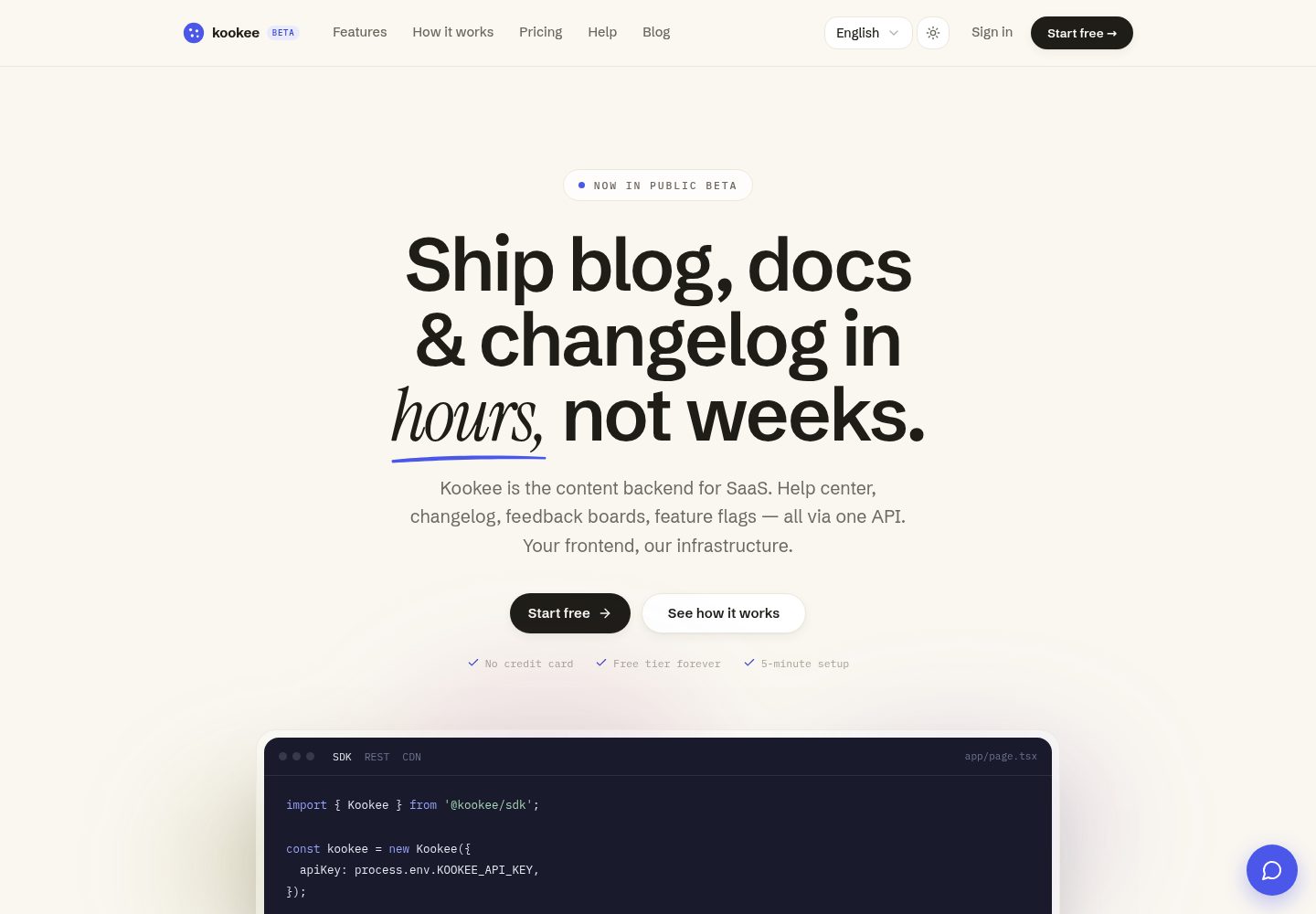
starter-vite-react
Official Kookee starter for a Vite + React single-page app that reads and displays a help center with instant search, changelog, blog, custom pages and a read-only roadmap live in the browser.
Vite · Blog
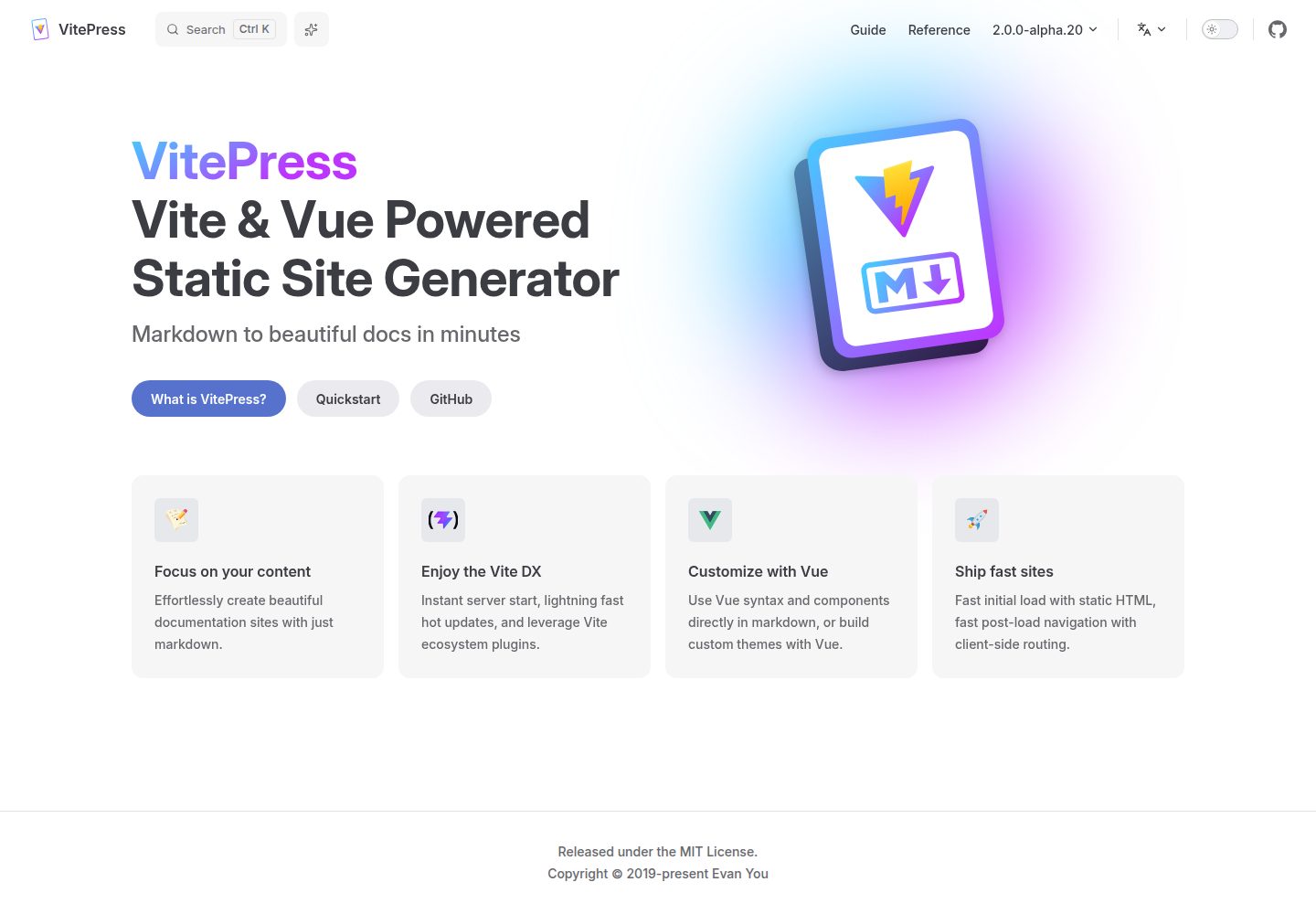
vitepress-template
A VitePress-based template for static sites and blogs, built with Vue and Vite, with pnpm dev/build/serve scripts and support for using Vue components and setup syntax sugar directly in Markdown.
Vue · Blog
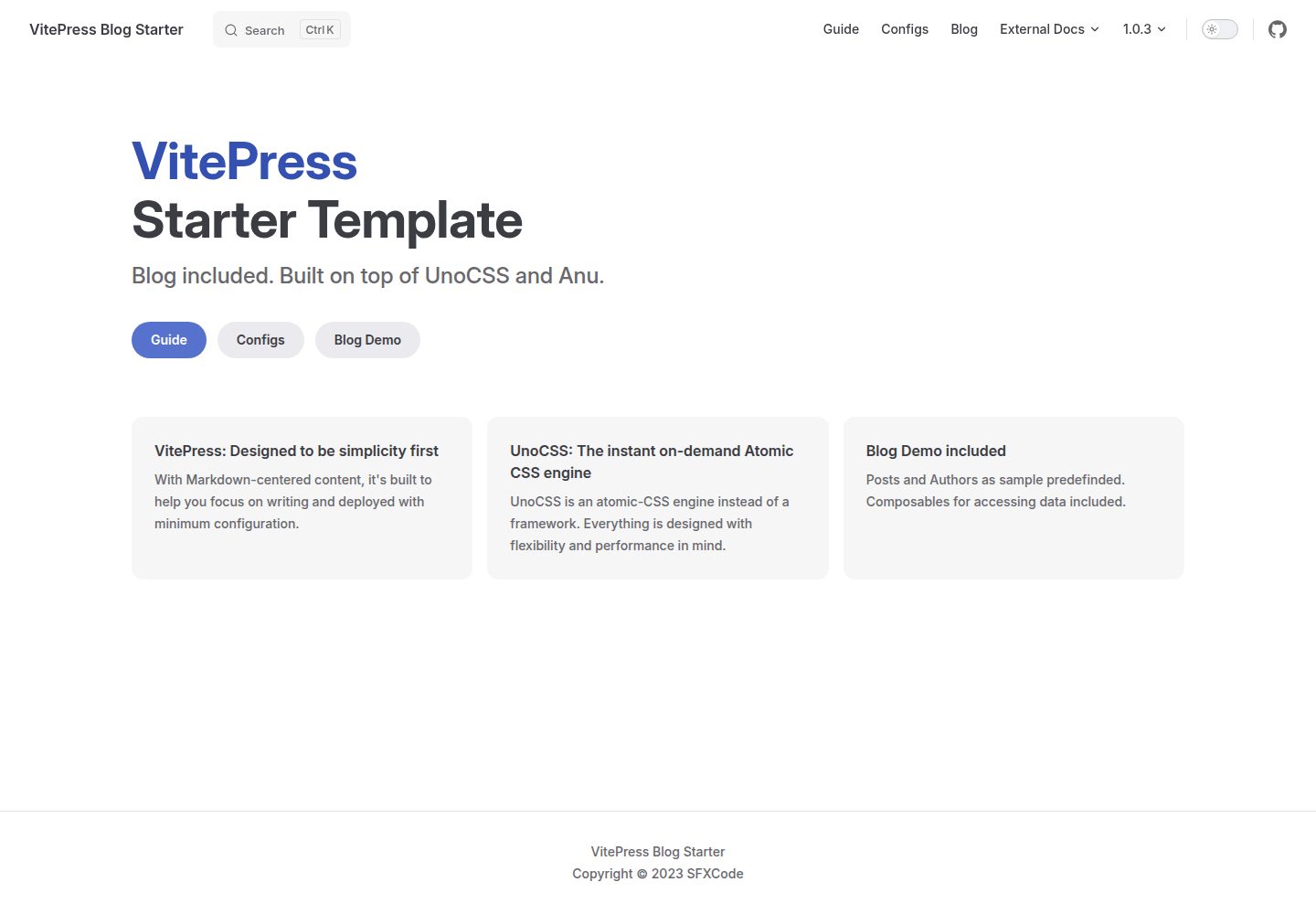
vitepress-blog-starter
A VitePress-based blog starter template with runnable example content for posts and authors, blog logic organized through Composables, UnoCSS styling, and VitePress's built-in local search. It uses pnpm for installation, development, and build, and the repository is MIT licensed.
VitePress · Blog

sveltekit-mdsvex-blog-template
A SvelteKit and MDsveX blog starter for Markdown writing with embedded Svelte components, Tailwind CSS typography, tags, dark mode, SEO metadata, and Cloudflare Workers deployment configuration. Requires Node.js 22.12+ and pnpm 11.17.0; third-party demo assets need separate license verification.
Svelte · Portfolio
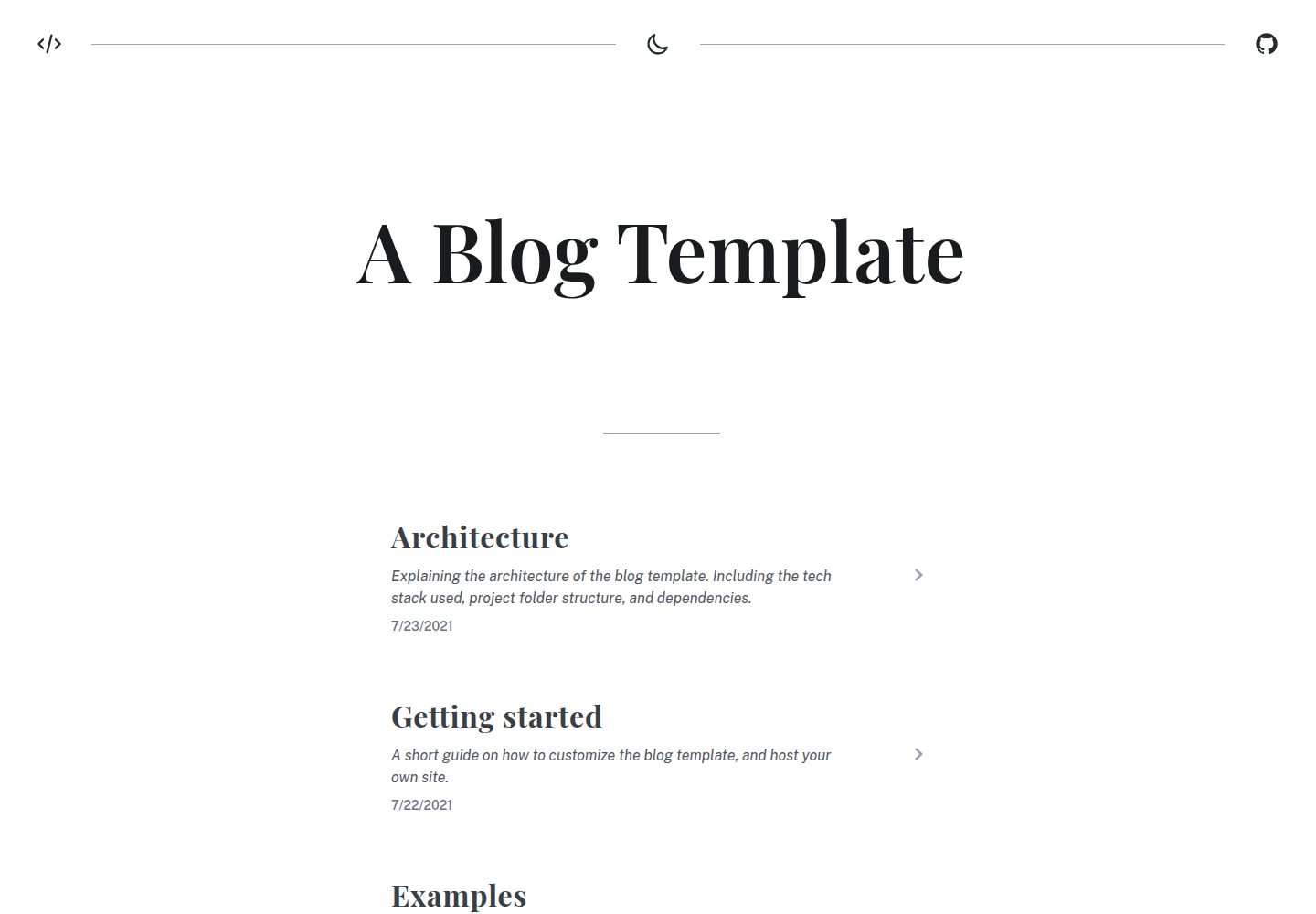
blog
A static blog template built with Vue 3 and Vite, using Markdown for writing with optional Vue components.
Vue · Blog
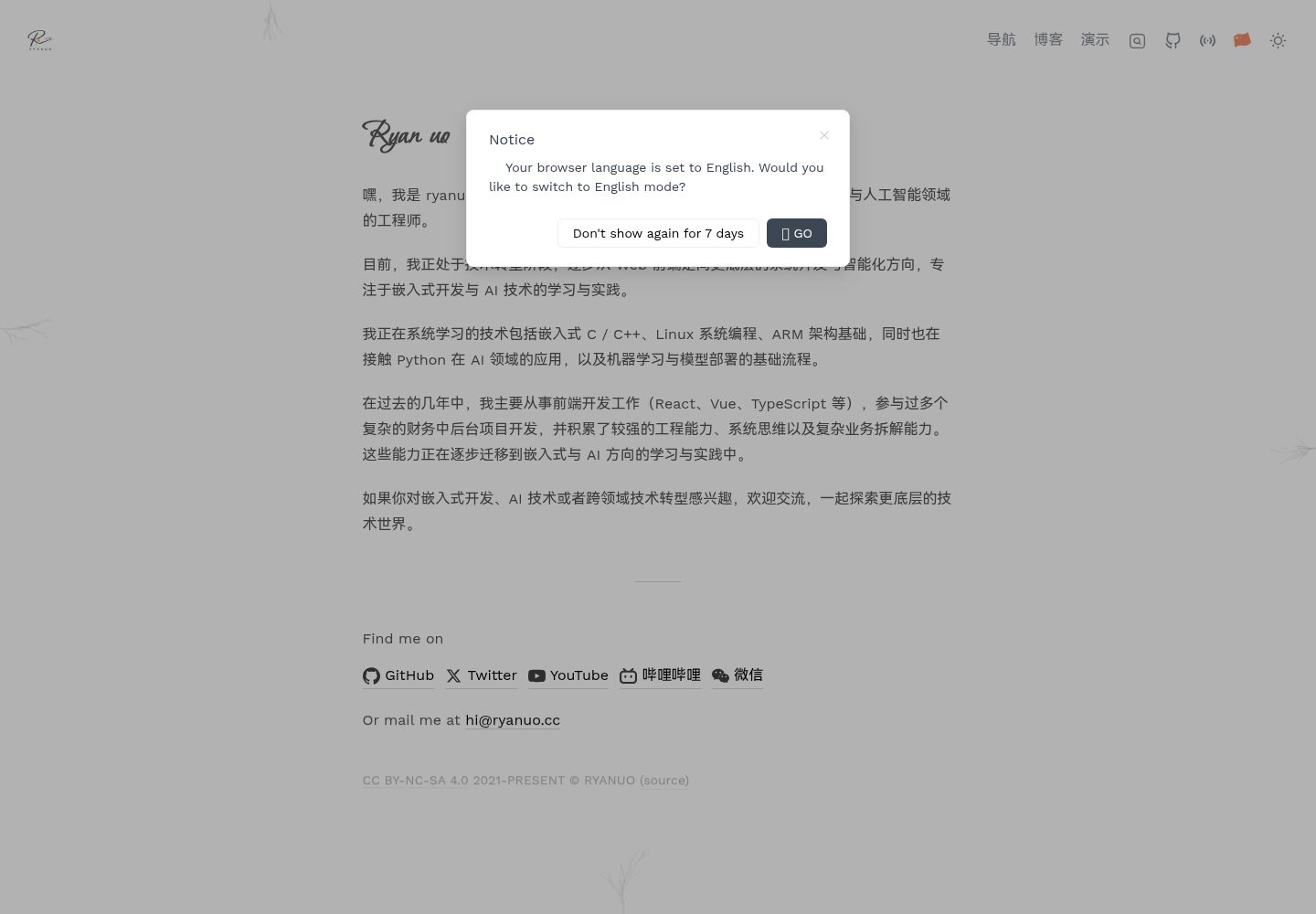
ryanuo.cc
A personal homepage template built with Vue and Vite, including personal introduction, navigation, blog, and project showcase. It references the antfu.me structure.
Vue · Blog