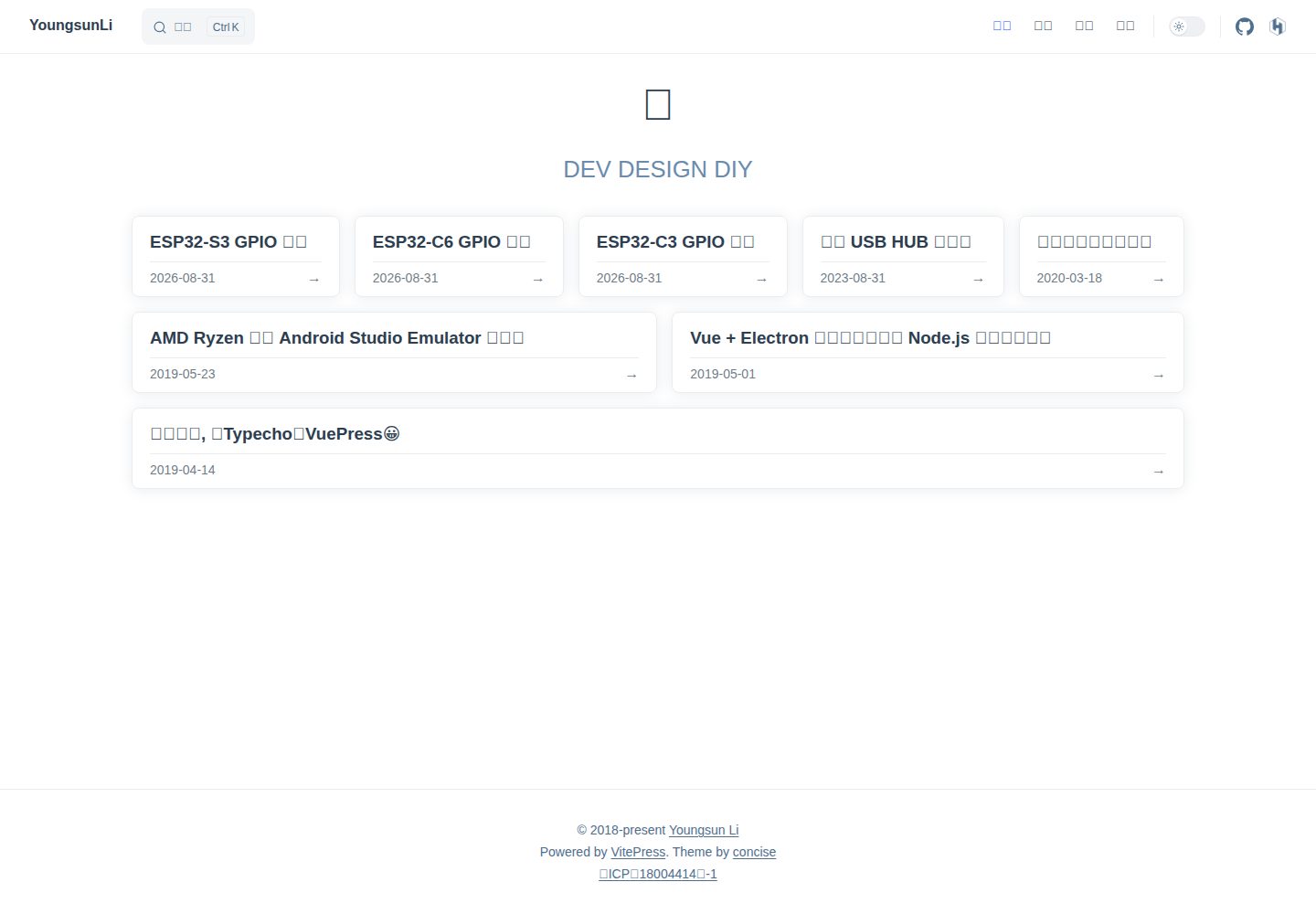
Card-styled homepage with pagination, supporting page URLs like /page/2/
VueVitePressBlog
vitepress-theme-concise — Vue Blog Template
By YoungsunLi
A card-styled blog theme derived from the VitePress default theme, offering homepage pagination, archives, tags, Atom feed, and optional giscus comments.
Explore the design
Compare the page layouts and mobile experience. Open any screenshot for a closer look.
Desktop homepage1 / 3
Desktop captureTop of page
Actual screenshot captured by the server browser.
All pages & views 3
Screenshots show visual appearance; interactive behavior may differ.
Recorded 2026-10-01View source
What stands out
A quick read of the recorded project description.
Yearly archive pages, a tag index, and individual tag pages; articles without tags do not show tags
Draft marking with draft: true, visible in development but excluded from builds
Configuring hostname generates an Atom feed.xml, sitemap, and og tags
Optional giscus comments stored in GitHub Discussions; if not configured, the comment section is not displayed
Click-to-zoom images in the body; UI text defaults to Chinese and can be overridden; colors and sizes use CSS variables
Template Details
vitepress-theme-concise is a blog theme derived from the VitePress default theme. It presents article lists on a card-styled homepage and adds common blog pages and features on top of that. It targets personal blogs built with VitePress: articles are placed as Markdown files in a specified directory, and their URLs are generated from filenames.
The theme provides a card-styled homepage with pagination (e.g., /page/2/), yearly archive pages, a tag index, and individual tag pages; article pages show the publication date and previous/next links. All frontmatter is optional: if the title is missing, the first level-1 heading in the body is used; if the date is missing, the first git commit time is used; if tags are missing, no tags appear. Drafts are marked with draft: true, visible in development but excluded from builds.
For feeds and metadata, configuring hostname generates an Atom feed.xml, sitemap, and og tags. Comments use giscus and are stored in GitHub Discussions; if not configured, the comment section is not displayed. The comment section appears only on article pages, loads when scrolled to the bottom, and follows the site's light/dark mode.
The theme also includes typography treatments such as click-to-zoom images in the body, a system font stack, h2 underlines, left thick-border callout containers, and dark code blocks, and it completes dark mode support. UI text defaults to Chinese and can be overridden in defineConcise; colors and sizes are adjusted via CSS variables, and components can be imported individually.
Limitations: 3.x targets VitePress and requires Node 22+; for VuePress 1.x, use the v1.0.0 branch. Publication dates depend on git history, so CI must set fetch-depth: 0; shallow clones fall back to file modification time.
VueVitePressBlog
Is it right for your project?
Use Cases
- Building a personal blog with VitePress and wanting the homepage to show articles as a card list
- Needing yearly archives, browsing articles by tag, and wanting an Atom feed
- Wanting to write as little frontmatter as possible, with default rules for title, date, and tags
- Wanting to add GitHub Discussions-based comments on article pages without affecting the site when not configured
Suitable For
- Developers using VitePress and accepting a derived theme's configuration approach
- Personal blog authors who write in Markdown and keep articles in a fixed directory
- Sites that need common blog pages such as archives, tags, and feeds
- Projects that want comments to be optional and not introduce a third-party comment service by default
Getting started & customization
Use these recorded setup notes alongside the repository instructions for your chosen version.
- 1
Install dependencies: npm install vitepress-theme-concise
- 2
3.x requires Node 22+; for VuePress 1.x, use the v1.0.0 branch
- 3
Declare the article directory, articles per page, and hostname in docs/.vitepress/concise.mts
- 4
Wrap the site config with concise.config() in docs/.vitepress/config.mts, and use createConciseTheme at the theme entry
- 5
Publication dates depend on git history; CI must set fetch-depth: 0, otherwise it falls back to file modification time
License & source material
Usage conditions & limitations
Free to use · keep license noticeThis listing covers the free version under the MIT license in the public repository; the free scope is the code of that version and does not mean external services or third-party assets are free.
Must comply with when using
- You may use, modify, commercialize, and distribute the code of this version for free.
- When distributing copies or substantial portions of the code, retain the original author's copyright notice and the complete MIT license notice.
- The code is provided as is; warranties and limitations of liability are governed by the original license and applicable law.
Additional costs & items to verify
- The comment feature relies on the third-party service giscus; comment data is stored in your own GitHub repository's Discussions, and readers need a GitHub account to comment. If giscus is not configured, the comment section is not displayed.
- The 3.x version targets VitePress only and requires Node 22 or later; if using VuePress 1.x, you must switch to the v1.0.0 branch version.
- Article publication dates depend on git commit history; CI must set fetch-depth: 0. If a shallow clone is used, dates fall back to file modification time.
- Enabling comments requires filling in the repository name on giscus.app and obtaining repoId and categoryId; you also need to enable Discussions in the blog repository and install the giscus App.
- Demo images, fonts, icons, and other third-party assets must be checked against their respective licenses; the code's MIT license alone is not sufficient to judge them.
- External services such as domains, hosting, databases, payments, or AI may incur additional charges.
View Original Text Basis
Permission is hereby granted, free of charge
Original License Text
评论用 [giscus](https://giscus.app),存在你 GitHub 仓库的 Discussions 里,读者用 GitHub 账号评论
Original README
3.x 面向 **VitePress**,需要 Node 22+。VuePress 1.x 版本请用 [`v1.0.0`](https://github.com/YoungsunLi/vitepress-theme-concise/tree/v1.0.0)。
Original README
发布日期依赖 git 历史,CI 中需设置 `fetch-depth: 0`(浅克隆会退回文件修改时间)。
Original README
https://github.com/YoungsunLi/vitepress-theme-concise/blob/master/LICENSEhttps://github.com/YoungsunLi/vitepress-theme-concise/blob/master/README.md到 [giscus.app](https://giscus.app) 填仓库名,拿到 `repoId` 与 `categoryId`。
Original README
Compiled by DeepSeek based on repository license and README ·2026-10-01. Results only cover the materials read; dependencies, images, fonts, and subsequent term changes are subject to their respective original texts.
Project checks & description sources
Template Information
- Source platforms
- GitHub
- Documentation and maintenance reference score
- More documented · 88 / 100
- Technologies
- Vue · VitePress
- Website type
- Blog
How this score is calculated
Our heuristic uses license records (up to 30), a demo link (12), a preview (10), stars (15), recorded maintenance (15), description completeness (8), feature records (5) and classification data (5). It is not a code, security or performance test, or a Google score. A link does not establish tested functionality.
What to verify for this project
- Repository update recorded
- 2026-09-14
- Screenshot last checked
- 2026-10-01
A demo link is listed. Check it with your own content and viewport sizes; its presence does not confirm that forms, authentication or payments work.
The catalog identifies Vue as the primary stack. Check the actual dependency manifest and lockfile for versions and hosting requirements. These notes use recorded metadata, not a code audit or a deployment test.
Use a selection guide →How this description was prepared
AI-assisted description based on catalog records and repository material. Repository authors are not automatically the reviewers of this description.
Automatically checked against source and license rules; no manual editorial review.
Inspect the recorded source material
SHA-256: 5f9742e6e9d9fe30e3e326627cc8b38205c485cdc0fd09cf0820b77809b35a46
2026-10-01T03:54:29.291Z
Source file / repository# vitepress-theme-concise
卡片式首页呈现的 VitePress 博客主题。
这是一个**派生主题**,继承 VitePress 默认主题,在其之上提供:
- 卡片式首页与分页(`/page/2/`)
- 归档页(按年)、标签页;不写标签就不出现标签
- 文章页的发布日期、上一篇/下一篇
- 草稿:`draft: true` 的文章 dev 可见、构建不收录
- Atom 订阅 `feed.xml`、sitemap、og 标签
- 正文图片点击放大
- 评论(giscus,存在 GitHub Discussions 里),不配就没有评论区
- 经典排版手感:系统字体栈、`h2` 下划线、左侧粗边框的提示容器、深色代码块
- 主题色 `#2050FF`,并补齐了深色模式
> 3.x 面向 **VitePress**,需要 Node 22+。VuePress 1.x 版本请用 [`v1.0.0`](https://github.com/YoungsunLi/vitepress-theme-concise/tree/v1.0.0)。
## 安装
```bash
npm install vitepress-theme-concise
```
## 使用
**1. 声明文章目录** —— `docs/.vitepress/concise.mts`
```ts
import { defineConcise } from 'vitepress-theme-concise/node'
export default defineConcise({
posts: new URL('../posts/', import.meta.url),
perPage: 10, // 首页每页文章数,默认 10
hostname: 'https://example.com' // 给了才生成 feed.xml、sitemap 与 og:url
})
```
**2. 包一层站点配置** —— `docs/.vitepress/config.mts`
```ts
import concise from './concise.mjs'
export default concise.config({
title: '…',
themeConfig: {
nav: [
{ text: '首页', link: '/' },
{ text: '归档', link: '/archive/' },
{ text: '标签', link: '/tags/' }
]
}
})
```
`config()` 会注入文章地址 rewrite、草稿排除、sitemap、上一篇/下一篇、og 标签和构建后的 `feed.xml`;
你自己写的 `transformPageData` / `buildEnd` 照常执行。
**3. 文章列表** —— `docs/.vitepress/theme/posts.data.mts`
```ts
import concise from '../concise.mjs'
export default concise.loader
```
**4. 启用主题** —— `docs/.vitepress/theme/index.ts`
```ts
import { createConciseTheme } from 'vitepress-theme-concise'
import { data as posts } from './posts.data.mjs'
export default createConciseTheme({ posts })
```
**5. 页面**
首页 `docs/index.md`:
```md
---
layout: page
heroText: 🚀
tagline: DEV DESIGN DIY
---
<Home />
```
首页第 2 页起 `docs/page/[page]/index.md`(内容同首页)与 `docs/page/[page]/index.paths.mts`:
```ts
import concise from '../../.vitepress/concise.mjs'
export default { paths: concise.pagePaths }
```
归档 `docs/archive/index.md`、标签索引 `docs/tags/index.md`、单个标签 `docs/tags/[tag]/index.md`,
各自 `layout: page` 并放入 `<Archive />`、`<Tags />`、`<Tag />`;
标签页另需 `docs/tags/[tag]/index.paths.mts`:
```ts
import concise from '../../.vitepress/concise.mjs'
export default { paths: concise.tagPaths }
```
不需要的页面不建即可。
## 文章格式
`docs/posts/` 下每个 Markdown 就是一篇文章,地址为 `/posts/<文件名>/`(目录名即地址前缀),
日常写文章只要写正文,frontmatter 全部可选:
```md
---
title: 文章标题 # 缺省取正文第一个 # 标题
date: 2020-03-18 # 缺省取 git 首次提交时间
tags: [esp32, pcb] # 缺省无标签
description: 一句话摘要 # 用于 og:description 与 feed 的 summary,卡片不显示
draft: true # dev 可见,构建不收录
---
```
> 发布日期依赖 git 历史,CI 中需设置 `fetch-depth: 0`(浅克隆会退回文件修改时间)。
## 评论
评论用 [giscus](https://giscus.app),存在你 GitHub 仓库的 Discussions 里,读者用 GitHub 账号评论:
1. 博客仓库开启 Discussions,用 Announcements 类型的分类,只有你能发帖。
2. 在仓库安装 [giscus App](https://github.com/apps/giscus)。
3. 到 [giscus.app](https://giscus.app) 填仓库名,拿到 `repoId` 与 `categoryId`。
```ts
defineConcise({
posts: …,
giscus: {
repo: 'user/repo',
repoId: 'R_…',
category: 'Announcements',
categoryId: 'DIC_…'
}
})
```
评论区只出现在文章页,滚到底部才加载,明暗跟随站点。
## 自定义
界面文案默认中文,在 `defineConcise` 里按需覆盖:
```ts
defineConcise({
posts: …,
labels: {
publishedAt: 'Published on',
prevPage: 'Previous',
nextPage: 'Next',
pagination: 'Pagination',
archive: 'Archive',
tags: 'Tags',
postCount: '{n} posts',
tagCount: '{n} tags',
pageTitle: 'Page {n}'
}
})
```
上一篇/下一篇与回到顶部的文案沿用 VitePress 的 `themeConfig.docFooter` 与 `returnToTopLabel`。
所有颜色与尺寸都是 CSS 变量,在自己的样式里覆盖即可:
```css
:root {
--vp-c-brand-1: #2050ff; /* 主题色 */
--concise-content-width: 1200px; /* 正文宽度 */
}
```
完整清单见 [`src/styles/vars.css`](src/styles/vars.css)。
主题也导出了各个组件,可单独取用:
```ts
import { Home, Archive, Tags, Tag, PostCard, Pagination, Layout } from 'vitepress-theme-concise'
```
## 效果
[lsun.net](https://lsun.net)
## License
[MIT](LICENSE)
Explore similar templates
Compare previews and descriptions within the same stack and category.
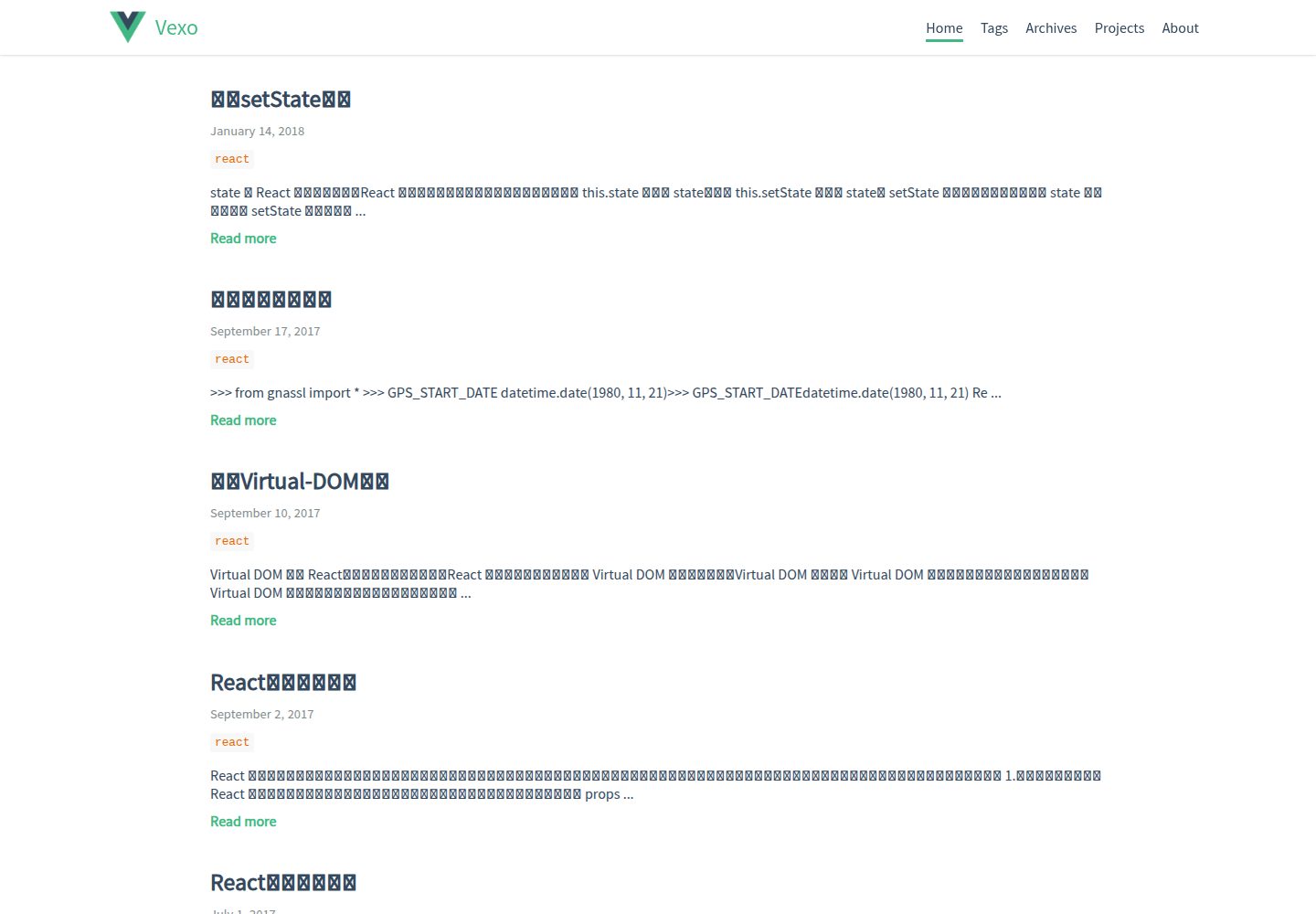
hexo-theme-vexo
Vexo is a Hexo blog theme inspired by the Vue.js official website, offering responsive layout, article table of contents, sharing QR codes, SEO configuration, Baidu Analytics, and switchable comment systems including Gitment, Utterances, Youyan, and Disqus. Local search requires installing hexo-generator-searchdb.
Vue · Blog
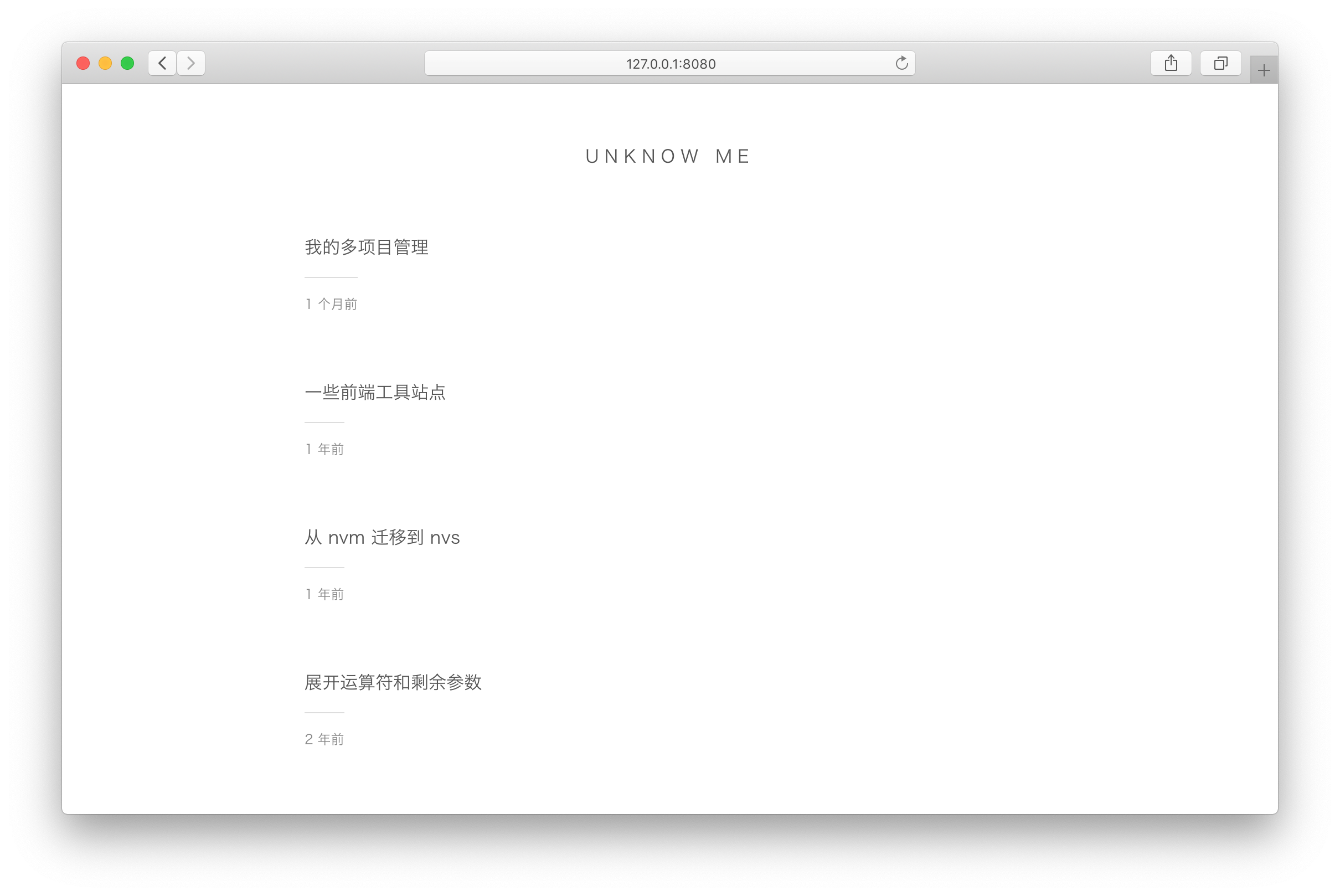
vuepress-theme-simple
A minimalist blog theme for VuePress 1.x that replaces the homepage README with an article list sorted by Git commit time or FrontMatter date.
Vue · Blog
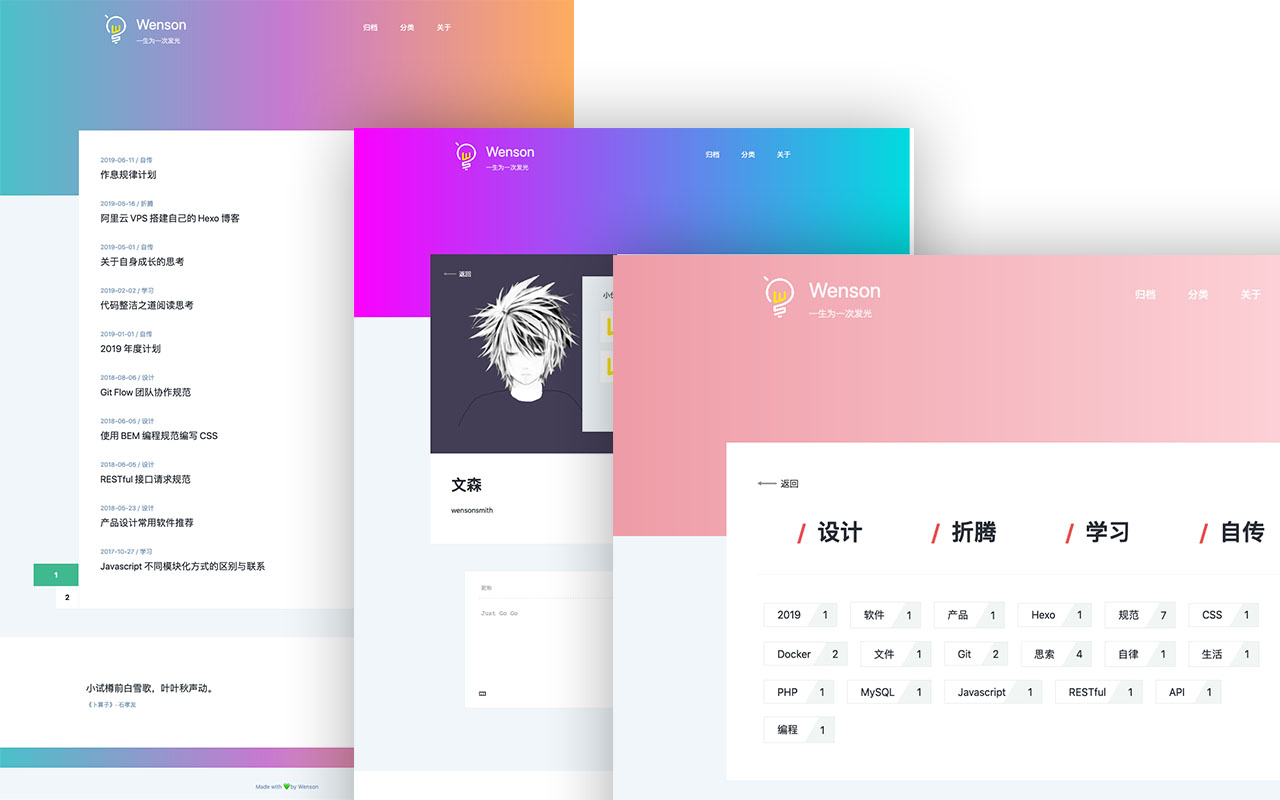
vuepress-theme-seeker
Seeker is a VuePress blog theme built around "colorful minimalism": each refresh randomly generates a color scheme, and the footer randomly shows classical Chinese poetry.
Vue · Blog
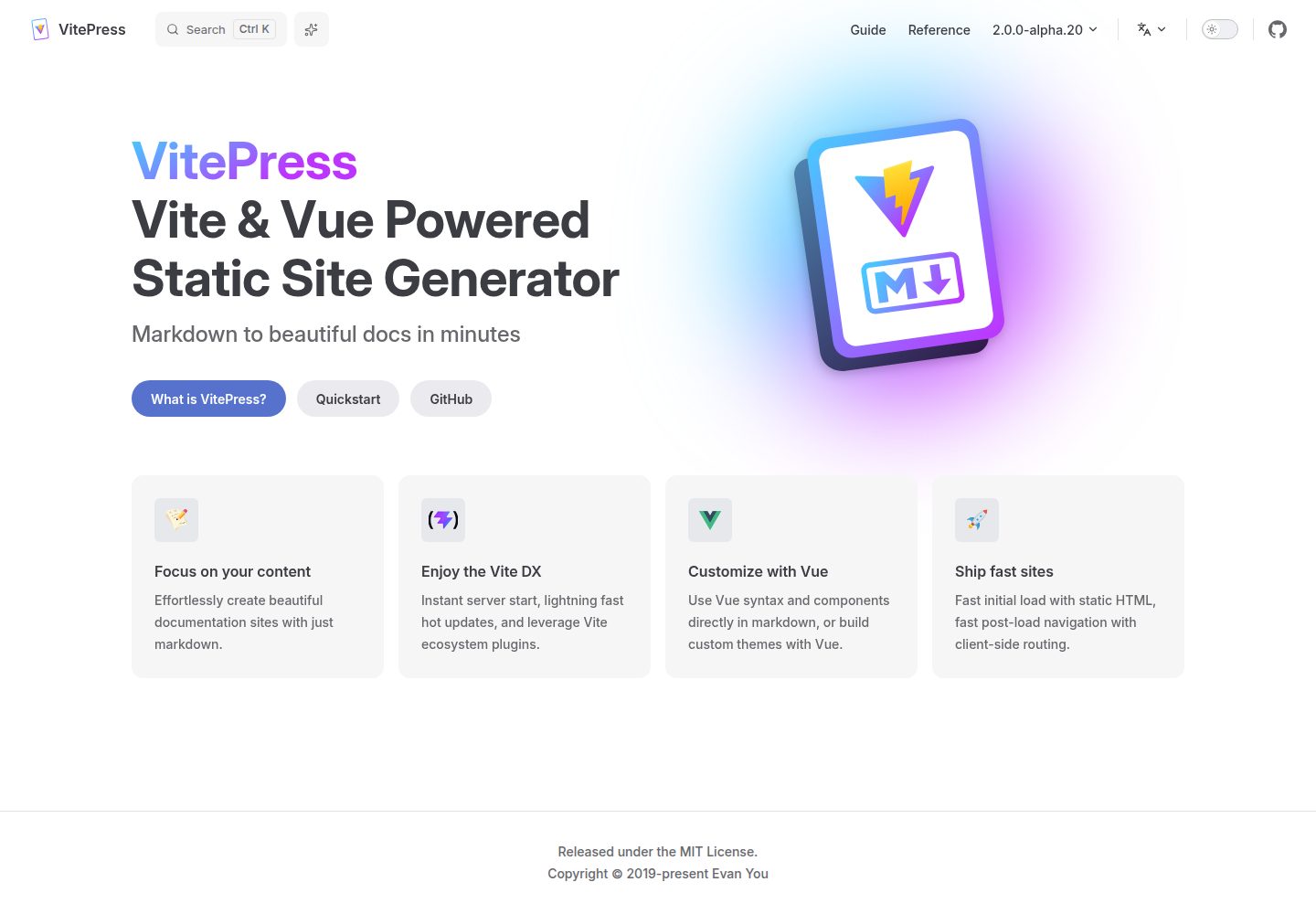
vitepress-template
A VitePress-based template for static sites and blogs, built with Vue and Vite, with pnpm dev/build/serve scripts and support for using Vue components and setup syntax sugar directly in Markdown.
Vue · Blog
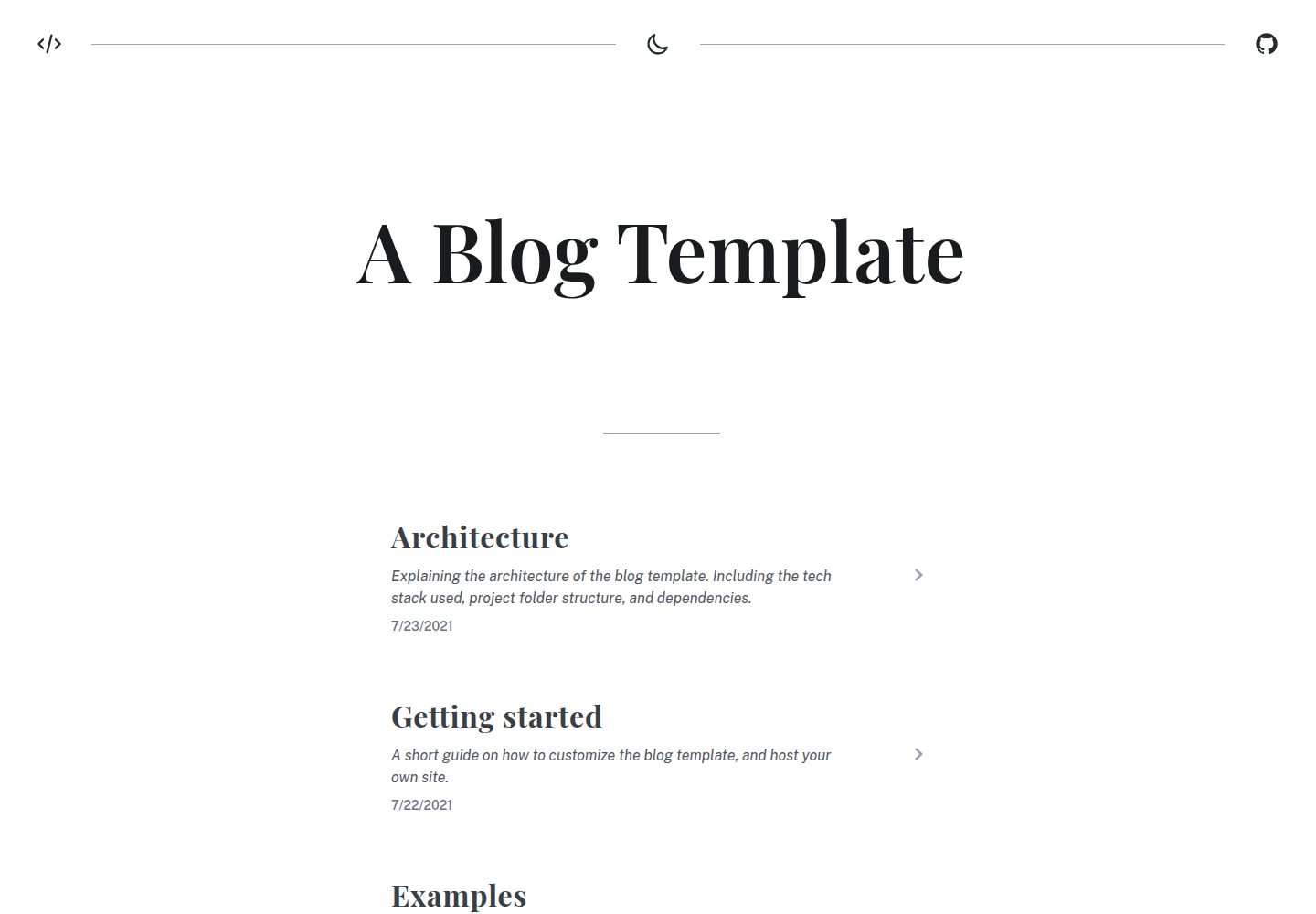
blog
A static blog template built with Vue 3 and Vite, using Markdown for writing with optional Vue components.
Vue · Blog
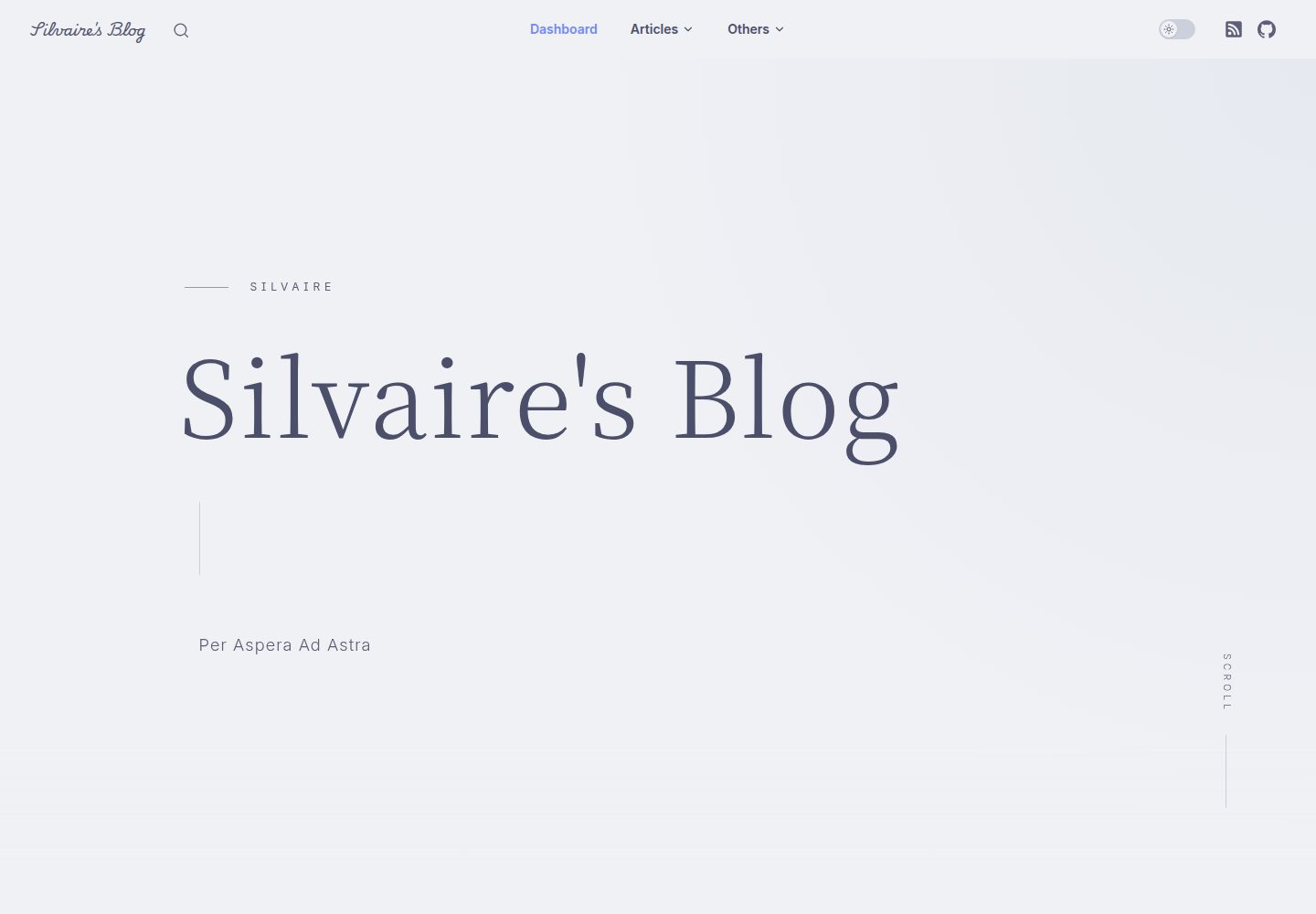
Miracle
Miracle is a Vue blog theme built on VitePress and released under the MIT license. It can be generated from a template repository or forked, cloned locally, and customized through config.ts.
Vue · Blog